The post What’s new in 12.4.0? appeared first on X-Plane.
]]>
’Twas the night before Xmas, and all ’cross the skies,
Every aircraft was ready, from turboprops to bizjets that rise.
The community waited, all eager to know,
When Marco would send out X-Plane 12.4.0.The Laminar hangar was glowing with holiday light,
As Marco kept tweaking the sim late at night.
New features were wrapped like gifts in a row,
A present for pilots who love where they go.The virtual runways shimmered with fresh winter snow,
And the jets on the ramp gave a warm turbine glow.
Then Marco appeared with a wink and a bow:
Happy Xmas to all — enjoy 12.4.0 out now!
I’m currently sitting in my office in North Bavaria, Germany and enjoying a nice cup of hot tea. It’s rather cold outside and just before I will go onto my Christmas holidays, I was thinking about the past and future. It was a remarkable year for X-Plane with many great additions and success stories. I’m really happy with what we achieved.
So just before the crew at Laminar Research dims the lights in our virtual office to enjoy Christmas with our families, I would like to give you all an early present.
X-Plane 12.4.0 was in the making for quite some time and includes a few fundamental changes to our engine. I called this release C-Check, because it describes best of what we have done. We replaced core parts of the simulator, improved systems and dealt with many bug reports. X-Plane 12.4.0 is not about new shines features – it’s more about getting things ready for the future and improving existing features.
I really hope you will find lots of wonderful hours using it and the entire team wishes you a Merry Christmas – wherever you are in the world!
– Marco

Tobii Native Integration (Windows Only)


Many of you have probably heard of the Tobii Head & Eye Tracker. It’s a remarkable device to control the camera in X-Plane just using your eyes. It’s a very solid product and we are proud to announce full native support of it in X-Plane. We teamed up with Tobii a couple of months ago and worked hard to get it finished on time.
This technology helps bring practical benefits for pilots. For instance, when landing an aircraft, you can quickly glance at instruments, or look out the window without manually adjusting the camera, making flight operations seamless and realistic. With native integration, you’ll no longer have to leave X-Plane to adjust your head or eye-tracking!
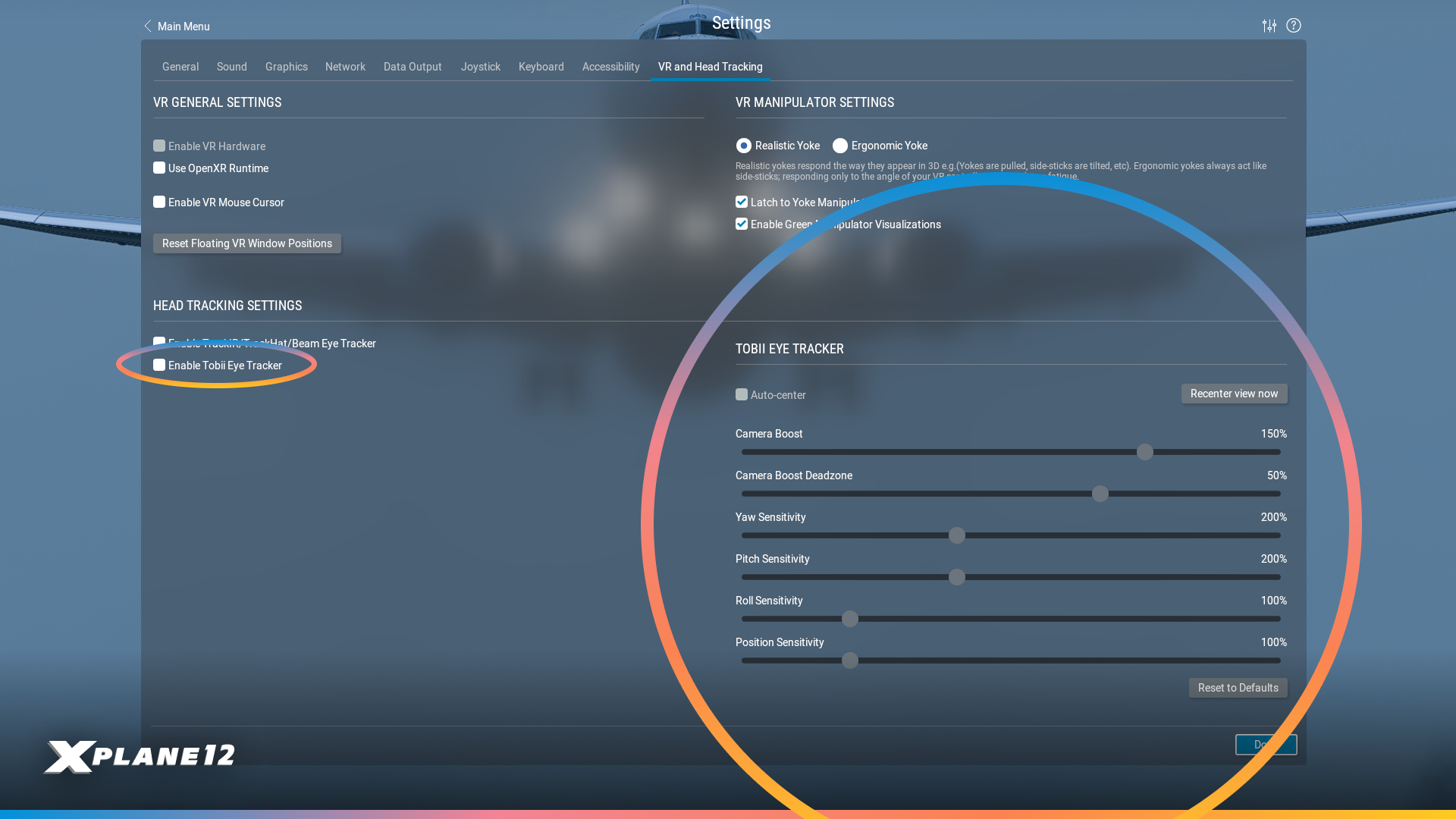
New users can load up their settings to find the reworked VR & Head Tracking Tab. Here you will find new options to enable the Tobii Eye Tracker, and additional controls!
Airbus A330-300 Improvements
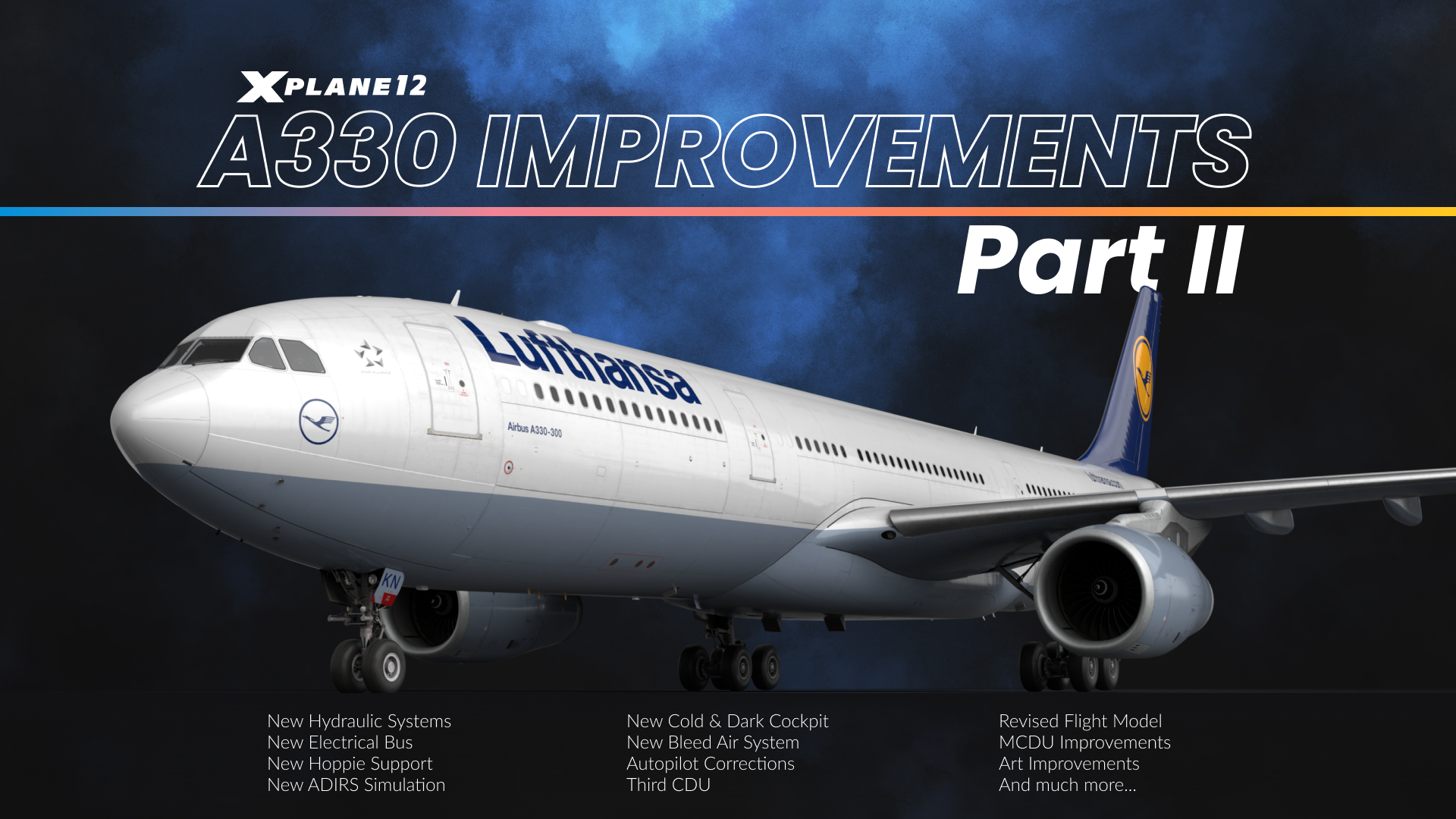
We love our Airbus A330-300 and continued the work we begun with X-Plane 12.3.0. We’ve completely re-engineered the aircraft’s electrical system from the ground up, working closely with real-world A330 pilots to ensure authentic cold and dark startup procedures. This ‘deep maintenance’ update touches virtually every system on the aircraft – from flight management and avionics to hydraulics, displays, and emergency systems.
If you haven’t flown it yet, now it’s a good time to do so.

Electrical System
The A330’s electrical system has been completely rewritten from scratch. We now model all the proper busses including AC1, AC2, AC ESS, DC BAT, DC1, DC2, and emergency configurations. The Electrical Contactor Manager Unit properly manages bus bar contactors, and you’ll see accurate status on the ECAM AC/DC pages.
The system includes realistic components like Transformer Rectifier Units for AC to DC conversion, the Static Inverter for battery to AC conversion, and the Emergency Generator that runs off hydraulic pressure from the green system. Emergency electrical configurations now work properly, including automatic bus shedding when needed.
All cockpit systems now draw power from their appropriate buses, which means annunciators and displays behave realistically based on available power. Even custom systems like the IFE draw electrical load. The FADEC only draws power when it’s on with engines off, and the yellow standby hydraulic pump has its unique power requirements properly modeled. It can even be powered just by plugging in the GPU without activating it from the cockpit.

Cold&Dark Configuration

Starting the A330 from a completely cold and dark state is now authentic to the real aircraft. We spent considerable time working back and forth with real-world A330 pilots to get every switch position correct for a proper cold start. All overhead panel switches and controls are now set appropriately when you load the aircraft cold and dark.
The system includes auto modes for generators and other equipment, allowing you to leave switches in the ON position just like in the real aircraft – they’ll activate automatically when appropriate conditions are met. Screen configurations now respond properly to different power states. For example, on battery power alone, you’ll only see the upper ECAM and captain’s PFD, exactly as in the real A330.
We also implemented appropriate startup times for all displays when powered on, adding to the realism of the cold start procedure. This isn’t just cosmetic – the entire power-up sequence follows real-world timing and behavior.

MCDU / FMGC
The Multi-Function Control and Display Unit (MCDU) received extensive improvements throughout. We’ve added the ALTN flightplan to all pages including INIT A/B, FUEL PRED, and F-PLN, giving you more flexibility in flight planning and monitoring.
The FMGC received a full 4D upgrade – it went from three-dimensional planning (route and altitudes) to four-dimensional, taking time constraints into account. It is now possible to assign RTA (required time of arrival) constraints to waypoints, for example if you have an at-or-before time to arrive at your oceanic entry point, or need to set an at-or-later time for your arrival waypoint if you know your gate won’t be available until later. The FMGC will then slow you down or speed you up as required to make the time constraint – or tell you it’s impossible without a time machine.
In the same realm, we have added equi-time points (ETP), showing you when it is quicker to fly to your ETOPS alternate rather than turning back. This of course takes into account all winds aloft from real weather.
During an oceanic crossing, it might not be possible to speed up or slow down due to ATC restrictions. That’s why you can now enter a constant-mach segment into the flightplan. Simply pick your oceanic entry waypoint, and set a constant mach number you need to hold until the oceanic exit waypoint.
The flightplan now also understands time-marker waypoints – when flying with an augmented crew, you might want to set yourself a reminder when to wake up the relief captain – or in my case, when I need to check in on the cookies in the oven. To do that, you enter a UTC time into the scratchpad and paste it into the flightplan – the FMGC then creates a pseudowaypoint indicating where you will be at that UTC time. If you see the little donut come up on the ND, you know it’s time to wake the relief crew (or take out the cookies).
The FIX INFO page now accepts runway designators directly – you can enter something like KCLT18L or EDDF18 and get immediate information. We’ve also improved the FIX INFO color coding and line visibility with proper fix name labels on the ND.
OFFSET now works with optional entry and exit waypoints. This allows you to designate a left or right offset to all or a segment of your flightplan, where the autopilot will steer the airplane to follow a lateral offset and fly parallel to your flightplan. This is sometimes useful for weather avoidance.
LL XING/INCR/NO has been added to the lateral revision so you can make oceanic reporting points that are not in your flightplan. You can make custom waypoint indicating where your flightplan crosses a line of latitude or longitude.
A major addition is the now-functional third CDU, specifically designed for AOC (Airline Operational Communications) operations. ACARS support via the third MCDU allows you to request weather, ATIS, and pre-departure clearance when flying on VATSIM, PilotEdge, or using the default ATC system – bringing realistic airline operations communication to your flights. VATSIM and PilotEdge services are accessed through the Hoppie network.

ADIRS
The Air Data Inertial Reference System (ADIRS) now features a realistic alignment process that follows real-world A330 behavior. The system requires proper time to align after power-up, accurately simulating the real aircraft’s initialization sequence. The initialization will take longer at higher latitudes, and progressively more information will be available on the PFD and ND as the initialization is completed.
The ADIRS alignment process is fully integrated with the electrical system and displays – you’ll see proper indications on the ECAM and navigation displays as the system goes through its alignment sequence. Flight directors and autopilot functionality are appropriately restricted until ADIRS alignment is complete.
The system properly manages its three independent Air Data Reference (ADR) and Inertial Reference (IR) units, providing the flight management, autopilot, and display systems with accurate air data and inertial reference information once aligned.

Flight Model / Autopilot
The A330’s flight model and autopilot systems received significant refinements for more realistic behavior. Autopilot turn anticipation has been improved, resulting in smoother navigation and more accurate tracking along your flight plan. We’ve eliminated the glideslope dropouts that previously caused autoland failures on certain runways. The system now reliably captures and tracks the ILS throughout the approach.
Speed management is now more accurate, with VLS (lowest selectable speed) correctly increasing in two steps following flap and slat retraction after takeoff, matching real A330 behavior. The autobrake system can now be disengaged by applying just 5% more brake pressure than the current autobrake setting, giving you smooth manual control when needed.
We’ve also fixed several edge cases, including an issue where the aircraft could deploy reverse thrust before weight-on-wheels was detected. Throughout the flight envelope, you’ll find the aircraft behaves more predictable and authentically.

Emergency Systems
Emergency operations are now properly simulated with functional RAT (Ram Air Turbine) and Emergency Generator systems. The RAT deploys and drives the green hydraulic system during emergency situations, while the Emergency Generator runs off hydraulic pressure from that green system to provide emergency electrical power. The emergency electrical configuration logic properly manages bus shedding and power distribution when operating in degraded modes.
The ELT (Emergency Locator Transmitter) is now fully functional with realistic FMOD sounds and event timings. In emergency situations, the system behaves as it would in the real aircraft, providing another layer of operational authenticity.
These systems integrate seamlessly with the new electrical architecture, ensuring that emergency procedures follow real-world A330 protocols.

Display Unit
All cockpit displays now feature realistic startup behavior with appropriate power-up times when energized. Screens don’t instantly appear – they take time to initialize just as they do in the real aircraft, adding authenticity to your cold start procedures.
The TERR ON ND now understands peaks (displayed on the lower right) and no longer warns of terrain that is part of the airport you are landing on.
Display configurations respond intelligently to power states. The upper ECAM and captain’s Primary Flight Display (PFD) operate on battery power alone, while other displays require appropriate AC or DC bus power to function. Each display draws from its correct electrical bus, meaning system failures and power configurations affect what you can see in the cockpit exactly as they would in reality.
ECAM pages swap appropriately with different display states. The ECP (ECAM Control Panel) buttons have been updated to work correctly in single ECAM screen configuration – press and hold to view system pages, which is essential for monitoring the APU during a batteries-only cold and dark startup.
The Primary Flight Display (PFD) and Navigation Display (ND) received numerous improvements including better map contrast, proper TCAS flag displays, and correct altitude indications. ND brightness now applies correctly, and approach names display on the ND when you’re within 100 track miles of your destination.
A labor of love
Our team has worked relentlessly, including the aid of real-world A330 pilots. We believe the changes we’ve made will take the aircraft to the next-level and bring a fantastic and comprehensive detailed simulation of the Airbus to our users.
Avionics Improvements
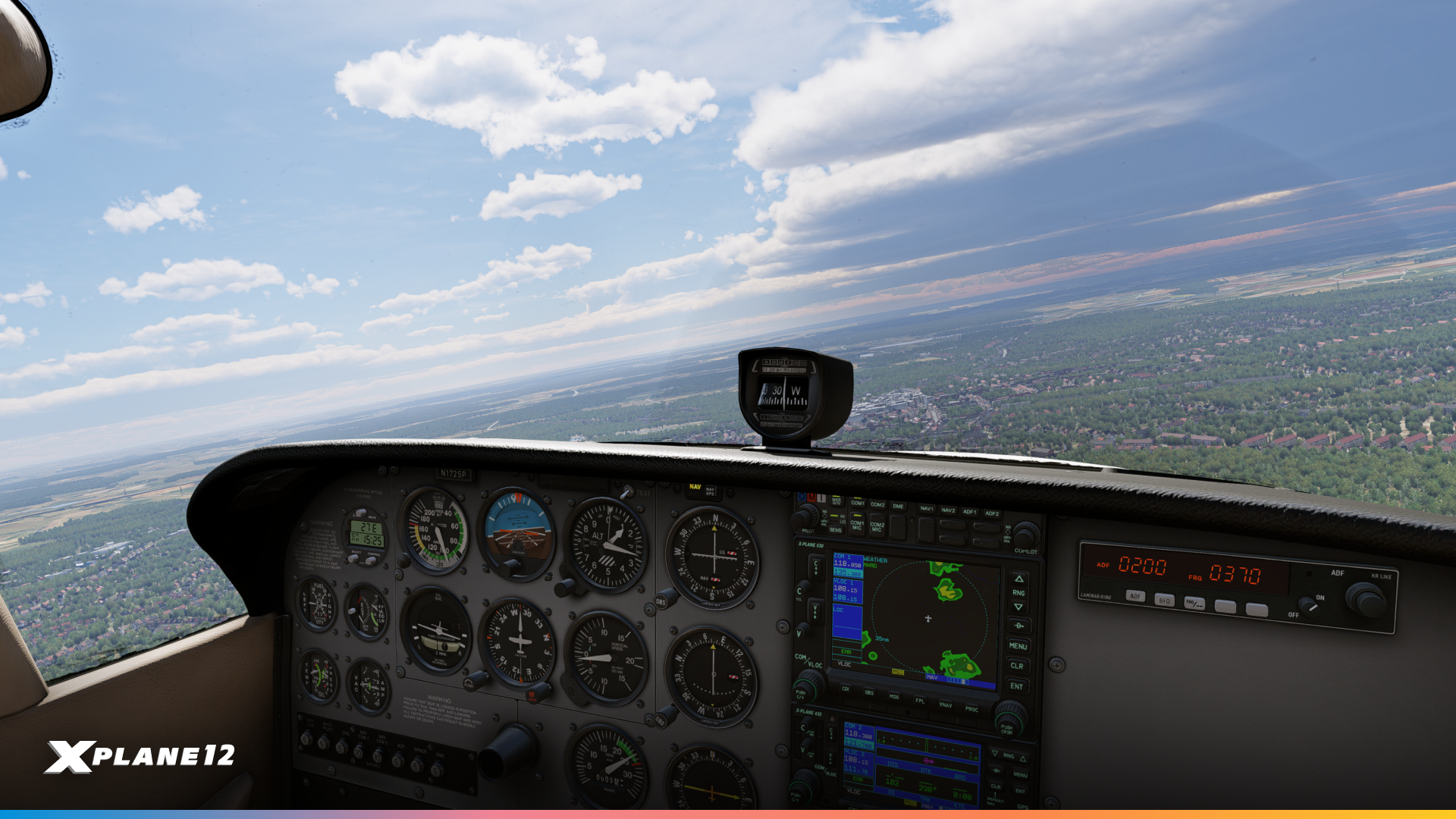
We heard you loud and clear – many of you have been asking for improvements to our avionics suite, and we’ve delivered substantial updates to the X430, X530, and X1000 units.
Terrain, traffic and weather pages on the X430 / X530
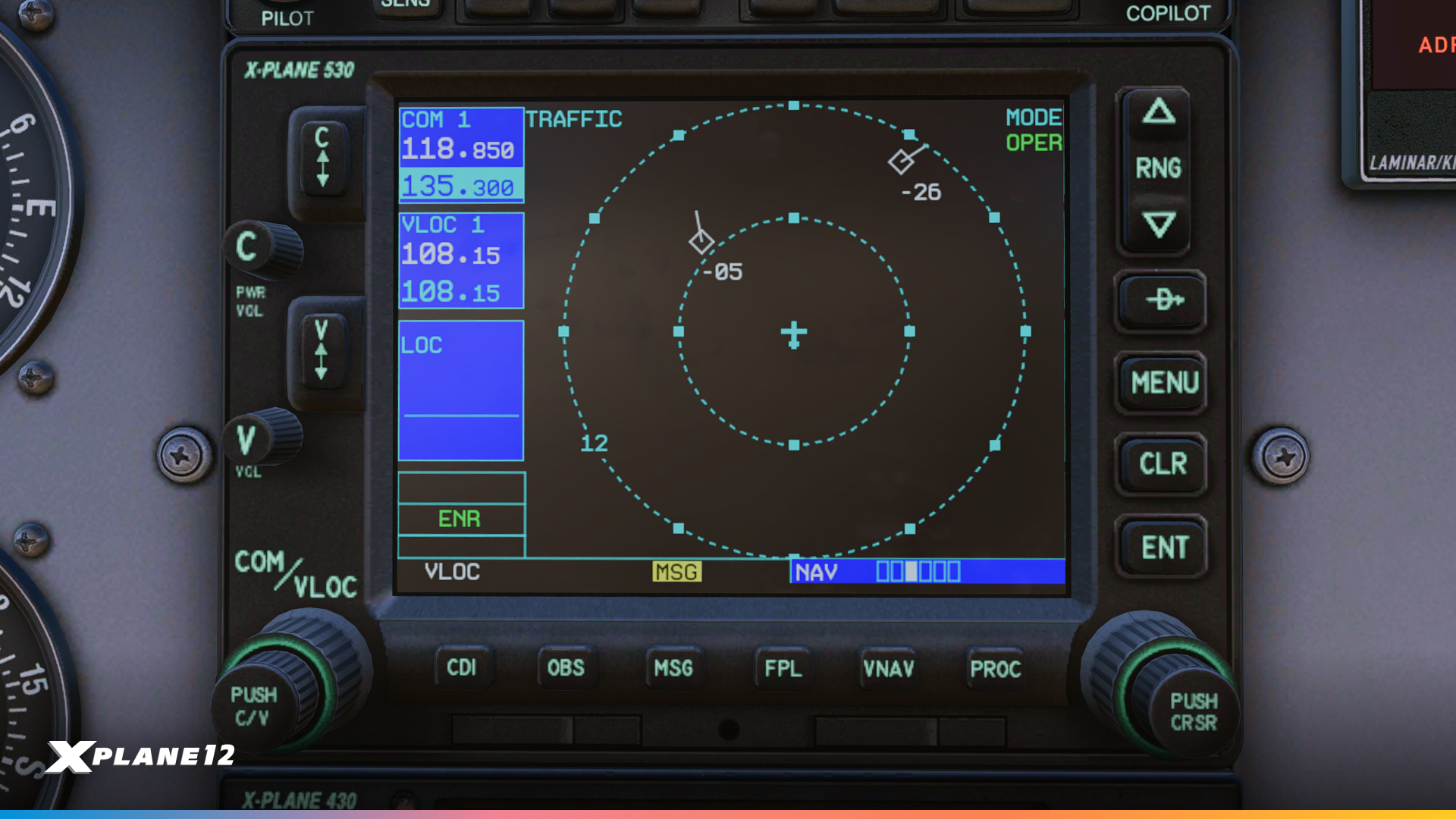
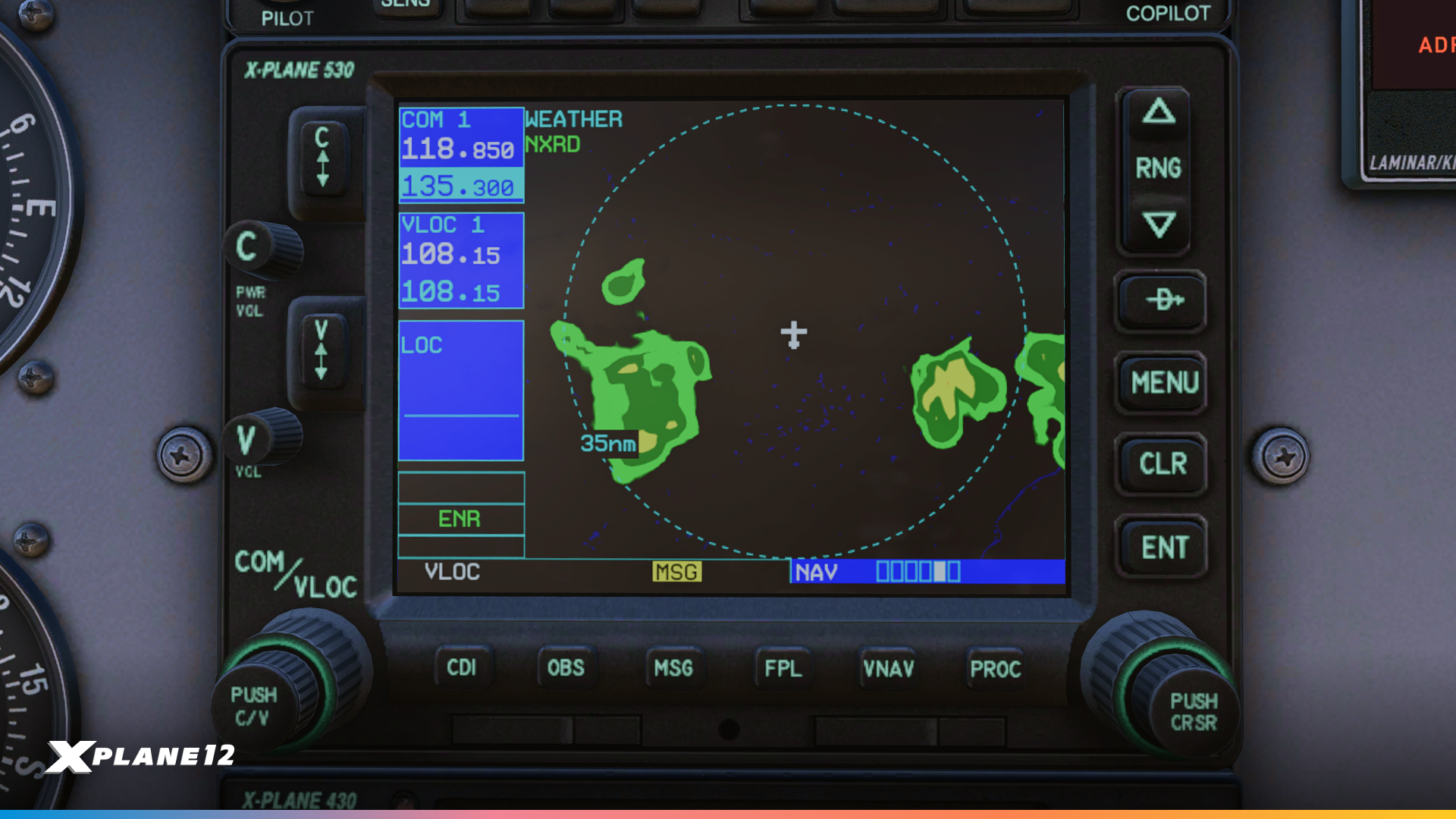
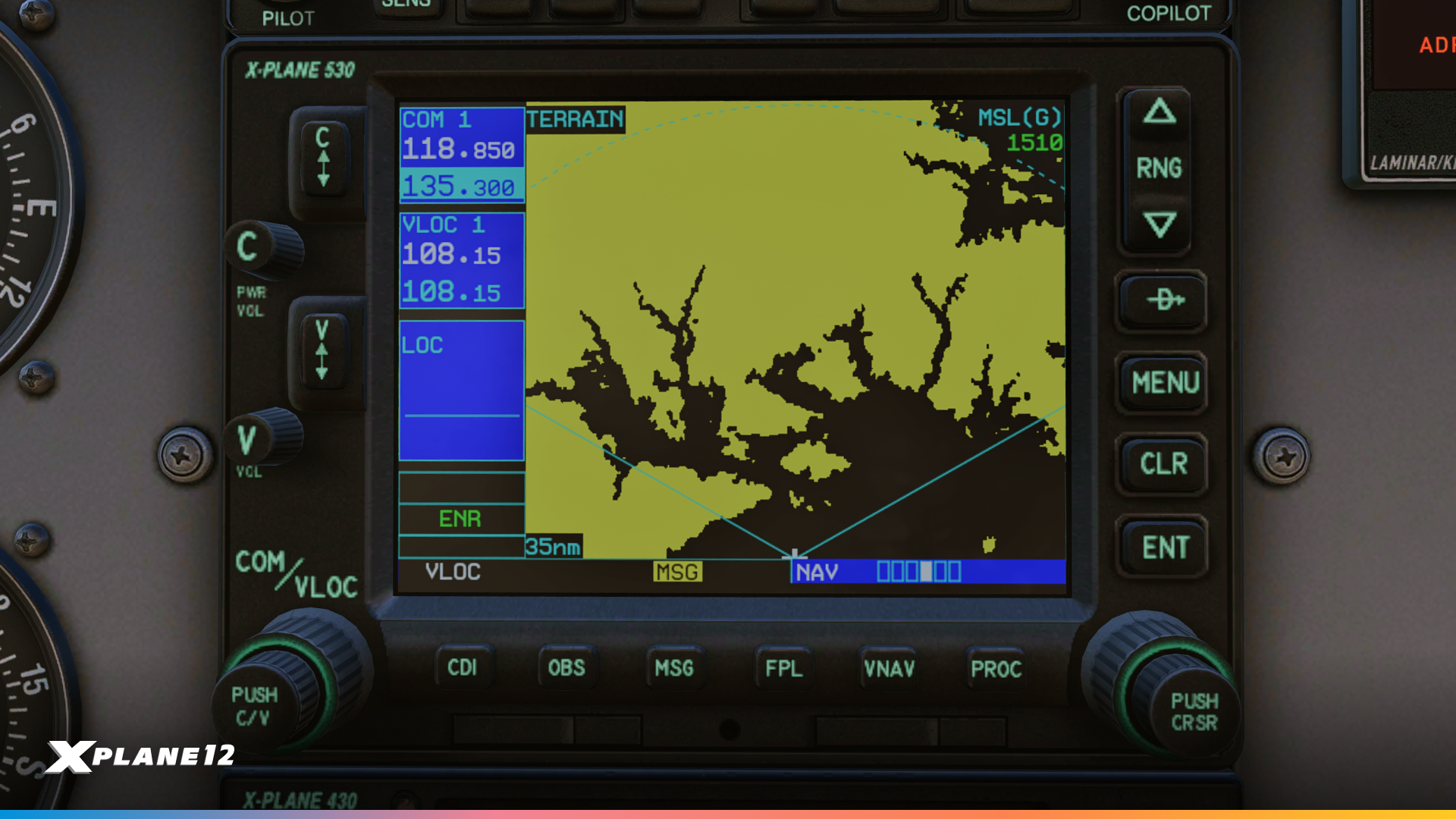
The X430 and X530 now include a comprehensive traffic page with selectable range options of 2, 6, and 12 nautical miles, giving you better situational awareness in busy airspace. TIS-B traffic is also displayed on the main map and navigation map pages. We’ve added a terrain awareness page that displays yellow and red terrain warnings in either 120° or 360° view, helping you stay clear of dangerous terrain. The new NEXRAD weather page provides composite weather in both 120° and 360° views, essential for weather avoidance planning.
Navigation just got smarter with the new Frequencies page, which automatically displays departure airport frequencies during the first half of your flight and switches to destination frequencies as you get closer. If you’re flying without a flight plan, it shows the nearest airport frequencies. The X430 now includes a dedicated Position page displaying ground track, ground speed, MSL altitude, time, and bearing/distance to the nearest airport – all critical information at a glance.
GPS reliability information is now available through the new Satellites page, which shows your GPS status including WAAS capability (displaying either “3D DIFF NAV” or “3D NAV” depending on satellite availability). On the larger X530, the Position and Satellites pages are combined to take advantage of the bigger screen real estate.
The X430/X530 maps now displays bodies of water such as rivers and lakes for more situational awareness.
Upon startup, you can check database effective dates, and then get a fully functional self-test page that you can use to verify the connection to your plane’s CDI or HSI and to a fuel totalizer.
These updates bring the X430/X530 closer to their real-world counterparts and provide the functionality pilots have been requesting for more realistic IFR operations.
X1000 Improvements
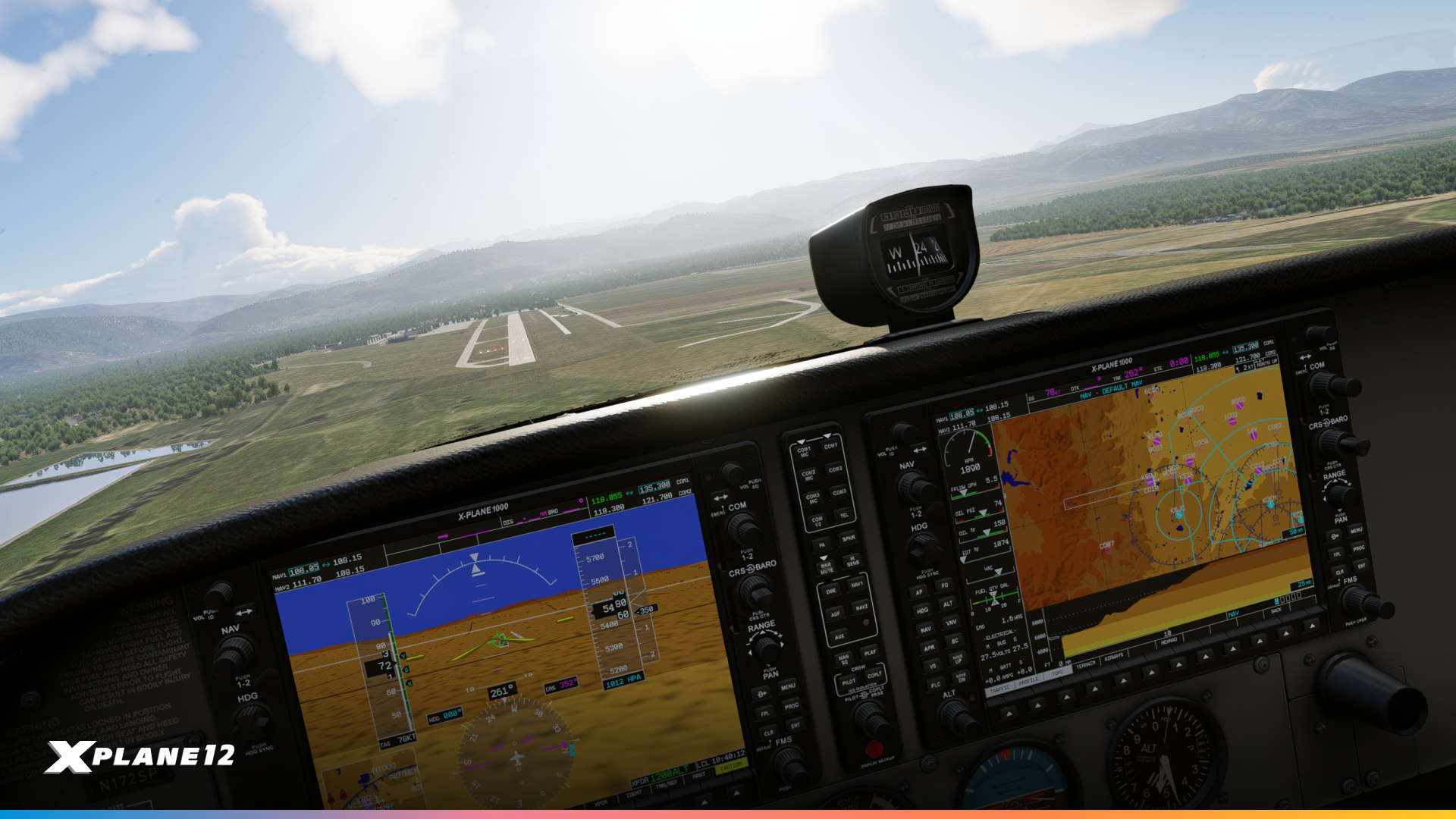

The X1000 received extensive updates focusing on both bug fixes and new functionality. We’ve resolved several critical issues including Synthetic Vision airfield drawing errors, terrain display problems, and a crash that occurred when drawing runway stripes and numbers. The aircraft icon now displays correctly at all zoom levels, and SVT tile loading is now complete and reliable.
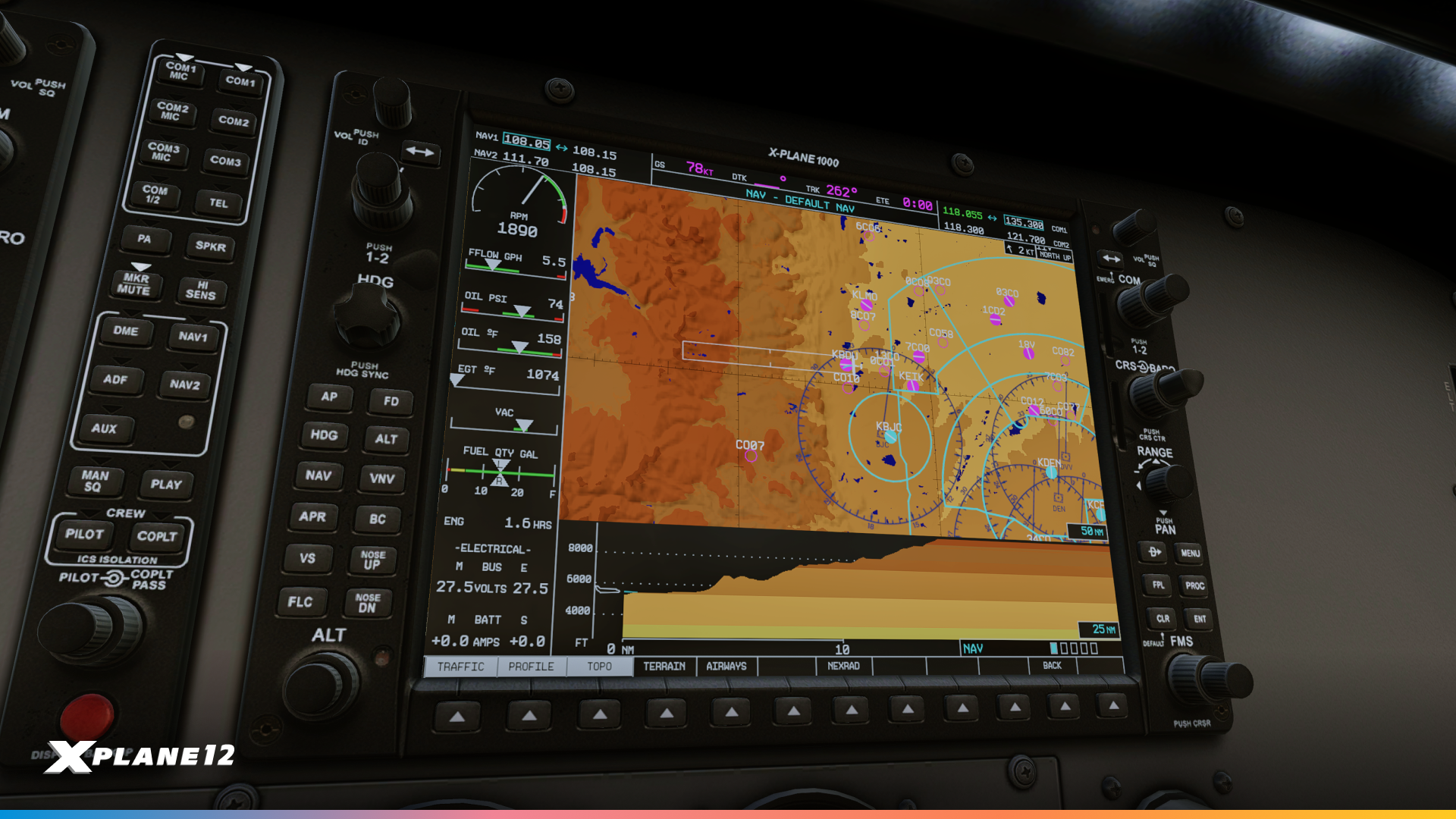
A profile view is now available on the NAV MAP, showing you a vertical view of the terrain ahead of you. Optionally, terrain that is higher than your current altitude can be colored for additional warning.
Obstacles are now displayed at the appropriate zoom level (within coverage of the FAA digital obstacle file (DOF)).
The MFD now takes winds into account, displaying the wind indicator and also a ground track vector predicting your position in one minute. The fuel range rings now take winds into account to display your true range over the ground.
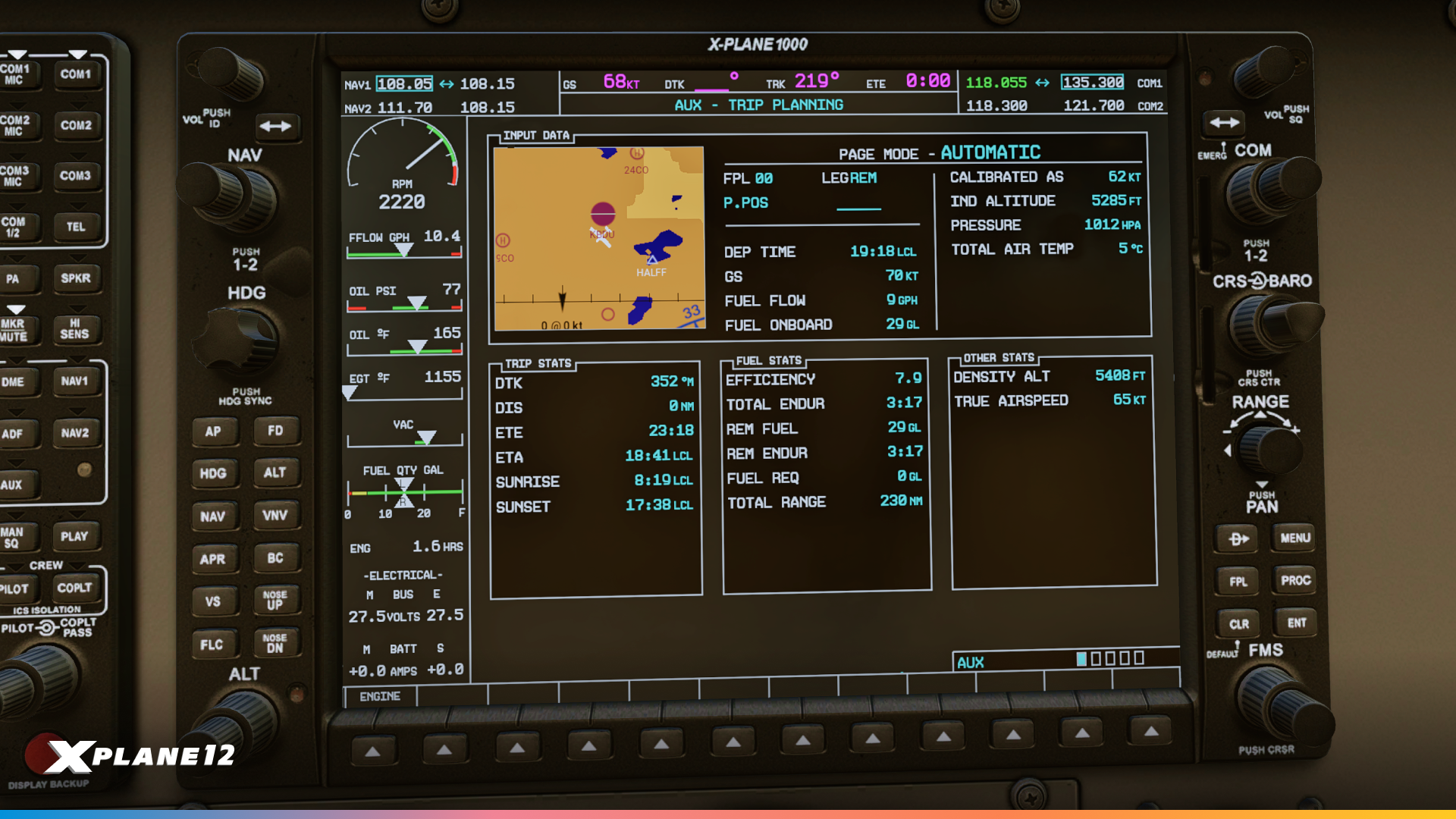
Major new features include enhanced Trip Planning capabilities with a dedicated page showing ETA/ETE to your destination. For day VFR operations, the sunset and sunrise times at arrival are calculated, so you can make sure you are legal for night currency requirements. Fuel efficiency calculations with estimated fuel remaining, plus density altitude and total air temperature are also available. The new Utility page tracks your flying statistics including time in air, time since power-up, distance flown (odometer), and ground speed records – perfect for those who love tracking their flying data. Your parameters are remembered per-aircraft, so you can track your ground speed records in the 172 and the Cirrus separately.
User-defined waypoints have been available for a while, now they can also be found through the NEAREST pages. The MFD map provides better situational awareness with the added state and province borders.
System customization has been greatly expanded through enhanced Setup options. You can now configure temperature units (°C/°F), time display (local/UTC), fuel units (gallons/pounds), transition altitude alerts, arrival alerts, and comprehensive airspace warnings with altitude buffers and individual class warnings. The four MFD data field assignments are now fully customizable, including more exotic options like your current climb gradient (CCG) which might be important for obstacle departure procedures in challenging terrain. You can now set COM channel spacing between 25 kHz and 8.33 kHz, which affects tuning knob behavior for European operations.
The ENGINE/LEAN/SYSTEM softkeys now correctly display the LEAN page on the Cessna 172 and RV-10. The ASSIST softkey on the Engine page now displays the hottest or last peaked EGT with relative temperature, making leaning procedures more intuitive for the C172, Cirrus SR-22 and RV-10.
Aircraft-specific improvements include proper copilot PFD support for secondary sensor inputs (copilot pitot, AHRS, etc.). You can either drive a second copilot PFD from its own set of sensors, or have redundancy for a single PFD, for example on the Cirrus SR-22.
SR-22 Improvements
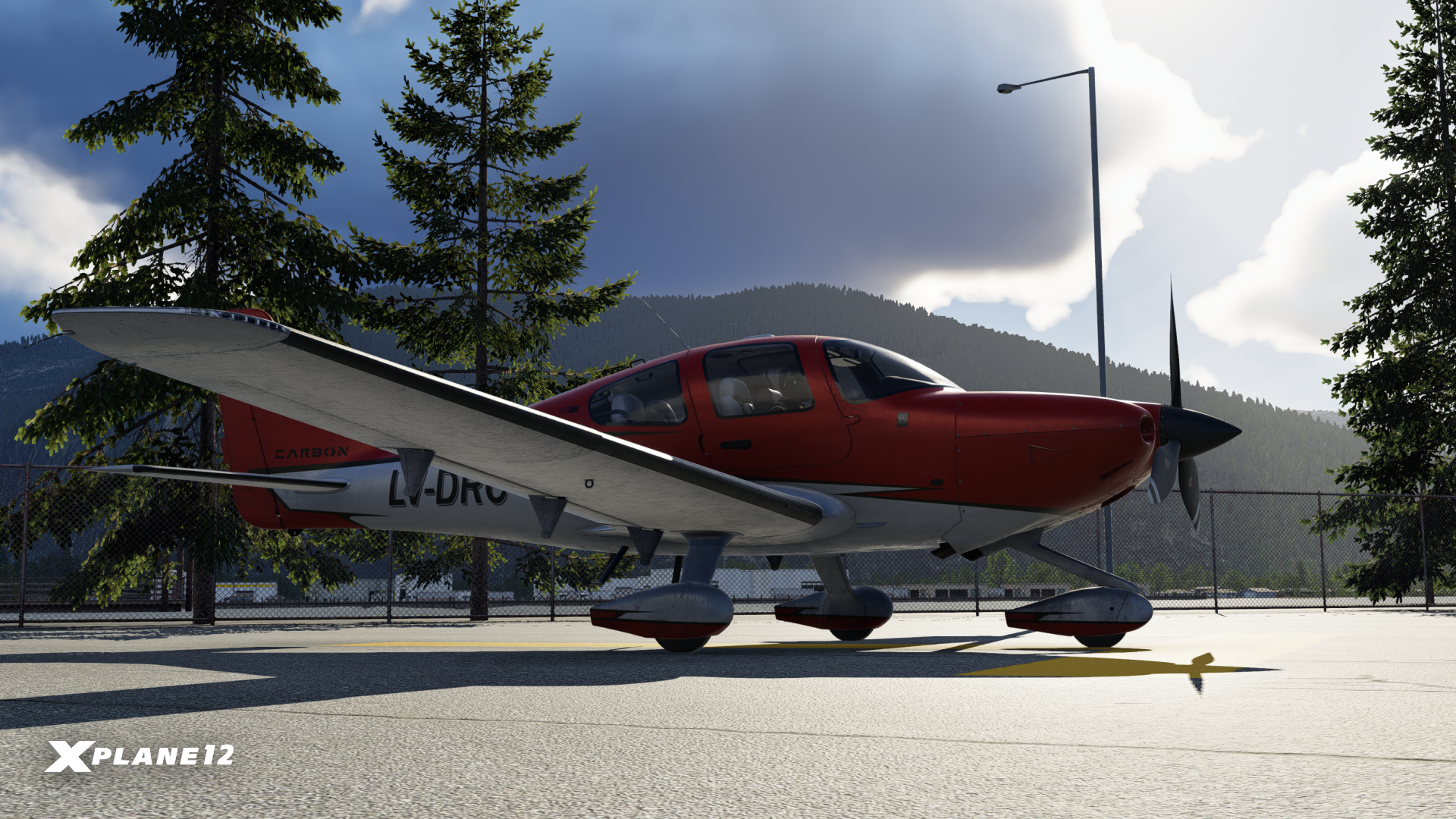
This update brings a range of avionics and flight-management improvements to the SR-22, enhancing situational awareness and reducing pilot workload. We’ve fixed a GCU error that occurred when using popout mode and corrected flight-plan behavior when removing hold-in-lieu procedures.
The avionics now display current climb gradient (CCG) data, a new one-minute trend vector, and a wind vector on the MFD, while the flight path vector has been refined to accurately reflect the geometric climb path with wind accounted for. Autopilot behavior on takeoff has also been improved – the GFC-700 now supports HDG ARM for departure.
Explore Bilbao – An Architectural Icon
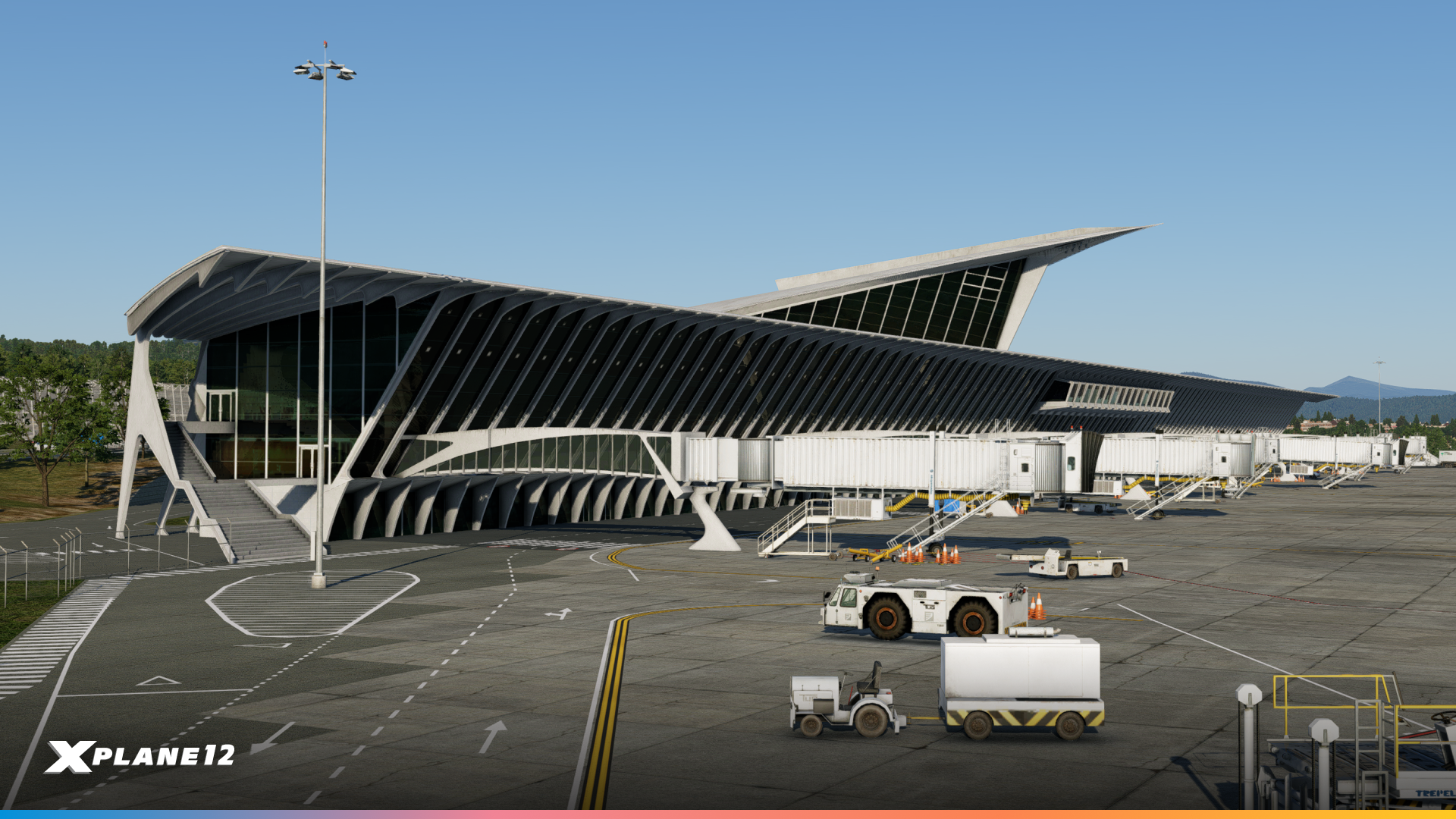
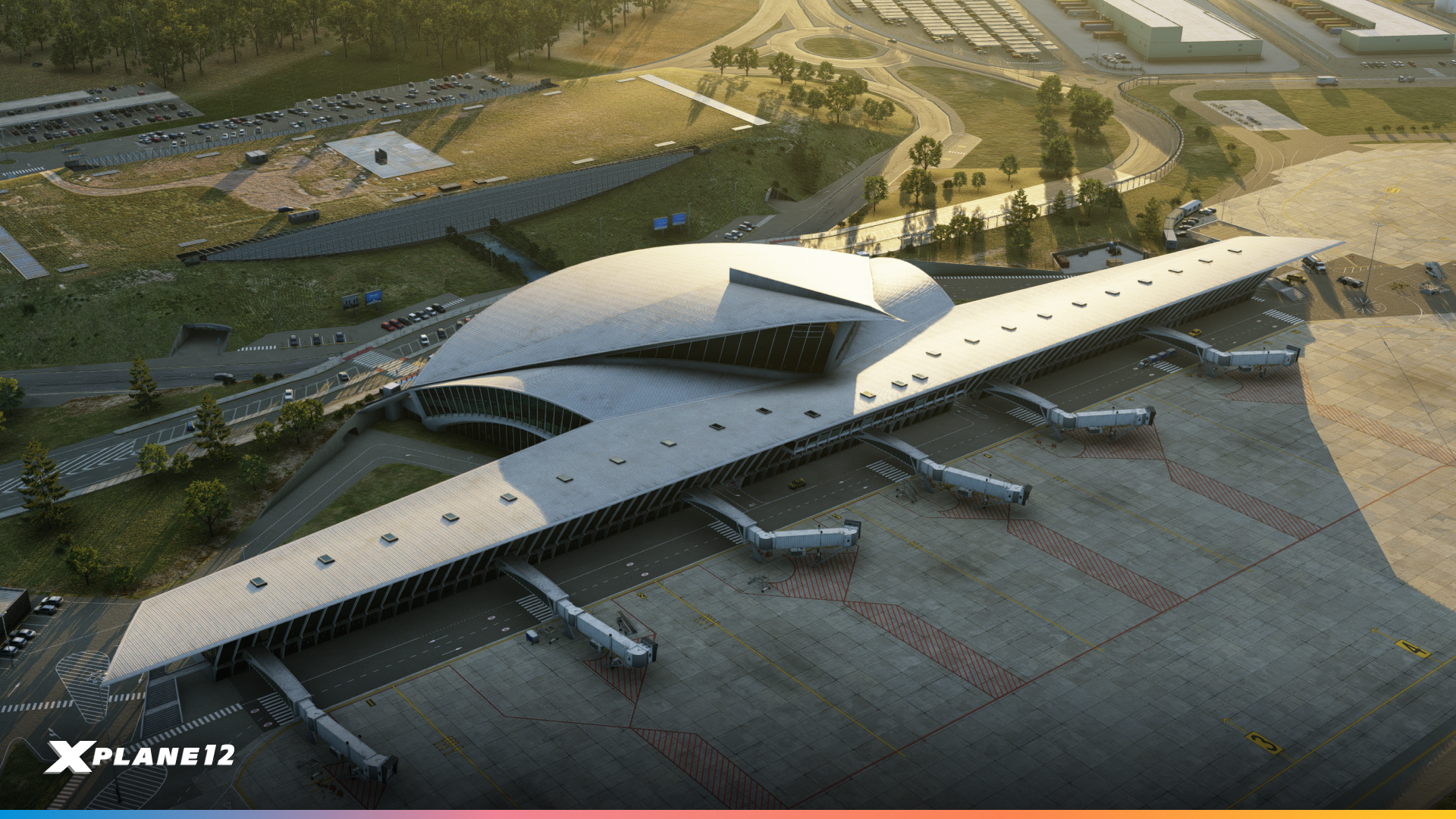
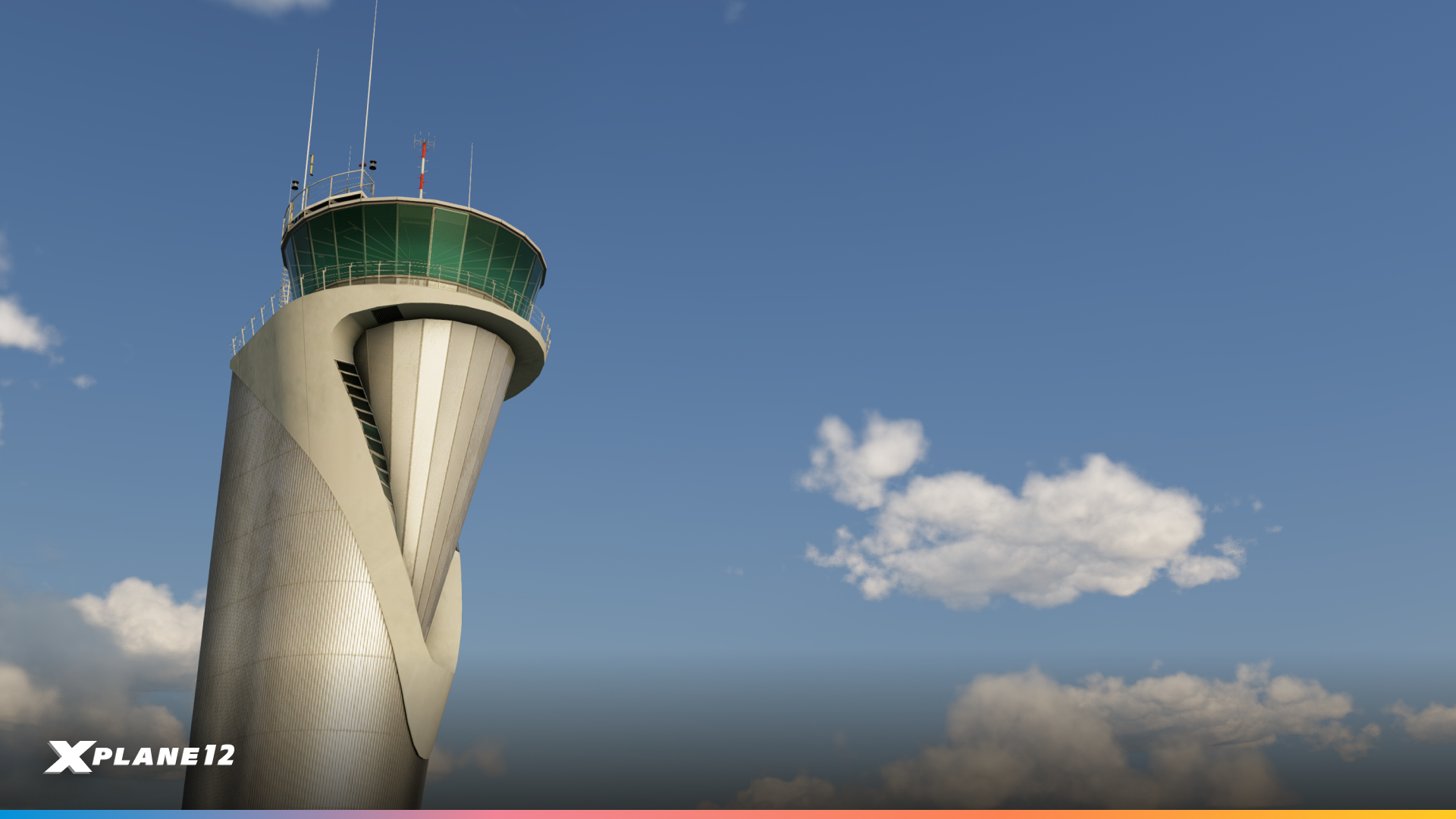
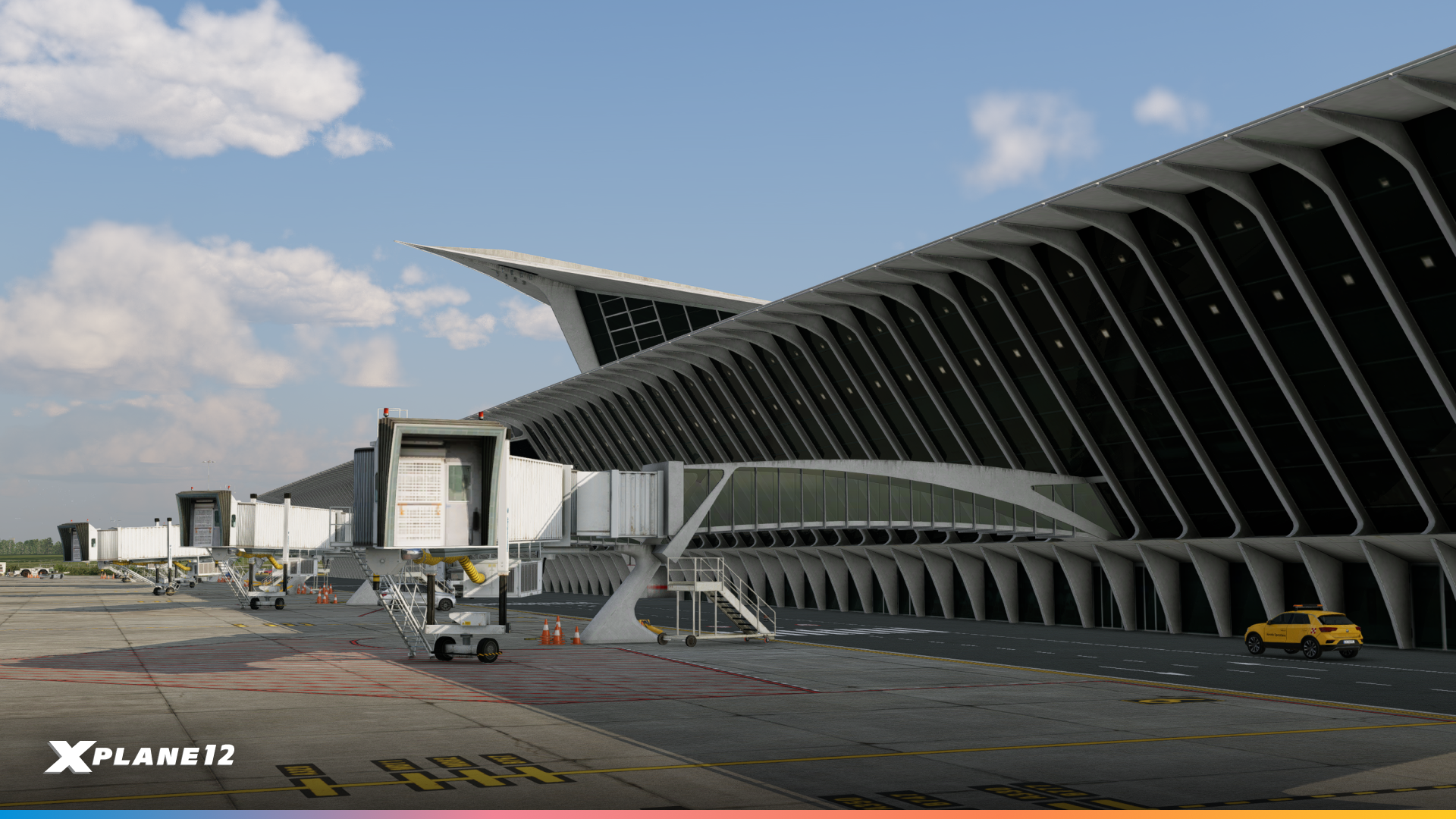
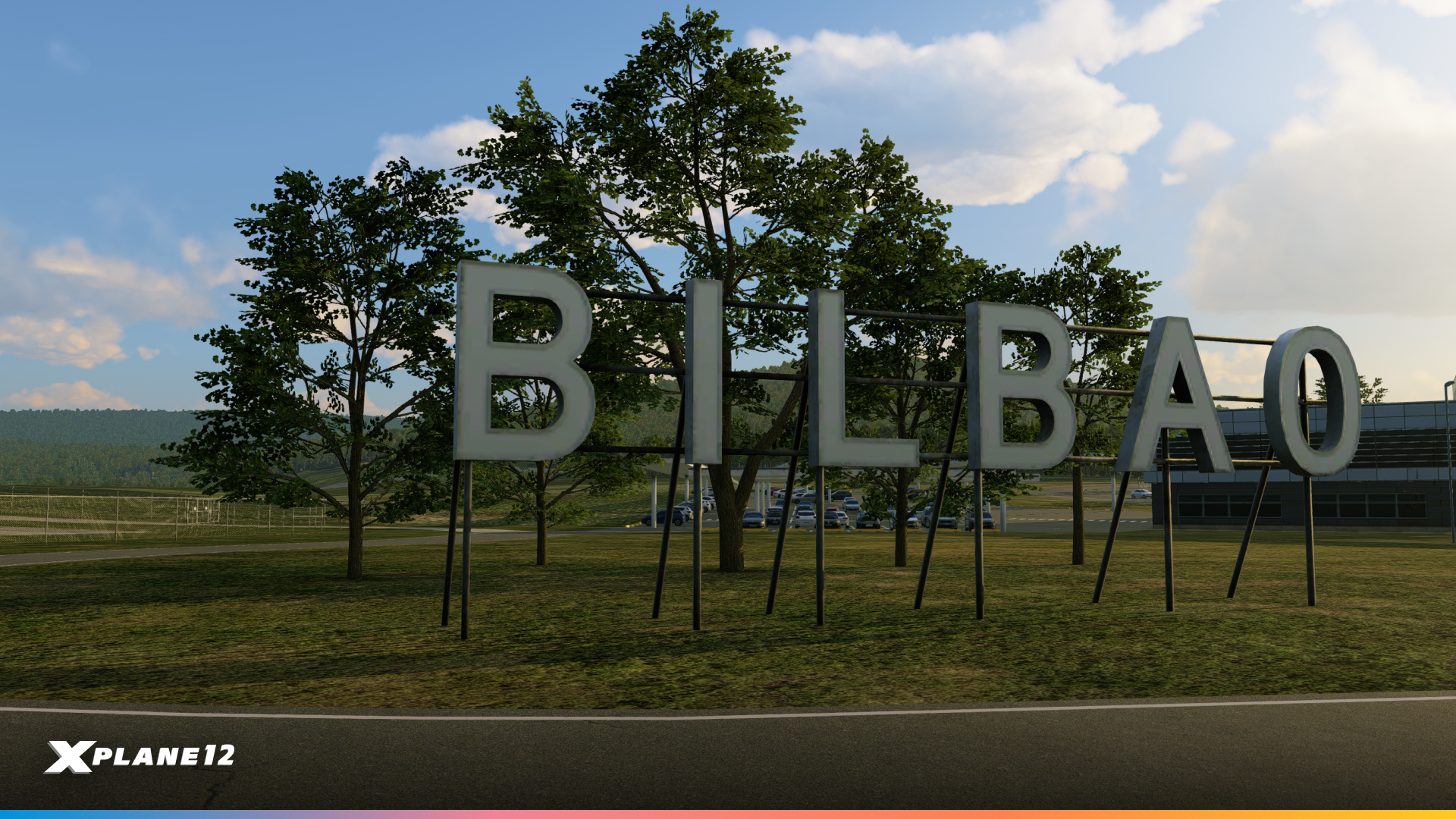
We know you love custom airports and so do we. This time we added a unique airport from Spain – Bilbao Airport (LEBB). Originally opened in 1948, it has received several improvements over the decades. The most striking is the new main terminal that opened in 2000, designed by renowned architect Santiago Calatrava. The ILS landing system was added between 1964 and 1965, and the runway was extended to 2,000 meters.

Santiago Calatrava
Santiago Calatrava is a Spanish architect, engineer and sculptor known for his expressive, sculptural buildings and bridges. Trained in both architecture and civil engineering, he often combines bold structural solutions with flowing, organic forms.
Born in 1951 in Valencia, Spain, Calatrava studied at the Escuela Técnica Superior de Arquitectura in Valencia and later at ETH Zurich. His work is strongly influenced by natural forms, anatomy and movement, which he translates into striking structural gestures.
Calatrava’s terminal building is a masterpiece of modern airport architecture. The design features his signature blend of engineering and art – sweeping curves, abundant natural light, and a distinctive white color scheme. The terminal’s most recognizable feature is its dramatic roof structure with wing-like canopies that seem to float above the building. Inside, passengers are greeted by soaring ceilings and carefully planned sight lines that showcase the surrounding Basque landscape. We’ve carefully modeled these architectural details to capture the terminal’s unique character.
Operational Details
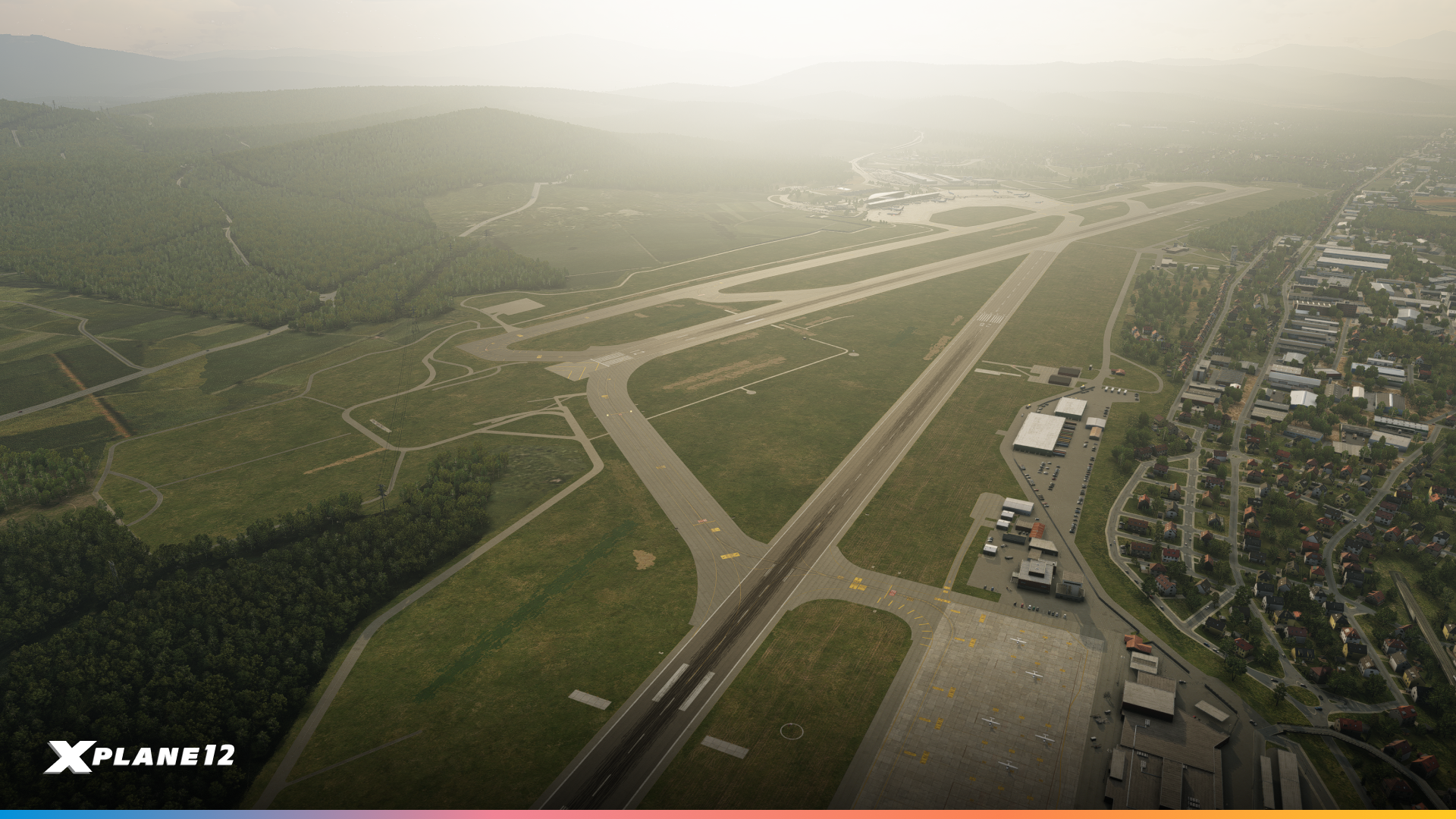
Bilbao Airport operates two asphalt runways:
- Runway 12/30: 2,600 meters (8,530 ft) – the primary runway for commercial operations
- Runway 10/28: 1,900 meters (6,266 ft)
The airport serves as a major base for Vueling and Volotea, with regular service from major European carriers including Lufthansa, Air France, and Iberia.
Operationally, LEBB presents an interesting challenge for pilots. The surrounding mountainous terrain of the Basque Country creates conditions for low-level turbulence and windshear during approach, particularly in certain wind conditions. This makes Bilbao an engaging airport for practice approaches and a realistic test of your flying skills.

Quality of Life Updates
Virtual Reality Improvements
Virtual reality pilots will appreciate several quality-of-life improvements in this release. Aviation and general flashlights now work properly in VR, adding to the immersion during night operations. We’ve improved SteamVR controller detection and reduced excessive logging during the detection process, which was causing unnecessary overhead.
Performance when using SteamVR has been improved, helping maintain smooth frame rates in your headset. We’ve also added new commands to toggle the visibility of the VR xPad, giving you better control over your virtual cockpit interface.
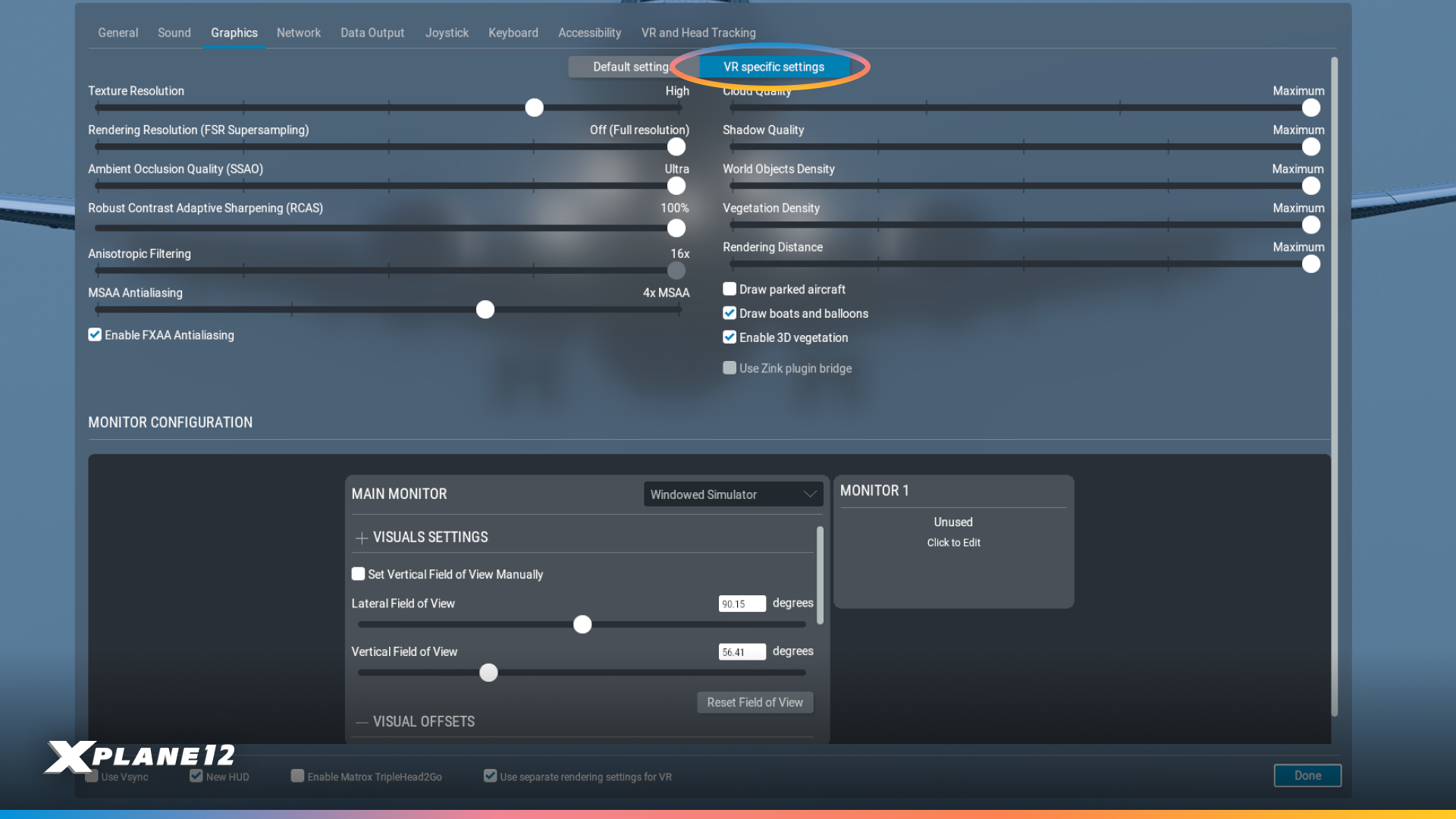
A major addition is the new VR-specific graphics settings option. You can now choose between “Default settings” and “VR specific settings,” allowing you to optimize graphics independently for VR use. This means you can maintain higher quality settings for desktop flying while using performance-optimized settings for VR, or vice versa, without constantly adjusting individual options.
FXAA Anti-Aliasing Improvements
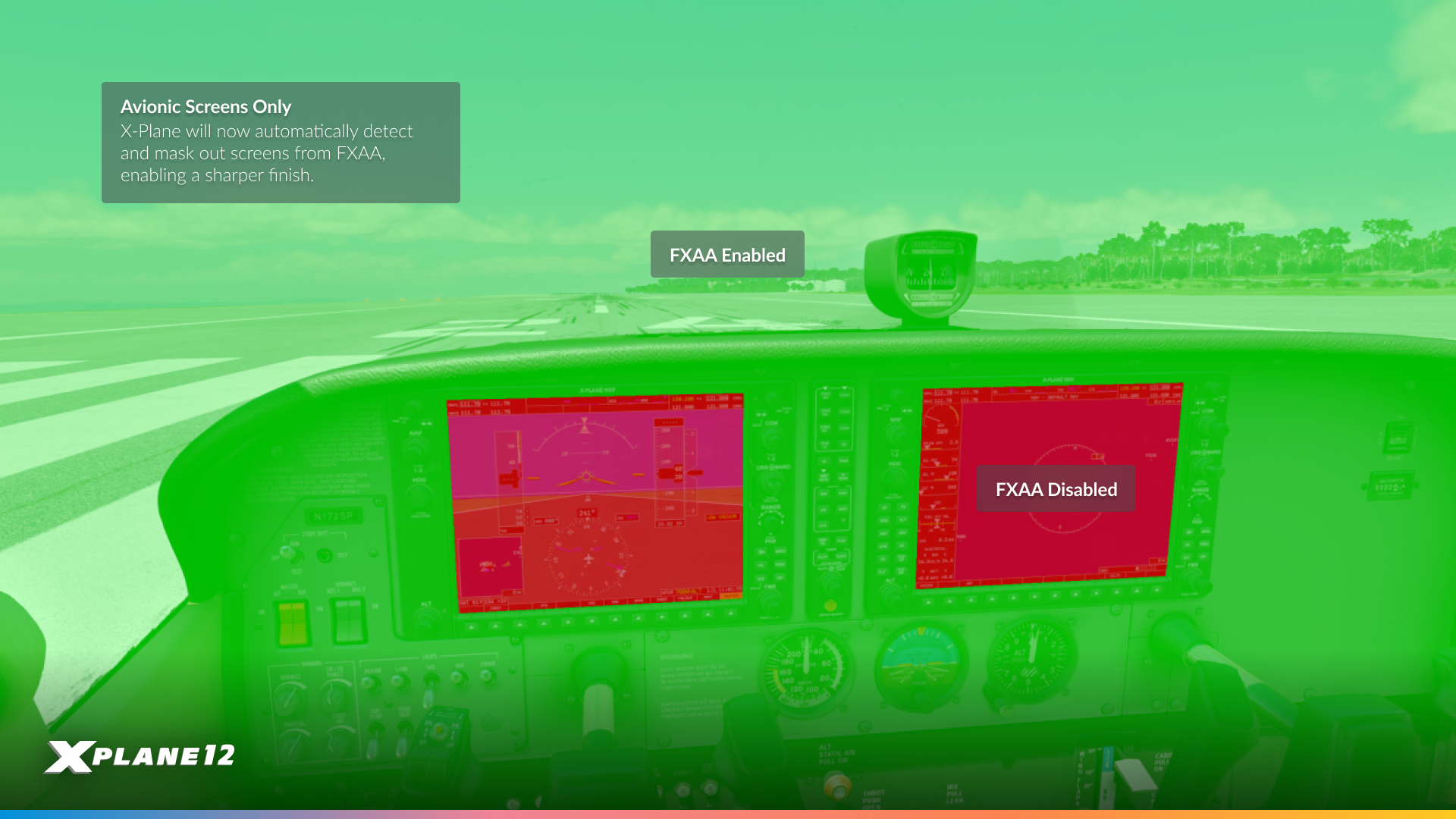
We heard your feedback loud and clear about FXAA causing blurriness on cockpit displays and instruments. In 12.4.0, we’ve excluded cockpit displays from FXAA processing entirely. This means you can now use FXAA for smoother edges throughout the sim while maintaining crisp, readable text and graphics on your instruments, MFDs, and PFDs.
This change addresses one of the most common complaints about FXAA and makes it a much more viable anti-aliasing option, especially for users seeking better performance compared to more demanding AA methods.
ATC Improvements
Air Traffic Control received several practical improvements that enhance both realism and usability. We’ve significantly improved transmitter ranges for ATIS and tower radios to match real-world performance, so you’ll now receive frequencies at appropriate distances rather than unrealistically short ranges.
A major quality-of-life addition is the new automatic check-in option. For those running long unattended flights, ATC can now automatically check you in while en-route and handle altimeter and transponder settings. The system is smartly designed – it won’t automate check-ins to your final destination or handle non-coordinated handoffs, maintaining some realism while reducing tedious mouse-clicking on long flights.
We’ve also implemented wind corrections for all “Fly heading” instructions, making ATC vectors more realistic. Altitude callouts during flight-following with STAR procedures have been improved, and all ATC text dialogs now include their spoken equivalents for better clarity.
Desktop Pilot Joystick Profiles
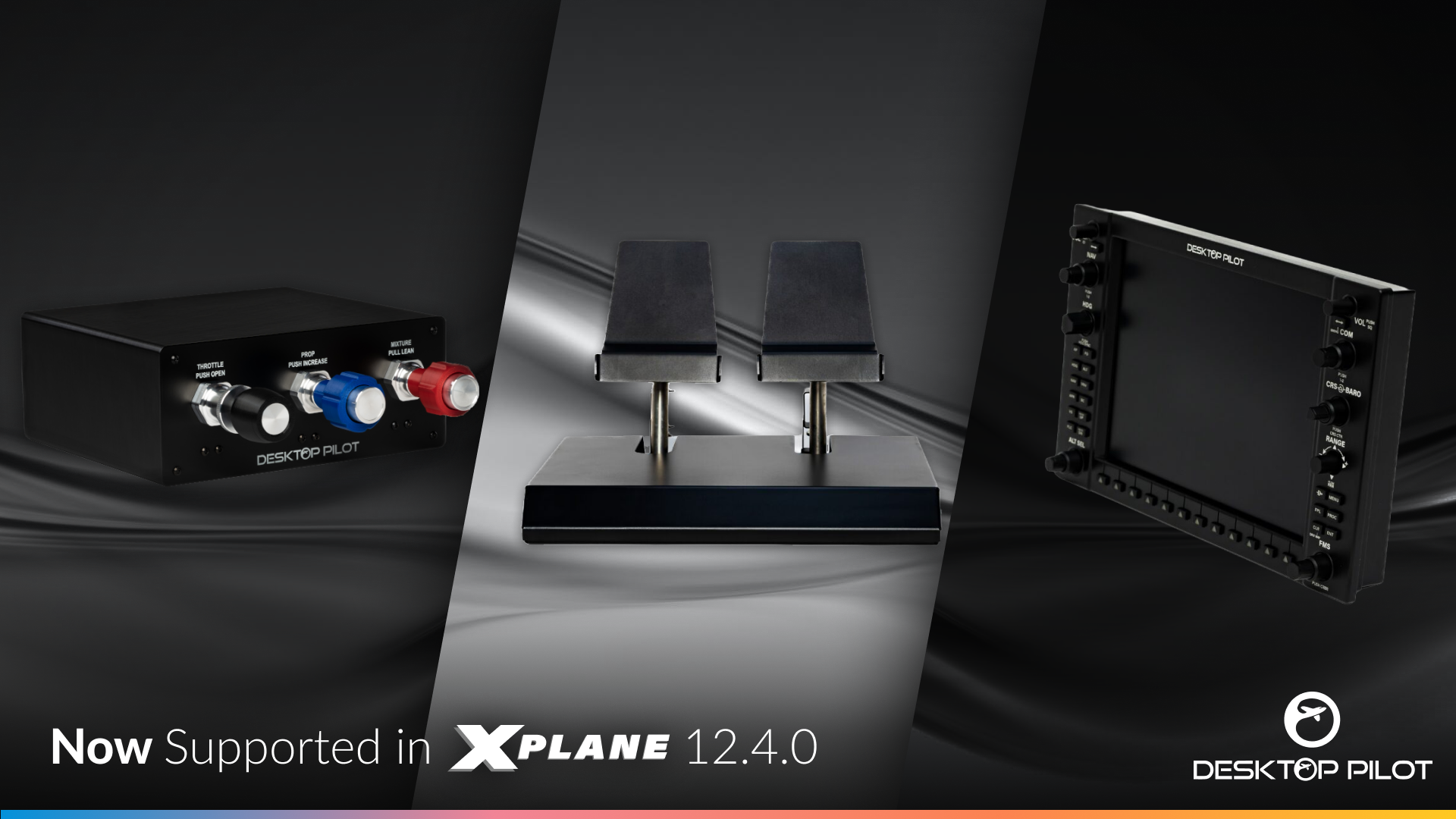
We’ve partnered with Desktop Pilot to include native joystick profiles for their excellent hardware lineup. If you’re using Desktop Pilot products, X-Plane will now automatically recognize and configure your controllers with appropriate button mappings and axis assignments right out of the box.
This saves you the hassle of manually configuring each button and switch, letting you get flying faster with proper, tested configurations that make the most of Desktop Pilot’s hardware features.
New Gateway Airports
This release includes 213 updated airports from our community-driven X-Plane Scenery Gateway. Thanks to all the talented artists who continue to improve airports worldwide with updated layouts and accurate runway data. Your contributions make X-Plane better for everyone.

New Default Library Assets
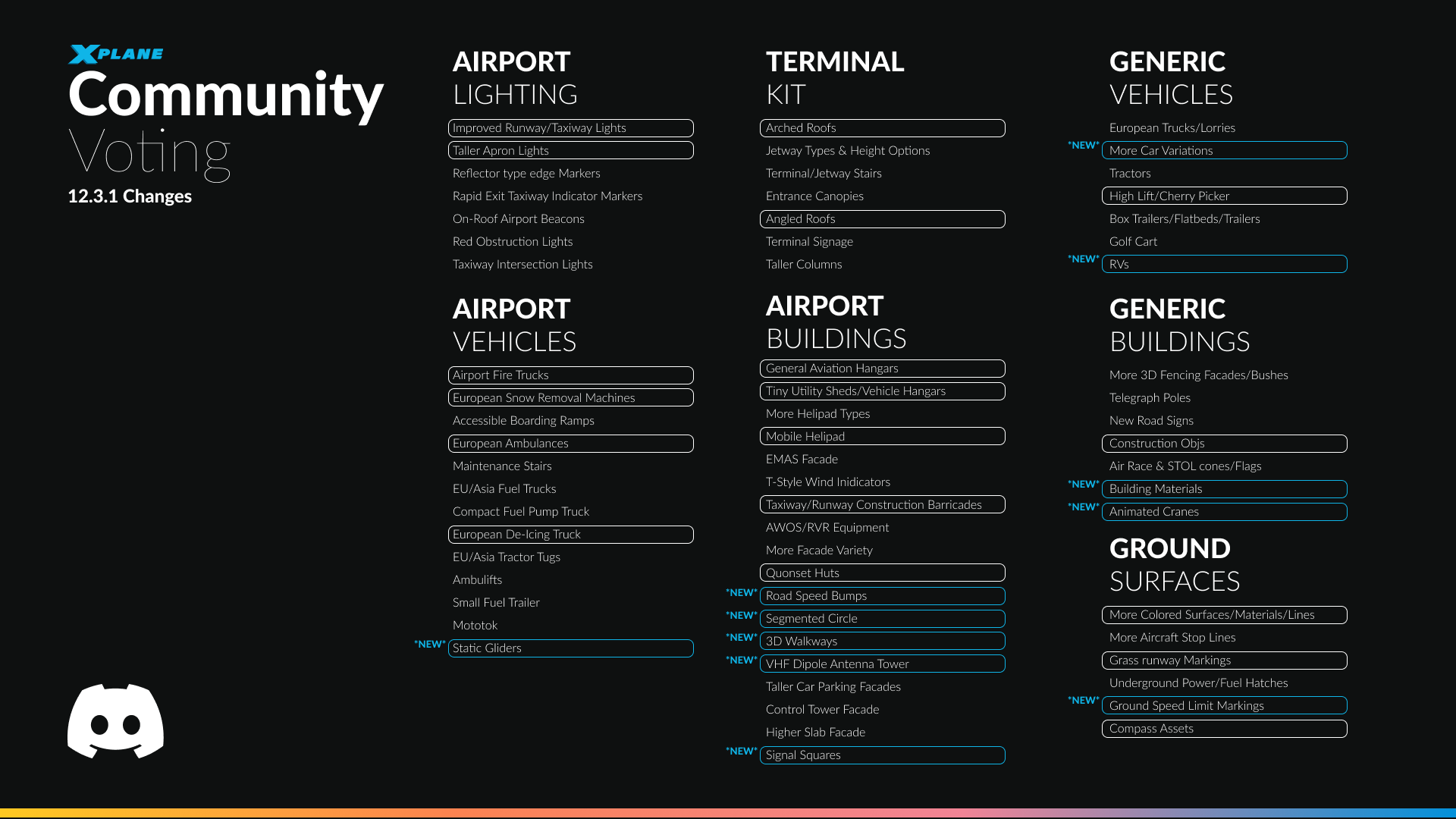
We’ve continued with our usual theme of community requests. The art team have made a couple of new additions to our growing scenery assets, that we think you are all going to enjoy. Lets take a look!
Segmented Circle

Airport ground assets have been updated to include airfield segmented circles around windsocks, improving visual realism and providing authentic real-world airfield cues. These markings enhance situational awareness on the ground and better reflect real airport layouts and operating environments.
Signal Square
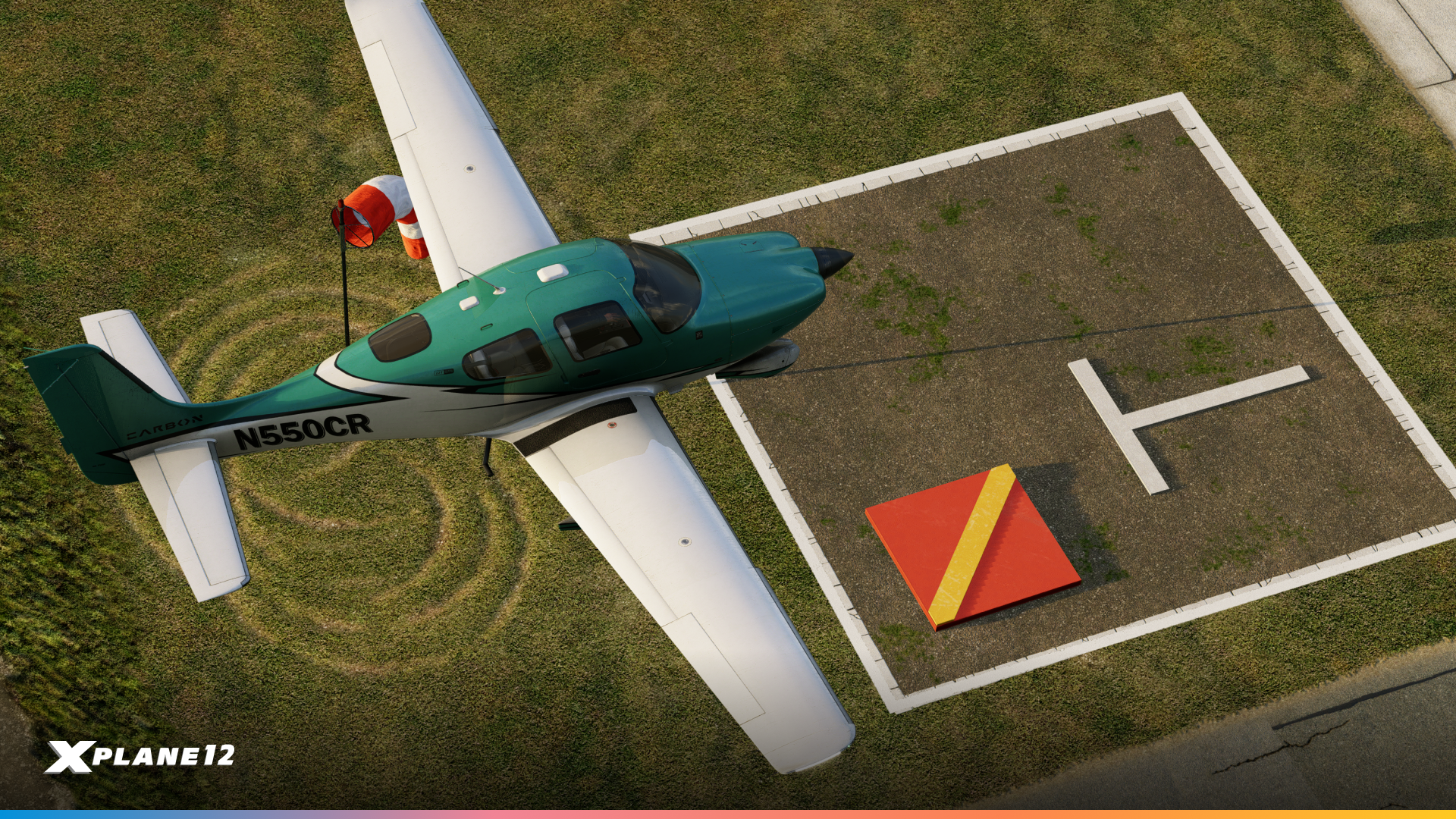
Airport ground assets now include signal squares, accurately placed in their real-world locations near the movement area. These ground markings are used at certain aerodromes to display visual signals and instructions to pilots, particularly for VFR operations and non-radio communications.
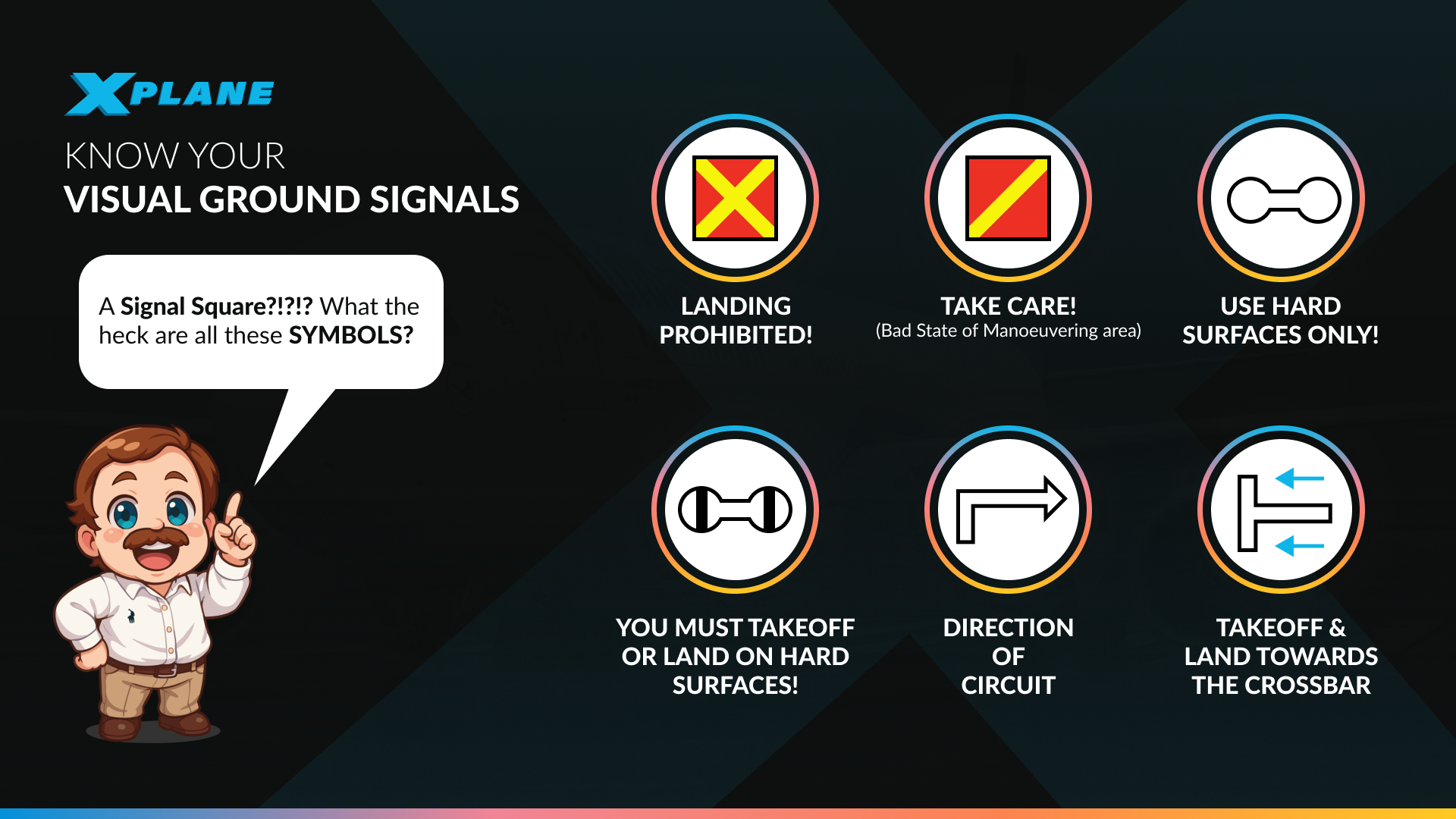
For non-EU pilots, these might be a rare sight for some! So we’ve put together this quick guide on what all those ground symbols mean!
Gliders
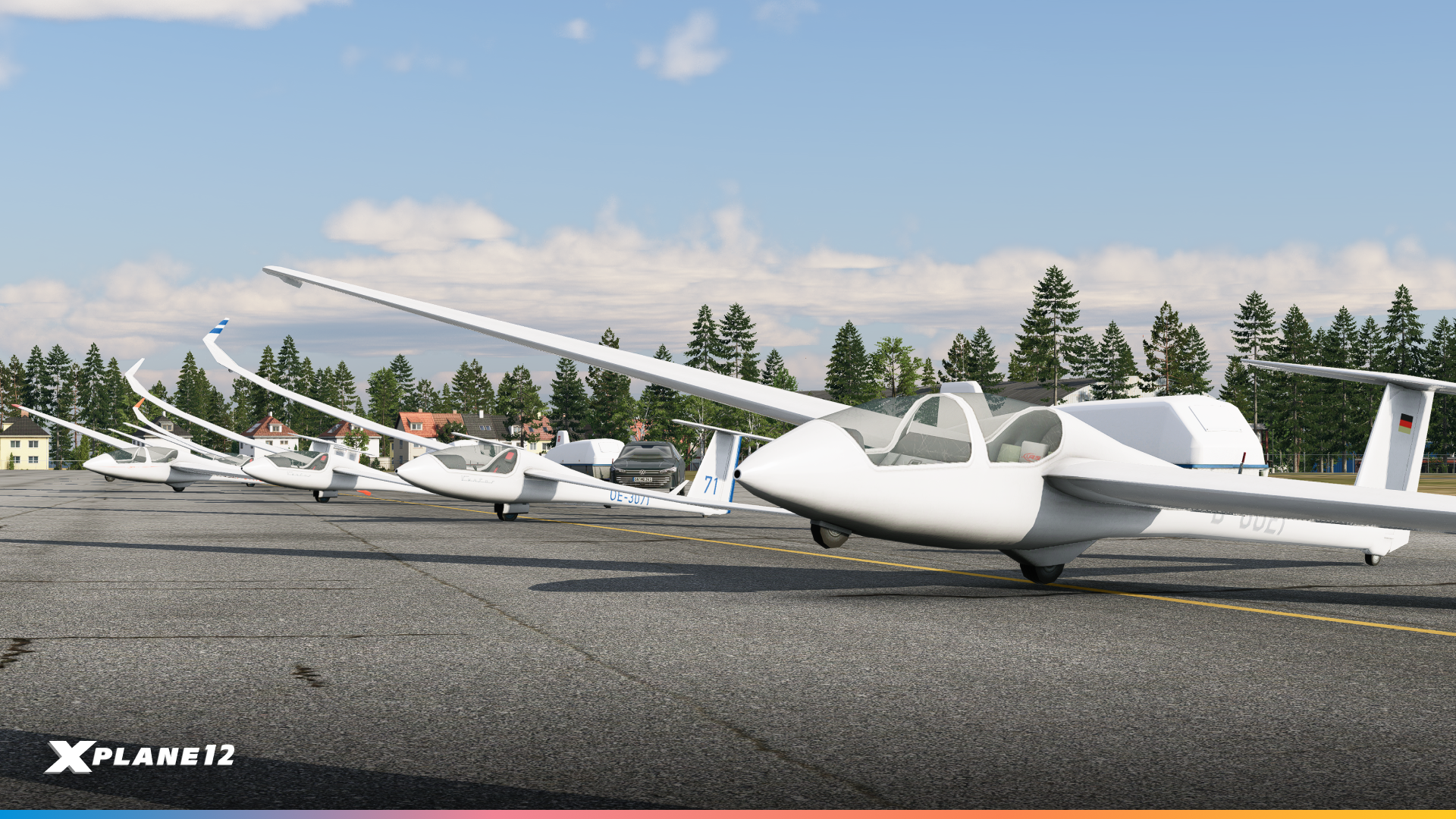
We had a huge demand for more static aircraft. So we’ve started off by catering to Glider pilots. In addition to some trailer equipment, we now have two new static models, the ASK-21 and the Ventus 3.
Animated Cranes & Construction Materials
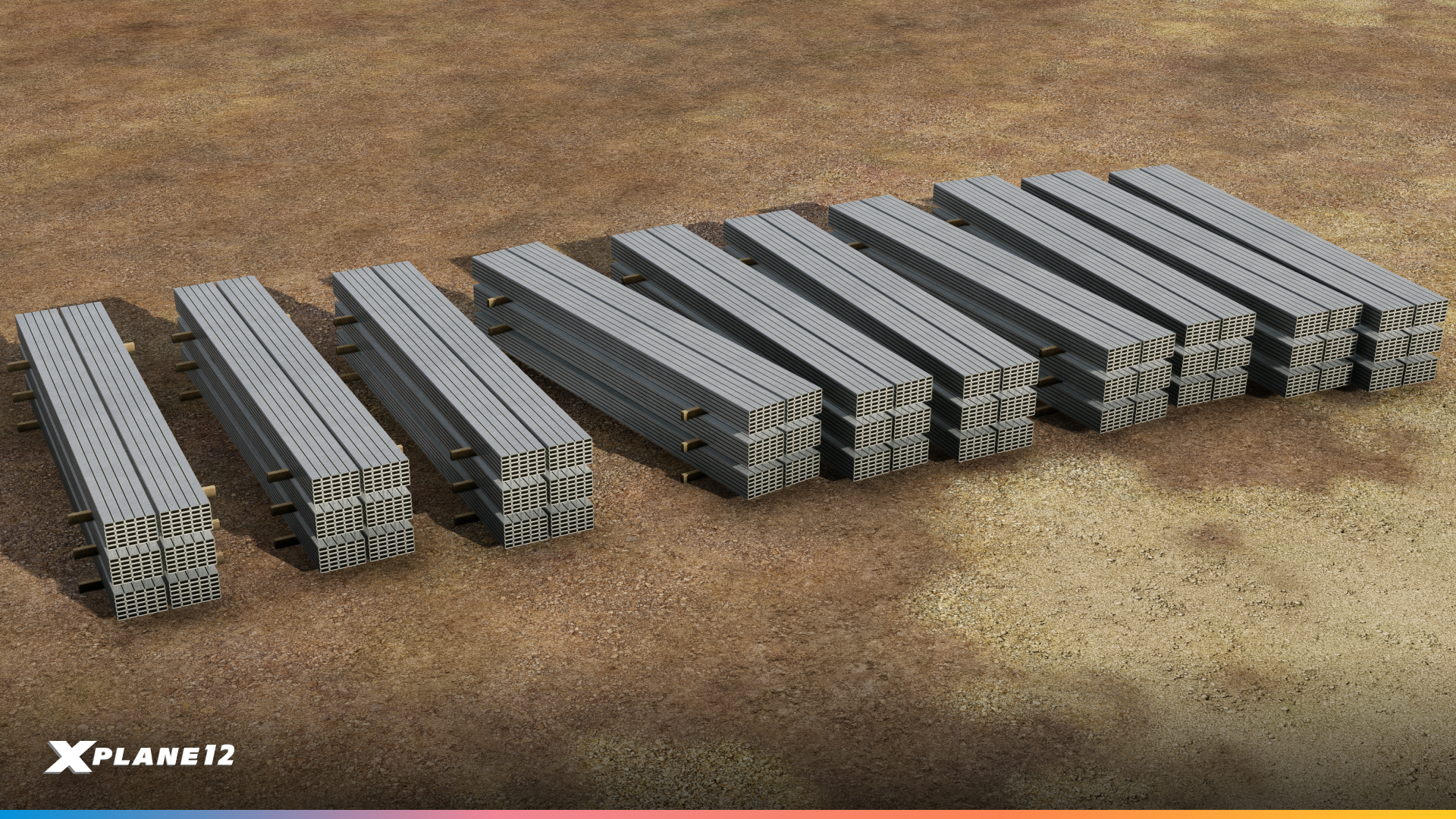
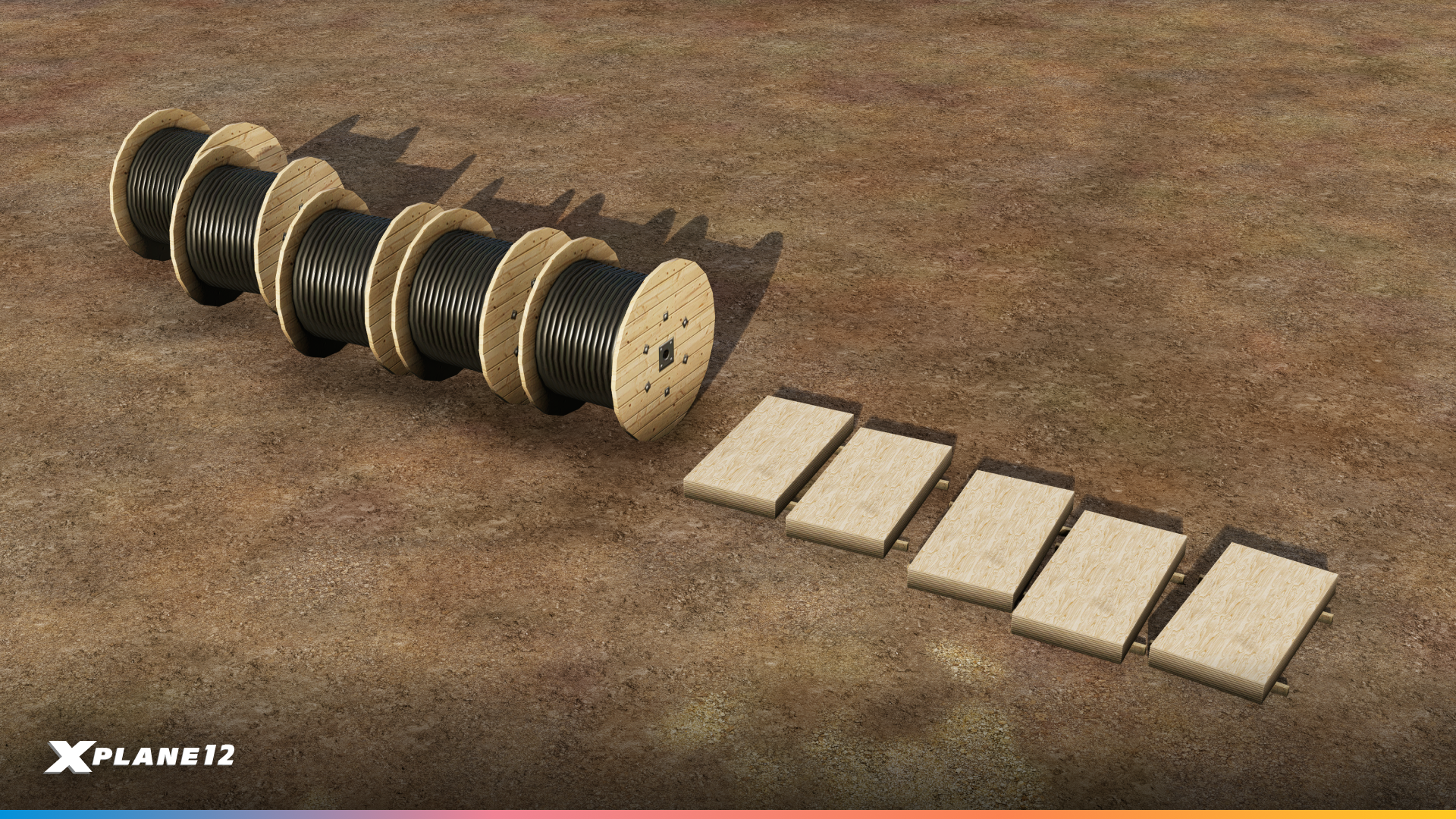

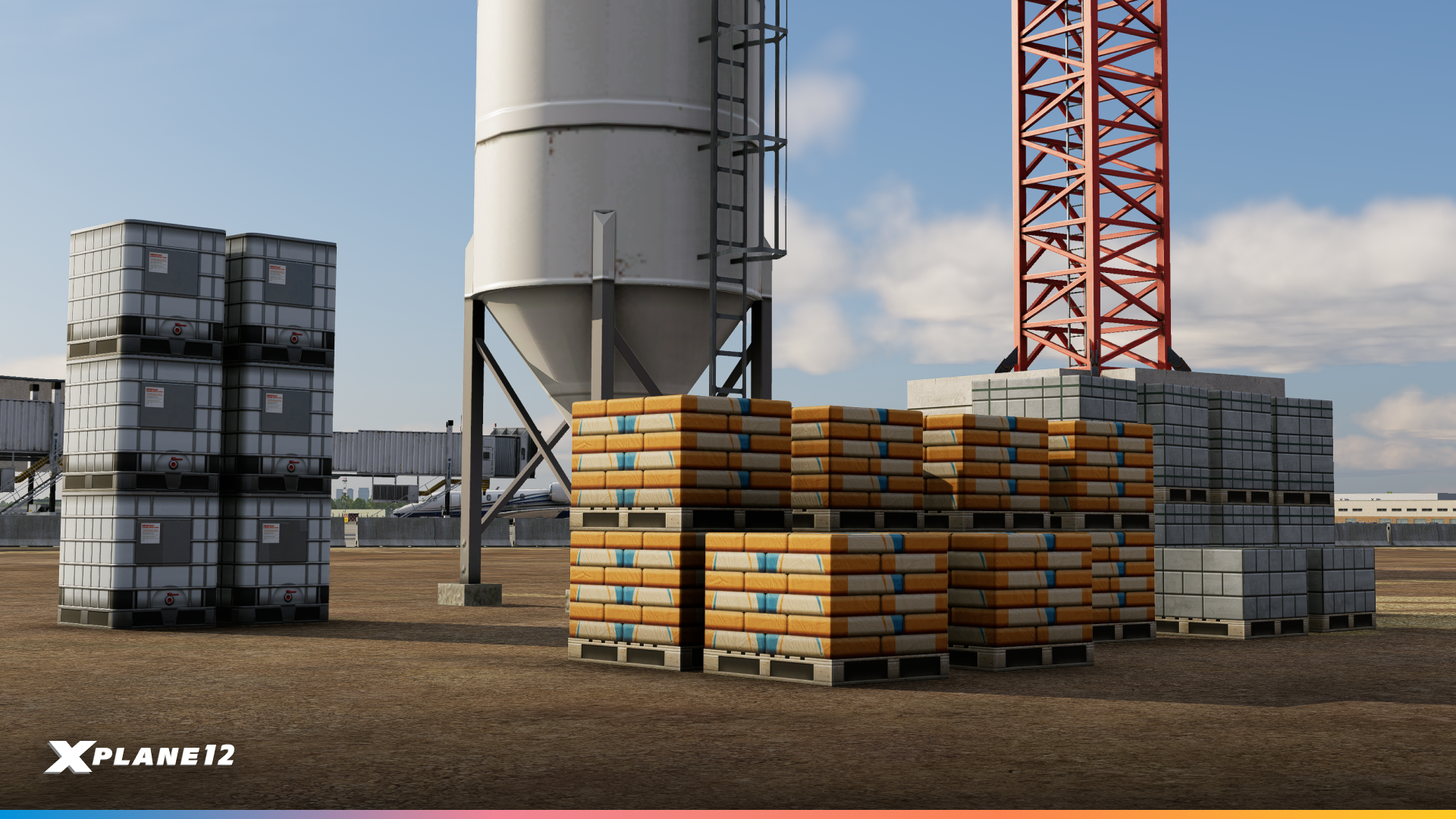
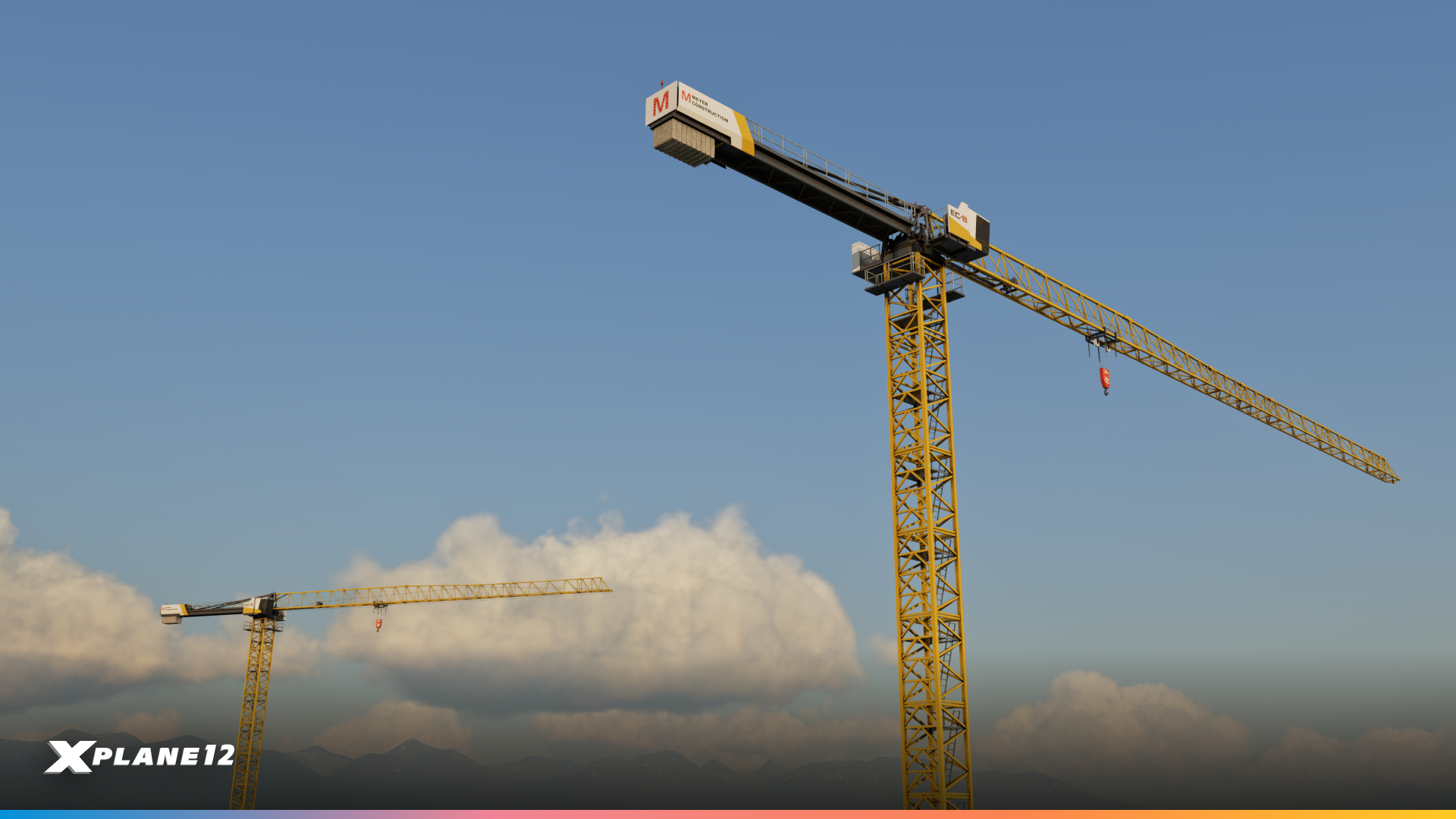
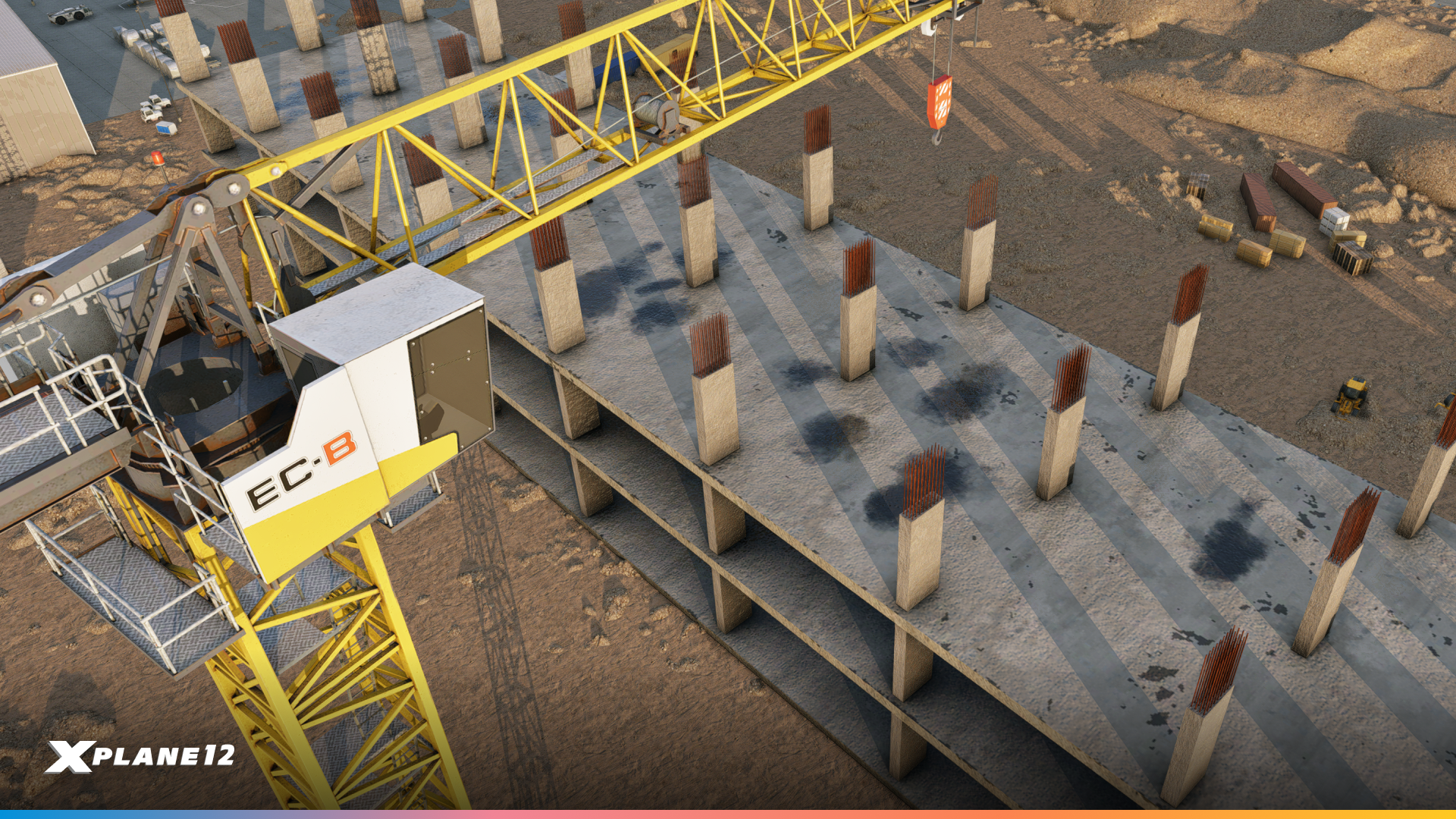
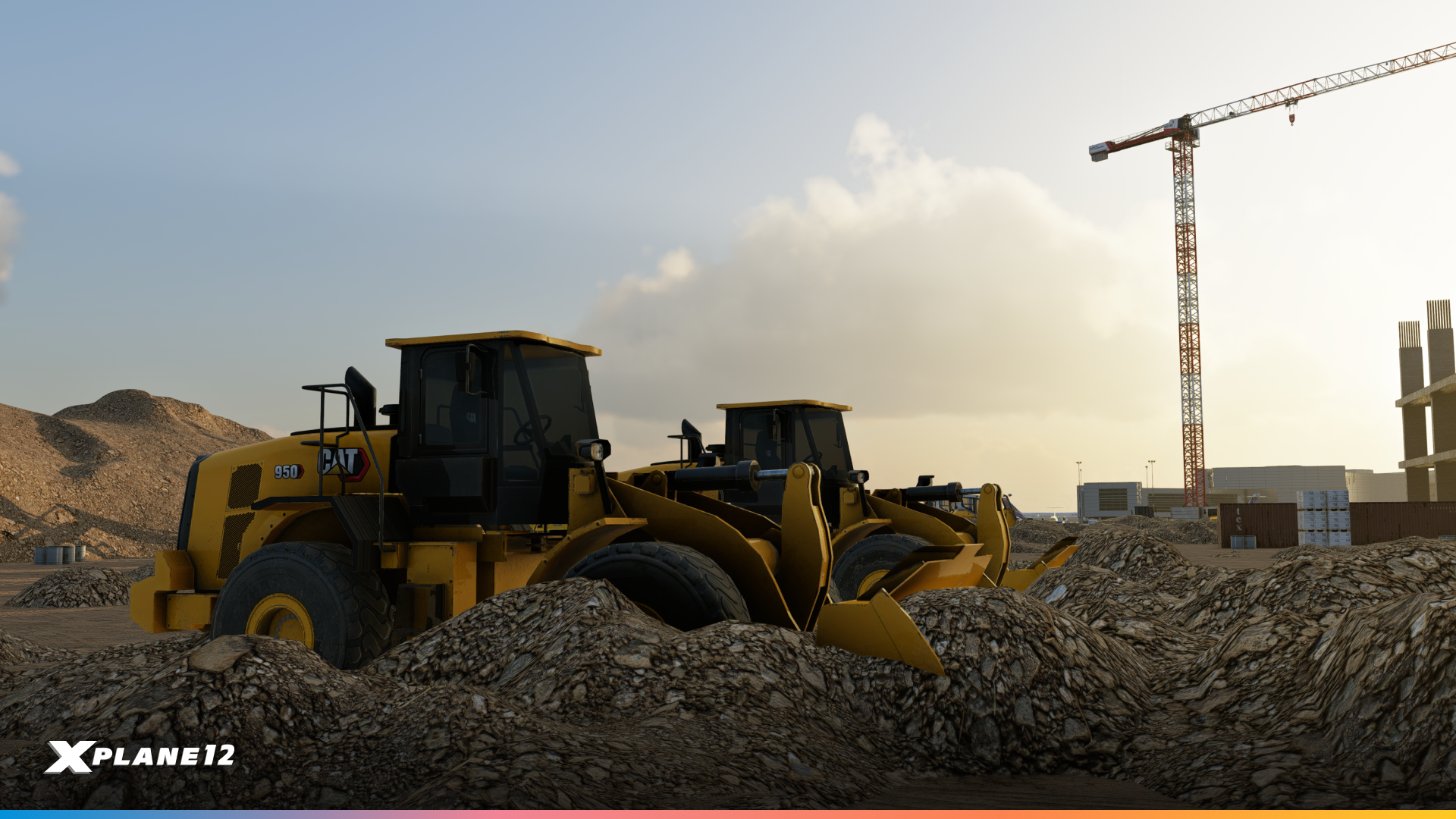
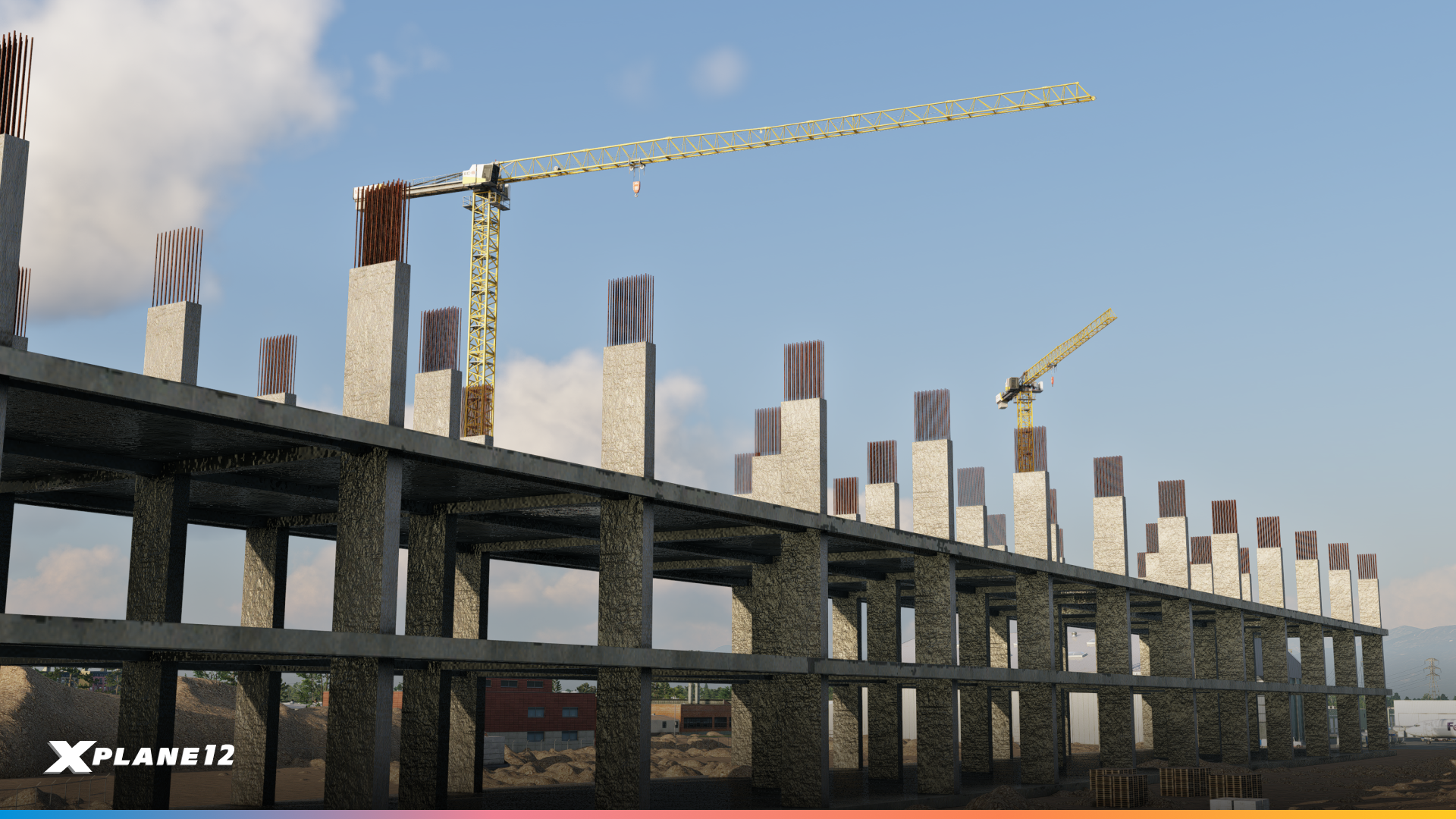
You may remember that we added construction vehicles in 12.2.1, however many people asked us for more construction materials and ground clutter to bring building sites to life.
And we’ve done just that. We have new animated cranes, cable wires, wooden pallets, steel pipes, concrete pipes, cement, concrete blocks, steel beams and more.
VHF Dipole Antenna Tower
Radio navigation wouldn’t exist without them. These VHF dipole antenna towers are used for VOR stations, communication facilities, and other navigational aids.
RVs & Camping Equipment
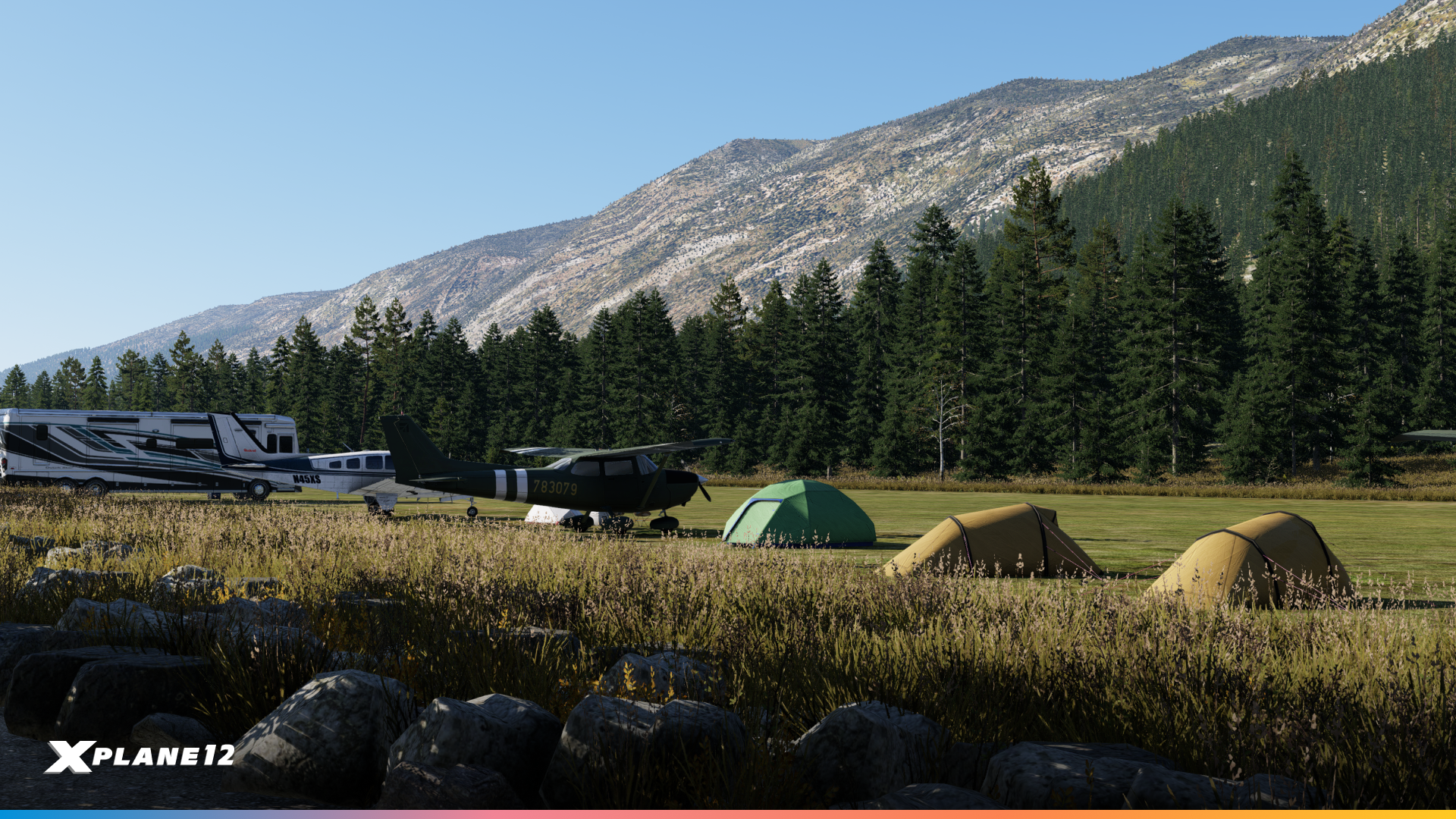
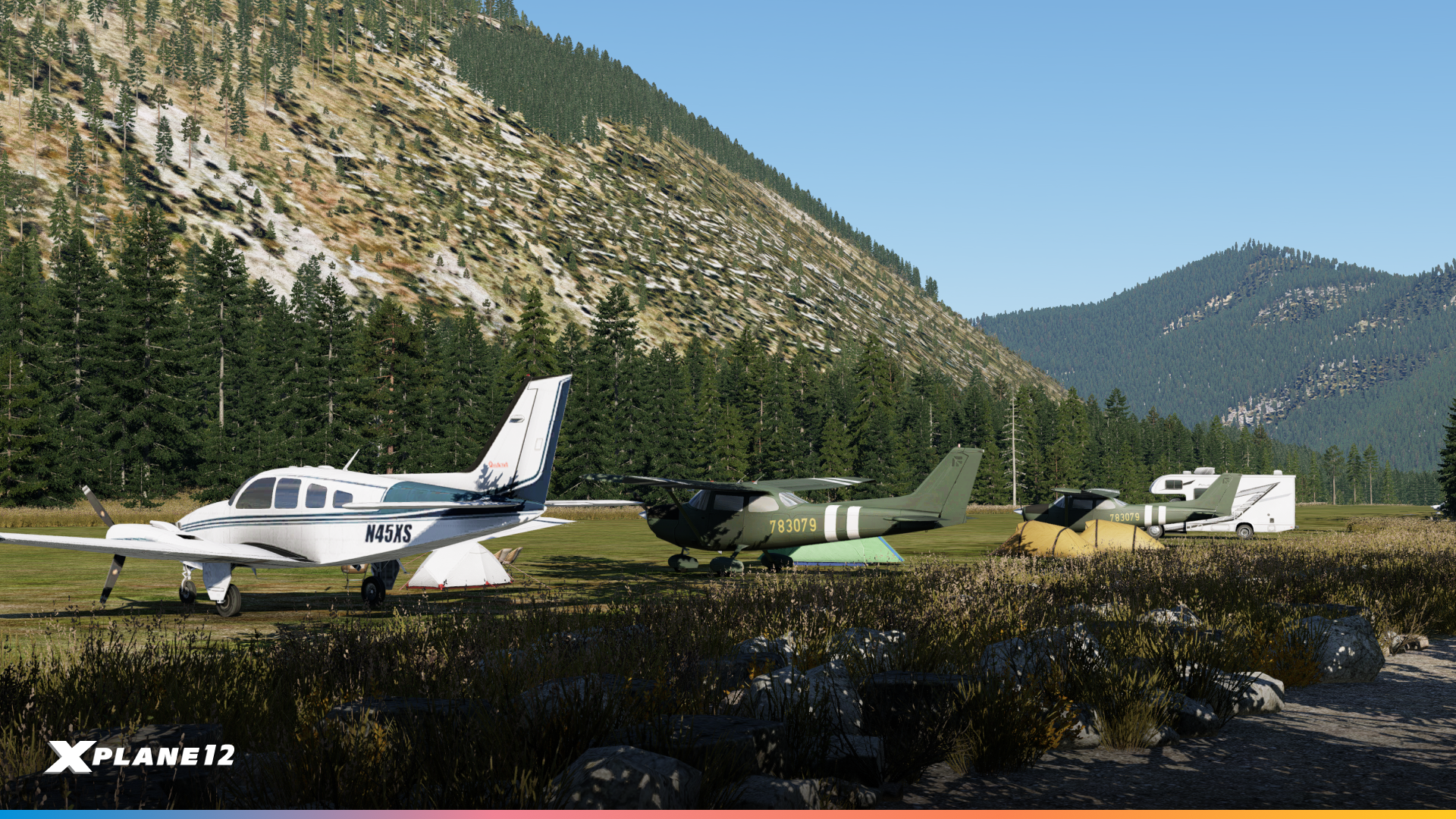
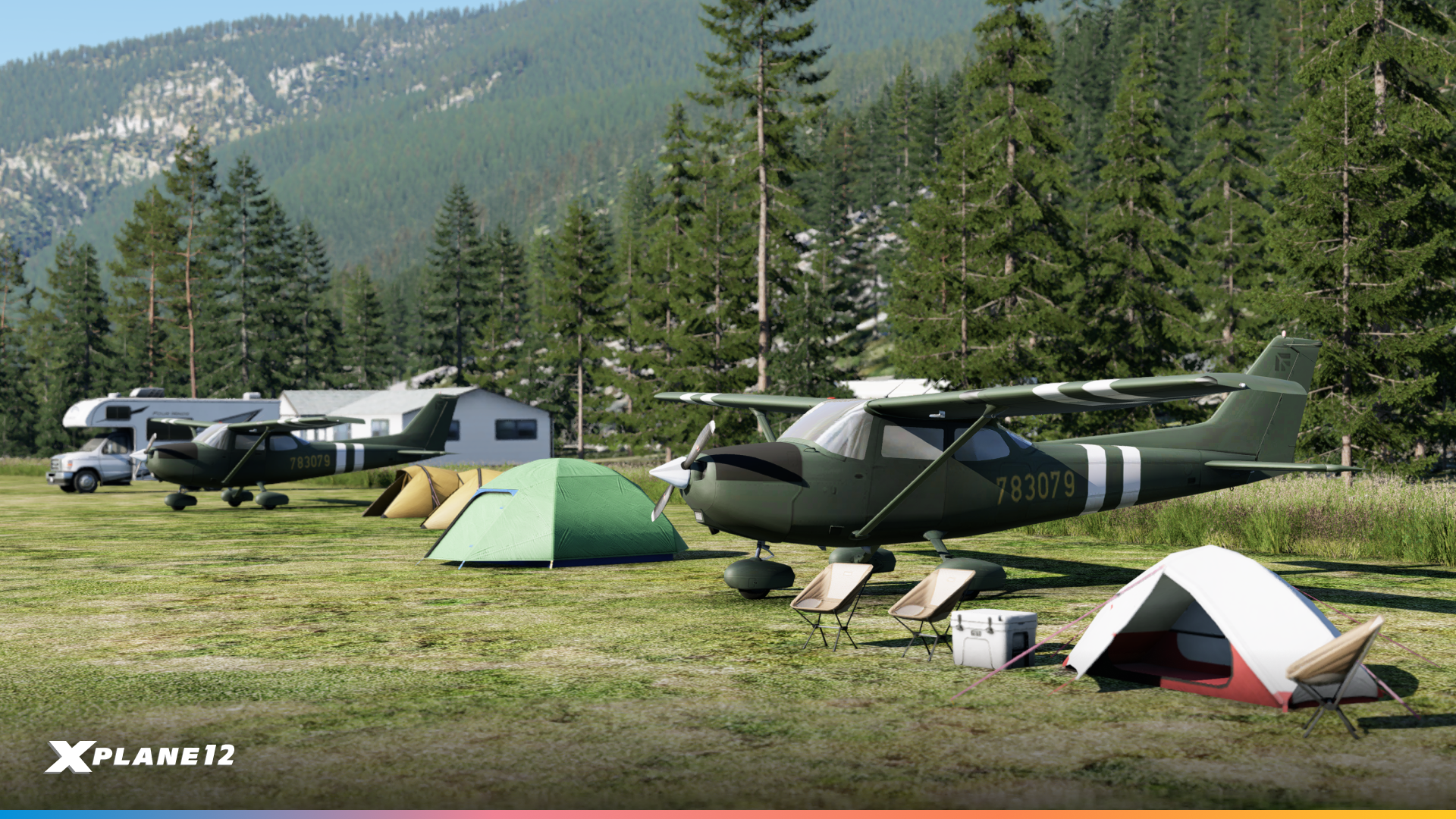


General aviation is about more than just flying – it’s about the fly-in camping trips and weekend adventures. This collection of RVs, tents, and camping equipment lets scenery designers capture the spirit of grassroots aviation at fly-in destinations and backcountry strips.
More Car Variations

Parking lots and ramps need variety. We’ve expanded our vehicle library with additional car models representing different eras and styles. These help create realistic, lived-in airport environments where the parking areas look as authentic as the runways.
Pavements, Planters & Fences, Ground Speed Limit Markings/Bumps
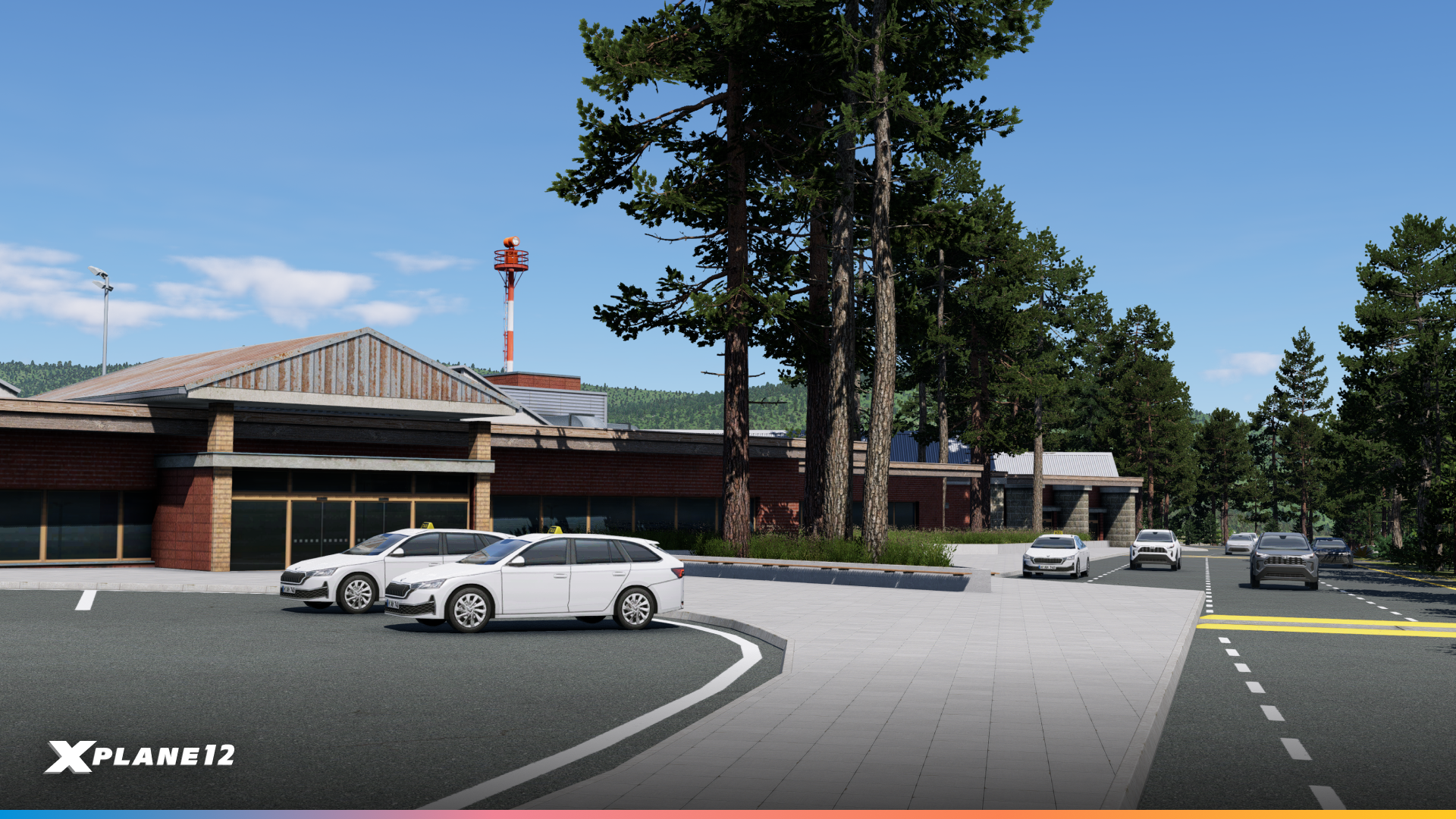
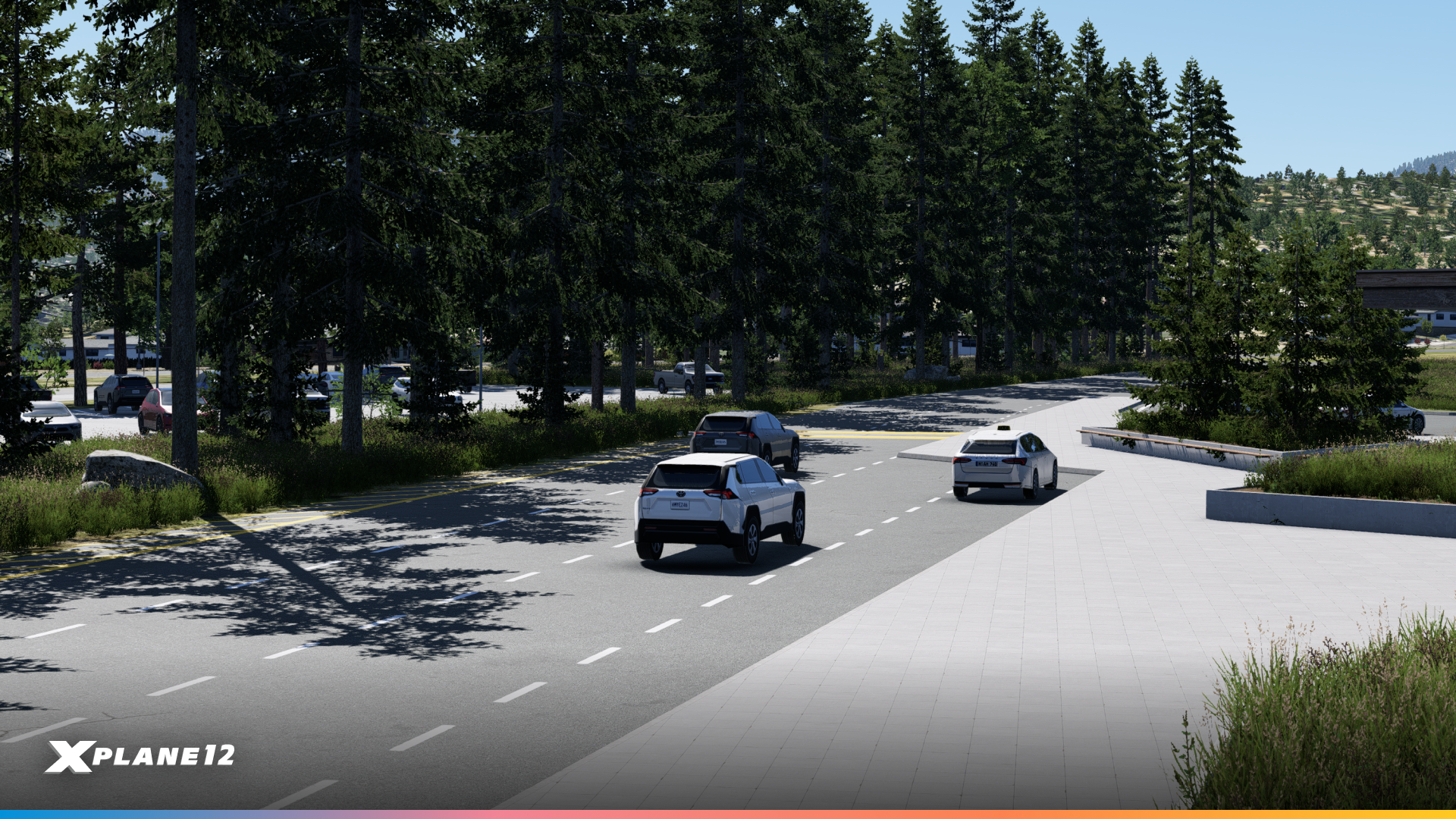

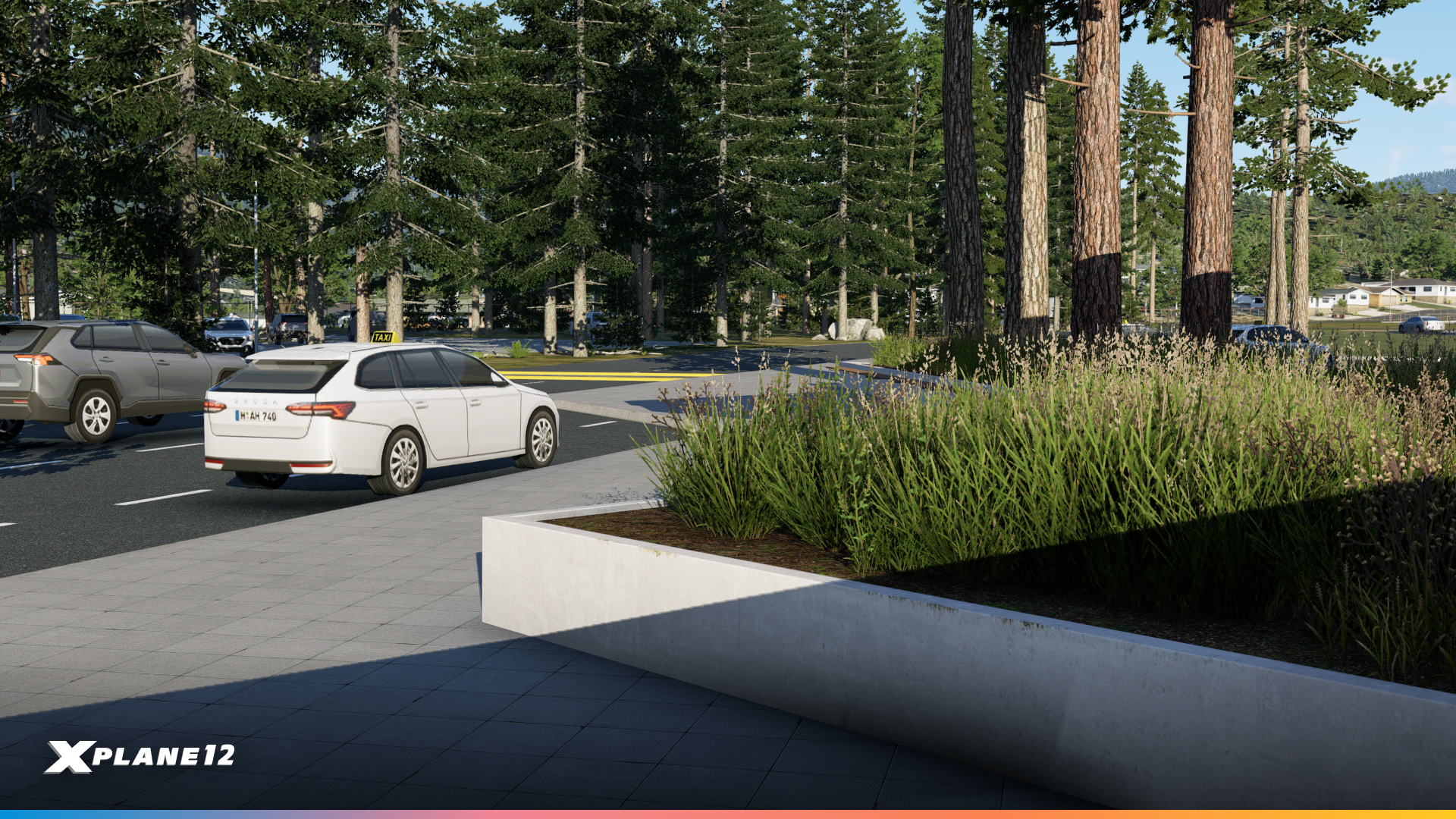
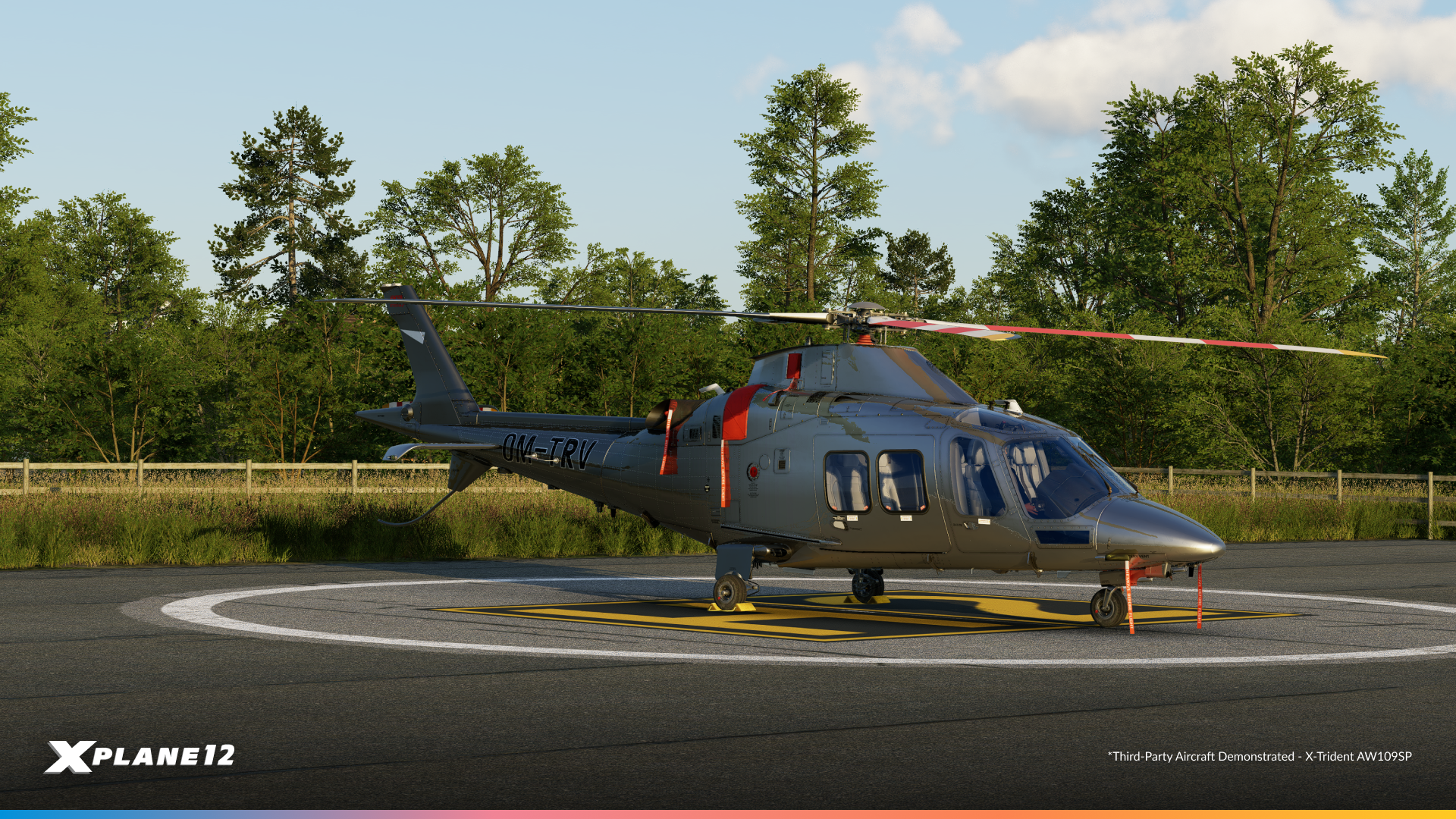


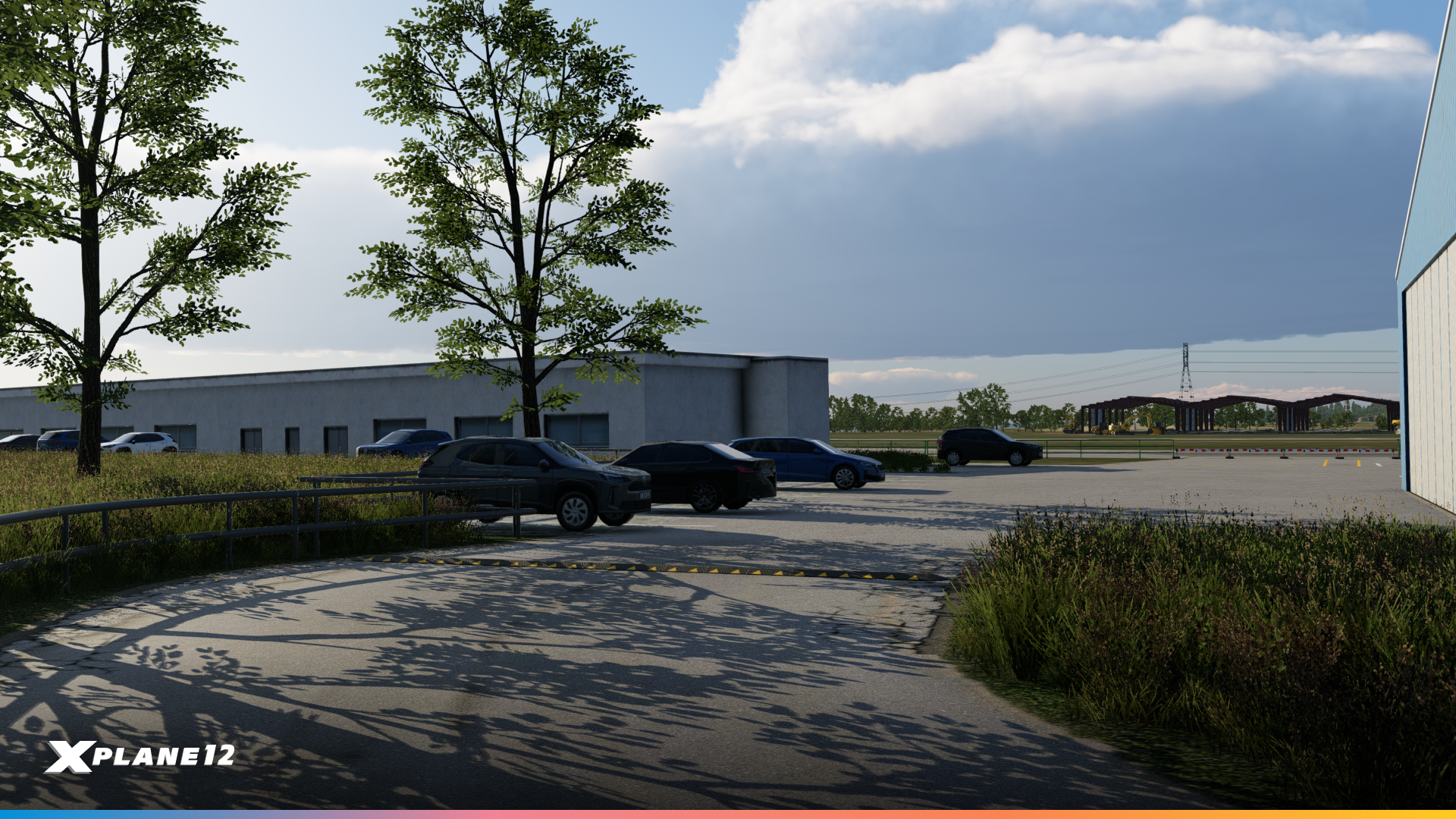
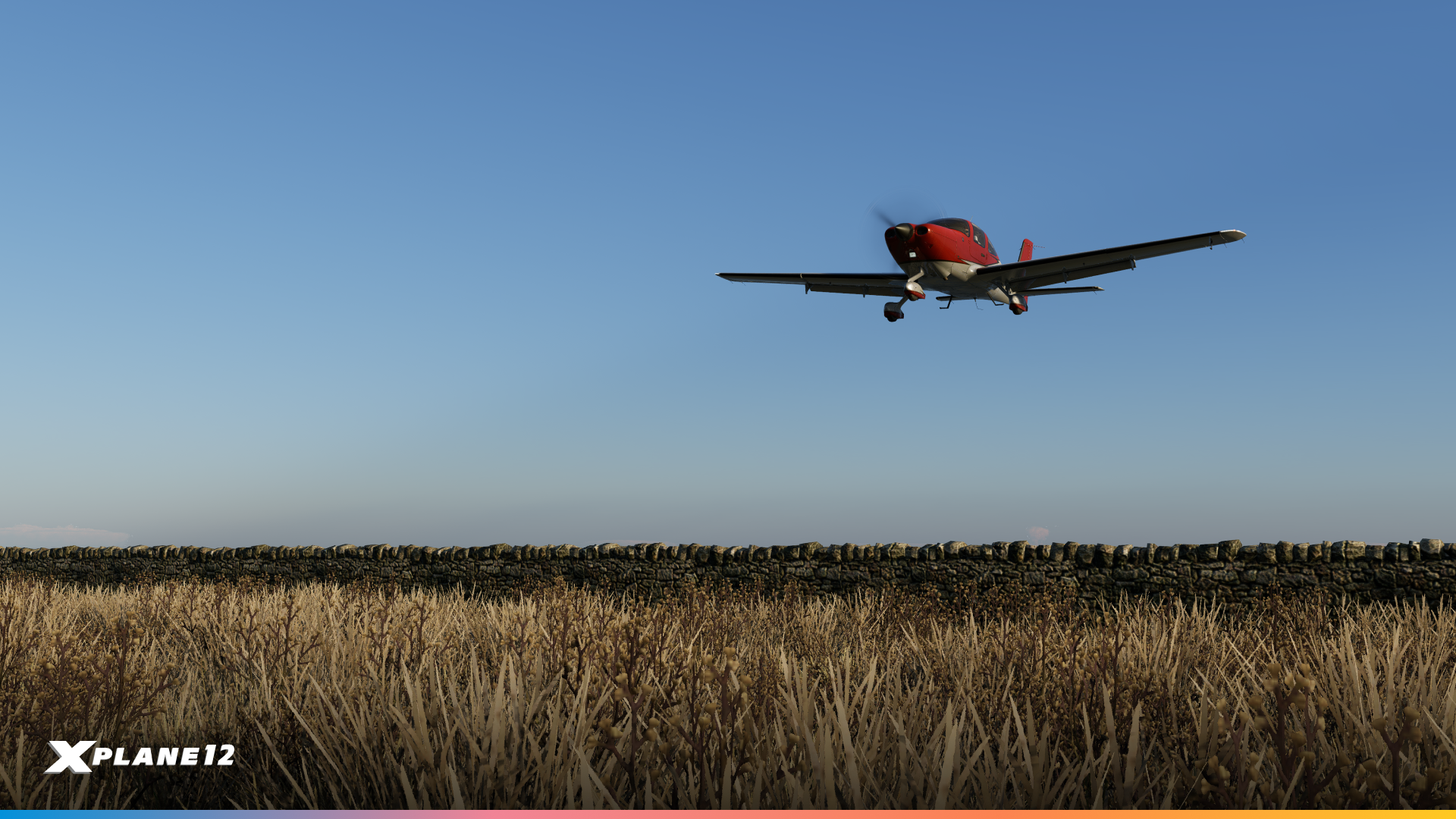
The details matter. This collection includes various pavement textures and types, decorative planters for terminal areas, and fencing options for perimeter security, GA parking areas, and facility boundaries. These finishing touches help scenery designers create airports that feel complete and authentic.

Multi-Core Scenery Processing
This release of X-Plane includes a real milestone – scenery processing now uses multi-core technology. Anyone familiar with multi-threading knows this doesn’t automatically guarantee performance improvements for everyone, but it’s an important step forward that frees the main thread from heavy scenery processing tasks.
Whether you’ll see a performance gain depends heavily on your specific hardware configuration. Users with modern multi-core CPUs will likely see significant improvements. However, if your CPU wasn’t the bottleneck before, you may not notice a dramatic change. GPU-limited systems, for example, won’t benefit as much from this update.
This is just one step of a series of multi-core improvements. We’re already using this technology in other parts of the simulator and will continue moving more systems to multi-threaded processing
We’ve run extensive testing internally and throughout the alpha phase of this release. The results vary widely based on system configuration, which is exactly what we expected with multi-core optimizations. These graphs show real-world performance data from different hardware configurations, giving you an idea of what to expect on your system.
This is foundational work that opens the door for future performance improvements as we continue optimizing X-Plane’s multi-threaded architecture.
Internal Testing
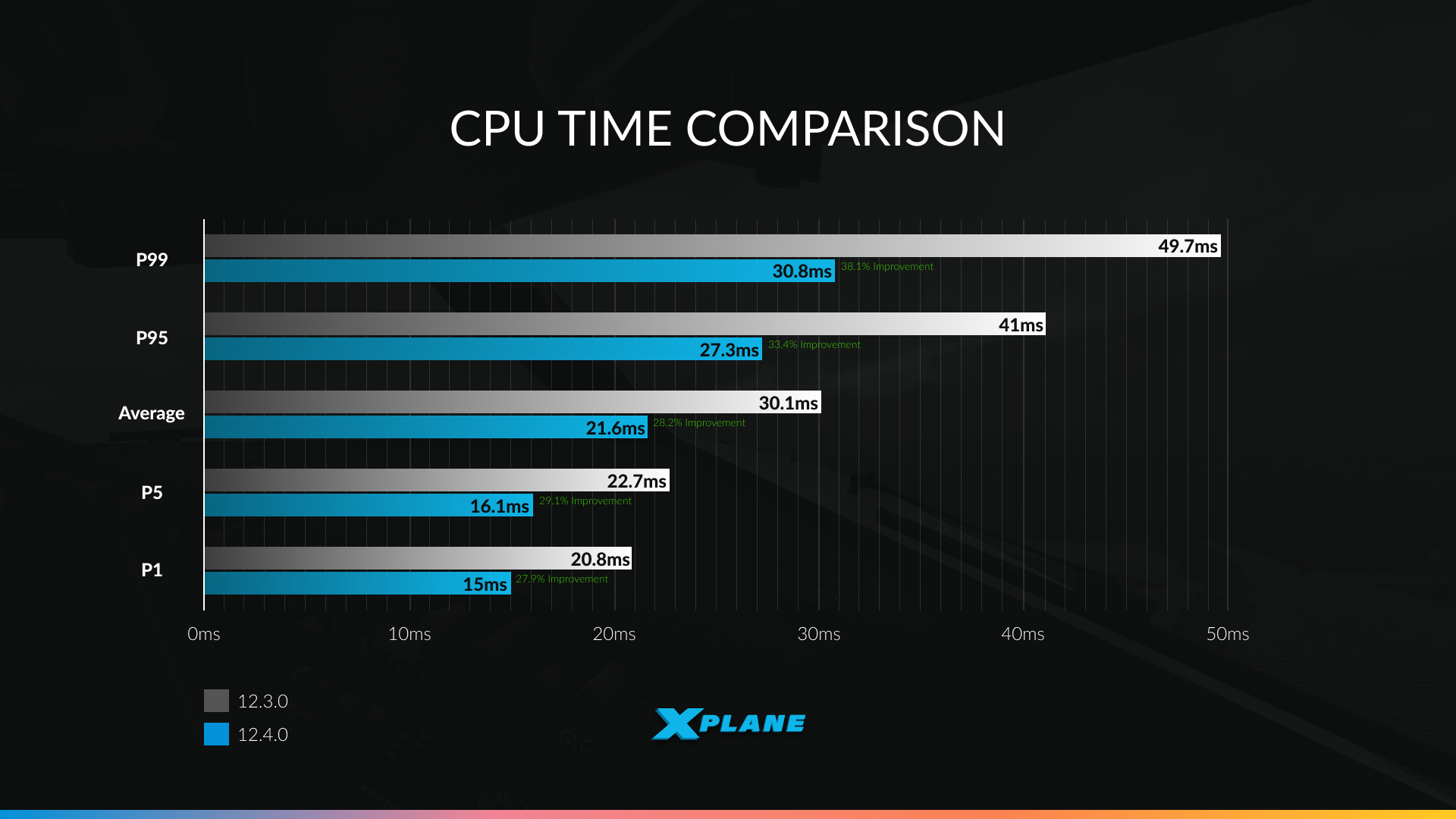
These are our internal tests showing CPU time comparisons between X-Plane 12.3.0 and 12.4.0 across different percentile scenarios. To understand the data, you need to know what percentiles represent. Think of percentiles as a way to describe performance across different scenarios:
- P1 represents the best performance – those quick, easy frames with minimal scenery complexity
- P5 captures the top 5% of fastest frames
- Average is the typical experience most of the time
- P95 represents more demanding scenarios – 95% of frames render faster than this
- P99 captures the most demanding 1% of frames – complex airports, dense scenery, the worst-case scenarios that used to cause stutters
Lower CPU times are better, meaning more processing power available for other tasks or higher frame rates. The improvements are most dramatic at P95 and P99, which means those demanding moments that used to cause performance drops are now significantly smoother.
The results are encouraging:
- P1 (best case): CPU time reduced from 20.8ms to 15ms – a 28% improvement
- P5: From 22.7ms to 16.1ms – a 29% improvement
- Average: From 30.1ms to 21.6ms – a 28% improvement
- P95: From 41ms to 27.3ms – a 33% improvement
- P99 (worst case): From 49.7ms to 30.8ms – a 38% improvement
Your results will depend on your CPU’s core count and architecture, your current bottleneck (CPU vs GPU), and the complexity of the scenery you’re flying over. Systems that were previously CPU-limited will benefit the most.
Alpha Testers
In the spirit of transparency, we’ve taken a random sample of results from our alpha testers. These are the raw results. System configurations vary wildly, but they give you a more realistic look at what different users might experience. This is also why we do internal testing – to see the difference between our own desktops and real-world systems.
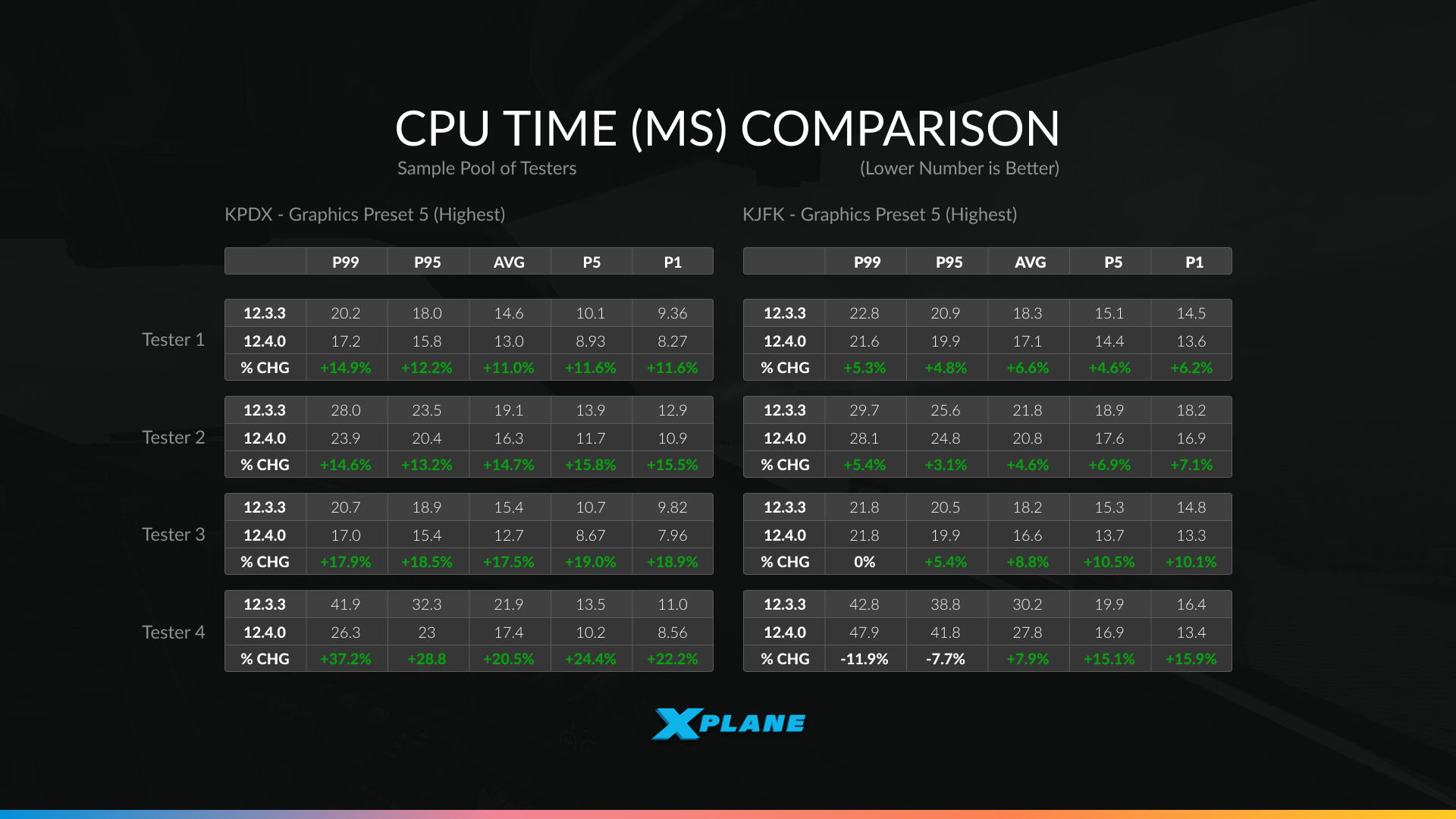
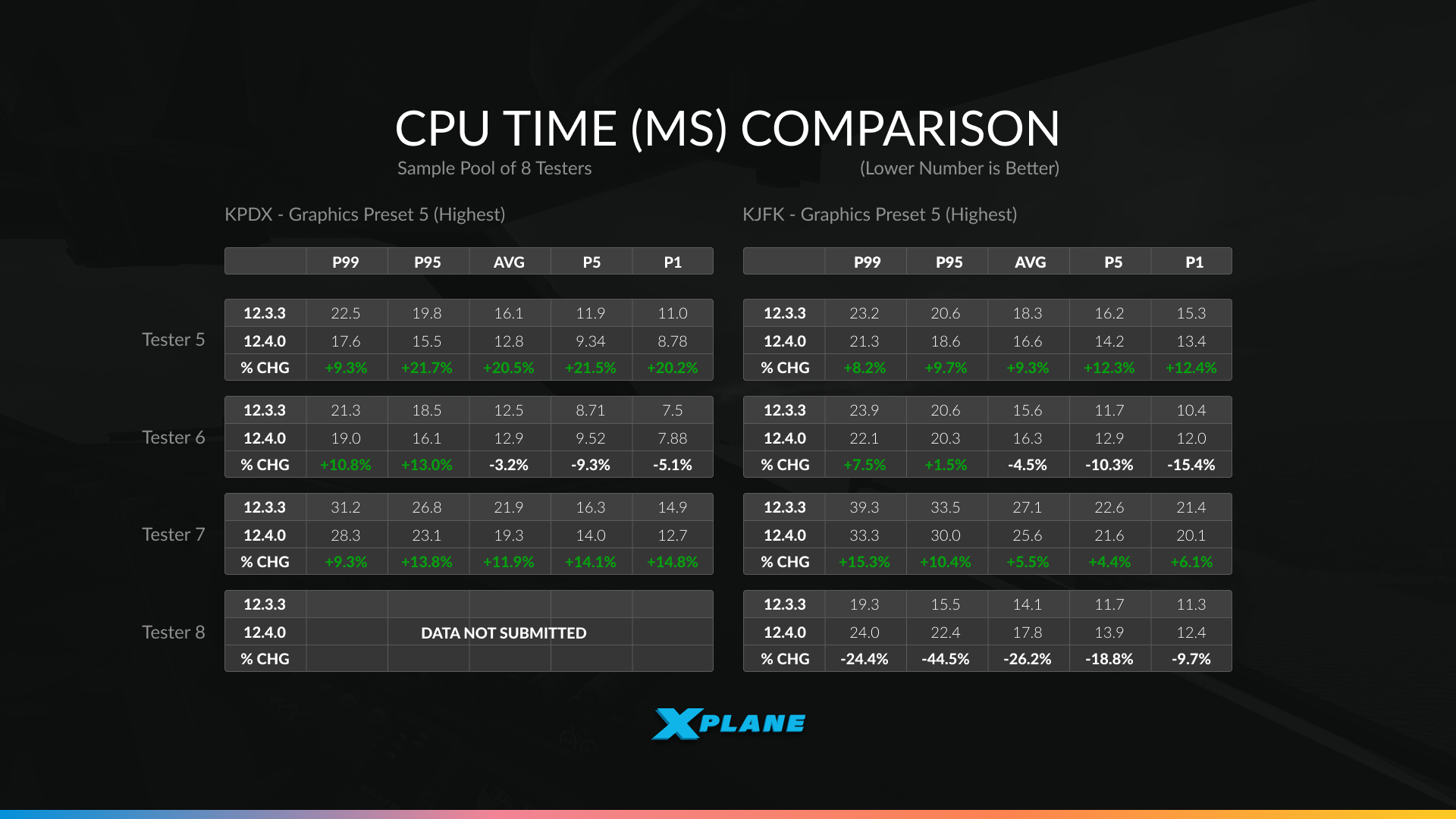
The data collected from our alpha testers are running a variety of hardware configurations at two demanding airports – Portland International (KPDX) and John F. Kennedy International (KJFK), both at Graphics Preset 5 (Highest):
The results show exactly what we expected from multi-core optimization – highly variable performance depending on your system:
- Significant improvements: Tester 2 saw gains up to 15.8% at KPDX and 13.1% at KJFK. Tester 7 achieved improvements ranging from 7.9% to 14.8%. These systems were clearly CPU-limited and had cores available for the new multi-threaded scenery processing.
- Moderate improvements: Testers 1, 3, and 5 saw gains typically in the 8-12% range across most scenarios – solid improvements that translate to smoother performance in demanding areas.
- Minimal or mixed results: Tester 4 actually showed a slight regression (-7.7% to -11.9%) at KJFK, while Tester 6 had mixed results with small losses in some scenarios. Tester 8 showed significant variation between the two airports (-24.4% at KPDX but gains at KJFK).
What does this tell you?
- If your system was already GPU-limited, had fewer CPU cores, or had other bottlenecks, you may not see dramatic improvements.
- The multi-core work shines brightest on modern multi-core CPUs at complex airports where scenery processing was previously the bottleneck.
- Your results may vary significantly from these examples.
Remember, this is just one milestone of improving the performance of X-Plane. There is more to come in the future!

12.4.0 is in Public Beta now!

We really hope you’ll enjoy this release and see some performance improvements on your system. Maybe you’ll find some time over the holidays to explore everything new in 12.4.0 – whether it’s mastering the A330’s cold and dark procedures, testing the new avionics features, or simply enjoying smoother performance at your favorite airports.
For additional details and a comprehensive list of all changes, check out the full release notes.
Happy holidays and happy flying!

The post What’s new in 12.4.0? appeared first on X-Plane.
]]>The post X-Plane Roadmap Update – December 2025 appeared first on X-Plane.
]]>Well, as the season wraps up, let’s have a review of what we’ve done this year, and a little peek at what is ahead…
2025 in Review
12.1.3 – The ATC Update
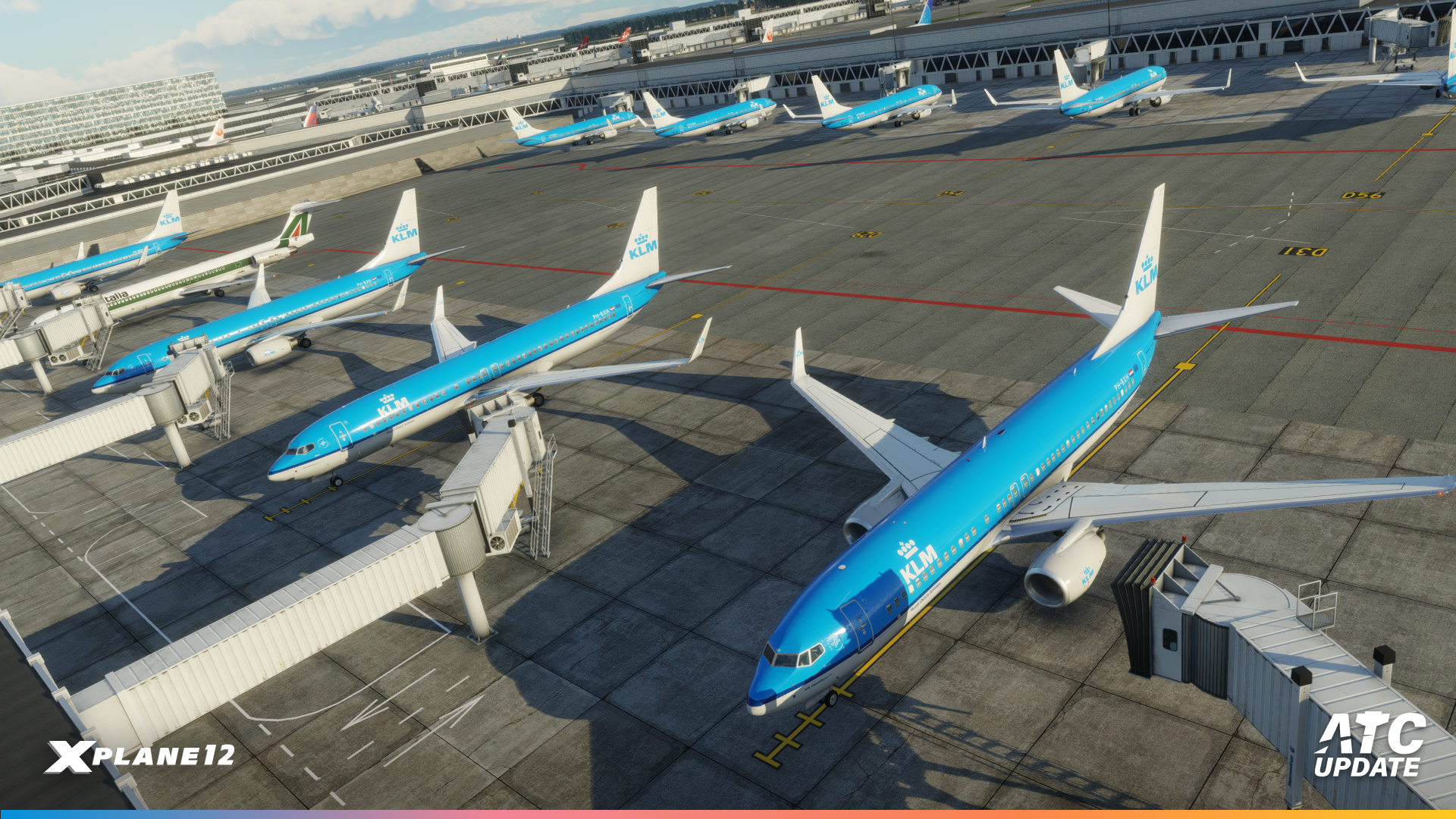

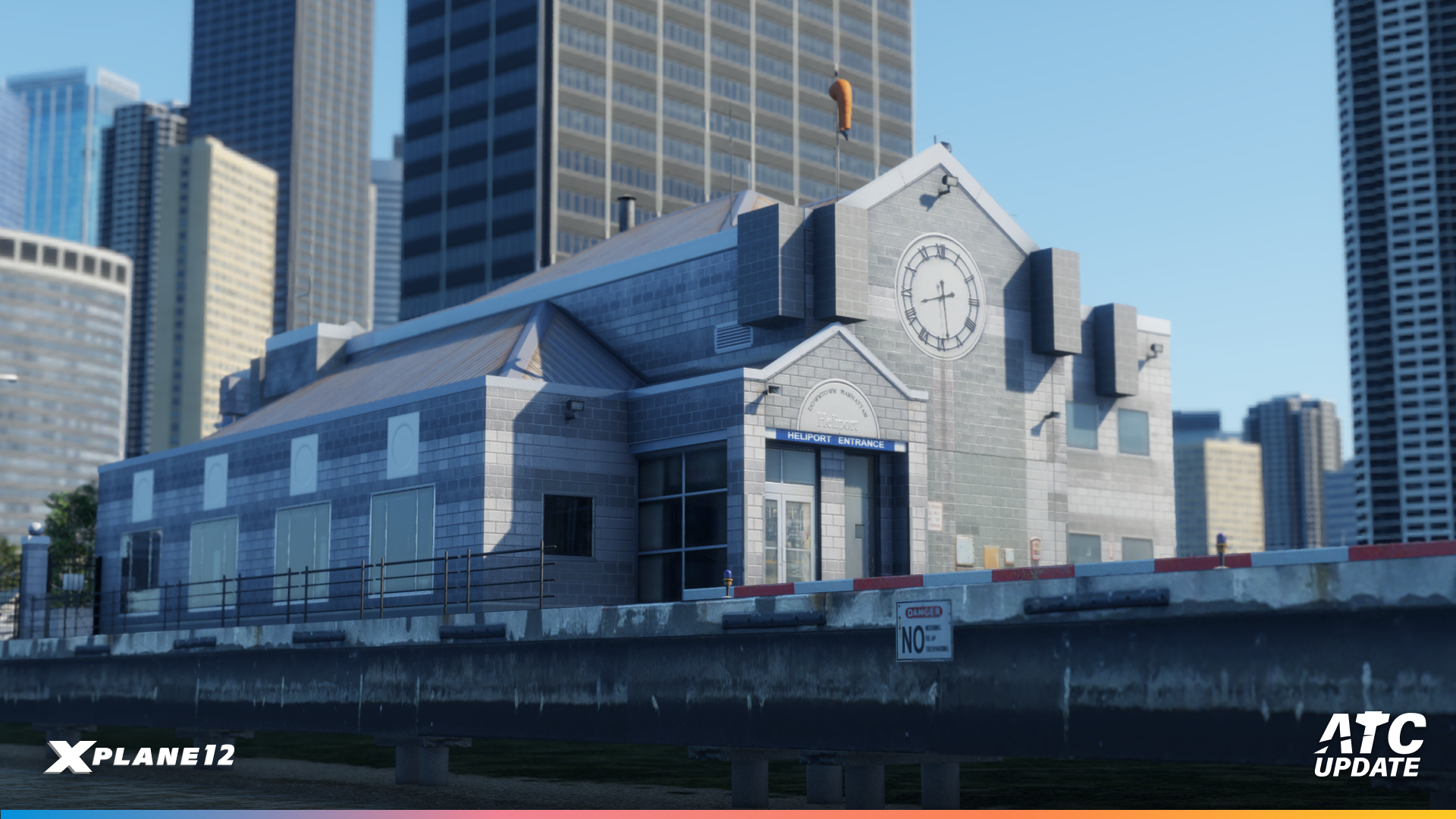
Firstly, we kick-started the year with the release of the ATC Update! This update delivered a major overhaul of X-Plane’s built-in air traffic control — making the sim’s ATC far more realistic and flexible, including proper support for IFR and VFR procedures, including SIDs/STARs, plus the option to request alternate runways or divert mid-flight. You can also route ATC audio to a separate output device (for example, using speakers for aircraft sounds and a headset for ATC).
Weather-handling and cloud visuals also saw improvements: better METAR and wind data interpretation, smoother altitude/pressure transitions mid-flight, refined cloud rendering, and fixes to NEXRAD display issues. Whirlybird aficionados (we are looking at you HeliSimmer) were also treated to the release of a new custom airport (the Downtown Manhattan Heliport, KJRB), expanding helicopter and commuter routing possibilities.
12.1.4 – The Flight Lessons Update
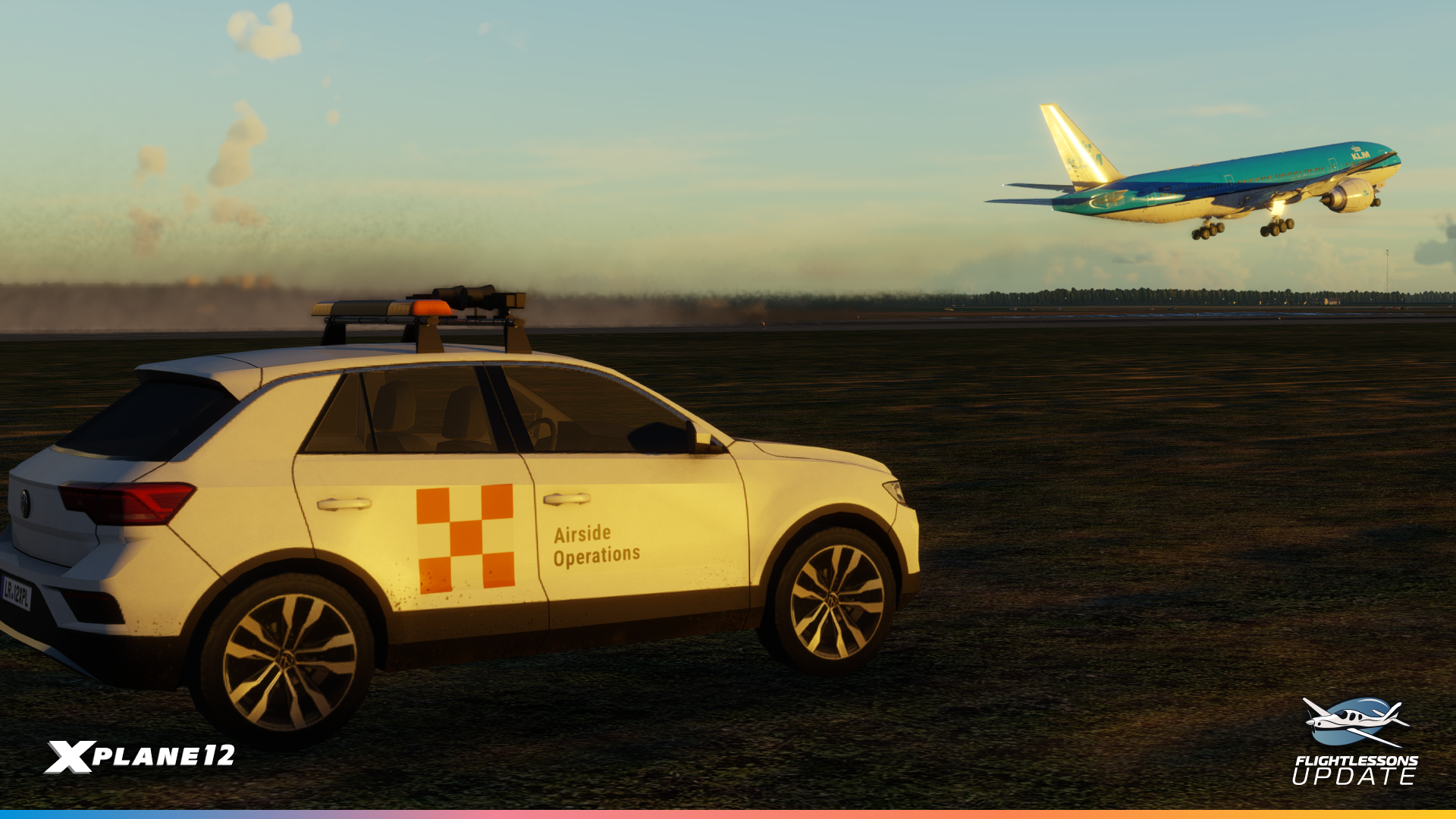
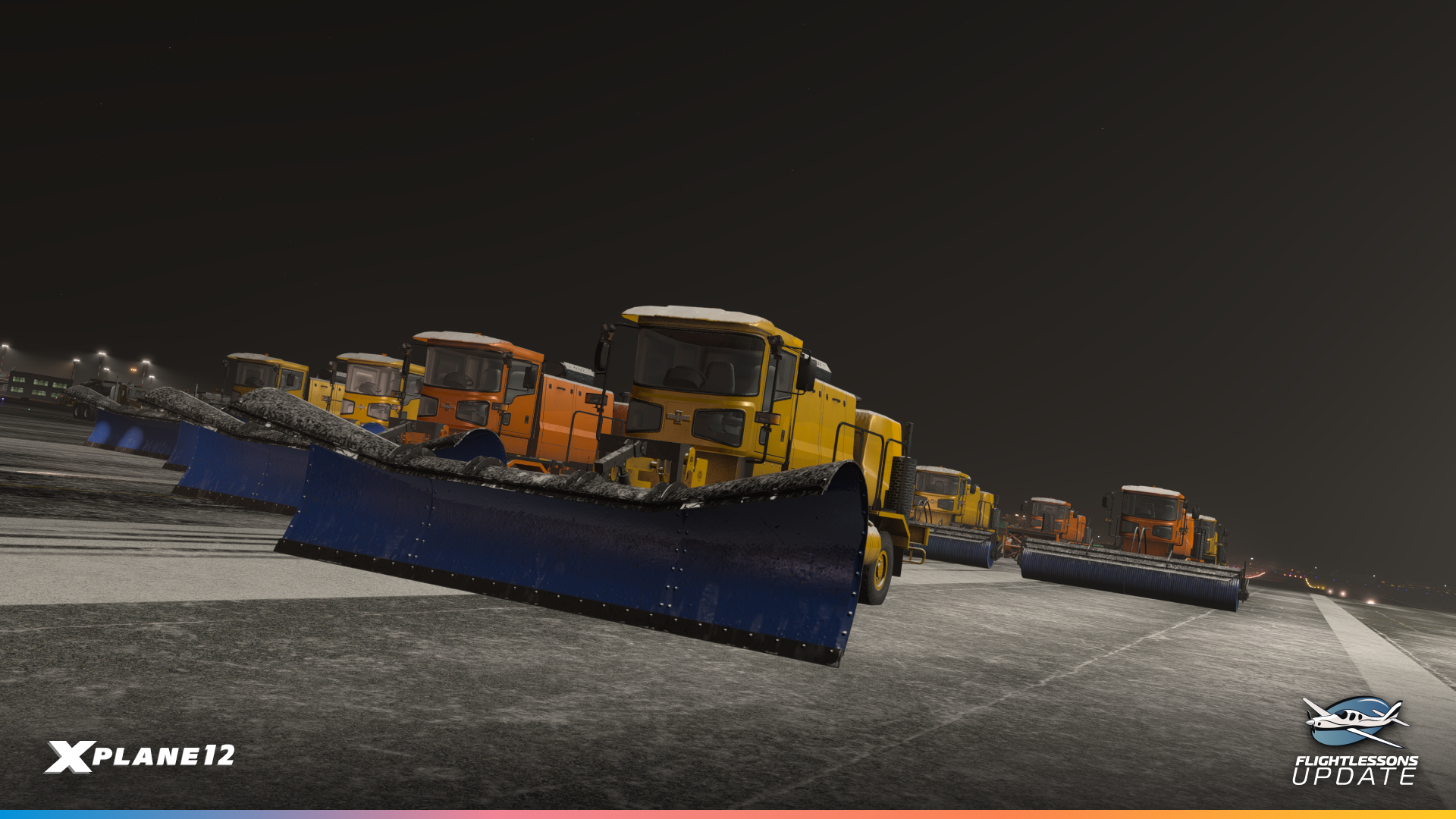
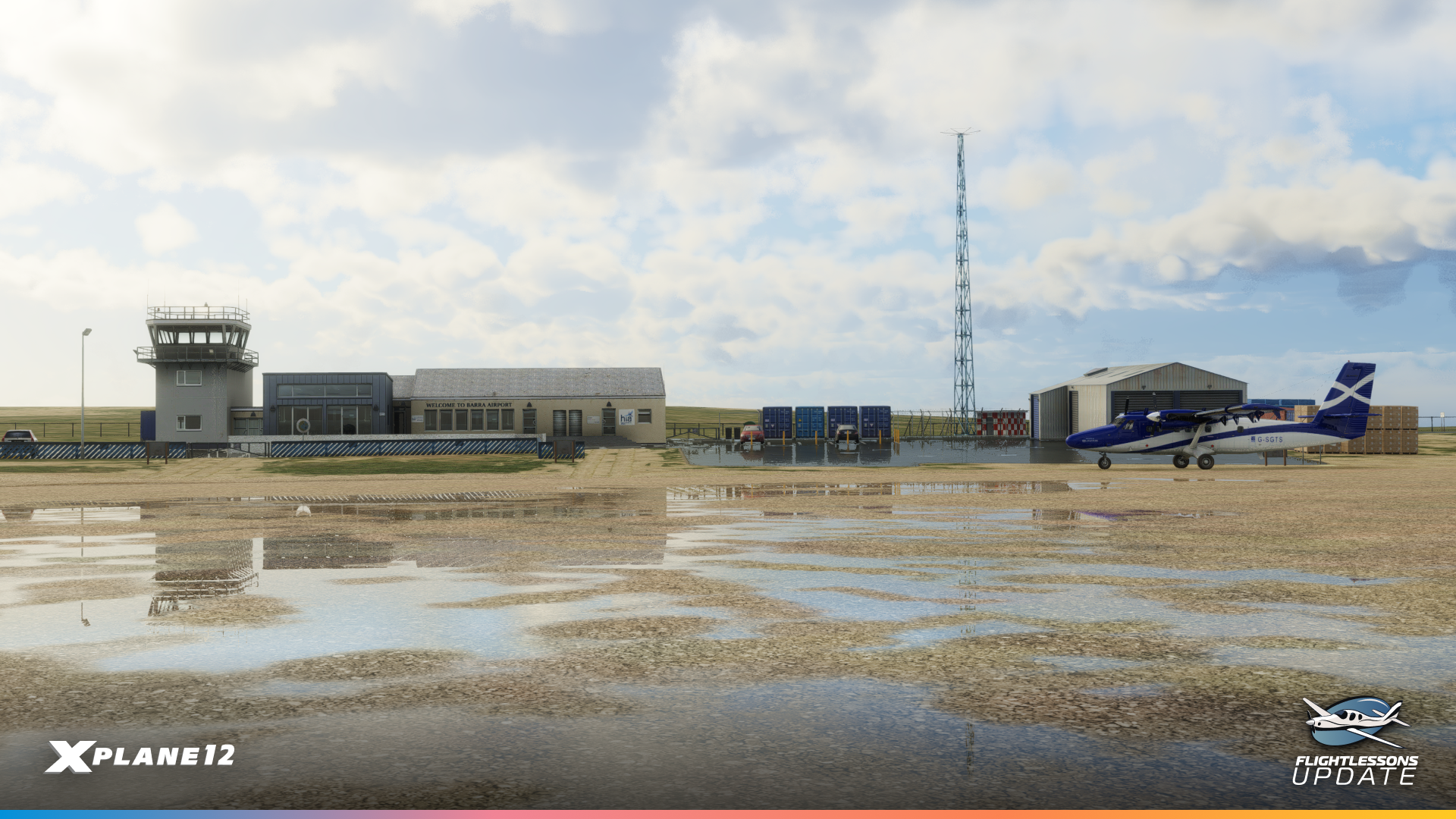
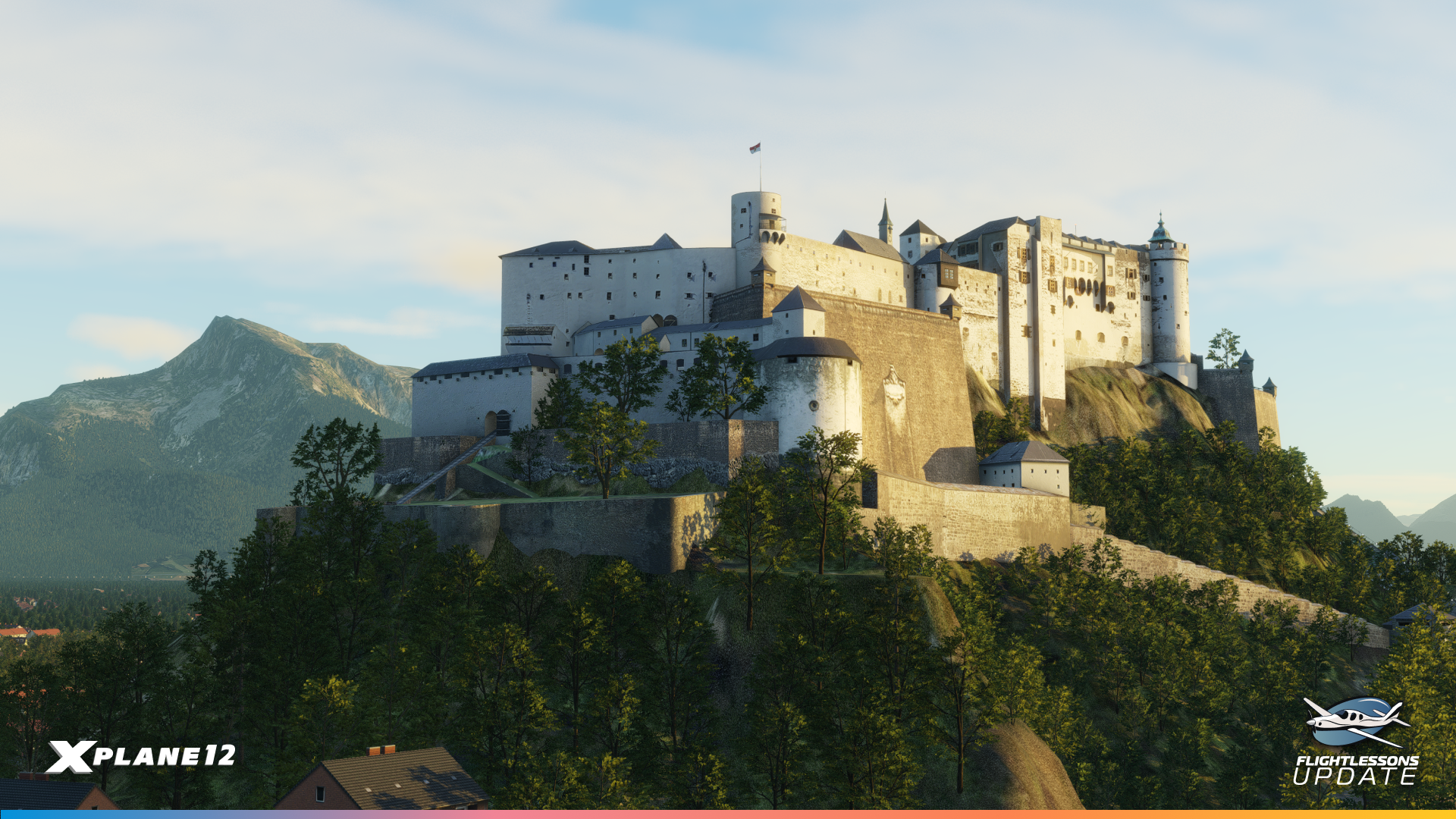
Secondly, we have the Flight Lessons update… which as the title suggests, updated the default mission set featuring Austin Meyer! However, under the hood, we also took the time for smaller but important improvements (for aircraft, ATC, and scenery alike), smoothing out rough edges and improving overall user experience. We also updated Salzburg and Barra airports, offering more unique and challenging airports to the community!
12.2.0 – A Graphics Update
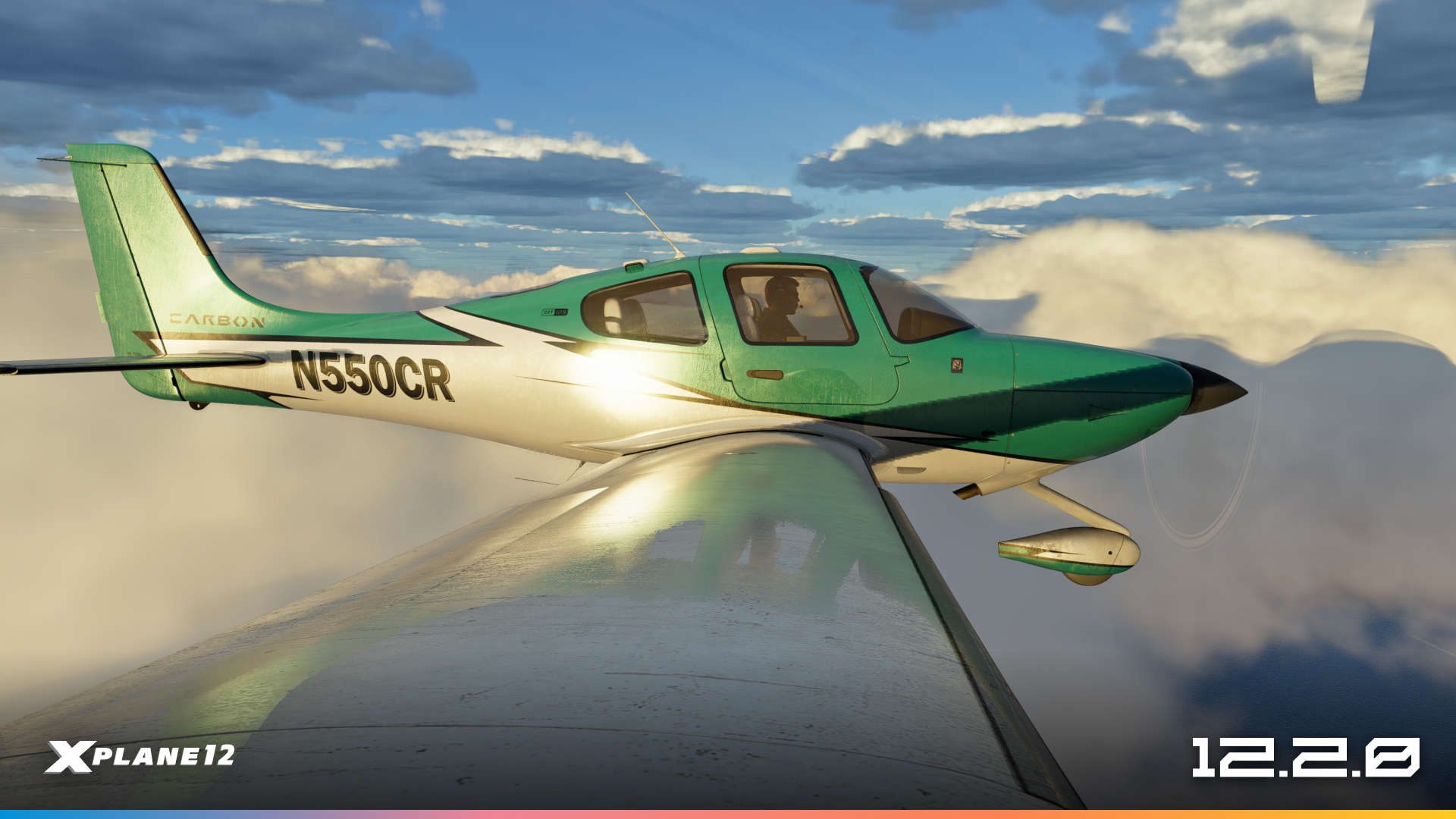
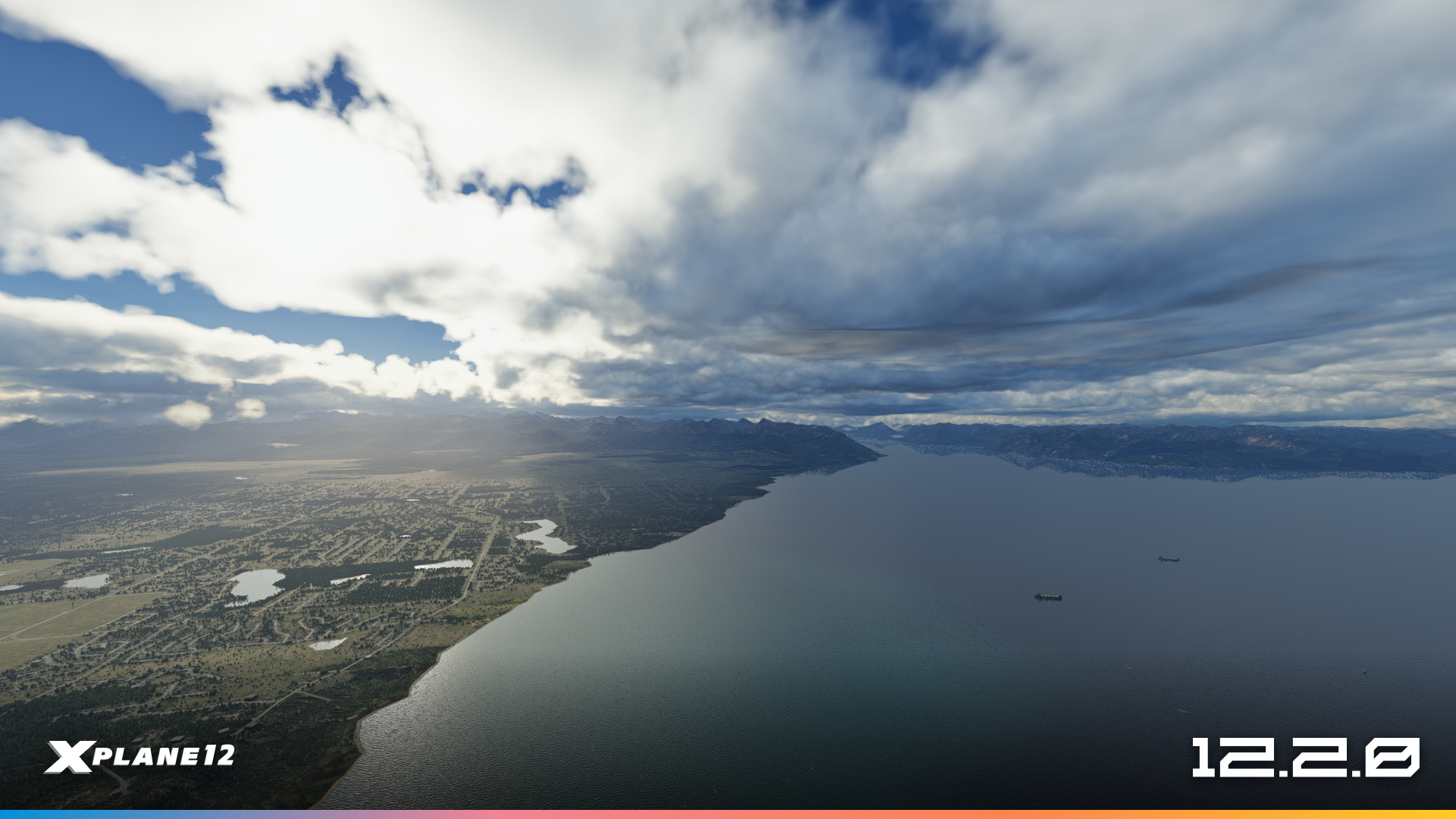
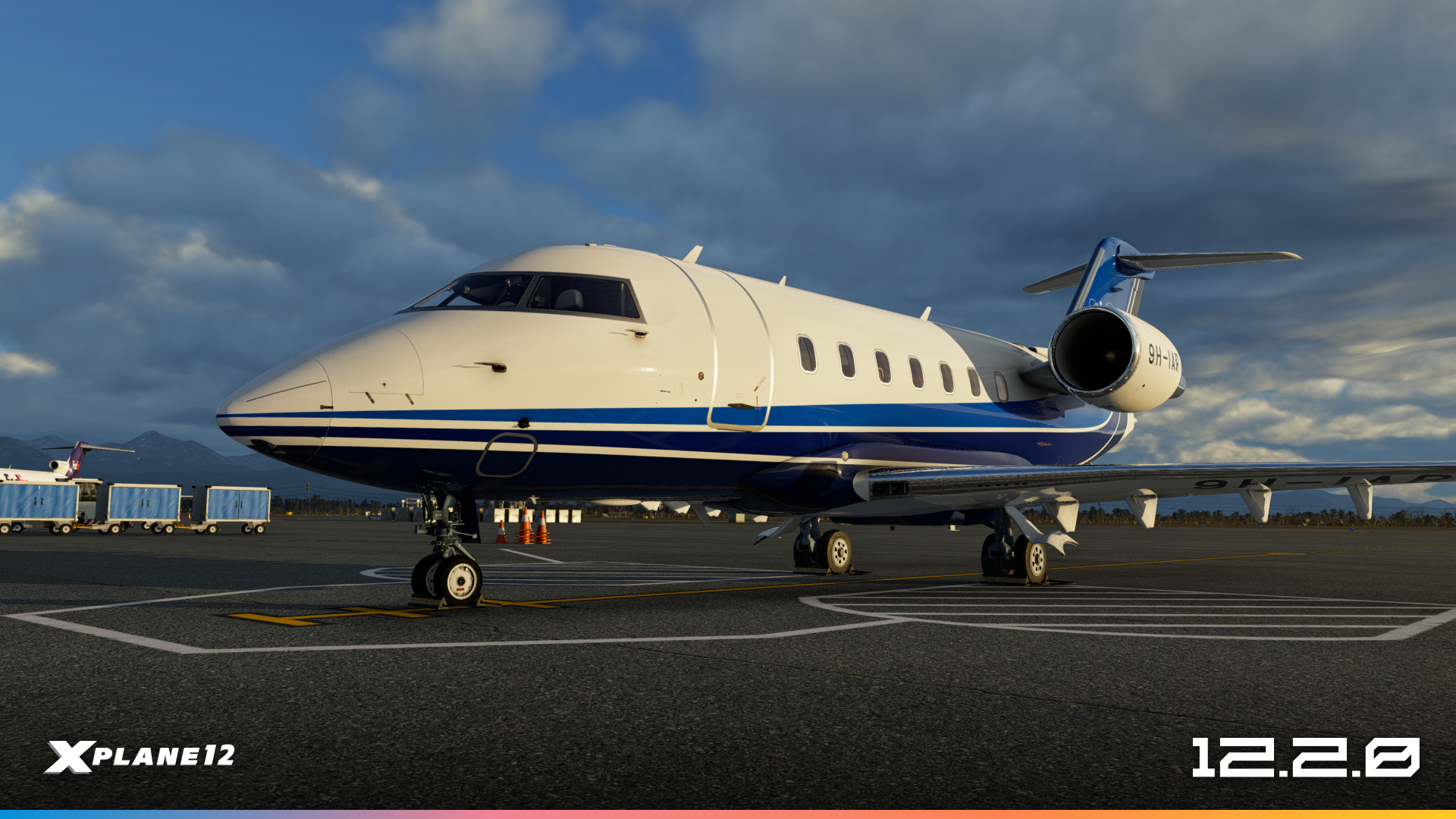
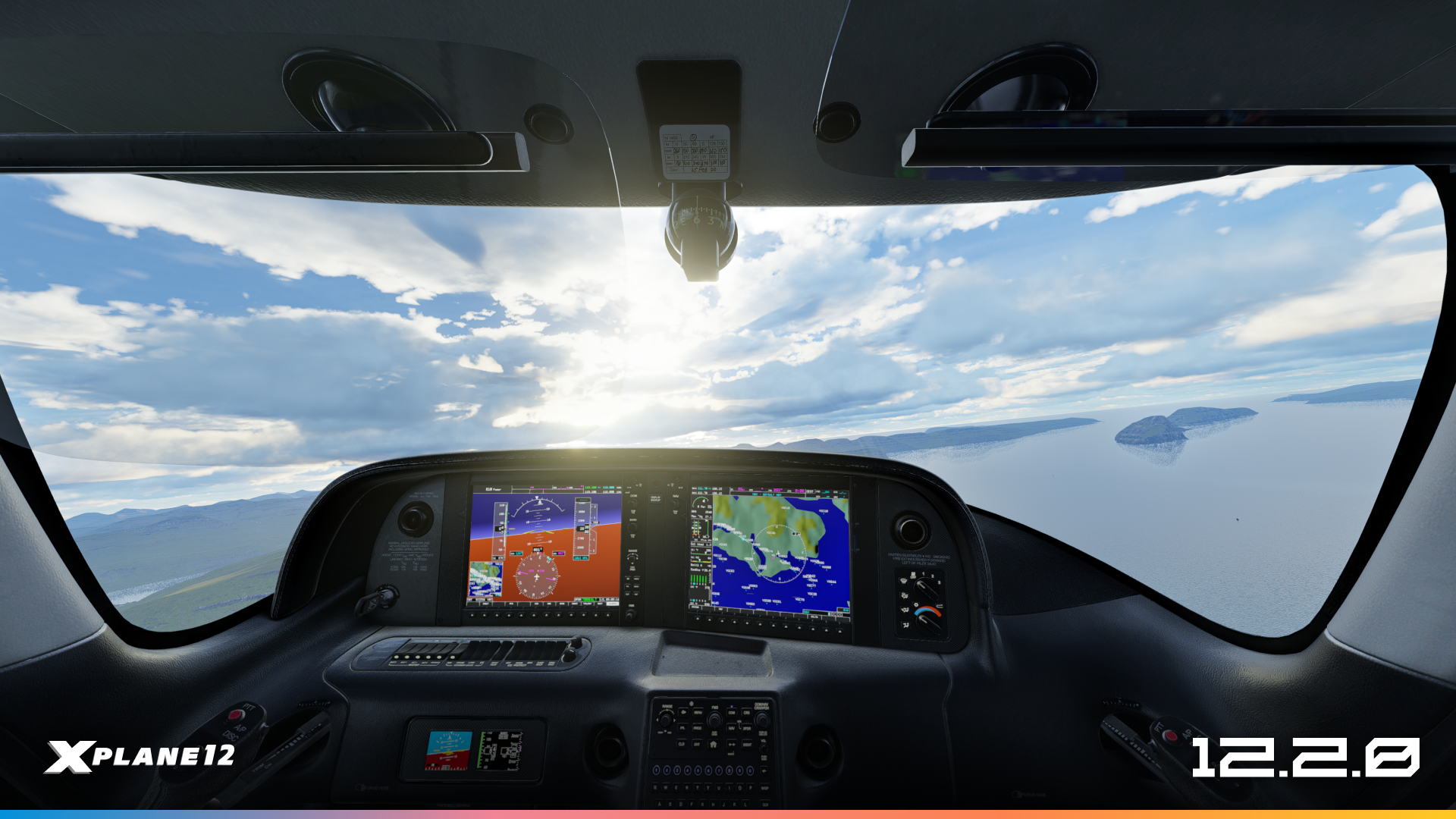
Third, our first major update of the year, 12.2.0, introduced new cloud rendering and visual graphical improvements to the sim. We loved the extremely positive reception to this update. We had been working on this for quite a while, and it represents an important step towards our plans for graphical overhauls for the simulator. We browse Discord and Reddit daily, and some of you are absolutely cooking with the screenshots!
12.2.1 – The Gateway Asset Update
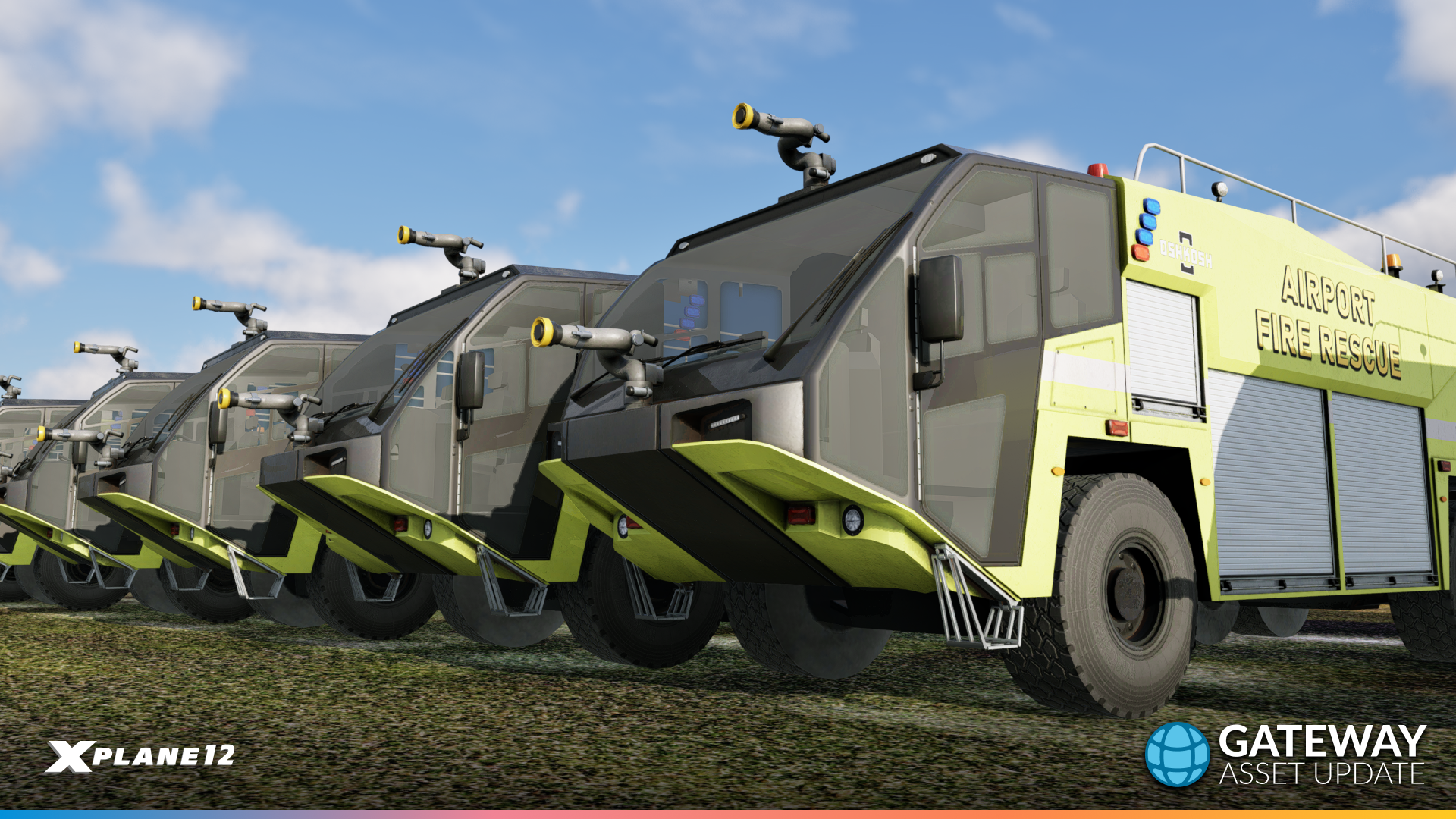

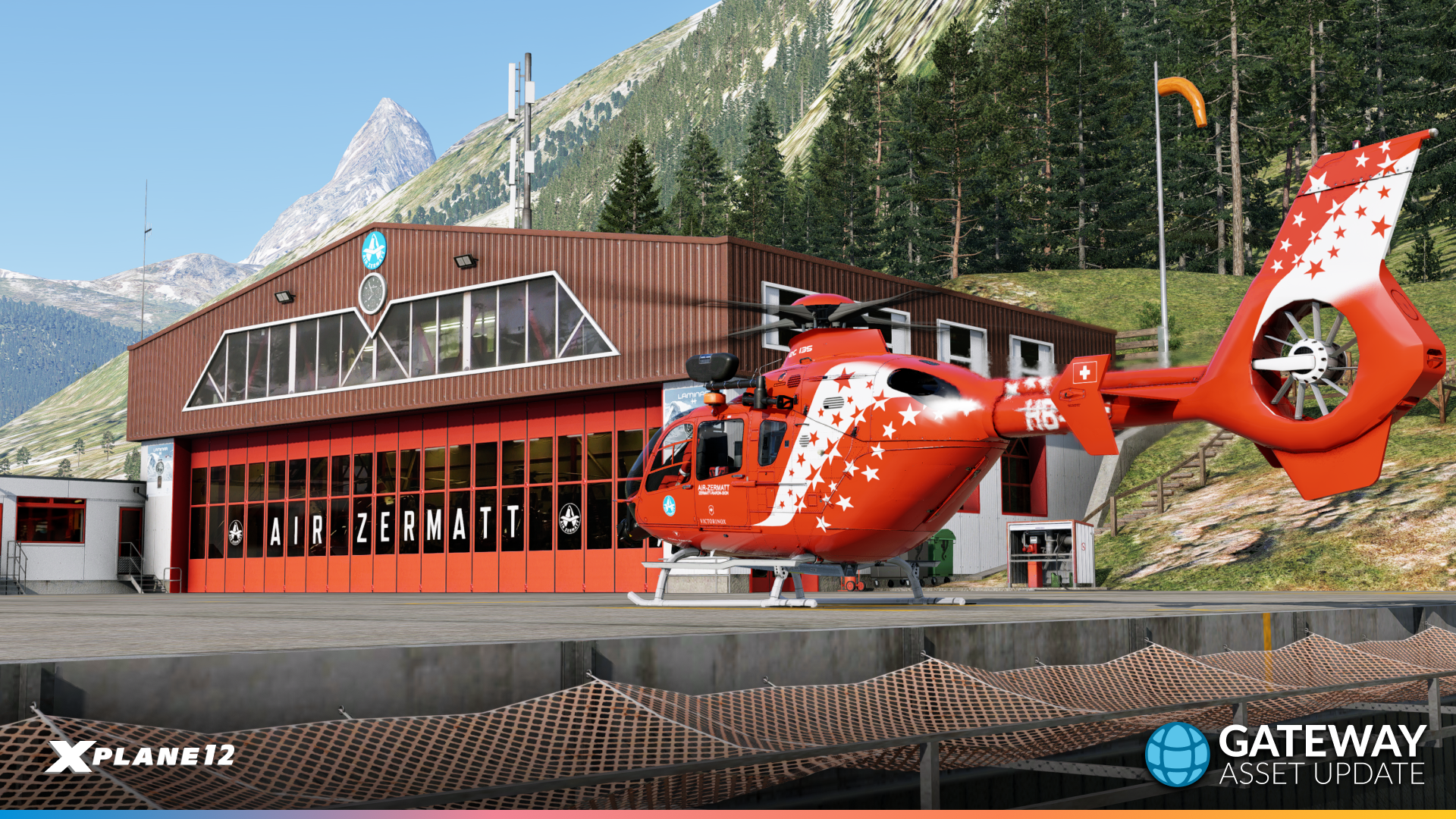
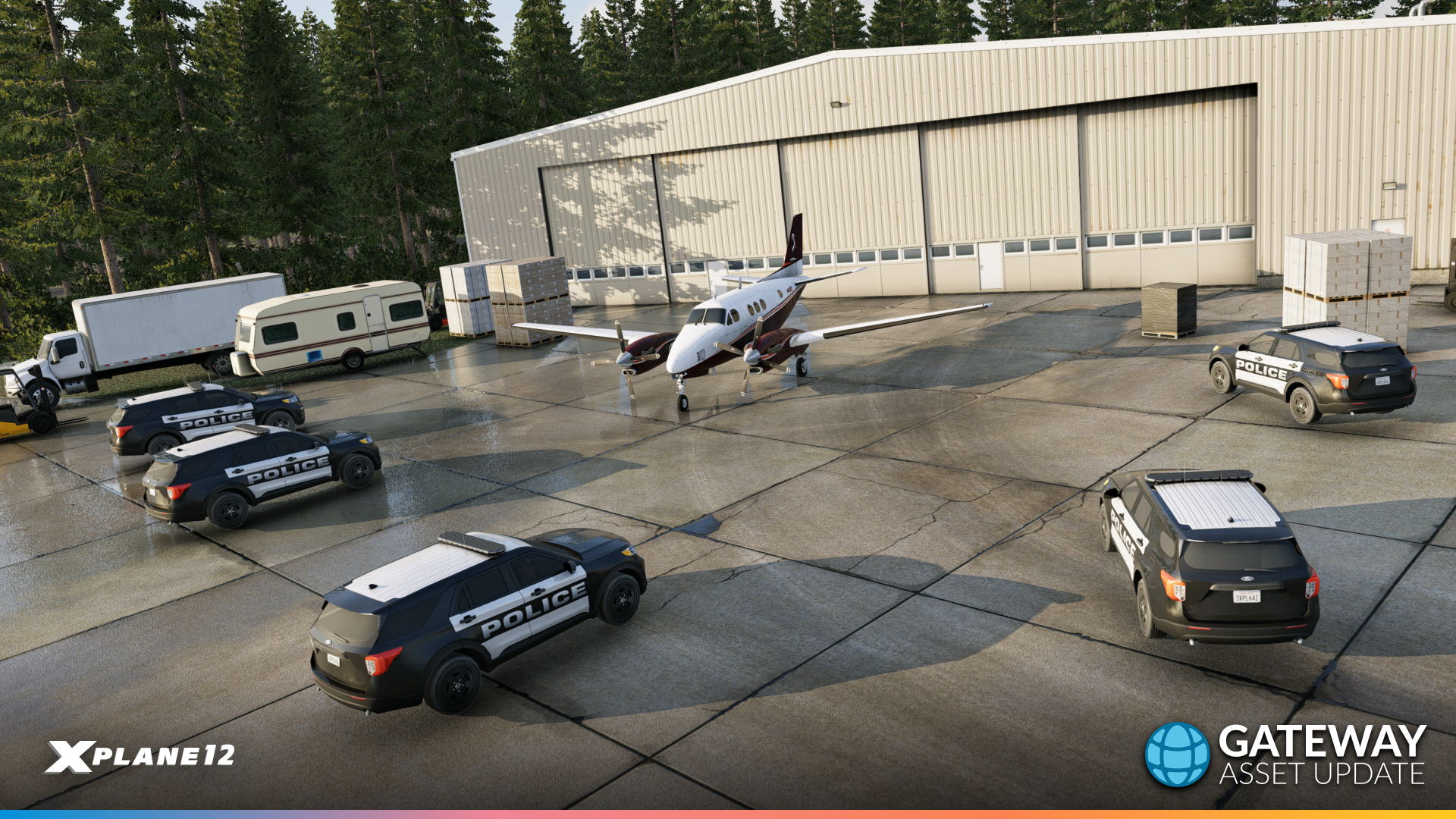
Just after FSExpo, we released the gateway asset update. As part of our strategy for next-gen scenery, we decided to poll out desired assets by the community. The scenery team has taken the challenge to heart and released a first batch of new assets to the community (with much more on the way for future updates!)
12.3.0, 12.3.1 & 12.3.2 – The Weather Update
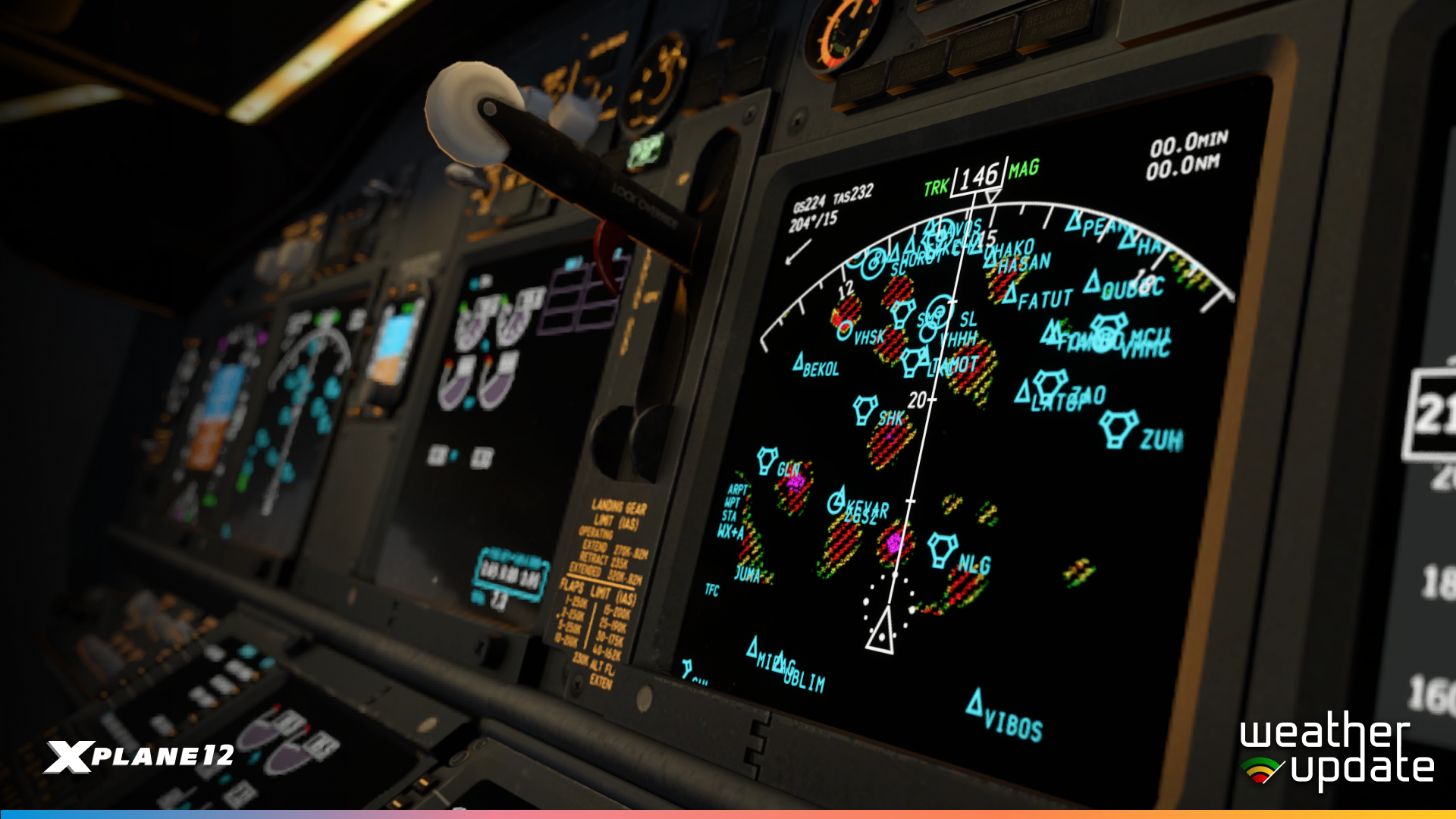
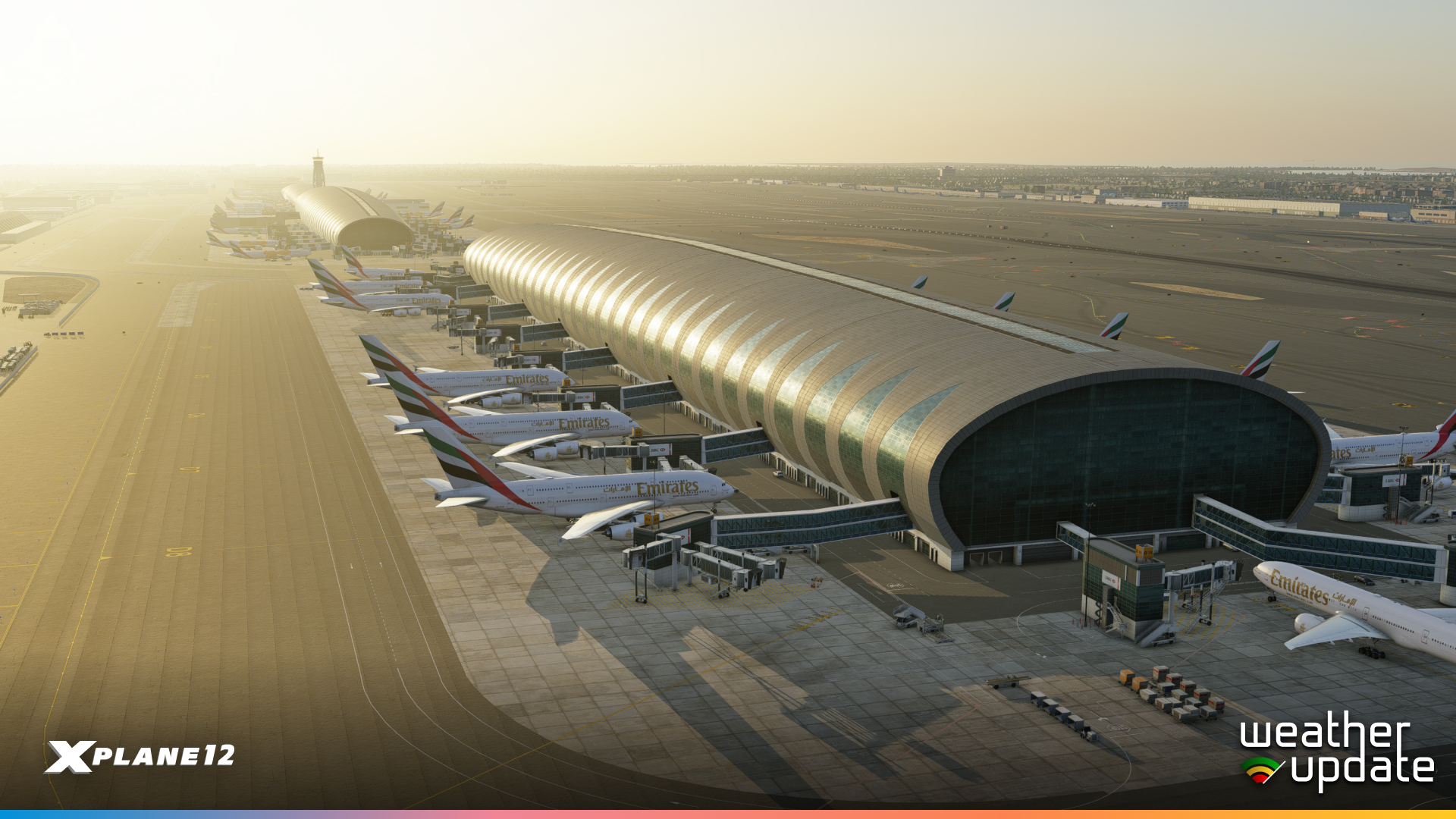
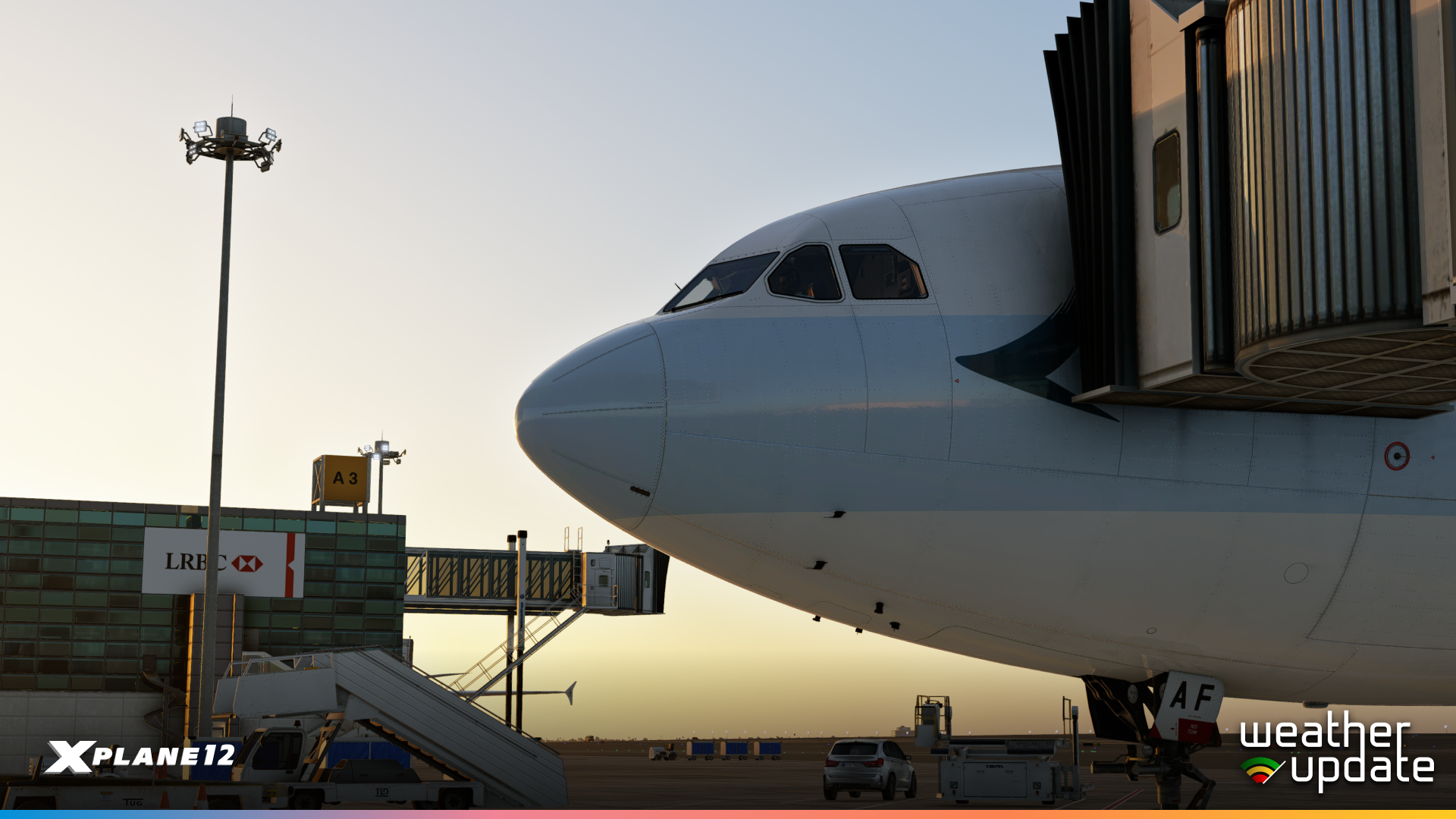
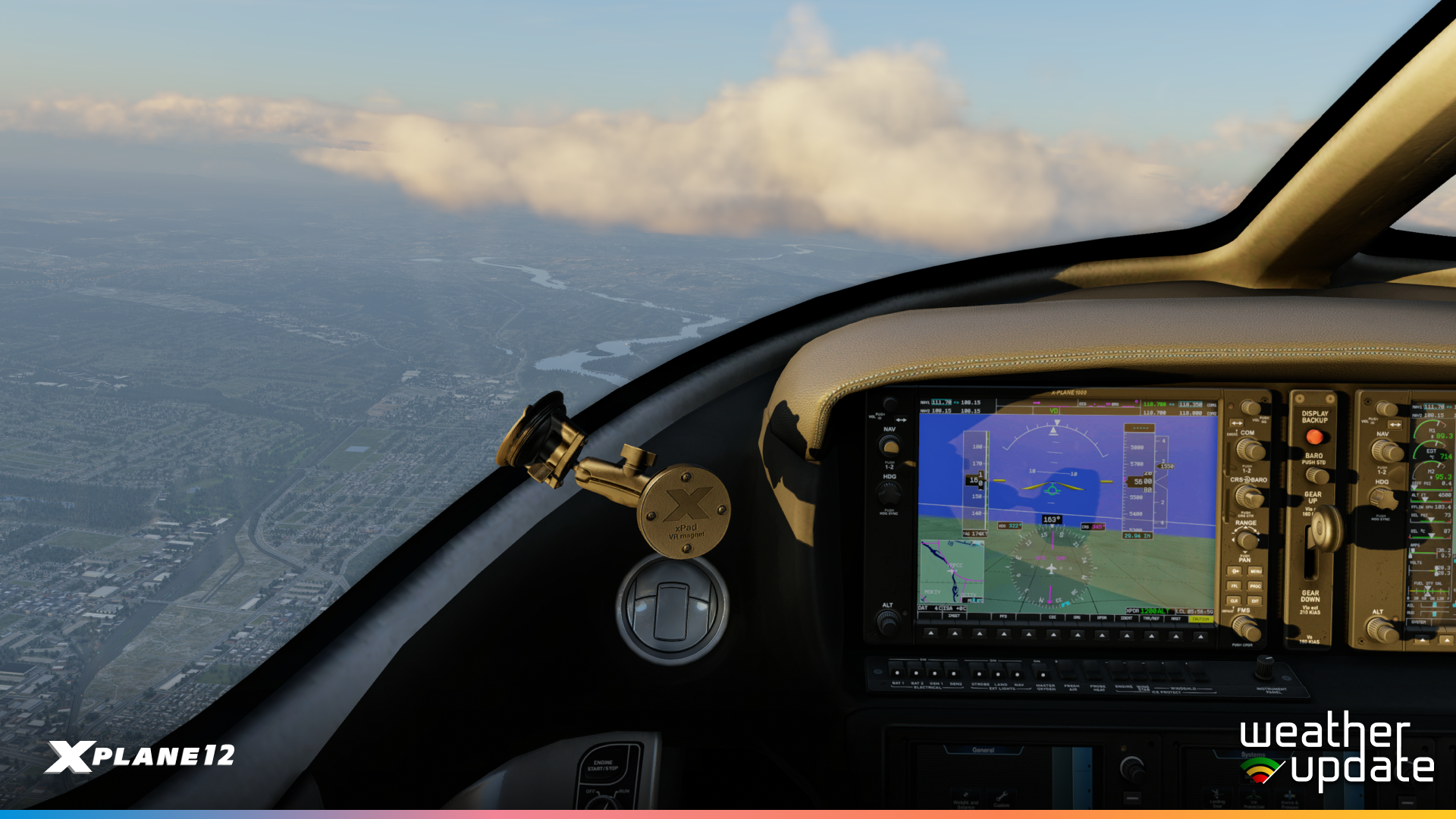
And for our final releases, we have The Weather Update, one of our largest milestones of the year. We’re a company with a love for detailed simulation, so the weather radar was a must-have for us! This thing actually scans the cloud returns in real time, giving pilots a full 3D-preview of the cloud structure (and good clues as to how dangerous in-cloud flying can be). Accompanying this are NEXRAD, WXR, and WX APIs, A330 Updates, and our best-looking enhanced airport to date… OMDB – Dubai International Airport.
All of these updates are a result of internal changes we’ve made to get your most desired content to you faster! We want to drive this simulator in a way that can be critically driven on your feedback, and can shorten the timelines between development and release!
Where are we flying to next…

Our next stop will be 12.4.0 – The C-Check Update. So named because a C-Check is a periodic inspection of an aircraft after a certain amount of time or cycles. That’s what we feel this update is all about, a more comprehensive check-over of the sim, our aircraft and avionics!
We think this will be an exciting update for users. Whilst we can’t disclose all the features just yet 😉, we can reveal that we will be taking another look at our A330. The A330 is unashamedly our baby, being one of our most complex aircraft to date… and a really important benchmark for developers on current X-Plane technology. So we knew we could add more to the A330 experience!
This will include a look at resolving the Autopilot stability during in-cloud turbulence, some more intricate system reviews and Hoppie integration for the first time ever in an X-Plane default aircraft! So VATSIM users will be able to fully enjoy ACARS in the A330.
Our default Garmin 430/530 will also receive some updated functionality, including WXR and TCAS overlays. In addition, users can expect to see a new enhanced airport, and some… interesting surprises.
The future
And of course, we have several long-term developments too! Whilst we’re not quite ready to talk about them in full detail just yet, we are making progress towards them. Most recently, with 12.3.2, which included in-app purchases for demo users looking to purchase X-Plane 12, and is the very first instance of the X-Plane Store. Whilst we still have a lot of work ahead, this is a significant milestone in our phased release plan, and we look forward to sharing more in the future! This update lays a large chunk of the foundation needed to make that happen!
And of course… we hear you on scenery! Next-gen scenery is our top priority, however, this is no walk in the park. With our current DSF scenery system being roughly around 20 years old, there is a significant amount of work needed for a more modern system. Every single update so far has had something either openly or quietly added in the background to get us closer towards this. Rest assured, we have plans for this…
Before we head off…
We want to say a massive thank you to the community. For all of your love and support over the year! All your suggestions and feedback (including the feature requests and the art-asset polls). The Gateway artists, the moderation team on our Discord and the unofficial Reddit, and our fantastic third-party developers… who have made some cracking addons this year! (And we know about some of their plans for next year… we can’t contain our excitement)
2025 has been a fantastic year for X-Plane. Let’s make 2026 even better! Happy festive season everyone! 🎄
The post X-Plane Roadmap Update – December 2025 appeared first on X-Plane.
]]>The post What’s new in 12.3.1? appeared first on X-Plane.
]]>It’s the little things in life that matter
Sometimes the best updates are the ones that quietly fix the things that were getting in your way. X-Plane 12.3.1 is exactly that – a focused collection of fixes that polish the experience and remove those little annoyances.
This release addresses waypoint icon display issues when using weather radar on aircraft with our legacy WXR system, restores proper Air Manager integration, and resolves a shader logging issue that was causing crashes for some users. We’ve also released a new installer that you can download from our website.
X-Plane 12.3.1 is in public beta now!
For additional details and a complete list of changes, check out the full release notes.
The post What’s new in 12.3.1? appeared first on X-Plane.
]]>The post How to build a 747 – A WorldFlight Story appeared first on X-Plane.
]]>Pilots around the world spare no expense in bringing that experience into their offices, garages or living rooms (provided their significant other can tolerate the sunk cost). To build one’s own cockpit is a monumental effort, often done with a sharp engineering or creative mind, and the close collaboration of like-minded folk.
And somewhere in a tiny unit in San Jose, CA… a group of simmers are racing against the clock to build their own sim-cockpit, in time for WorldFlight 2025. However, there’s one catch… There are no off-the-shelf components specifically tailored for simulator use available to help them. They will have to build their 747-200 FROM SCRATCH!
1. Meet the “Jurassic Jets Team”
“I’m Putting Together a Team…”
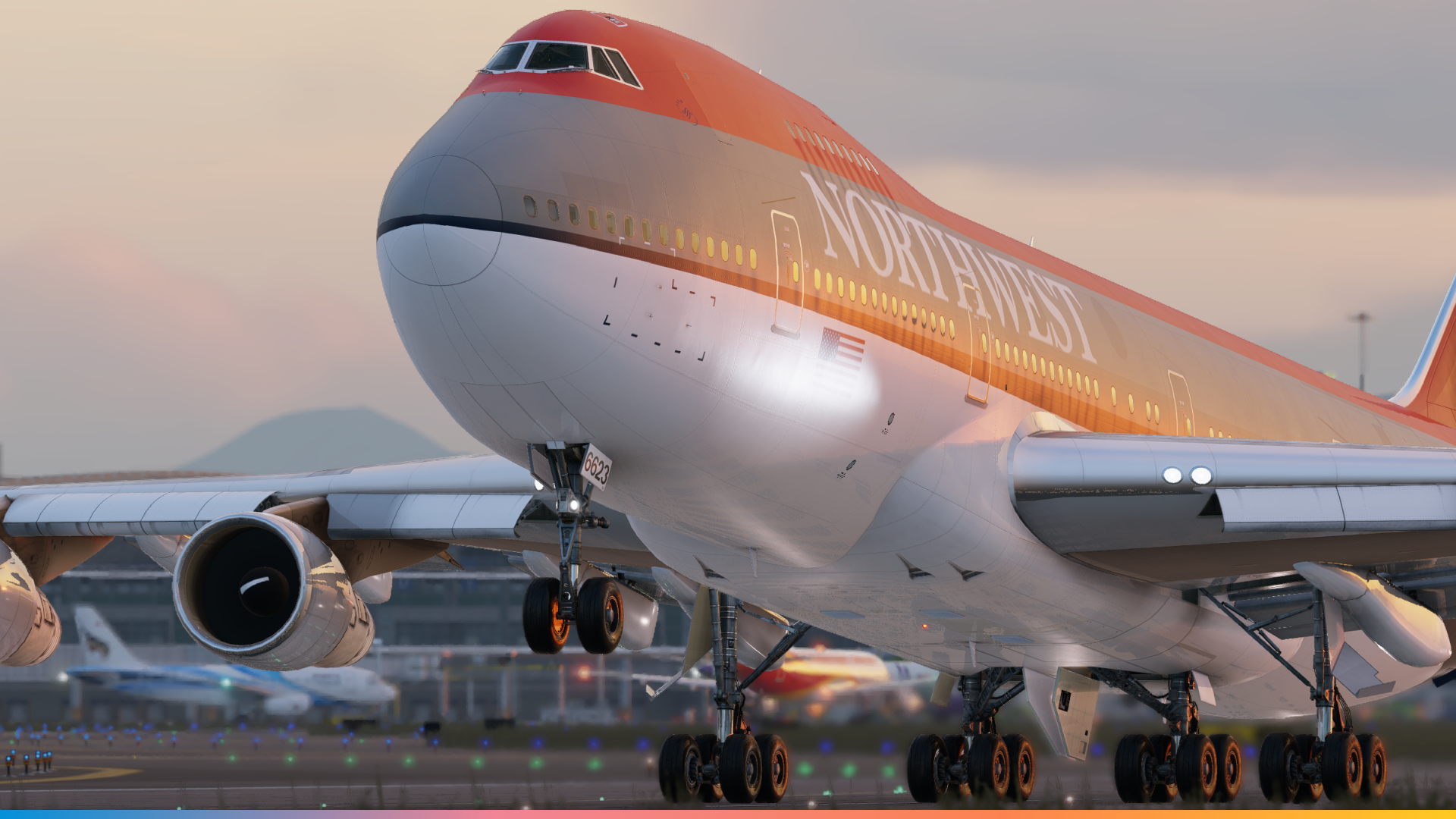
The team will be flying as NWA179 this year
The Jurassic Jets Team comprises like-minded avgeeks who have come together to take on the challenge of building the 747. Justin, Kyle, Jason and Matt, and a few other individuals that many community members may already be familiar with…
Kyle: Our team is mostly just the people who were crazy enough to believe in this project. Our backgrounds range in construction, engineering and aviation. Beyond that we have several people who live further from the sim and help remotely or fly in for worldflight. The sim is based in San Jose, CA, just a few minutes down the road from SJC. The team is mostly based across California with a few of us who live in Seattle and commute to the sim regularly to work on it.
About Justin (Jsnapp1982) – The Captain

Chances are, if you are on Twitch and you are streaming an aircraft with more than 2 engines and built in the 20th Century, you are likely to find Justin! Some users may also be familiar with Justin as the author of the popular commercial third-party plugin – Shared Flight. With the objective of bringing true cockpit CRM to everyone, Shared Flight provides users with a seamless shared-cockpit experience. Pilots can authentically experience the true workload and co-operation needed to operate aircraft such as the 747, Concorde and other such quirky aircraft of their time.

About Kyle (StableSytem)
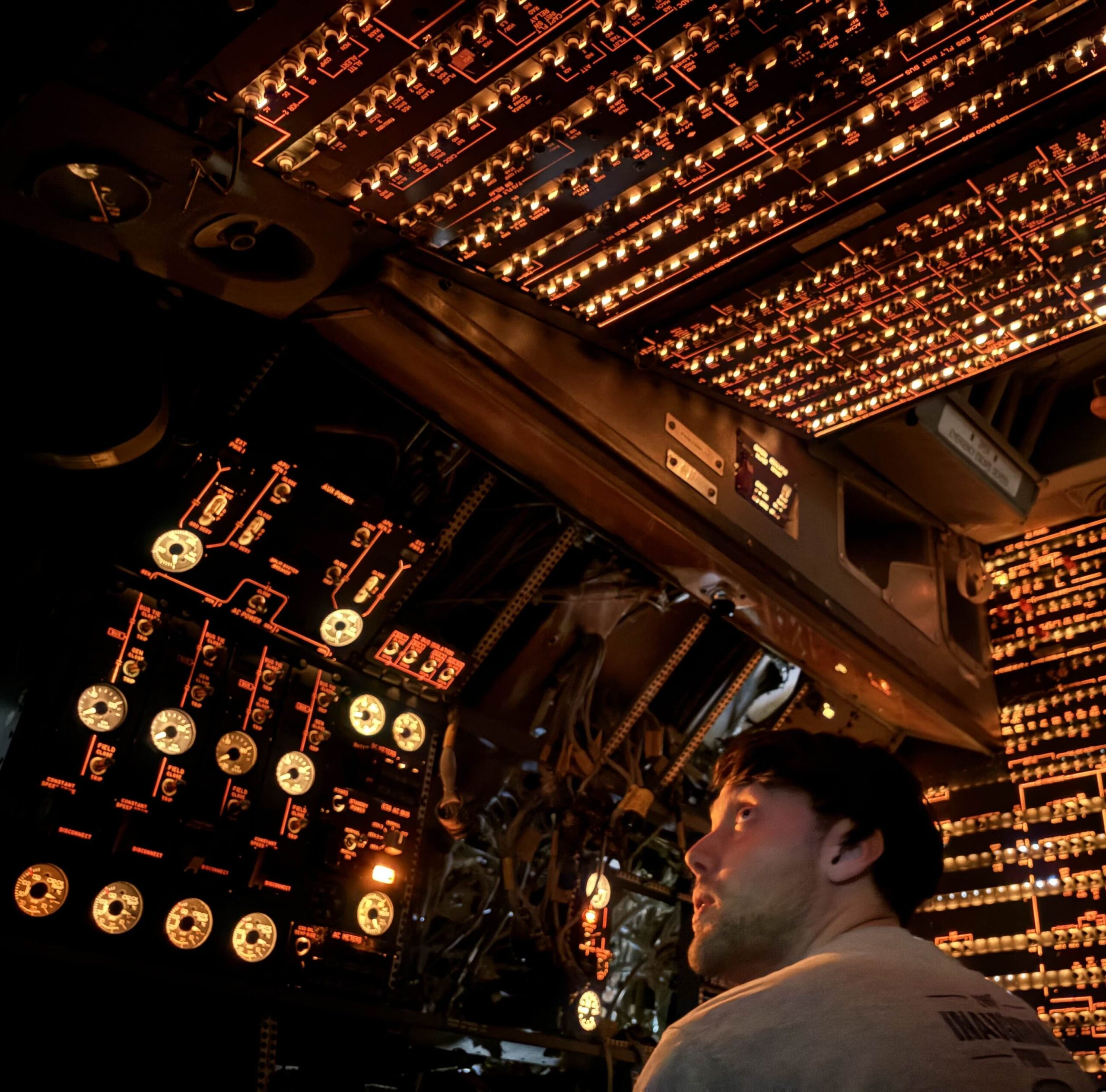
I used to fly FSX as my main sim, and then when X-Plane 11 was announced I decided to give it a closer look. Liking what I saw I bought XP10 and 11, and started playing 10 while waiting for the release. I’ve been with X-Plane ever since, and over the years have gotten deeper into developing for the sim, testing addons, and now the natural progression has led me towards building the ultimate sim, combining my real life engineering experience with my virtual addon development and flight sim experience.
Kyle also doesn’t need much of an introduction. A seasoned scenery developer, many will know his group “Zero Dollar Payware.” A team which has brought fantastic payware and freeware scenery to X-Plane, including Heathrow, Louisville, Anchorage, Hawarden, Incheon and more!

2. What is WorldFlight?
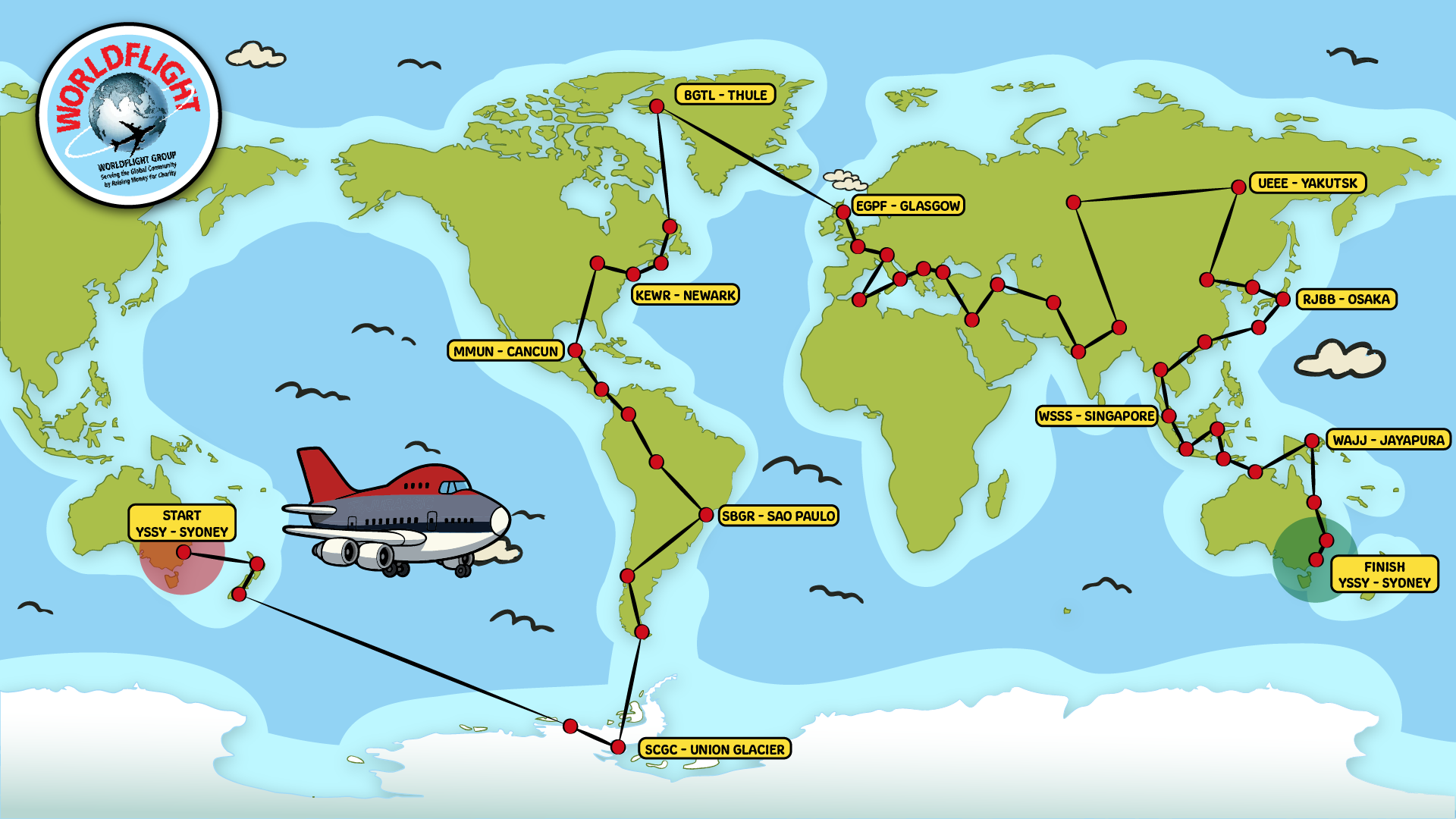
With thanks to the hard work of Vatsim staff and organisers, users will convene for a few extraordinary events. Whilst “Cross The Pond” may be the most famous, it is WorldFlight that is truly the most intensive among the organised group flights.
WorldFlight is a unique annual event that brings together flight simulation enthusiasts from around the globe for a week-long virtual circumnavigation of the planet — all in the name of charity. Since its inception in the late 1990s, WorldFlight has raised over $1 million for good causes by combining the realism of full-scale simulator operations with the passion of an international online community. During the event, teams operating high-fidelity cockpit simulators — alongside countless individual pilots — flying scheduled legs over seven days on the VATSIM network. The event not only challenges participants with complex flight planning, tight turnarounds, and remote destinations but also fosters a real sense of camaraderie among pilots, air traffic controllers, and spectators who join live streams, track flights, or even fly along. The most famous of which is Team Simfest, spearheaded by Gary Oliver!
The 2025 edition of WorldFlight will take place from 1–8 November 2025, starting once again in Sydney, Australia, before crossing continents, oceans, and even Antarctica on its way around the world. Teams will operate through a diverse mix of destinations — from major international hubs to remote outposts — with the goal of completing the global journey in just one week. More than just a test of aviation skill, WorldFlight 2025 promises to be a celebration of community, realism, and shared purpose — proving once again that flight simulation can make a real-world difference.
Kyle: As far as WorldFlight, that is an easy one. Worldflight is basically the pinnacle of flightsim events. You have an entire crew operating 24/7 in a single cockpit. You have logistics, scheduling, CRM, live streaming and of course the entire thing is benefiting charity. There’s really everything you could ask for, and it’s in a grand format that really makes it feel like a big event. Spending an entire week doing nothing but flying is something you only get with WorldFlight.
3. Finding the right aircraft
The Queen of the Skies
With a target date set, the team needed an airframe to base their cockpit on. And what better aircraft to model… than the Boeing 747 Classic!
The Boeing 747, often nicknamed the “Queen of the Skies,” revolutionised air travel when it first took to the skies in 1969. Designed as the world’s first widebody “jumbo jet,” the 747 offered unprecedented passenger capacity and range, dramatically lowering the cost per seat-mile and opening the door to affordable long-haul travel for millions. Over five decades, the 747 family became an icon of aviation, serving in roles ranging from luxurious passenger transport to freighter, government aircraft, and even space shuttle carrier. Its distinctive humpbacked silhouette remains one of the most recognisable shapes in the sky.
Felis 747-200
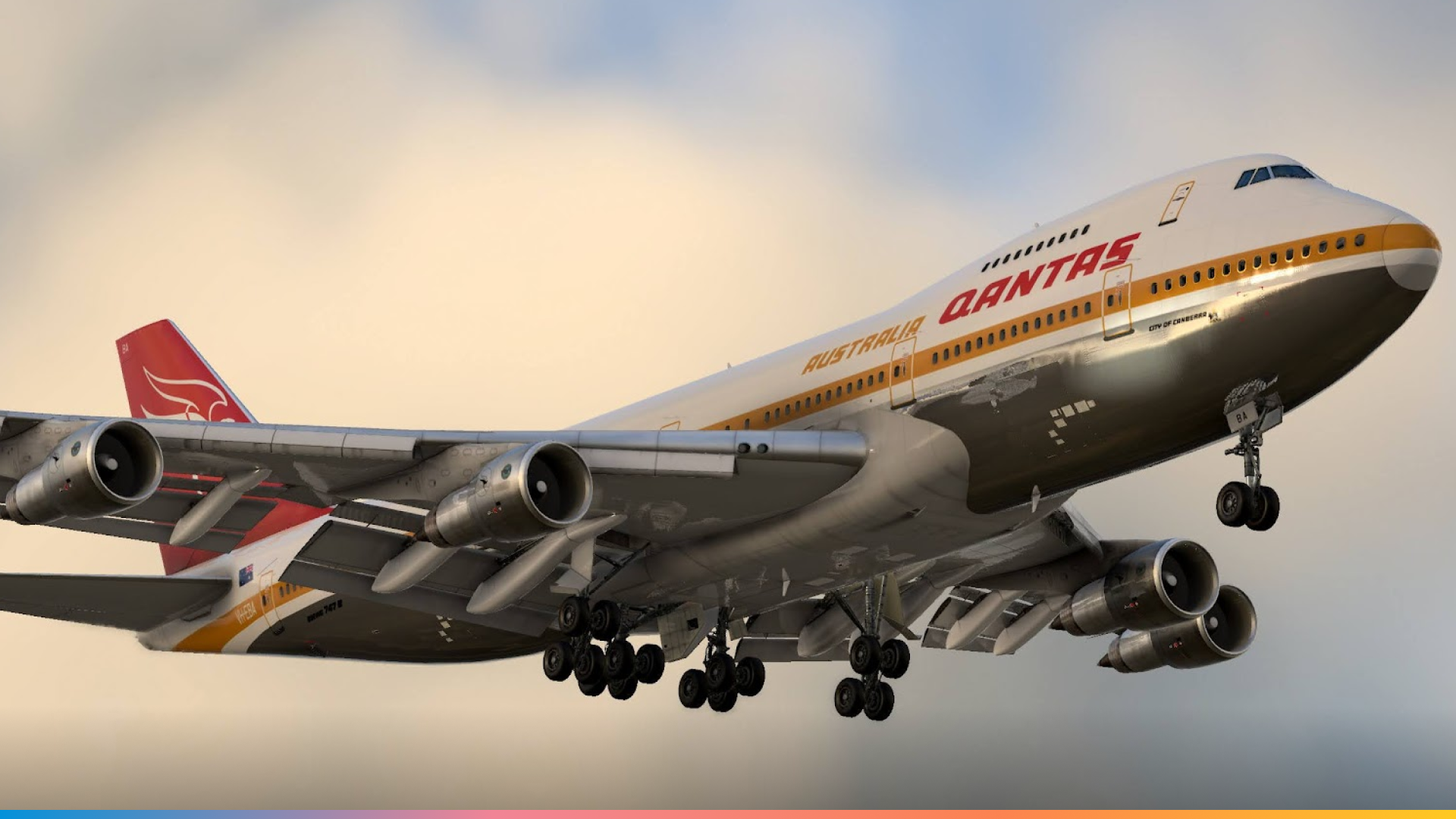

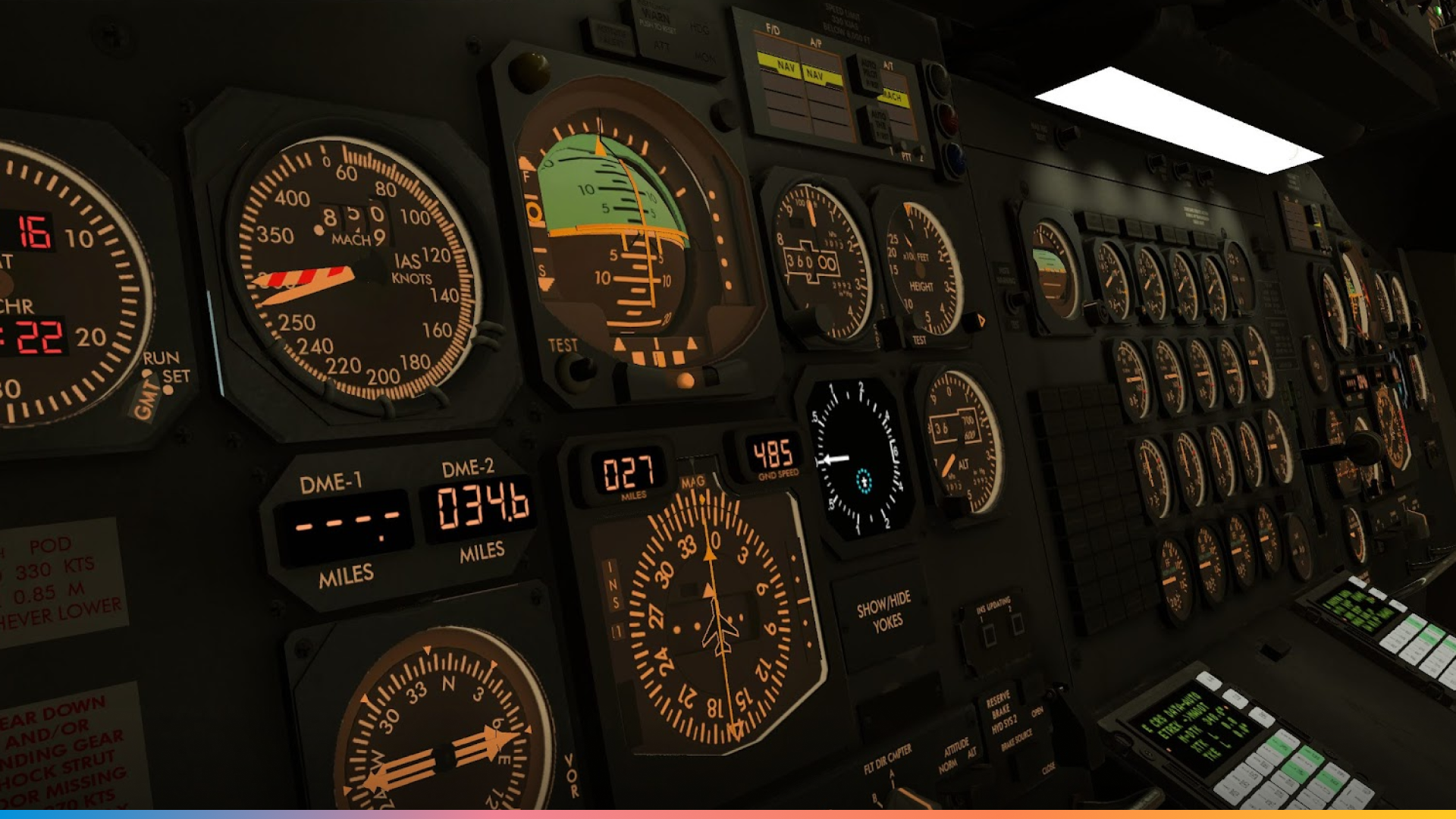

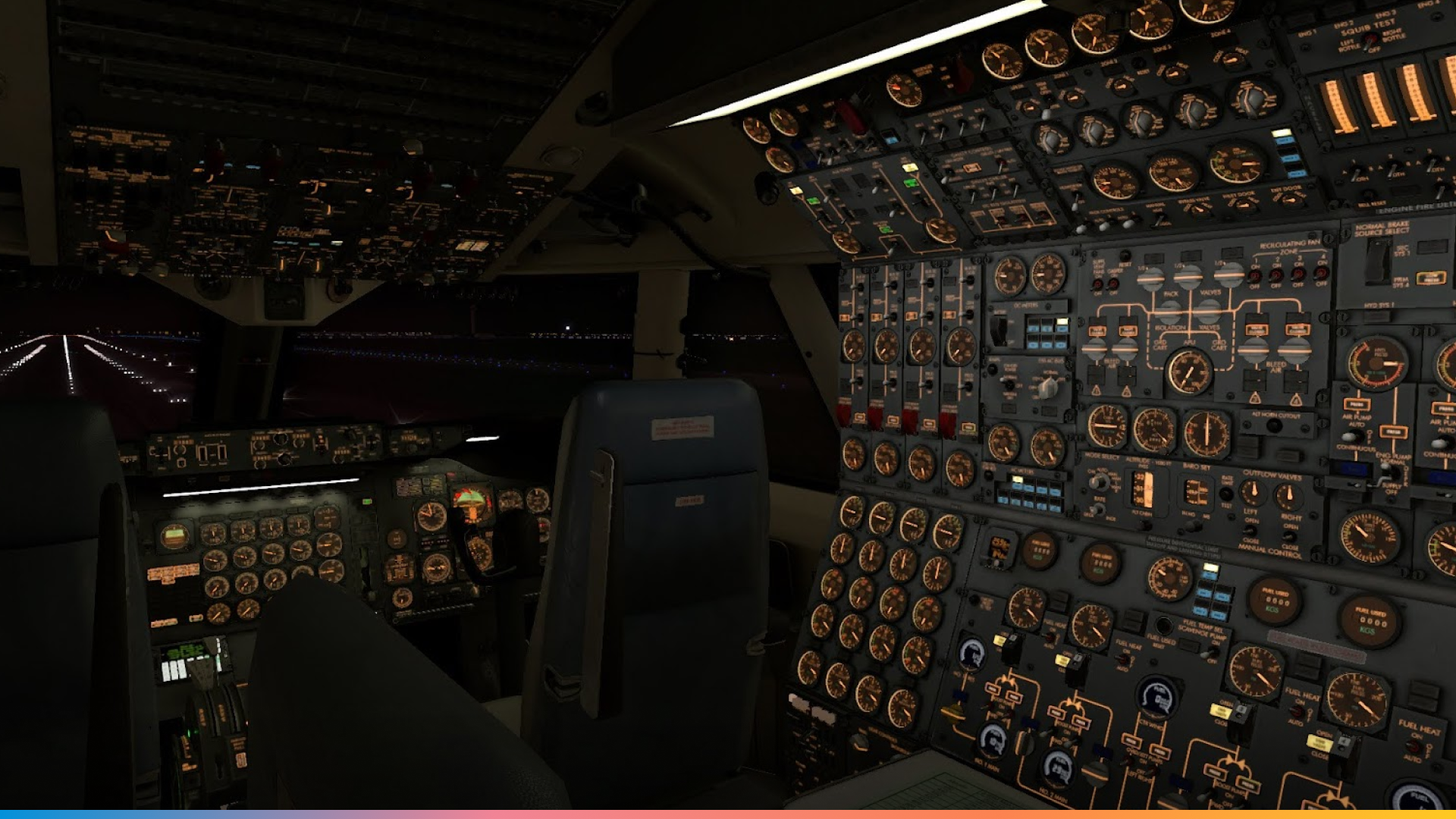
X-Plane has always had an affinity for quirky and complex aircraft. Fortunately, on the 17th September 2021, a fantastic, highly detailed simulation of the 747-200 was released by critically acclaimed developer, Felis!
In the world of flight simulation, the Felis 747-200 has earned widespread praise as one of the most detailed and faithful recreations of a classic jetliner ever made. This aircraft captures the golden era of aviation with a depth and realism rarely seen outside of professional simulators. From meticulously modelled systems and authentic cockpit workflows to period-correct avionics and flight dynamics, the Felis 747 has been celebrated for delivering not just an aircraft, but an experience — one that immerses sim pilots in the complexity and character of early widebody operations.
Meet The Donor Aircraft: MSN23640
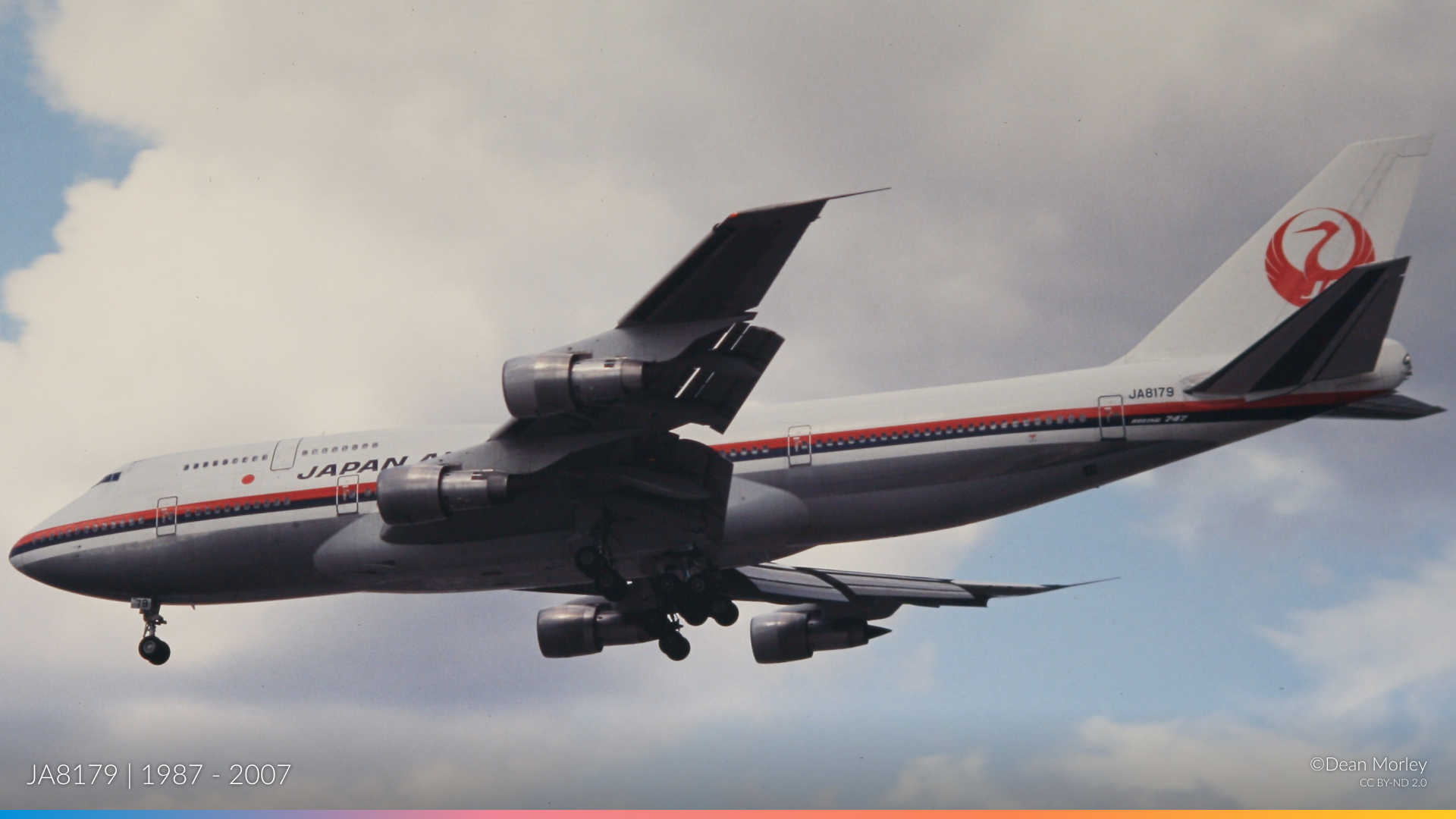
With a pre-existing simulation platform available, the next step was to find a real-life donor aircraft as a source for the external frame and interior cockpit/panels. What better way to preserve the legacy of an aircraft than to use MSN23640.
The aircraft has an interesting history! A Boeing 747-346 whose life story mirrors the rise and evolution of long-haul air travel itself. Delivered brand-new to Japan Airlines in March 1987 as JA8179, she spent her early years crossing the Pacific in the airline’s iconic “Landor style” livery — carrying thousands of passengers between Tokyo, San Francisco, London, and beyond. For nearly two decades, she was a workhorse of JAL’s global network, a flying ambassador of Japan’s aviation boom.
Kyle: Although our (donor) cockpit is actually from a 747-300, but the differences between the -200 and -300 are minimal. The 747 classic is not just the Queen-of-the-skies, it’s the original Queen. No fancy glass displays, no FMS, no advanced systems. It’s old school jet age flying and has a lot more depth in systems and operations than a newer jet which keeps things exciting. Having a 3 person crew is great just because it’s so unique these days and it makes the CRM* aspect more important.
All the official worldflight teams fly modern two-person crew jets, we thought a classic jet is more fun to fly and nobody else does it, so why not us? On top of all of that, it comes with the benefit that we spend a lot more time talking about actual flying, because the nature of the plane demands it, so our viewers get to learn a lot about operating older planes and share knowledge about how things used to be done in the old days.
*CRM = Crew Resource Management
When her time with the flag carrier came to an end, the aircraft was purchased by Wells Fargo Bank Northwest and later found a new chapter in Russia with Transaero Airlines, re-registered as VP-BGY. Even as newer, more efficient jets began to dominate the skies, this veteran 747 soldiered on well into the 2010s.
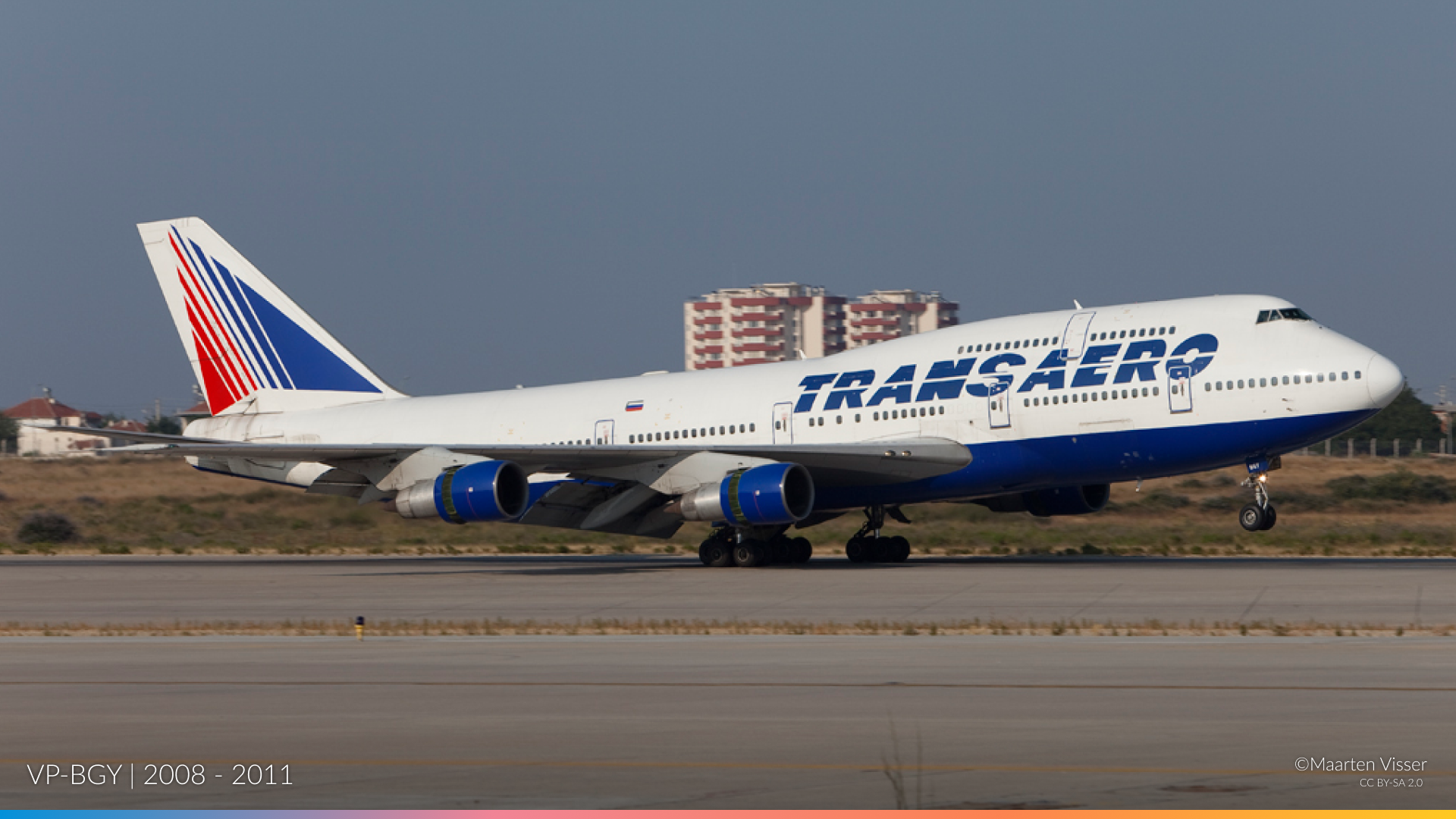
Alas, nothing lasts forever. VP-BGY was placed into storage in 2012 at Bruntingthorpe Airfield, UK. An unusual airfield, this former RAF airfield has since played host to TV and Movie studios, restoration groups, and houses historic aircraft such as the VC10, Tri-Star and 747 Classics. The aircraft sat parked behind ground litter for a decade before finally being sent for breaking in 2022, and parts were sold to a scrapyard in St. Athan.
The cockpit was listed on ebay in 2024. After careful comparison with a few candidates (both domestic and abroad), VP-BGY was saved by the team, a great first step! However, a plethora of logistical questions come to mind… How do you ship a heavy load from the UK to the USA? And how do you mount a cockpit in the home of your pre-existing Sim Garage?
4. DIY 747: A Race Against The Clock!
How to engineer a cockpit and interface it with X-Plane
The first step was to remove the previous year’s cockpit shell. A noble attempt at matching a 747 frame, but nothing beats the real thing!
Kyle: Last year we built a 747 cockpit out of wood and used off the shelf components. It was built in a day in the garage of an Airbnb and served as a proof of concept. We learned a lot about flying WorldFlight and building a sim, but the biggest thing we learned is that we wanted to take it to the next level.
The big question was “Should we build our own cockpit and instruments to a higher fidelity?” or “Just buy a real one and convert it to a sim?” After crunching the numbers and browsing eBay for cockpits we had our answer…
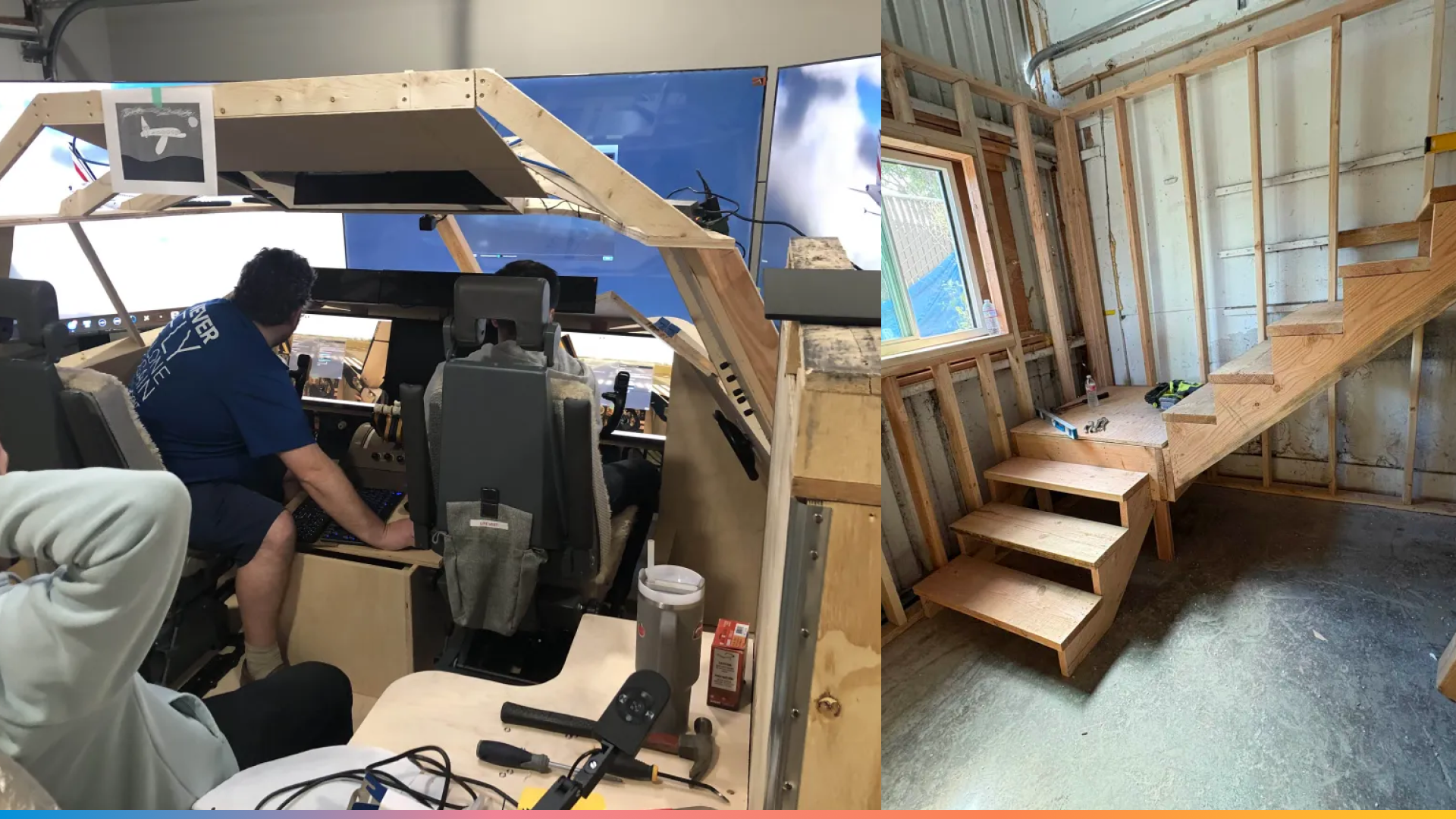
The 2024 Mk1 747 Cockpit “Cedar Clipper”, so called as the team were flying under a Pan Am callsign in 2024. To the right, a look at the new enclosure
An office “shell” was constructed with an upper floor, from which the original shell could be lifted and placed. This would provide the team with options and work areas later in the project.
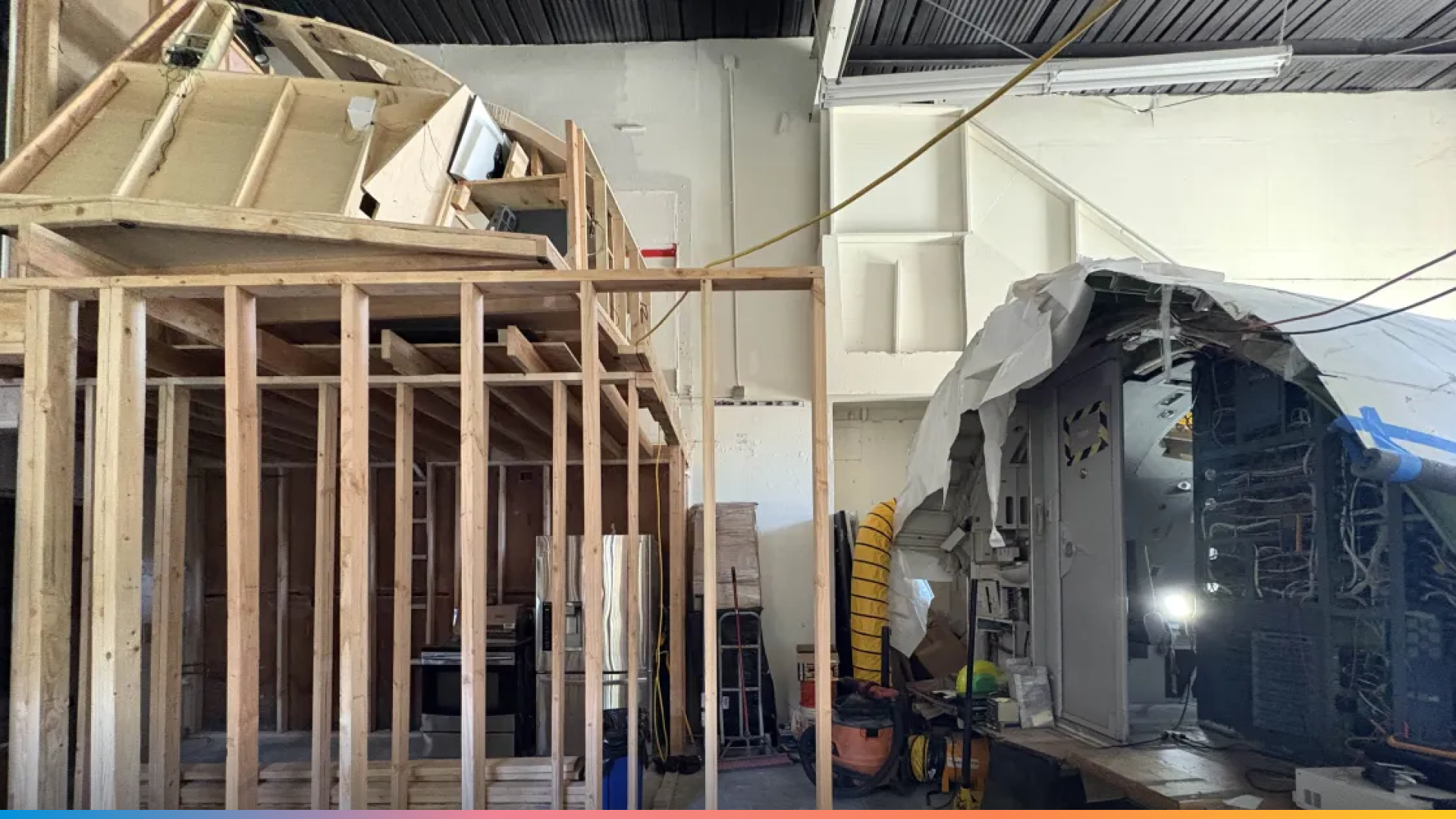
The Mk1 shell lifted into its final spot for later decommissioning, whilst the Mk2 cockpit is placed downstairs.
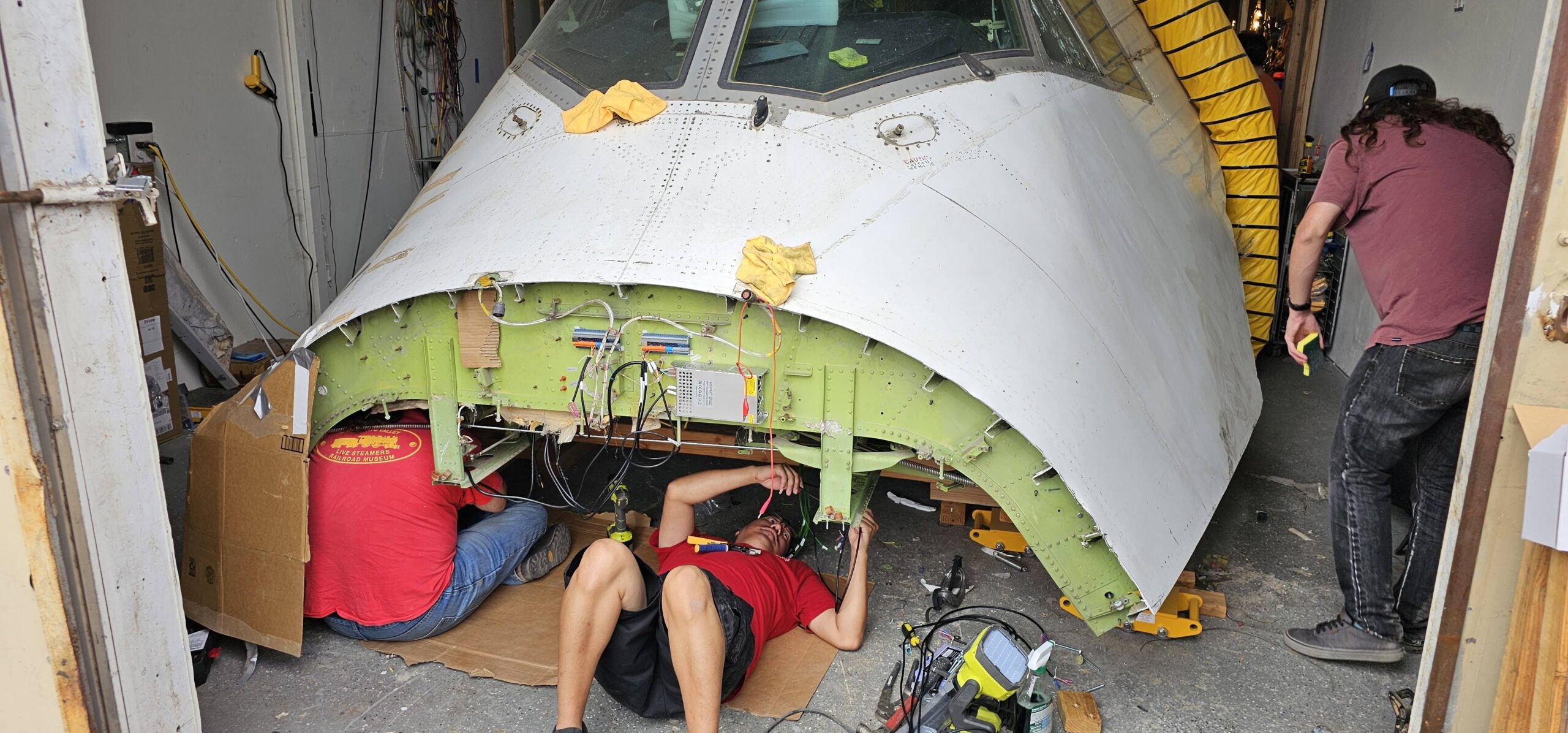
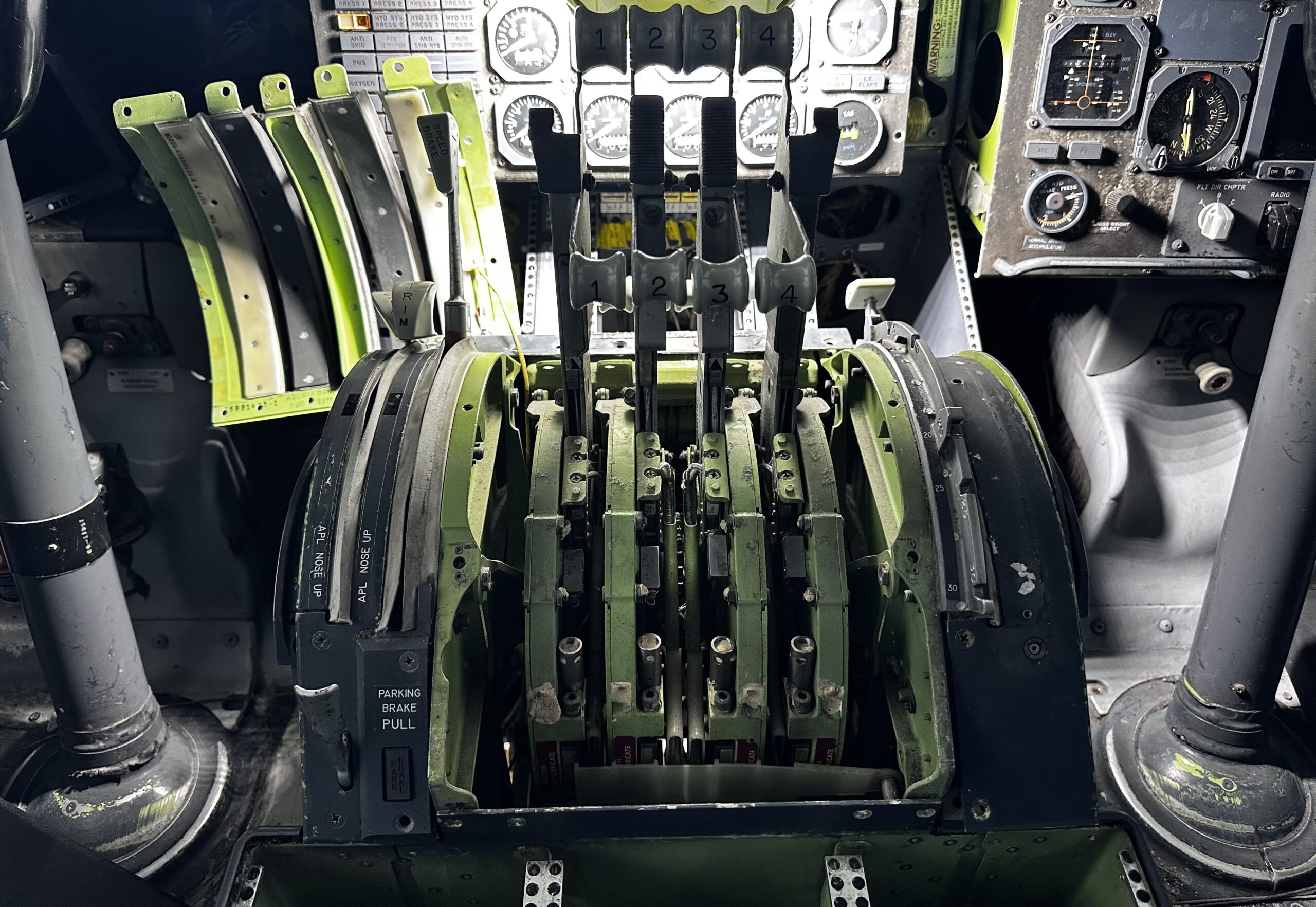
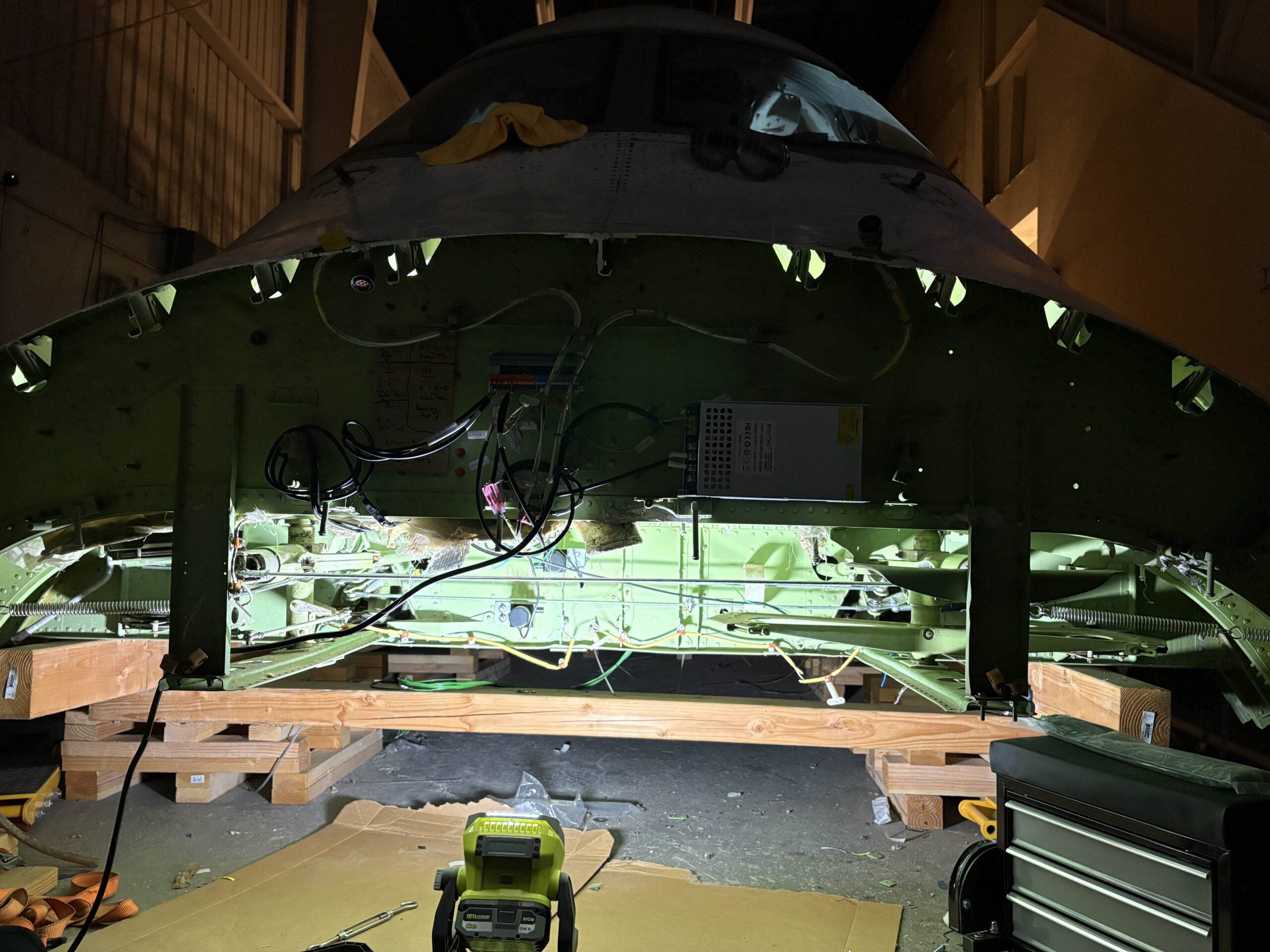
The cockpit is heavy… very heavy, and needs supports to distribute the load. Aluminium standoffs were considered, but wooden pallets were sufficient for now. With the cockpit in position and a significant head start on panel equipment and wiring, the team wasted no time in preparing the metal husk to be converted into a simulator! The deck was cleaned, panels opened, and wiring stripped. The auto-throttle handles were seized by a chain that had to be removed. As the team developed more of an understanding of Boeing’s mad brilliance in engineering, plans could now start to be formed about components, electrical wiring and interfacing with X-Plane. There are no off-the-shelf components for this project, so all inputs need to use original buttons, a significant amount of reverse engineering!
Powering up the 747 Recirculation Fan
Kyle: This my first full sim, the most I’ve done previously is make some basic switch panels when I was in college. There are so many challenges with turning a real plane into a sim, but the biggest one is the sheer complexity and number of wires. Every wire that leaves the cockpit was cut when it was removed from the rest of the plane, so there are thousands of wires that go to nowhere. Finding the one wire that you need is literally like finding a needle in a haystack and proved to be one of the most time consuming things.

The team is composed of talented individuals with backgrounds in electrical engineering, aviation, construction, fabrication and more. So the task of creating an interface is just another Tuesday to them. In many cases, interfaces are first experimented on breadboards and Arduinos/Raspberry Pi Pico Boards, and then brand new PCBs are designed and sent for fabrication.
X-Plane’s data handling is an extremely powerful tool for the discerning cockpit-builder. Datarefs and Commands can be easily searched, assigned and manipulated in real time. Using those values, the aircraft can be mapped to the simulator, with all the dials and knobs driving/being driven by the simulation. With some collaboration with the aircraft author himself, the project can use the Felis 747-200 to full effect!
As each button and dial was tested, more of the aircraft slowly roared into life, with the added benefit of the sound of real fans, relay banks, and aural warnings originating from the original equipment!
Kyle: Consider that each single switch is two wires, each light is one wire, that right there tallies up to nearly 1000 wires alone. In addition there is just a lot to learn, we need to fully understand how each instrument is designed, what it interacts with, what parts of the system we still have vs what has been cut out, and then we need to somehow put that all together and make it talk to X-Plane. Nearly everything is analog, so we need to do a lot of signal processing just to get it to the point a computer can read it. Unlike newer planes that use mostly *ARINC and digital busses (which are just a few wires), we’ve got dozens of wires per panel, not to mention we have an entire flight engineer panel which most other sims don’t have, that alone doubles our work statement.
*ARINC is a standard for data transfer between avionic devices. Like a language to ensure instruments can talk to each other correctly!



5. X-Plane, The Community And The Camaraderie
The Power To Make Your Experience Your Own!
It’s not just the flight deck that needs completion. WorldFlight is an endurance race. Time needs to be allocated for the important things… like travel, branding, sleep, schedules, food (and most importantly, beer). We live in a community that is constantly transferring knowledge and passion amongst each other. Experiences from other WorldFlight teams are shared, an act which transcends boundaries or even the simulation platform.
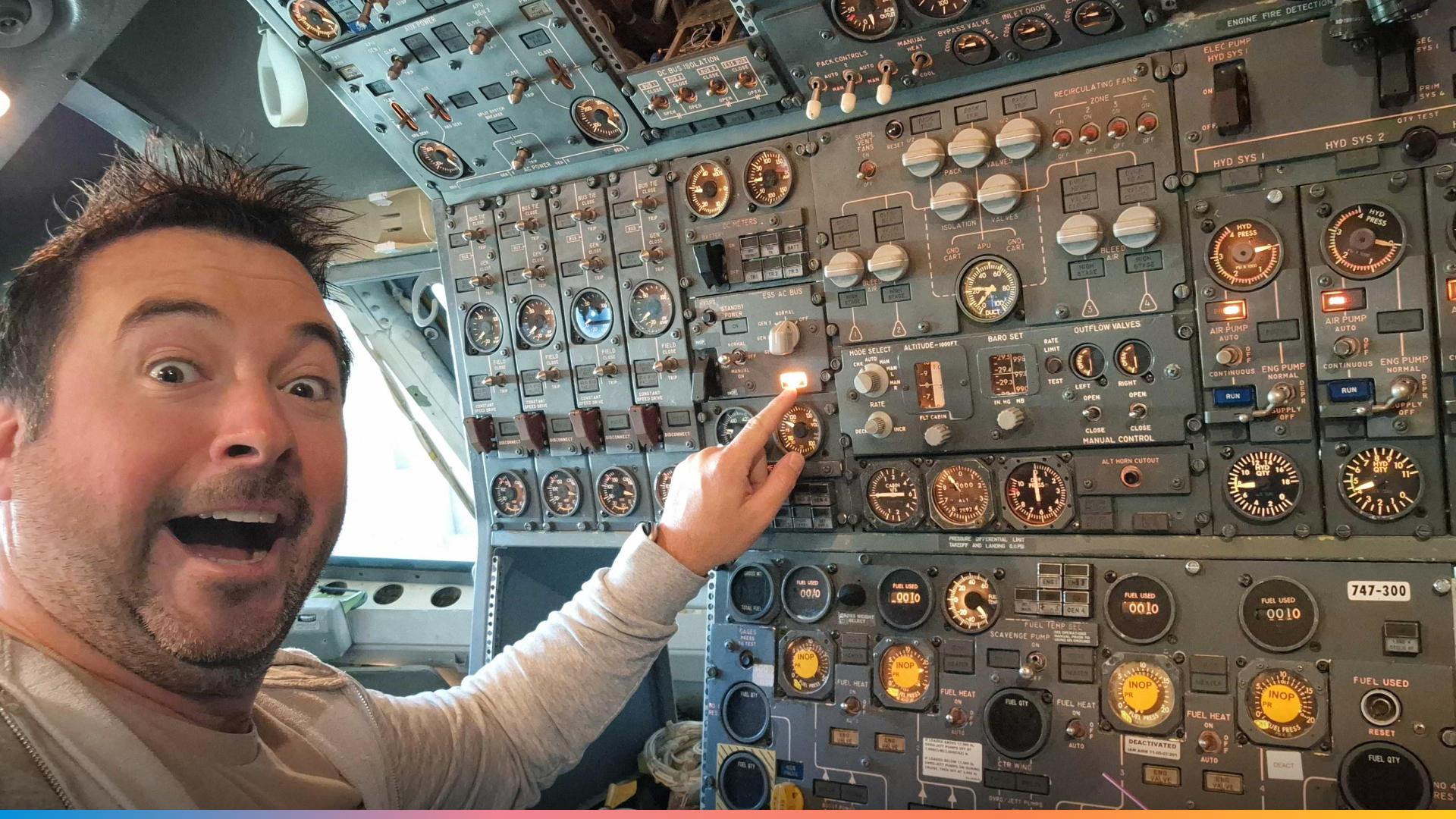
Many WorldFlight fans will recognise Horgy from SimFest!
The biggest thing is getting the plane ready. It wasn’t delivered to it’s home in SJC until June, which gave us only five months to get it ready to fly. In addition we’ve been building a roster, figuring out crew scheduling, coming up with logistics for how we will actually be able to operate a week nonstop. We needed to build our brand and get merch ordered, design stream overlays, and many other things. There’s a lot that goes into planning this event aside from just getting the sim ready. It has been almost like a second job for a few of us.
What we love about this project isn’t just how “hardcore” the desire for an authentic experience is. But the precedent it sets for others in the community. With enough passion and drive, you too could achieve anything!
Before we leave, we asked Kyle, “What advice or knowledge do you have for the community?”
Kyle: Well firstly, realize that if you want to do something this ambitious it will never be as easy or cheap as you think it will be. With that said, it is also just as cool as it sounds. You get so much more from a real cockpit than a home setup, and flying with a full crew in-person is unmatched. I’d encourage people to always be willing to learn. Be it about building a simulator, developing addons, or just flying a more complex plane than you’re used to. If you have the motivation to do something new then learning won’t feel like a chore, but will instead be enjoyable. I was overwhelmed by the complexity of this project at first, but once I pushed past the initial learning curve it became really enjoyable. There’s been many nights where I stay up way too late because I get engrossed in learning about a new system or experimenting with an instrument, it really is addicting and very satisfying work.
Charity LiveSteam: National Kidney Foundation
It is tradition for WorldFlight teams to support a charity. This year’s chosen charity for the Jurassic Jets Team will be the National Kidney Foundation.

If you wish to donate, please use the following link and help towards this great cause! The team are looking to target $2500 worth of donations.
Watch the team travel the world from Saturday, 1st November 2025!

WorldFlight commences from the 1st to the 8th of November with 44 planned legs.
To support the team, we’ll also be giving away x3 copies of X-Plane 12. So if you want the chance to win, be sure to tune in on the Jurassic Jets Team Twitch!

Wishing the team good luck on their adventures! ❤️
The post How to build a 747 – A WorldFlight Story appeared first on X-Plane.
]]>The post What’s new in 12.3.0? appeared first on X-Plane.
]]>Langen Radar, N273XP, request deviation left of course, weather ahead
– N273XP, deviation left of course approved
Weather is a critical part of aviation, and with X-Plane 12.3.0, we’ve taken it to a whole new level. This update brings one of our most-requested features: a brand-new, fully simulated weather radar. Coupled with Synthetic Vision in the X1000, your flights are now safer, more immersive, and more realistic than ever.
But that’s not all – our Airbus A330-300 has received a complete overhaul, refining every system for a smoother, more accurate flying experience. In addition, we’ve updated ATC, added a streamer mode to protect your privacy and included a new option to adjust the intensity of our G-Loaded Camera. Last but not least, we added a new hand-crafted airport for you: Dubai International Airport (OMDB).
Let’s dive into all the improvements that make X-Plane 12.3.0 the most realistic and feature-packed version yet!

Taking Weather Awareness to the Next Level
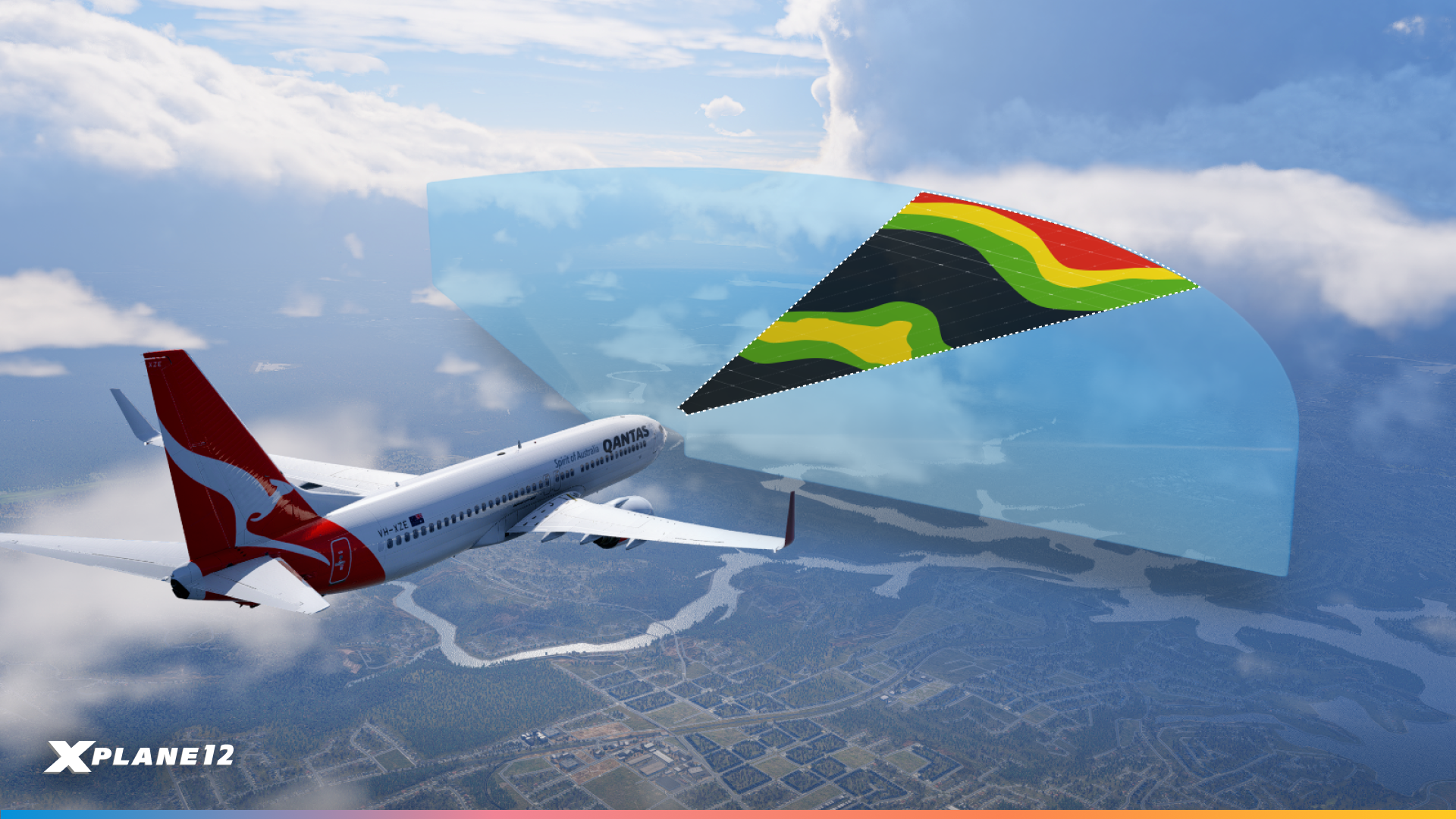
The Weather Radar is one of the most important tools a pilot can have in the cockpit, providing critical information about storms, turbulence, and precipitation. With X-Plane 12.3.0, we’ve brought this essential instrument into the simulator, taking in-air decision-making to a whole new level of realism. Plan your deviations, adjust your course, and fly with confidence knowing the radar provides accurate reflections, attenuation, and range sensitivity, just like in the real world.
Radar Variants
Airbus A330-300 Weather Radar
Our Airbus A330-300 has received a complete overhaul in X-Plane 12.3.0, and that includes its Weather Radar. Now fully simulated, the radar provides realistic storm reflections, attenuation, and beam tilt, giving pilots the ability to make real-world style decision in flight. The radar integrates seamlessly with the aircraft’s avionics, helping you avoid turbulence, precipitation, and other hazardous weather conditions while maintaining maximum situational awareness.
Boeing 737-800 Weather Radar
The Boeing 737-800 also benefits from our new radar simulation. Designed to mirror its real-world counterpart, it offers the same functionality and fidelity, including ground clutter suppression and automatic tilt adjustment. Whether you’re flying short-haul or long-haul routes, the 737’s radar ensure you have the weather information you need to plan safe deviations and smooth approaches.
X1000 Weather Radar
The X1000 now fully integrates with the Weather Radar on aircraft that are equipped with it. Pilots can view radar returns directly on the X1000 display, with realistic reflections, attenuation, and range sensitivity. This integration allows you to fly safely across the sky and make informed decisions without switching between multiple instruments, creating a more seamless and realistic cockpit experience.
Benedix RDR2000 WXR
For developers and fans of steam gauge cockpits, X-Plane 12.3.0 introduces the Benedix RDR2000 on the Beechcraft Baron 58. This fully simulated custom radar demonstrates how to leverage our new Weather Radar API. It’s a great example for creating custom radar functionality in your own aircraft, giving you full control over attenuation, tilt, range ,and reflectivity settings.
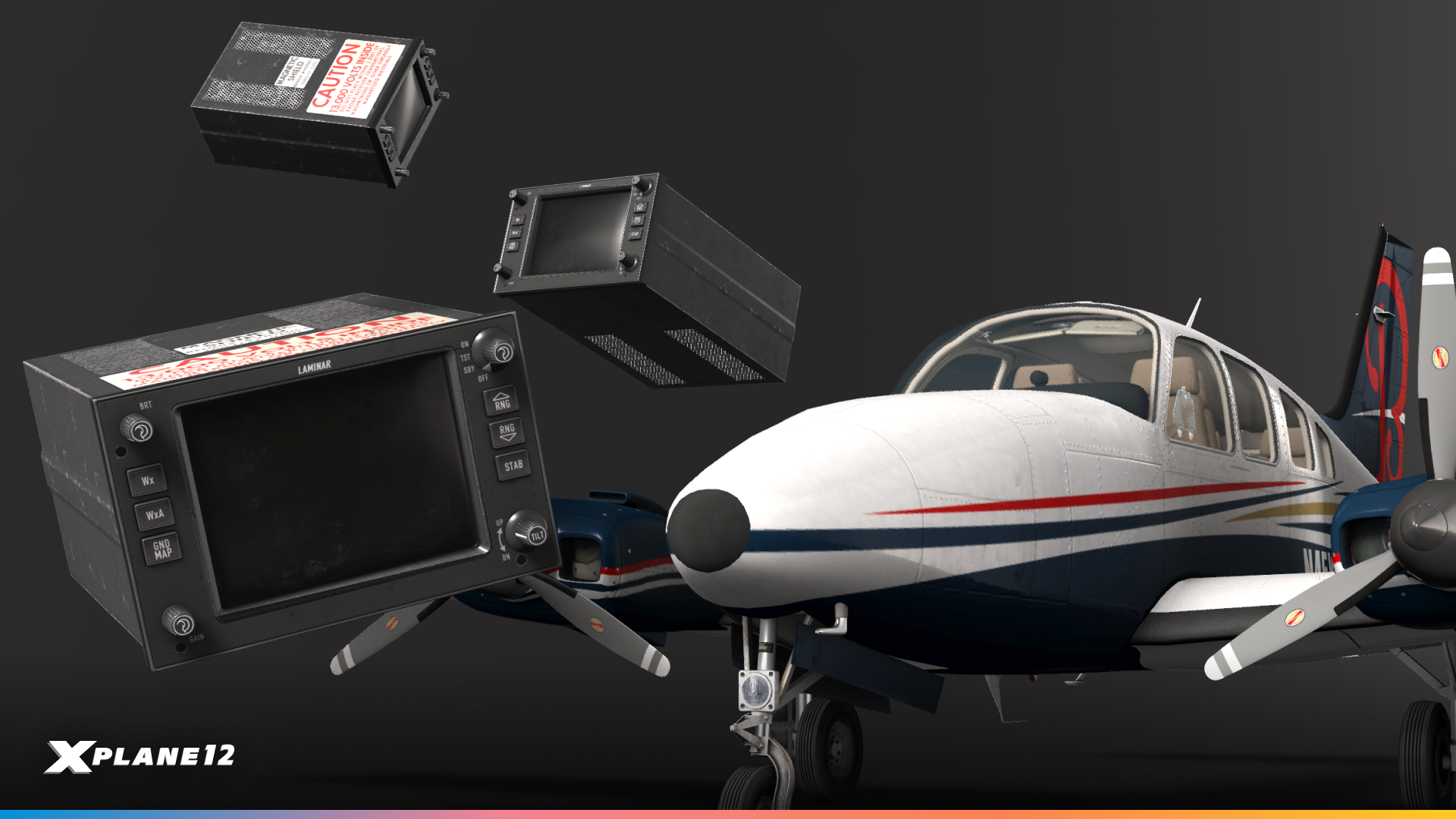
We’ve released the source code under the MIT License on GitHub. Feel free to modify and integrate it into your X-Plane aircraft.
Terrain Display
X-Plane 12.3.0 introduces Terrain Display support, bringing a major leap in flight safety realism, helping pilots avoid controlled flight into terrain (CFIT). This system integrates seamlessly with X-Plane’s global terrain database, enhancing situational awareness during approaches, low-visibility operations, and mountainous terrain flights. The result is a more authentic training and simulation experience, giving pilots the tools they rely on in real-world operations.

A330 Improvements

X-Plane 12.3.0 introduces a major update to the Airbus A330-300, bringing enhanced realism, improved systems fidelity, and a smoother flying experience. From flight planning and VNAV logic to cockpit lighting and engine animations, every aspect has been refined to provide a more authentic Airbus experience, and we have even more to come with a future release of X-Plane.
Exterior Weathering
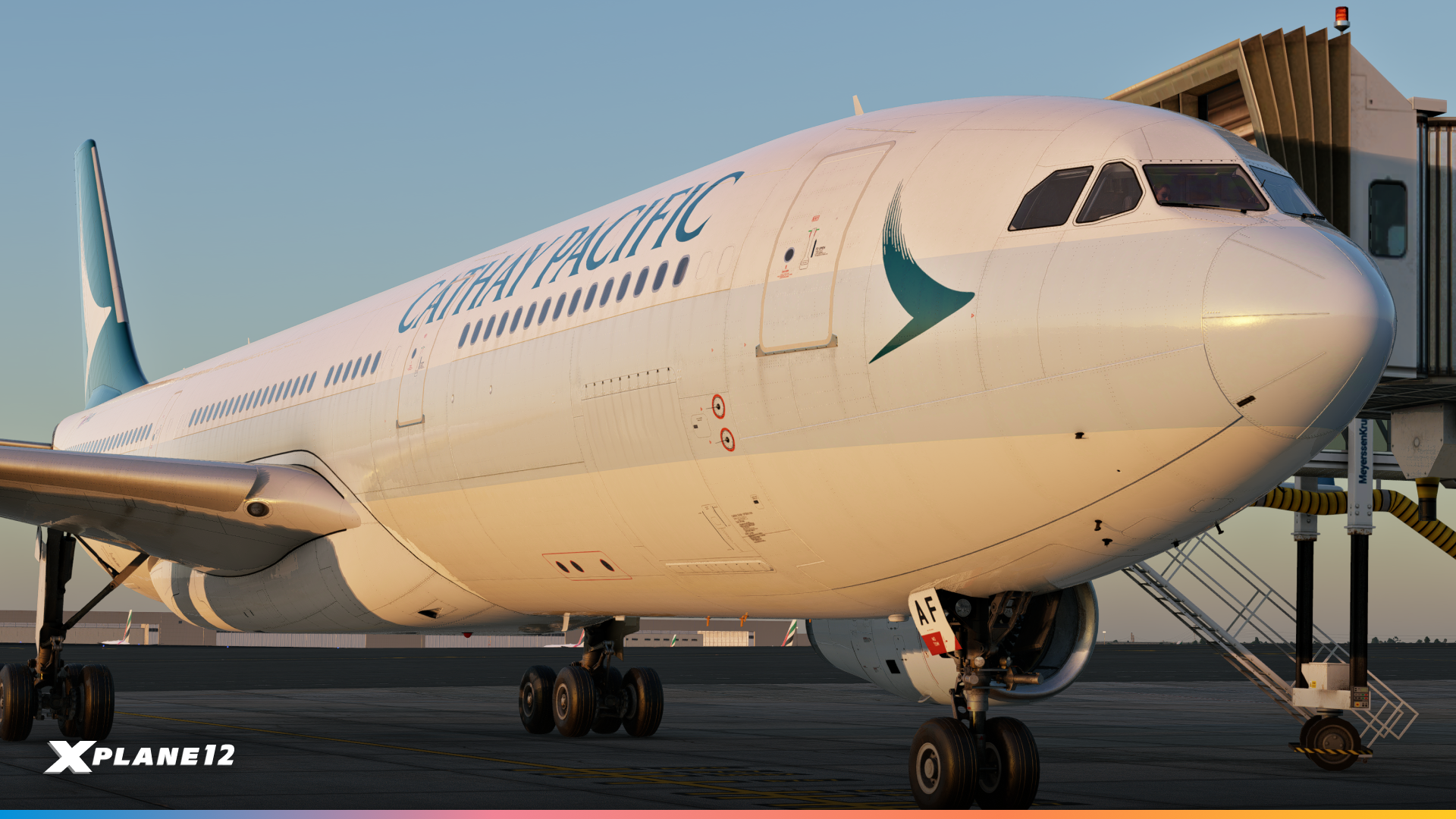

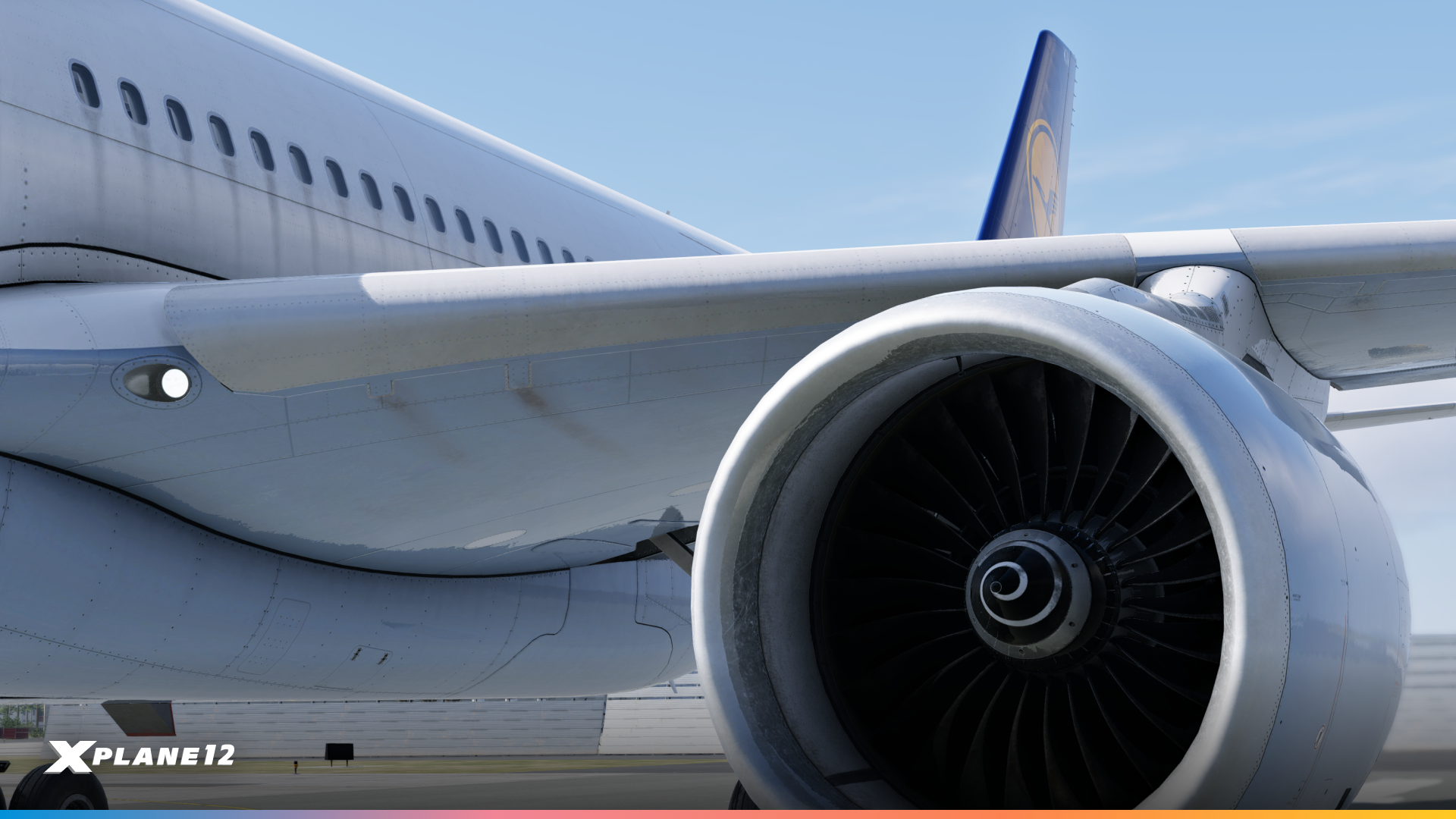
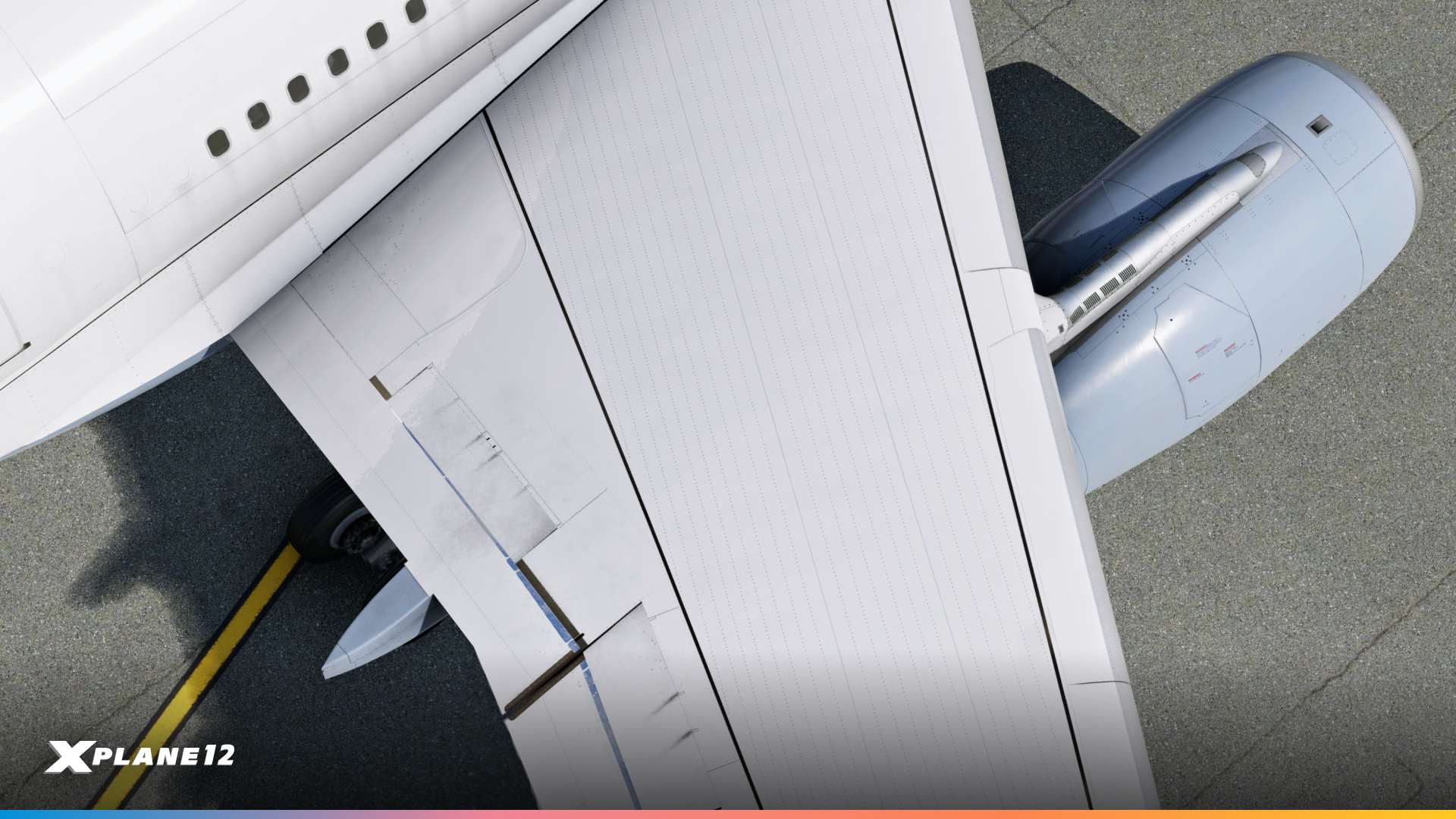
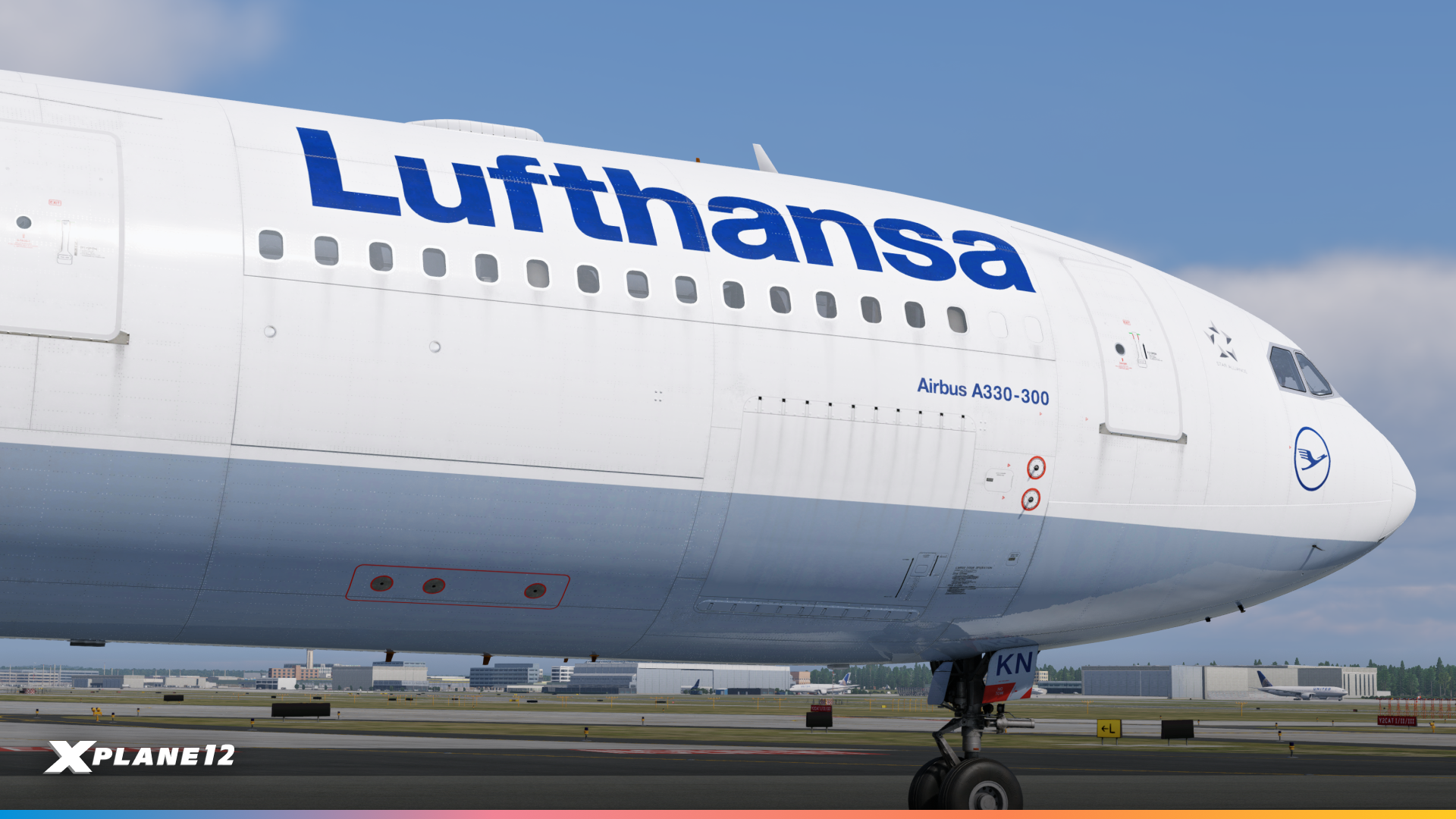
The A330-300 now features improved exterior visuals with realistic decals, dirt accumulation, and subtle weathering effects. These changes not only enhance immersion but also provide a more authentic look in varying flight conditions.
Engine Vibration Animations
Engine animations have been upgraded with realistic vibration effects, reflecting actual operating conditions. Pilots will now see the subtle movements of the engines during different thrust settings, adding to the tactile realism of flying the Airbus.
Interior Changes
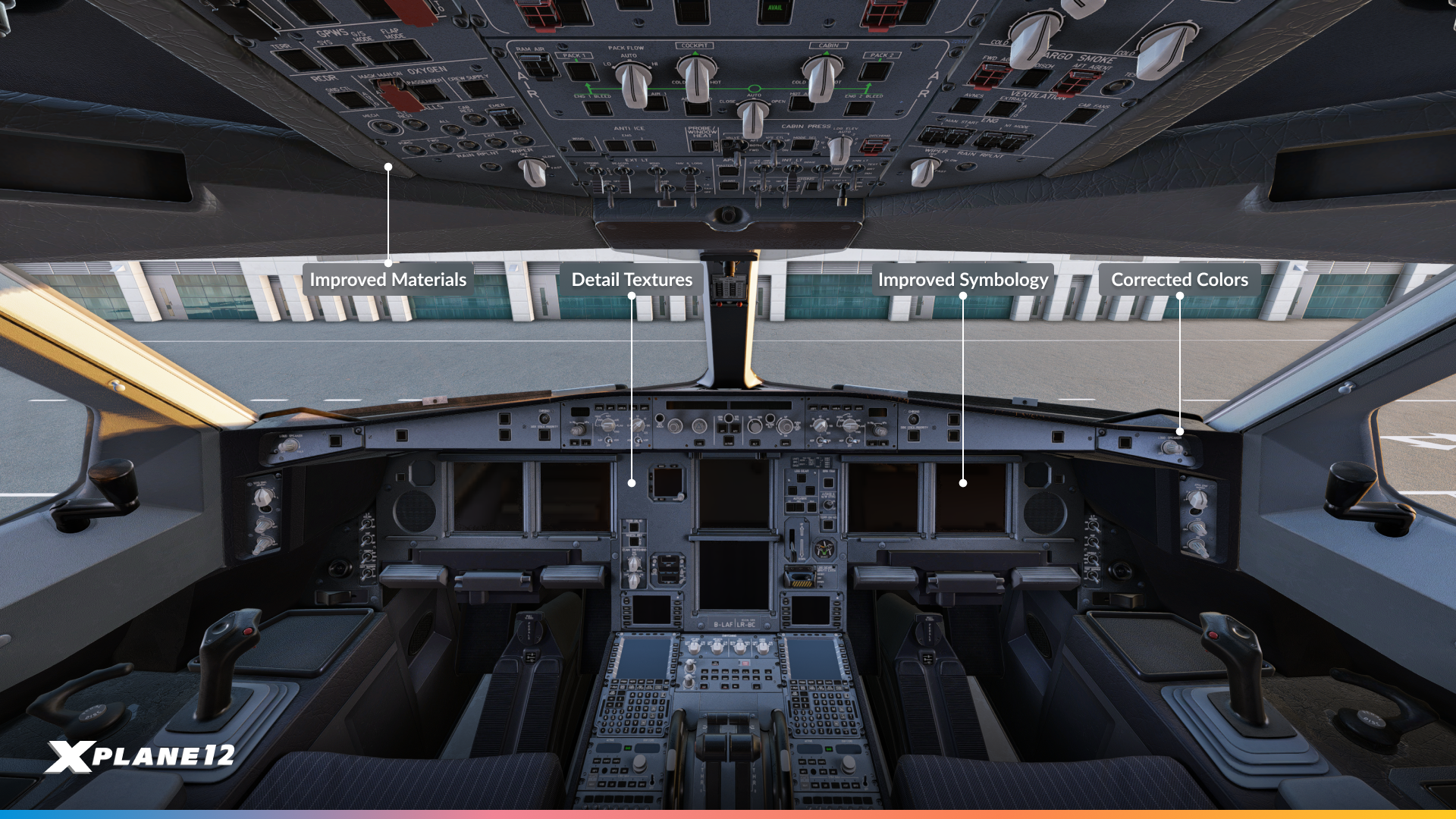
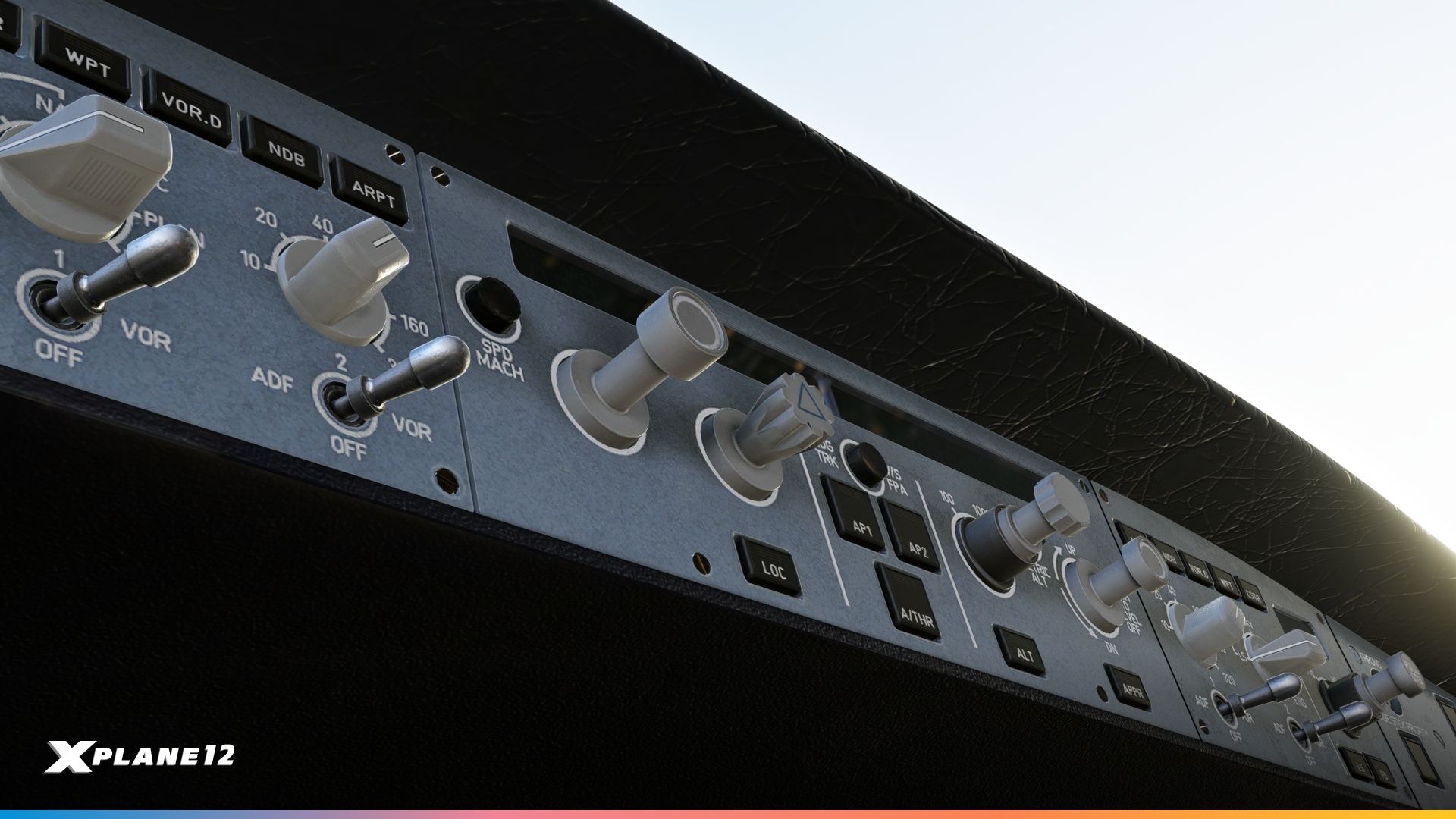
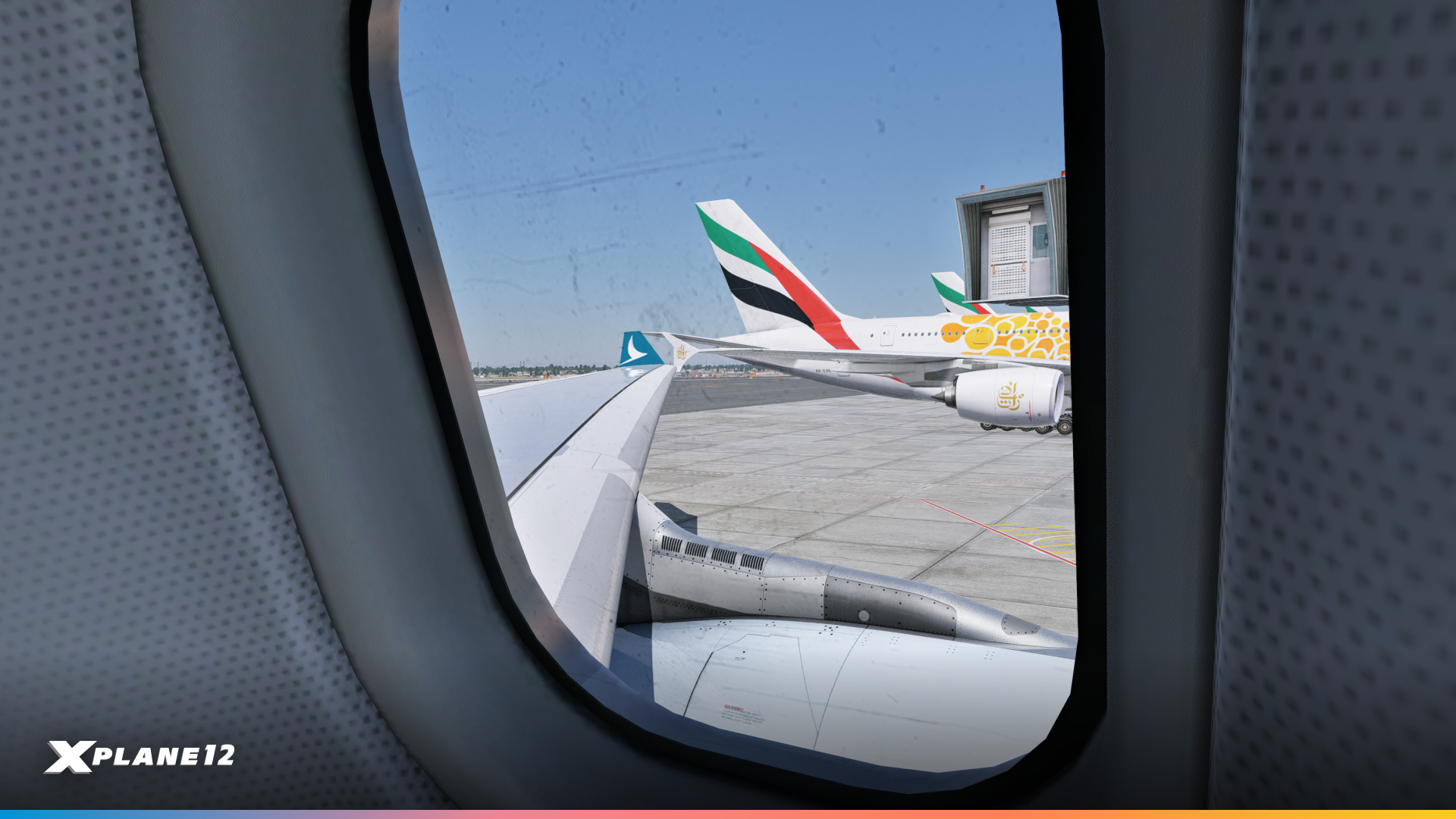
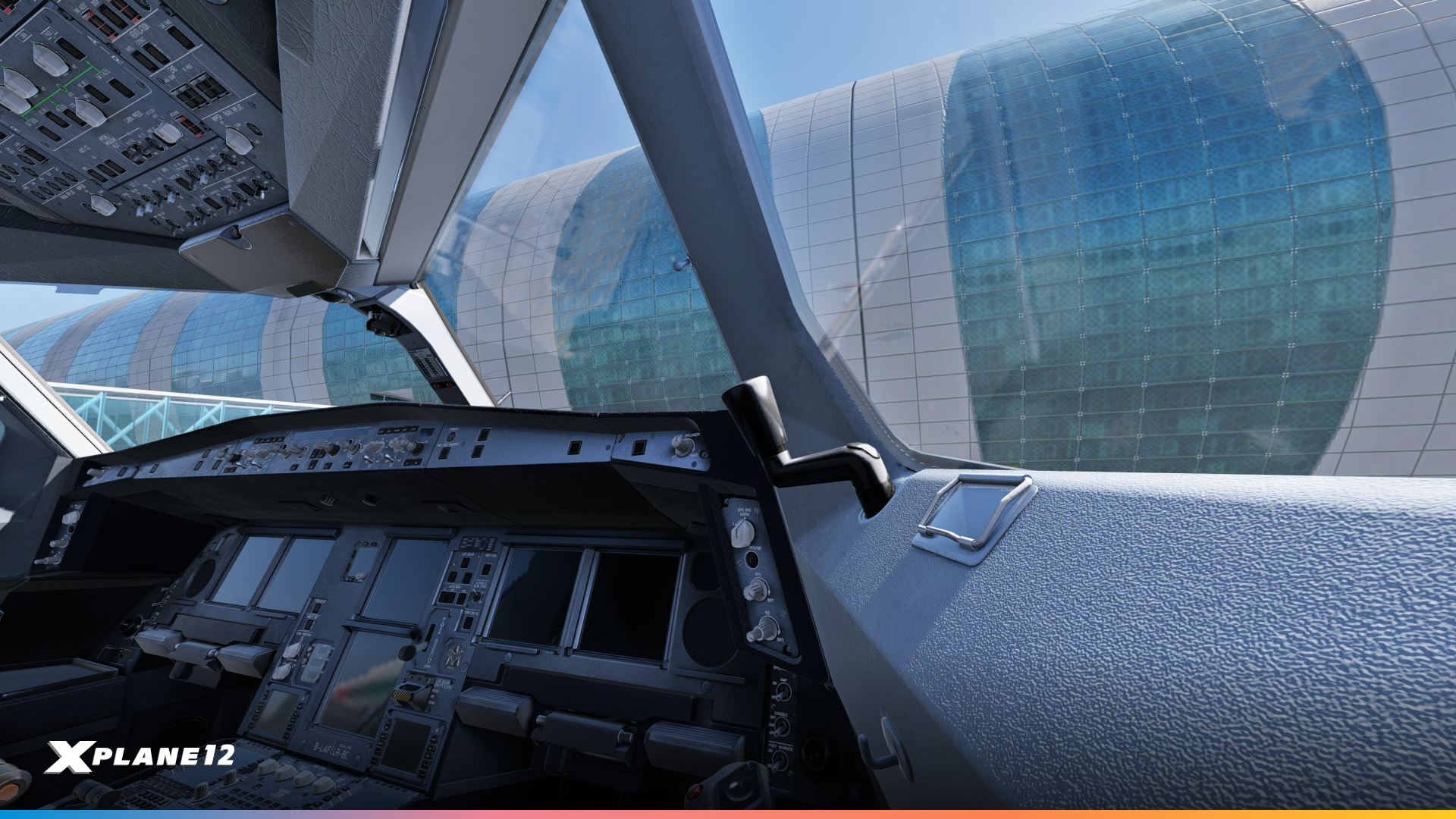
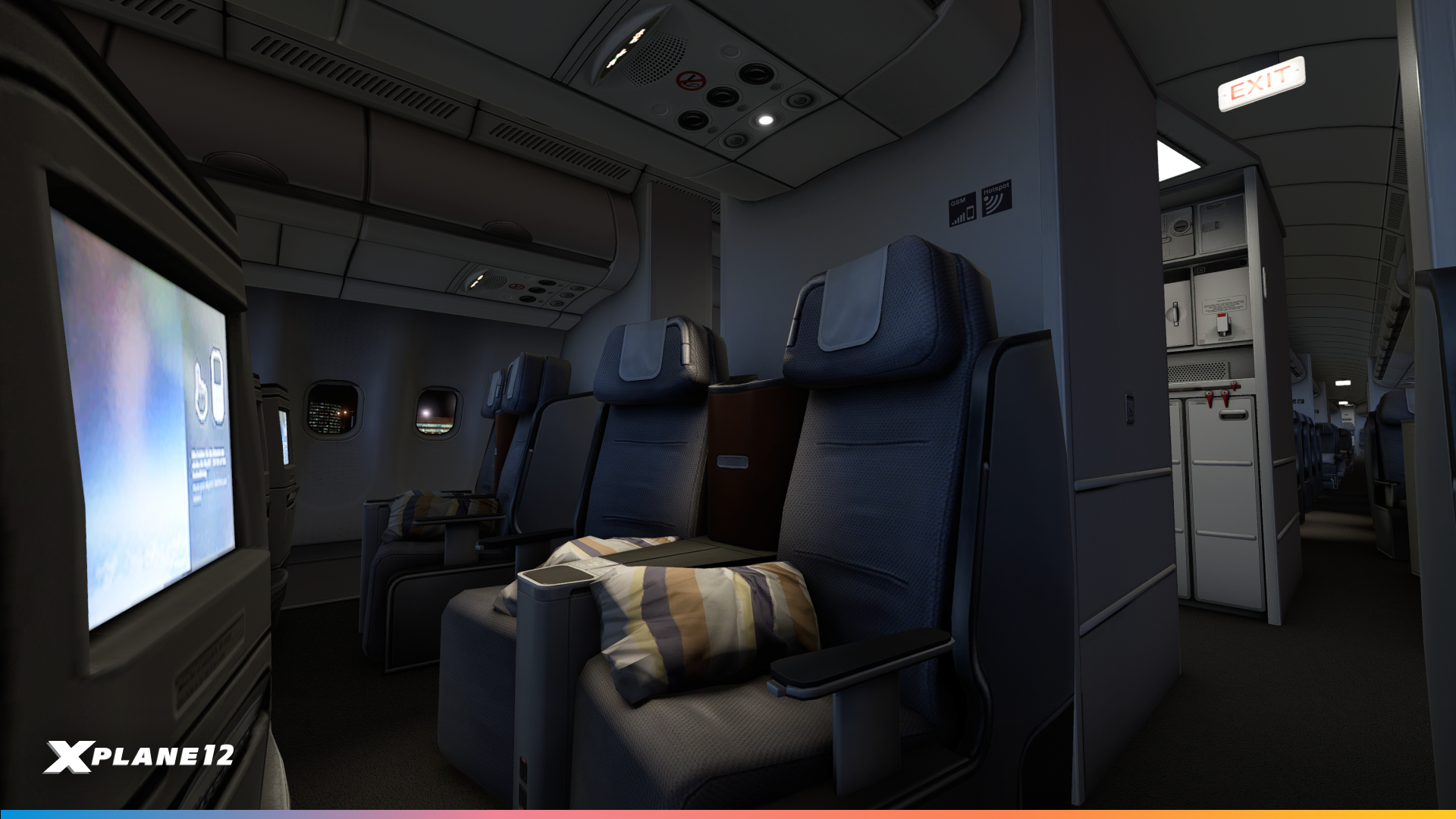
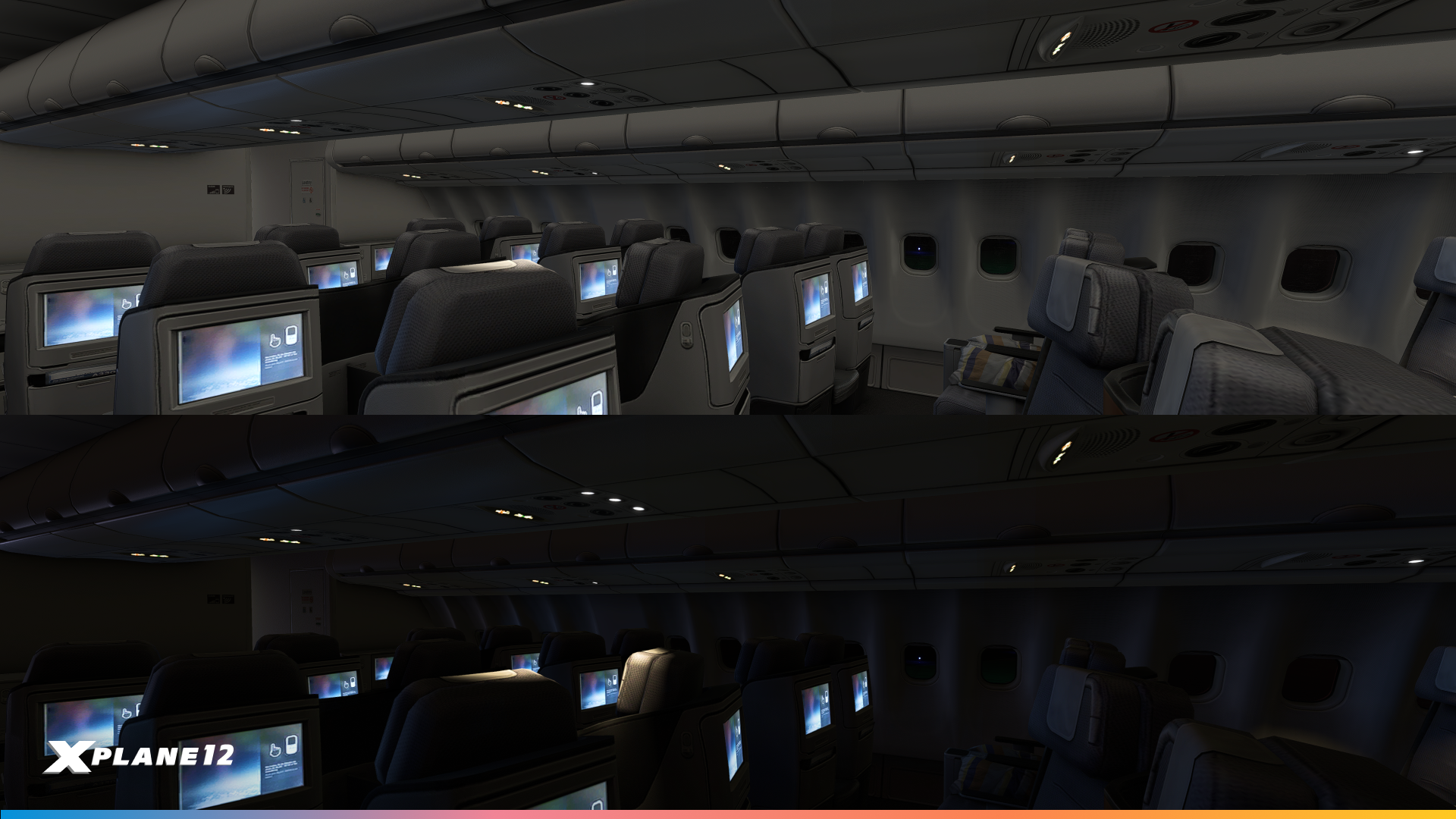
The cabin and cockpit lighting have received a complete overhaul. Cockpit lighting has been enhanced with backlit instruments, realistic spill lighting, and improved annunciator effects, creating a more immersive environment for day and night operations.
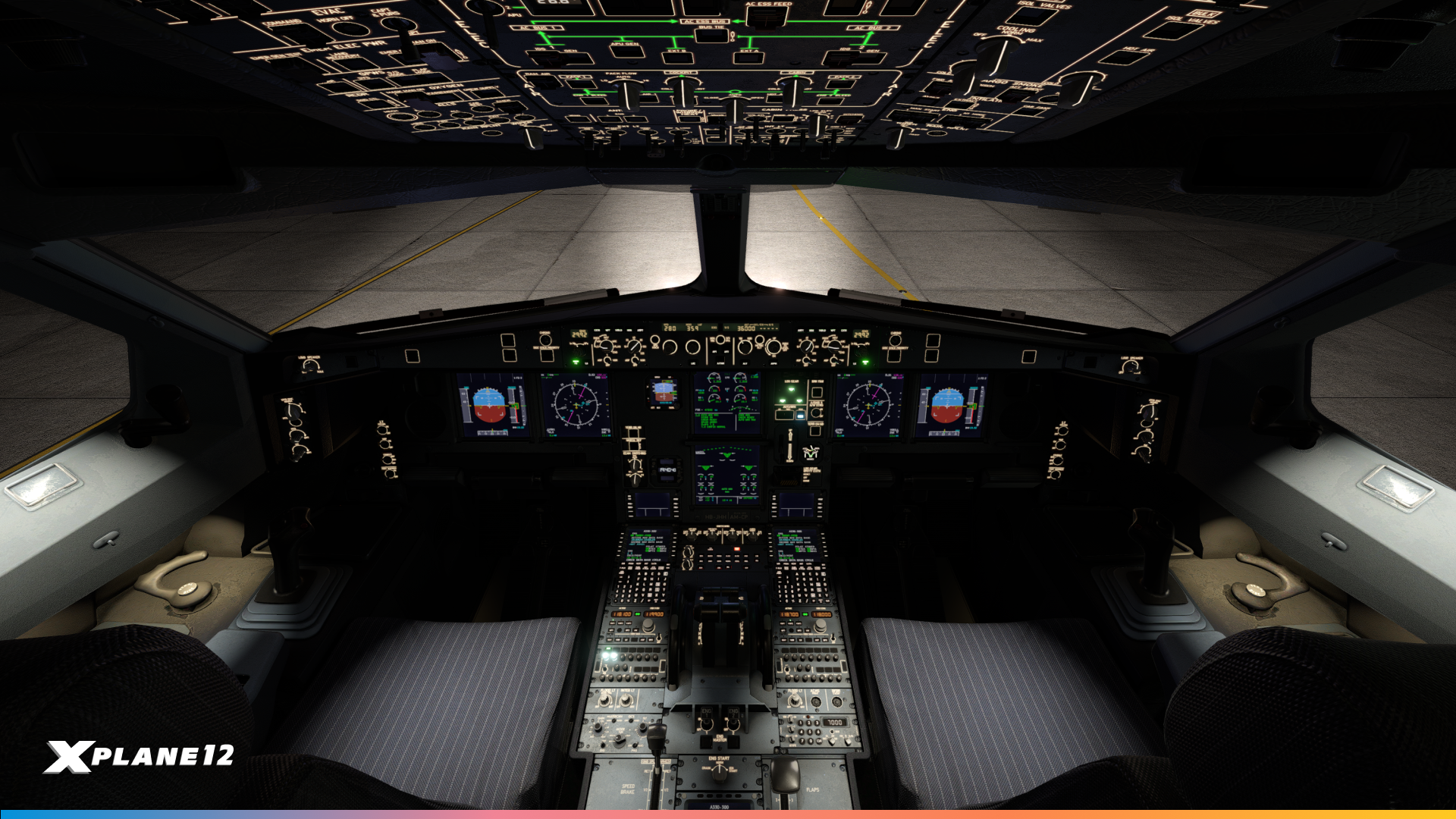
The cabin features fully 3D dynamic lights, adjustable reading lights, and an auto-purse function that adapts lighting based on flight phase and altitude.
Systems
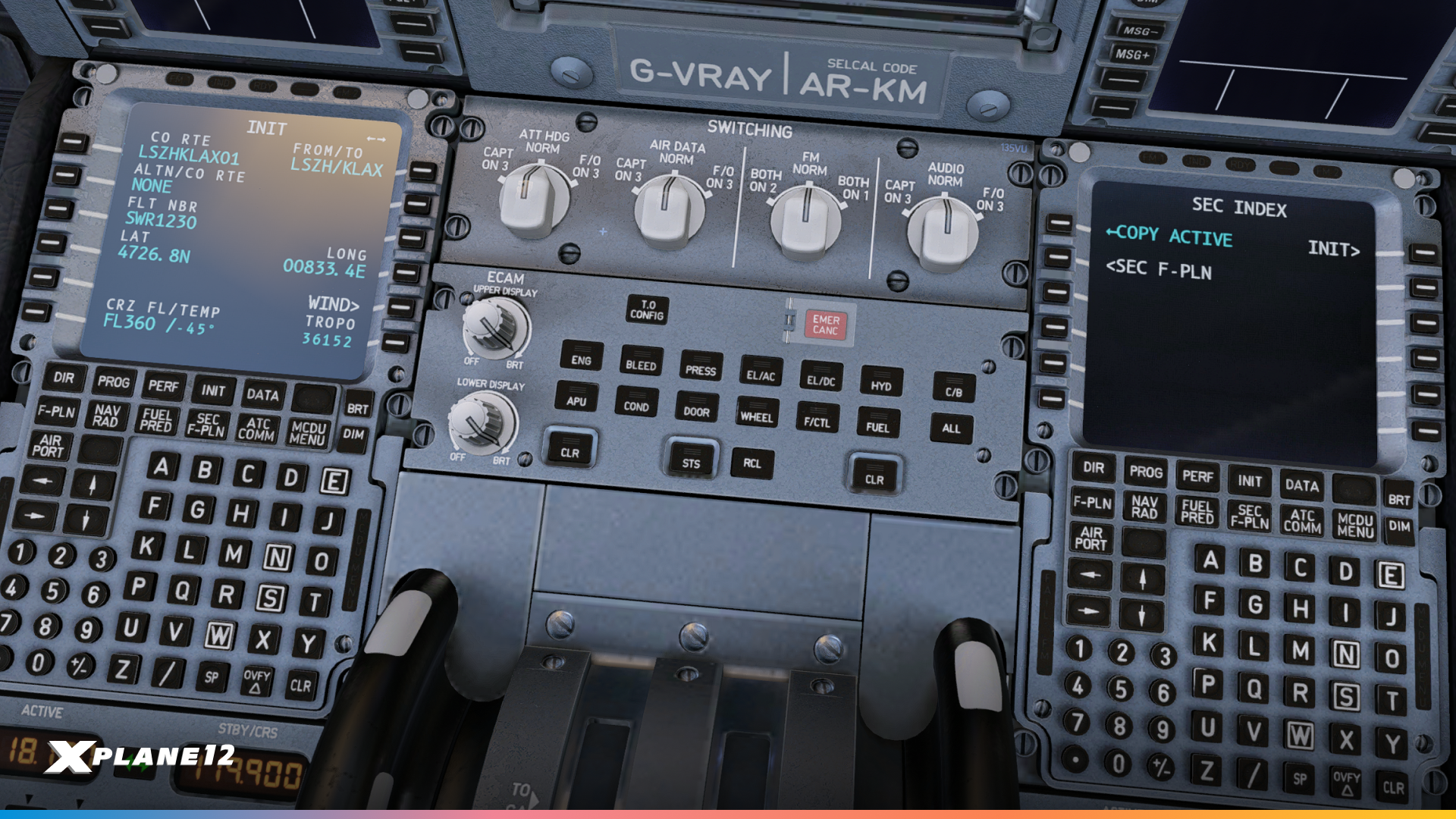
The A330-300’s flight management, autopilot, and flight control systems have been significantly enhanced. Key improvements include:
- Full support for a secondary flight plan (SEC F-PLN).
- Enhanced VNAV logic with smoother deceleration, path capture from above, and step climb support.
- Accurate roll rate and alpha protection under FBW.
- Improved autopilot disengagement handling, auto-trim reset, and deceleration logic post-touchdown.
- More precise climb, cruise, and descent predictions considering winds, fuel use, and constraints.
- Updated V-speed suggestions, fuel prediction logic, baro/STD handling, and ECAM messages.
Aircraft Operations Computer / Air Traffic Services Unit
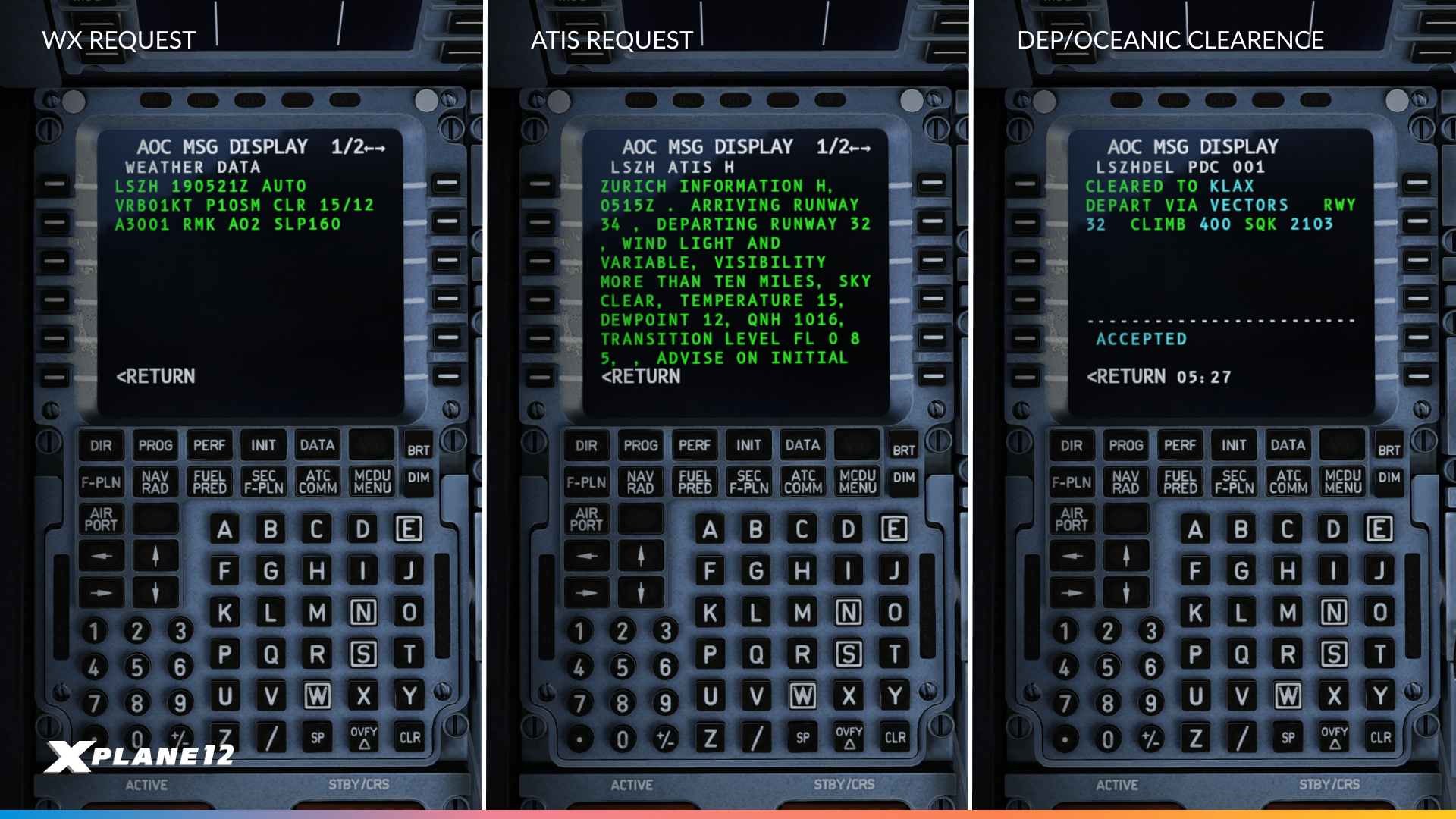
The Aircraft Operations Computer (AOC) and Air Traffic Services Unit (ATSU) now support ATIS, METAR, and PDC messages realistically, including ACARS-style memo displays, controller selection for requests, and realistic data-link transmission delays. These updates improve pre-flight planning, keep in-flight information current, and enhance overall operational realism.
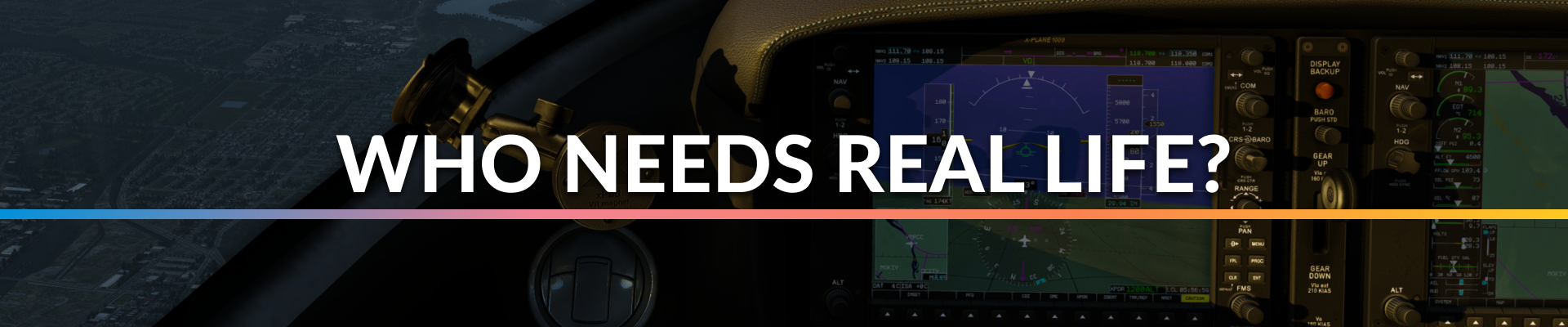
Synthetic Vision
Flying at night or in low visibility has always been one of the biggest challenges for pilots. With X-Plane 12.3.0, we’ve introduced Synthetic Vision Technology (SVT) to the X1000, giving you a powerful new situational awareness tool.
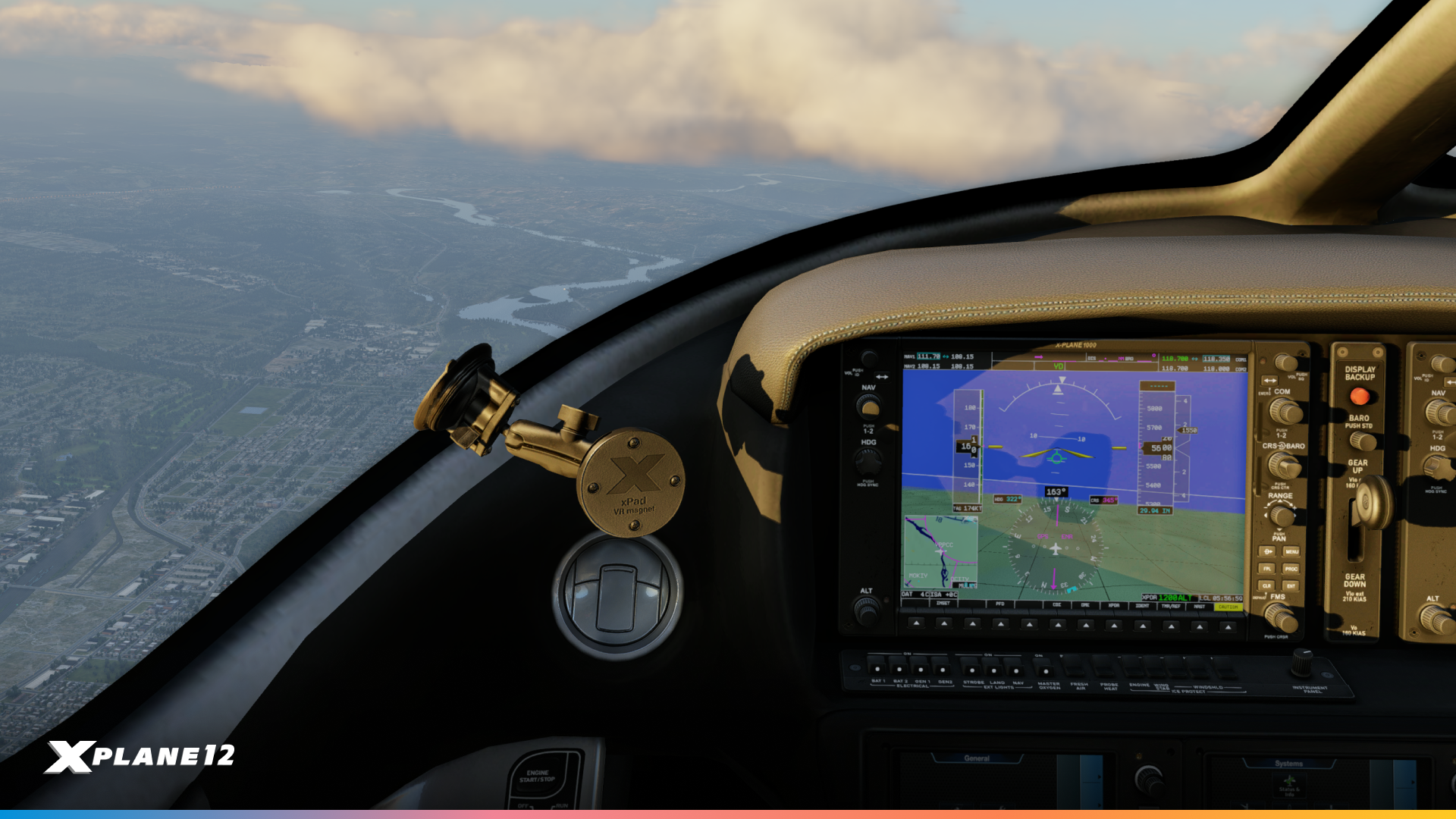
The display provides a realistic 3D representation of terrain, runways, and obstacles directly on your Primary Flight Display (PFD). This allows you to safely navigate complex terrain, maintain better orientation in poor visibility, and anticipate your flight path with confidence. Combined with the new Weather Radar, SVT brings a whole new level of realism and safety to your cockpit.

Engine Health
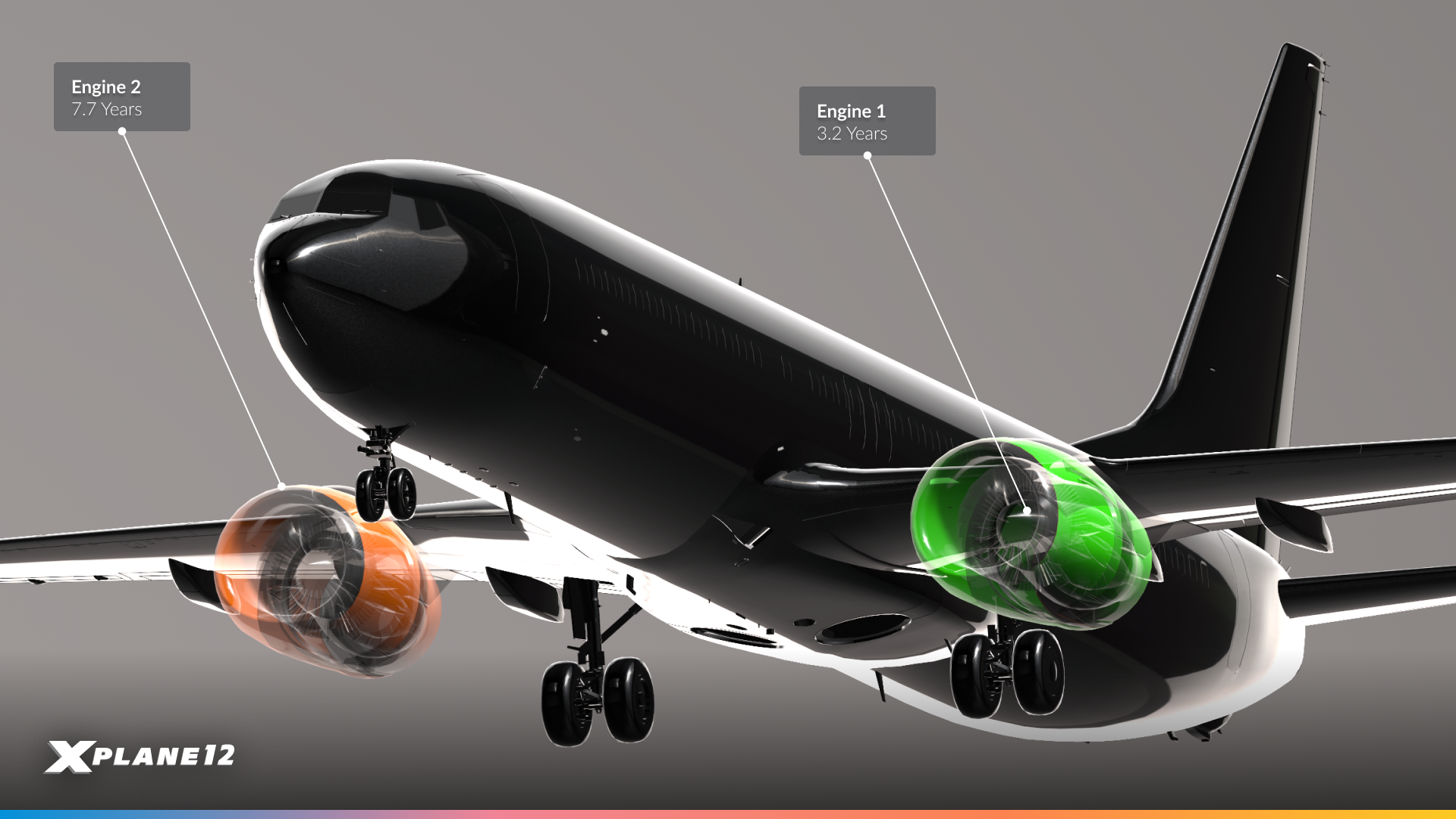
Every engine is different, and now, X-Plane reflects that. With X-Plane 12.3.0, aircraft developers can enable engine “ages” at load, so that Engine 1 might be 7.7.years old while Engine 2 is only 3.2. This introduces natural variation in performance right from the start, just like in the real world where engines don’t age at the same pace.
The effect is subtle but noticeable: small differences in spool-up times, fuel flow, and efficiency make each flight feel more authentic, adding individuality to every aircraft the moment you power it up.
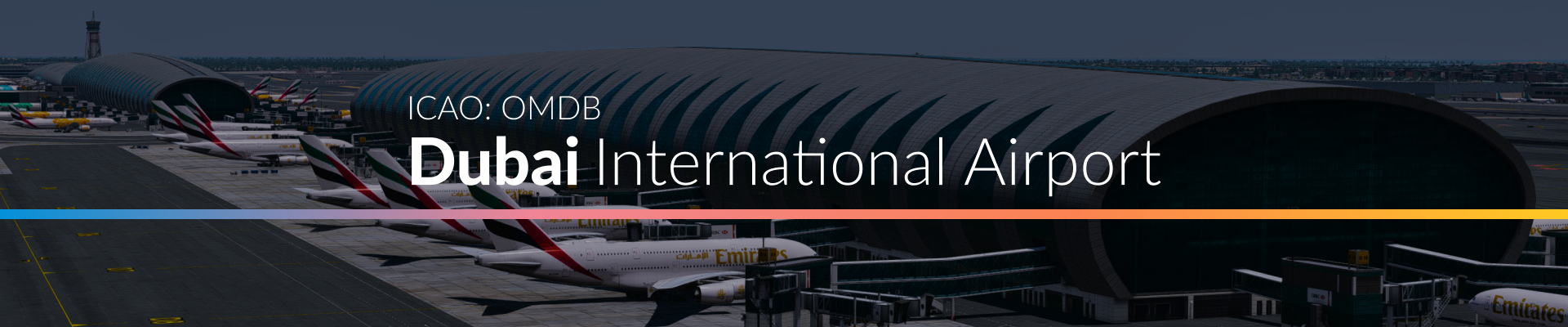
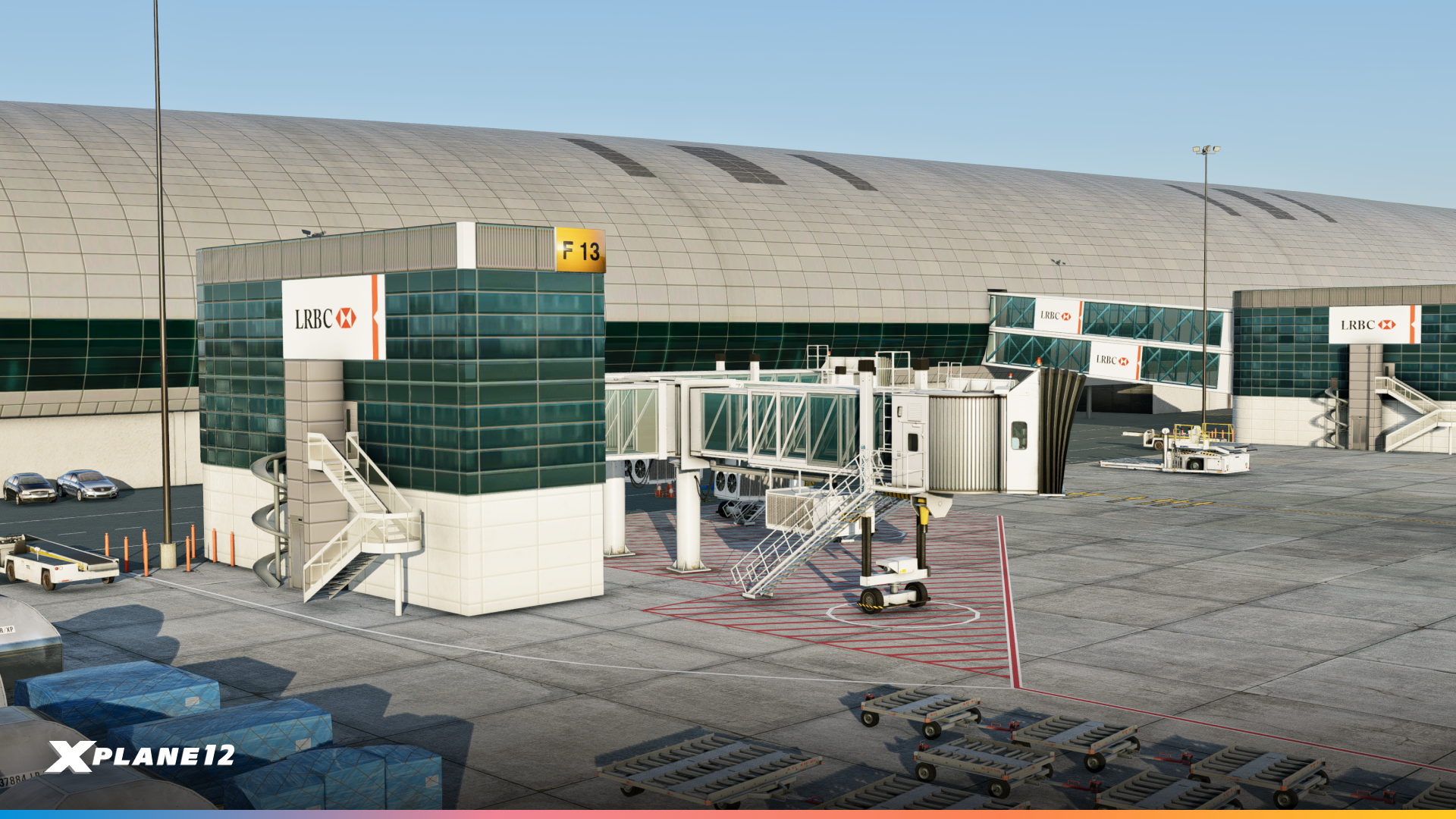
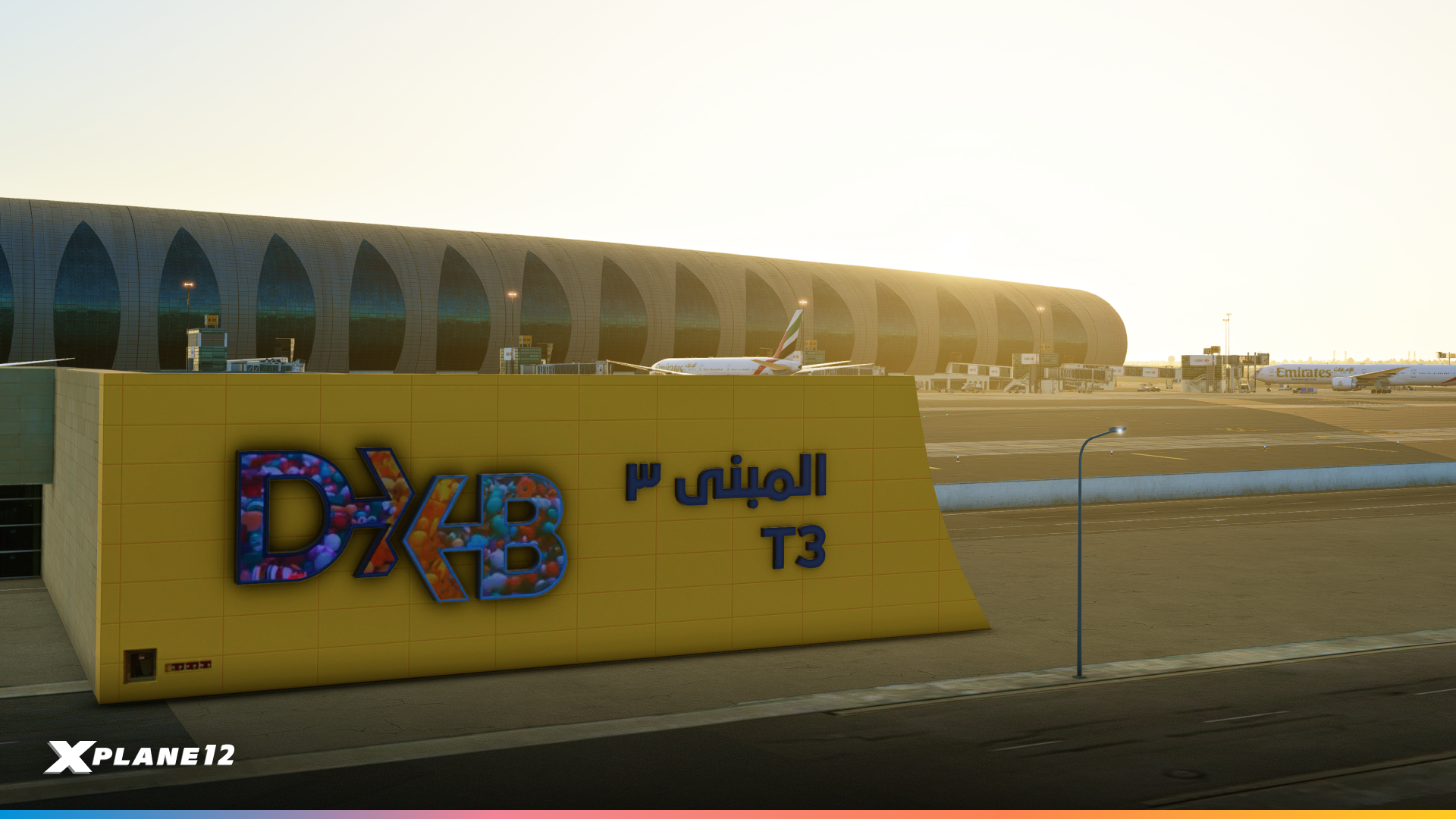
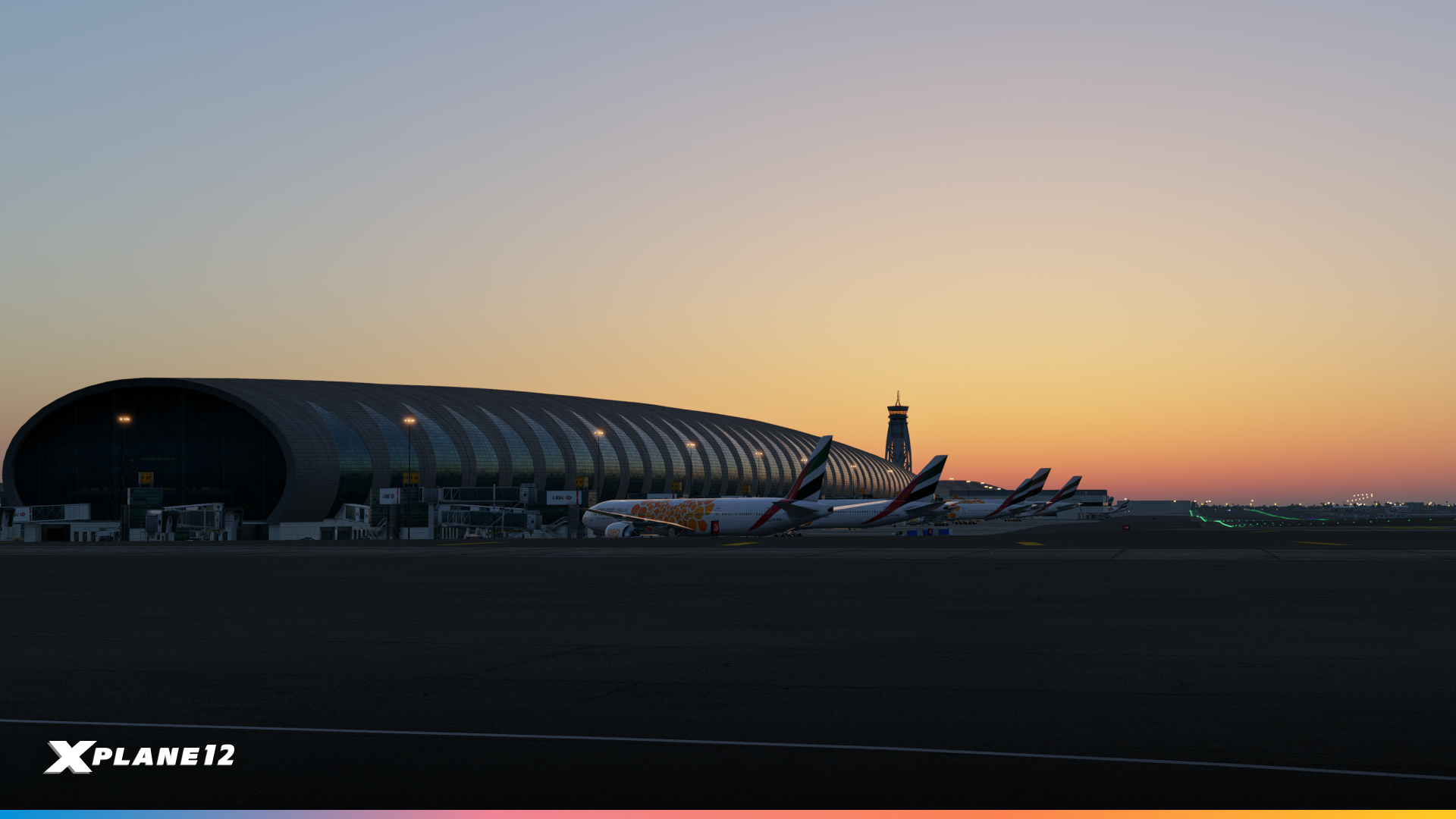
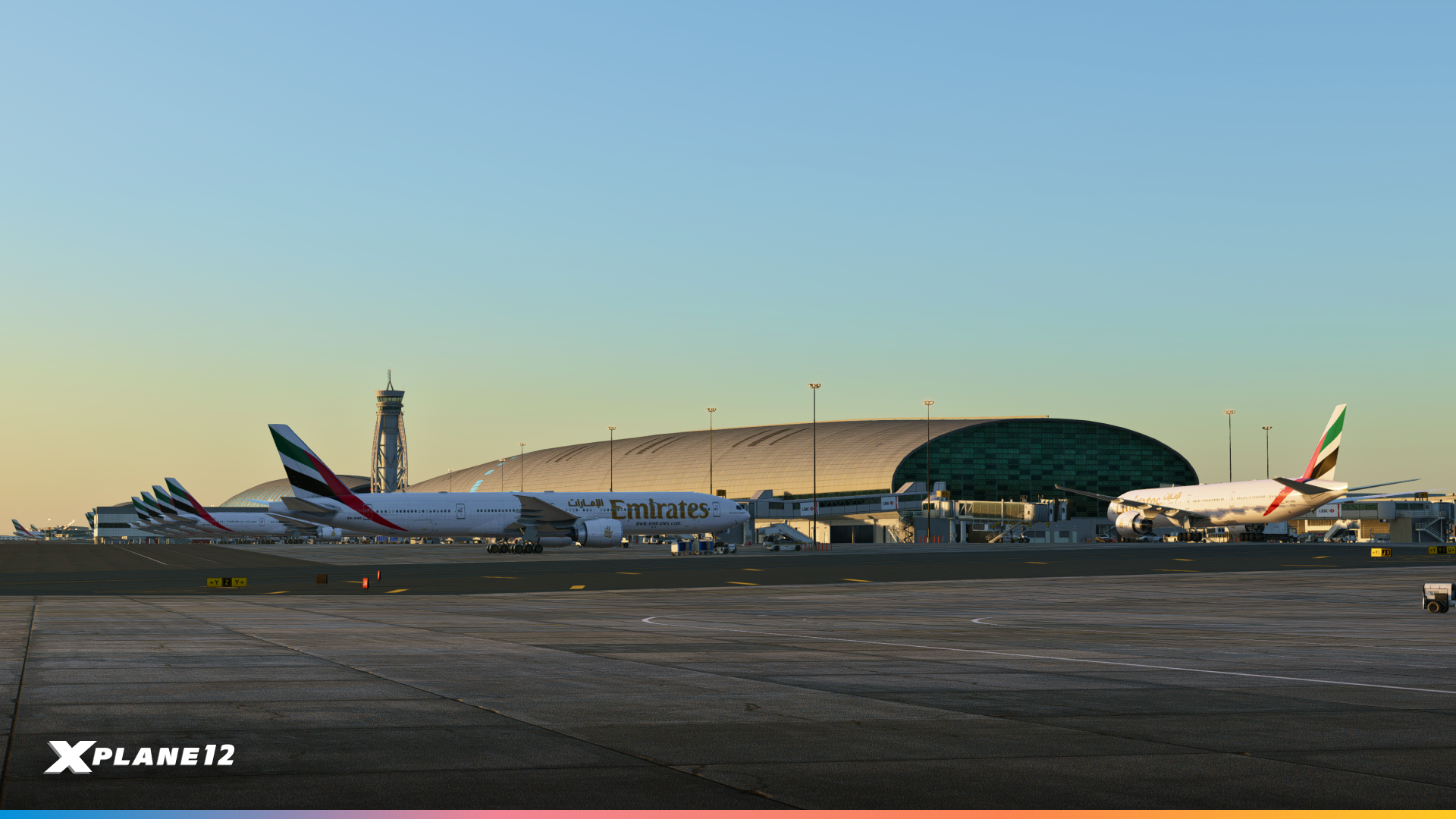
One of the busiest hubs in the world, Dubai International is now part of the X-Plane custom airport collection. Known for its massive terminals and nonstop long-haul operations, OMDB is a true test for both pilots and scenery developers alike.
Recreating the airport in detail meant tackling the unique challenges of its sprawling concourses and extremely long terminal structures. Our artist Cristiano carefully modelled the terminals and other buildings, while Jan was responsible to create all runways and the taxiway network to deliver an authentic layout.
Dubai International is the world’s busiest airport for international passenger traffic and home base of Emirates, the largest operator of the Airbus A380. Its iconic Concourse A was first in the world designed specifically to accommodate the A380, with 20 dedicated gates for the aircraft.
Whether you’re flying regional routes across the Middle East or intercontinental trips to Europe, Asia or North America, Dubai offers a stunning new hub for your operations.
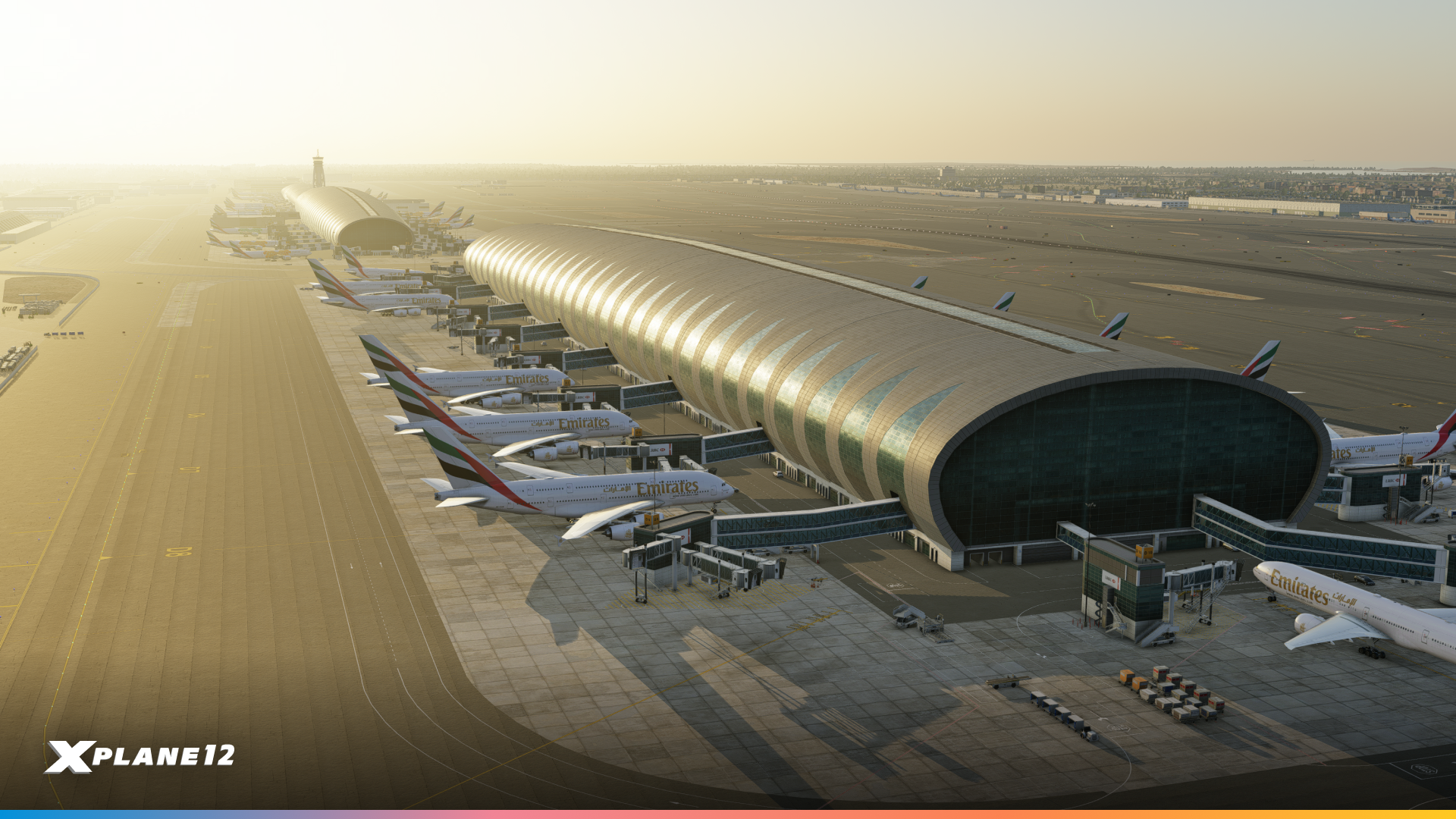
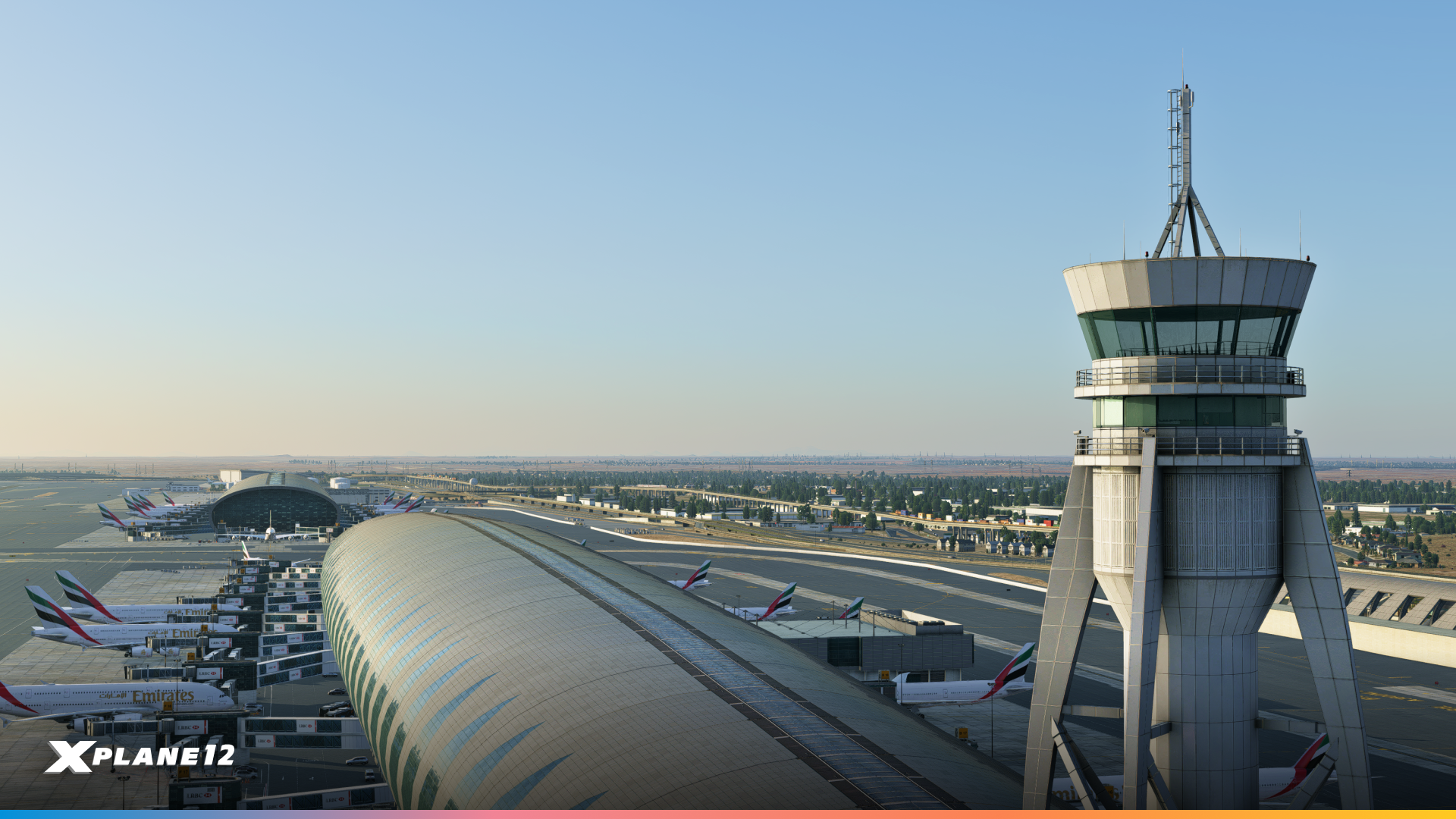
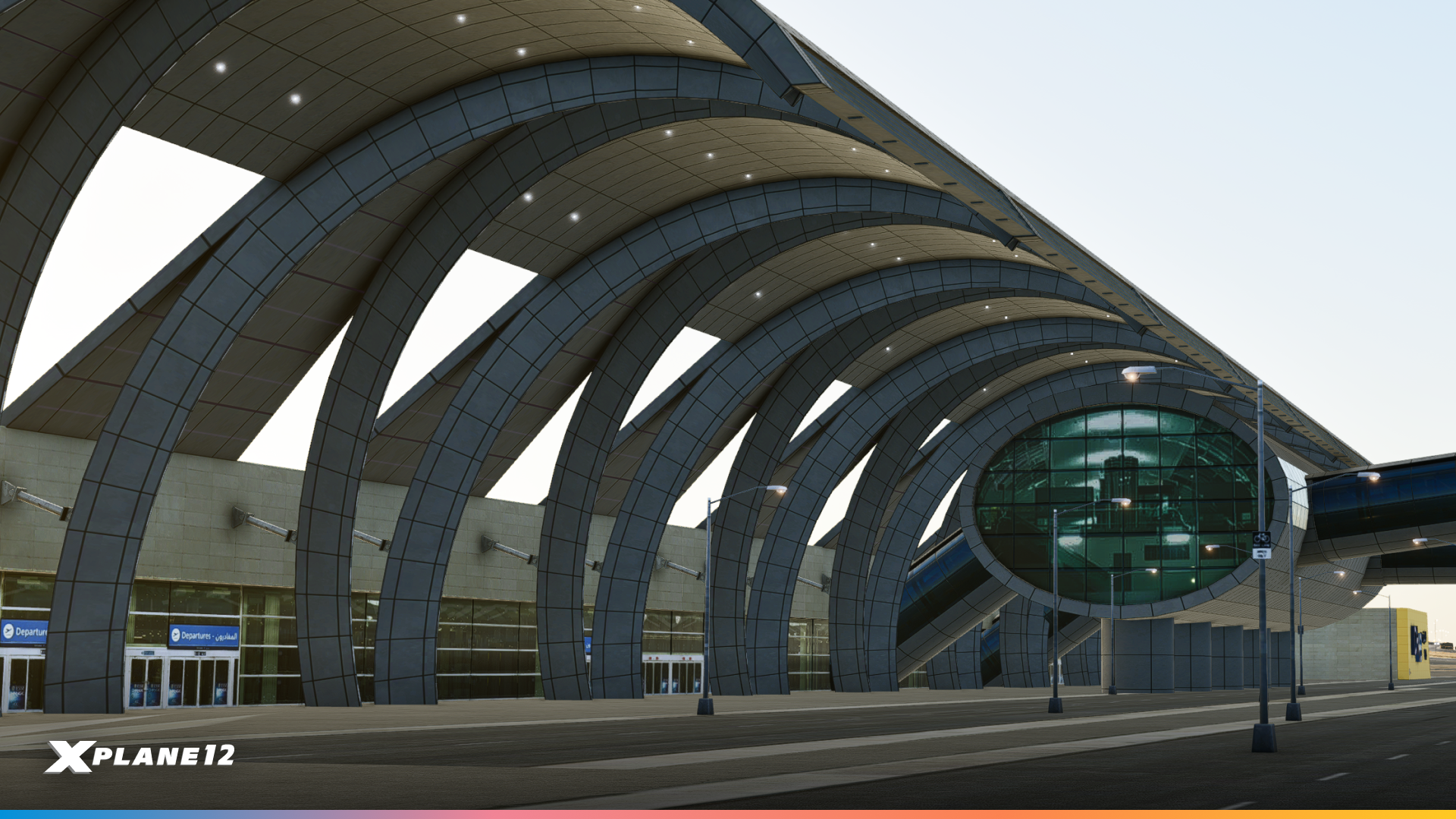
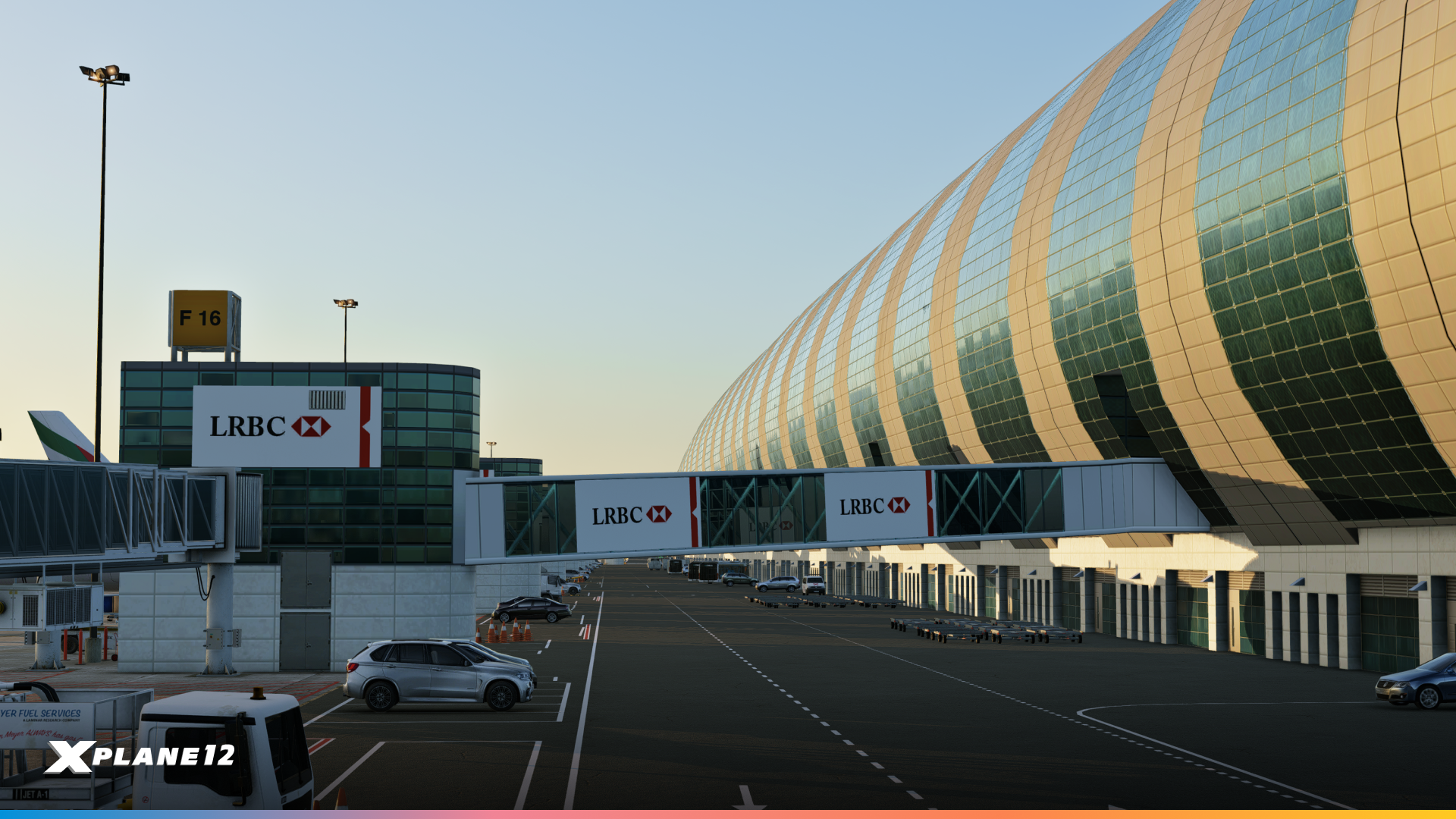
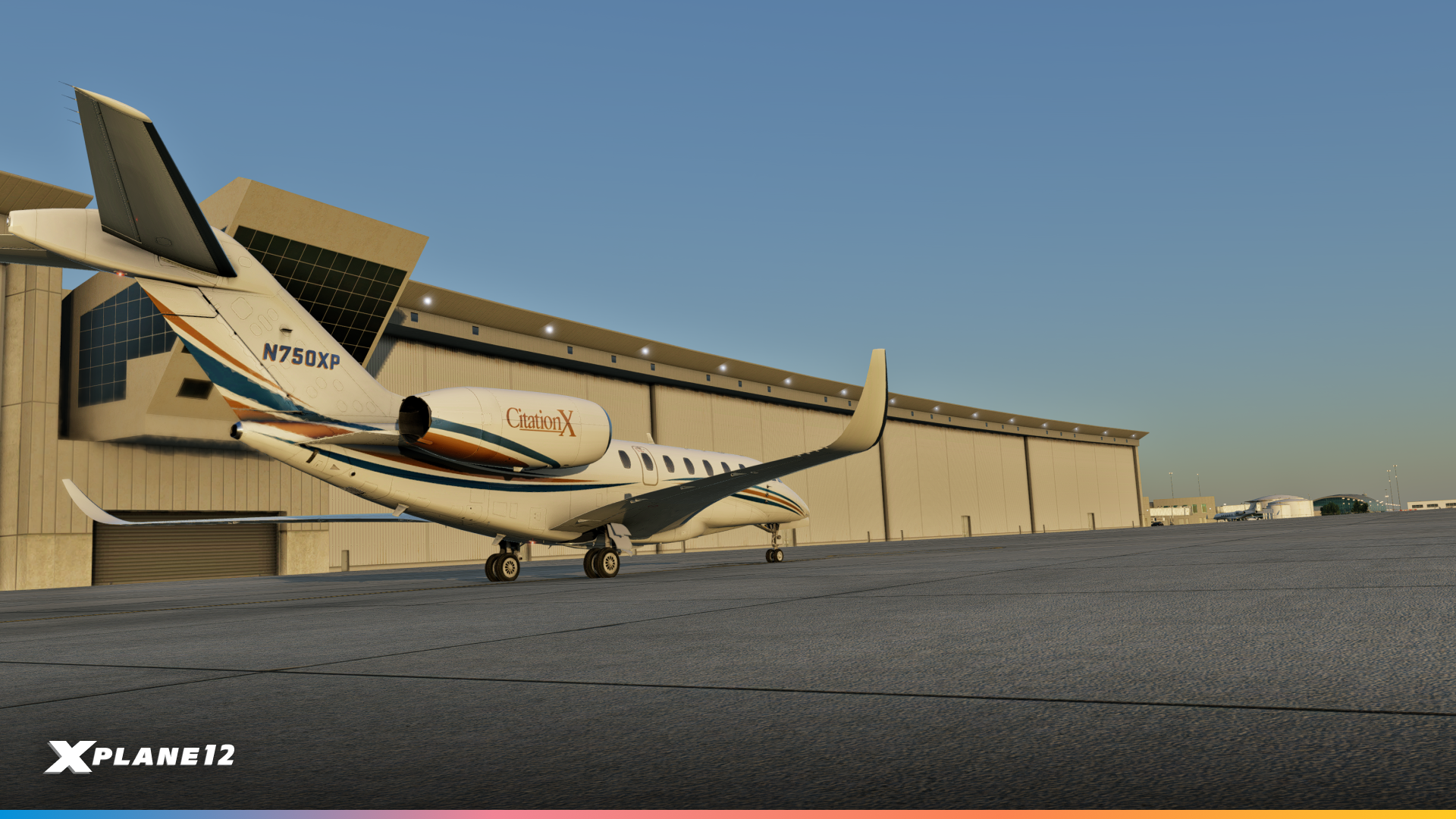
Vegetation Annotation for OBjs
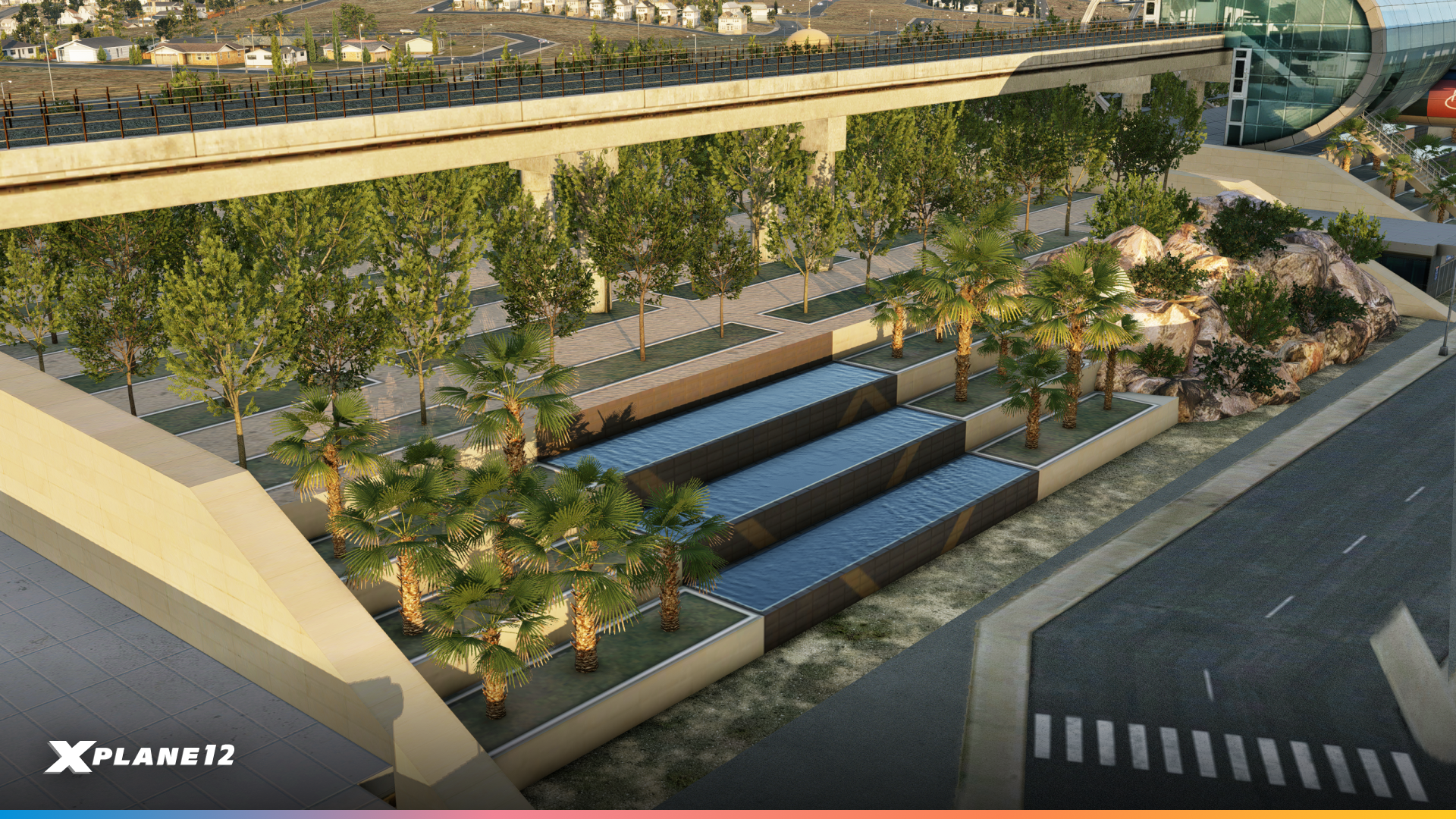
Scenery just got greener! With X-Plane 12.3.0, custom OBJ models can now include vegetation annotations—meaning trees and plants can be placed directly on rooftops, terraces, or other custom structures. This feature lets scenery developers create more realistic environments, from lush airport terminals to urban skylines with rooftop gardens. The result? More vibrant, lifelike airports and cities for your flights.
External Visuals Sync
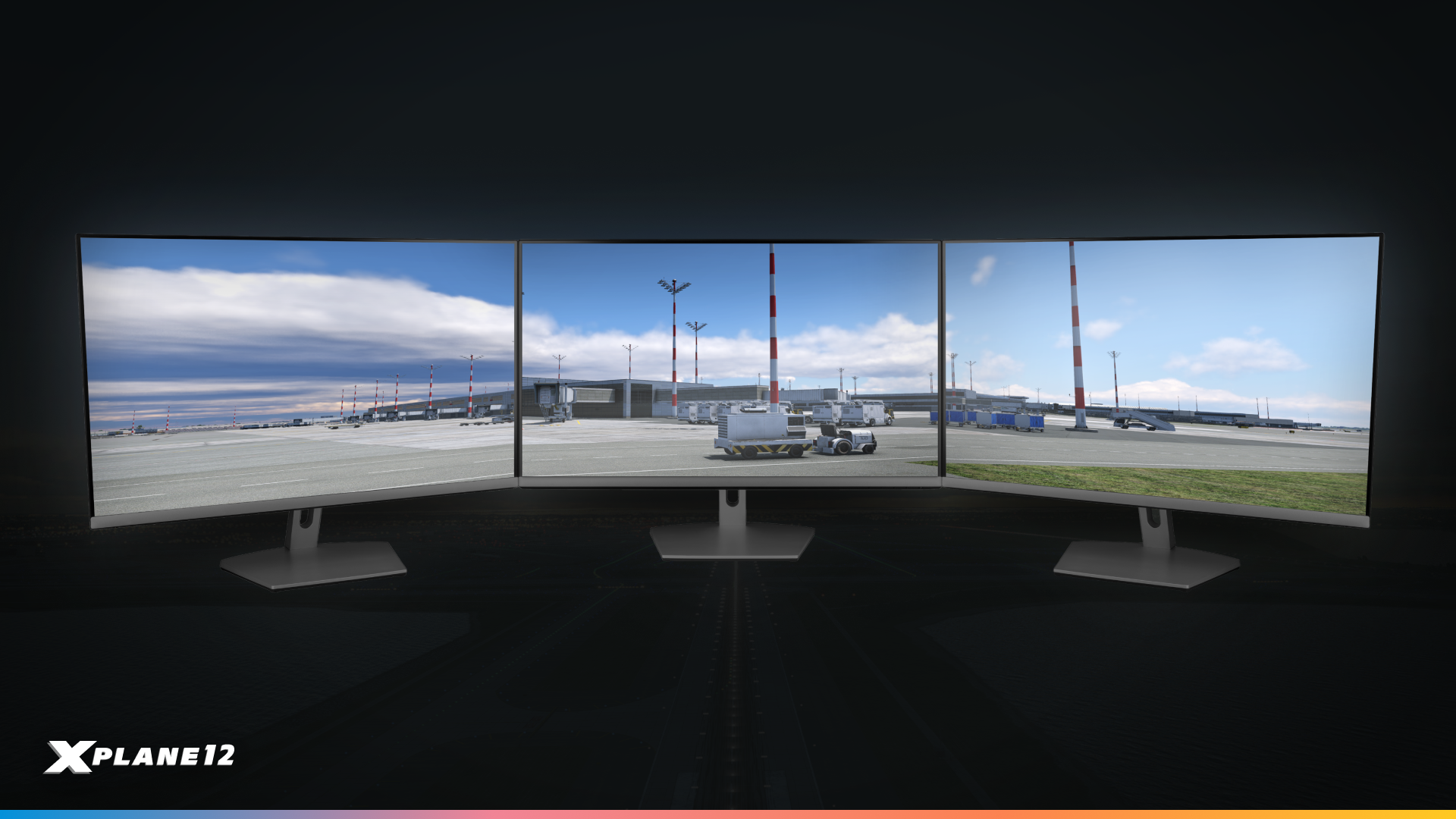
Multi-screen cockpit builders, this one’s for you! External visuals in X-Plane are now smoother and more consistent than ever. In version 12.3.0, we’ve improved synchronisation across multi-PC setups — not just for the aircraft, but also for ground vehicles, boats, jetway extensions and static aircraft.
Whether you’re running an immersive three-screen desktop or a full-scale home cockpit, these improvements ensure every moving element stays perfectly in sync, delivering a more seamless and realistic experience.
Dedicated Avionics Screens
Avionics displays like the G1000, G530, or PFD can now be assigned directly to a dedicated hardware screen — no more relying on popup windows. This makes it easier than ever to build your perfect home cockpit setup.
Historic Weather
Missed that perfect storm or want to recreate a real-world flight from last winter? With Historic Weather, X-Plane now lets you fly in past conditions — up to one year back in time.
Whether you’re training, testing performance, or just exploring, you can load accurate historical METAR data for the exact date and time you choose. Experience how the weather really was, whenever you want.
Cockpit Lighting Improvements
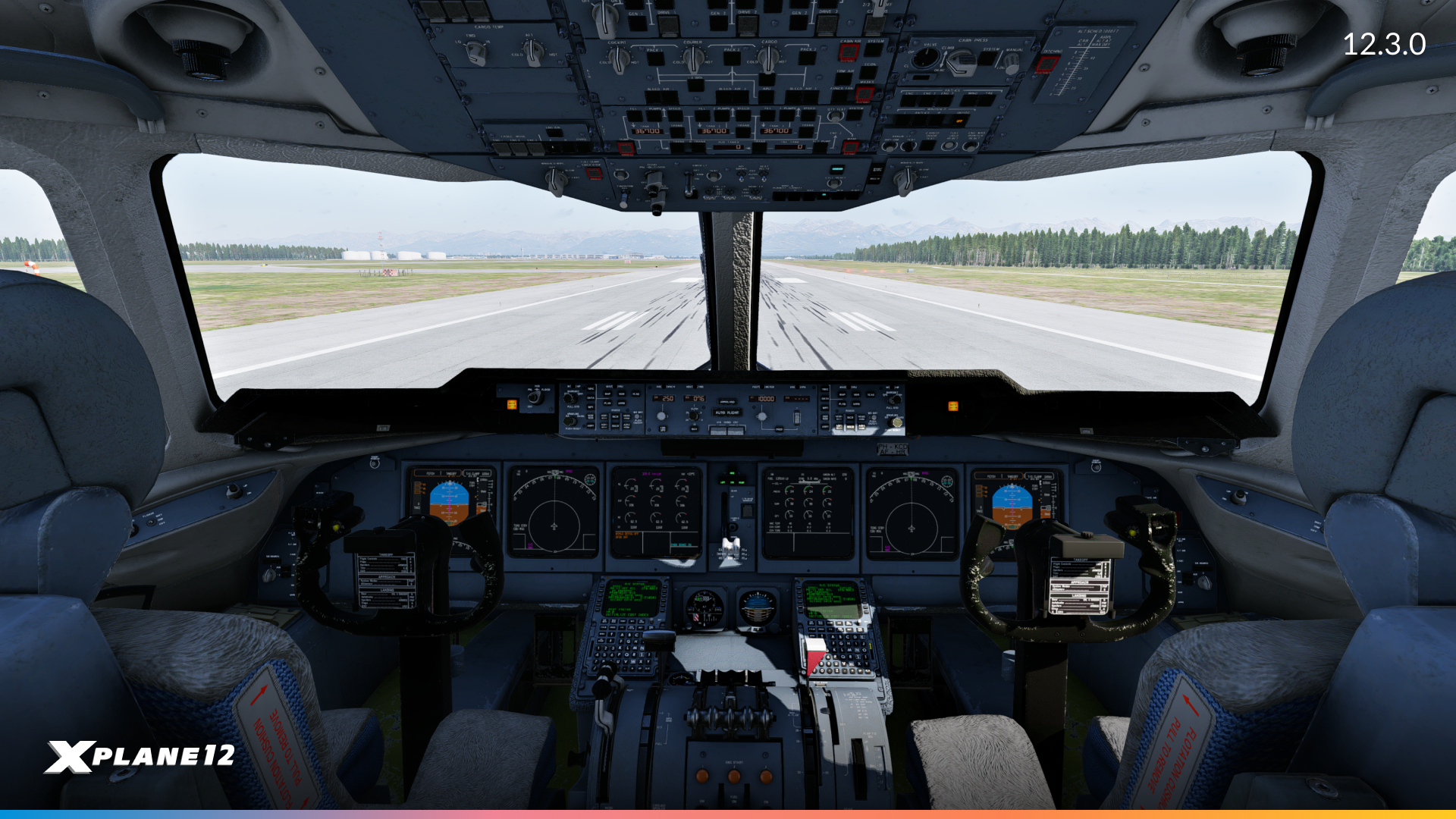
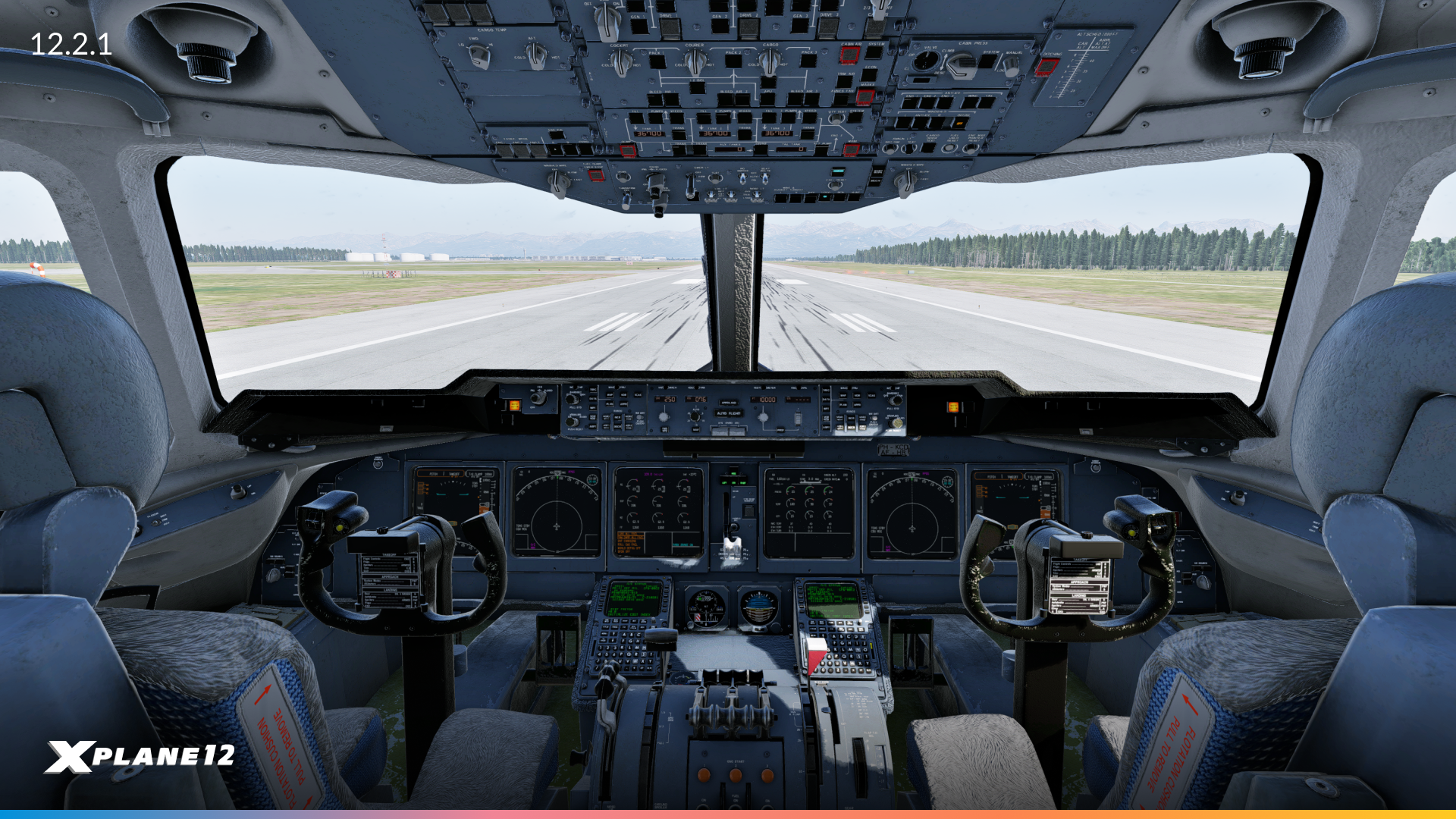
Rotate MD-11F : PANC @ 1530
We’ve enhanced cockpit lighting for a smoother, more realistic look. A key update is the reduction of specular aliasing, eliminating distracting shimmering on glossy surfaces when exposed to strong light sources like the sun or cockpit lighting.
This results in cleaner reflections, better night lighting, and an overall more immersive experience for pilots.
Aircraft Updates
X-Plane 12.3.0 improves realism and usability across the fleet. FMS, VNAV, autopilot, and trim behavior are more accurate, and ATC/ATSU integration now supports datalink weather updates. Key aircraft updates include a modernized 737-800 cockpit, upgraded Citation X VNAV logic, and authentic flap handling on the Piper PA-18.
G-Loaded Camera
We listen! Many of you love our G-Loaded Camera, but we also heard requests for more control over its intensity, or the ability to temporarily suspend it. In X-Plane 12.3.0, you’ll find a new setting in the Accessibility settings, plus a dedicated command to suspend the camera effect. Exactly as you ask for. Your feedback matters, and we take it seriously!
Scenery Assets
Our scenery artists have also been busy. This time, we have some brand new assets for WED artists to use, as well as some existing airport kit updates!
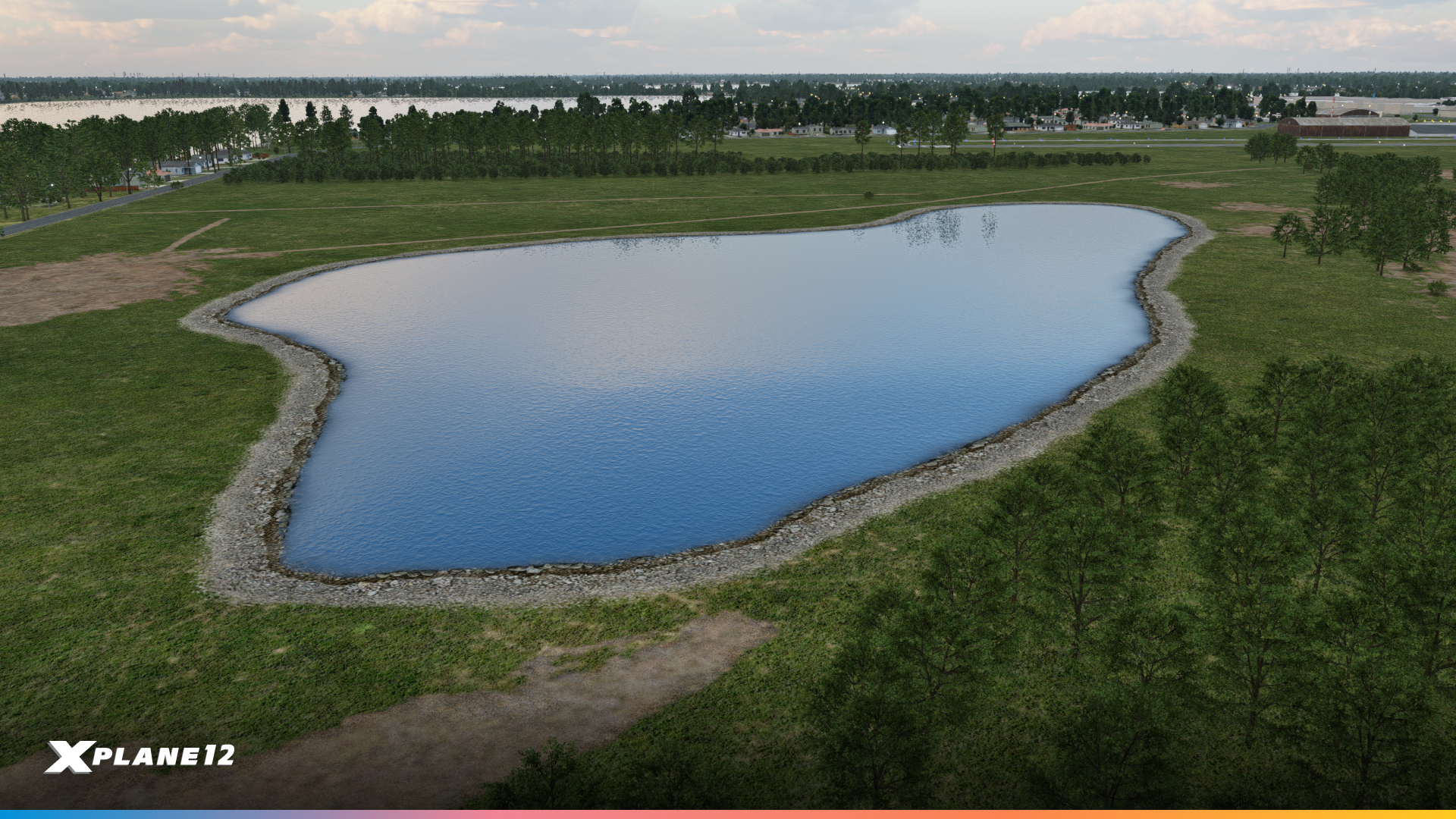
Custom Water Polygons and Edge Markings
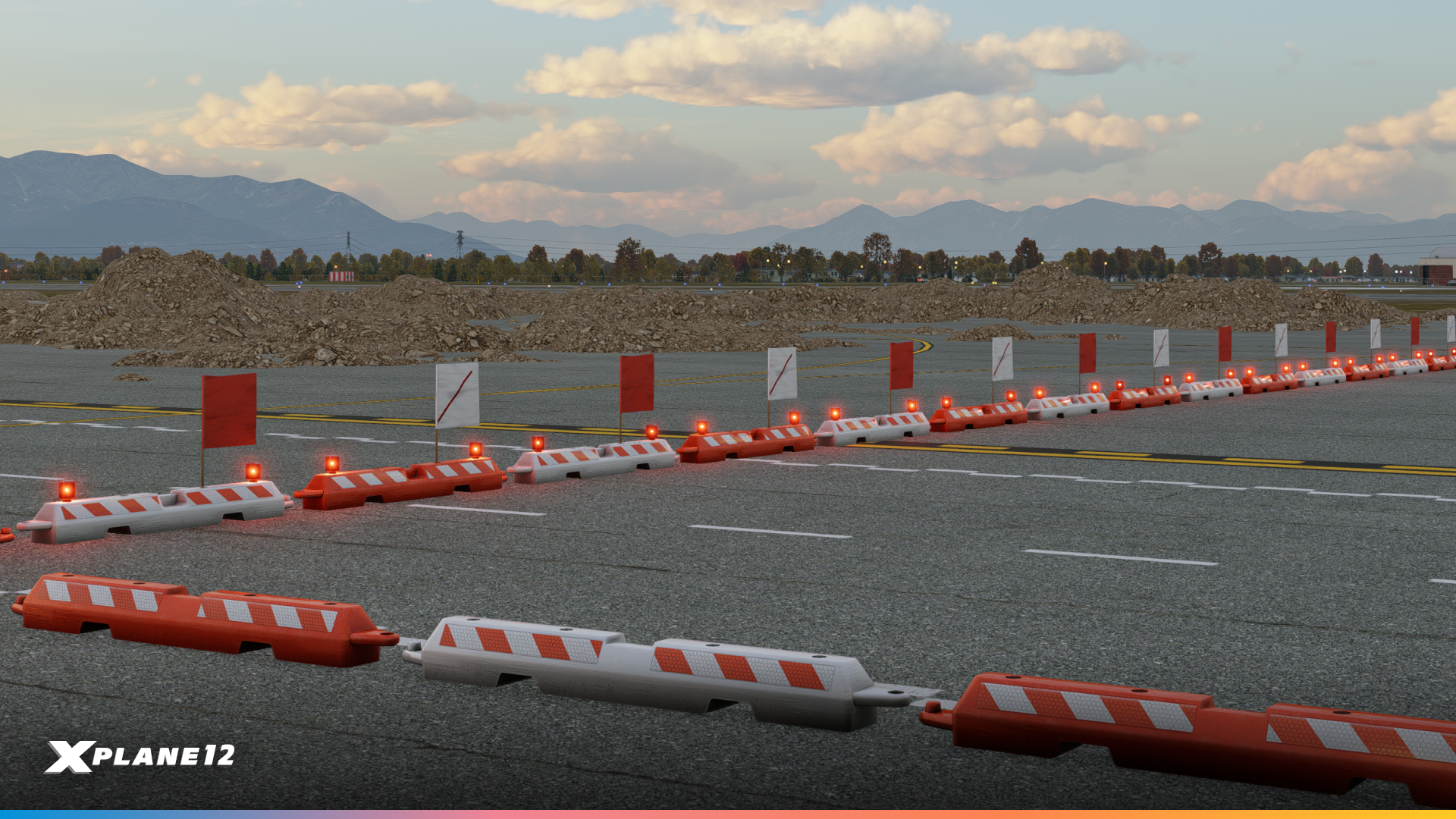
Low-profile airport barricades
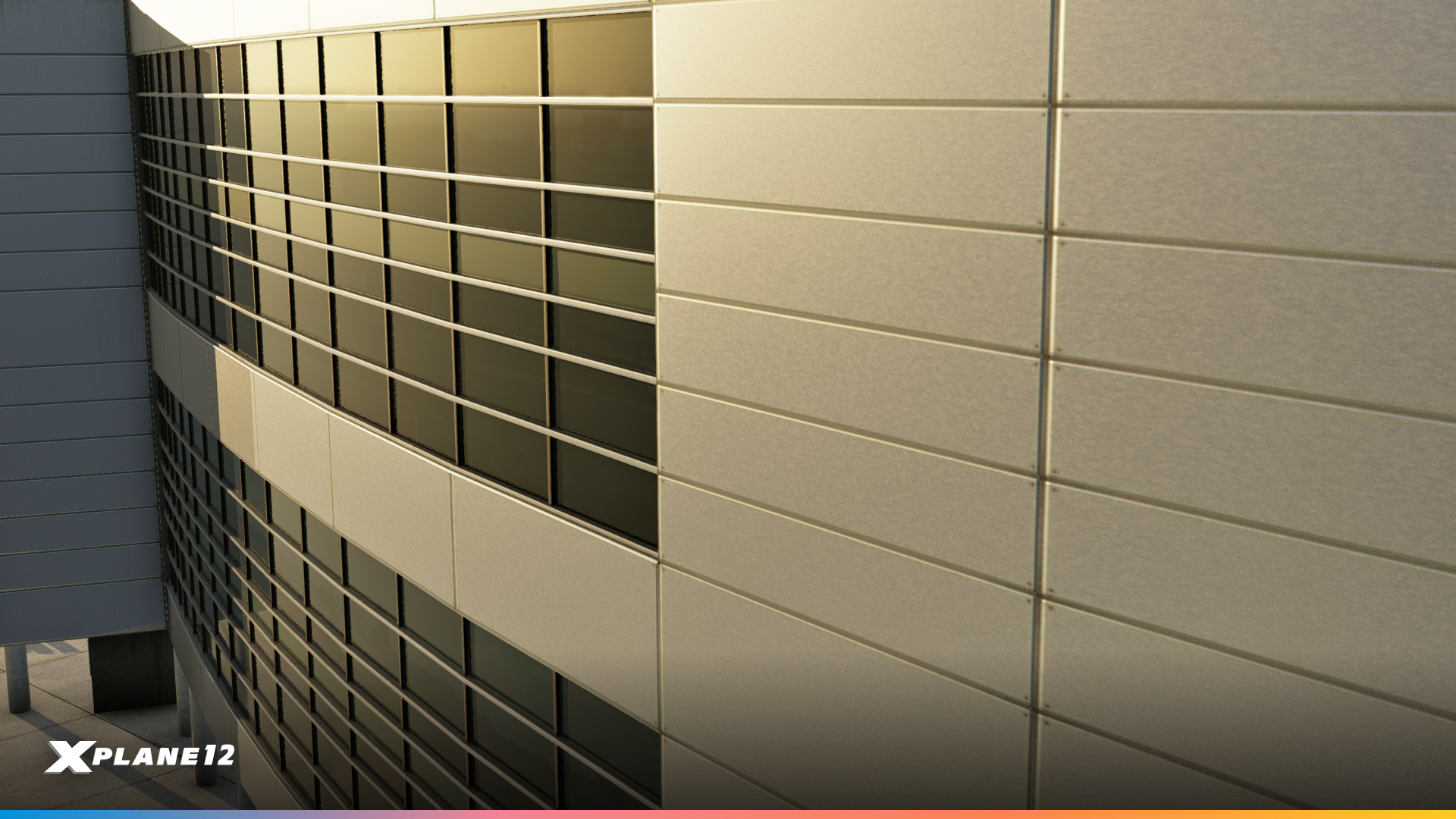
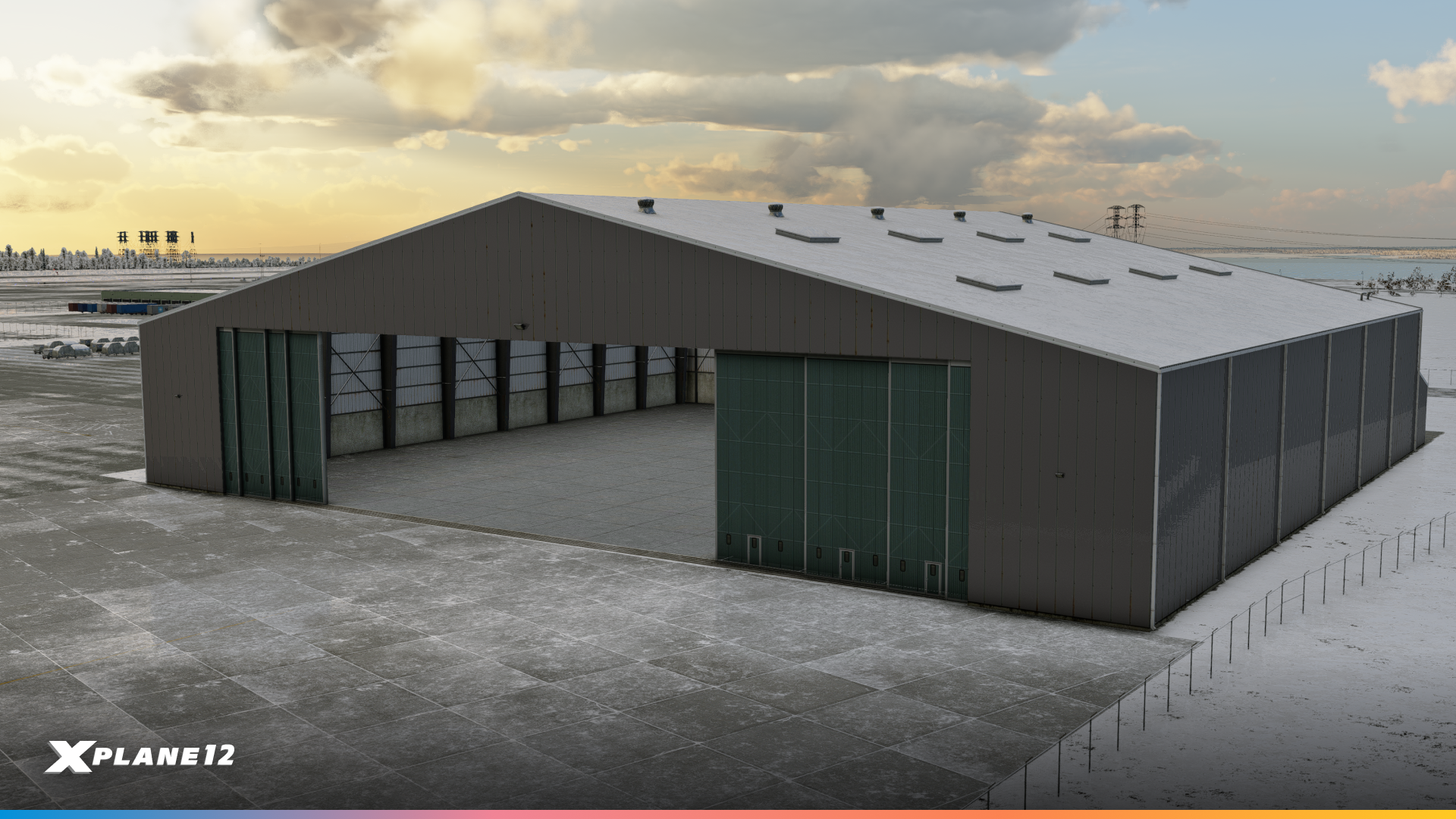
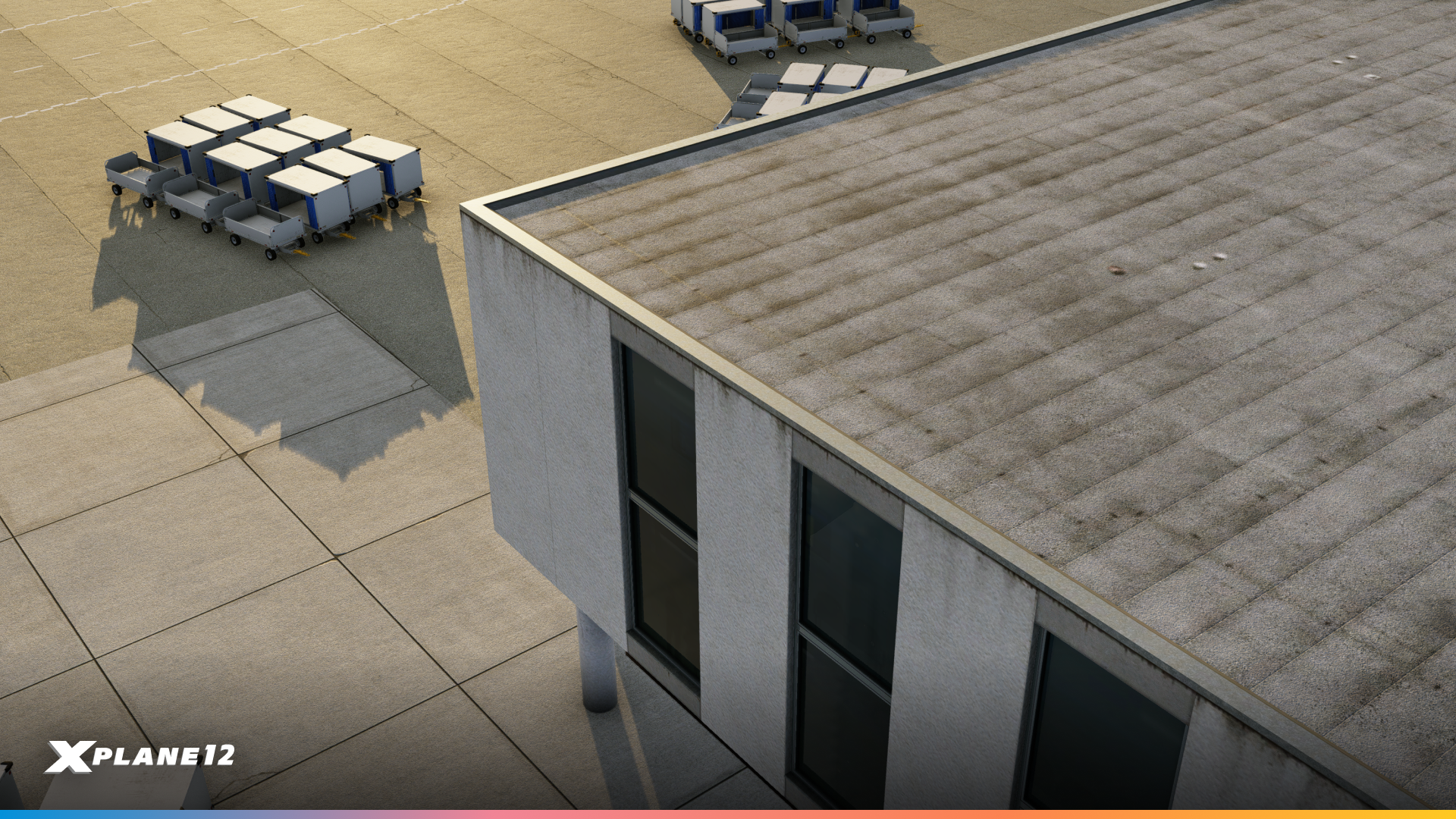
Updated Detail Textures and Weather Effects

Night Vision

We’ve improved our night-vision rendering, so you can conduct those all-important missions in the dark!
Gateway Airports

X-Plane 12.3.0 includes an updated set of Gateway Airports, featuring many new and refreshed airports contributed by our talented airport designer community.
Hats off to our amazing airport designer community for making X-Plane’s world richer and more realistic!
New Hardware Support
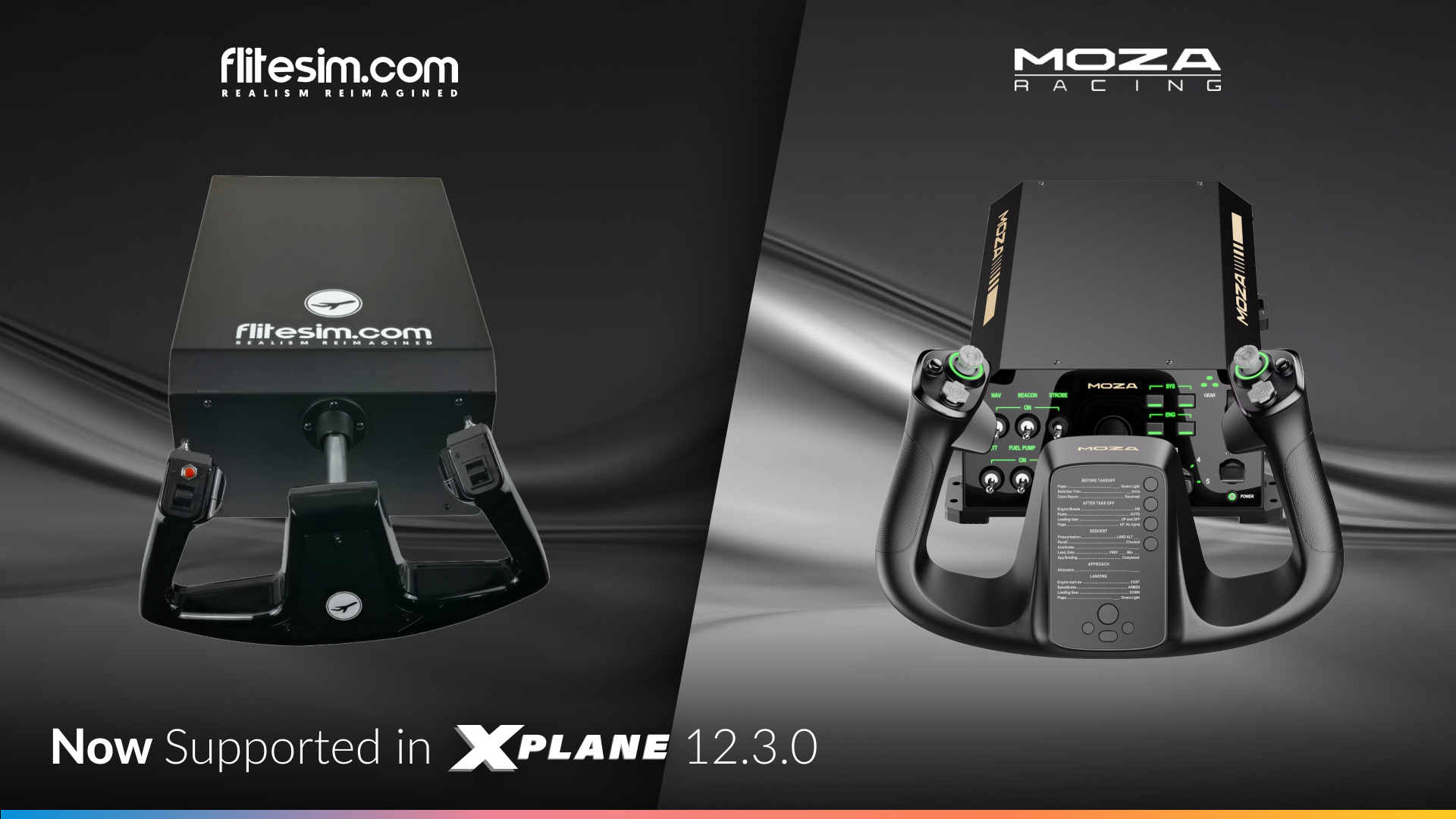
This release introduces additional hardware support to make your cockpit setup more immersive than ever. We’ve added native support for the MOZA MFY Yoke, as well as the CLS-60 / CLS-120 Force Feedback Yoke and Rudder Pedals from FliteSim.com — bringing even more realism and choice to your flight simulation experience.

X-Plane 12.3.0 Beta 1 is out now!
Time to take to the skies and explore all the new features, from the fully simulated weather radar to improved aircraft and our new custom Dubai International (OMDB) airport. Hop into the Airbus A330 and plan a long-haul route to London, Frankfurt, Singapore, or New York — and experience X-Plane like never before!
For additional details and a more comprehensive list of changes, have a look at the full release notes.

The post What’s new in 12.3.0? appeared first on X-Plane.
]]>The post What’s new in 12.2.1? appeared first on X-Plane.
]]>If you’ve ever wanted a say in how X-Plane evolves visually, this is the version that shows it’s working.
Let’s take a look at what you helped create!


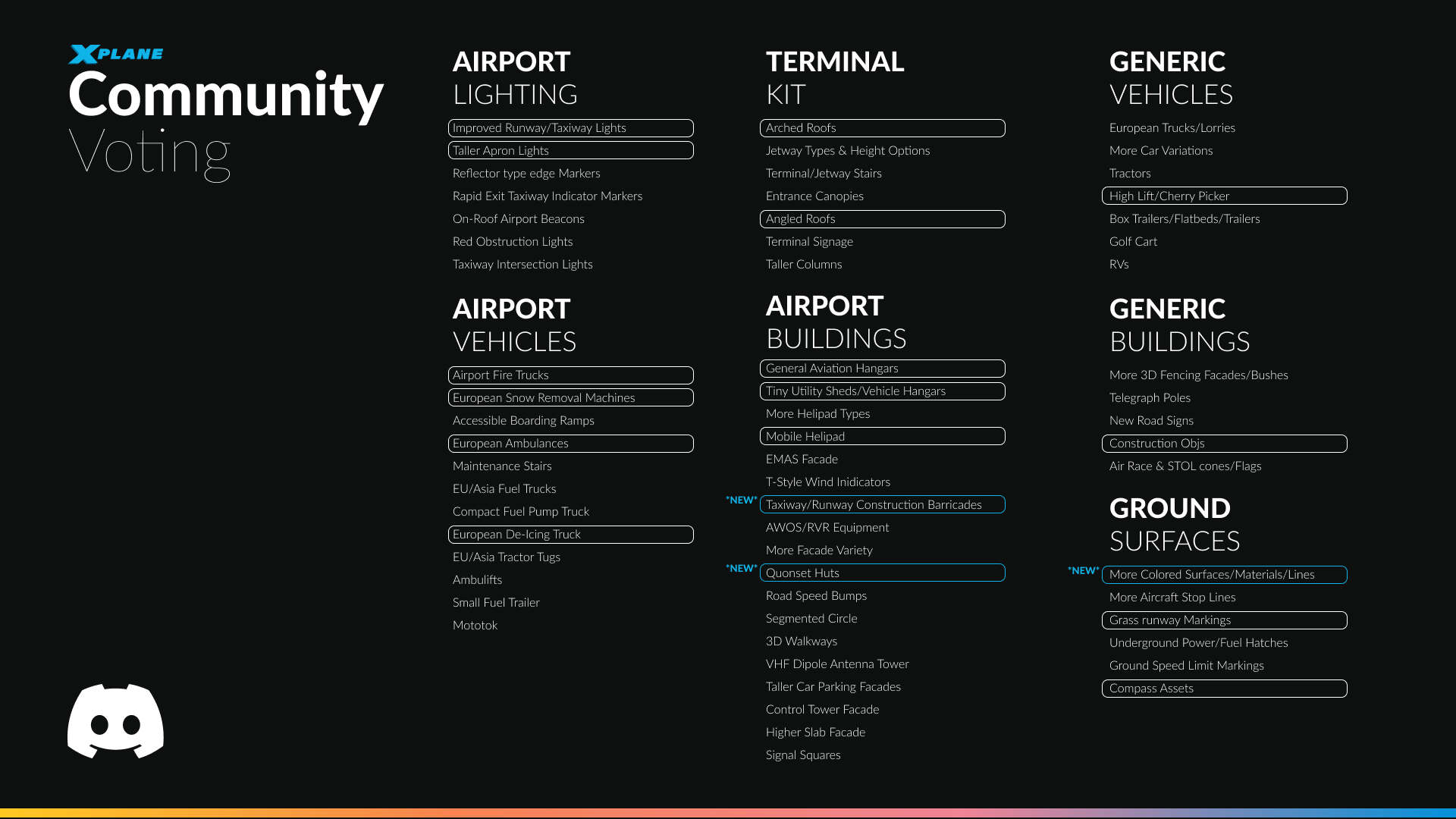
You may remember the Discord survey we ran some time ago. As soon as it was completed, we didn’t waste any time and immediately began creating new assets based on the community’s feedback. We’ve highlighted which assets we’ve nominated to be worked on!
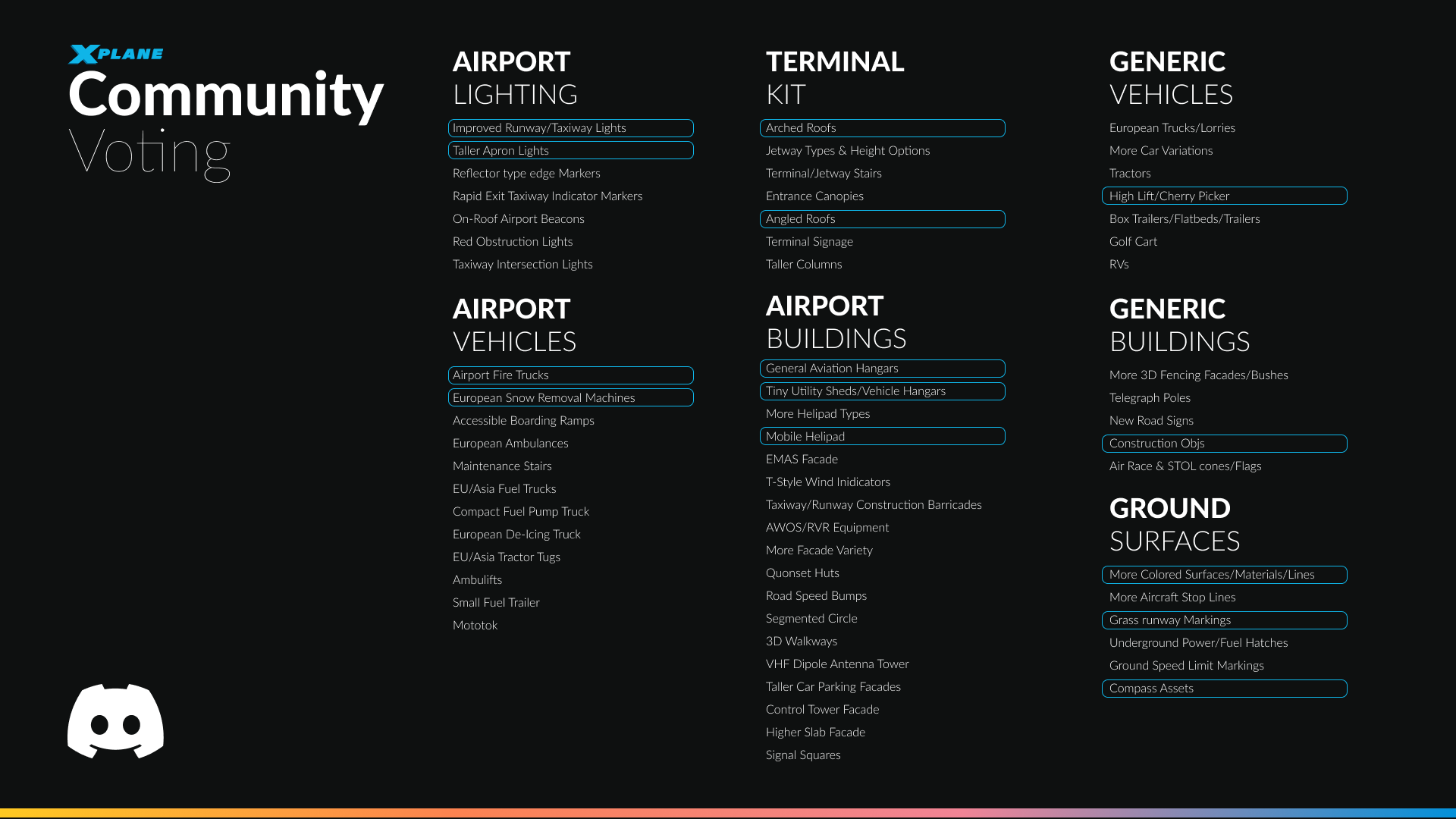
Of course, we didn’t stop there! This release is loaded with even more exciting features, improvements, and fixes. Let’s take a closer look at what’s new.
New Library Objects
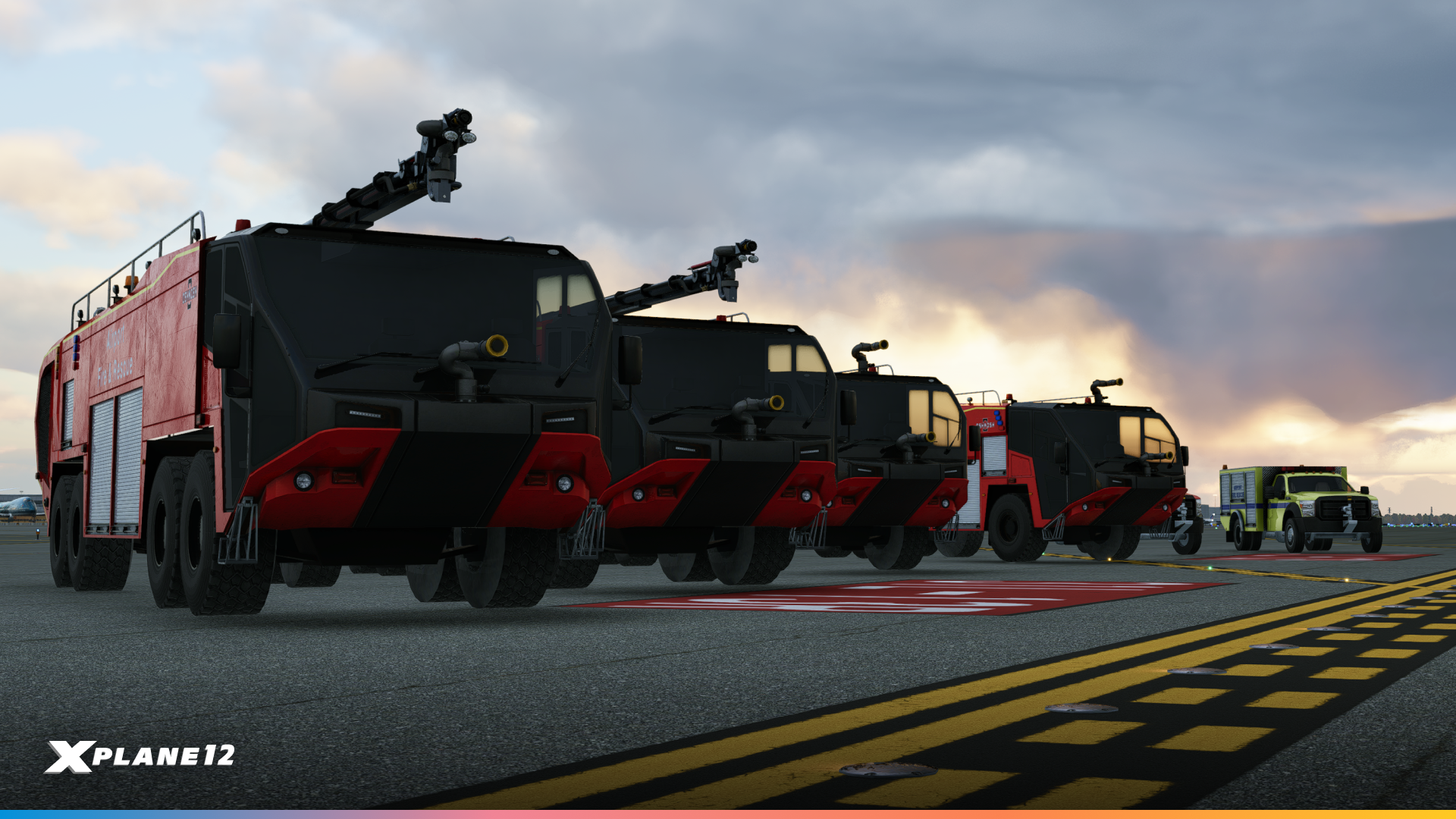
FireTrucks
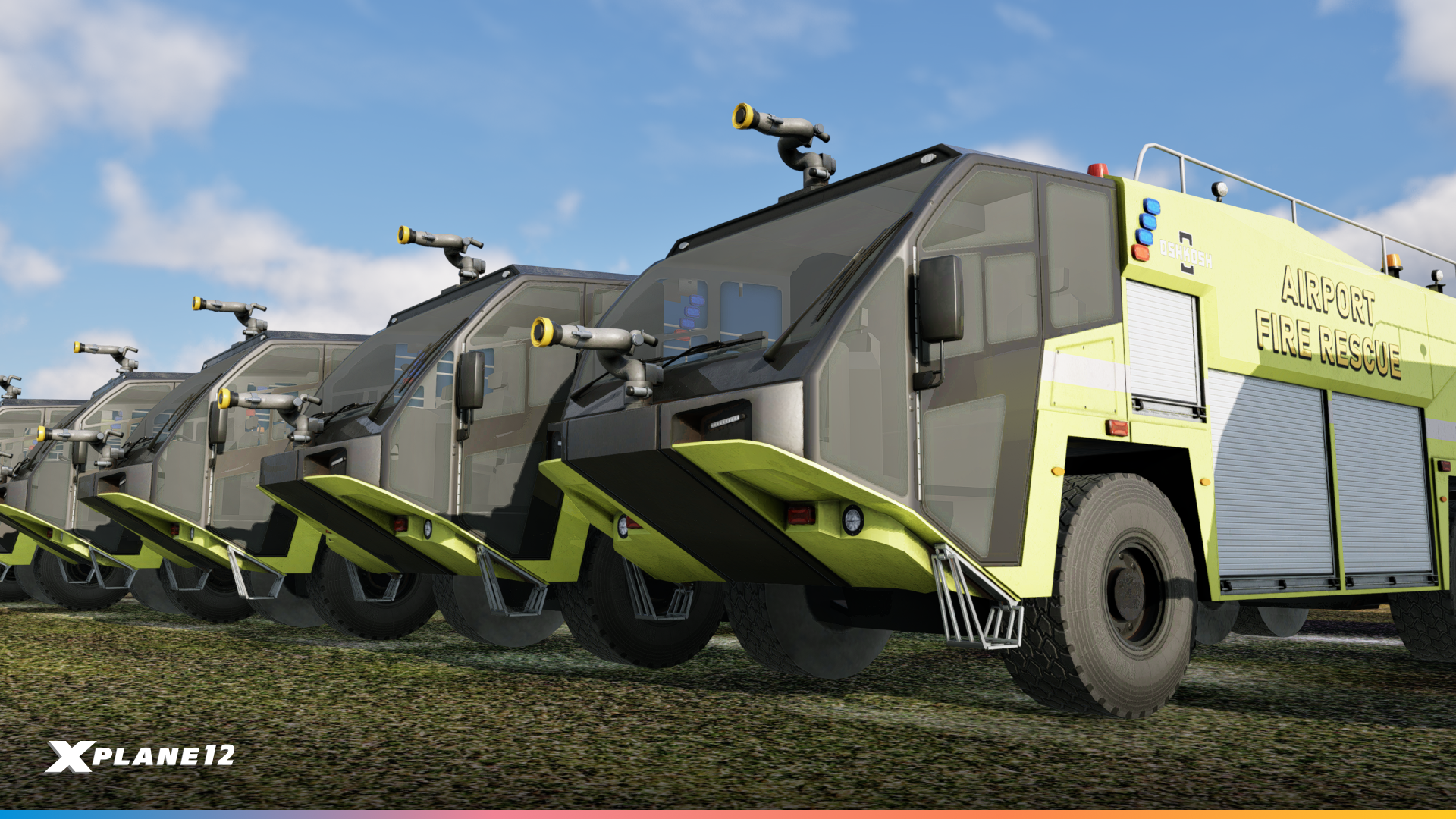
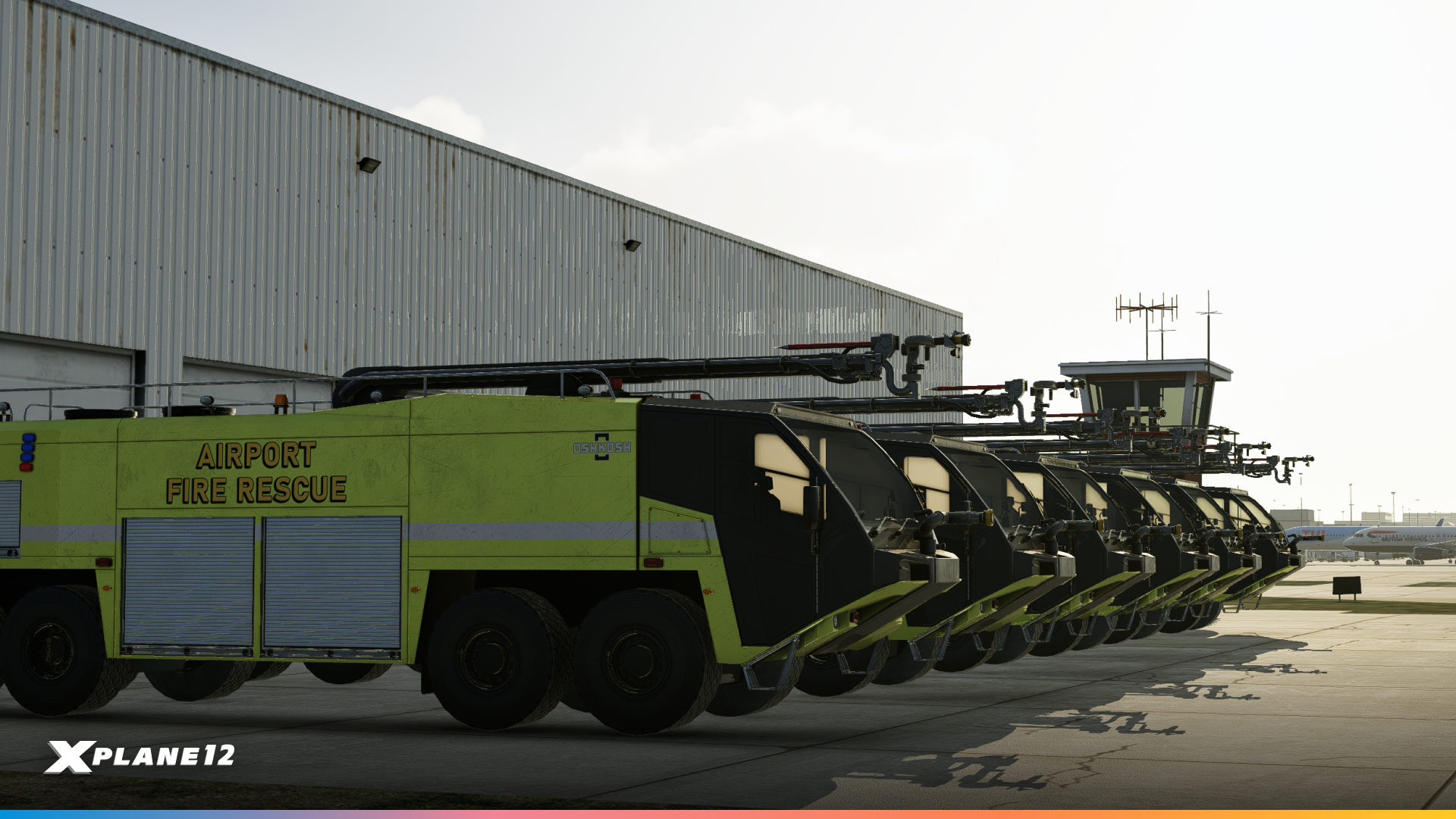
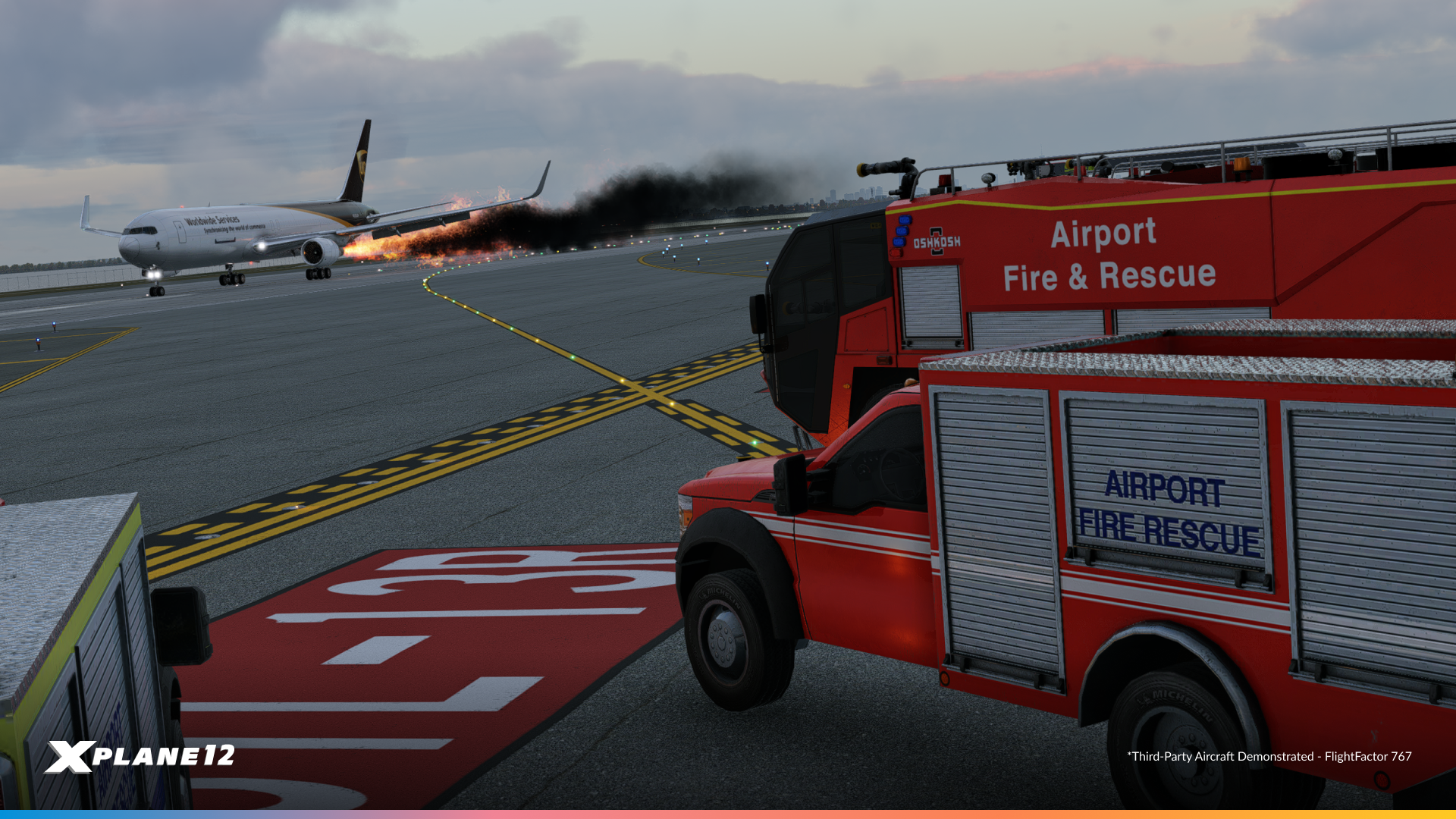
Cherry Pickers
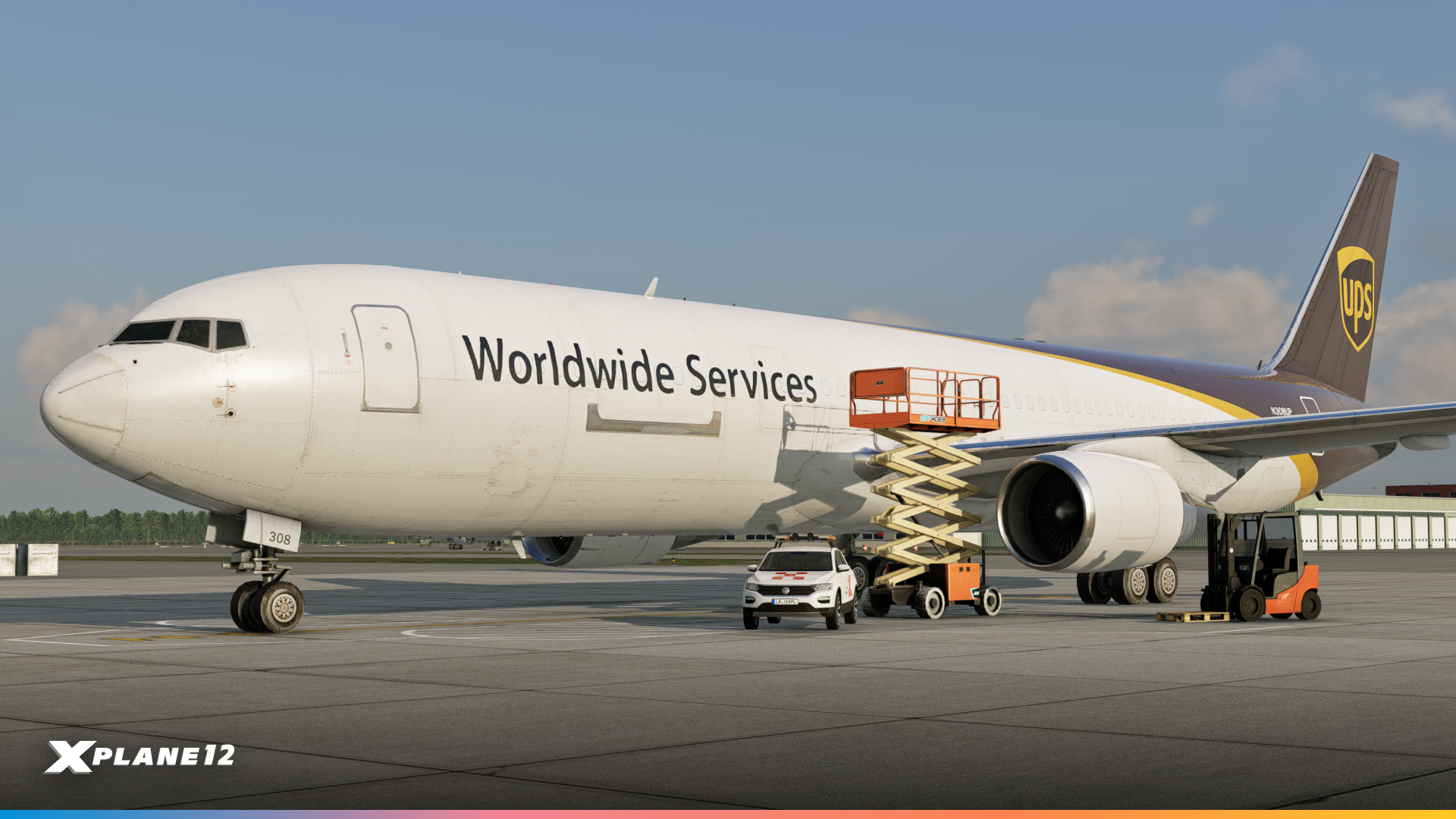
Construction Vehicles






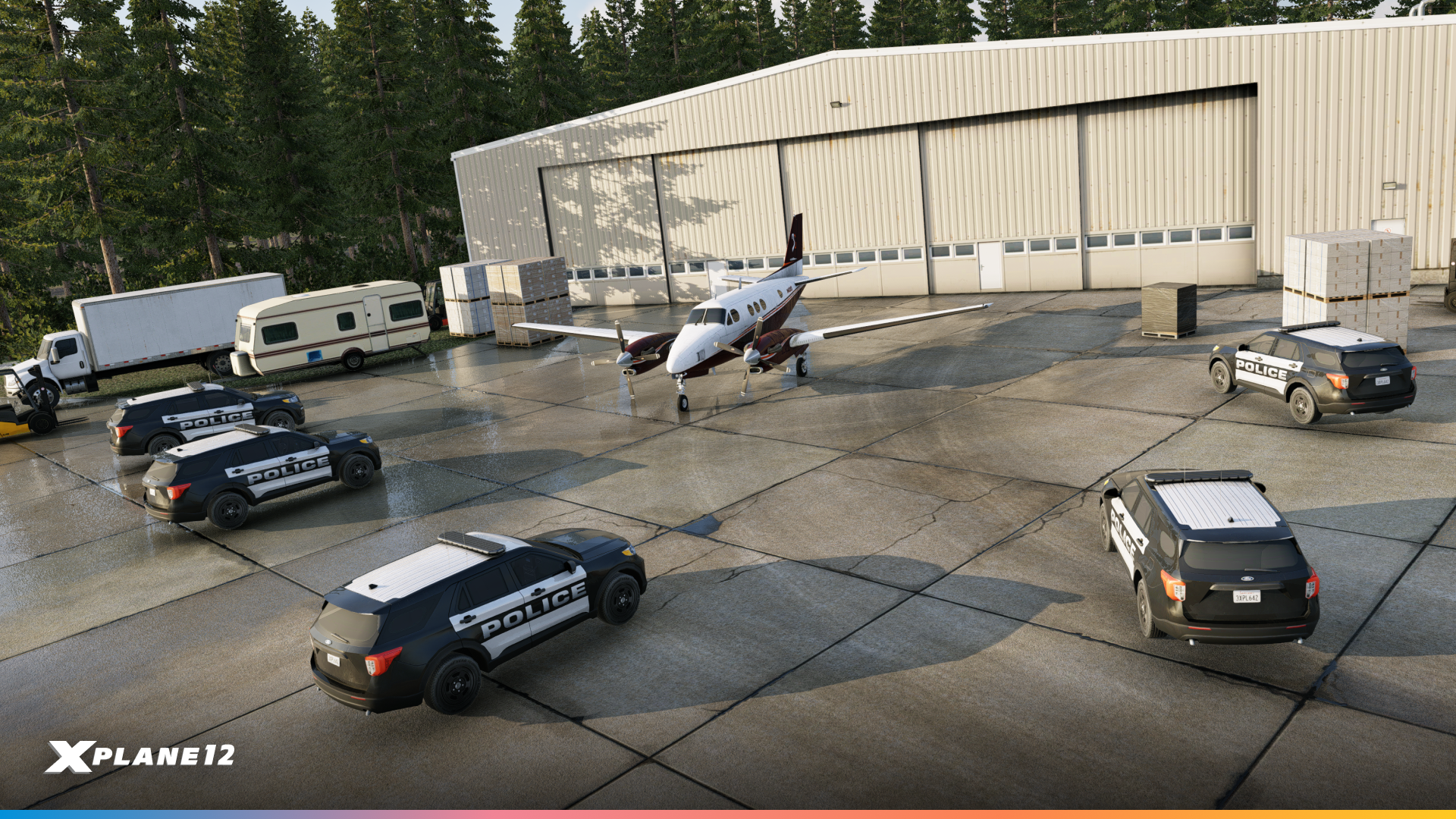
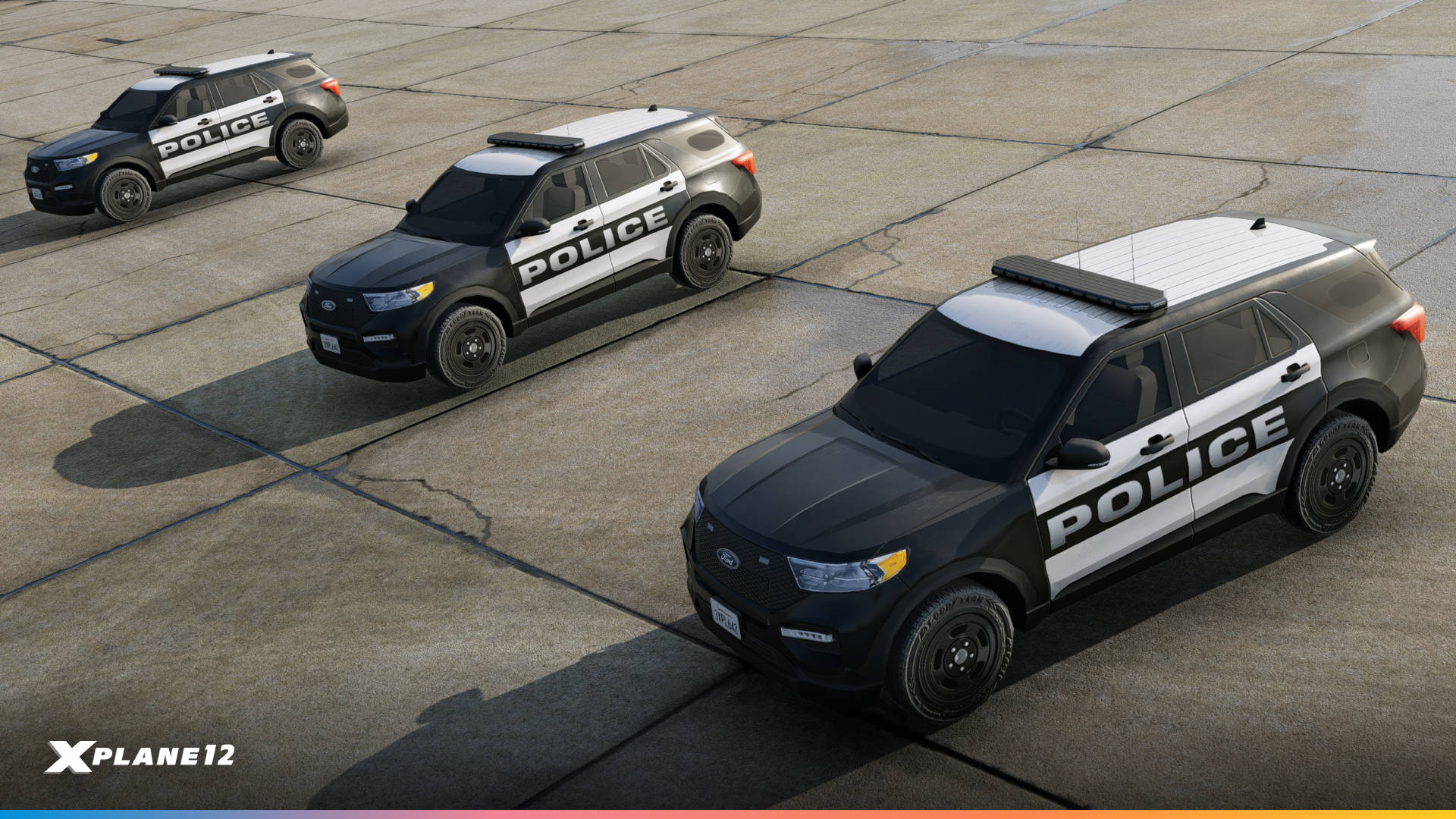
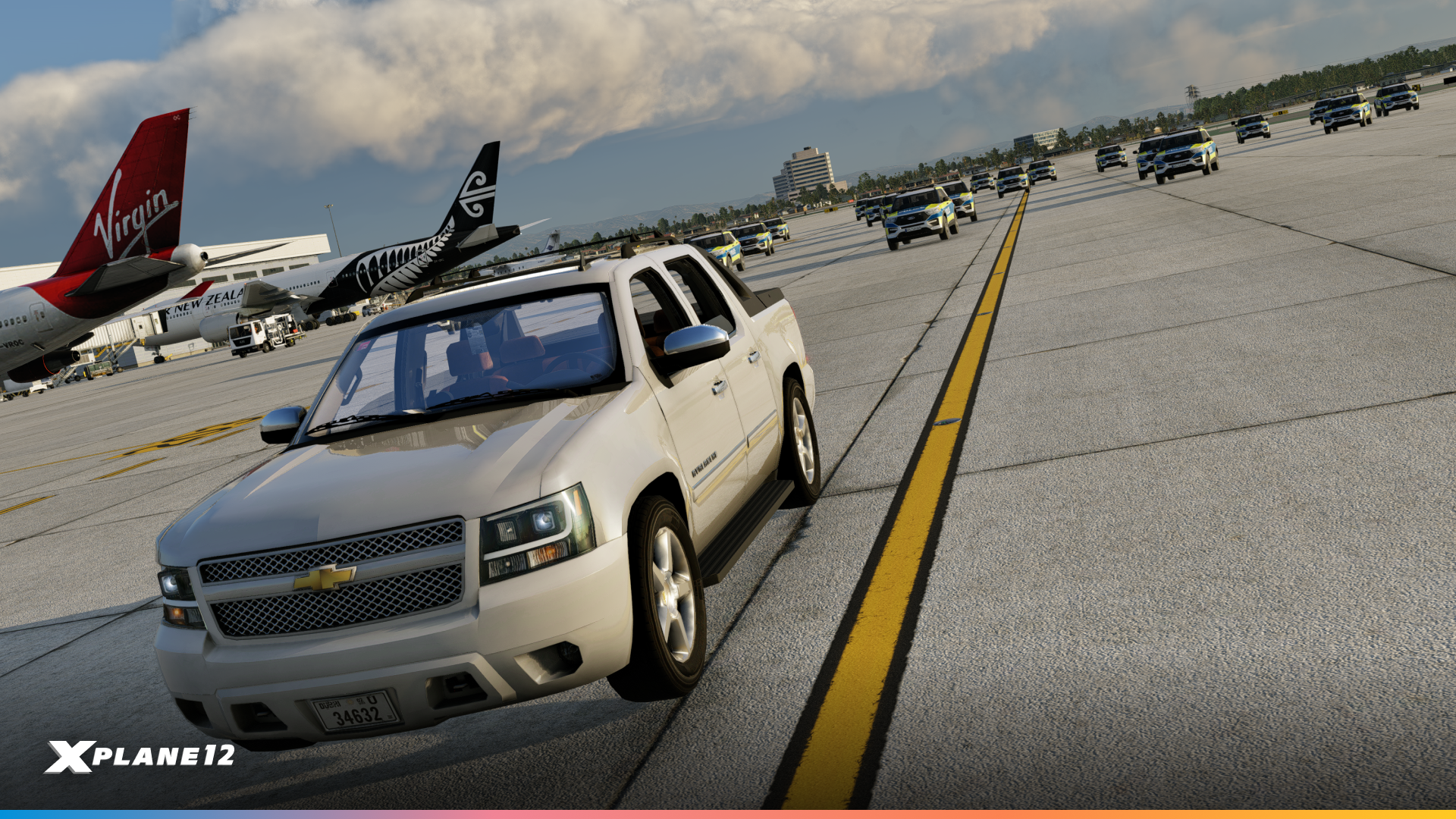
Police SUV Cars

Grass Runway Markings

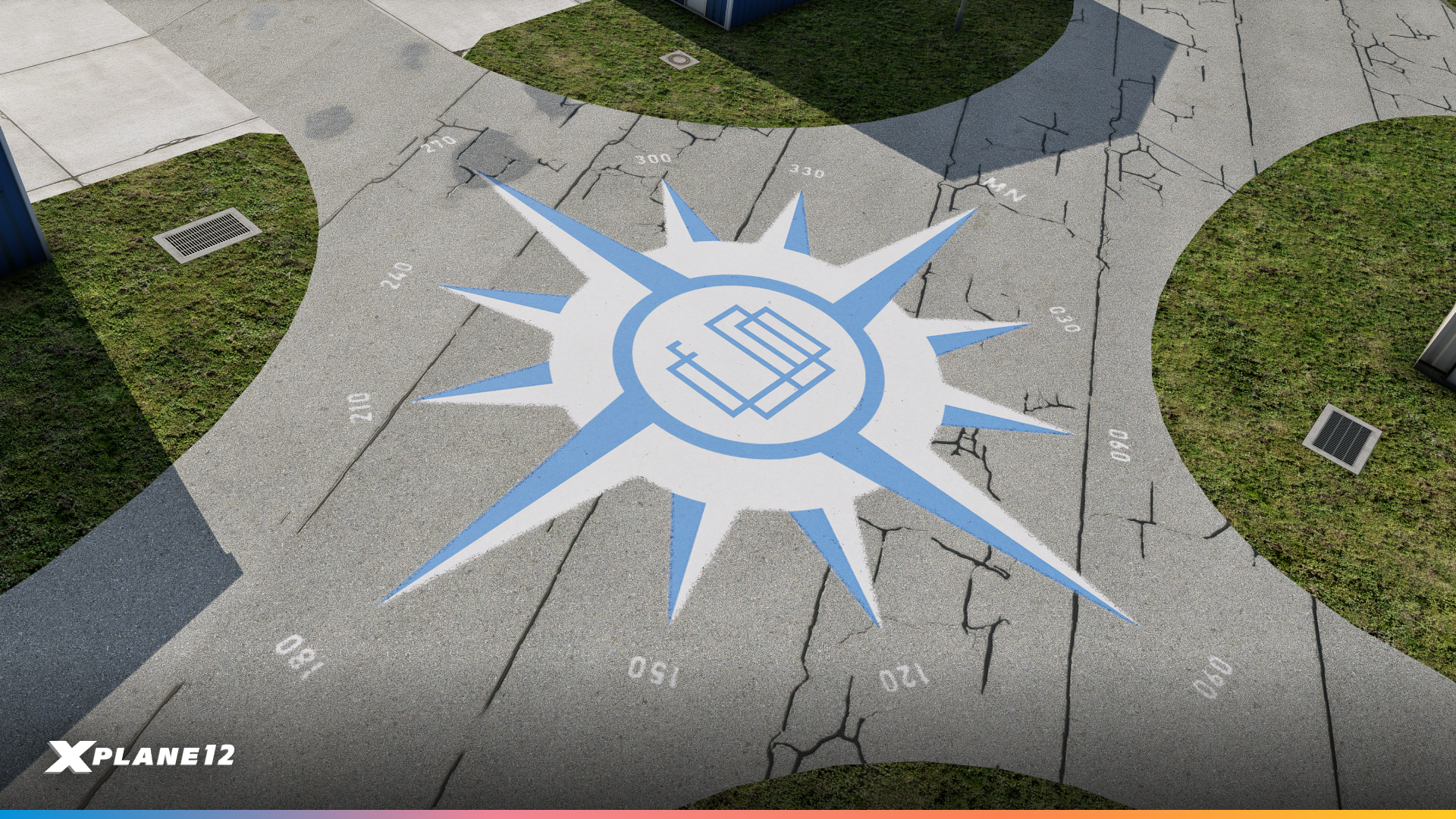
Compass Roses
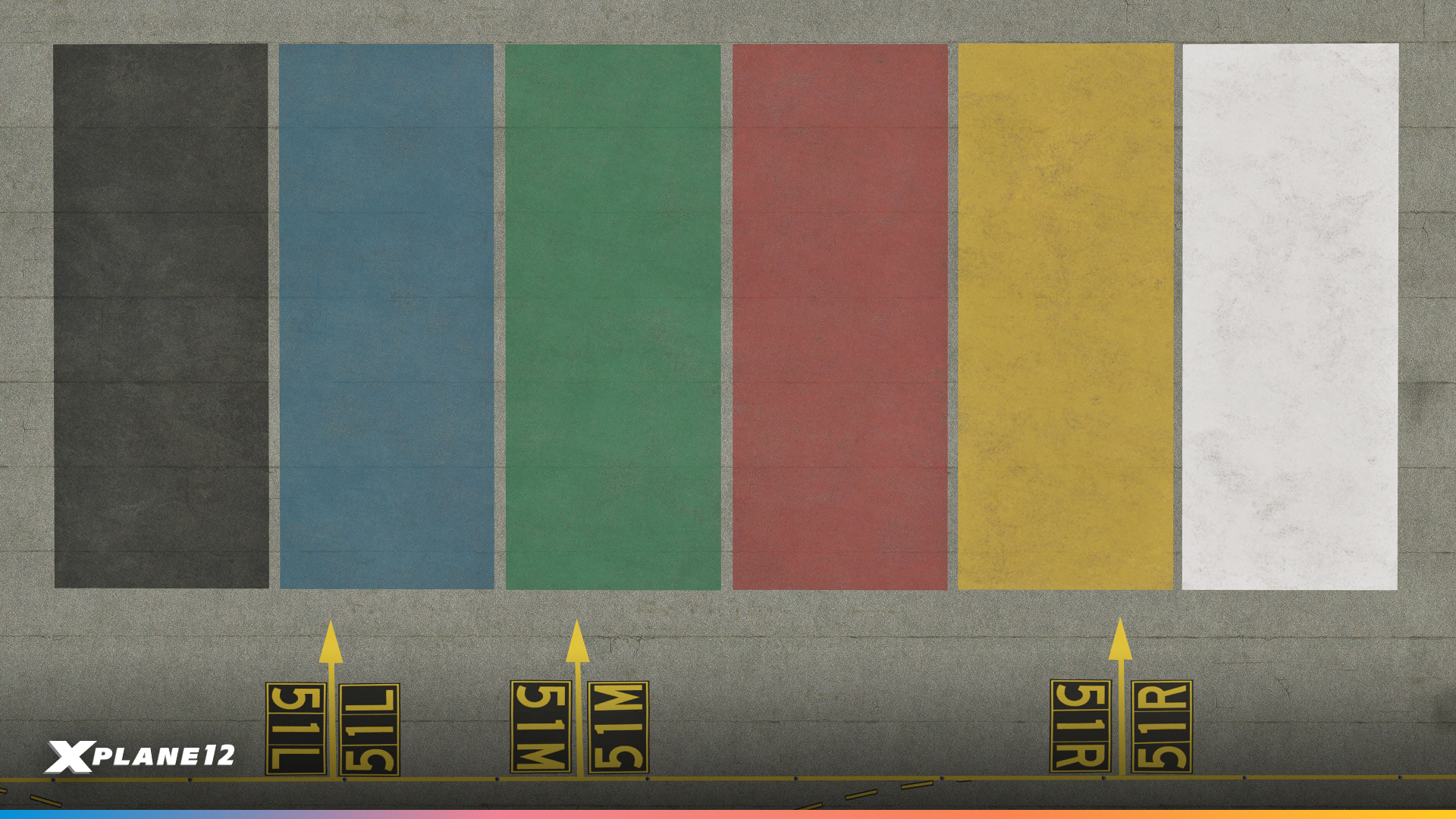
Colored Polygons
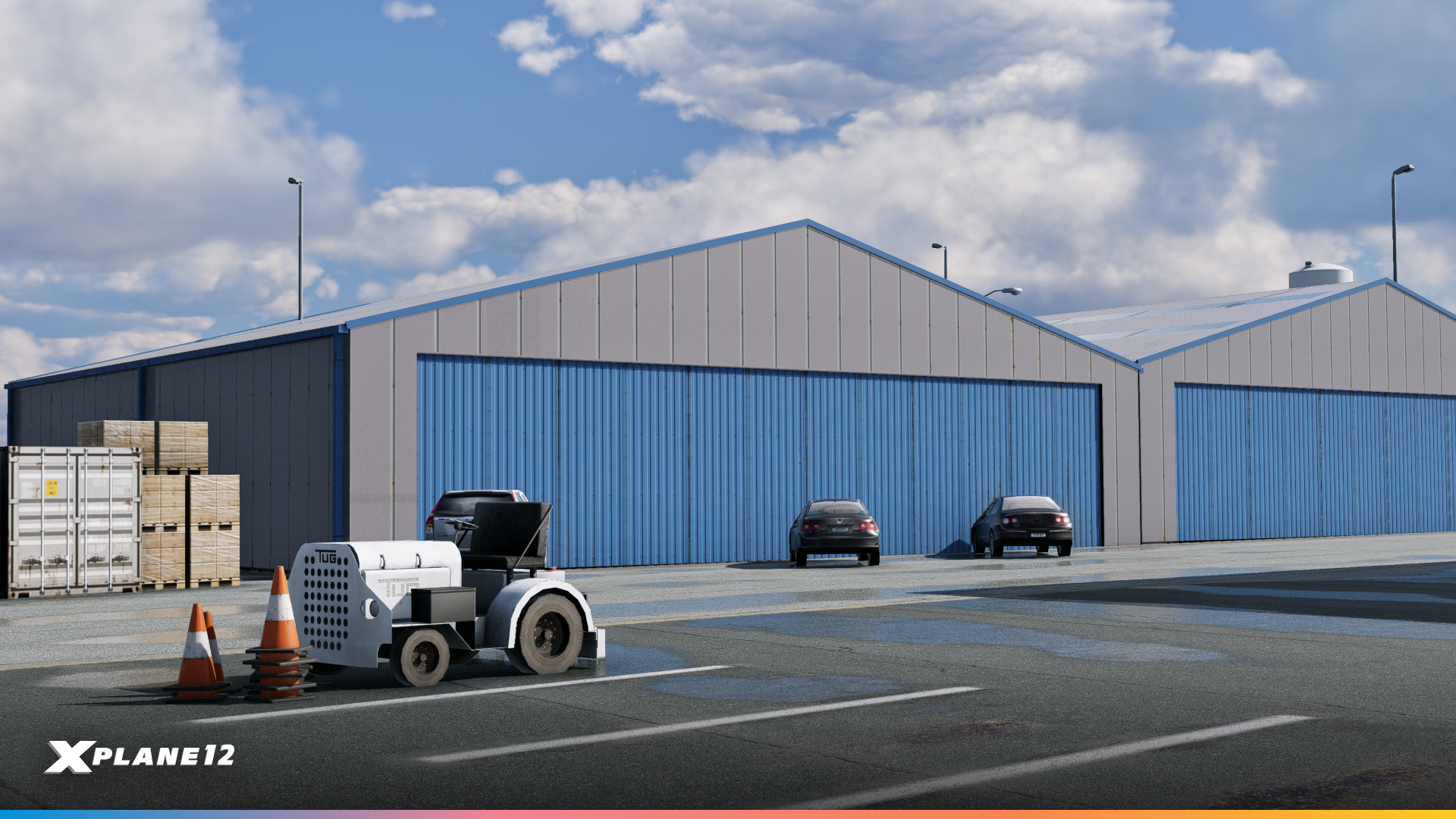
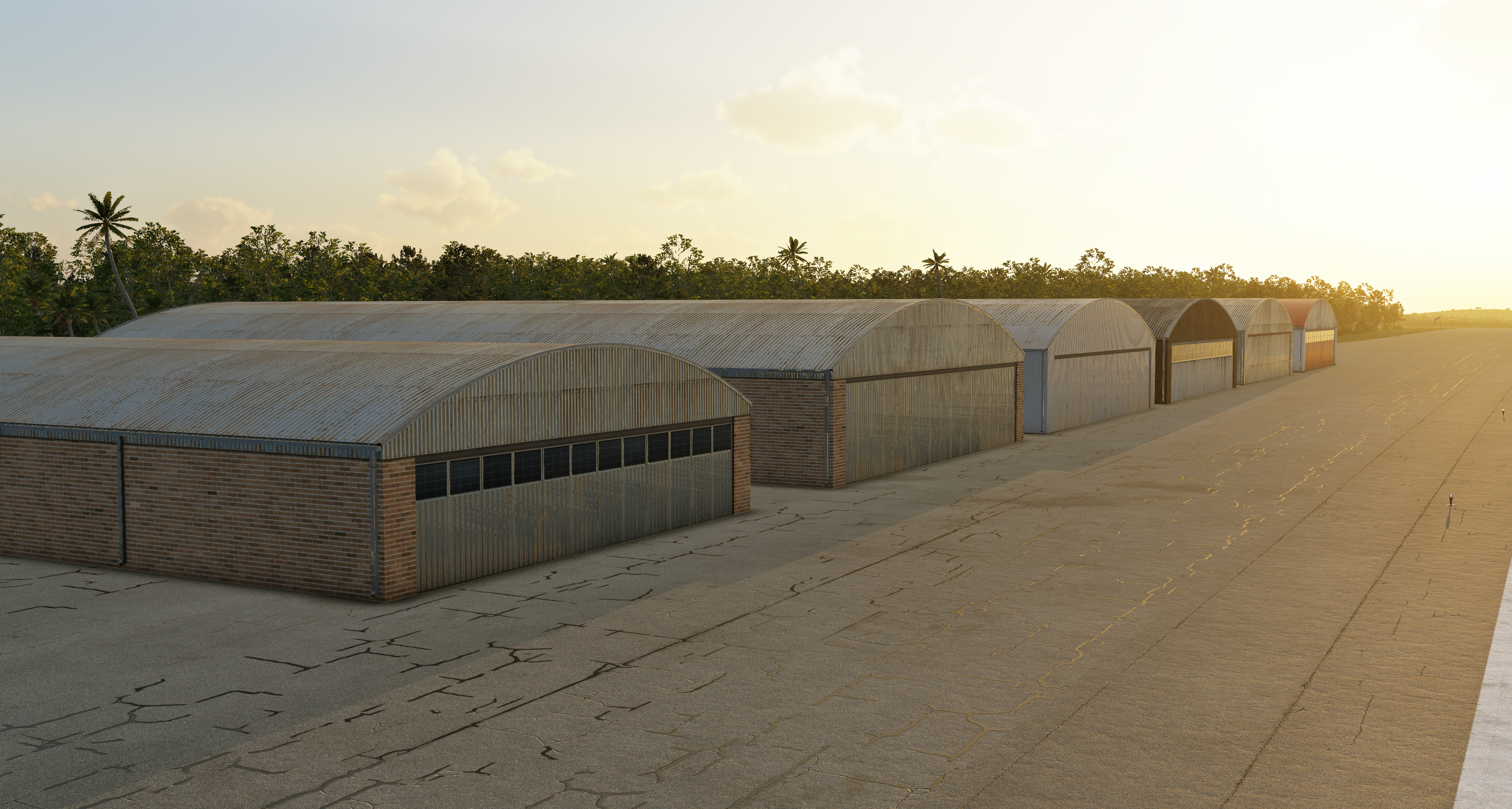
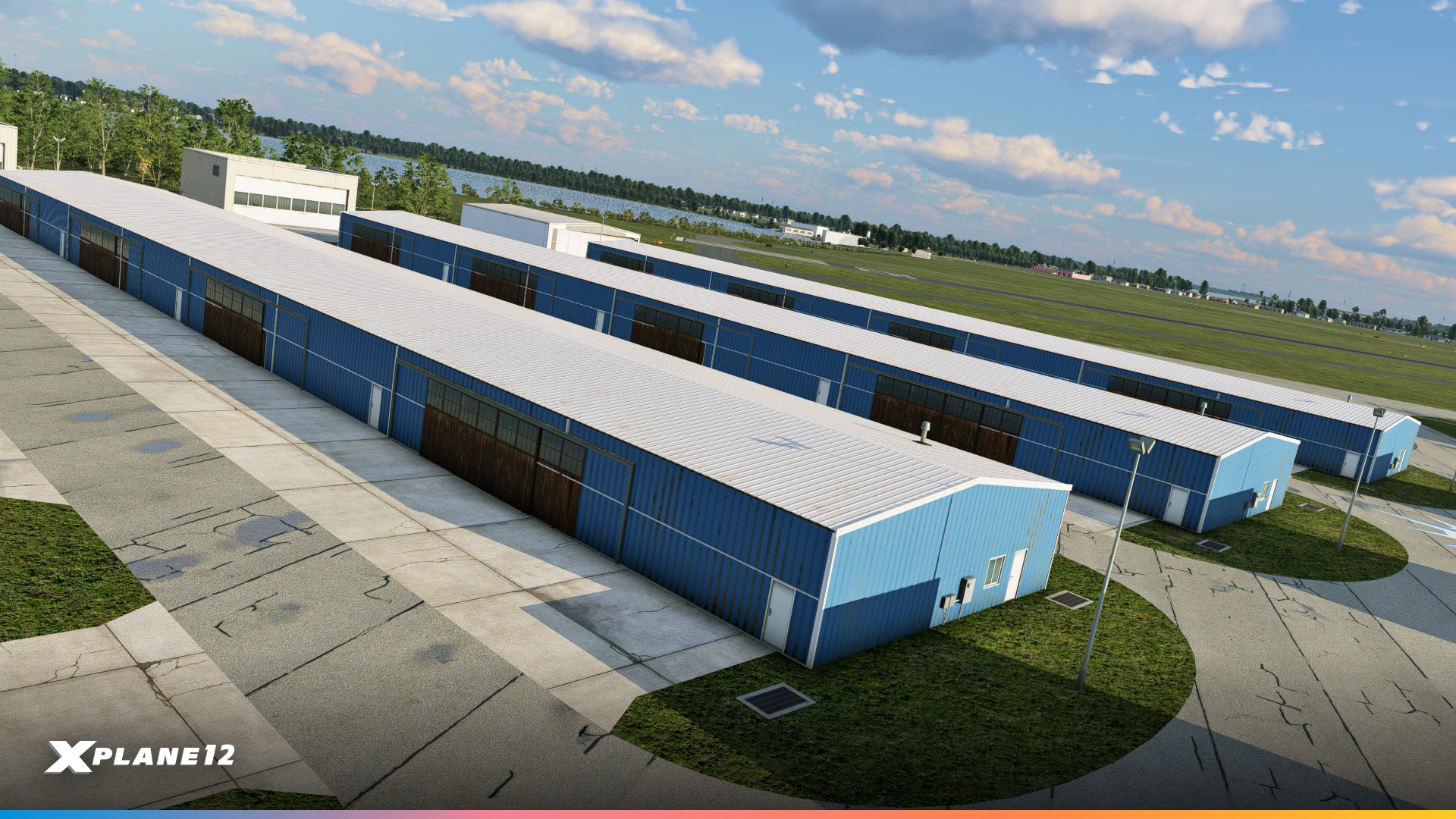
Hangars & Utility Sheds

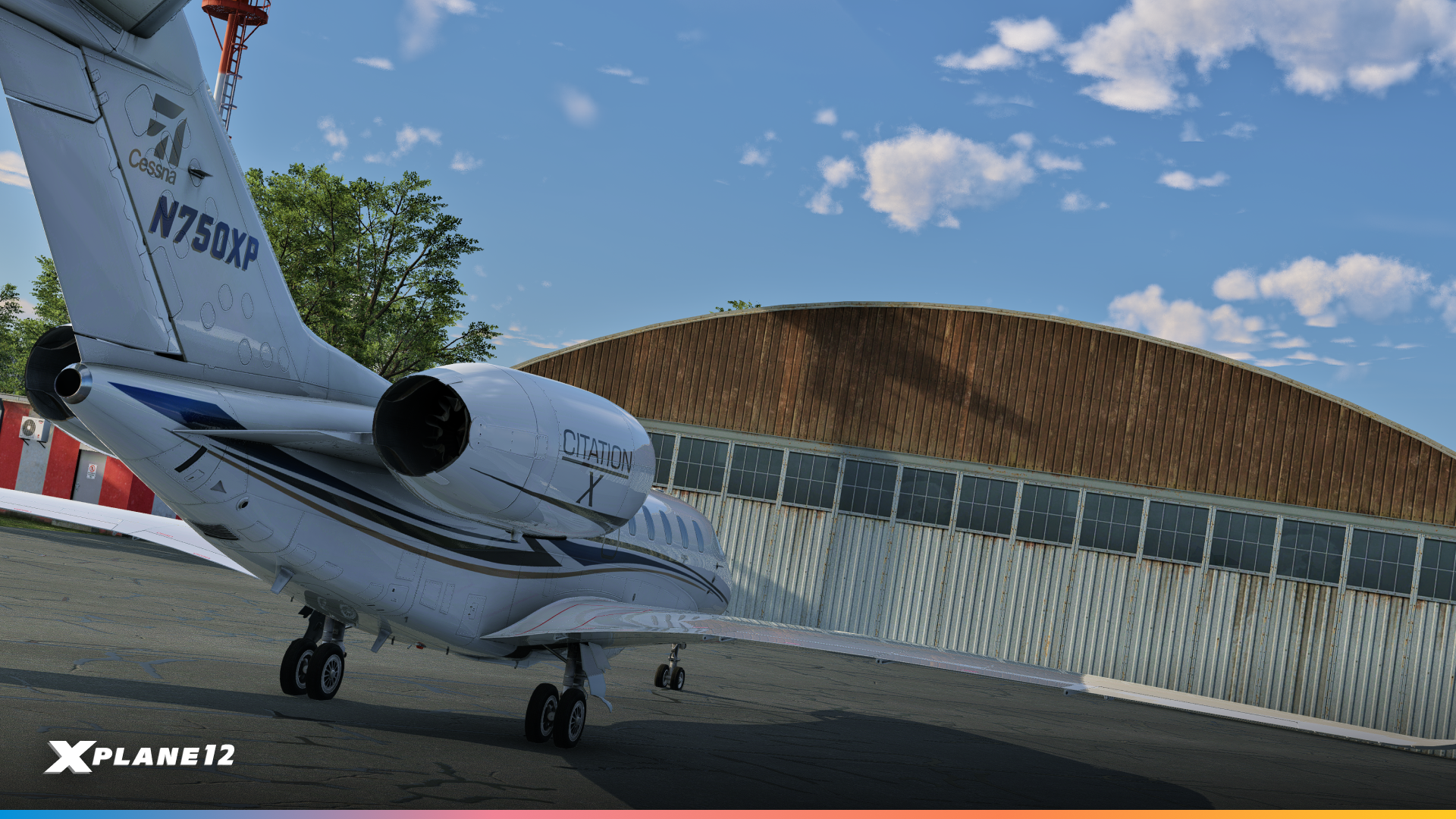
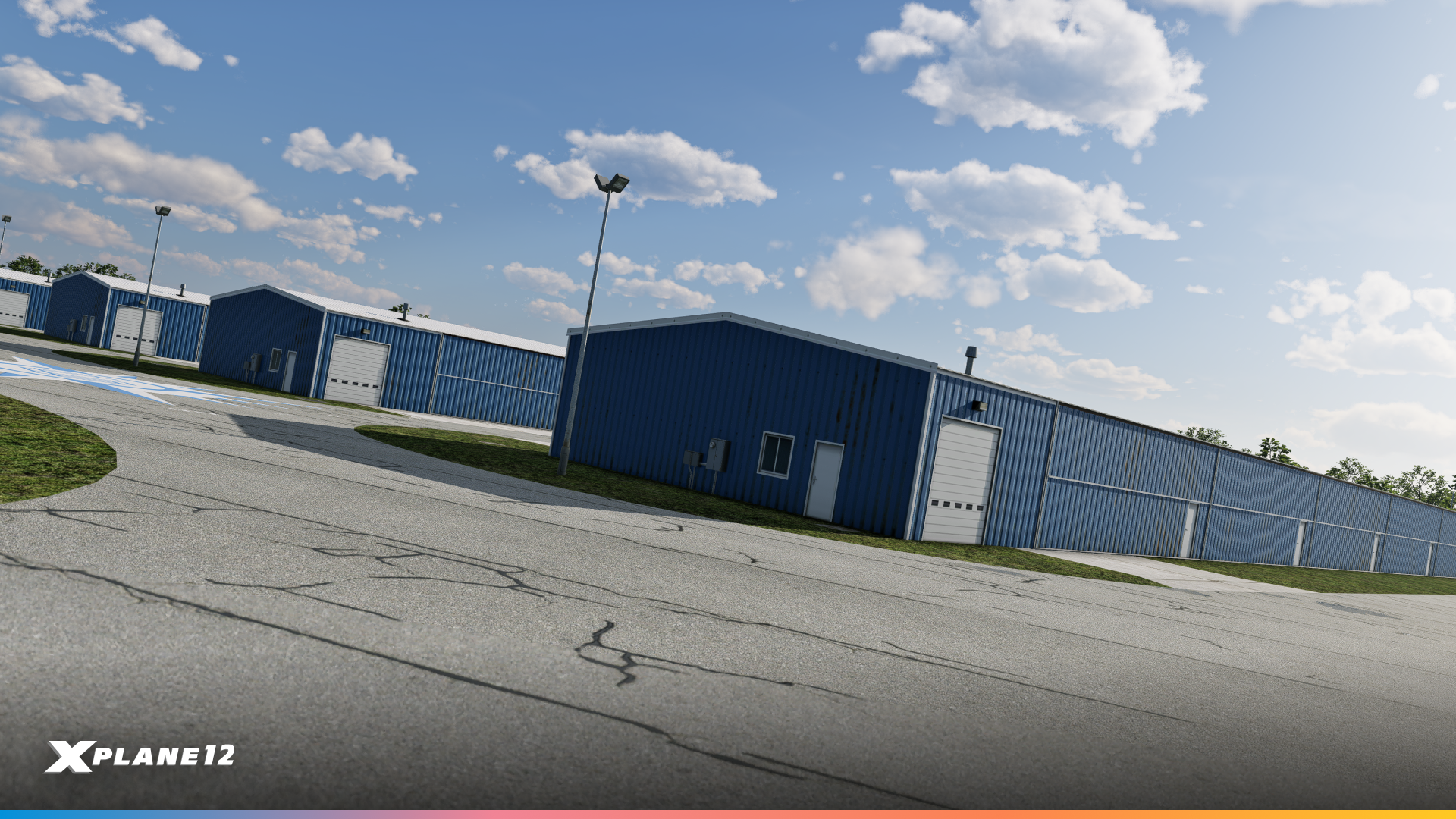
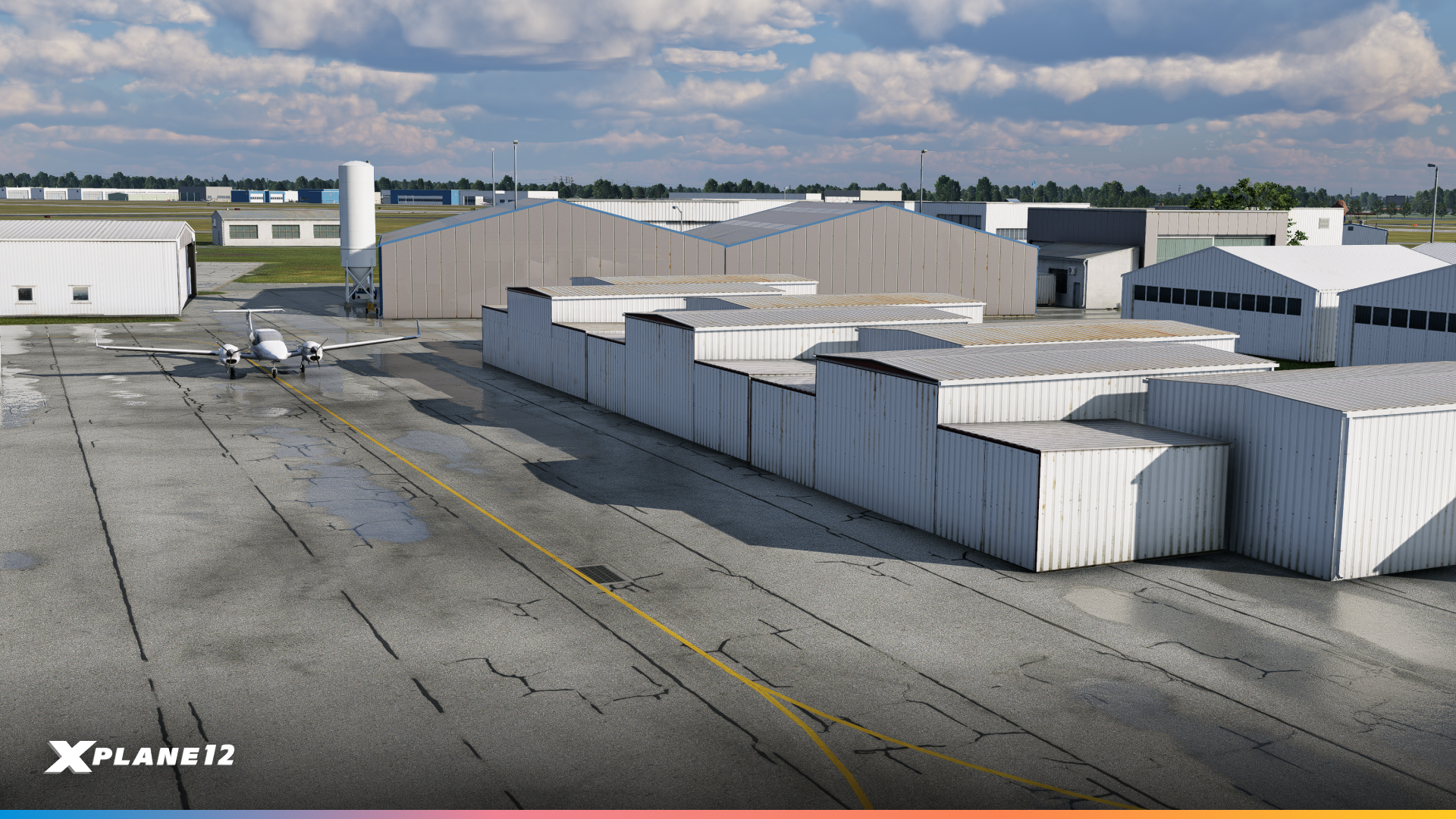
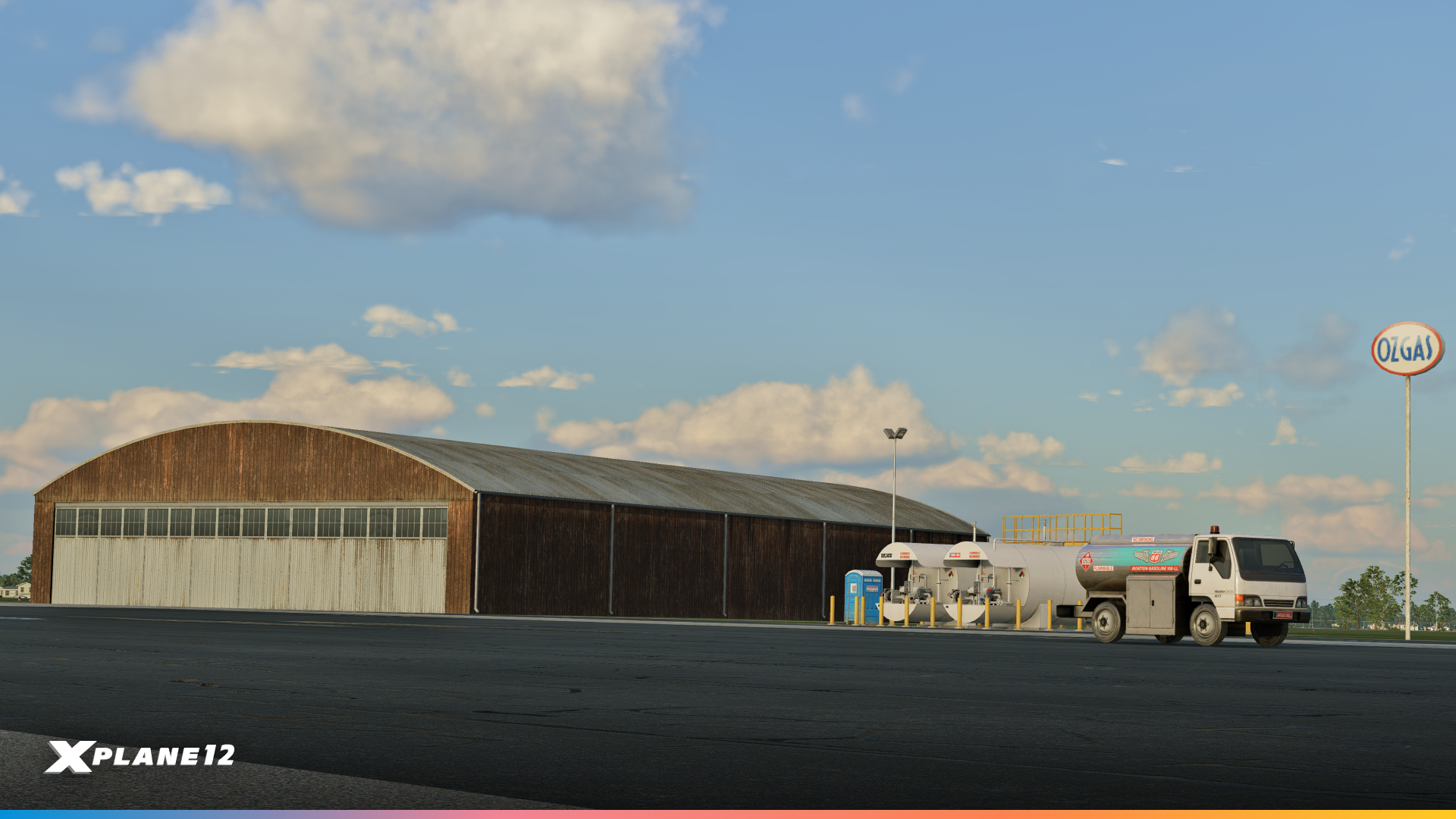
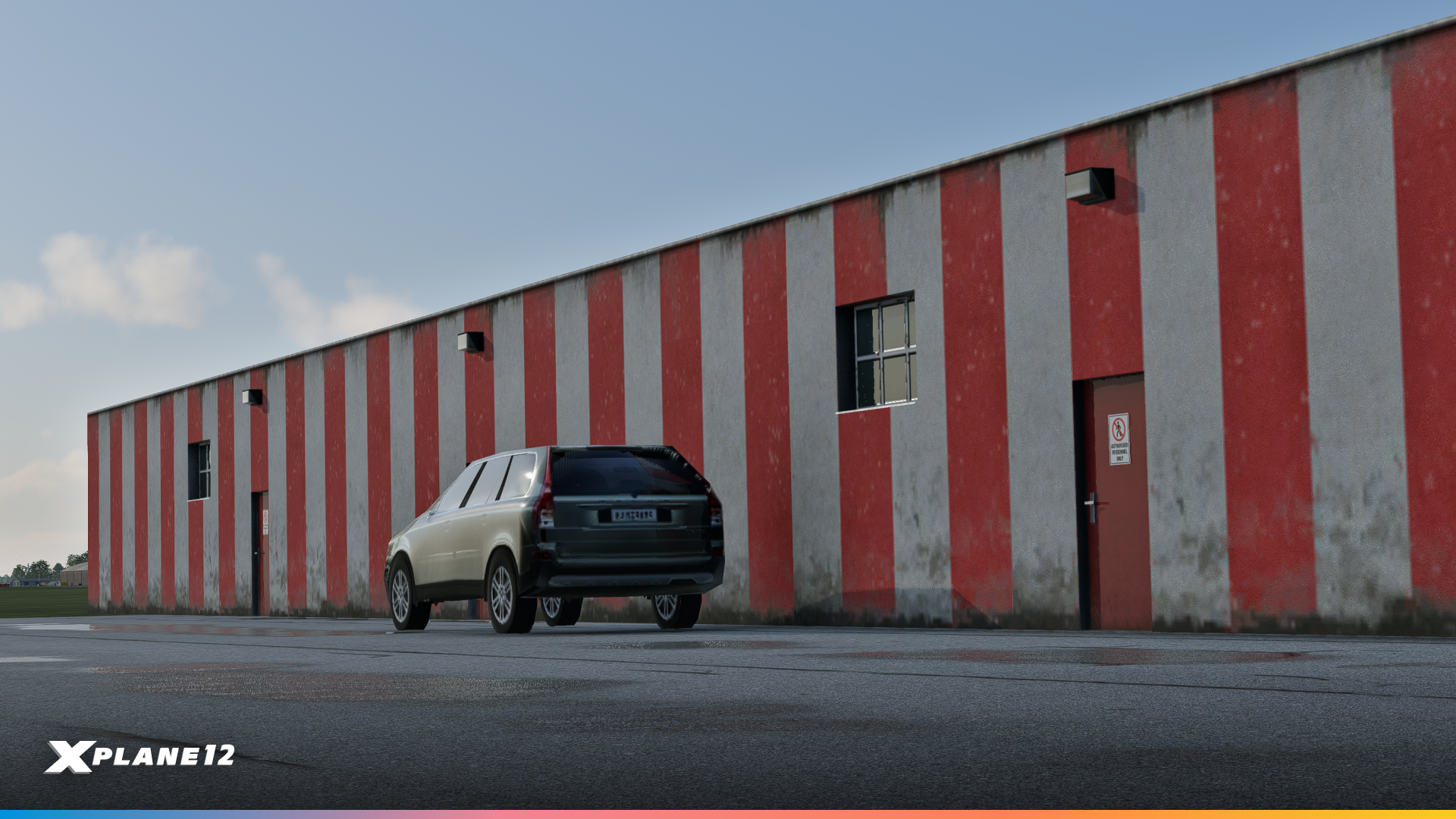
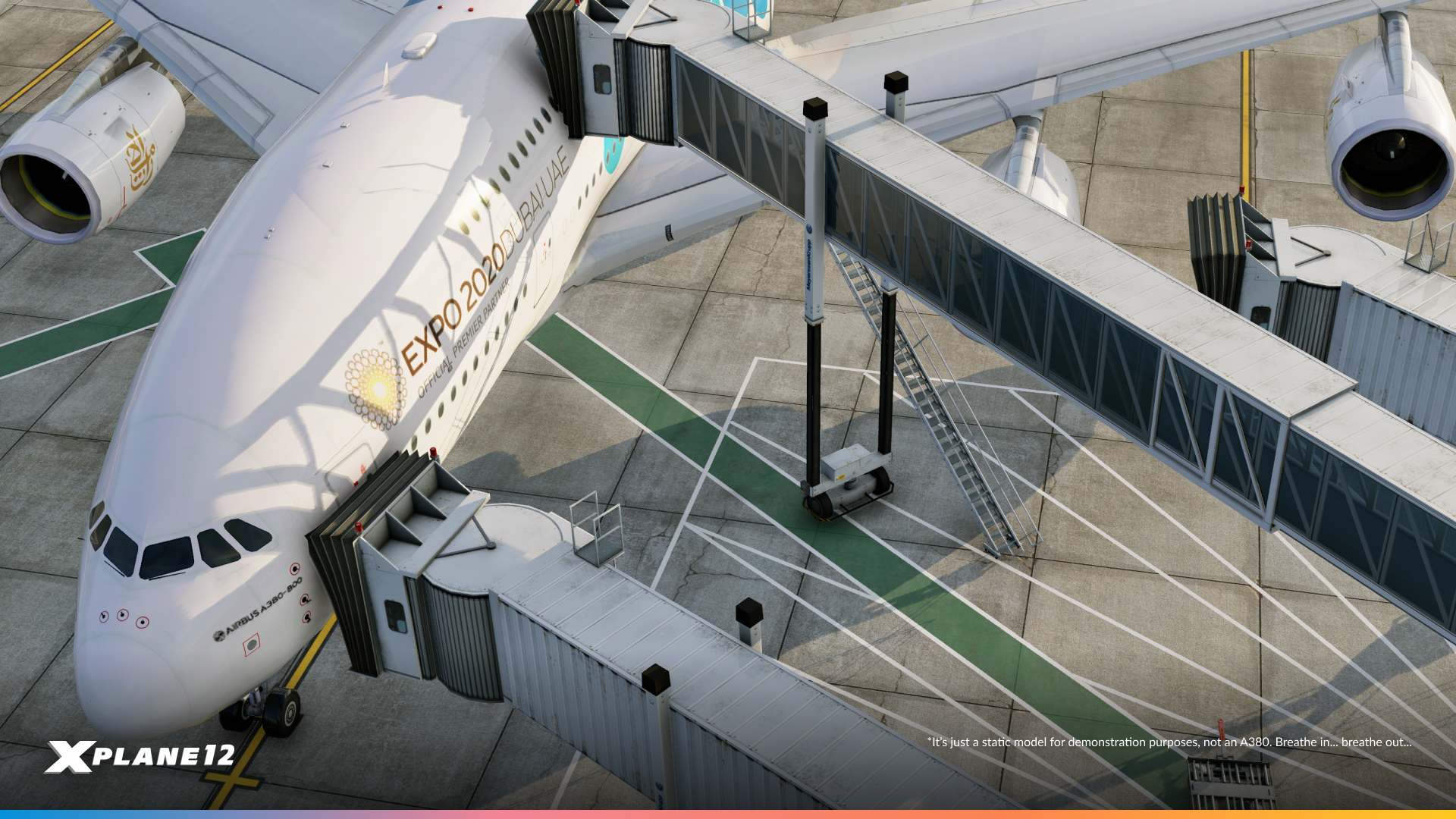
Class F Jetways
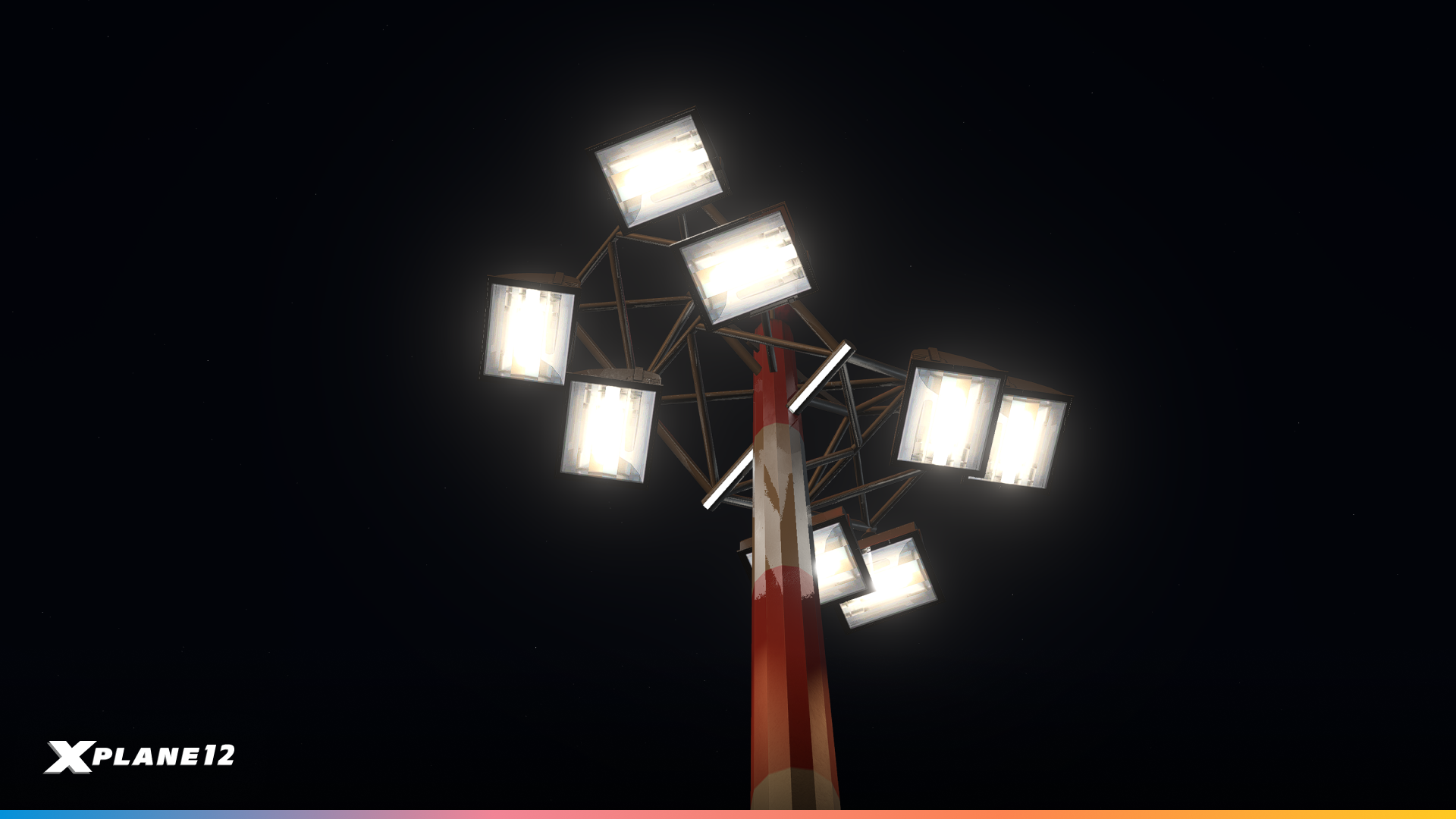
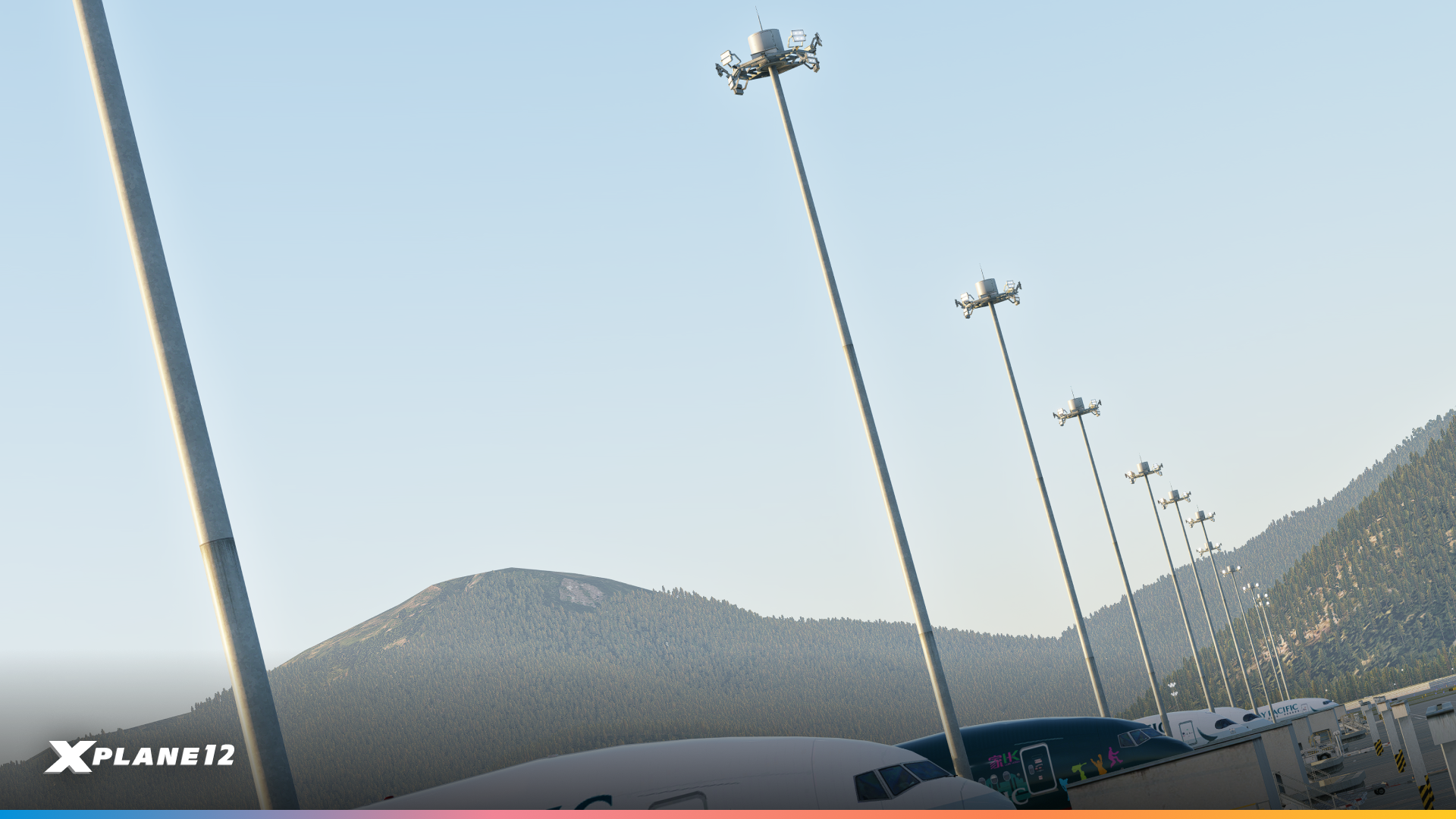
New Apron Lights
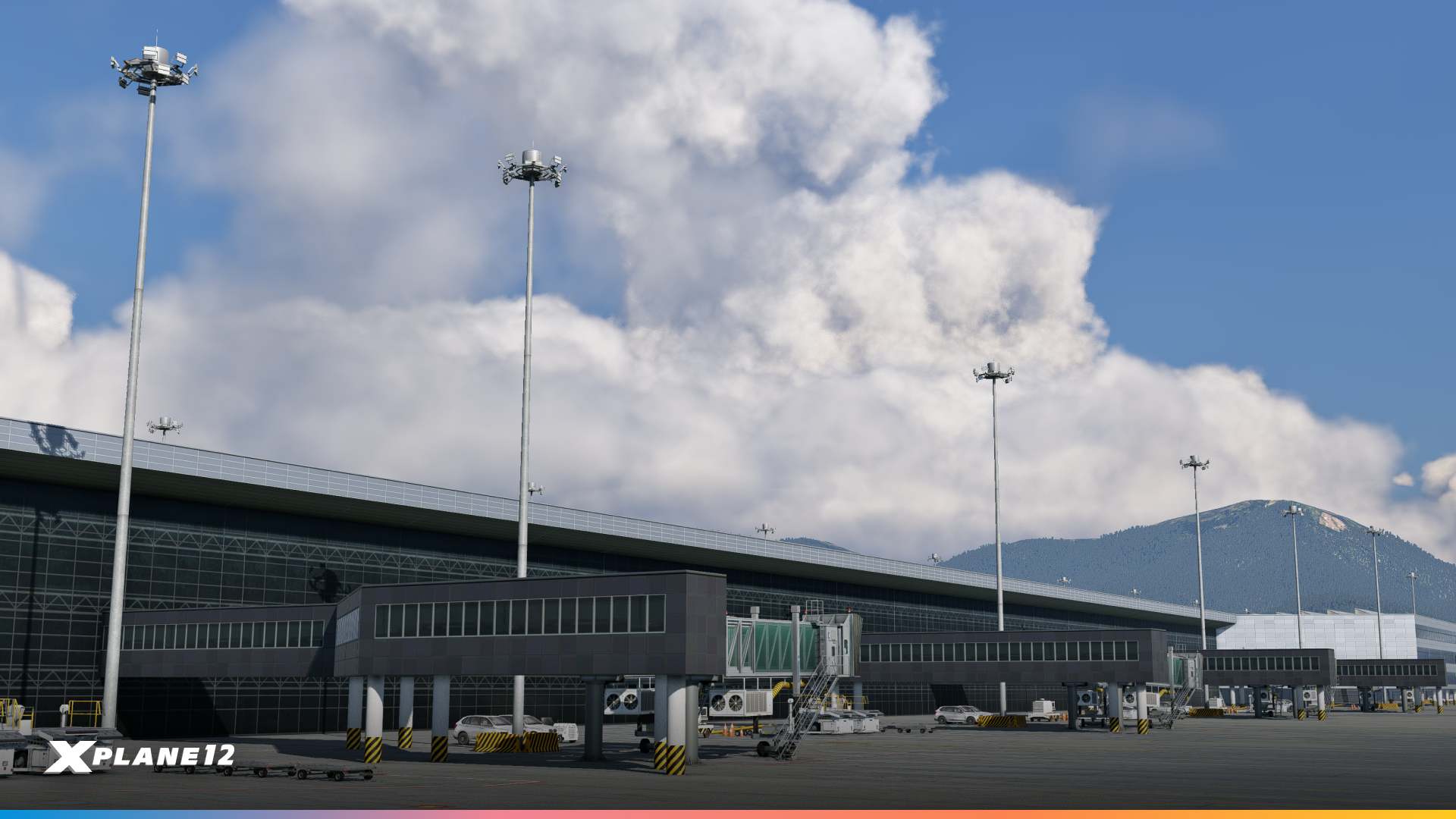
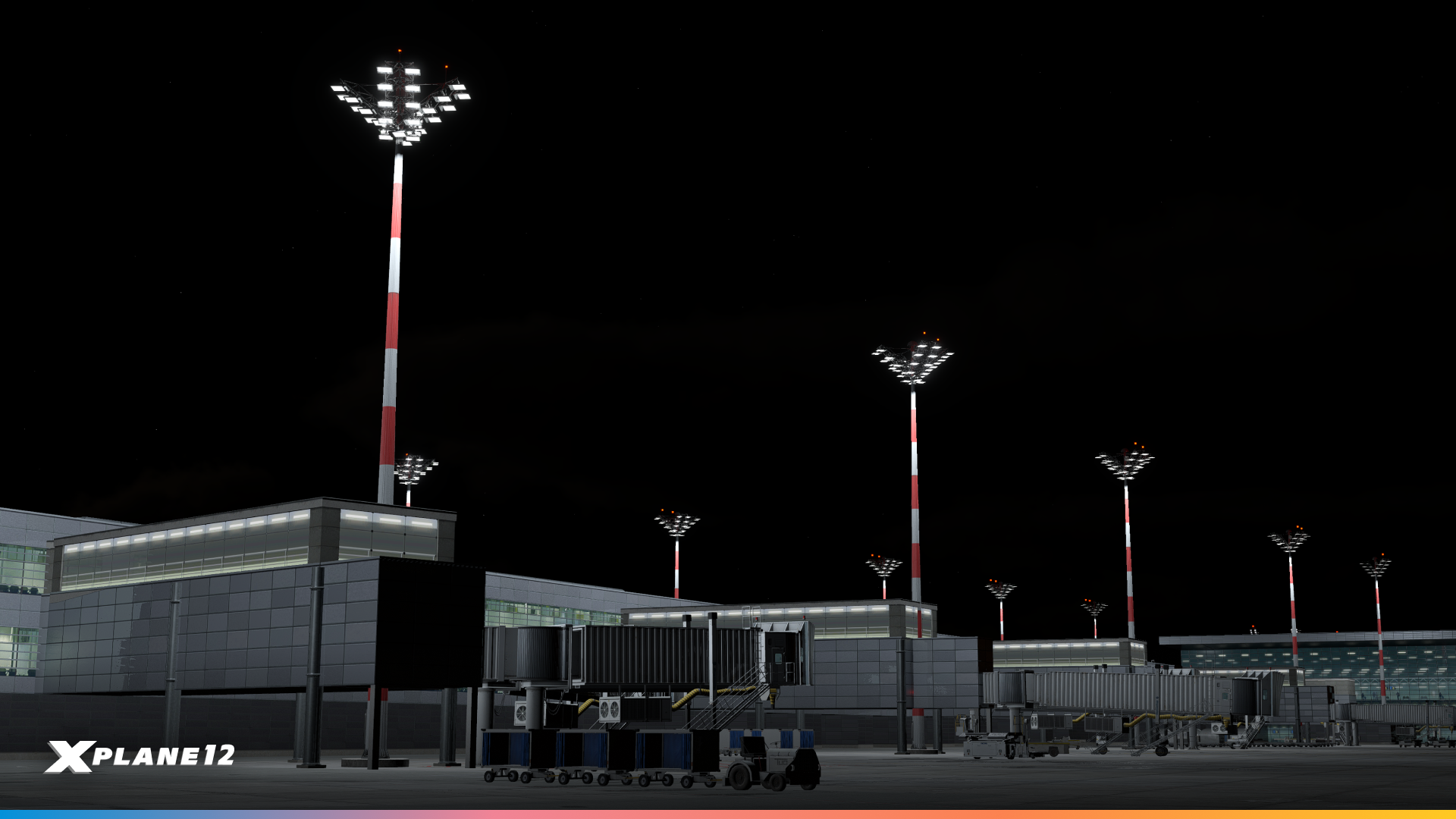
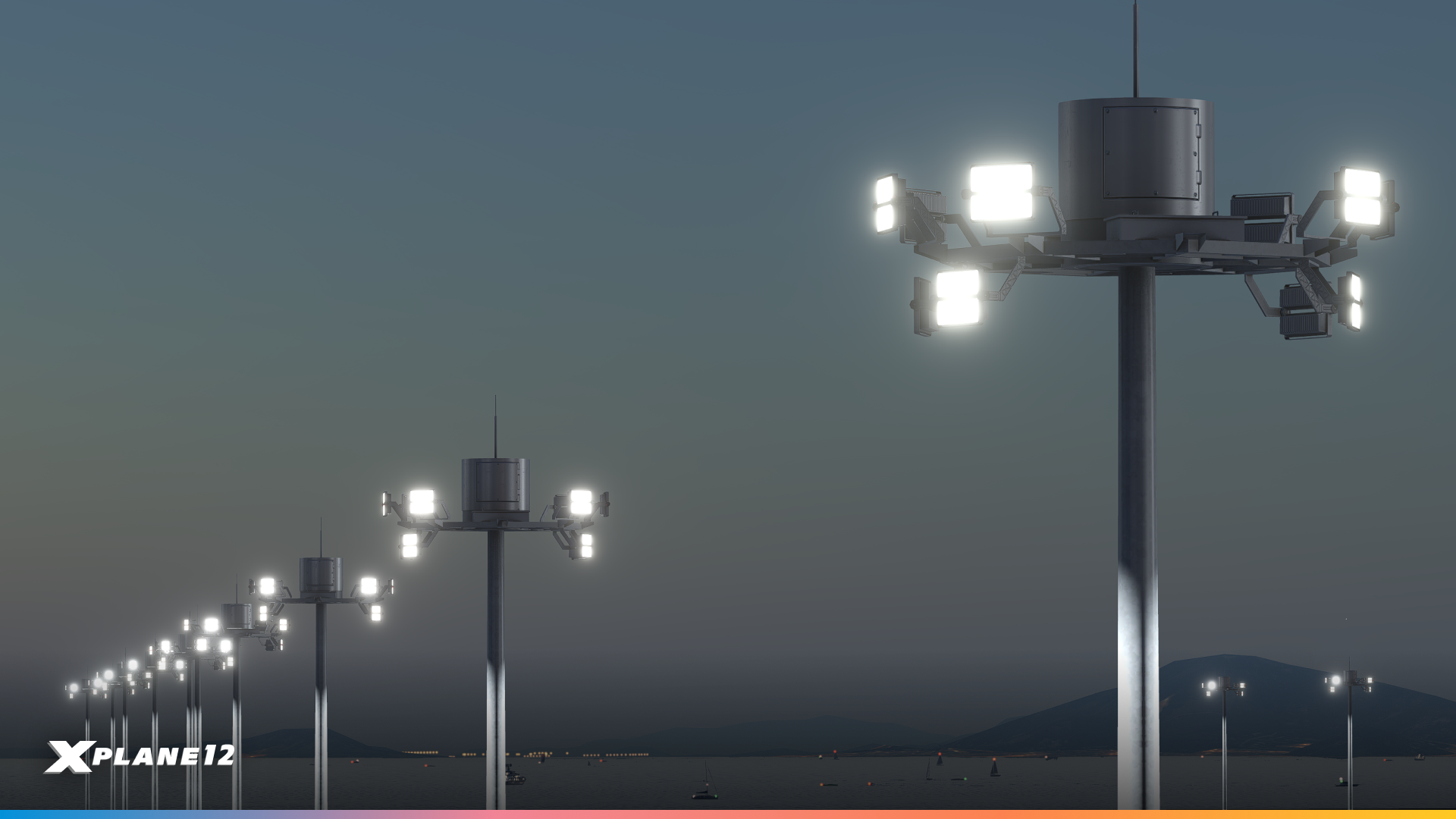
Mobile Helipads
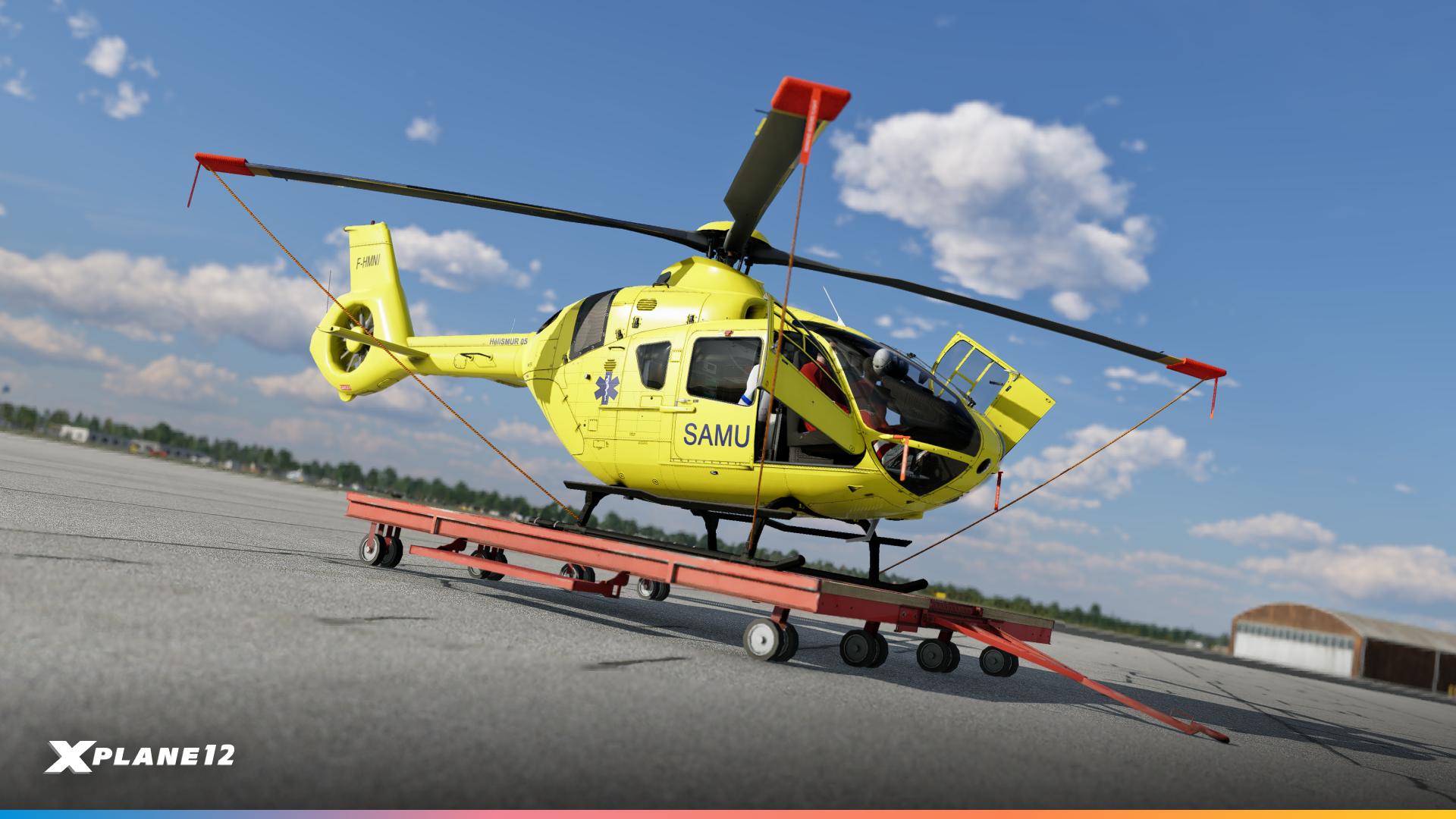
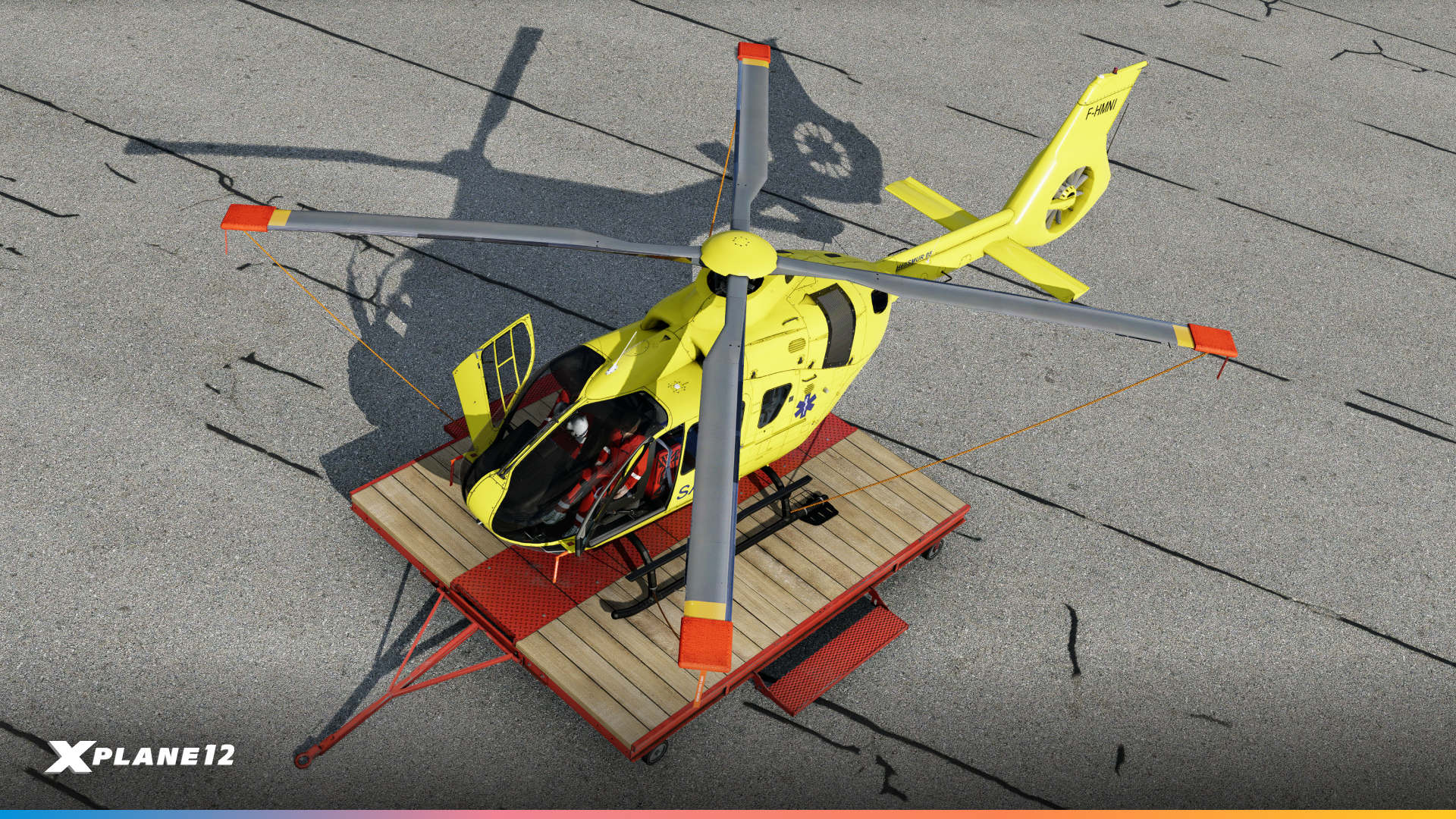
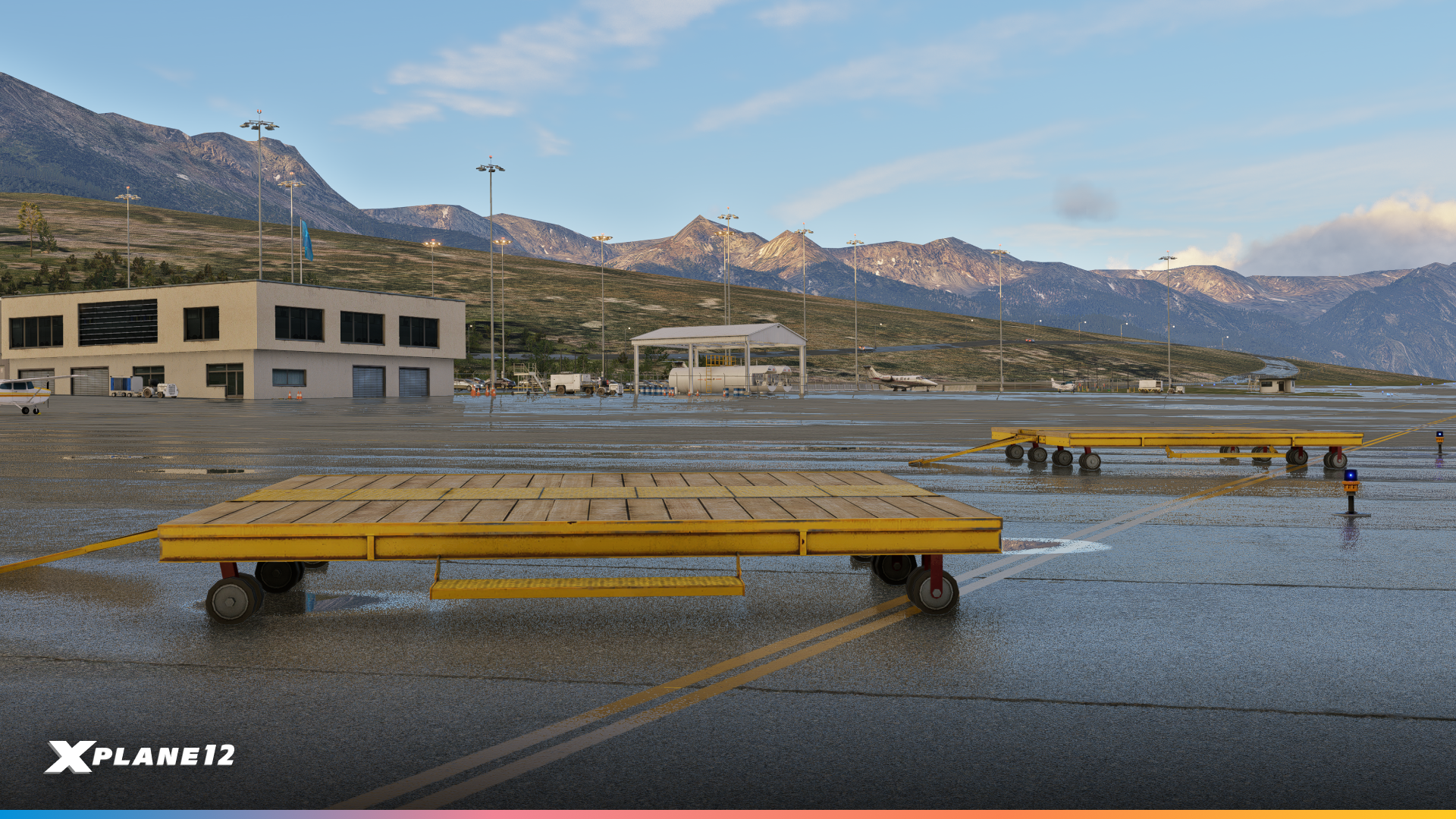
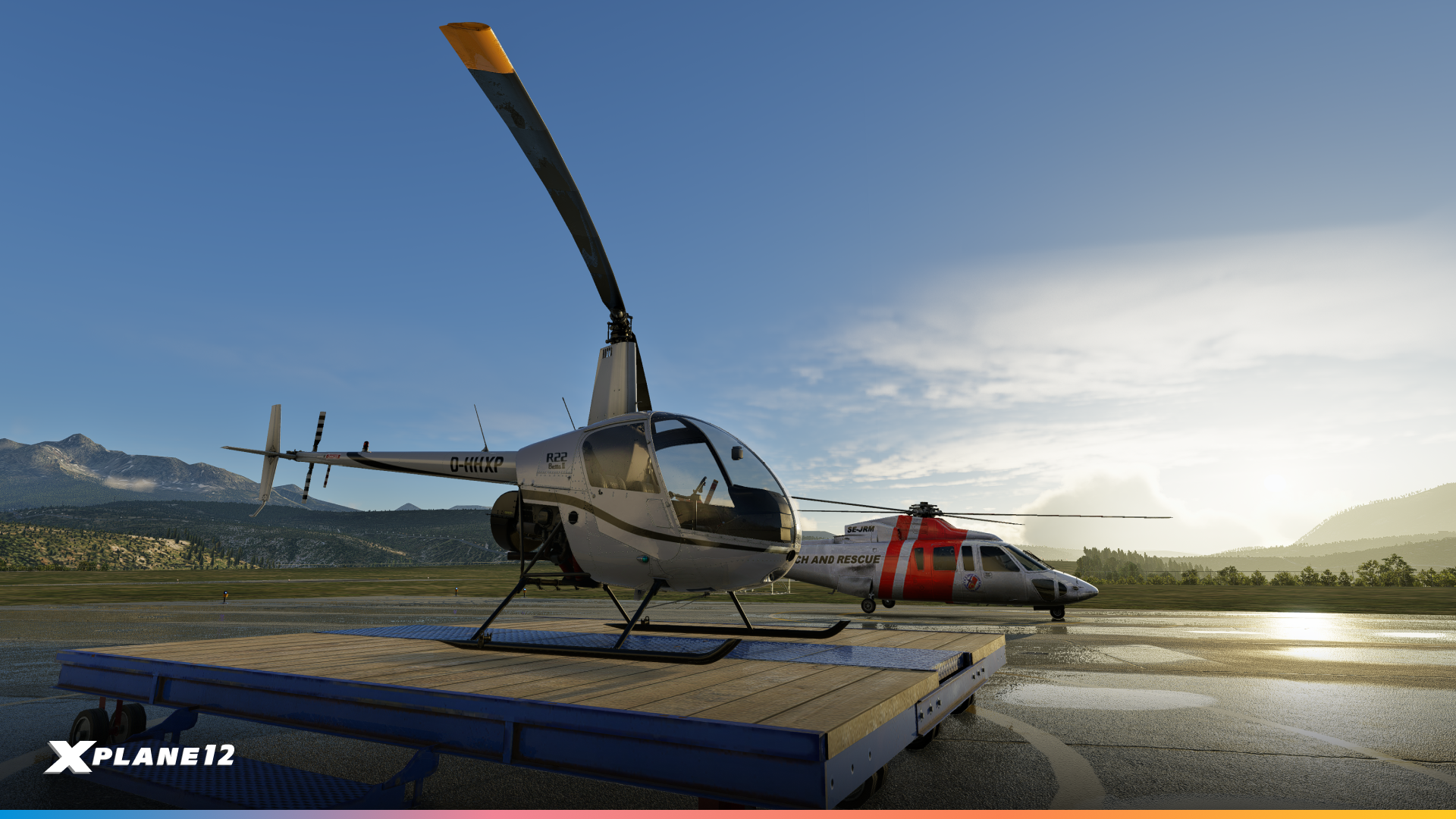
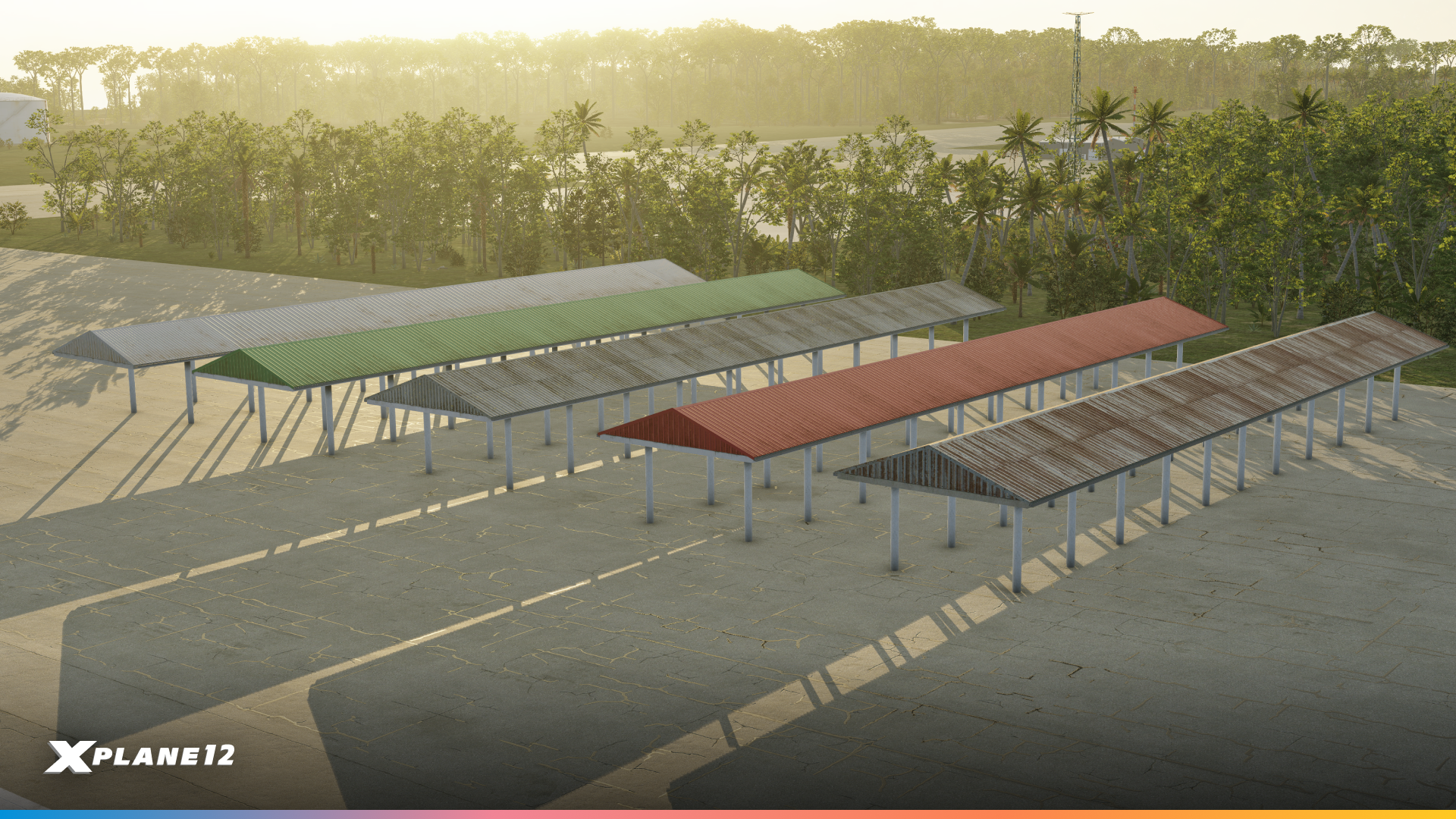
Angled Roofs
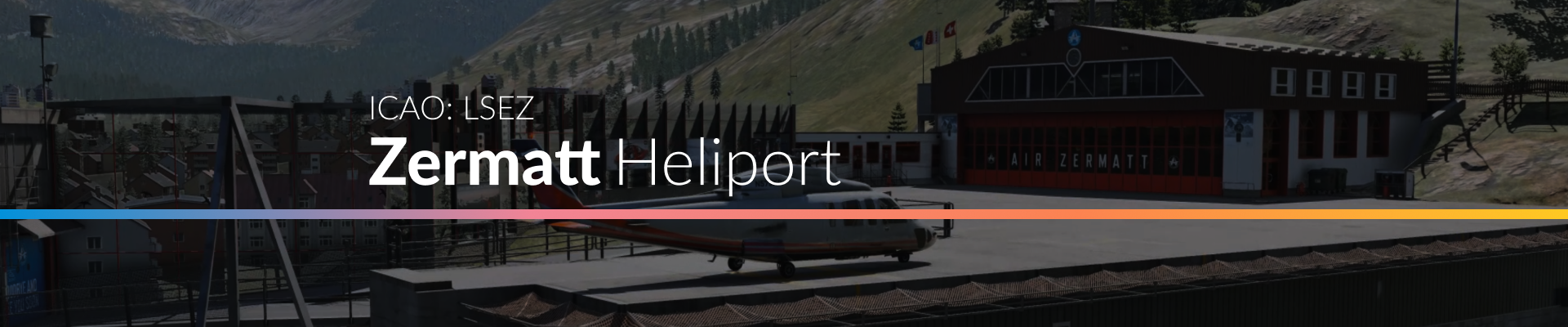
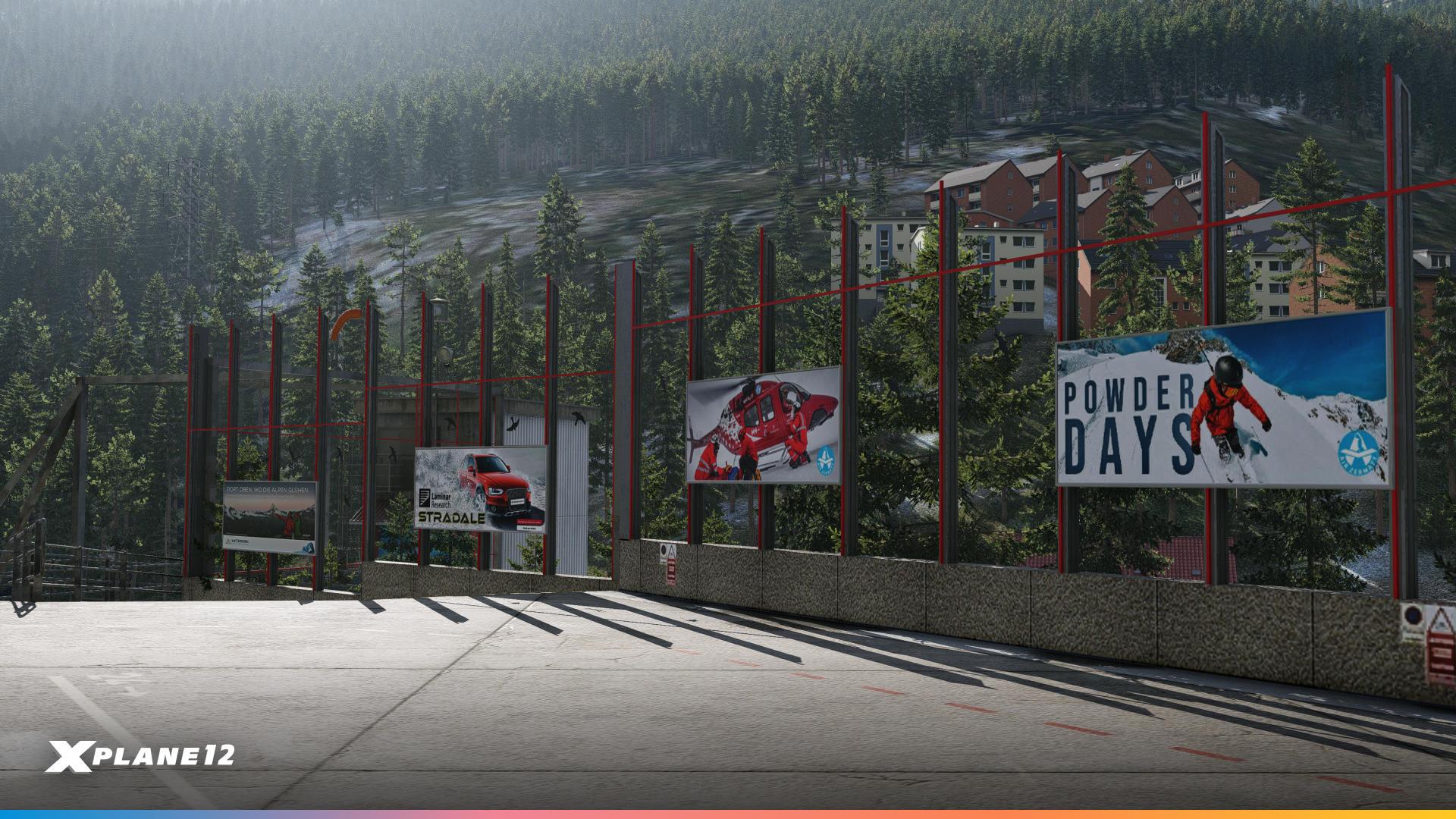
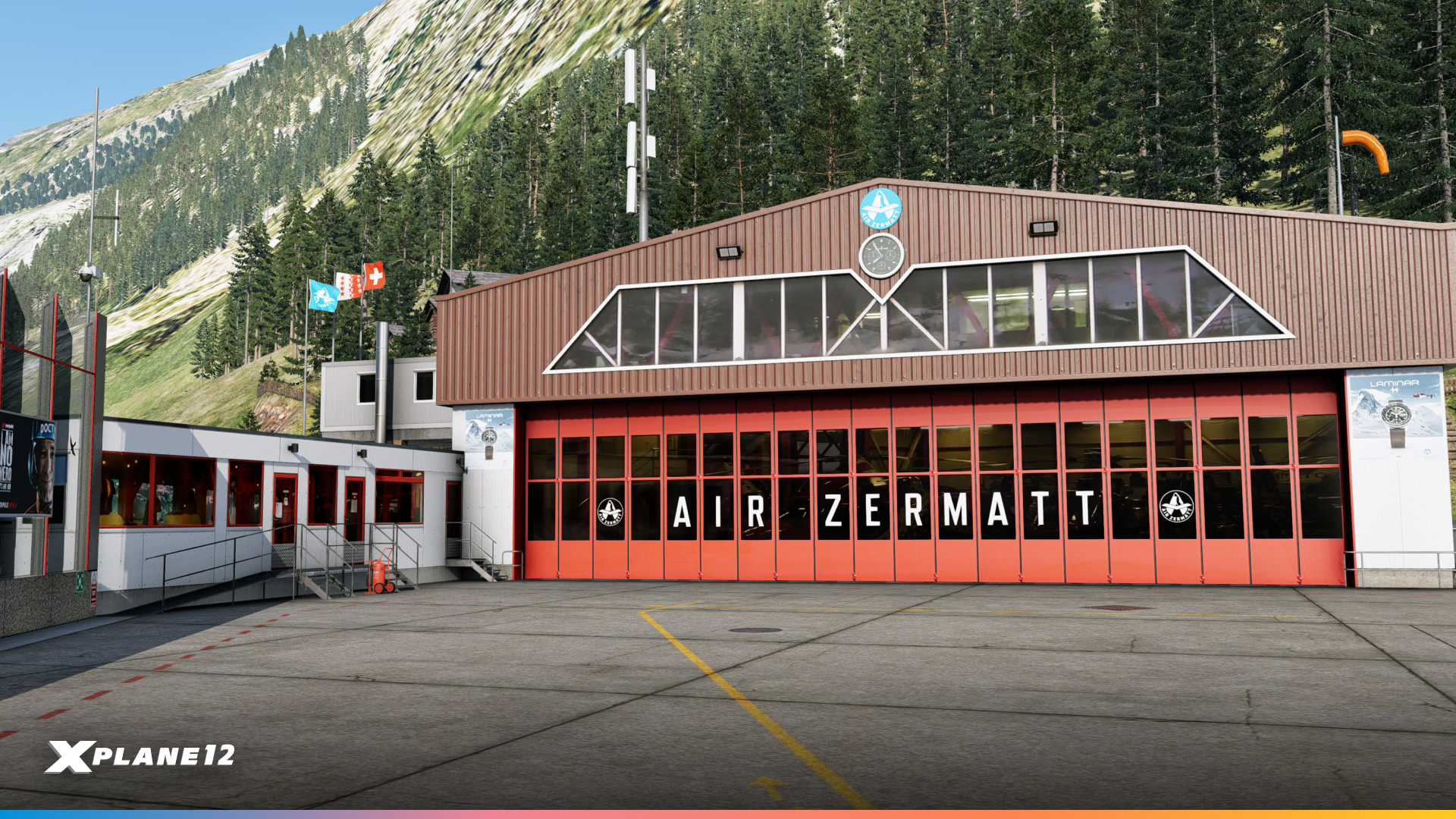
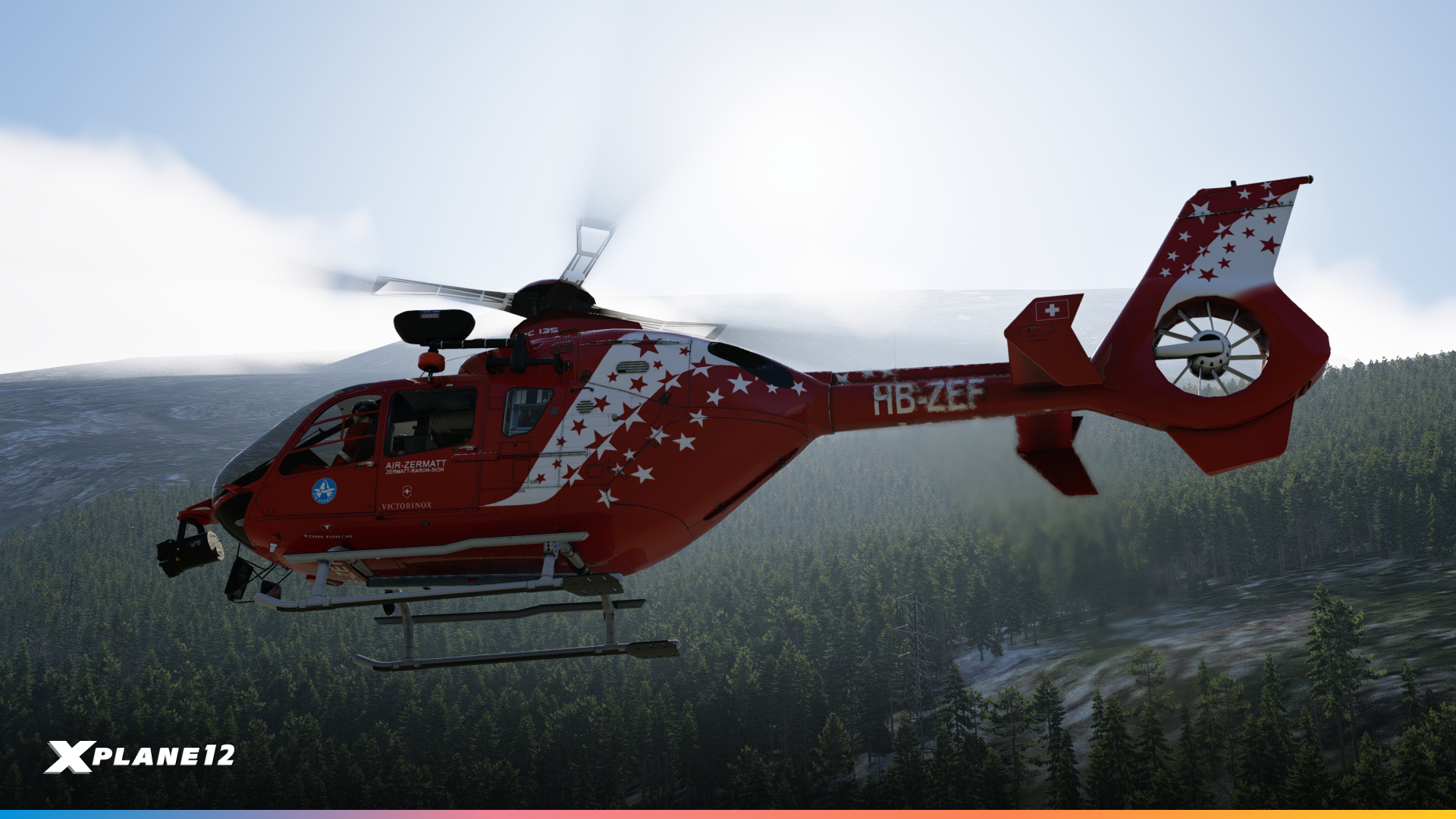
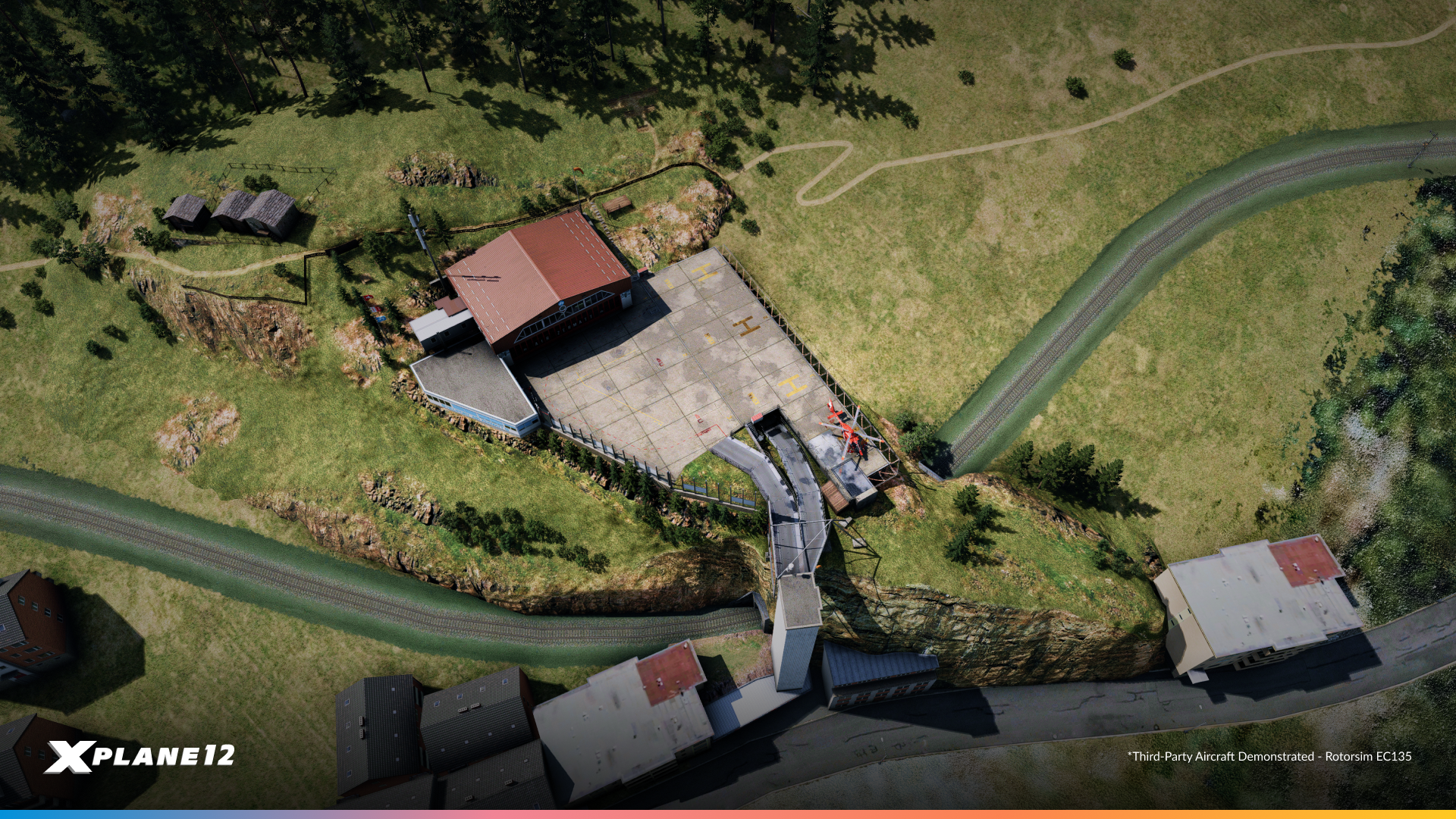
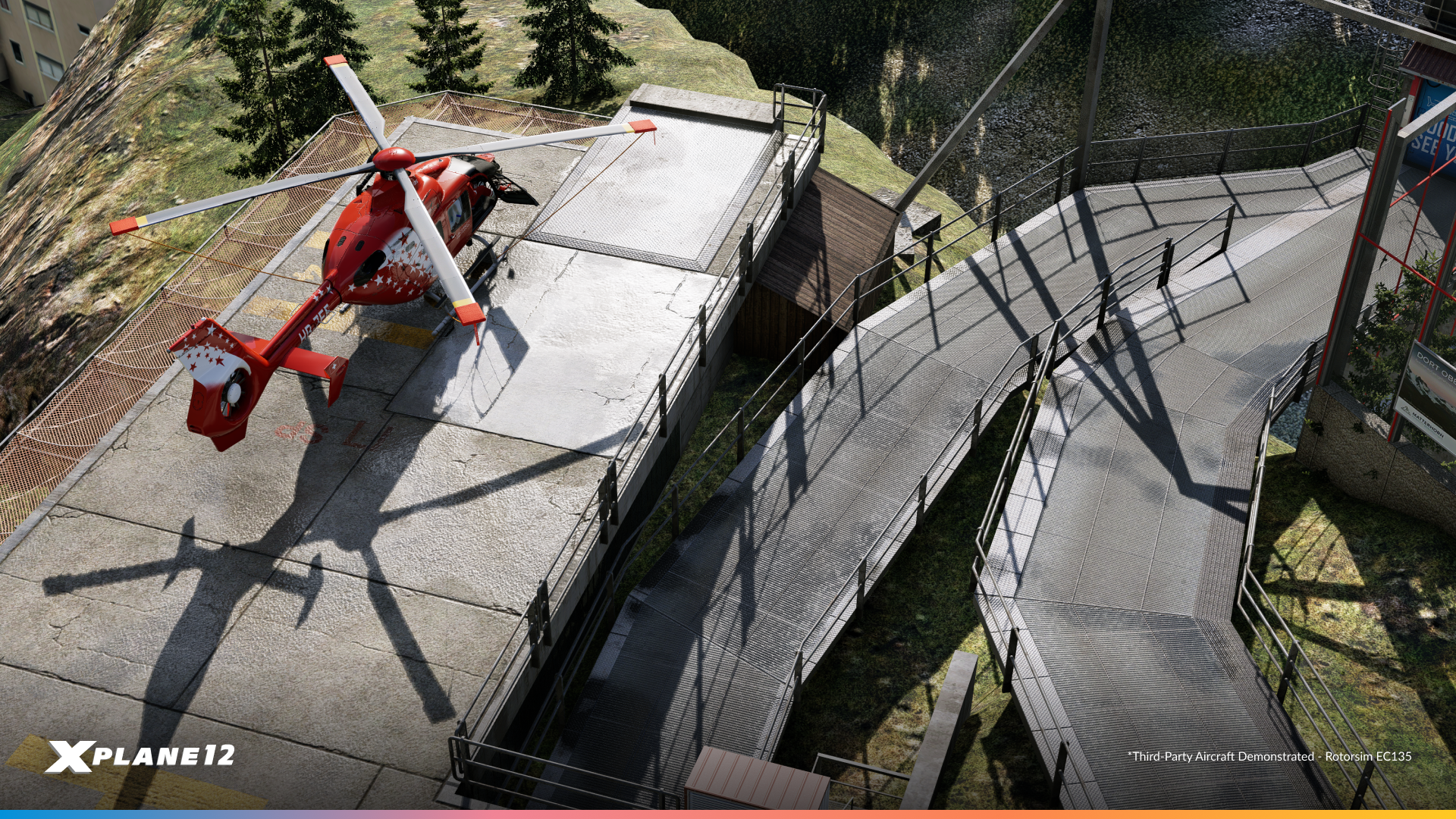
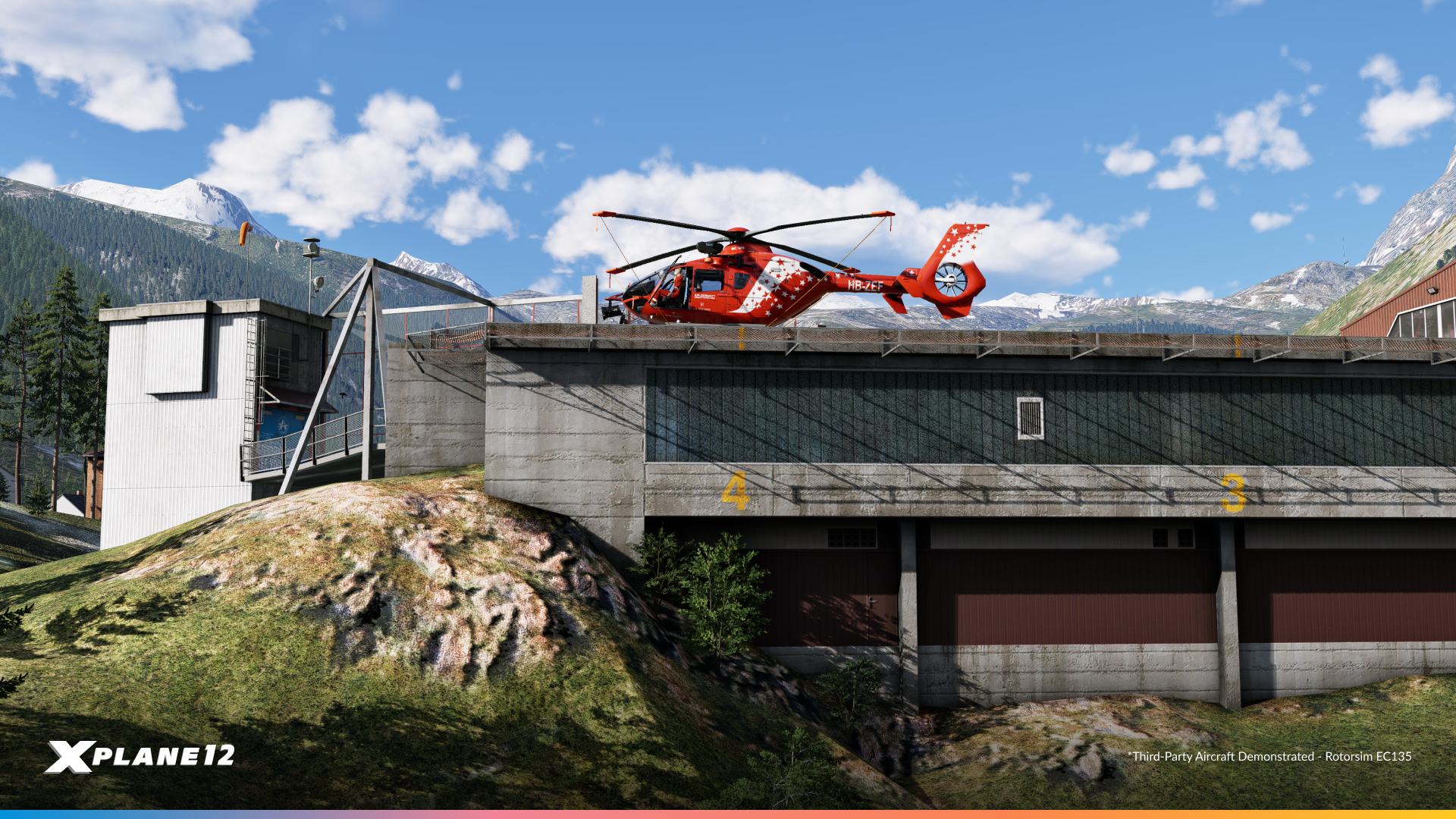
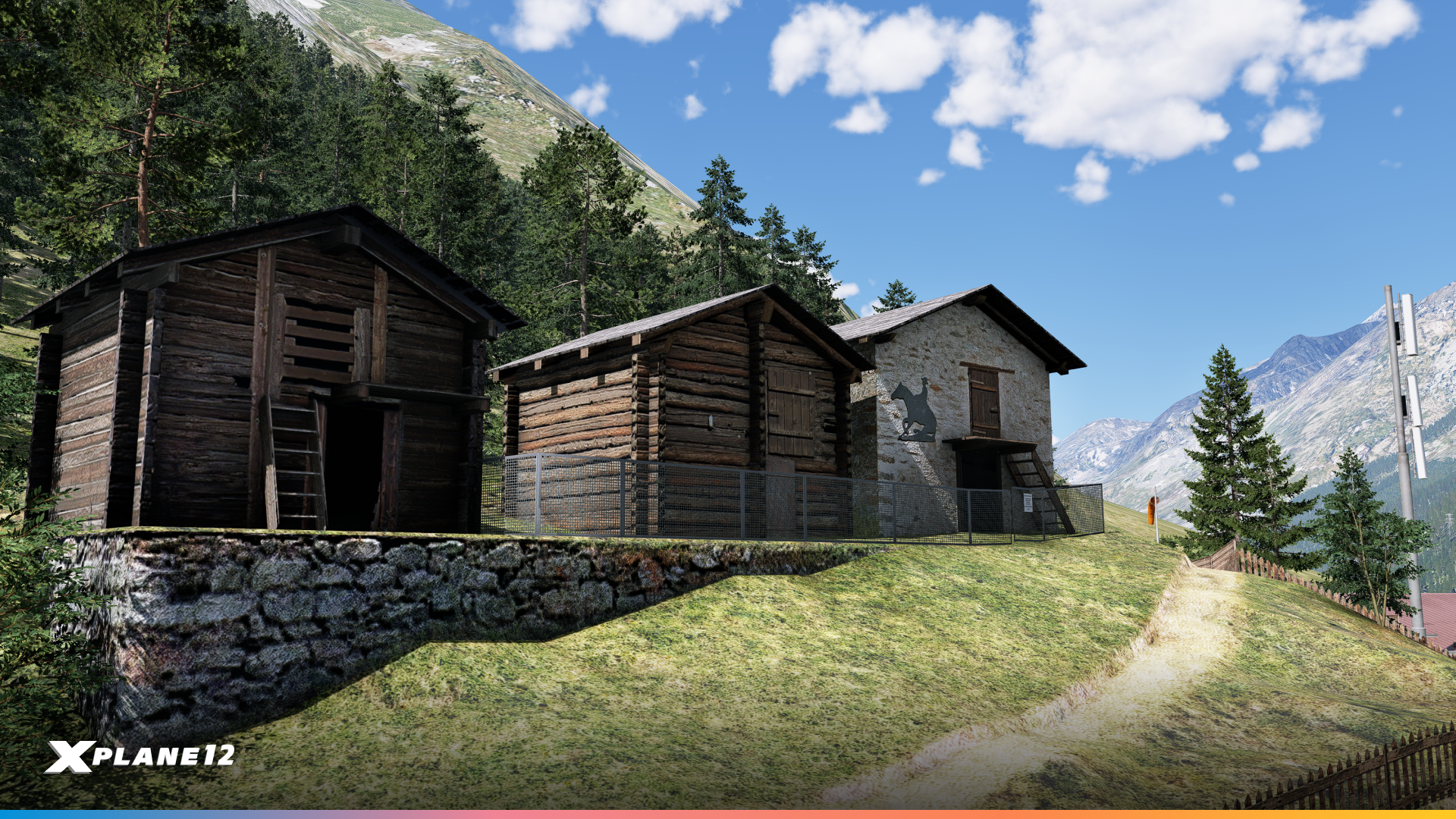
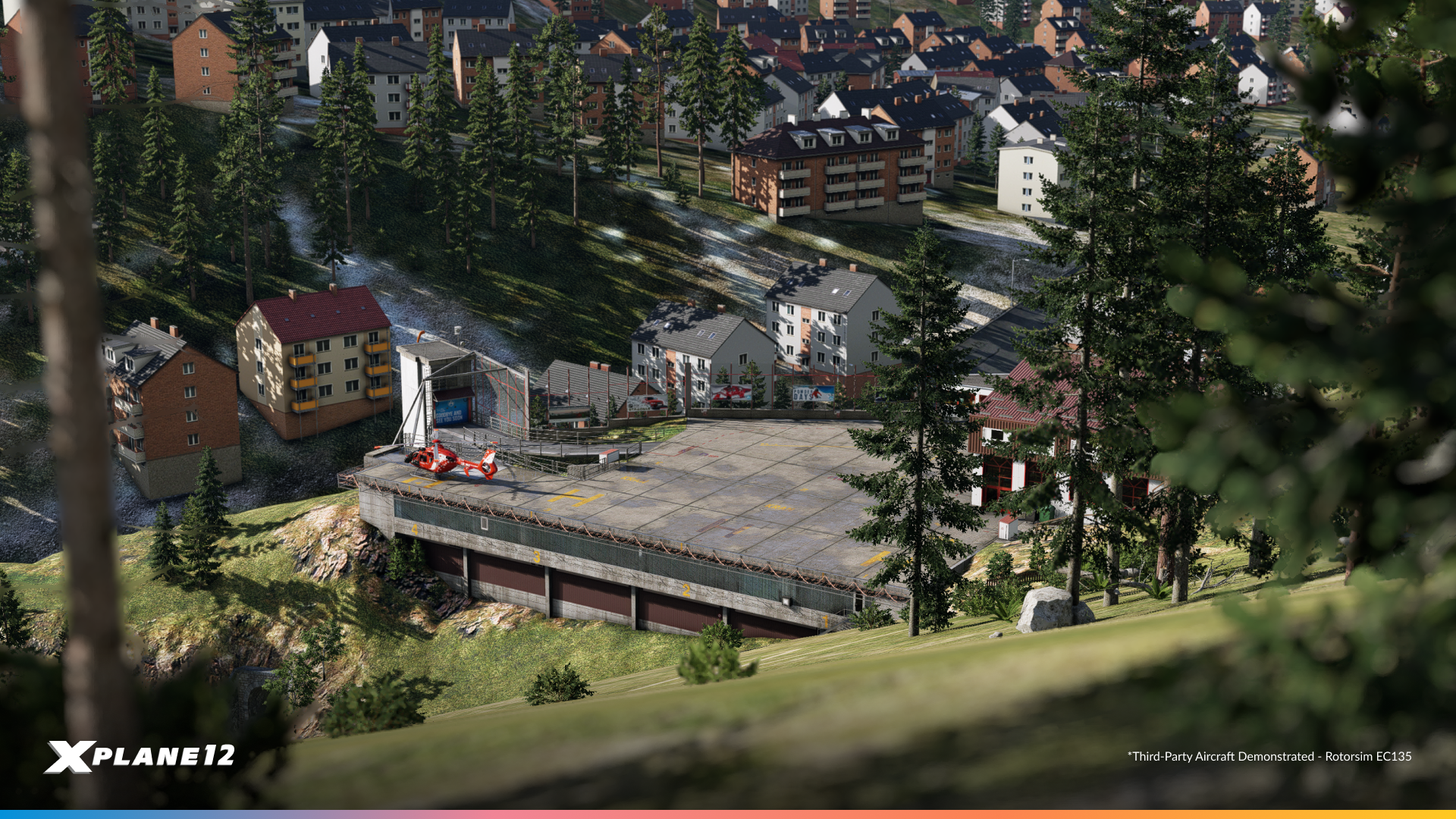
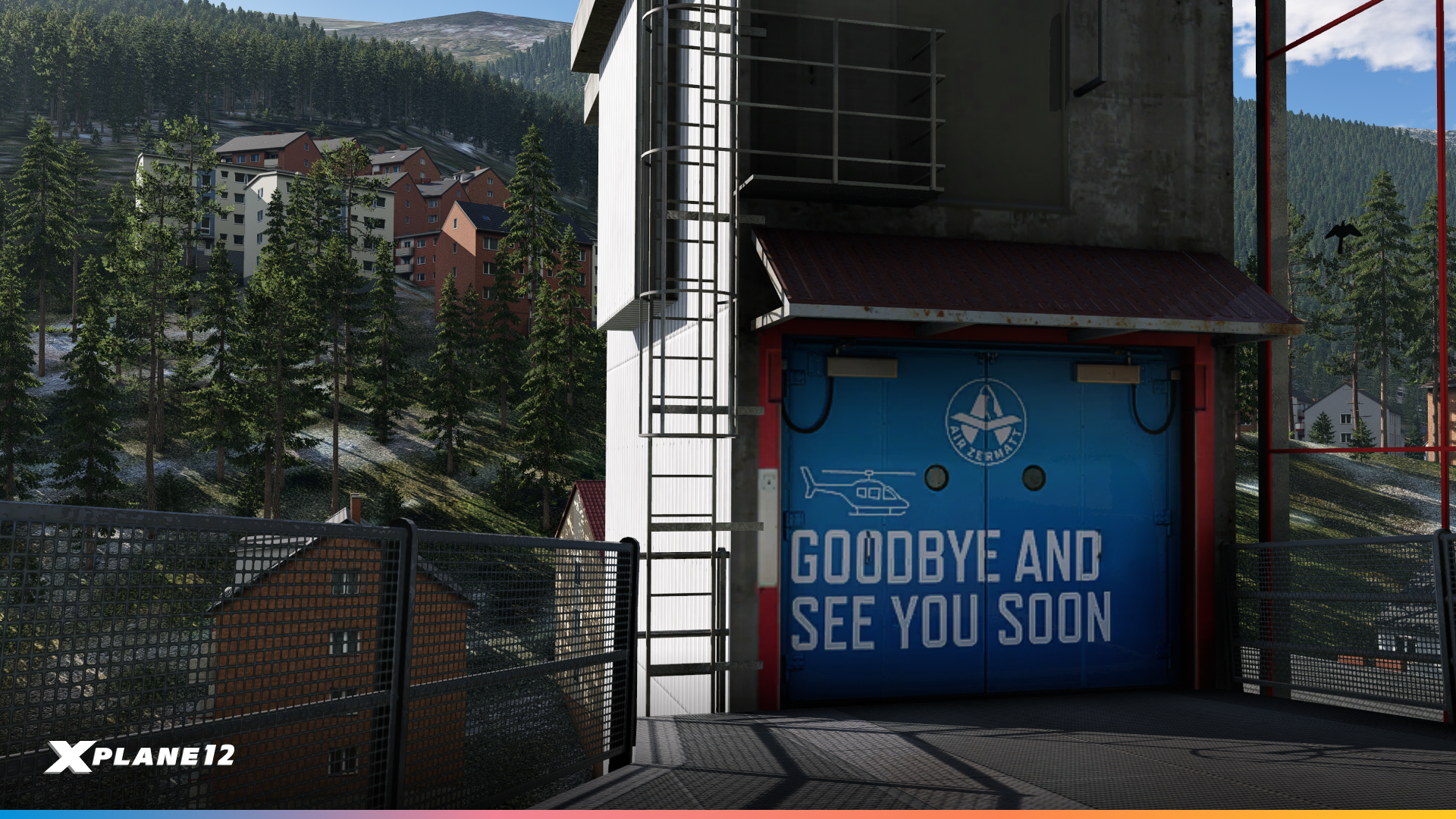
This release includes another custom Heliport, created by our artist’s Cristiano and Jan. Zermatt Heliport (LSEZ) is located near the entrance of the iconic mountain resort of Zermatt in the Swiss canton of Valais, at an elevation of around 1,400 meters. It serves as the base for Air Zermatt, a world-renowned alpine helicopter operator known for its sightseeing flights, helm-skiing, cargo transport, and mountain rescue operations. Approaches and departures are particularly challenging due to the tight valley and high terrain. It’s most certainly a rewarding experience for skilled sim pilots. One unique feature of the real-world heliport is the lift that provides access from the valley floor, a reminder of Zermatt’s car-free nature. With stunning views of the Matterhorn and surrounding Alps, this is a perfect spot to test your vertical flight skills or enjoy scenic alpine tours.



Mouse Zoom Lock (Stop Zooming X-Plane)
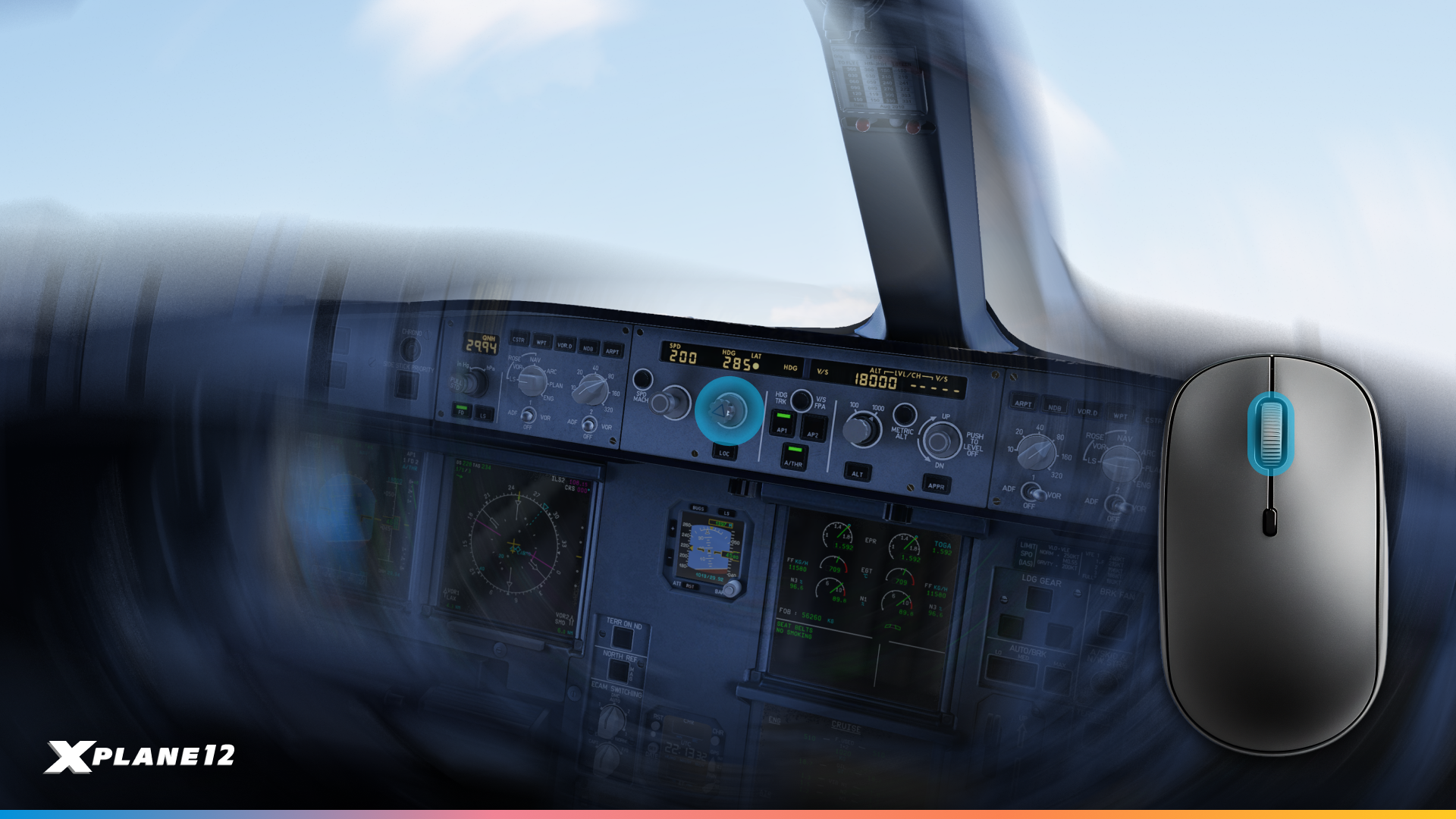
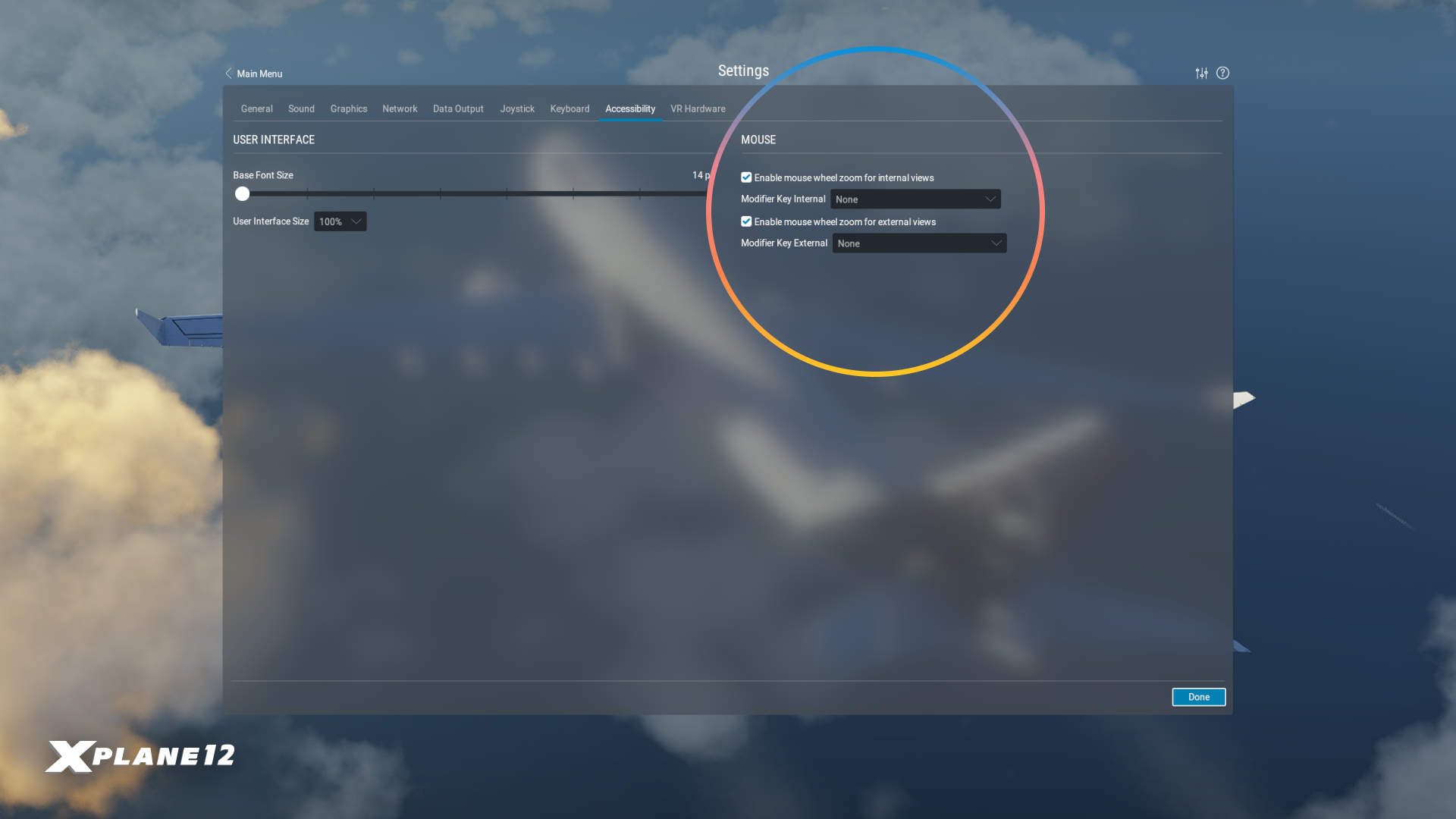
We know not everyone loves the mouse wheel zoom and we get it. That’s why we’ve added a new option in the settings to disable mouse zoom separately for internal and external views. Additionally, you can now assign a modifier key: this means zooming will only work while holding that key, helping to prevent accidental zooming during regular mouse use.
New Hardware Support

We are excited to expand our range of supported hardware with new additions from several manufacturers:
MOZA Flight Sim Gear
We’re happy to announce full support for MOZA’s impressive new line of flight simulator hardware. This release supports the AB9 FFB Base with the MH16 Flightstick, the MTP Throttle, and the MTLP Panel. Full support for the AY210 Yoke Base and the MFY Yoke is also on the horizon.
Thrustmaster SOL-R 1 Flightstick
We’ve also added full support for the new SOL-R 1, Thrustmaster’s next-gen Flightstick, designed specifically for flight simulations.
rotAIR by SimFlight Services
We now support the rotAIR modules from SimFlight Services, enhancing your sim experience with high-fidelity input.
Gateway Airports
As always, this release includes updated Gateway Airports with improvements and additions contributed by our amazing community. We’ve now reached an impressive total of 38,604 custom-built airports. A huge thank you to everyone involved in making the scenery better for all of us!

X-Plane 12.2.1 Beta 1 is out now!
We hope this update will kick-off a new wave of creativity amongst our scenery artists. It’s been no secret that we are working on Next-Gen Scenery, and the ideas you have proposed to us, will help form more assets that we can refer to and create for the future!
For additional details and a more comprehensive list of changes, have a look at the full release notes please.
The post What’s new in 12.2.1? appeared first on X-Plane.
]]>The post FlightSimExpo 2025 | Let’s Go! appeared first on X-Plane.
]]>Friday June 27th
#FSExpoFriday
From 1:00pm to 5:45pm, we’ll be amongst other colleagues making seminar announcements. Feel free to tune in, as we do a small catch-up with X-Planer’s on the latest developments.
Dance the night away!

One thing that FSExpo has been missing in recent years is dancing. This year, we’re fixing that. Join Austin, Swiss001 and other community as they spin tracks for a nice little rave on Friday night. We will be taking over The Salon nightclub – just a short walk from the convention center – from 8p to 12a. It’s going to be a blast.
Saturday June 28th & Sunday June 29th
Come and say hello!

This year, we’ll be placed in booth 701! (It’s very hard to miss us, we are right at the main entrance.) Various members of the team will be present at the show, including Austin! So don’t be shy, pop round and say hello.
There are lots of places to experience the joys of X-Plane at the show this year. Our main space will have several unique sims, and various partners will be primed to share how their products take X-Plane to the next level.
Say hello to our friends at FlyShirley, Beta Technologies, Flight Code-X and RealSimGear when you stop by!
Try out X-Plane and all the latest hardware!
We’ve partnered with X-Force PC, Simionic, WINWING and Next Level Racing this year to bring the latest simulation hardware for you to try out. Whether you’re a beginner simmer, or a seasoned veteran we will have some fun flying on offer for you.
Sharpen your skills with X-Plane Workshops!
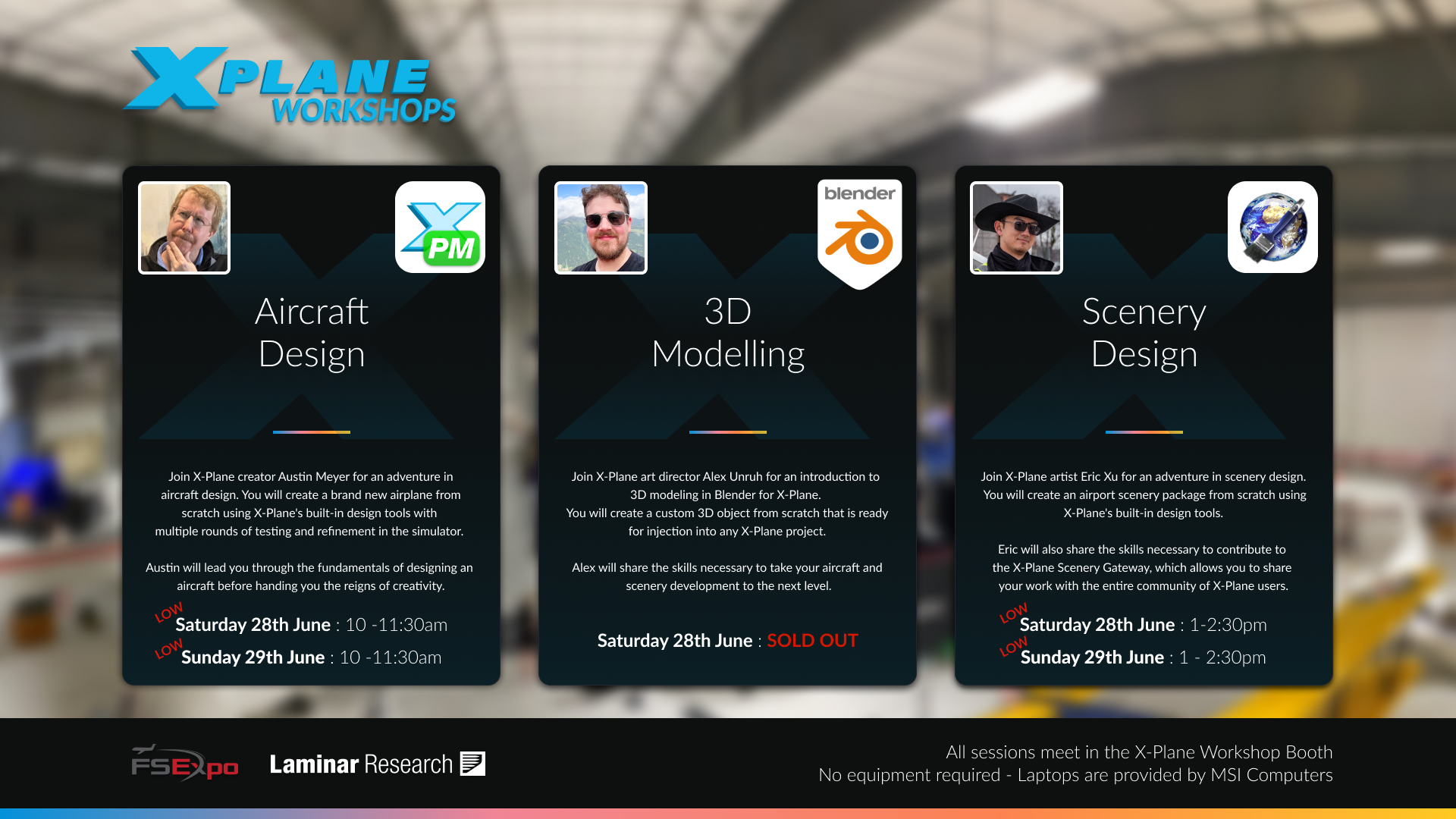
Back by popular demand, we will be running several workshops throughout the weekend. Join Austin, Alex and Eric, as they teach you the software and skills needed to make your own aircraft and scenery! Our workshops are located right next to our booth, and very easy to spot. If you still need help, just pop by our booth!
Historically these workshops have been extremely popular, and we’re nearly sold out on all available slots. So don’t delay in picking your workshop!
Quench your thirst with our brand new water bottles!
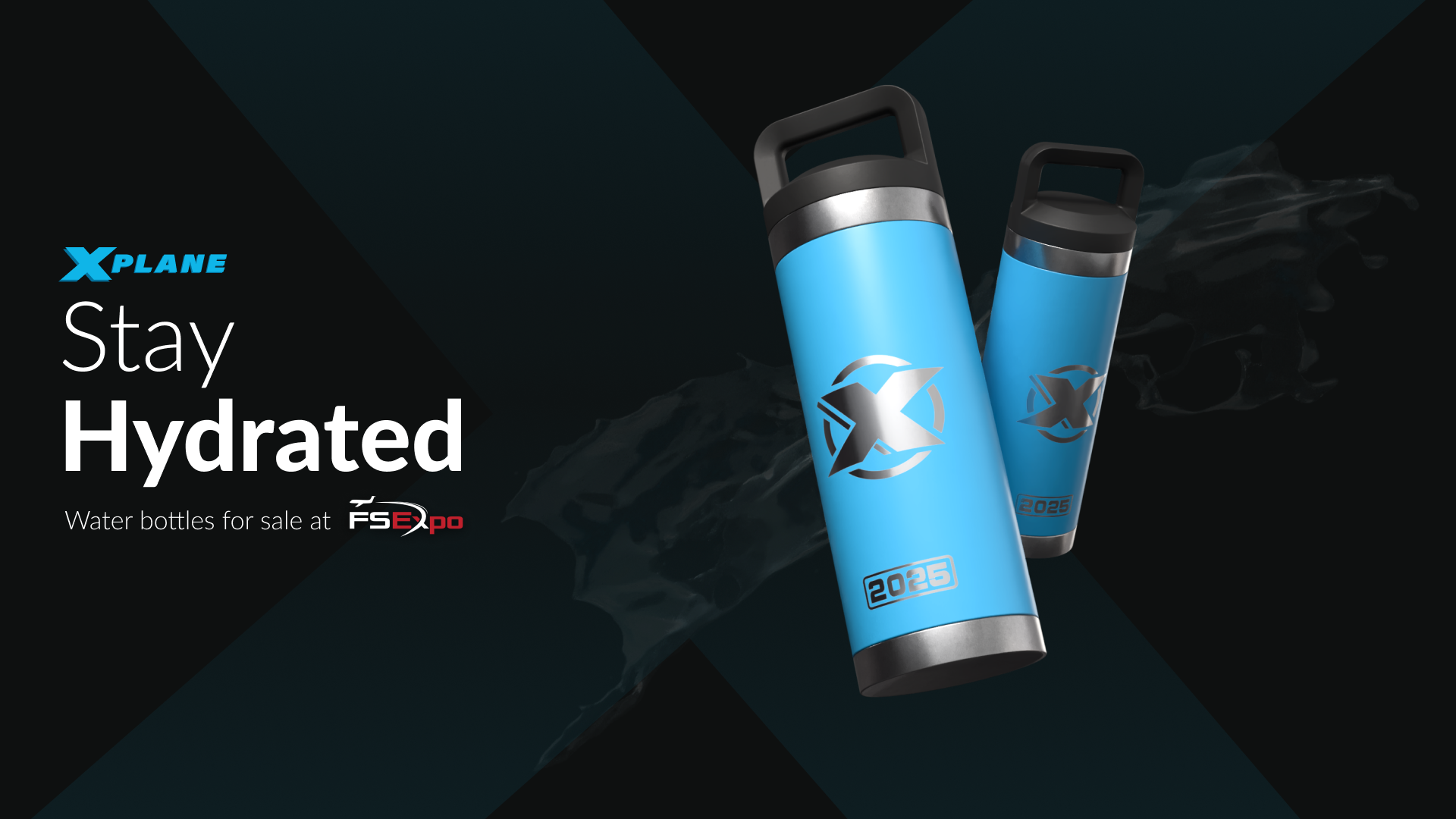
We’re bringing some fresh merchandise to our booth this year, including some brand-new water bottles for sale. In addition, we will also be sponsoring water booths throughout the event, ensuring you stay hydrated throughout the event!
Make sure you book your tickets today
We can’t wait to see you all this month. This is one of the few times of the year when we can engage with the community directly, hear your stories and feedback, and catch up with friends across flight-sim. It’s why we love coming back. ❤️
If you haven’t done so already, book your tickets to FSExpo now! Our special thanks to Evan and the team at Flight Sim Association for putting on a fantastic show. See you there!
The post FlightSimExpo 2025 | Let’s Go! appeared first on X-Plane.
]]>The post 12.2.0 – Through the Lens appeared first on X-Plane.
]]>So many of you across Discord, Facebook, Instagram and Reddit have been feverishly posting such beautiful pictures. We decided to compile the best into a blog post, here are some of the team’s favourites!
Disclaimer: The photo’s below are NOT taken by Laminar, but randomly selected from XP12 users. They do contain various addon aircraft and scenery!
General Aviation
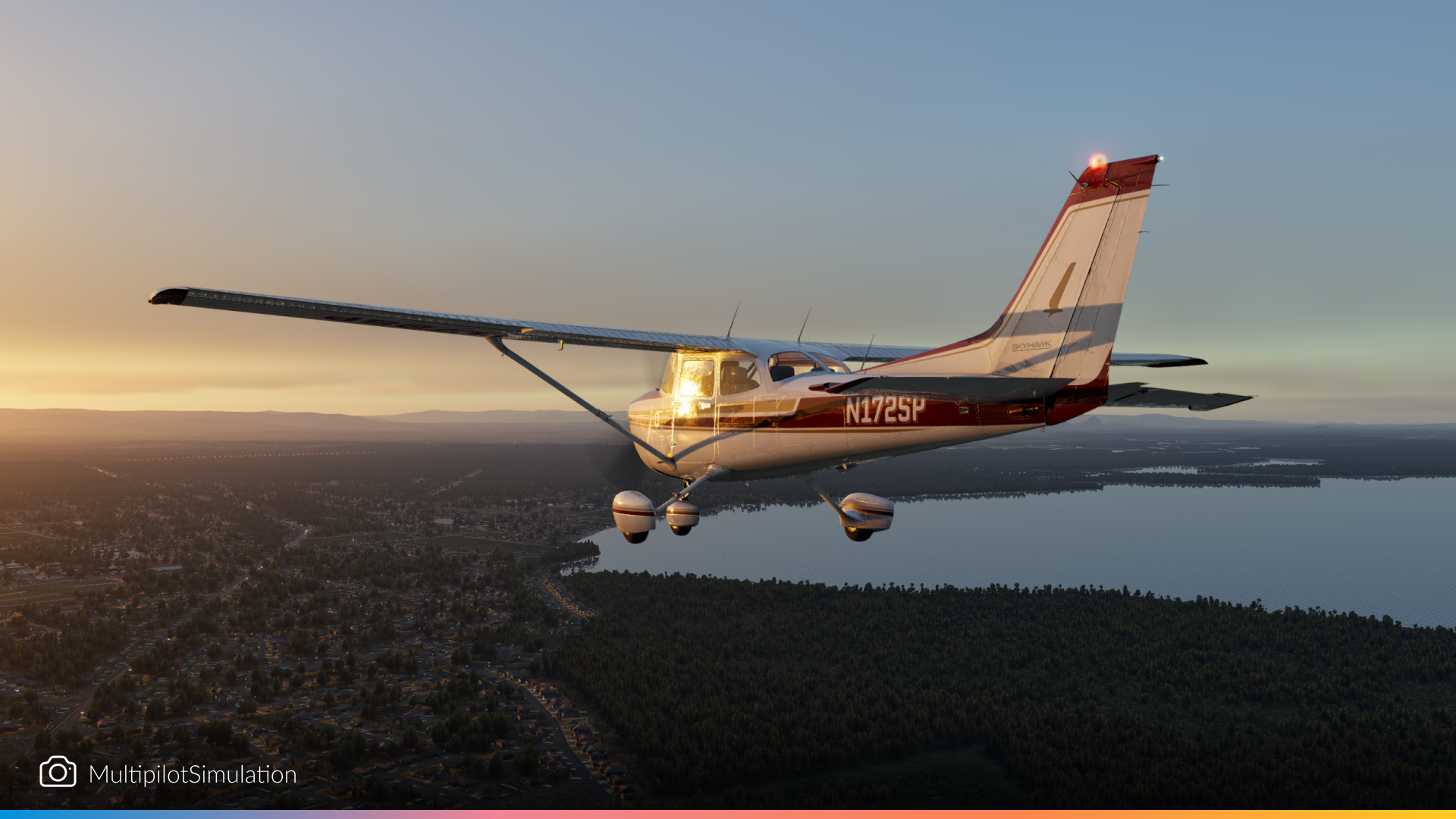
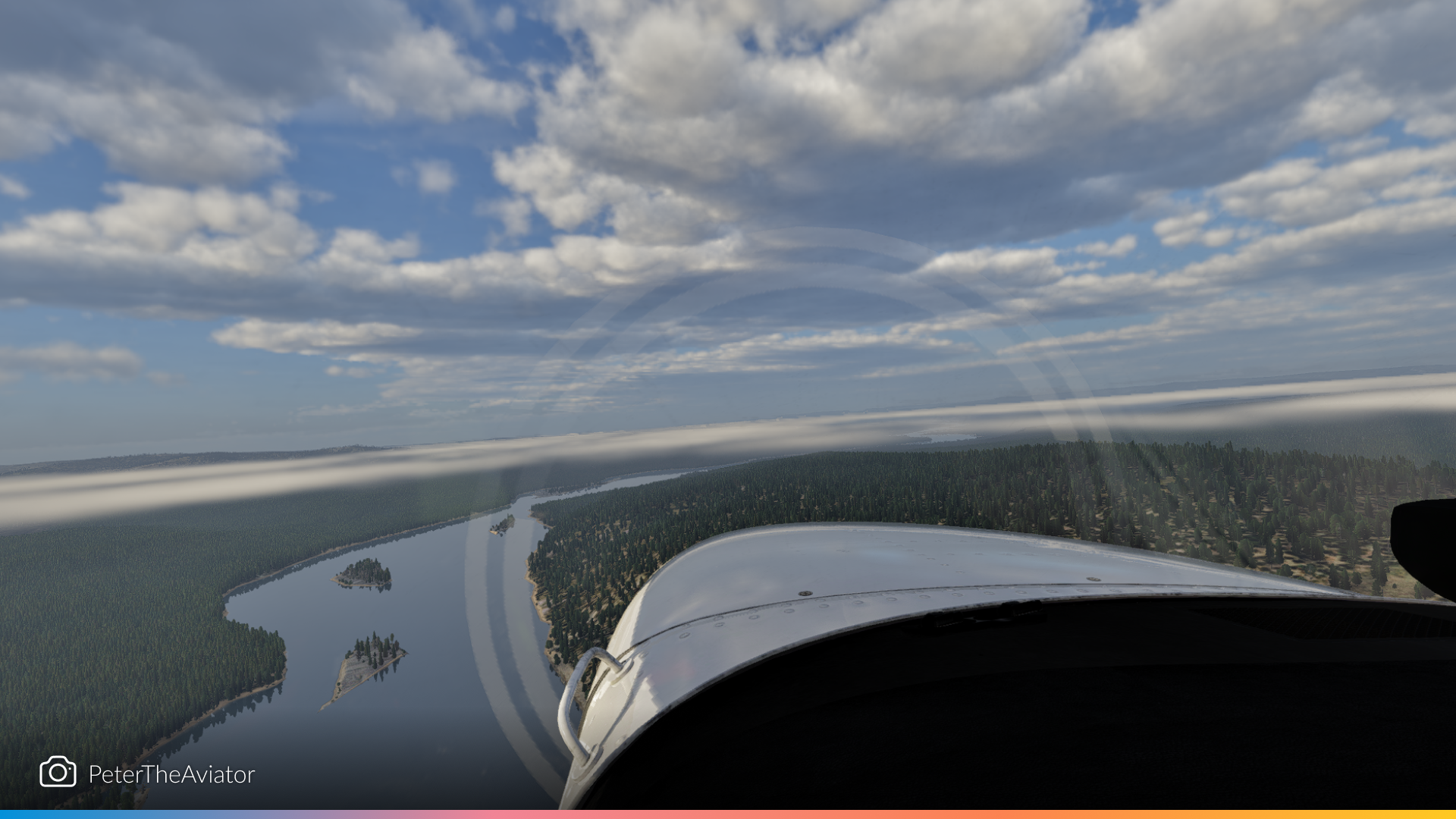
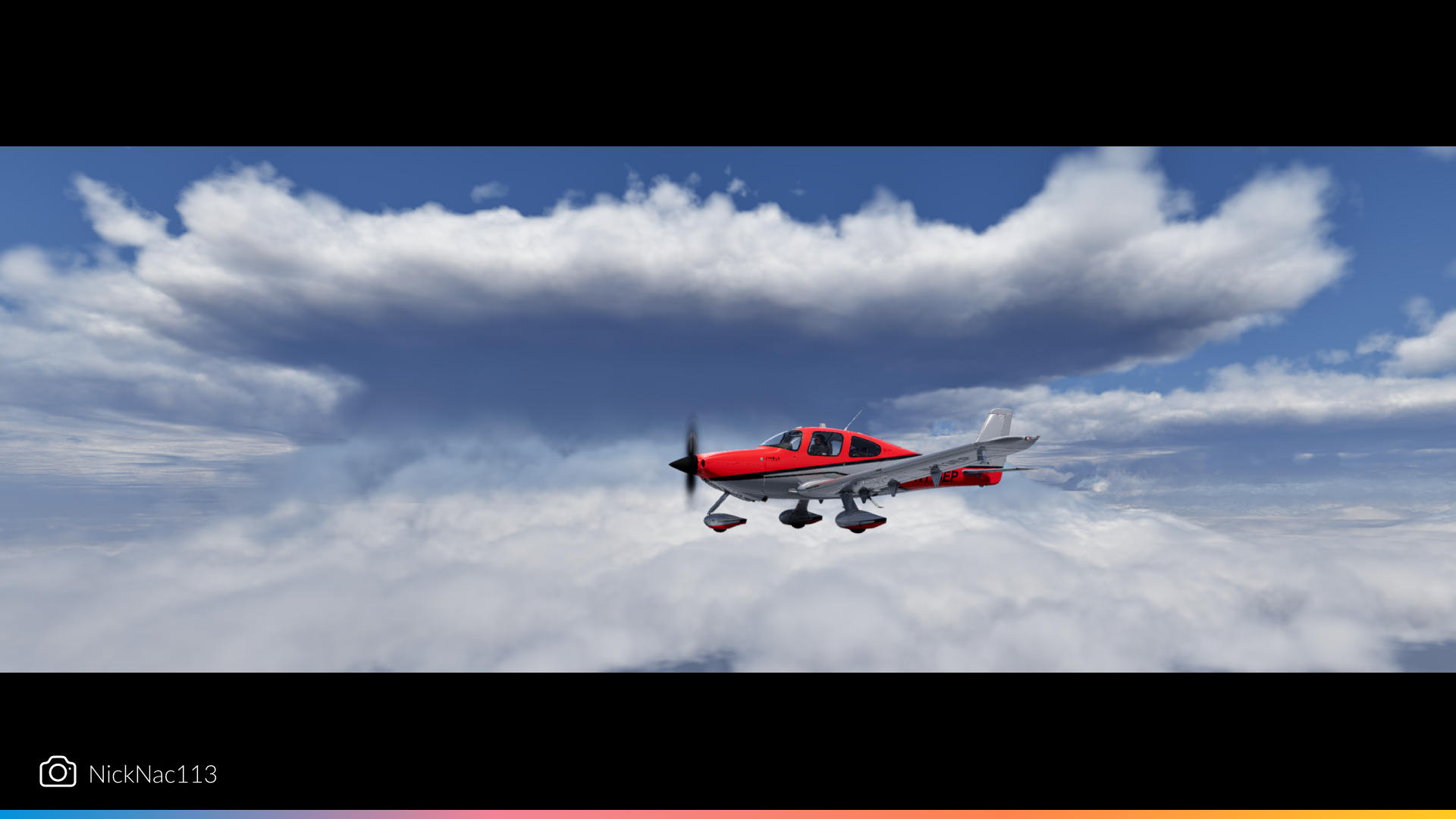
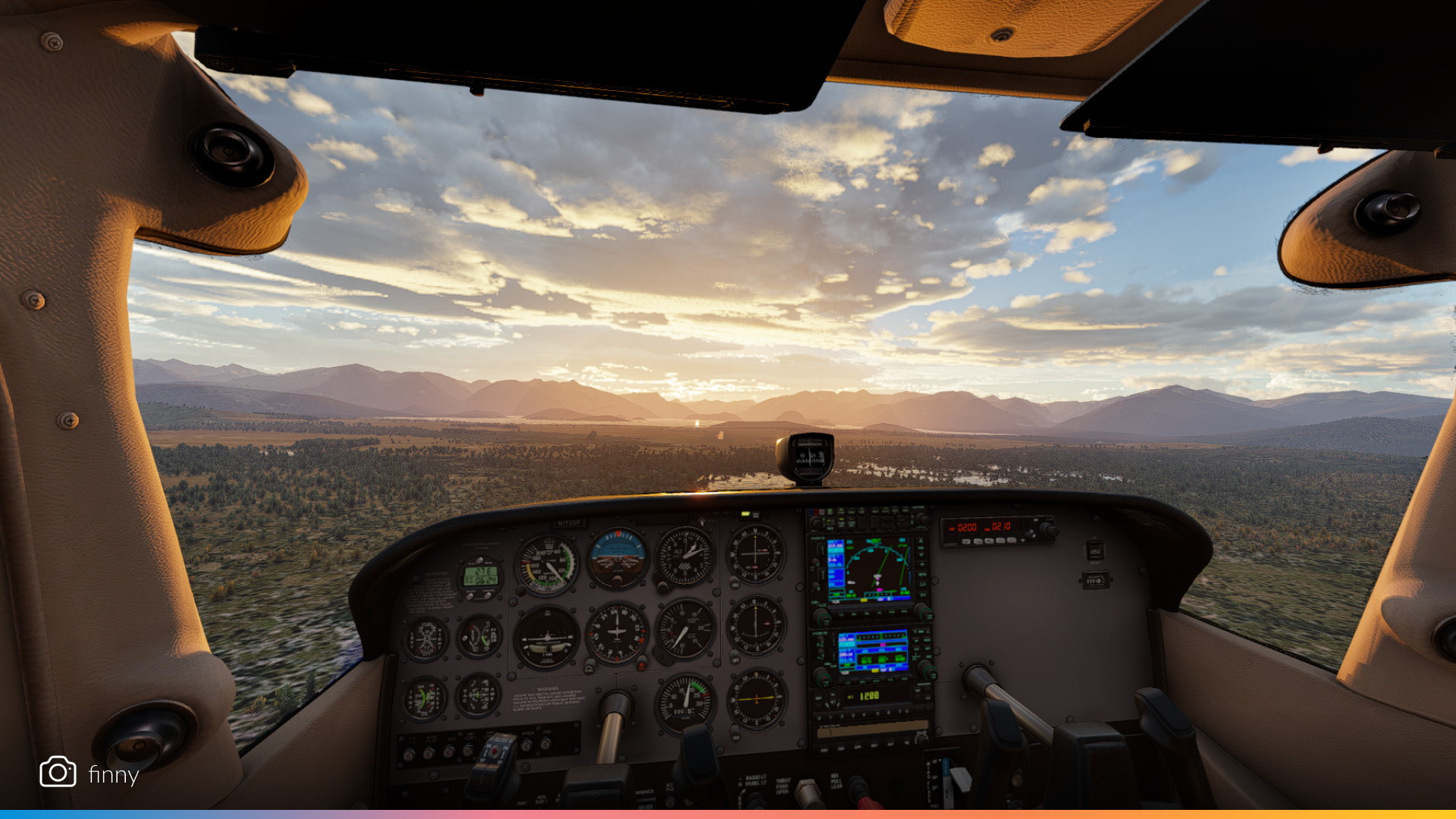
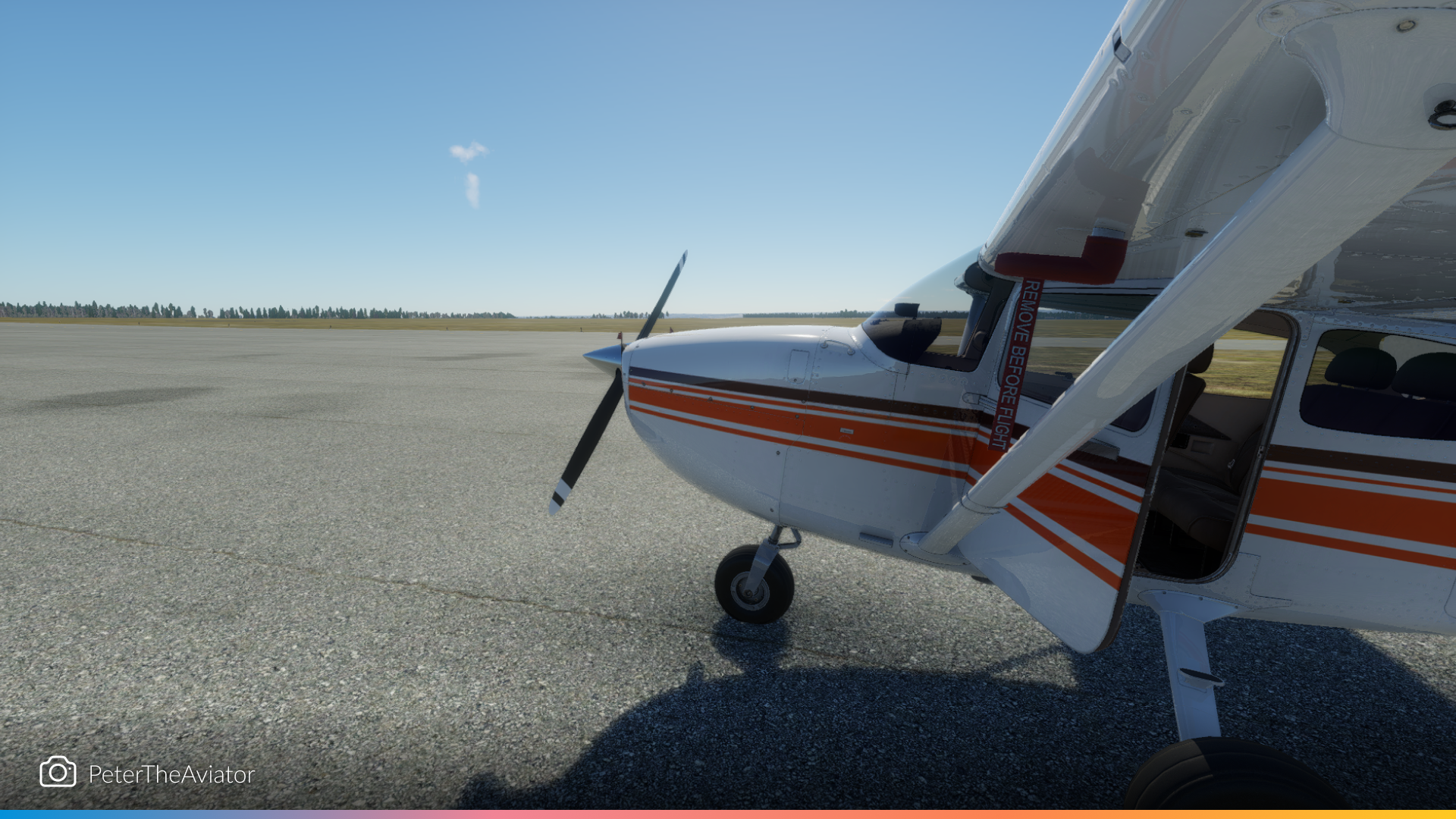
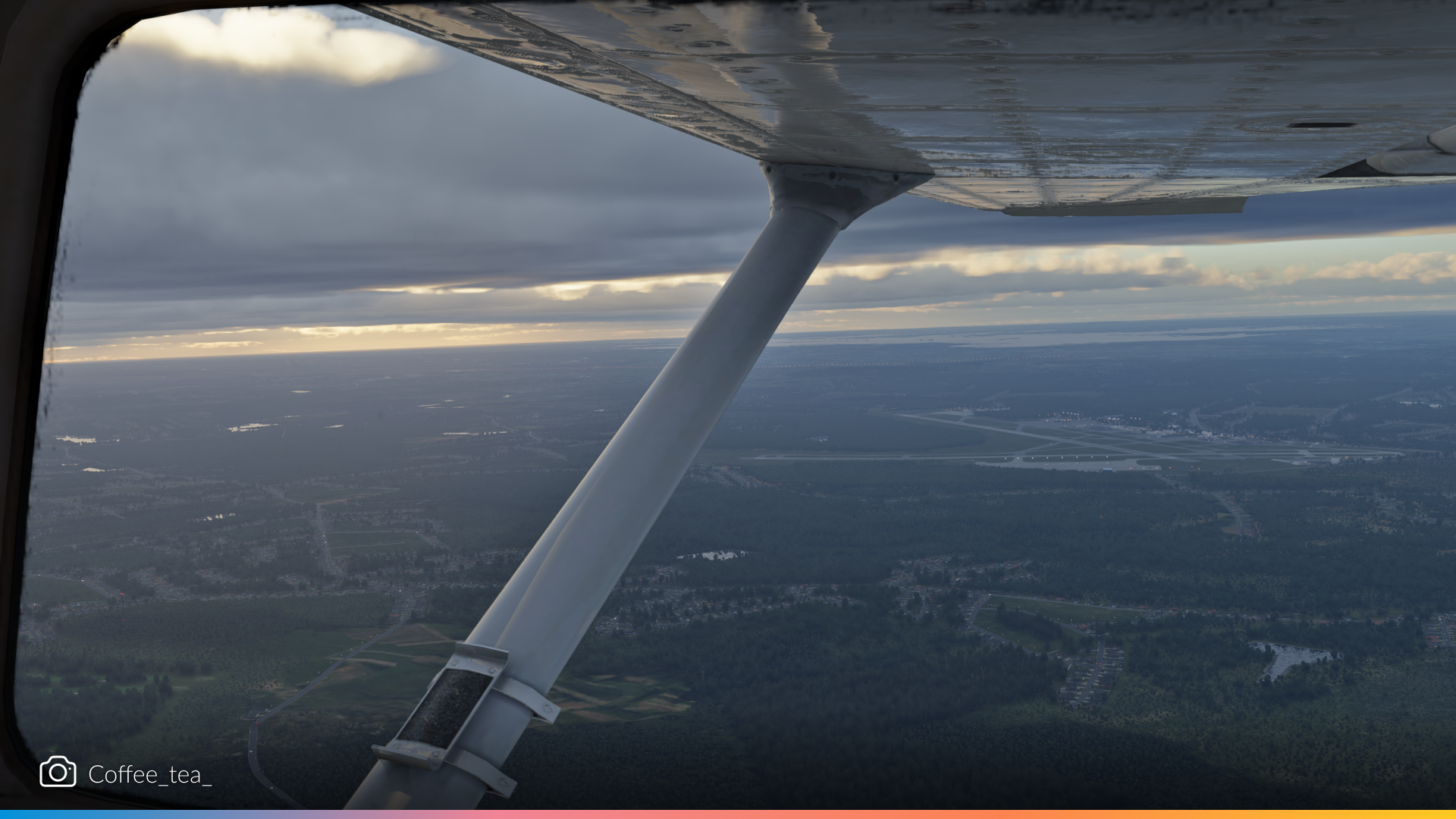
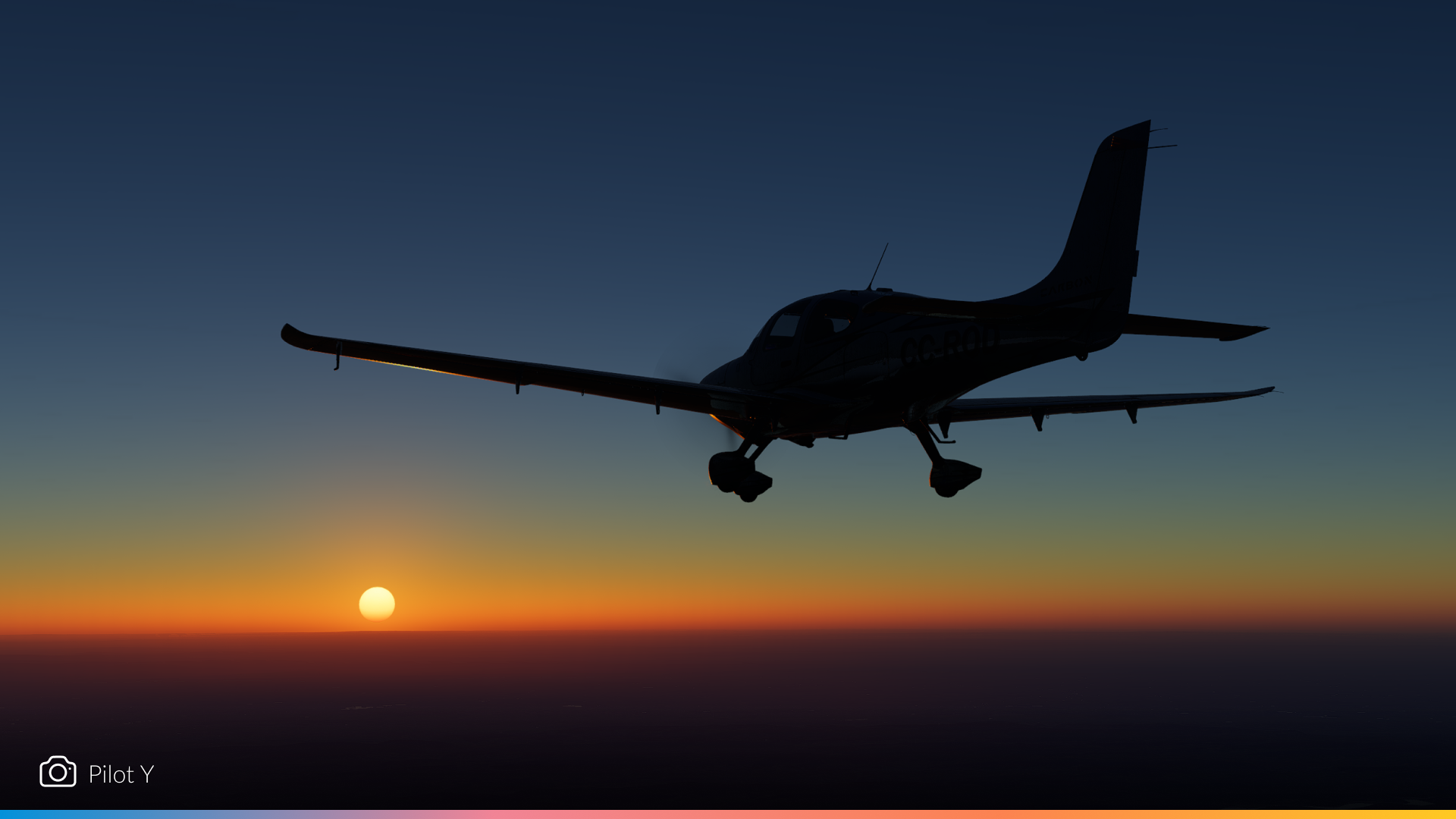
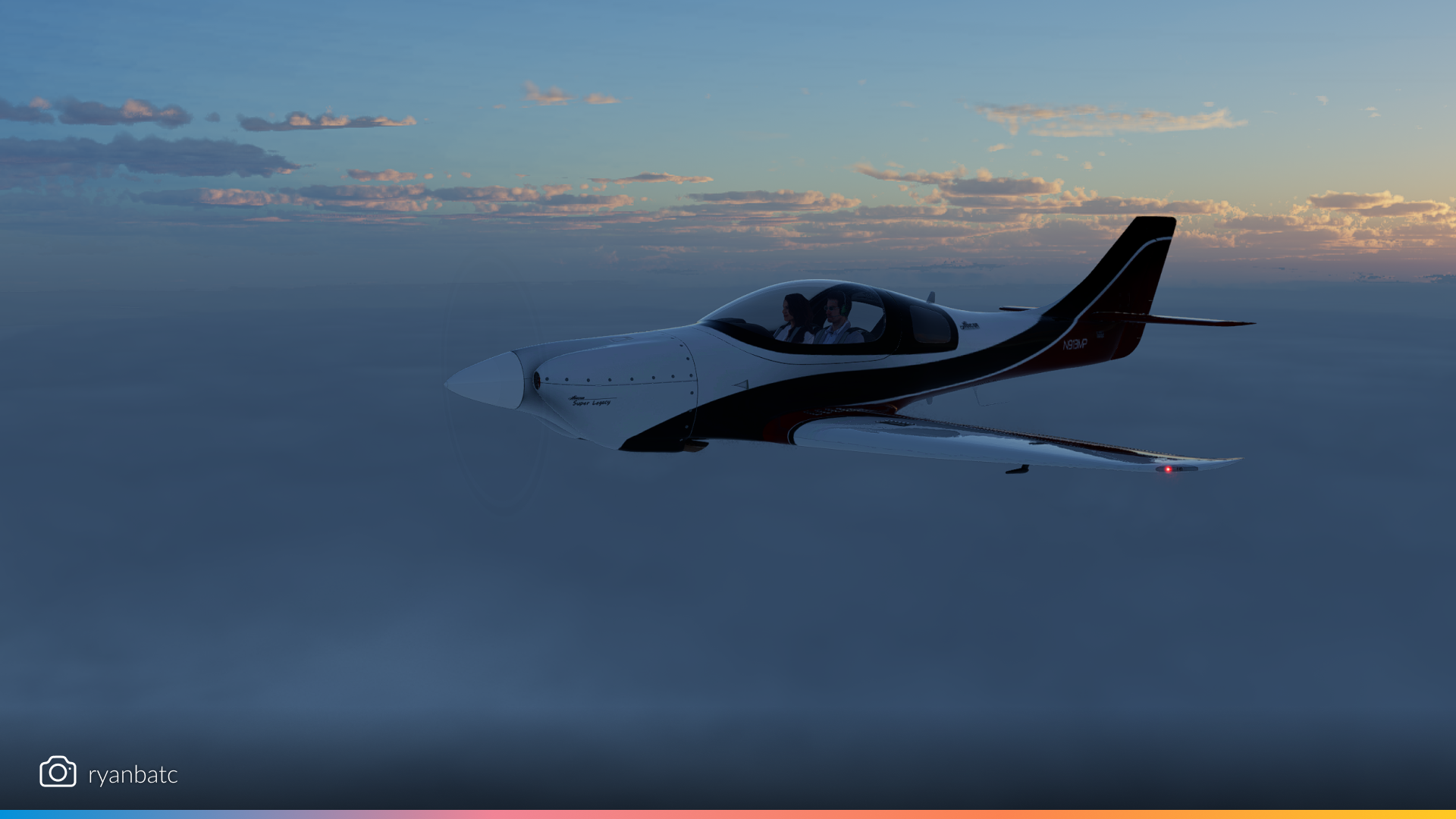
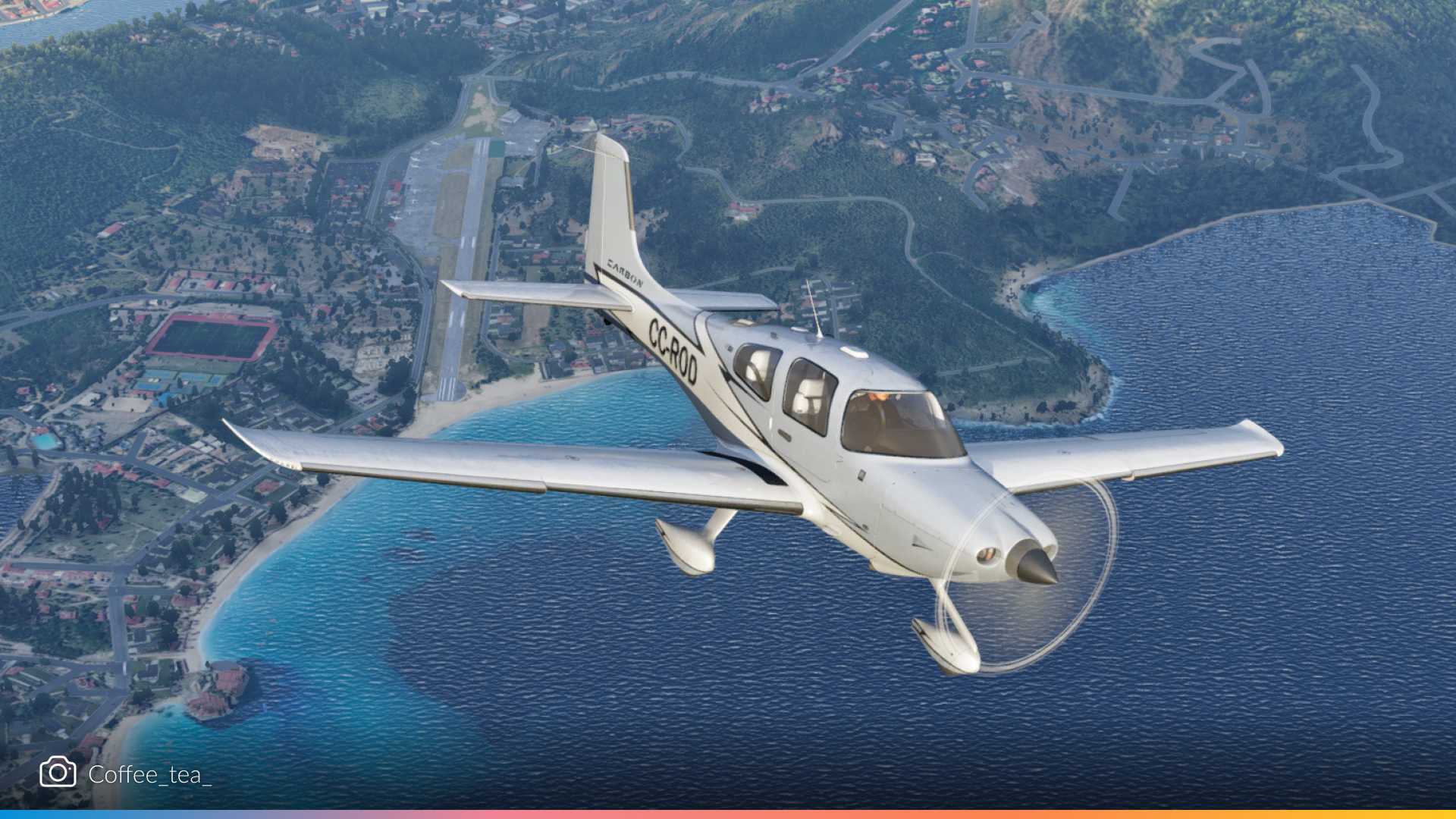
There’s something timeless about hopping into a small aircraft and cruising low and slow across the terrain. From mountain passes in the Cessna 172 to dusk approaches in the Piper Cub, 12.2.0’s lighting and atmosphere upgrades really shine through in these GA snapshots.
Airliners
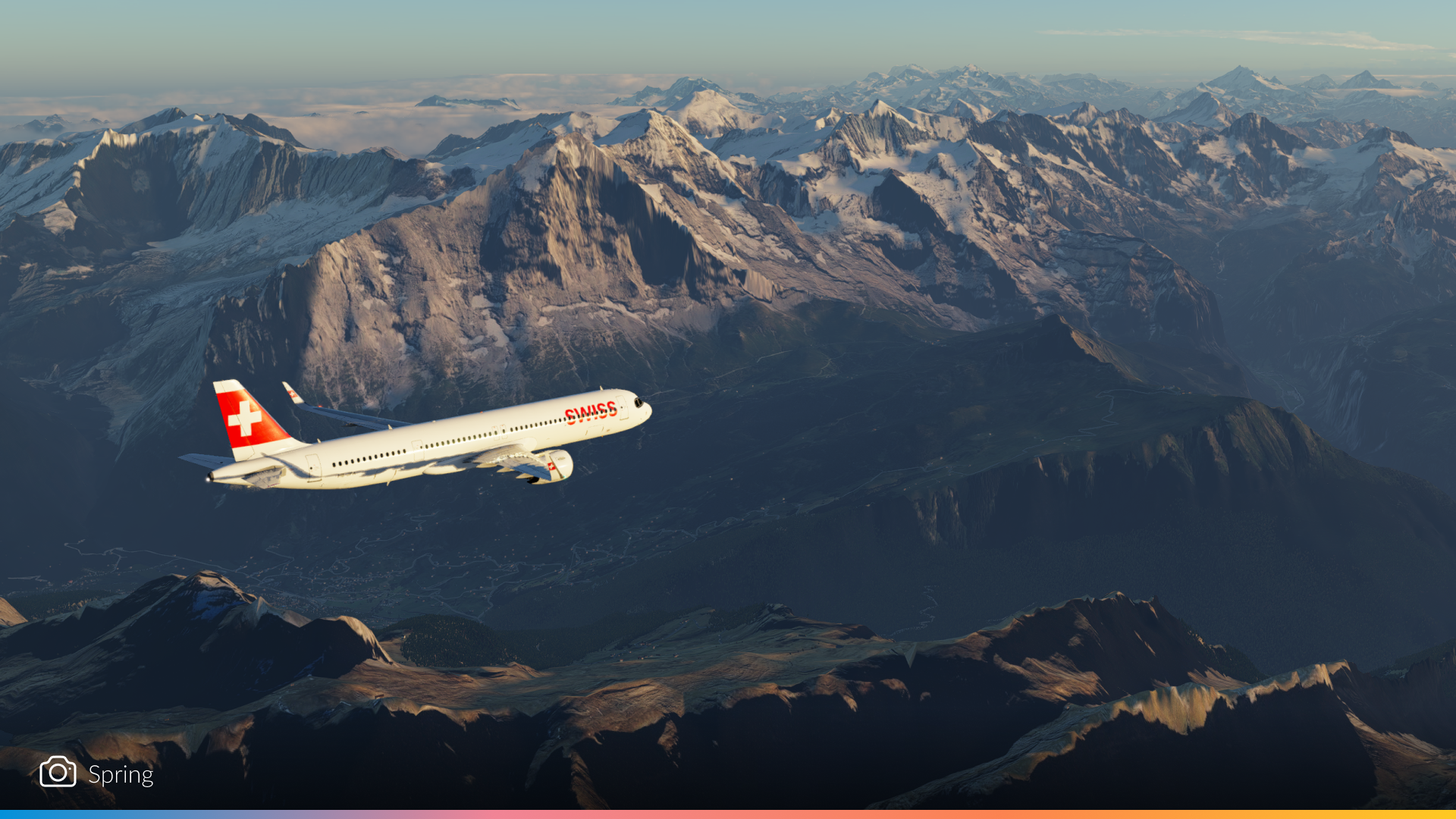
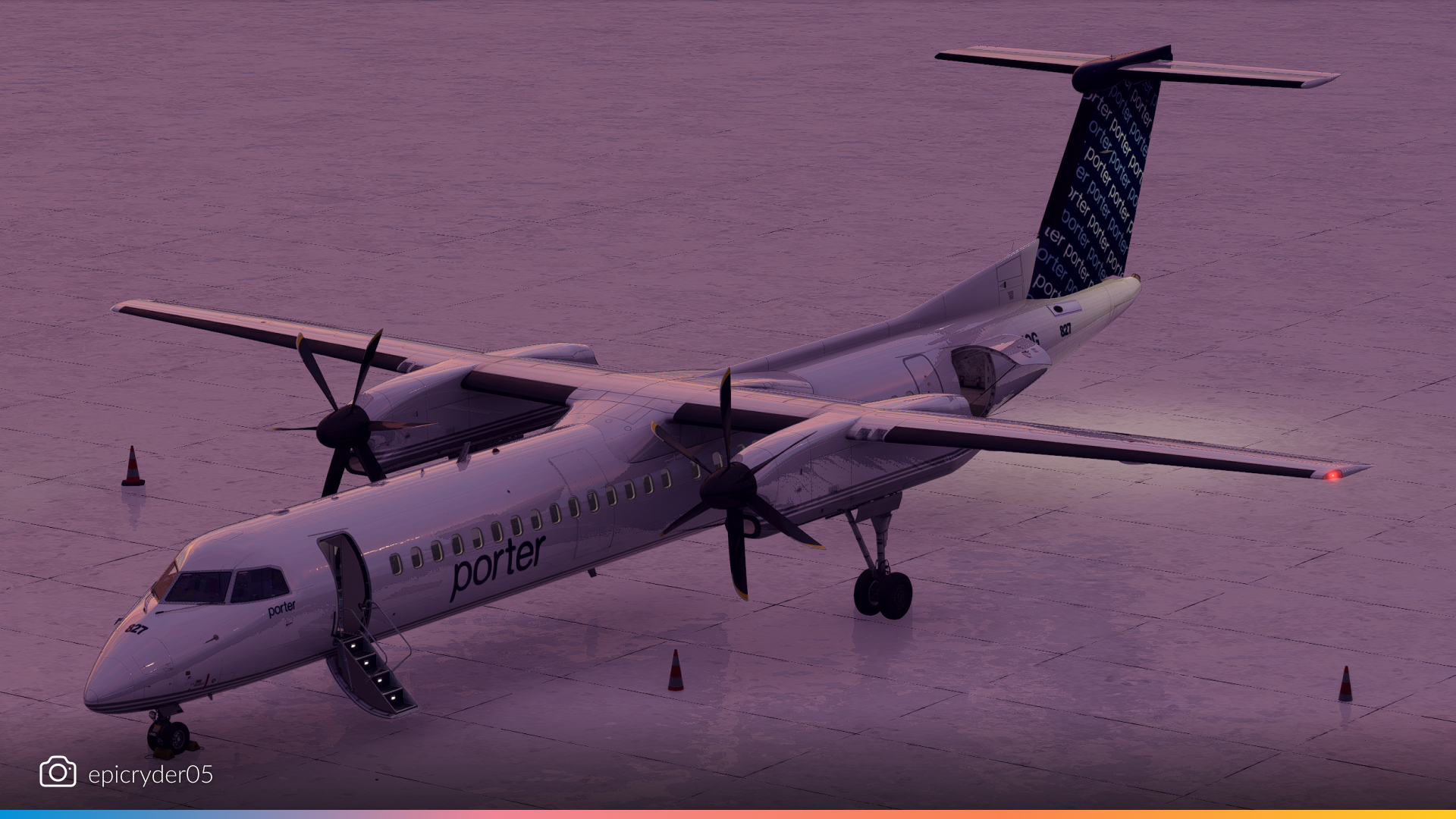
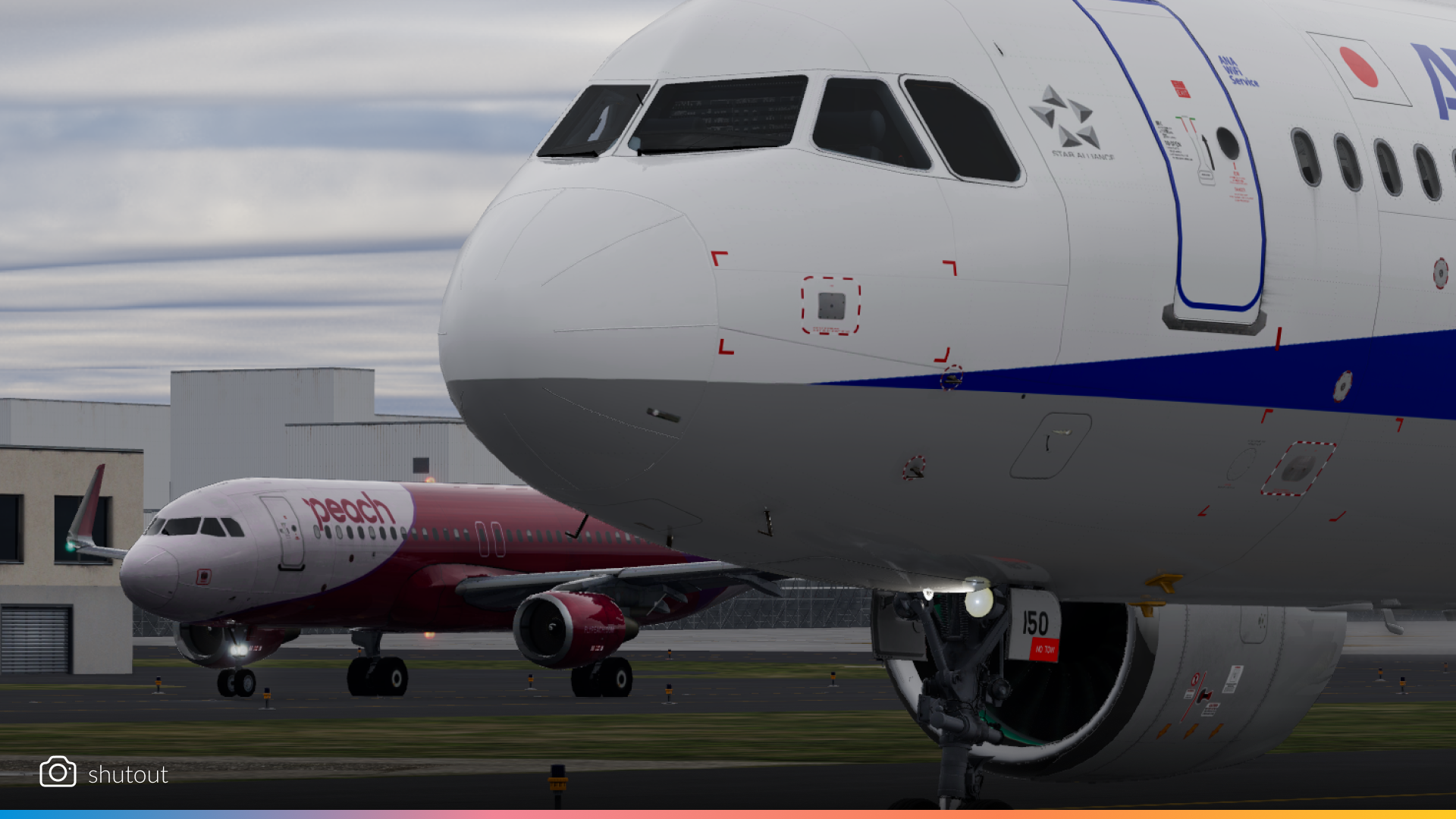
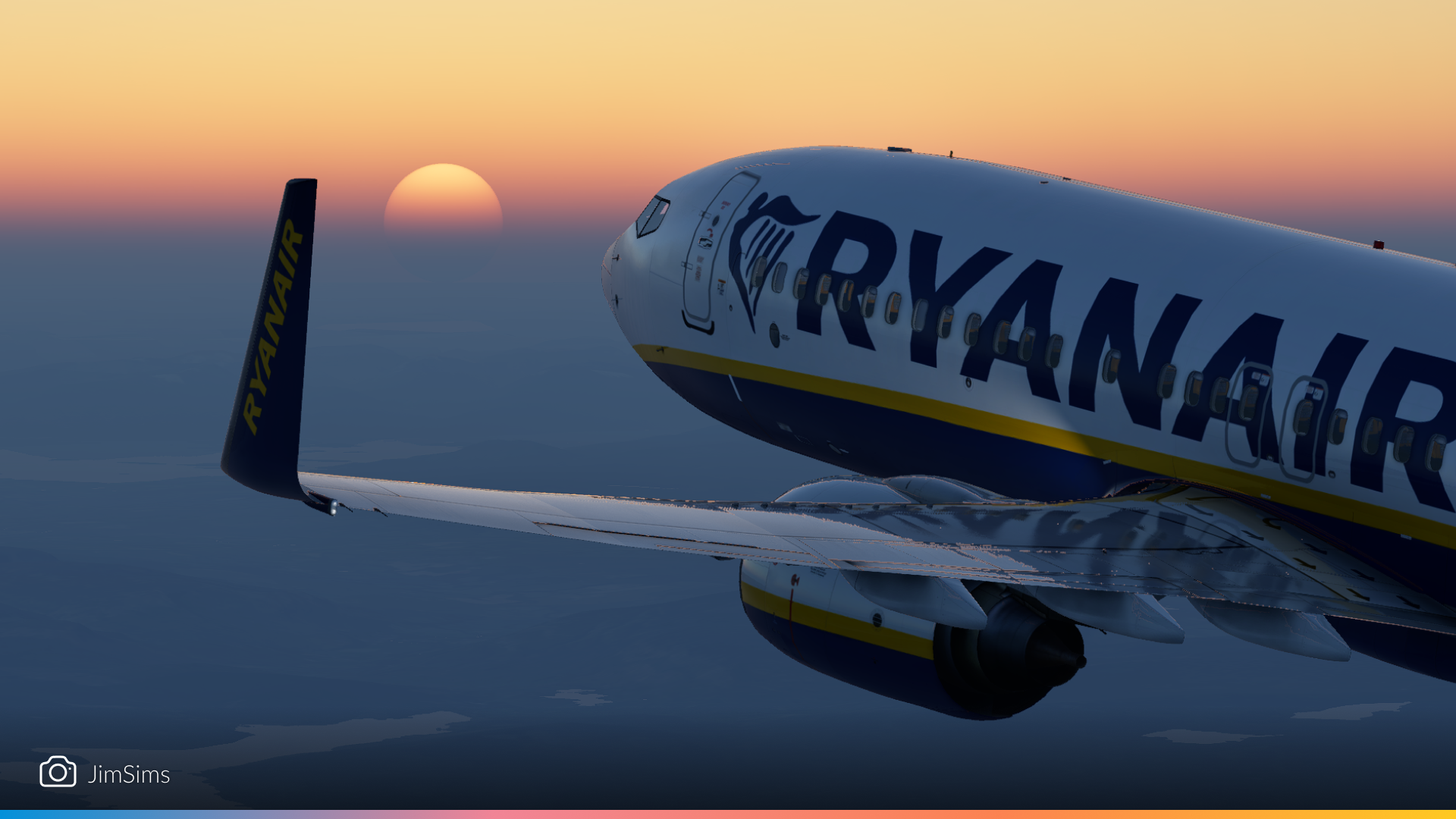
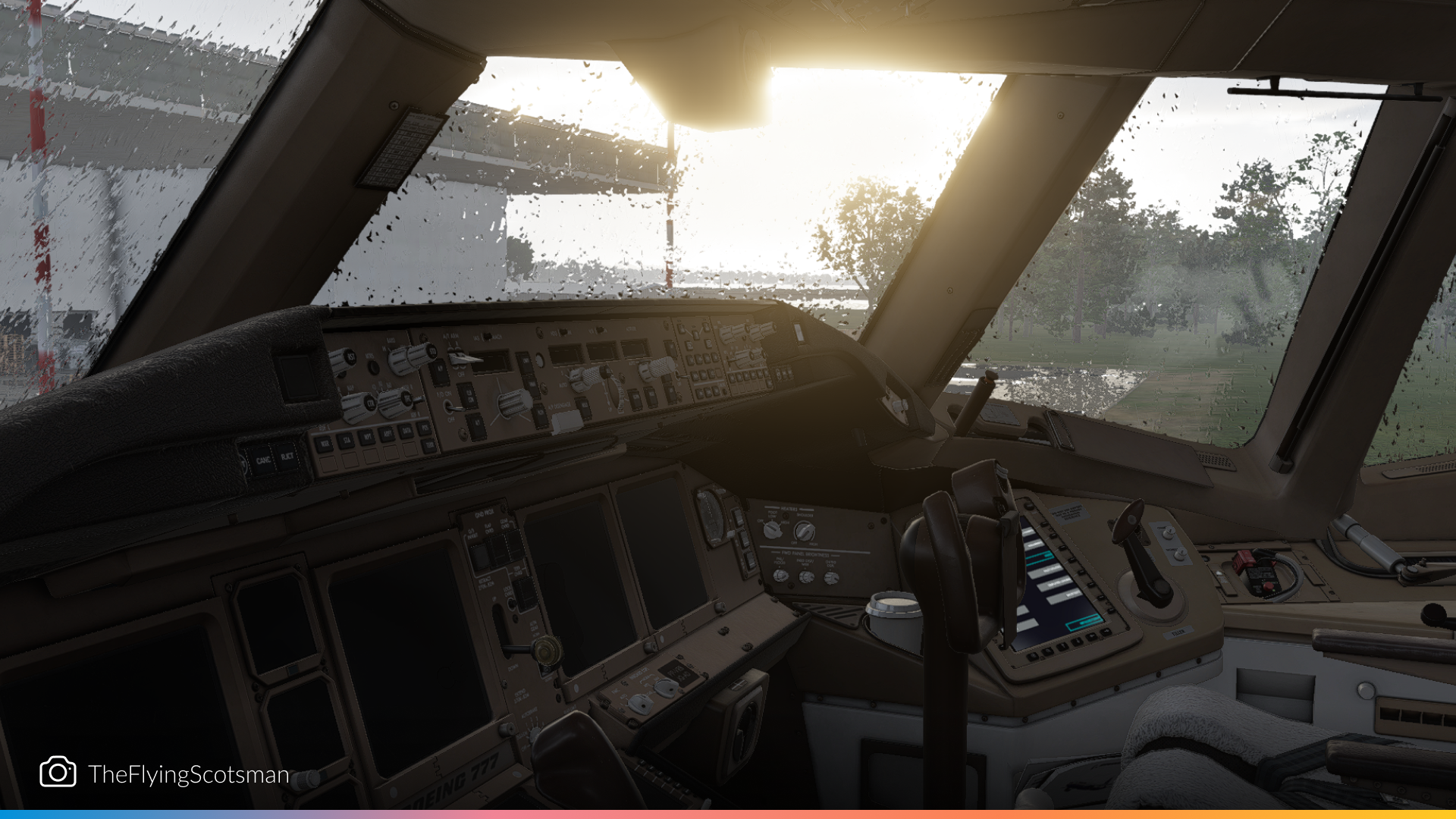
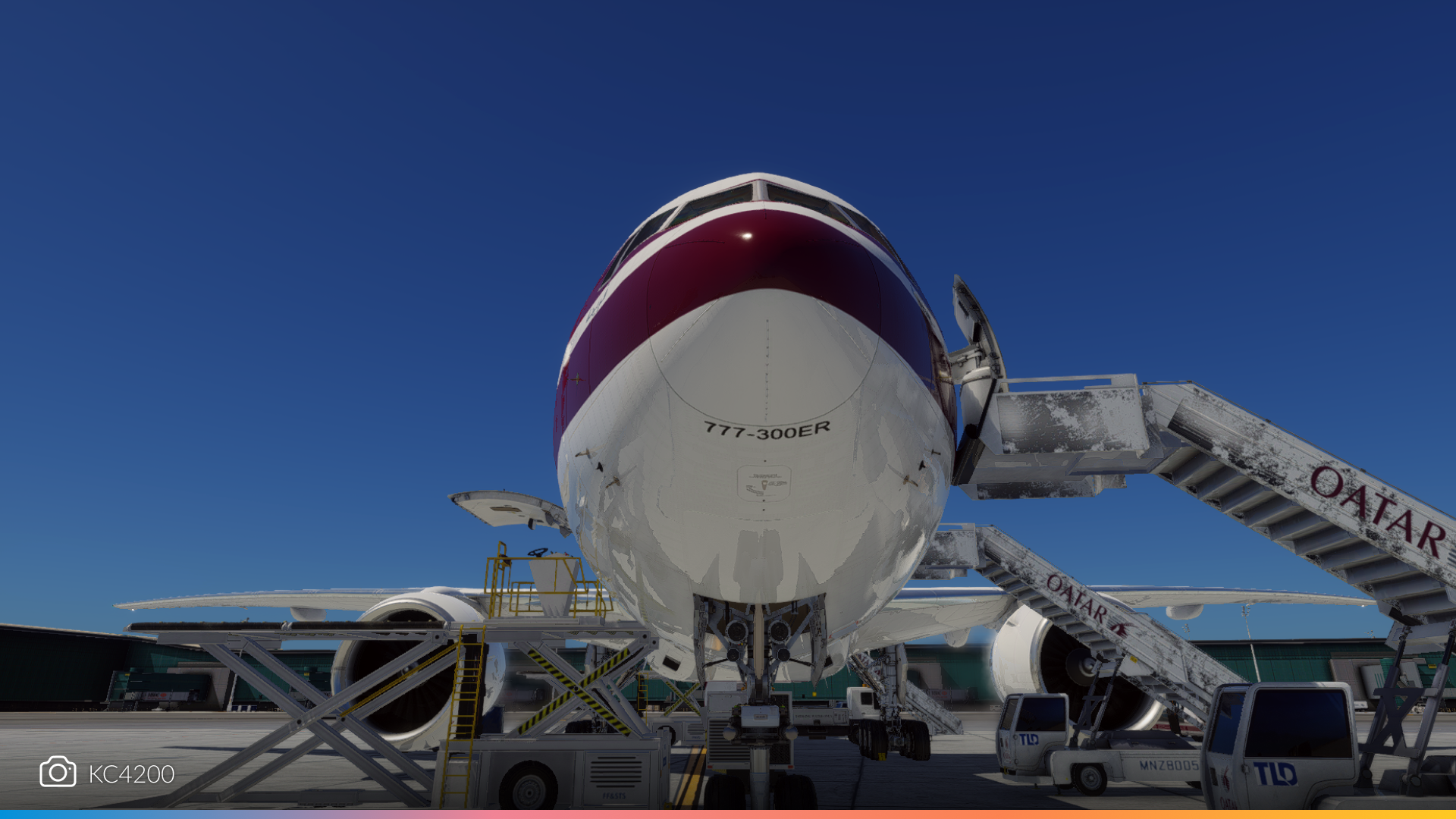
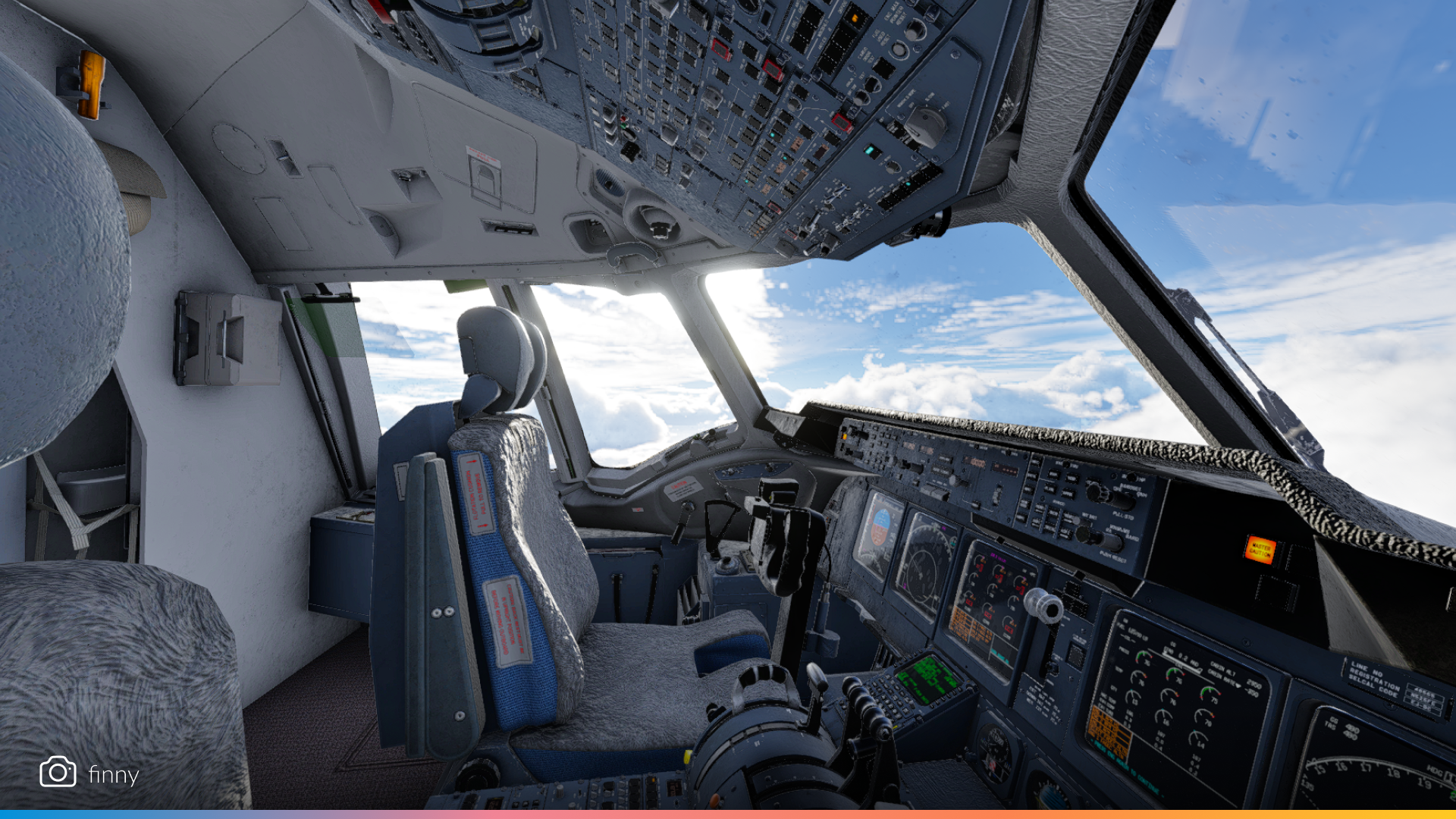
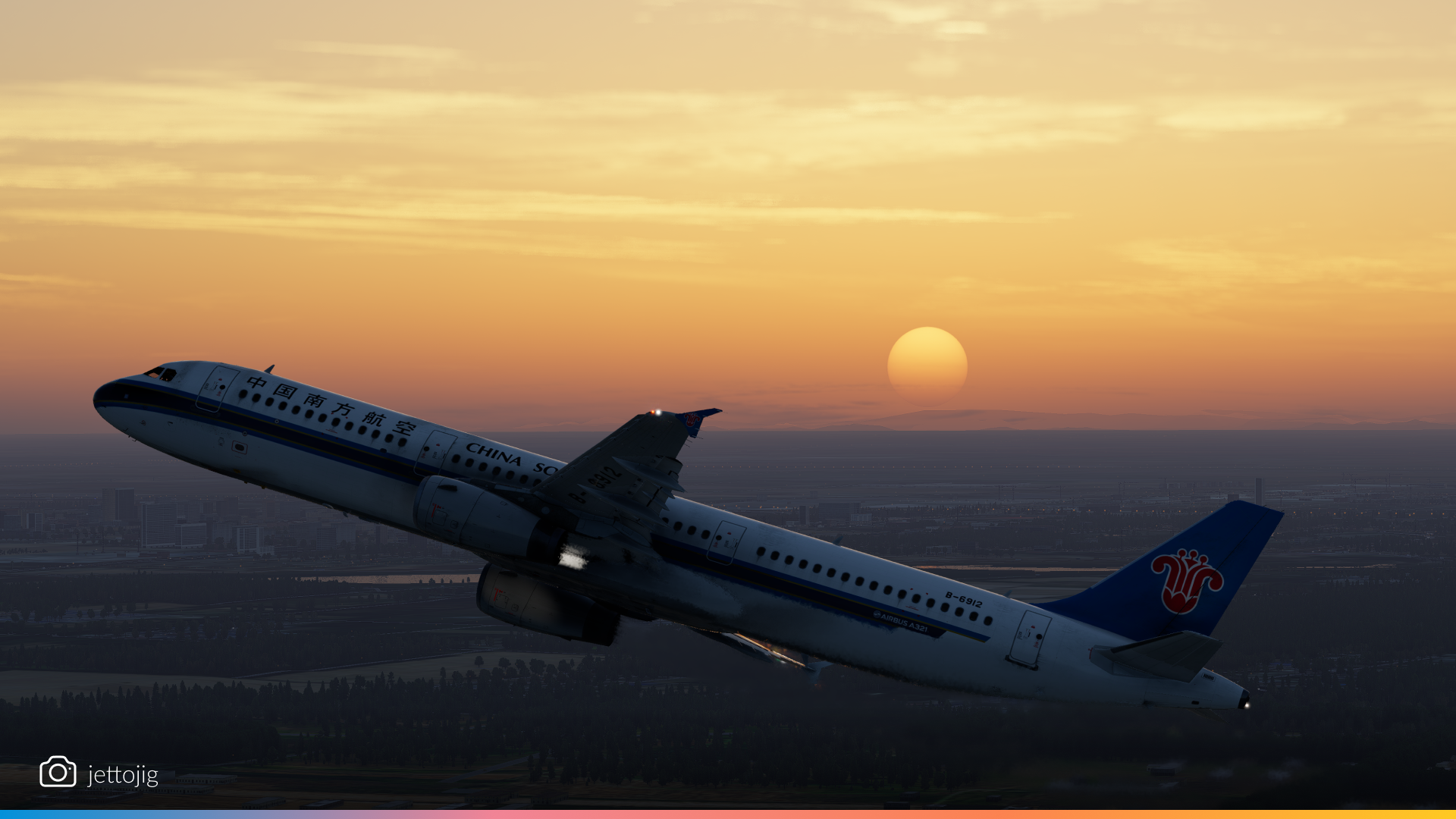
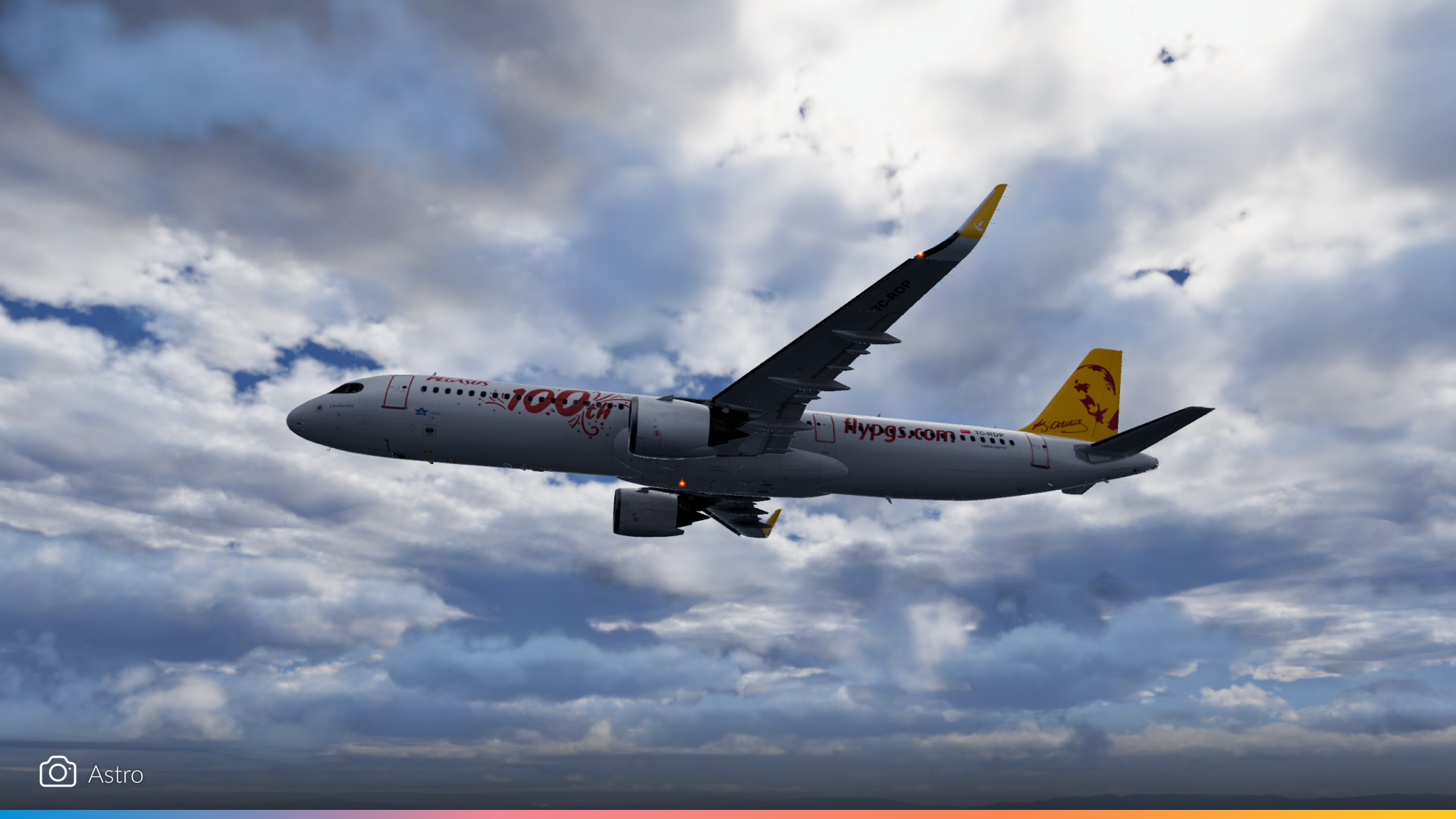
From pushback to touchdown, airliners in X-Plane 12.2.0 look better than ever. These shots capture everything from golden-hour departures to nighttime arrivals, with gorgeous cloudscapes and reflections adding cinematic flair to every frame.
VIPs
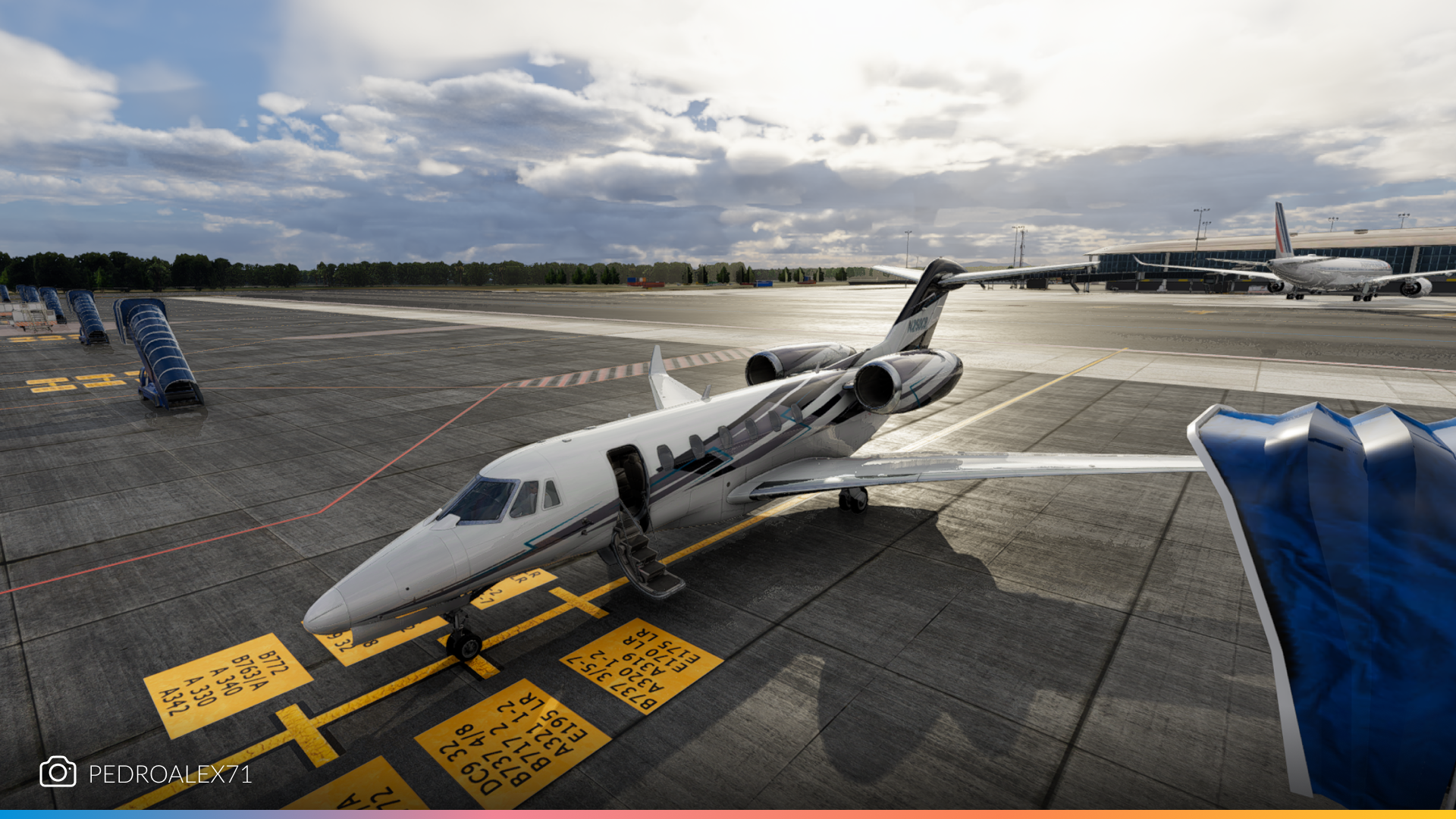
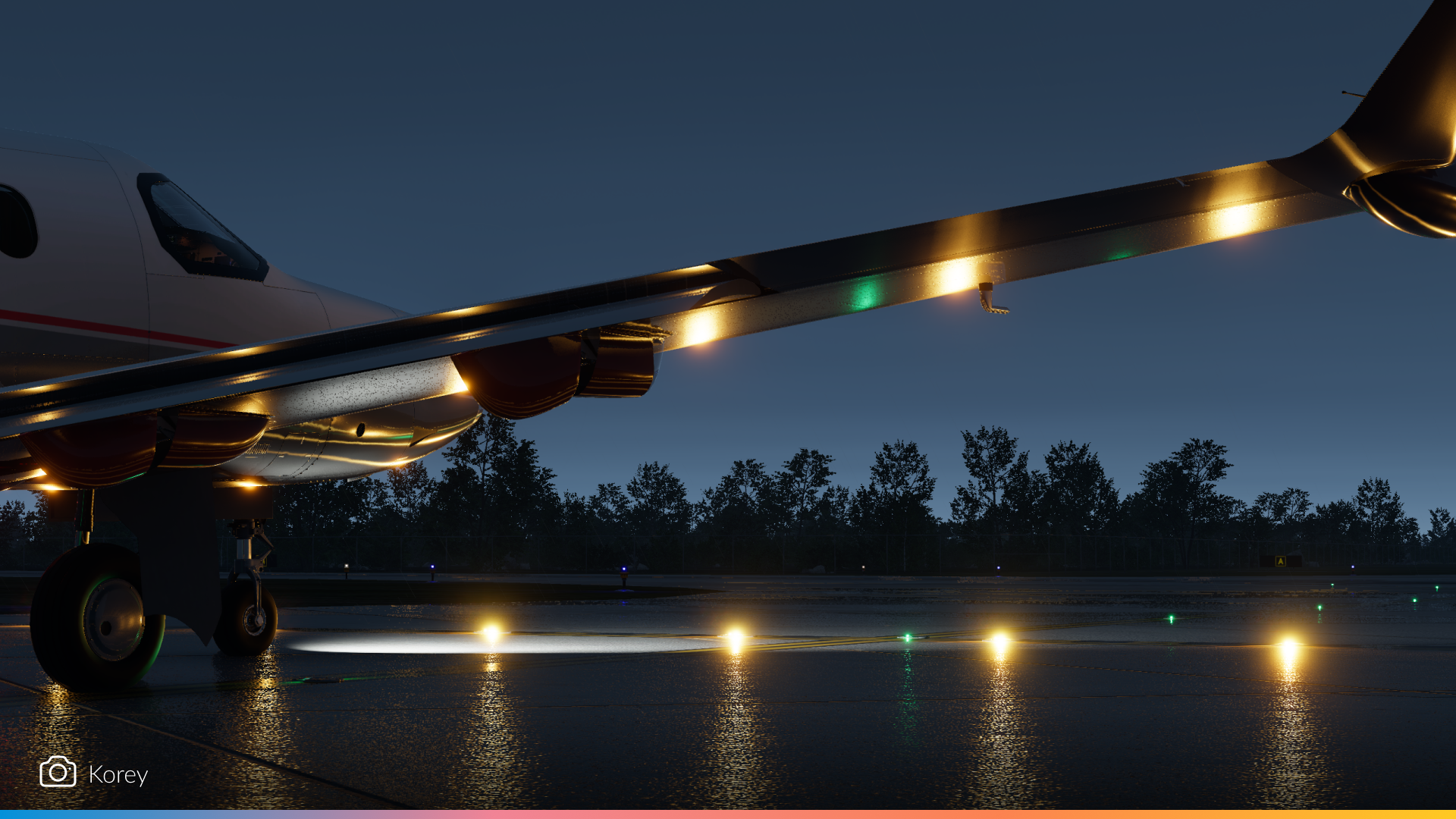
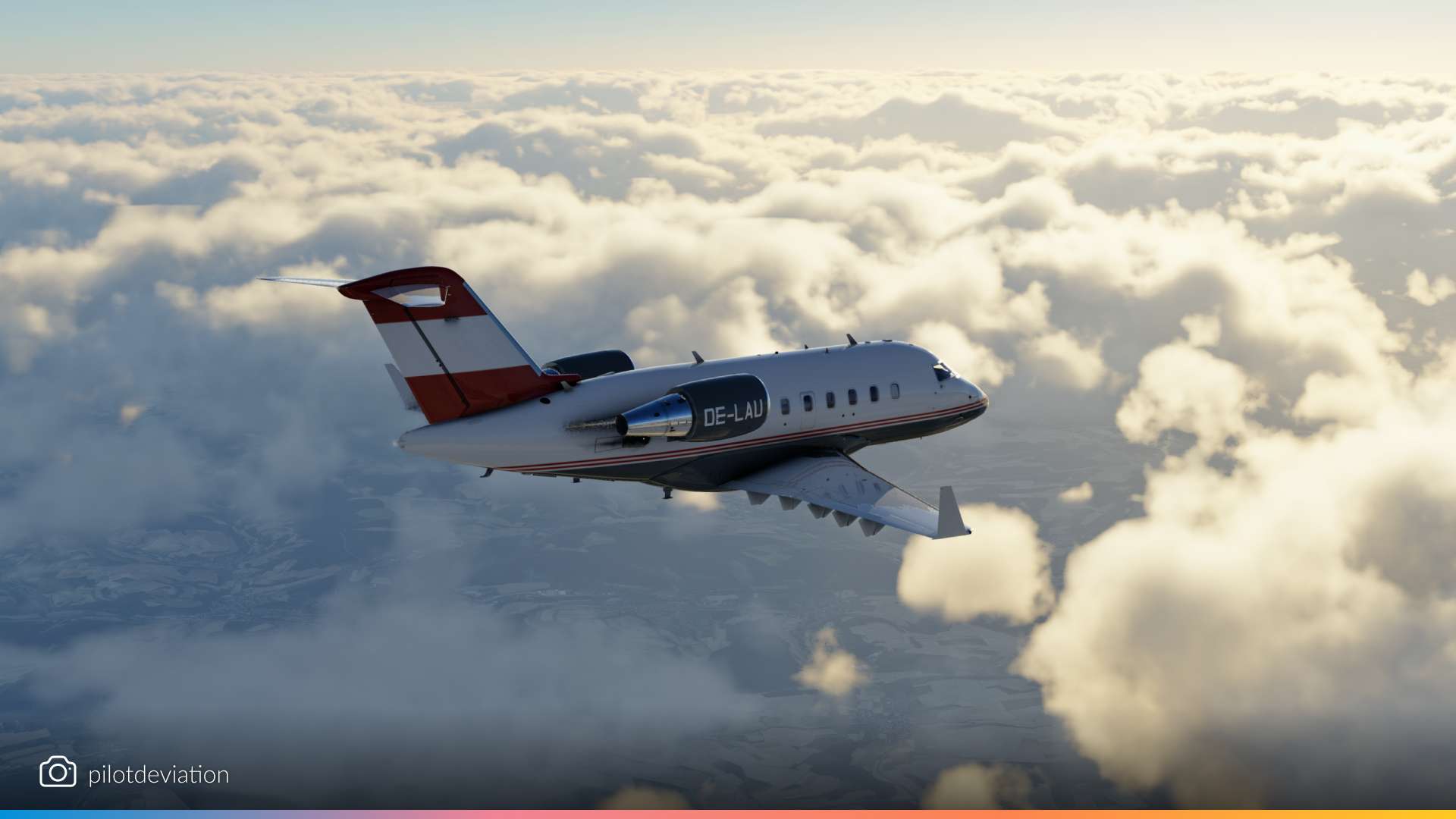
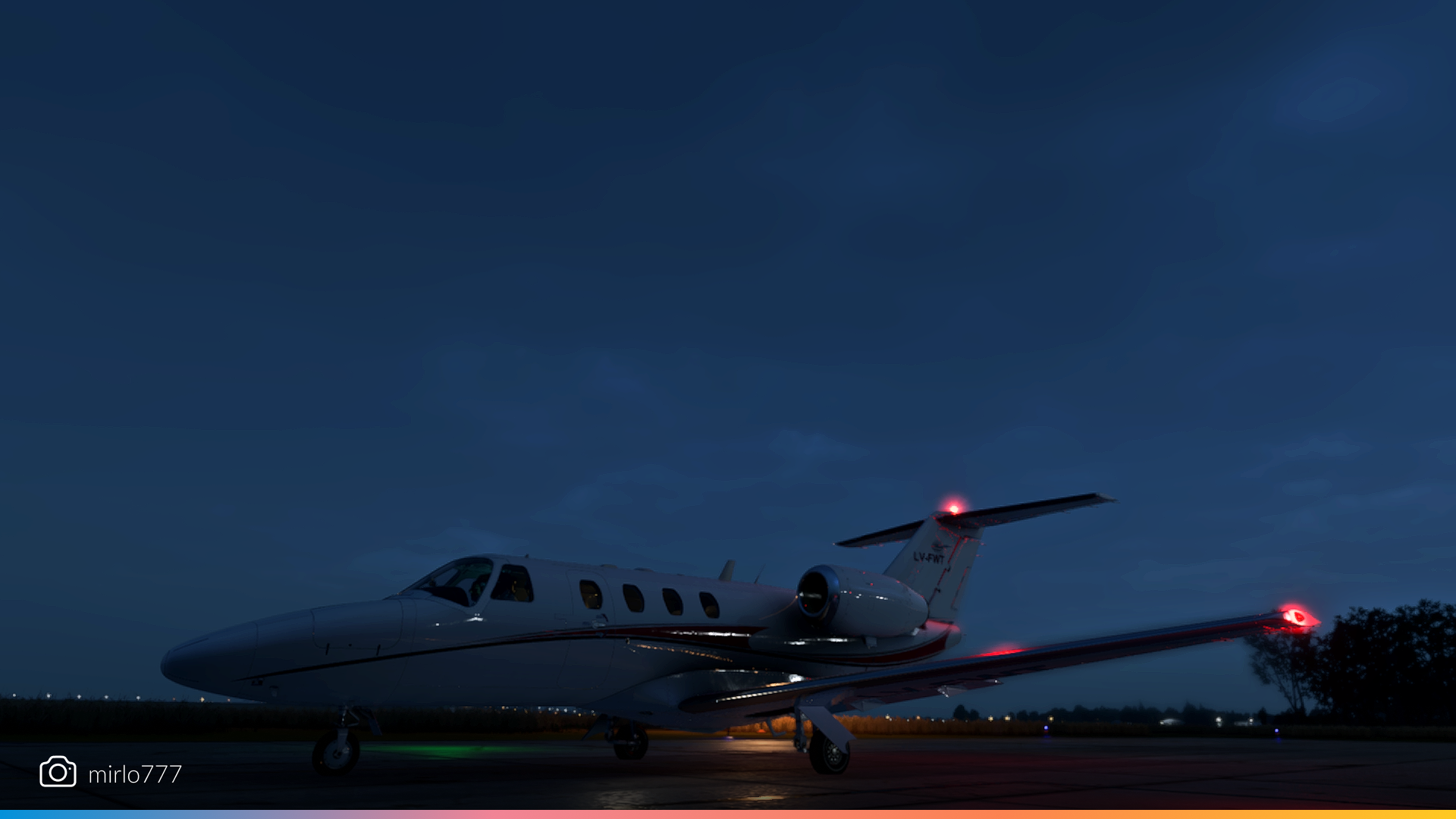
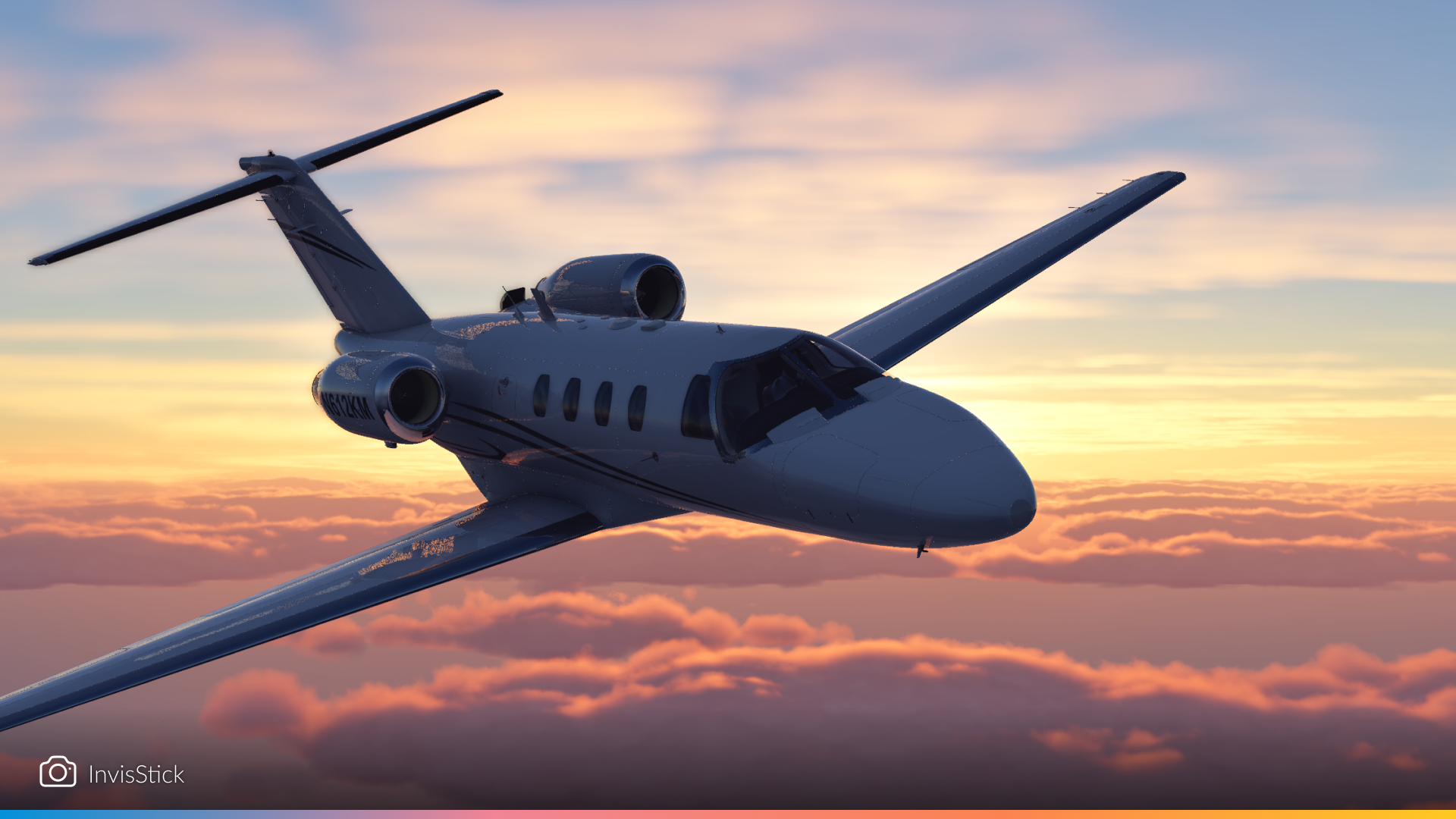
Business jets and executive aircraft bring a touch of luxury to the skies. These community screenshots highlight the sleek profiles of these exclusive VIP aircraft cruising above vibrant landscapes or descending into moody cityscapes.
Helicopters
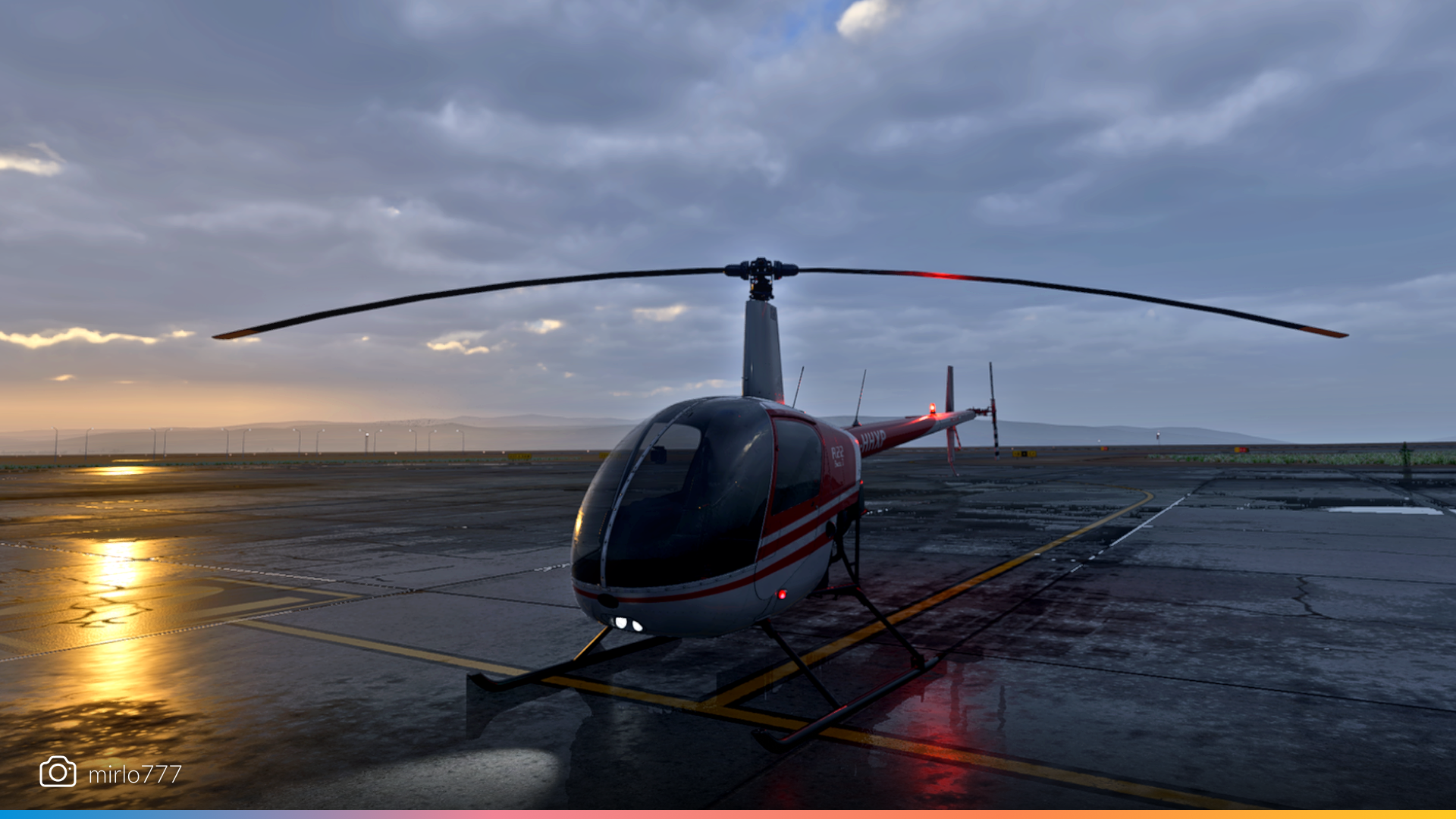
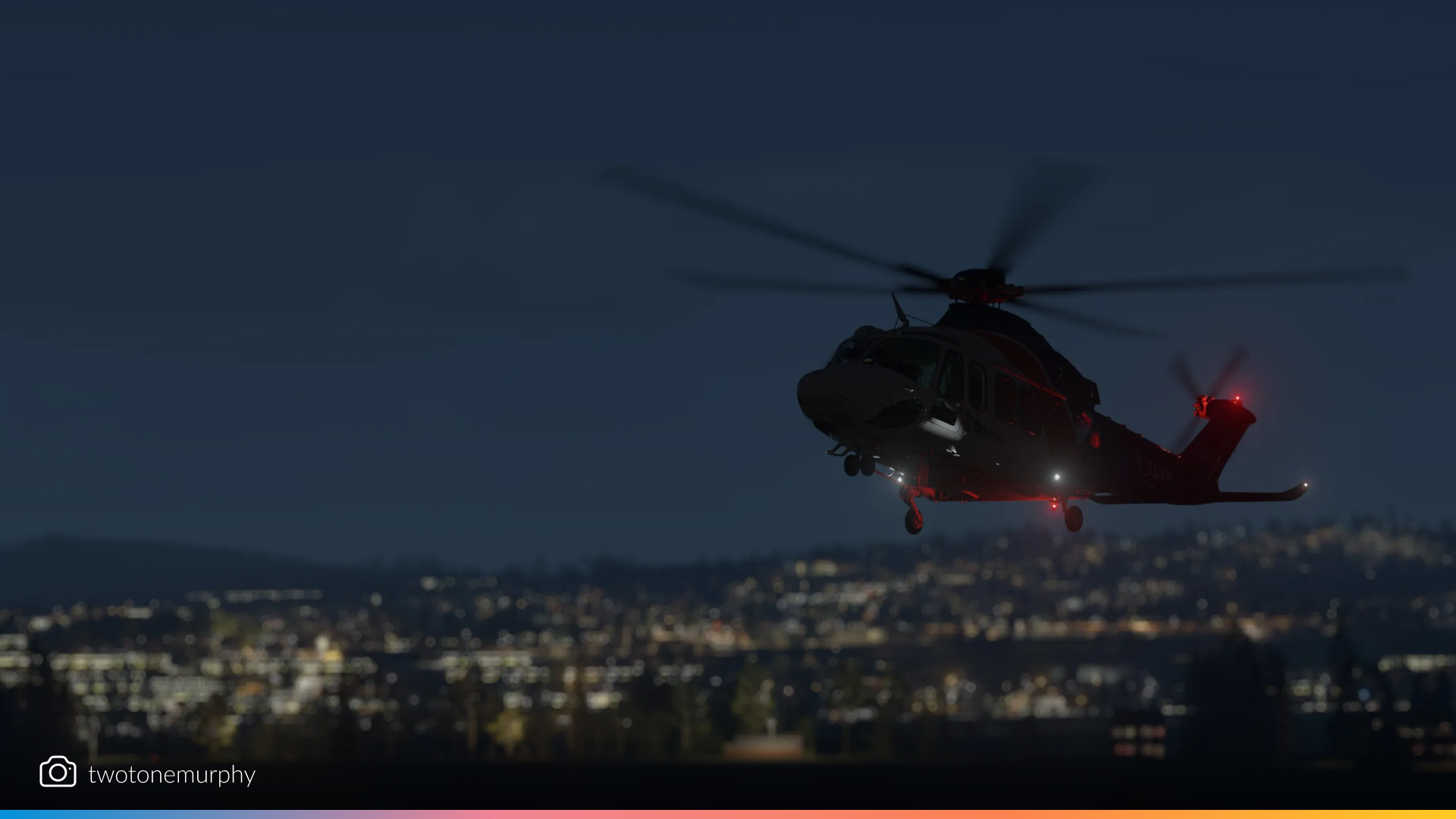
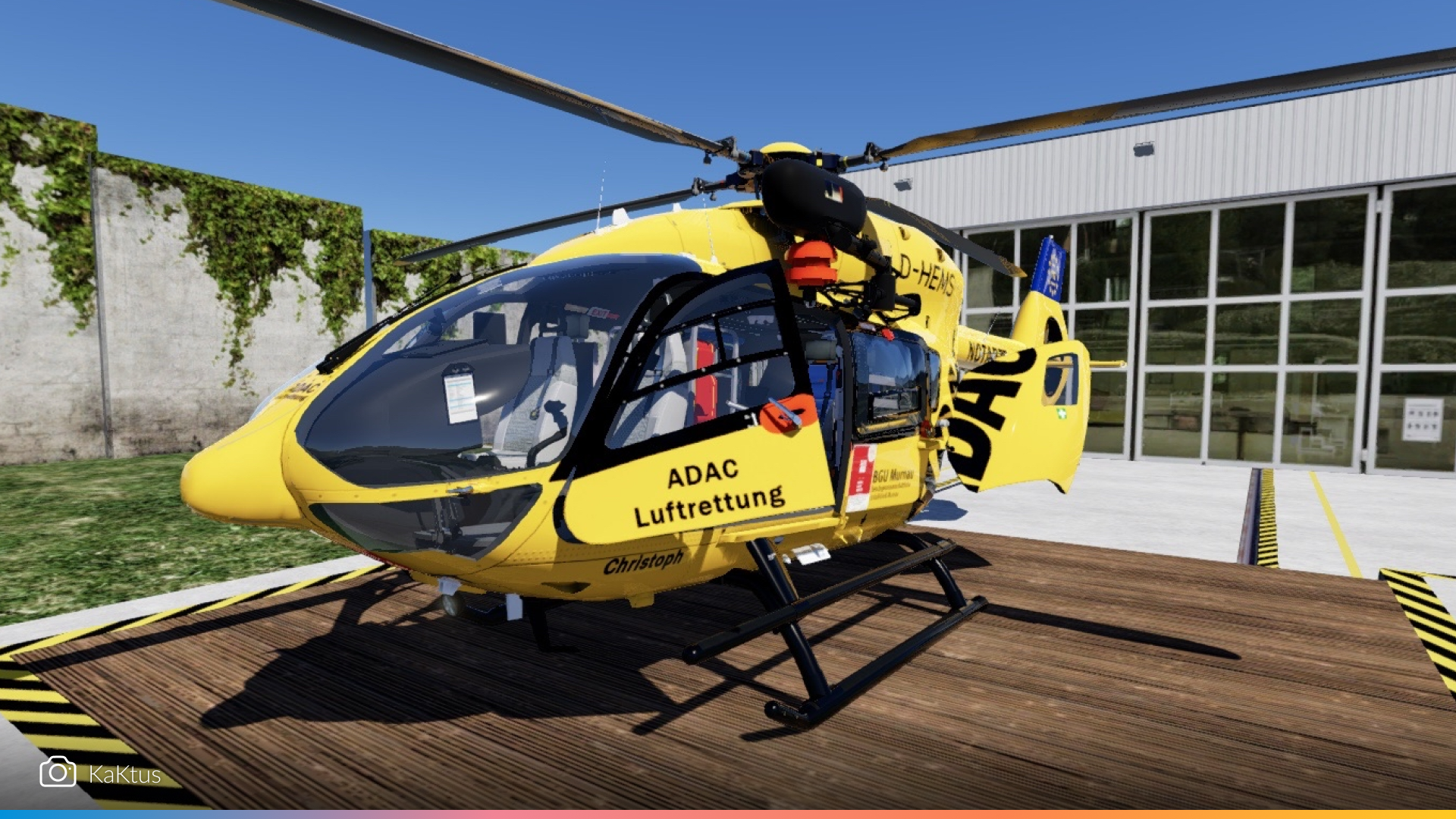
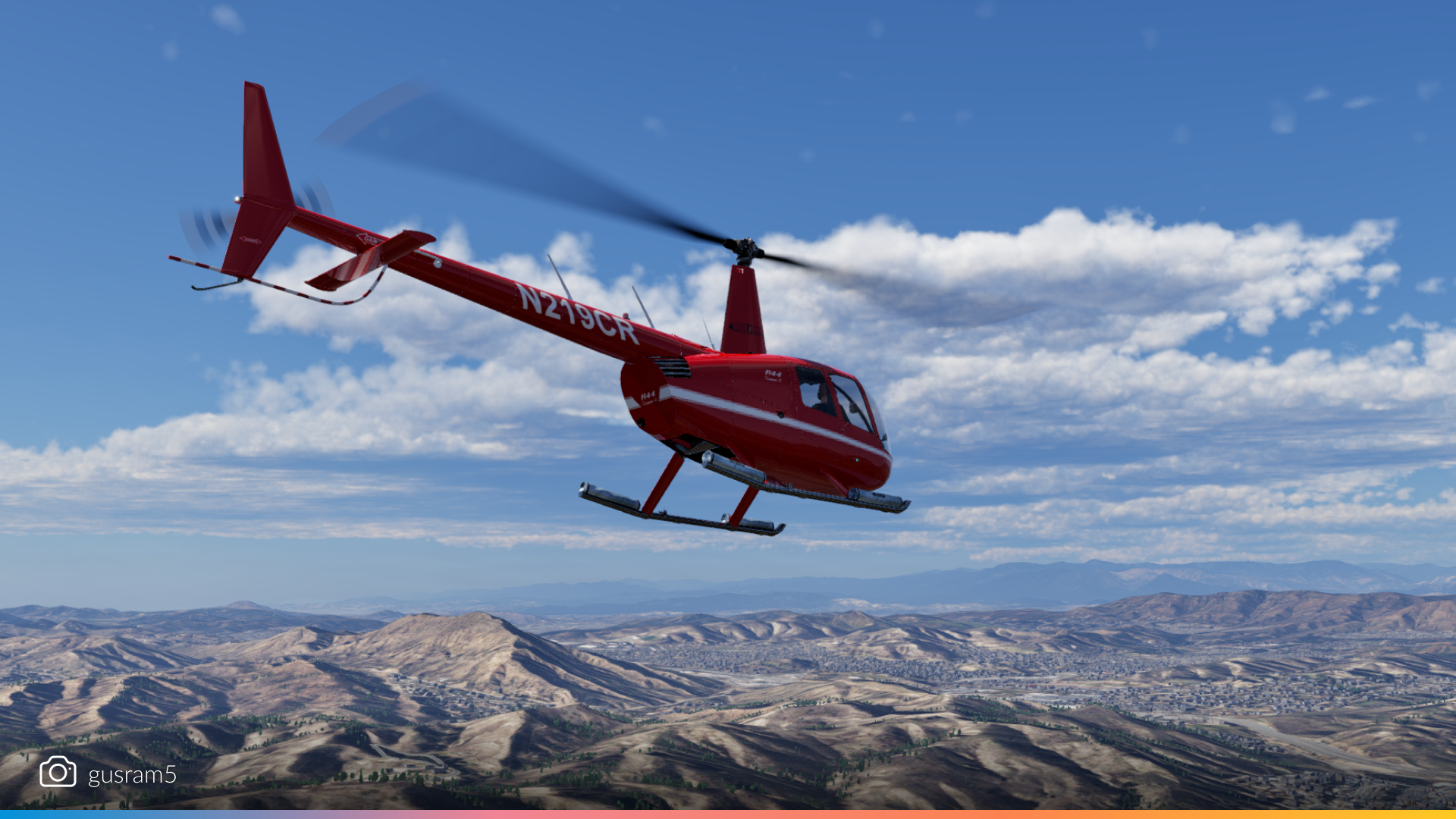
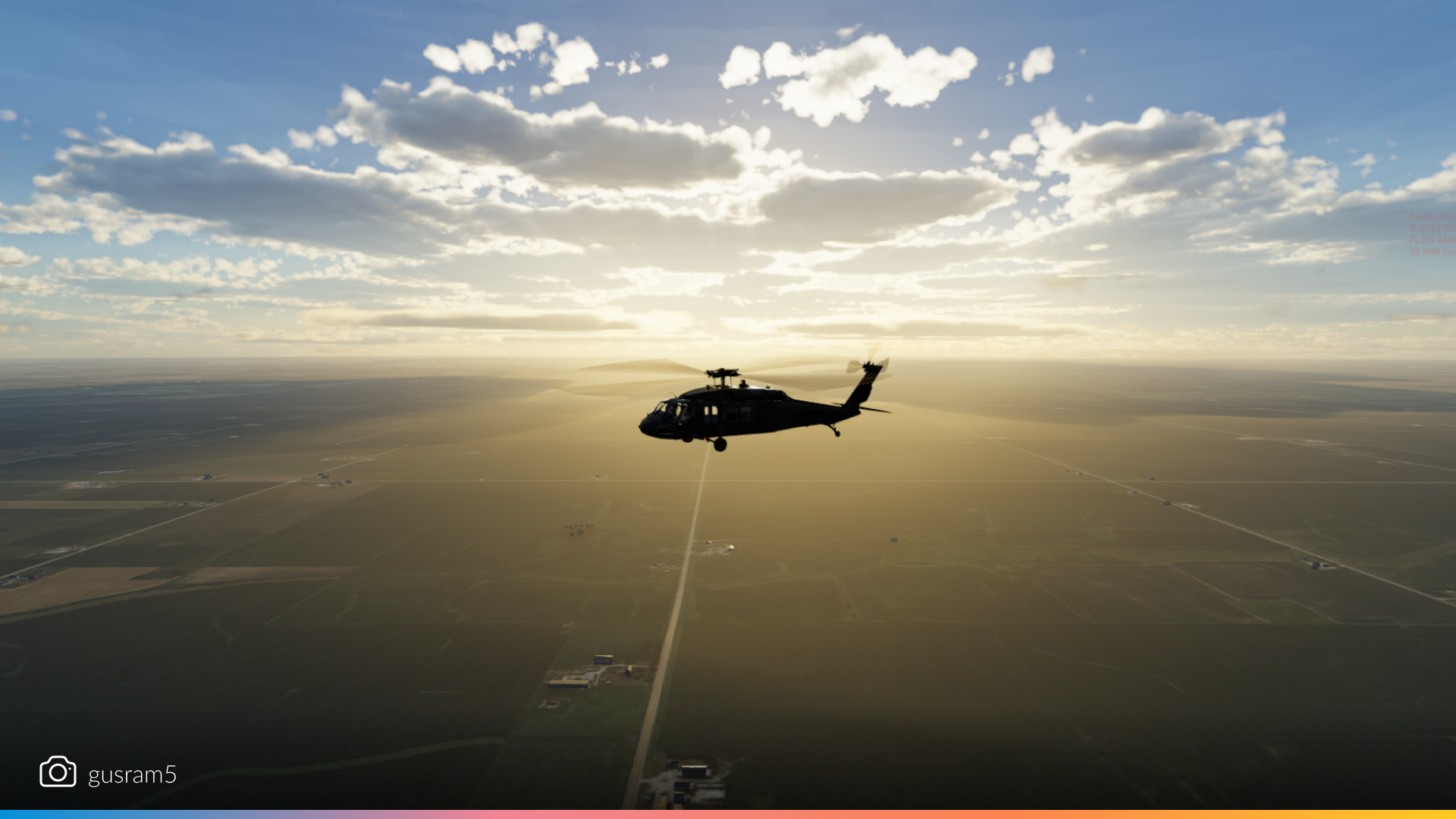
Whether you’re weaving through canyons, hovering over rooftops, or setting down on a remote helipad, helicopters in 12.2.0 look more dynamic than ever. The lighting improvements and environmental updates bring out every detail!
Legends of the sky
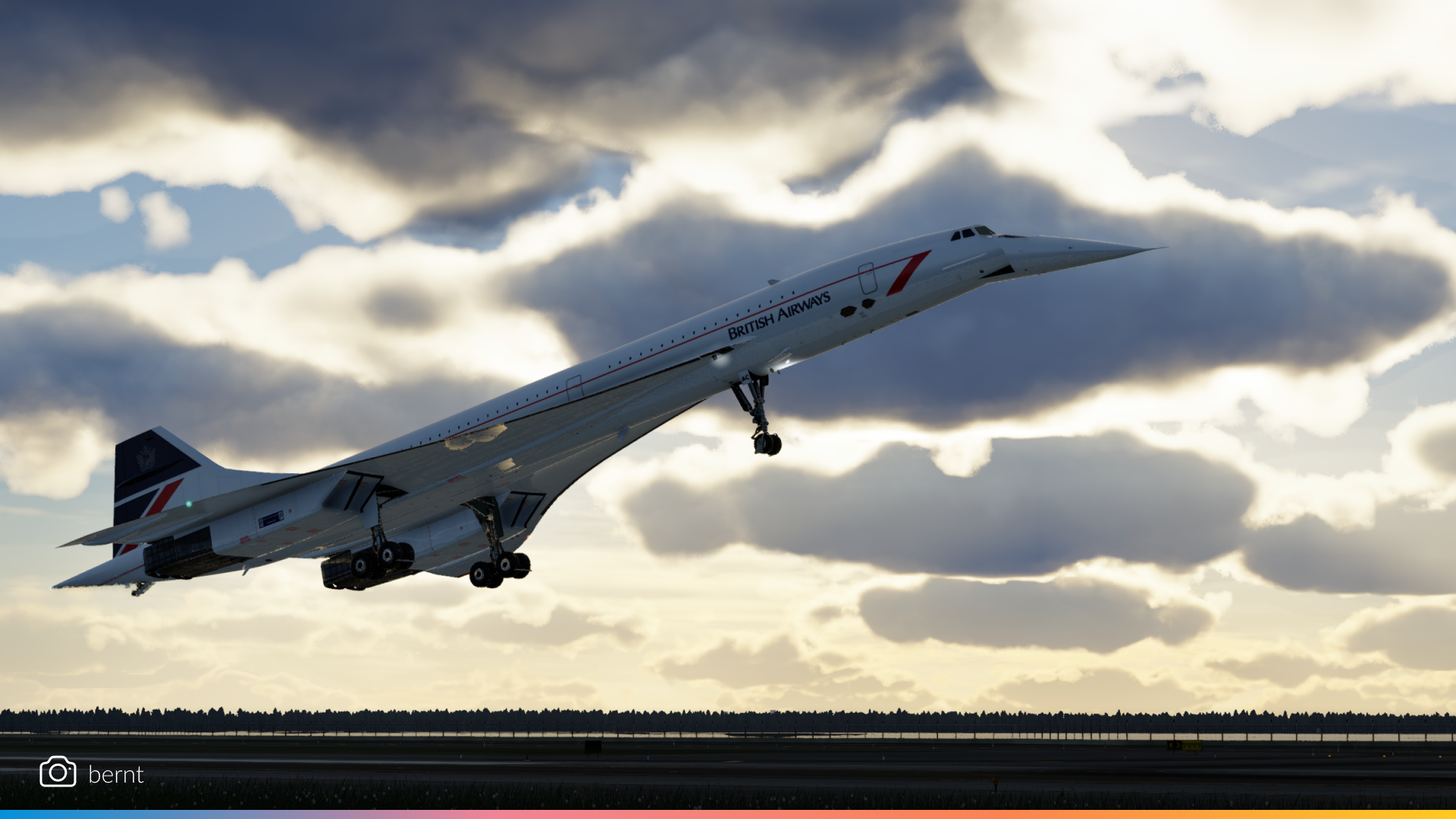
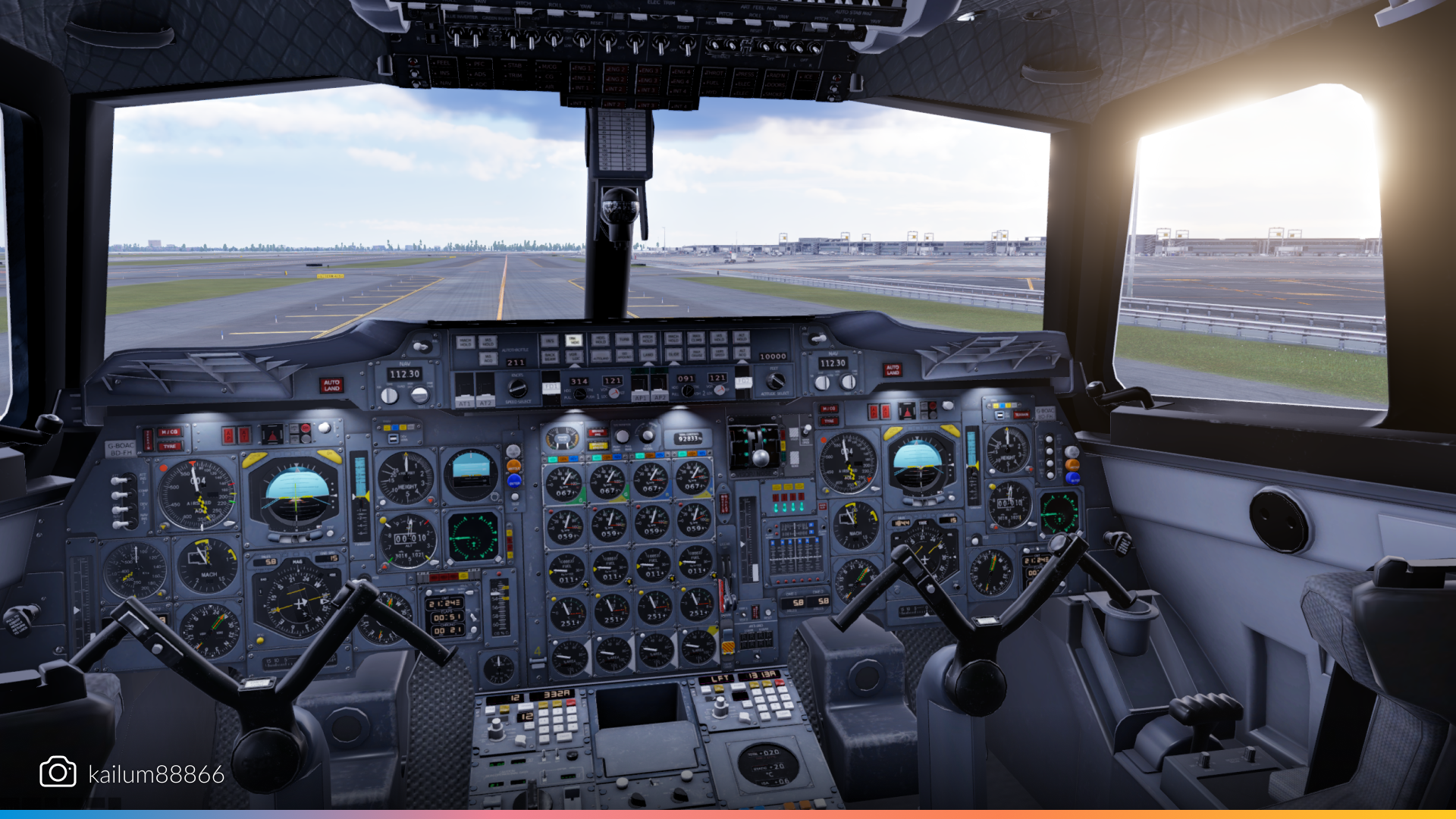
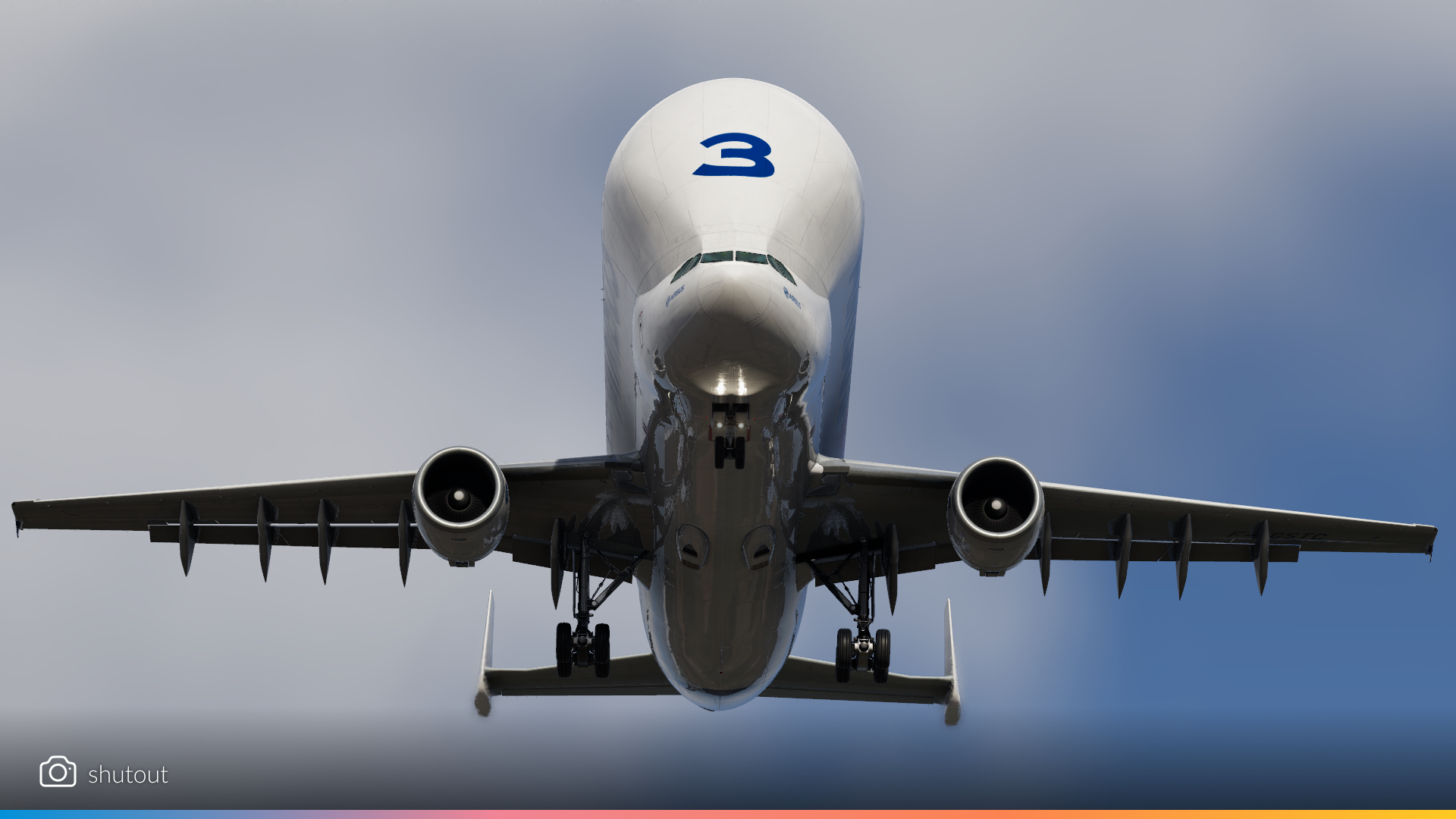
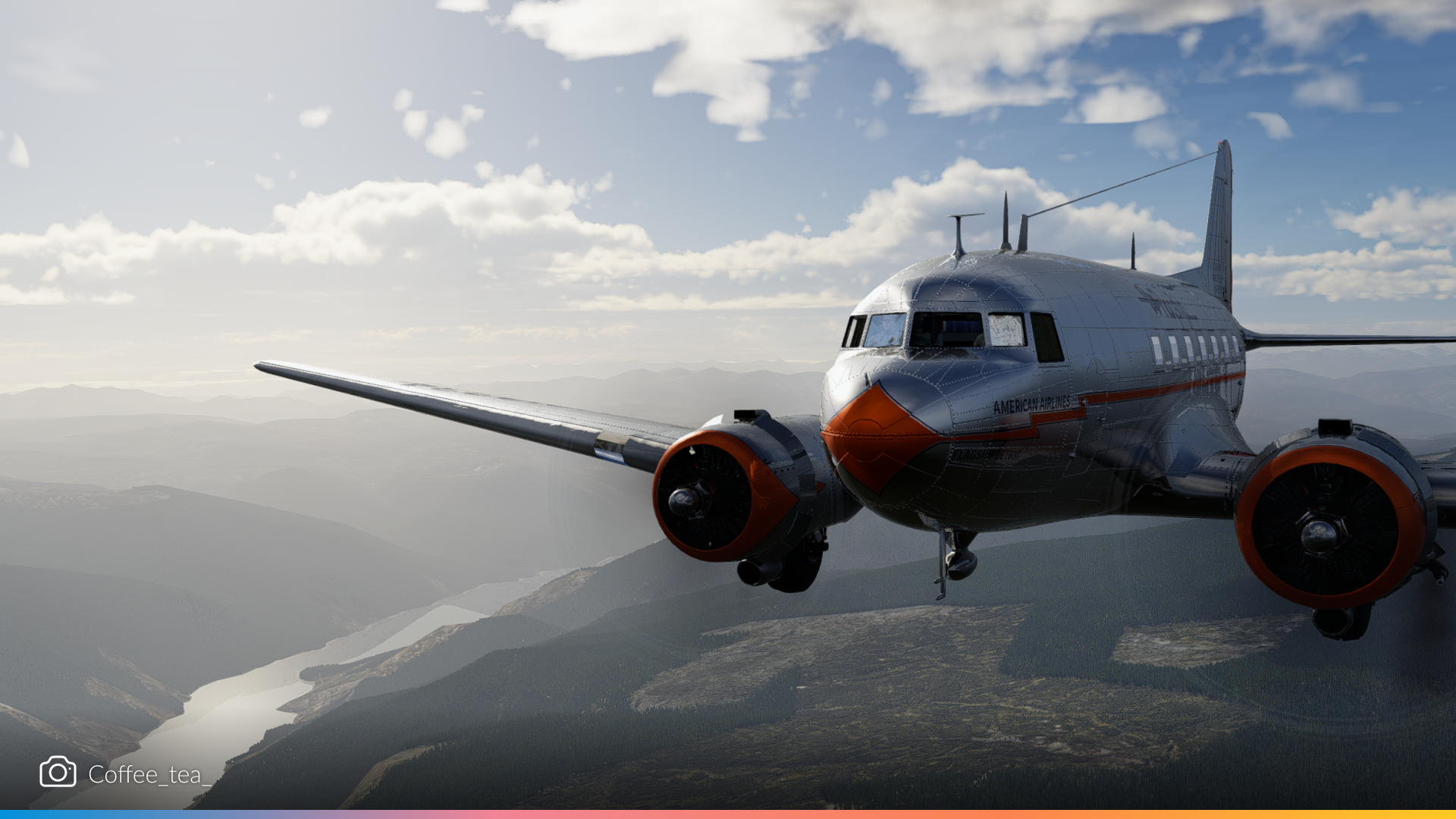

Classic warbirds, vintage trainers, and iconic jets from the past—all looking phenomenal in the latest build.
Environmental
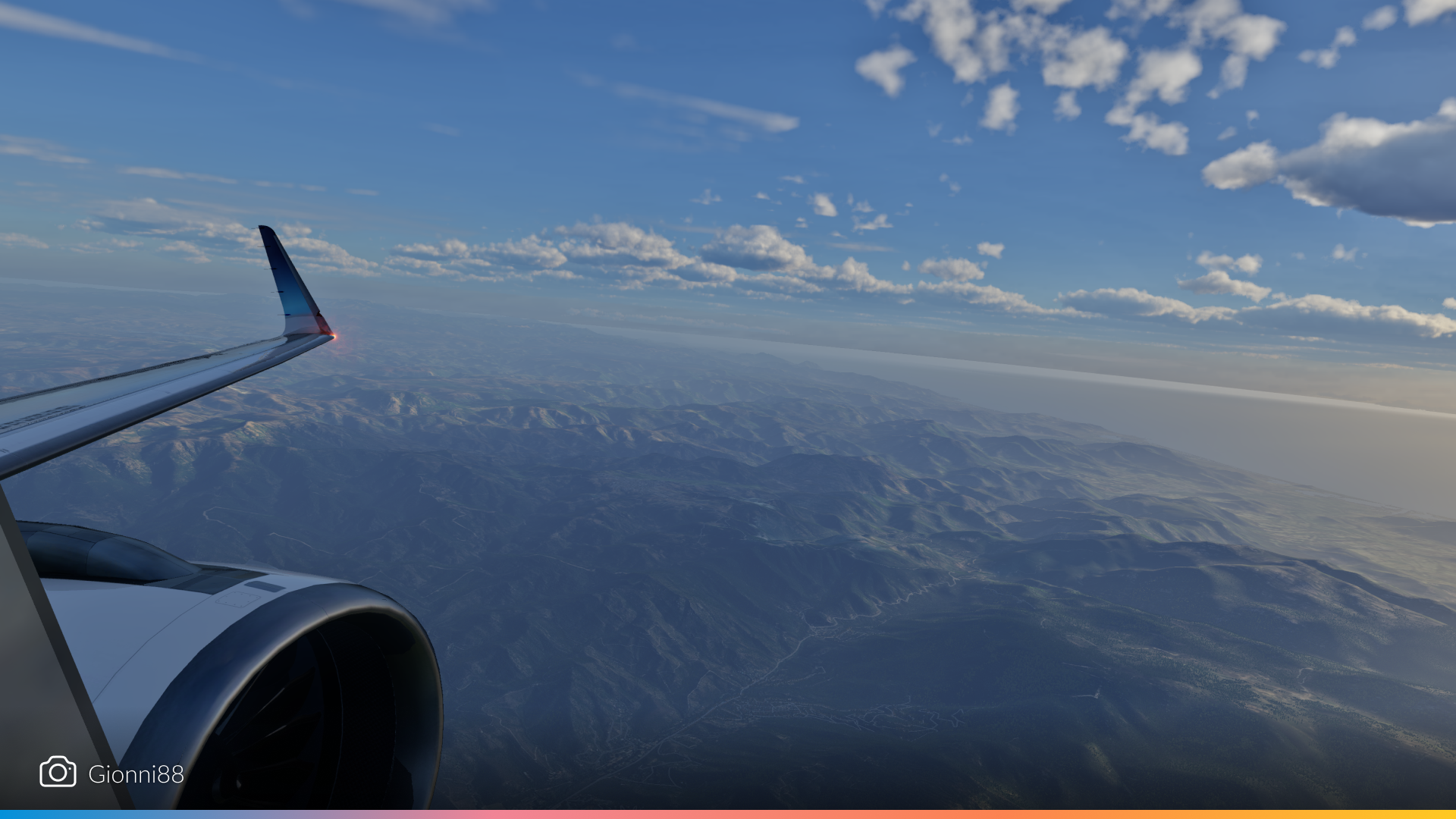
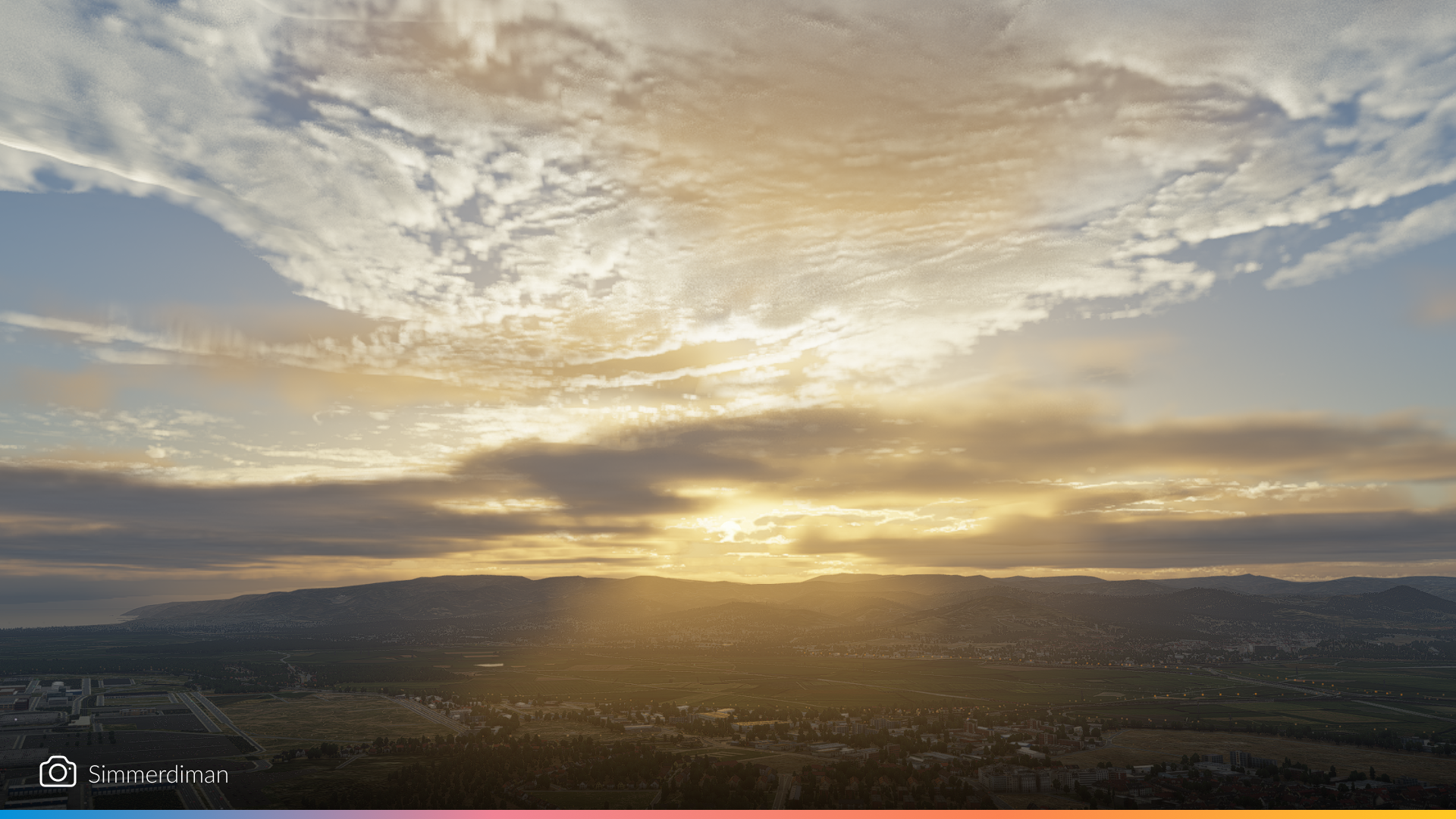
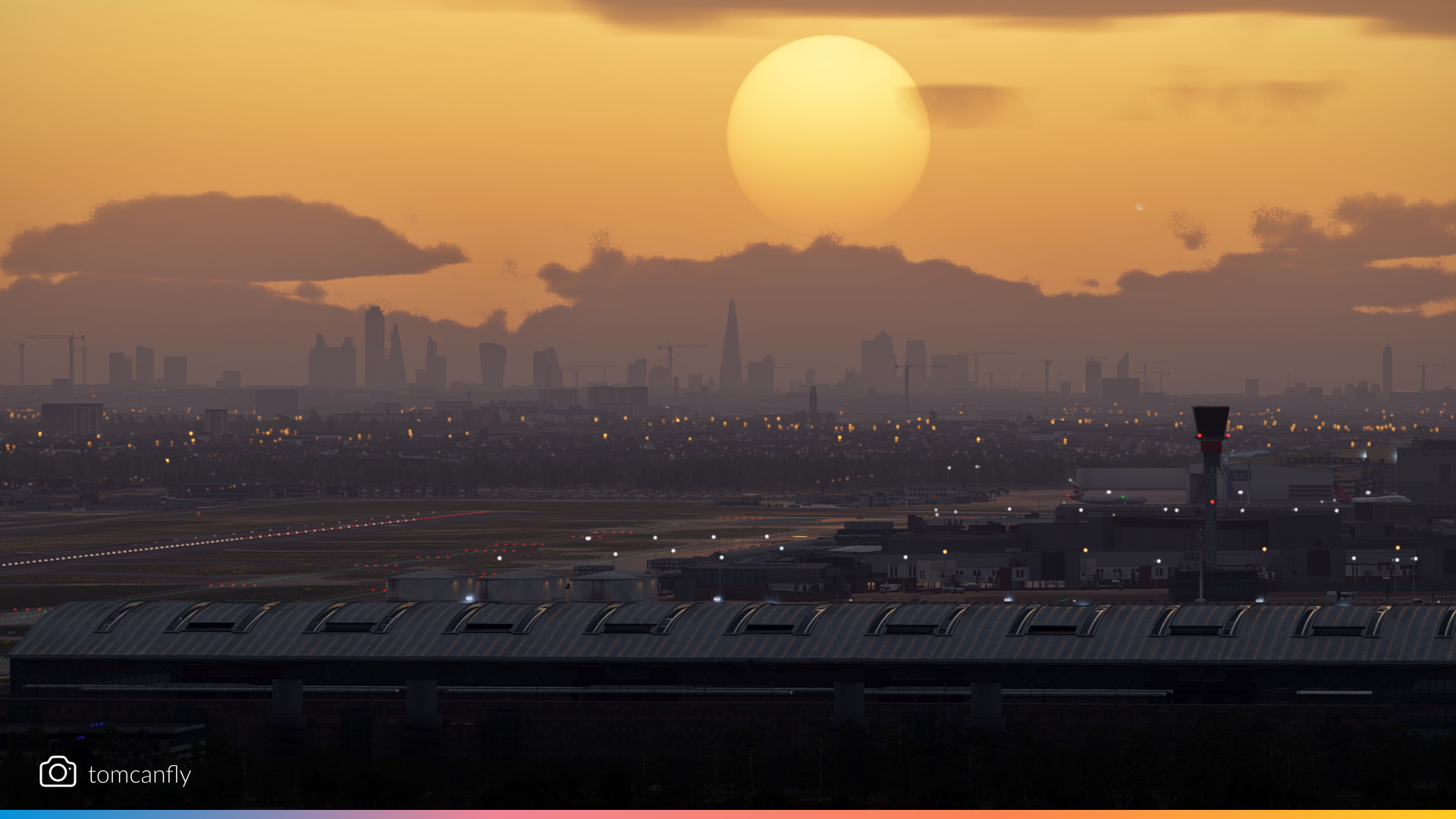

Clouds casting shadows on each other, sunsets diffused by mist, and realistic water reflections—12.2.0’s environmental systems are stealing the spotlight.
Thank you all so much, your passion and creativity ooze out of every screenshot. Keep snapping and happy travels!
The post 12.2.0 – Through the Lens appeared first on X-Plane.
]]>The post What’s new in X-Plane 12.2.0? appeared first on X-Plane.
]]>Keep reading if better cockpit lighting, improved sky colors or our revamped cloud system are interesting to you.
Let’s dive in!
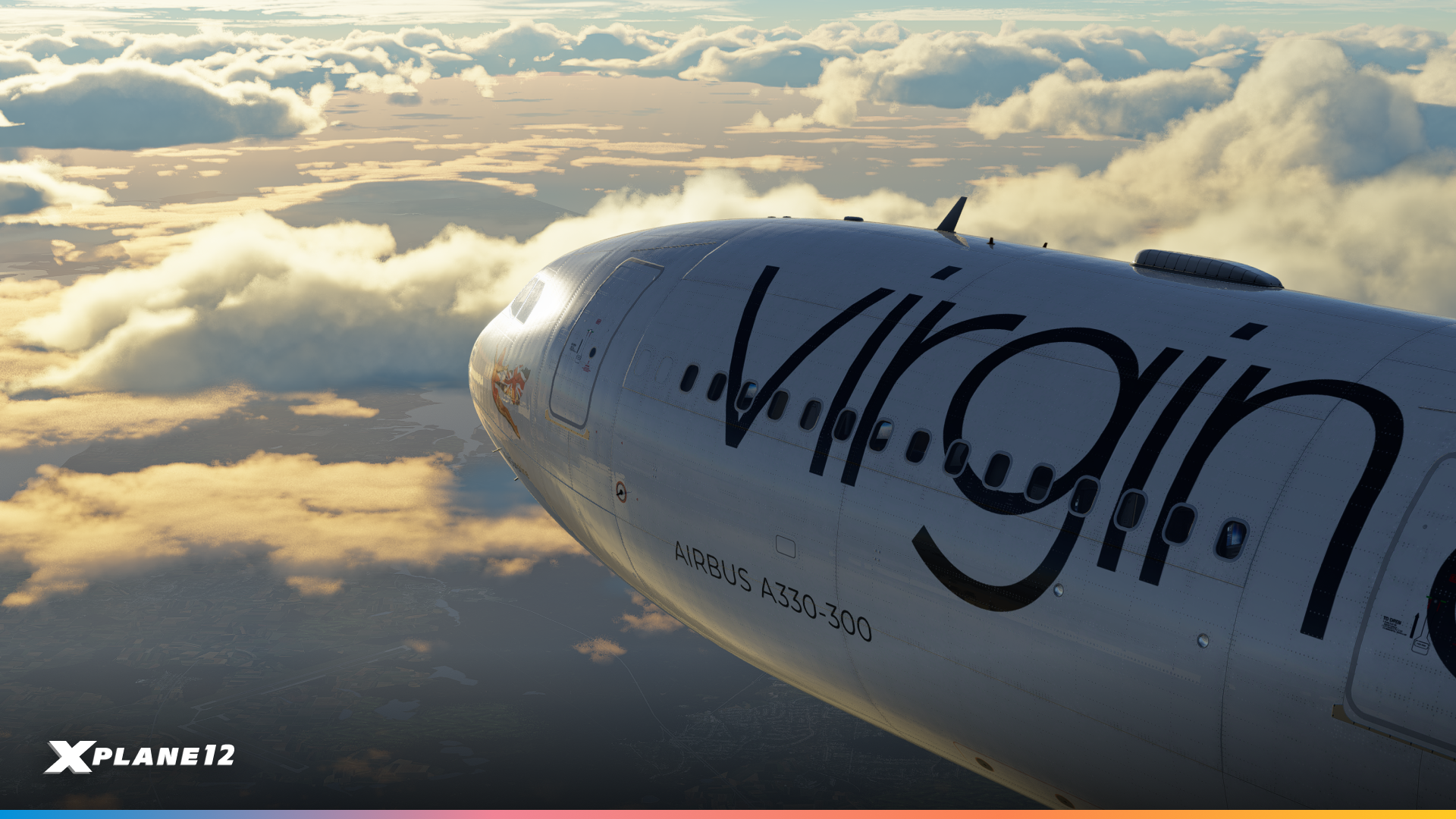
Dark Cockpit Fixes (let’s go)
The cockpits in X-Plane 12 have never looked better than in 12.2.0! The graphics team has been hard at work to solve a variety issues relating to how aircraft interiors are rendered. We’ve made three key changes that make a world of difference.
1. Interior Rendering Improvements
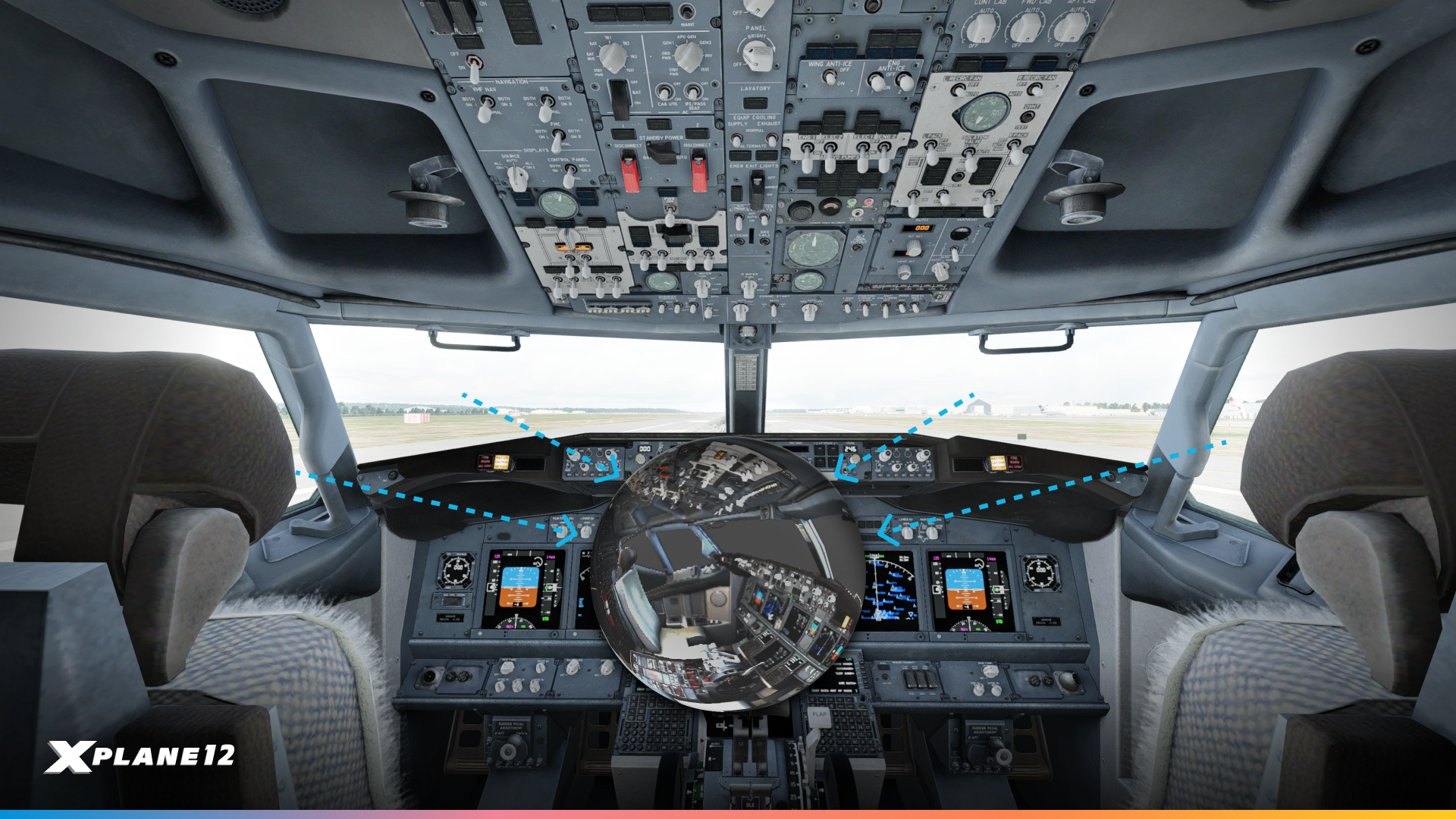
Light coming into the cockpit now correctly follows the contours and details of the aircraft’s structure, eliminating unrealistic color tints at sunset.
2. Exposure Fusion (Better Exposure Handling)
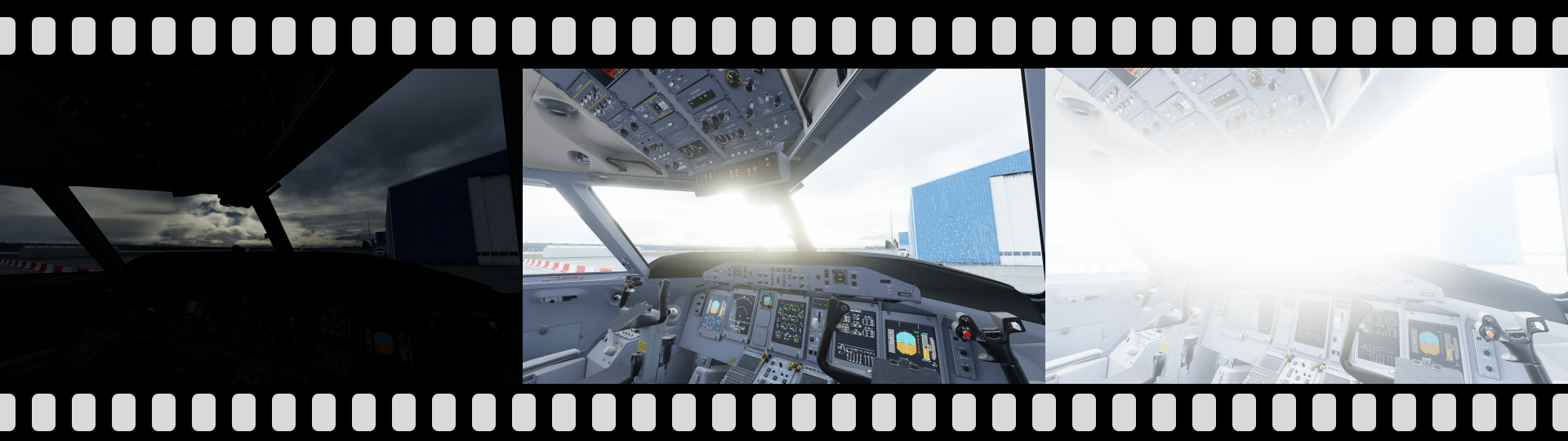
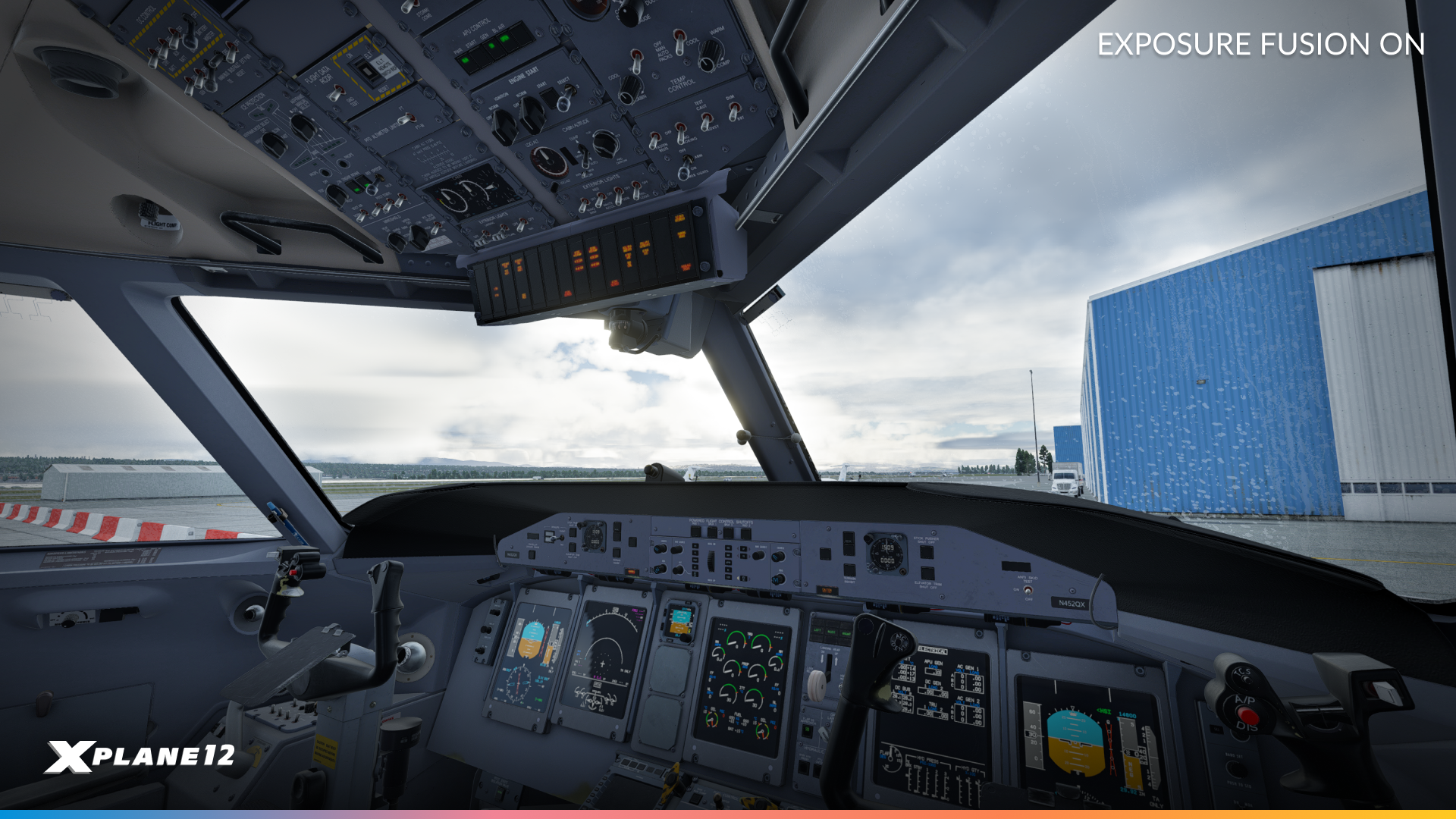
FlyJSim Q4XP – Third Party Aircraft
One of the sneakiest-yet-major upgrades to smartphones over the past few years is a technology called exposure fusion in photographs. Exposure Fusion is the process with which the camera takes multiple photos at various levels of exposure and then stitches them together. This yields an image that brings out the very best details from each individual photograph.
X-Plane does this now too! The simulator now naturally balances bright and dark areas, preventing both cockpits from looking too dark and the outside world from being too bright. Goldilocks cockpit lighting in X-Plane has been a longtime coming but we’re super pleased with the results.
3. Sky Brightness
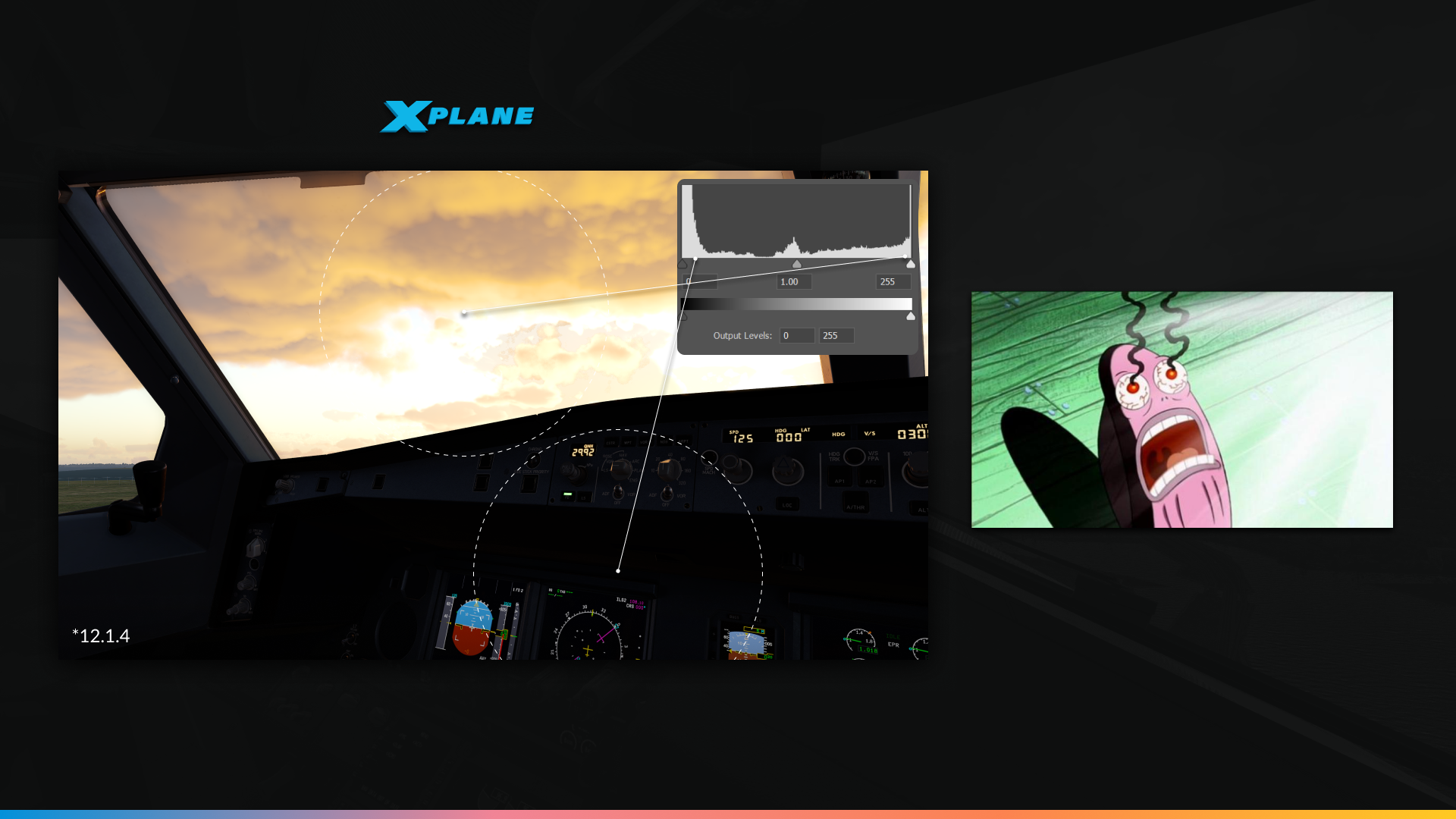
Prior to X-Plane 12.2.0, the sky was more than twice as bright as needed to be. That meant that our interior exposure was clipped to heavy blacks, and bloom effects were somewhat excessive – all adding to cockpit darkness.
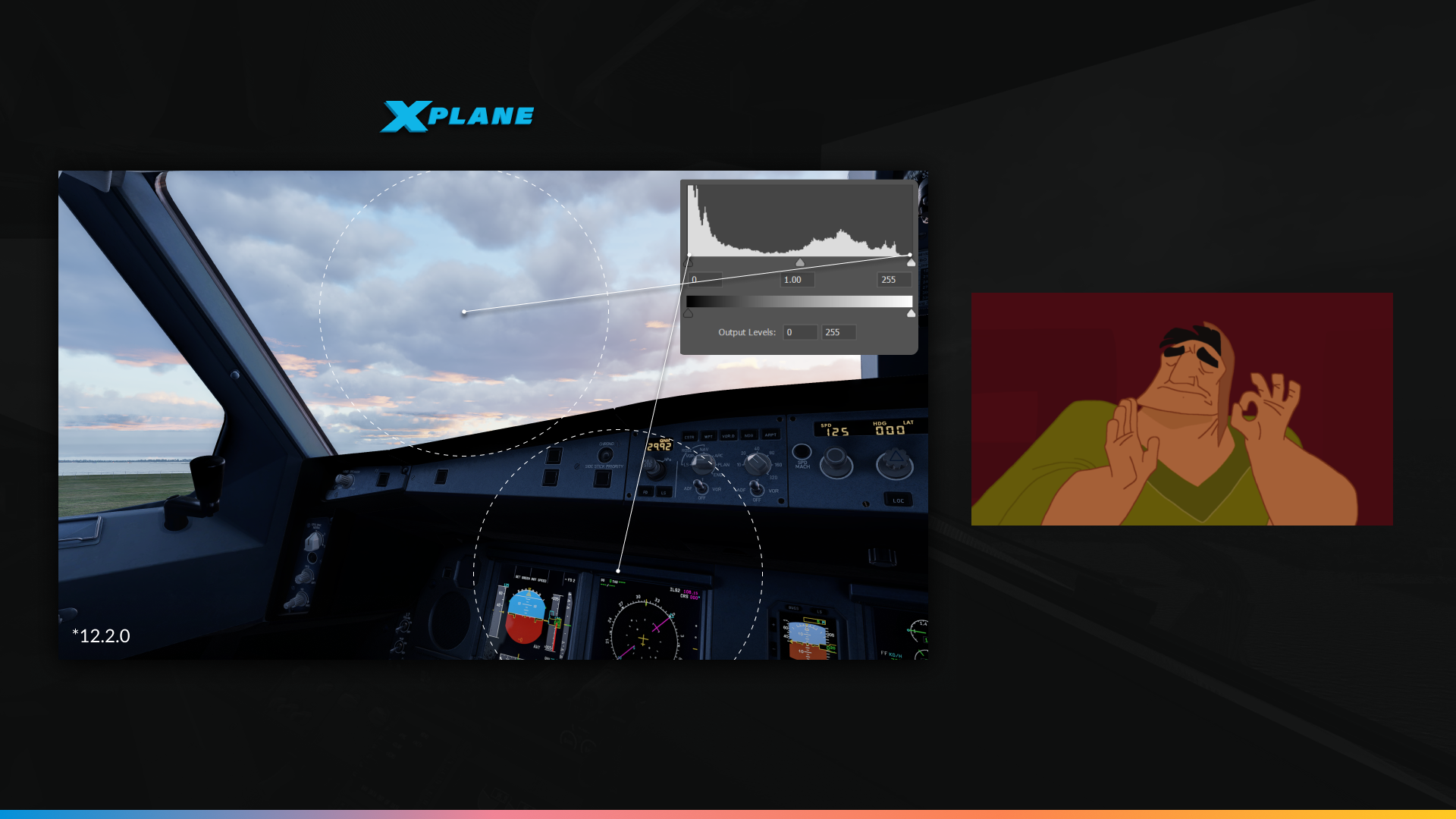
The sky exposure has been reduced to more reasonable levels in 12.2.0 and ground objects brightness have corrections applied when necessary.
The result…
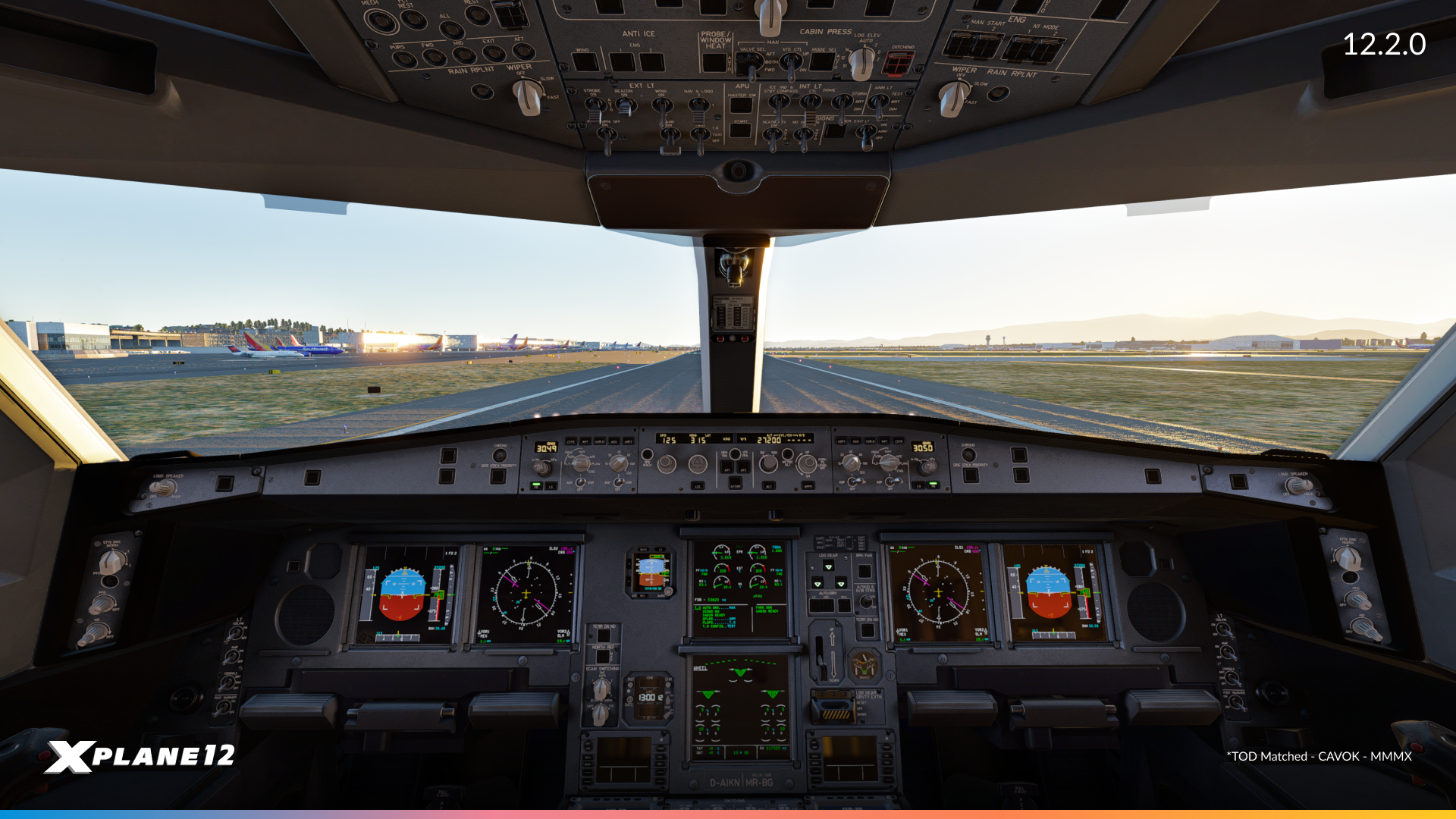
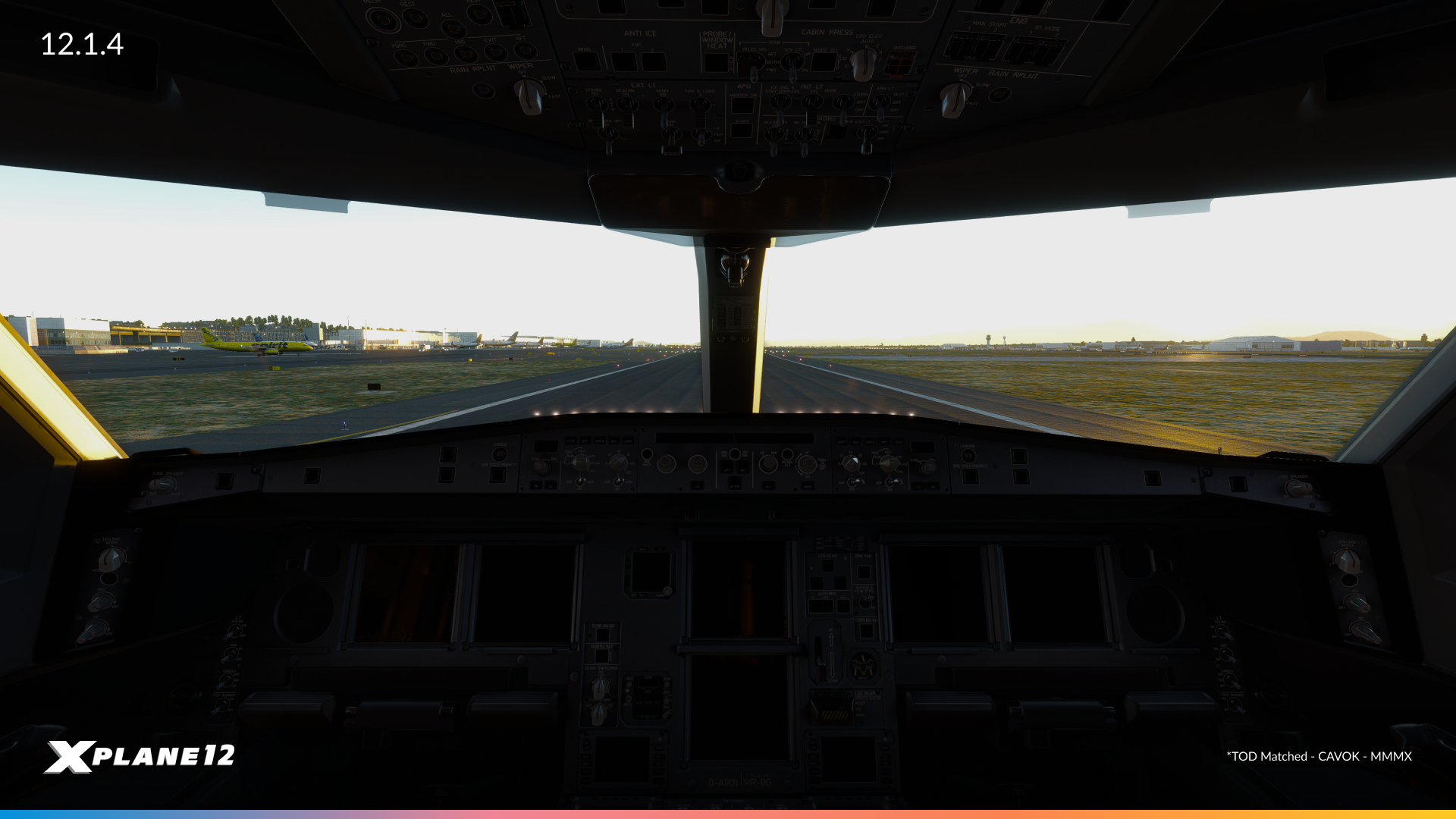

Graphics Engine Improvements
We’ve made several updates to improve performance and stability in X-Plane’s graphics engine.
First, we upgraded our shader compiler, which now does a much better job managing resources. This, combined with improvements to how we handle graphics data, helps reduce the time needed to process each frame. This results in smoother performance overall. Additionally, we’ve also fine-tuned how textures are handled, making loading and rendering more efficient.
One major change is to our methods of managing VRAM (video memory). This system has been changed to prioritize smaller memory requests prior to larger ones – this aids total memory allocation. It also makes multiple attempts to allocate memory now before giving up, giving the system more time to free up space when needed and reducing the chances of blurry textures or slow performance.
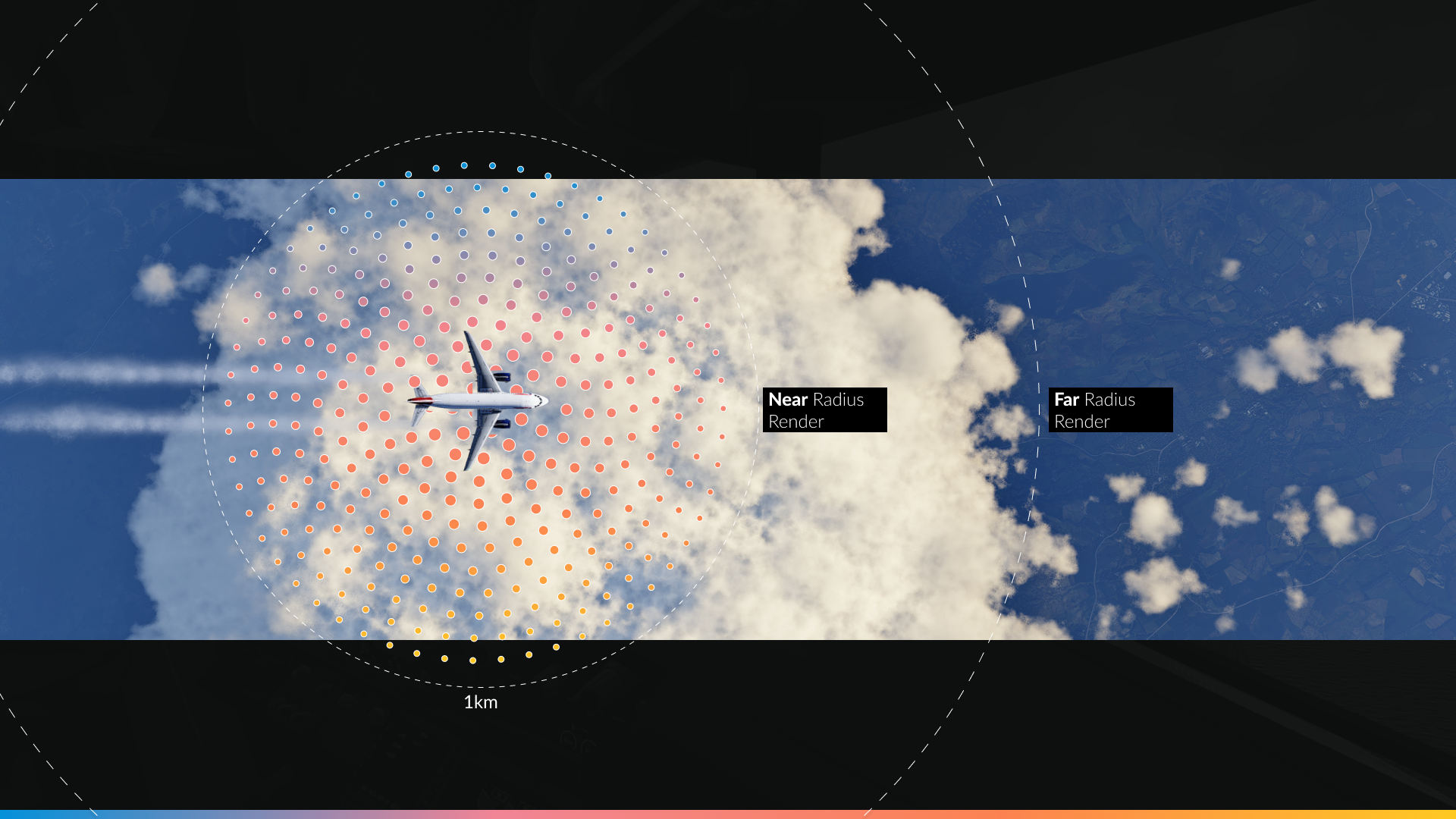
Another change we made is how clouds are rendered on screen. To simplify, we now have a small radius surrounding the viewport of the camera, where we can do a high-quality render of the clouds. This should nearly eliminate cloud pixelation effects surrounding the aircraft (both in and out of the cloud), and will also be a stepping stone to other cool rendering effects in the future!
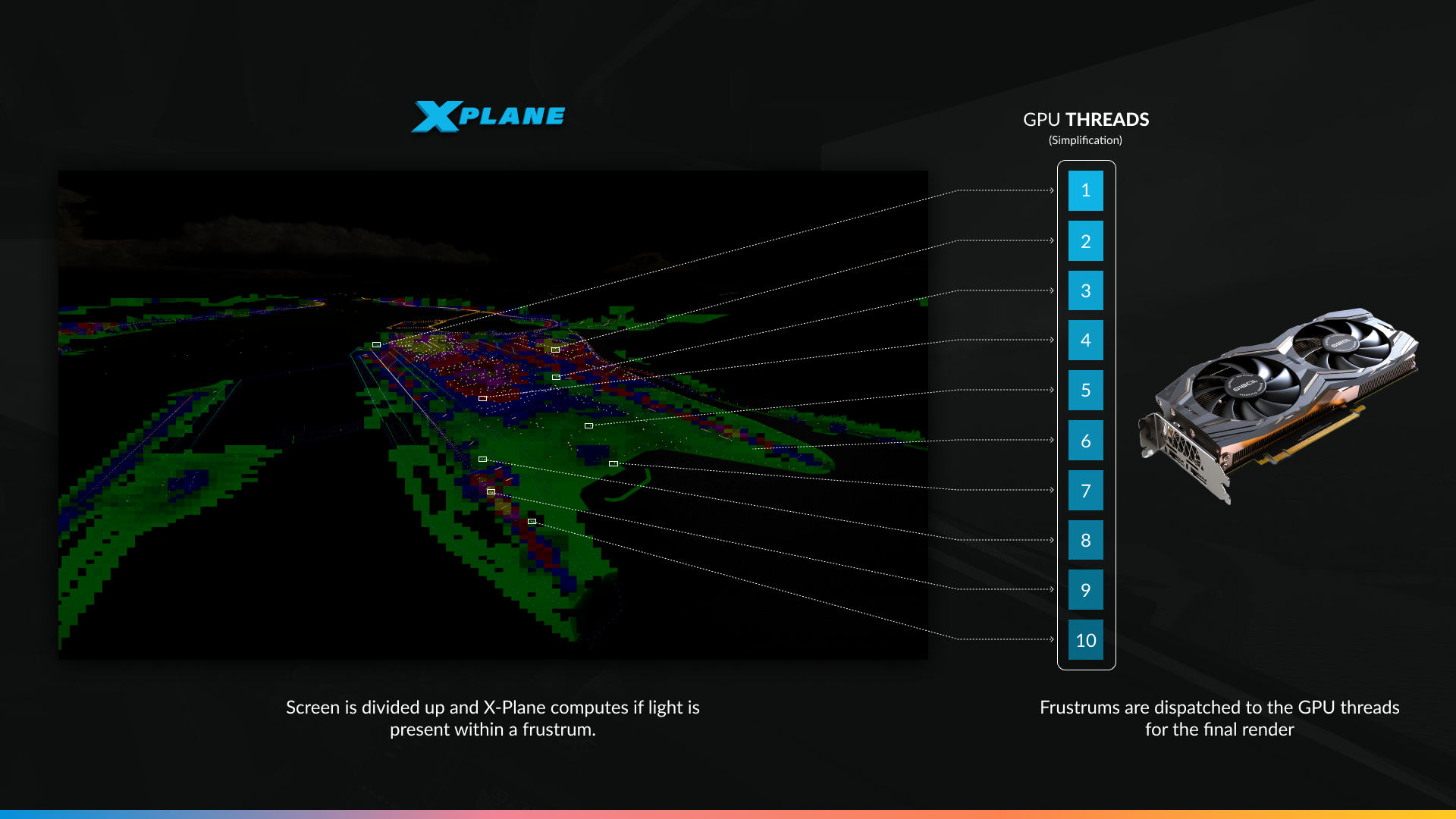
Finally, we’ve optimized how lights are rendered by breaking them into tiles. Especially visible at night and at large airports, this should result in better performance in demanding environments. This change allows the GPU to allocate lighting tasks between threads in manageable chunks – which is programmer speak for: “more pretty, more faster”.
Graphics Improvements
In addition to engine and cockpit lighting improvements, we’ve made a range of updates to lighting, colors, and overall visual realism in X-Plane.
More Realistic Colors and Lighting
New Tone Mapping
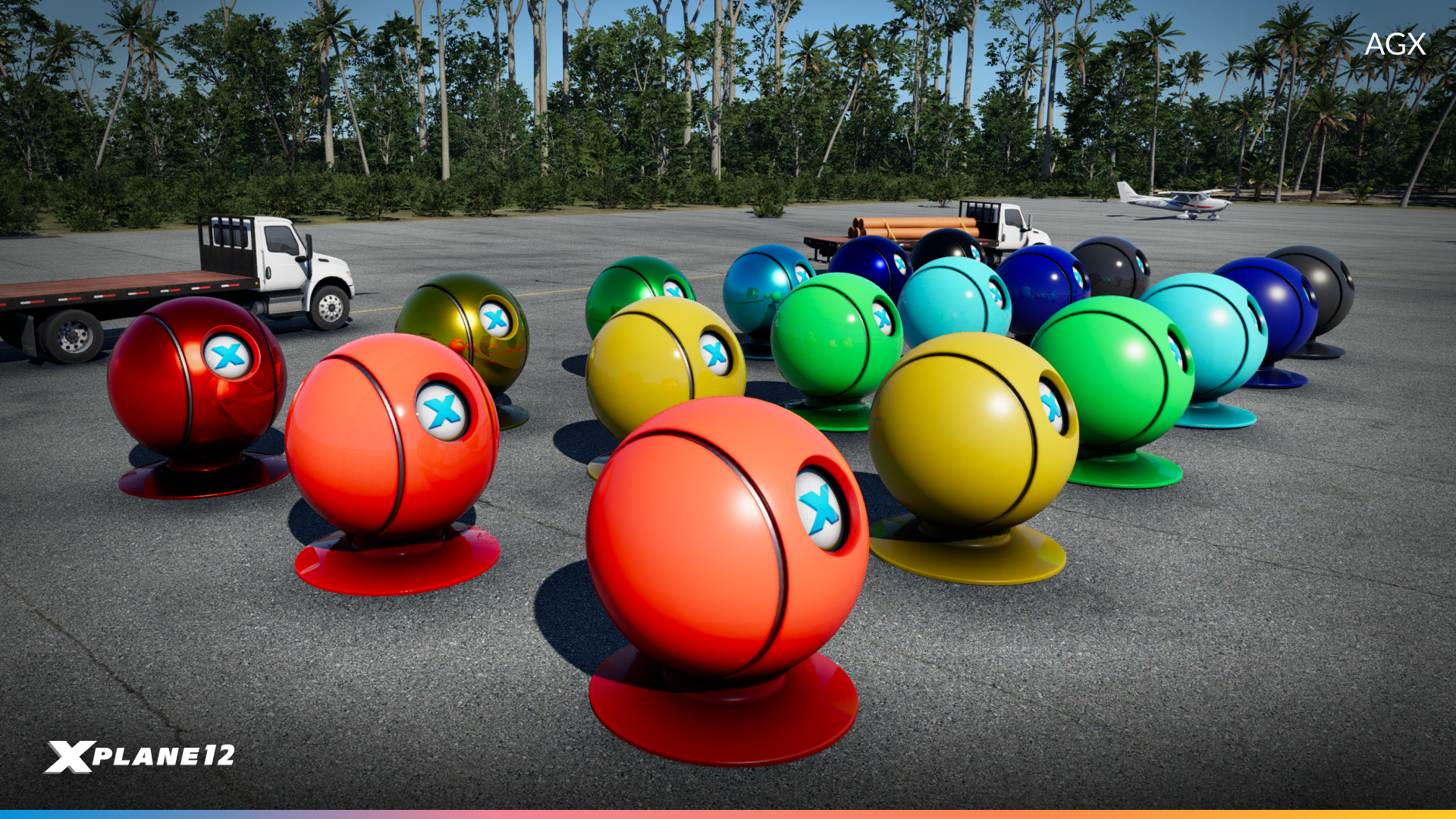
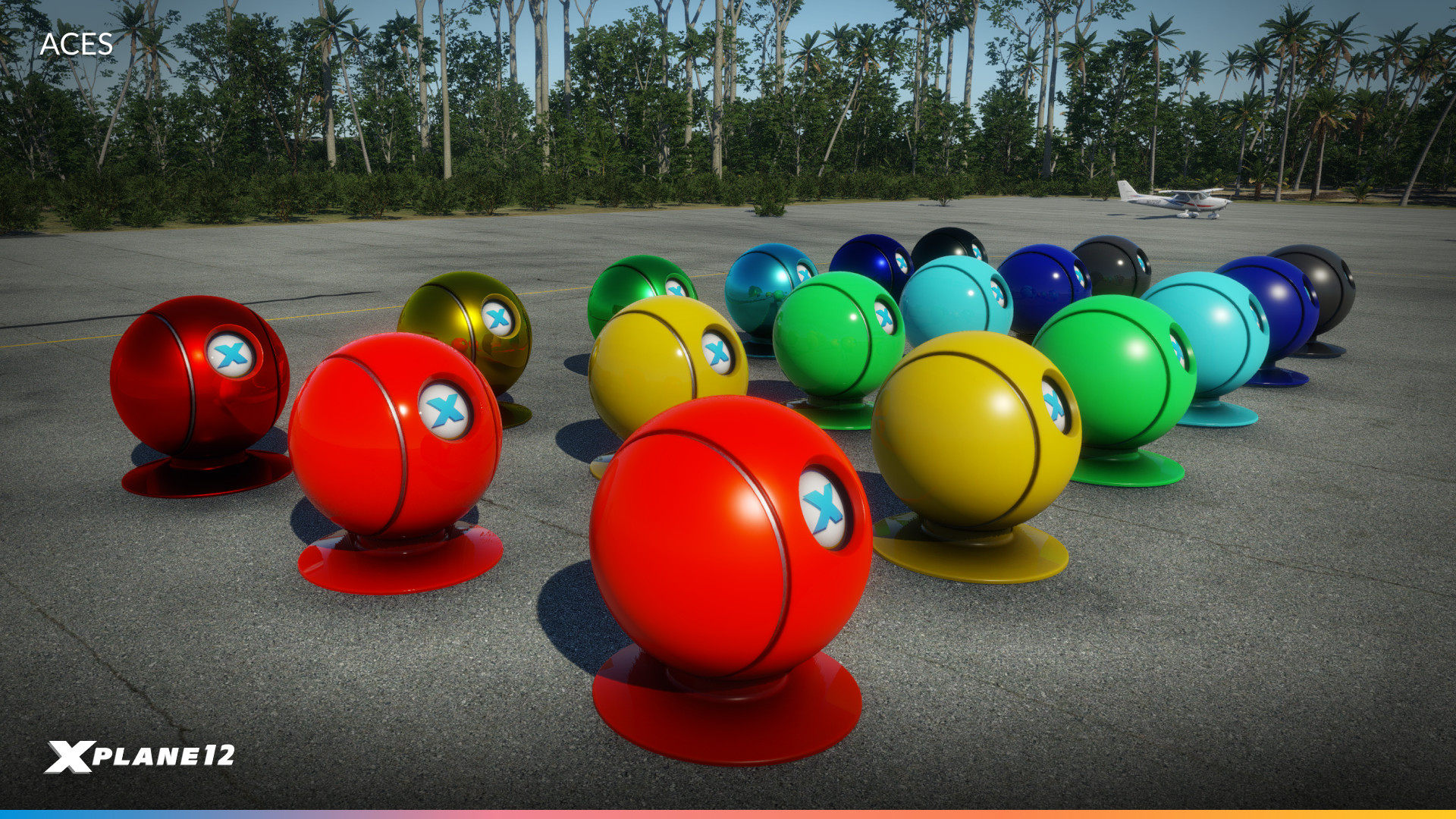
In this update, we have switched to a new system called AgX which improves color accuracy, especially in bright and vibrant scenes.
Improved Sky Rendering
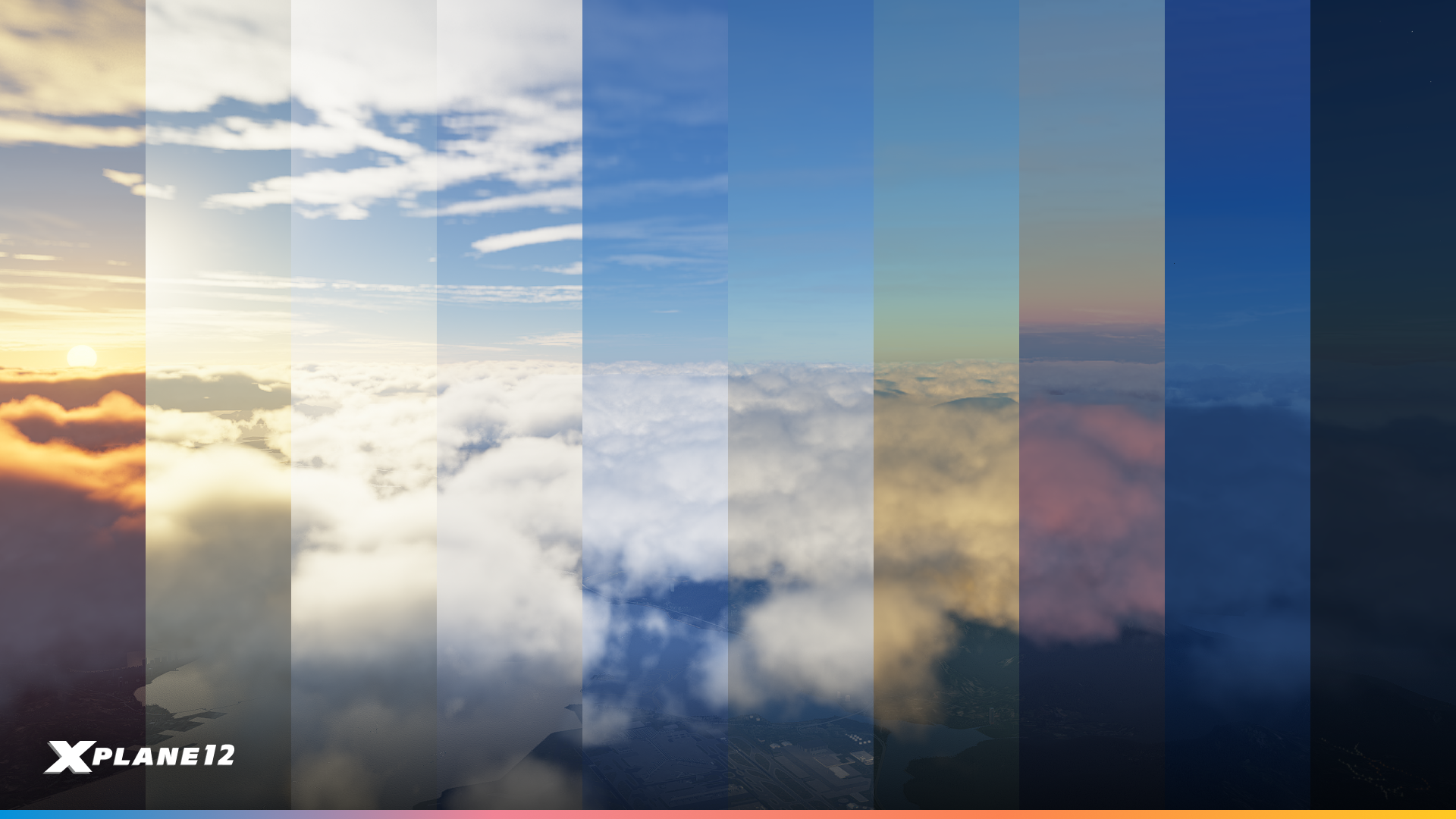
Sky colors are now shown more in a more natural light through careful fine tuning.
Clouds & Lighting
Cloud Rendering Overhaul

Clouds now cast more detailed shadows, both within cloud layers and onto each other. This is a huge enhancement in the depth and realism of the sky. We have implemented a new shaping algorithm that creates more natural-looking cloud formations. Clouds within 1 km of the viewpoint are now rendered as fully 3D objects.
Clouds also have a new scattering approximation. Take a look at clouds under different times of the day. When not directly lit, the density of the clouds causes scattering that results in dark edges. In direct light, edges will be white instead.
Cloud Shadows on Clouds
Shadows cast by clouds now consider cloud density and Earth’s curvature, creating smooth gradients at sunrise and sunset. We’ve also updated scattering shadowing: Clouds now cast visible shadows on the atmosphere, just like in real life.
Cloud-Aware Ambient Light
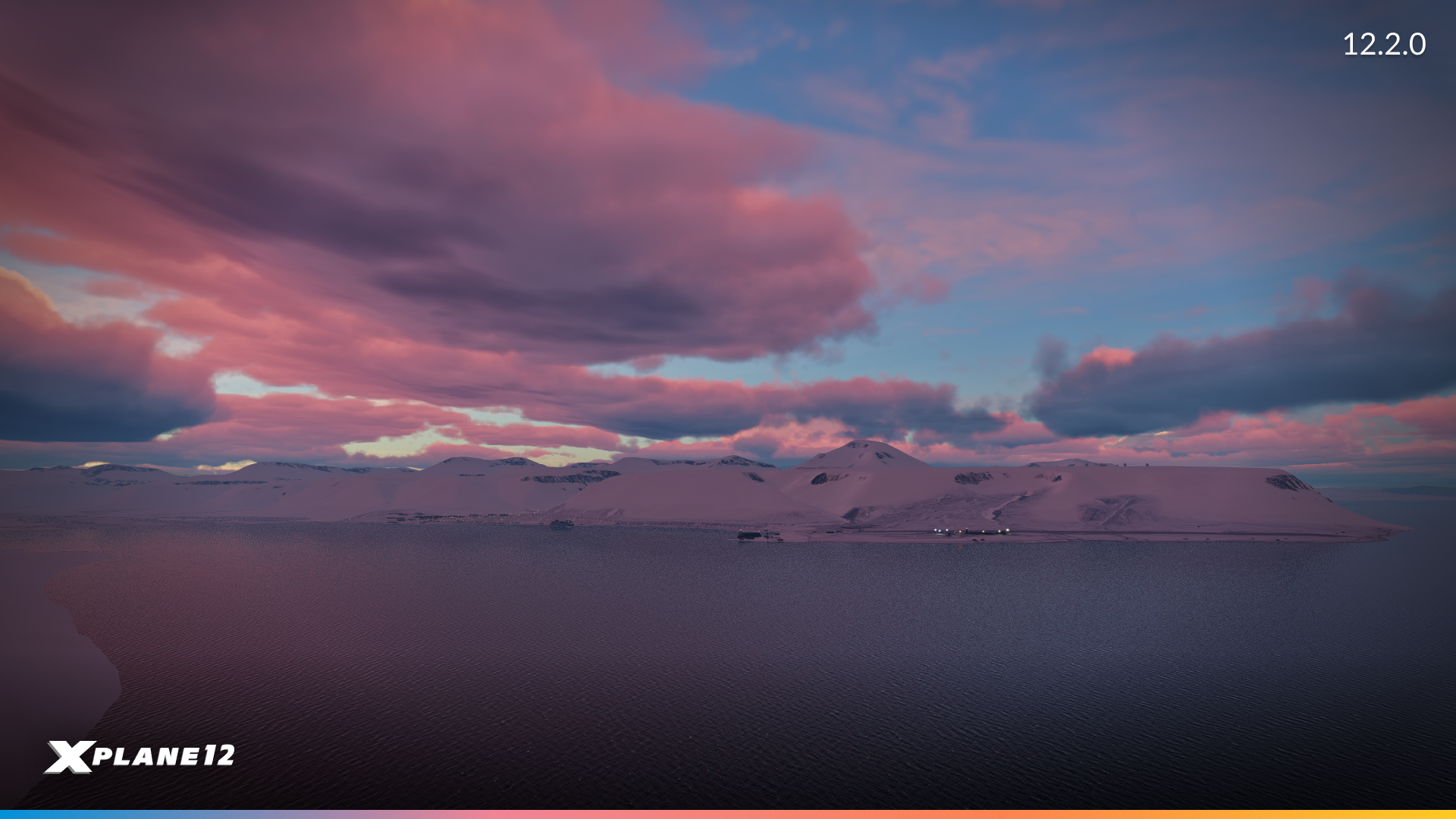
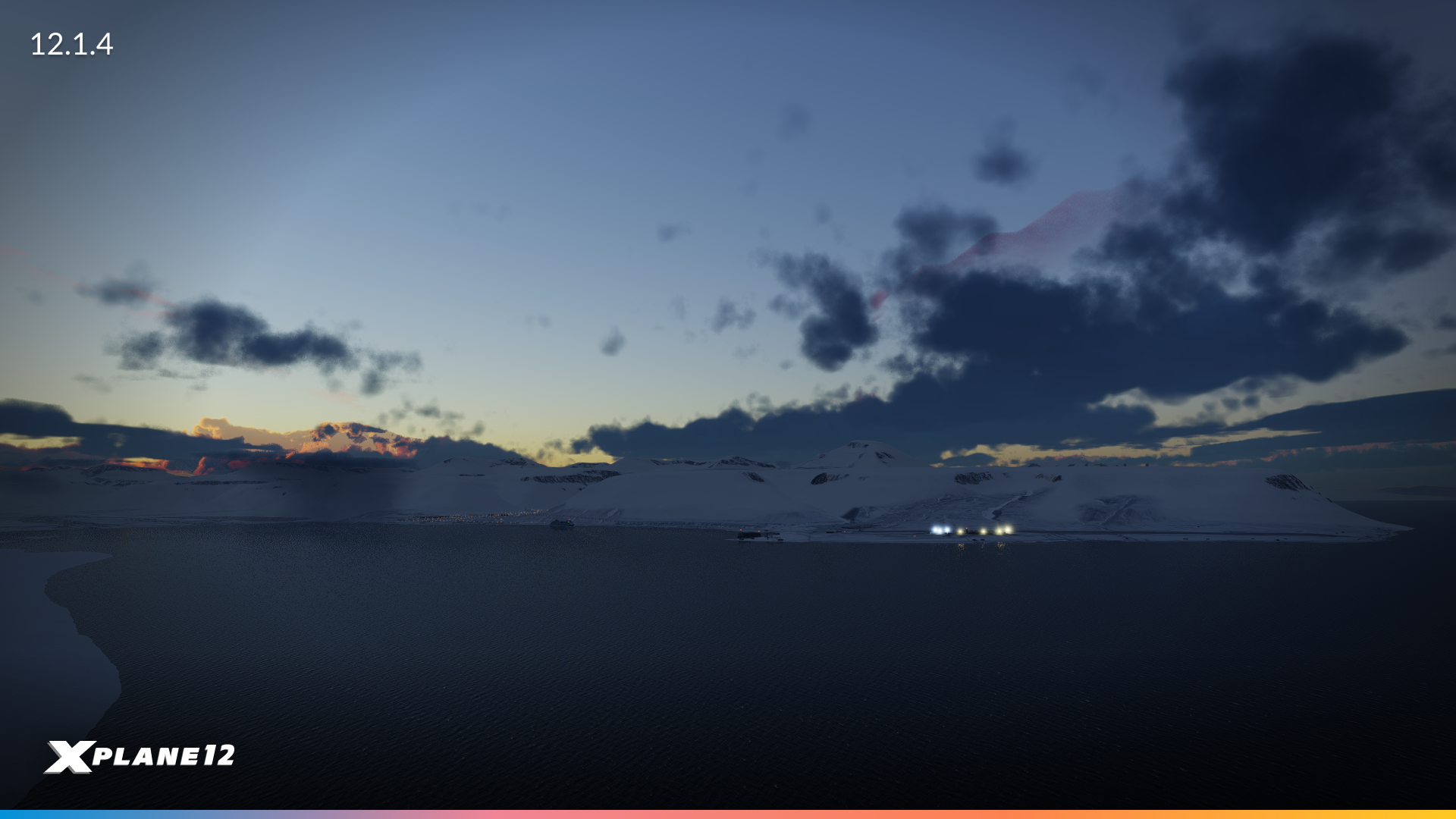
Maps2XPlane Svalbard – Taken with same time settings (8:28am, October 22nd)
Terrain lighting in the simulator now accounts for cloud coverage, improving the overall realism of how light interacts with the environment.
We have also fixed an issue where the ocean was not correctly affecting ambient light calculations. This contributed to overly dark cockpits at high altitudes. Ambient light is now updated more frequently and separately for the interior and exterior of the aircraft. This prevents runway lights from unnaturally illuminating the cockpit at night.
More Realistic Shadows
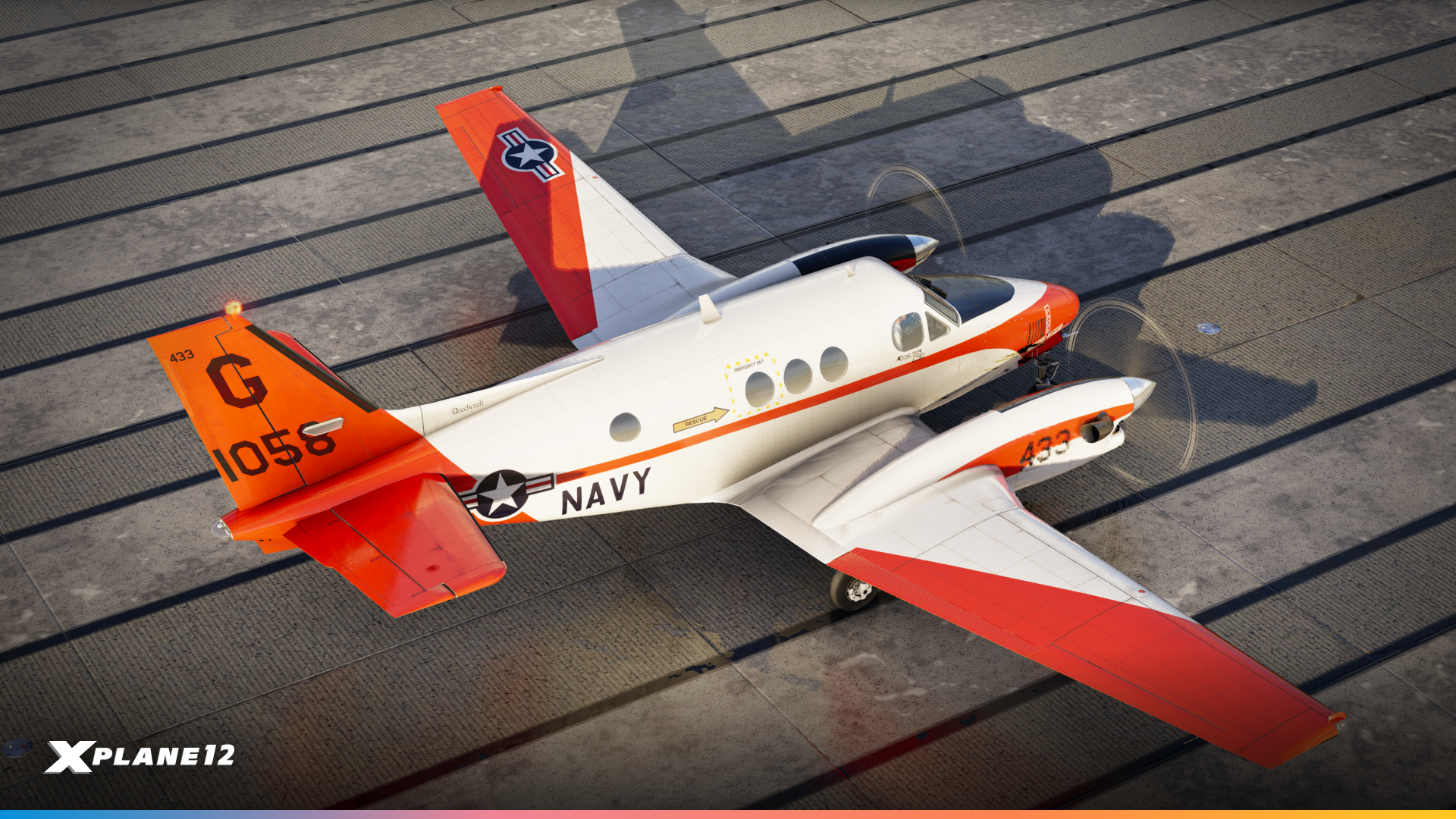
Shadows on the ground from direct sunlight now correctly align with cloud coverage, shape, and density.
Airport/Scenery Enhancements
HD Airport Surface Textures
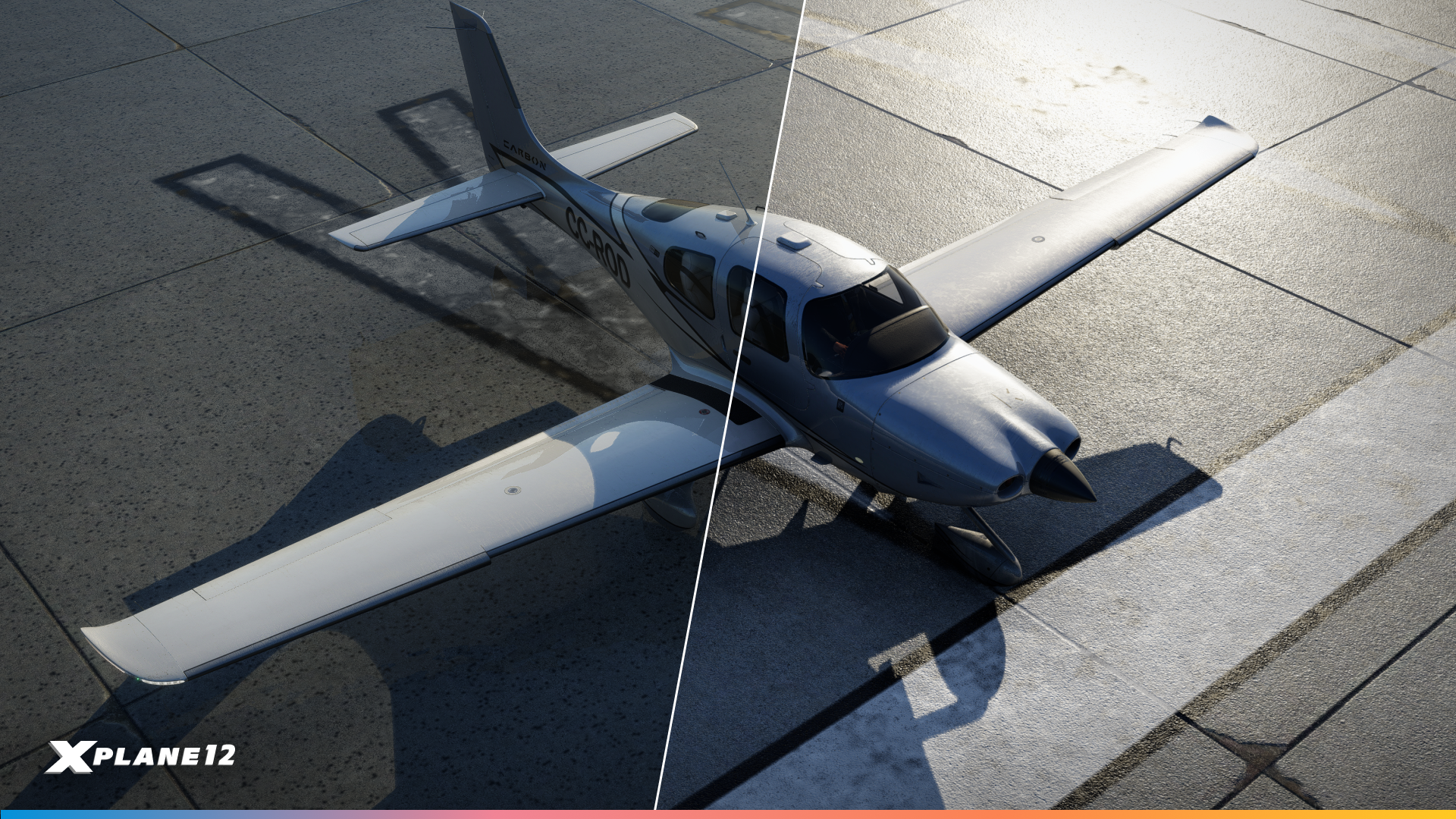
All airport ground textures have been upgraded with the decal system that we recently implemented for aircraft use. This allows us to break new ground with runways and taxiways resolution.
Weather effects on roads
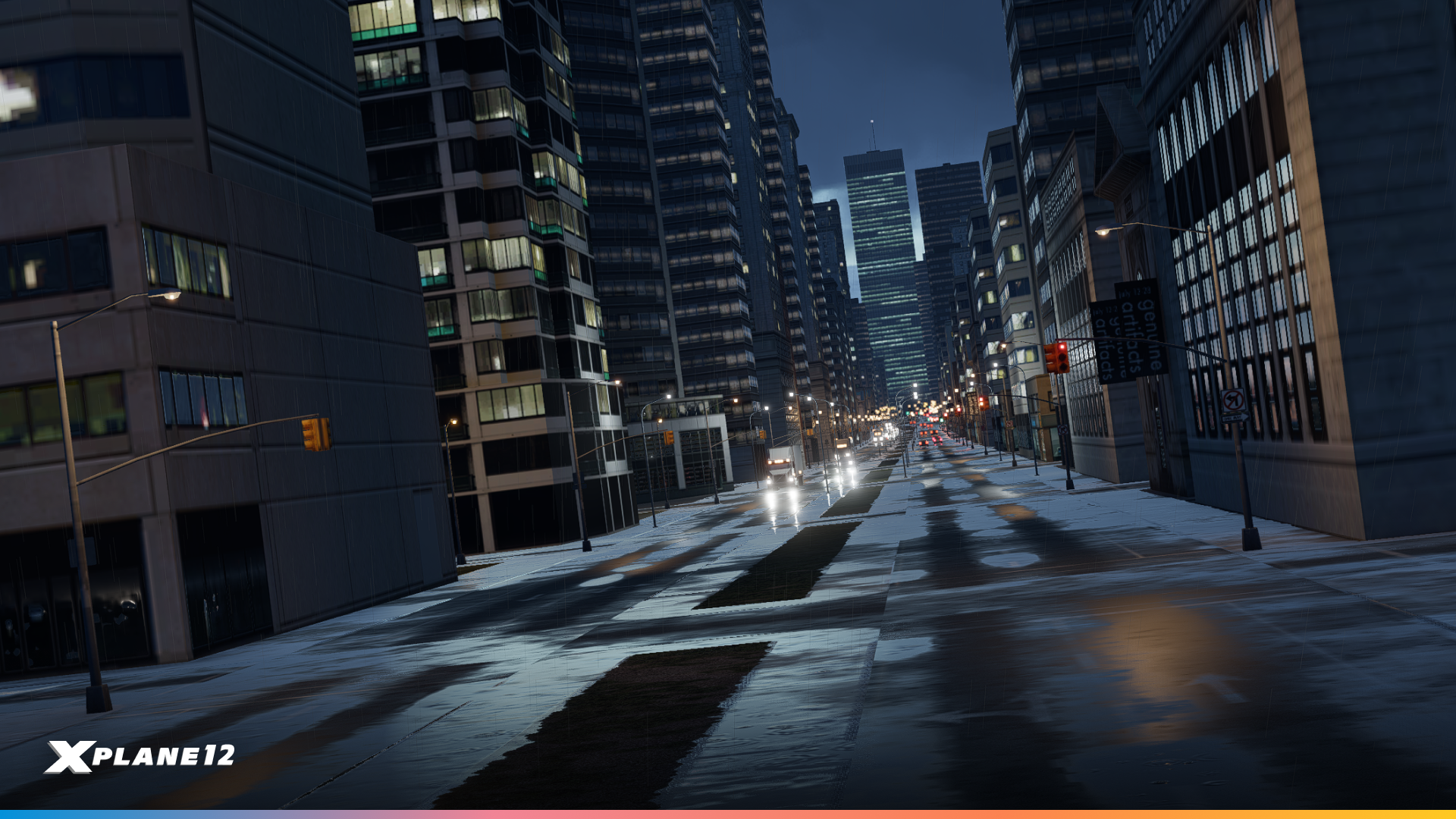
Weather effects such as rain, puddles and snow now appear on main roads. This was a user feature request from our Discord and we love the results. Another win for the X-Plane Community!
Gateway Airports
As always, this update includes a refreshed set of our Gateway airports, featuring many new and improved locations. A huge thank you to all contributors. Your work is invaluable and helps make X-Plane truly unique.
A full list of changed airports will be available on the developer blog shortly after release, and will be linked here!
ATC
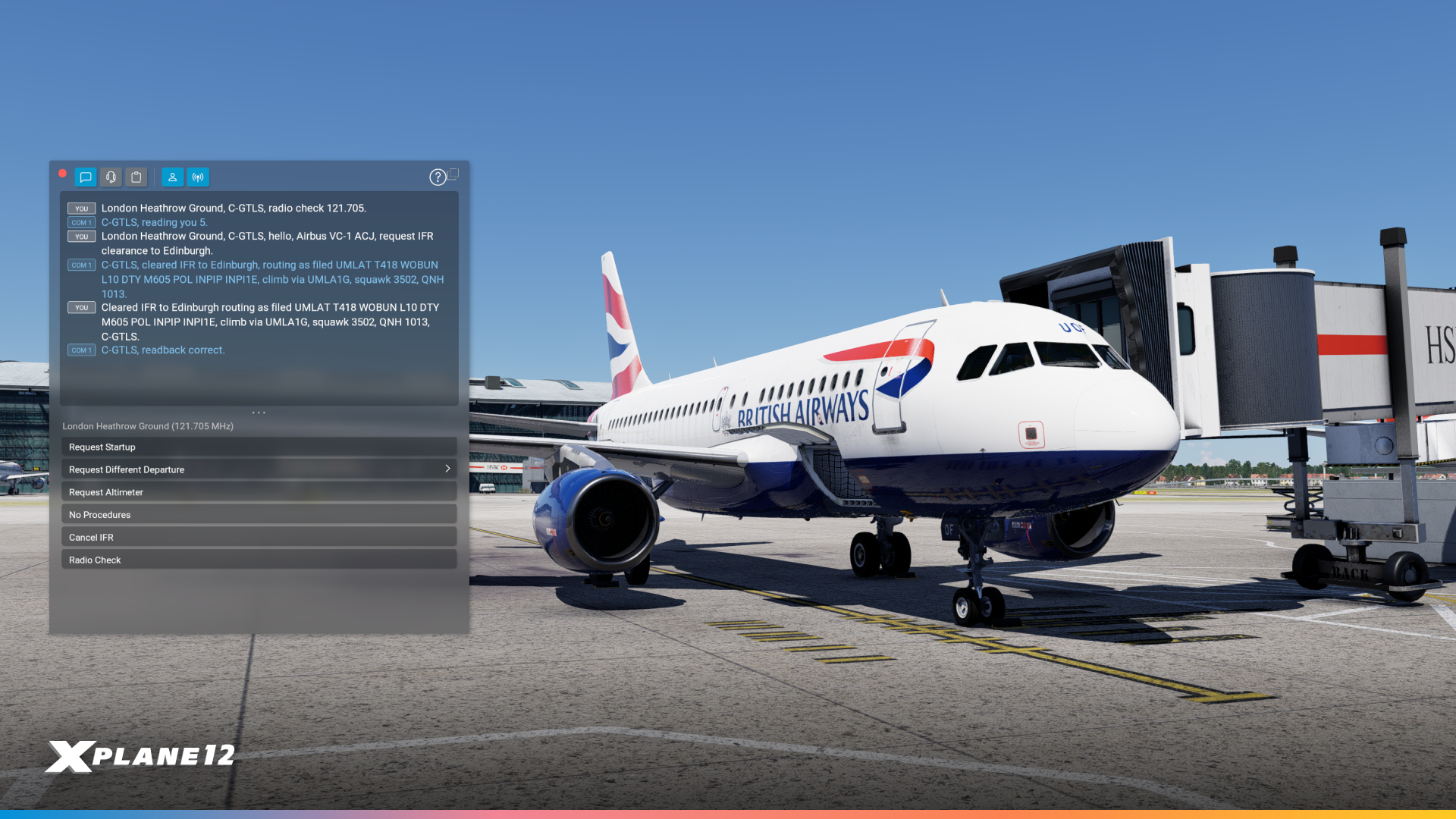
The ATC system has been refined for smoother pattern flying, better VFR handling and a more realistic pre-flight flow. A new “Request Startup” call has been introduced for engine start approval at controlled airports, aligning with real-world procedures. Additionally, pushback requests are now processed more efficiently, with clearer messaging and improved cancellation options. VFR departures now receive squawk codes at the correct time and new radio calls, such as requesting bearings and weather at nearby airports, provide pilots with more useful in-flight information.
Brakes, Parking Brakes & Wheel Chocks
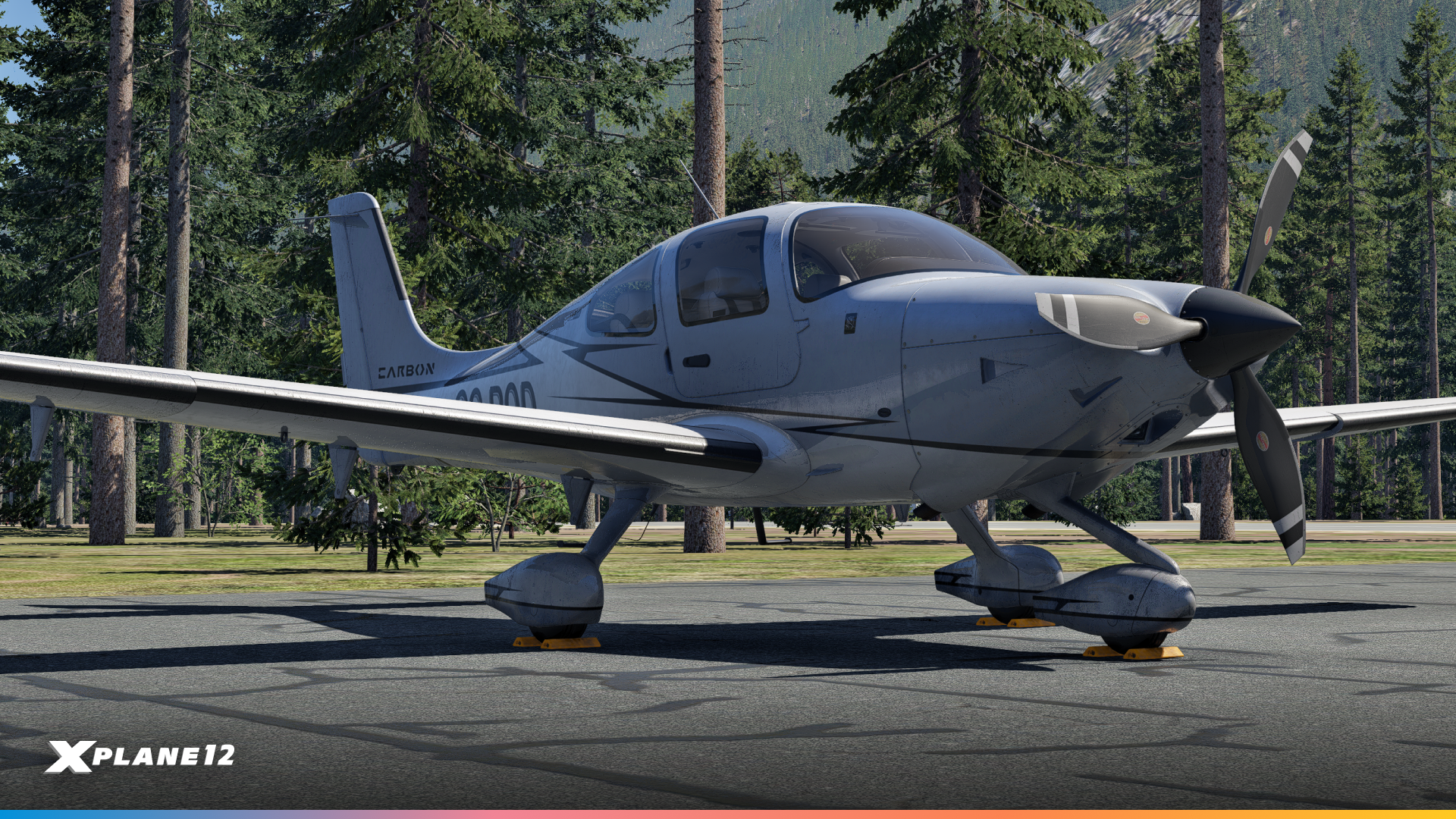
Aircraft designers now have a new parking brake system to play with. This new system supports both hydraulic and mechanical locking methods, reflecting the variety of real-world aircraft implementation. Additionally, toe brakes can now be set to release the parking brake and aircraft without anti-skid require careful brake application to prevent locking the wheels. Users without hardware pedals can modulate braking with key/button inputs. Finally, wheel chocks have been introduced as an alternative to parking brakes, allowing for a more realistic way to secure an aircraft on the ground.
Chocks are currently available on the following aircraft :
- Lancair Evolution
- Van’s RV-10
- Boeing 737
- Cirrus SR-22
- Aero-works Aerolight 103
- Beechcraft Baron 58
X1000
User-defined waypoints are now more versatile, offering multiple input methods similar to the real-world avionics. Map controls have been refined with smoother panning in eight directions and curser-aware zooming. Flight planning sees key improvements, including more realistic STAR entry behavior, support for AGL altitudes in VNAV, and enhanced GCU handling for altitude and approach minimum entries.
Full Release Notes
For additional details and a more comprehensive list of changes, have a look at the full release notes, please.
Now it’s your turn, you’ve waited this long…
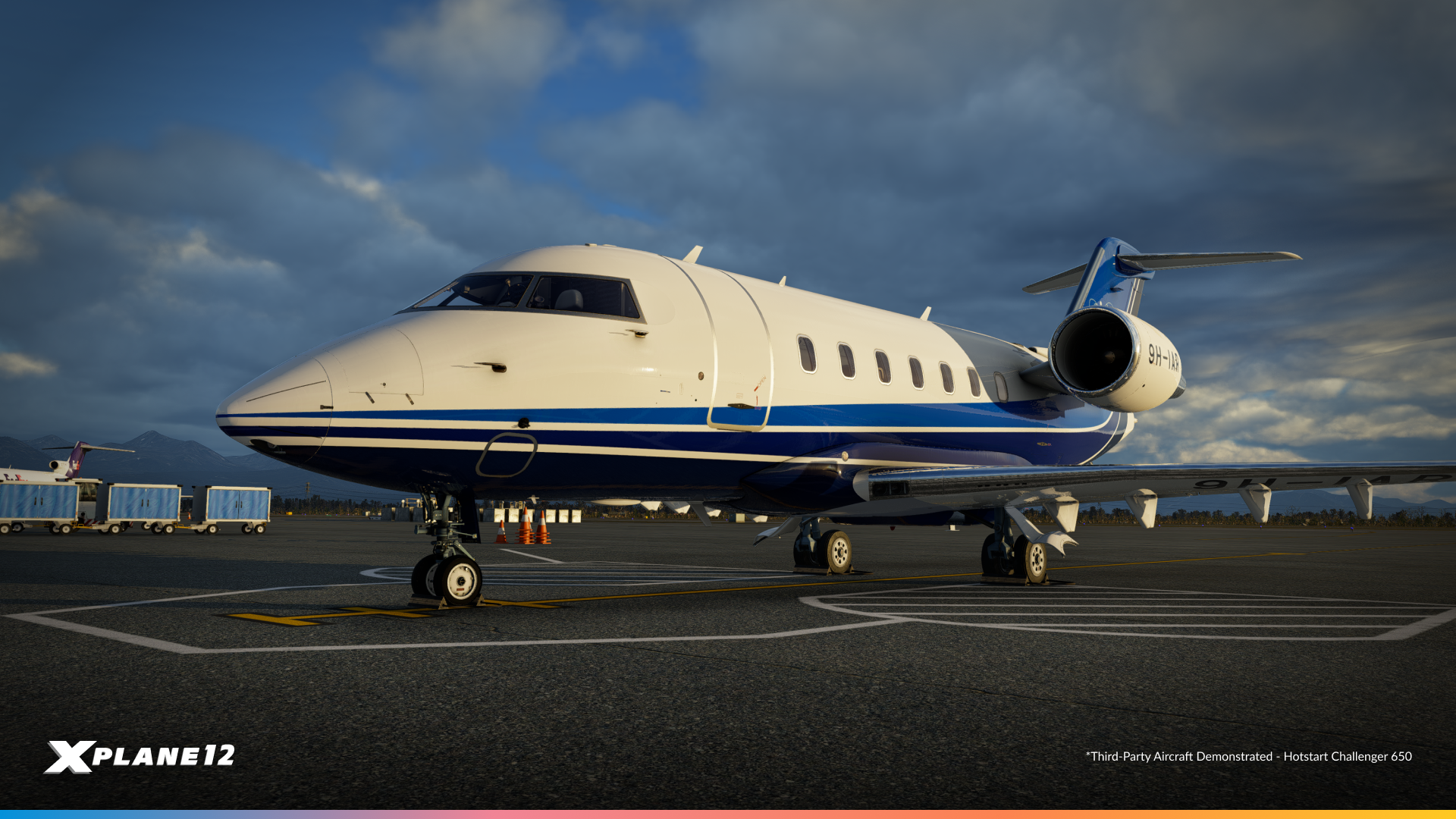
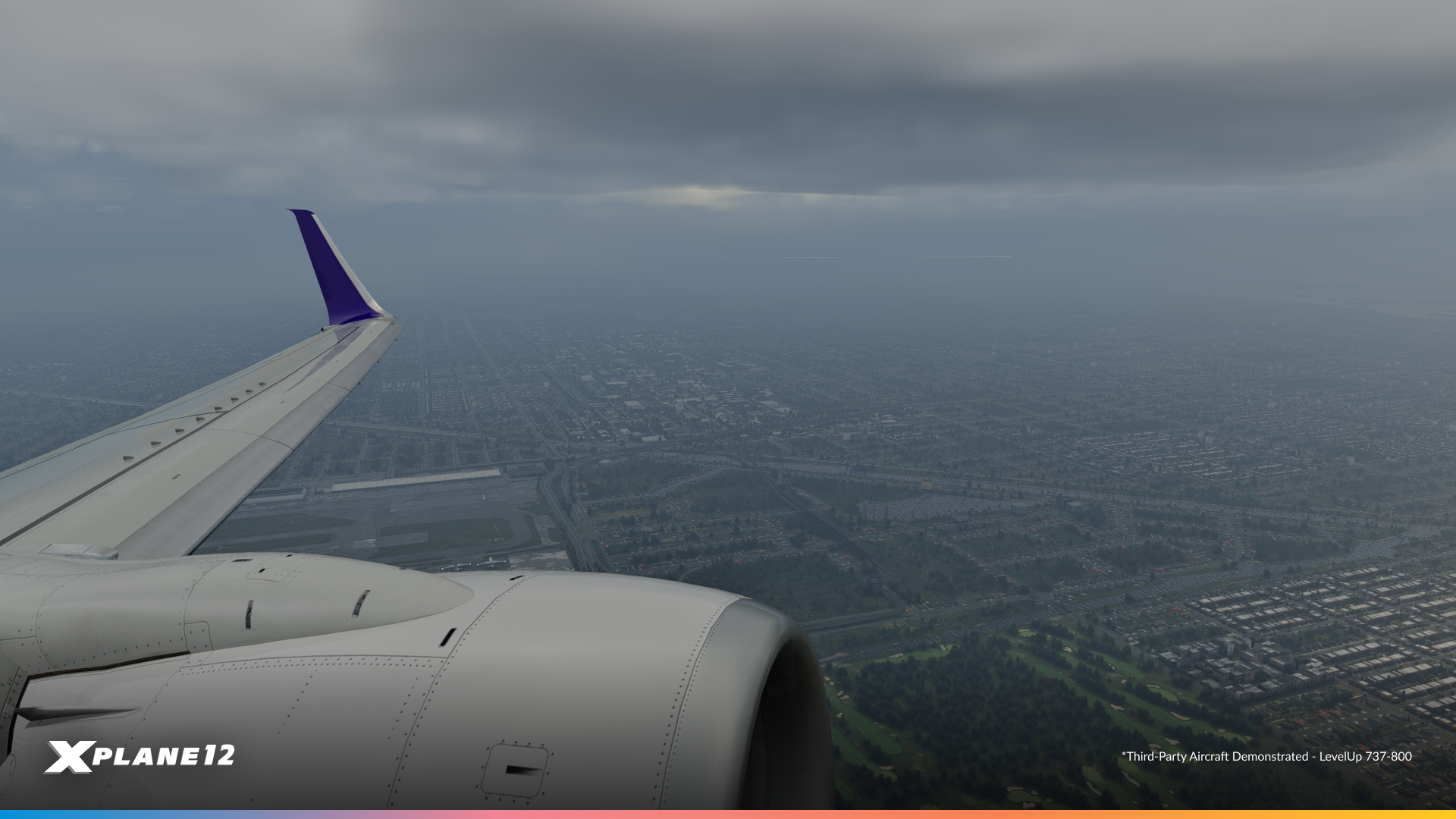
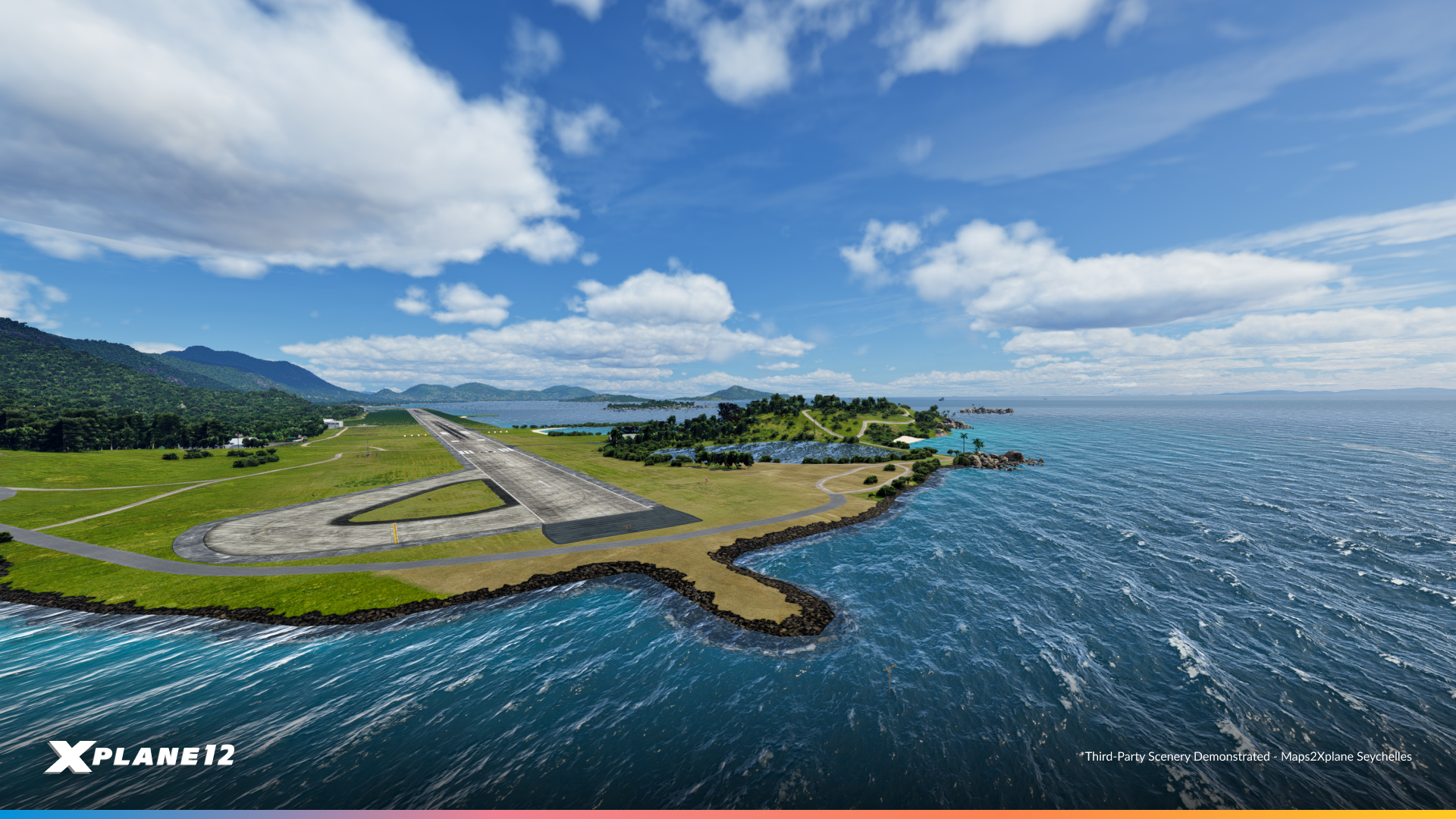
Let’s go! X-Plane 12.2.0 is now available in public beta, and you can easily install it using the X-Plane Installer or by selecting the public beta option on Steam. Just remember to check the “Check for new betas as well as updates” box before starting the update process in the X-Plane Installer.
⚠️ Advance Warning ⚠️
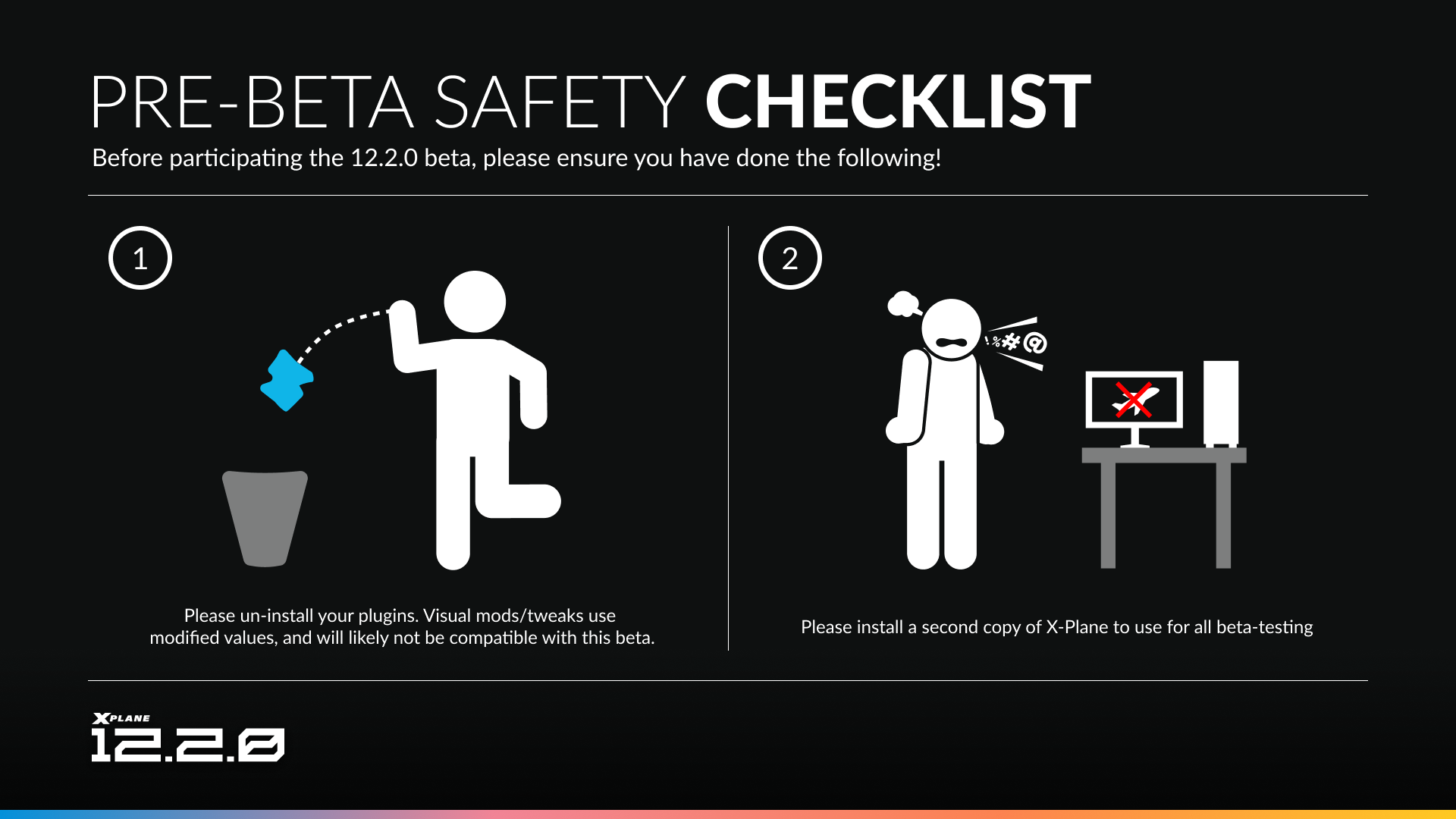
We know you are probably excited for this update. Beware that some pre-existing addons tamper with our art controls in ways that no longer look very good in our new systems. With that in mind, we recommendL
- Un-installing all plugins/modifications you have. These include FlyWithLua scripts, light modifications etc. You can use the installer, or steam file validity checks to restore default files. Some aircraft also modify our private art, such as the X-Crafts E-Jet v2.0, and as such may experience adverse effects.
- Or! You can test on a separate copy of X-Plane! This is a safe way to minimize downtime as your favorite add-ons catch up to our latest technology.
The post What’s new in X-Plane 12.2.0? appeared first on X-Plane.
]]>The post X-Plane Mobile Update appeared first on X-Plane.
]]>X-Plane Mobile v12.3.0 is now released
It’s finally time for X-Plane Mobile to receive an update, and a quiet rollout is already underway. The community has been wondering for some time now why X-Plane Mobile has been light on updates recently. The truth is, we’ve been working steadfastly in the background to bring more updates. However, there is one core problem! And for that, we need to take a dive into the wonderful world of engine programming.
Introducing Vulkan for X-Plane Mobile

How do you solve a problem like OpenGL?
Like our Desktop counterpart, X-Plane has relied on OpenGL ES for its entire existence. This is a graphics API , which essentially acts as a type of bridge between the sim and the hardware its running on . It enables developers to draw complex 2D and 3D tasks, without having to deal with the intricacies of the hardware. This is a widely used API, and it’s highly likely you’ve used at least one app that has utilised OpenGL.
So what’s the problem?
- OpenGL ES is gradually being phased out in favour of more modern graphics API.
That is not a hypothetical or general industry trend… Apple themselves have already dropped OpenGL in favour of an API called Metal - OpenGL ES is now longer being updated
The last OpenGL ES version (3.2) was released in 2015 - Vulkan and Metal are more efficient APIs
(Vulkan and Metal offer lower-level control over the GPU, which when used correctly, can lead to better performance and reduced CPU overhead.) - We’ve already updated X-Plane Desktop to the new APIs
X-Plane Mobile shares a lot of code with X-Plane Desktop. However as we overhaul the graphics engine of X-Plane 12 and prepare the sim for new exciting features (like next-gen scenery), we need the mobile versions to also be capable of supporting the same tech. Performance benefits made to the desktop version will also directly benefit X-Plane Mobile.
Users may recall in February 2024, we released a version of X-Plane Mobile including Metal for Apple users. Today we’re now releasing Vulkan for Android users. This a significant and necessary underlying overhaul for the sim, and should result in improved stability going forward.
A brand new Autopilot UI
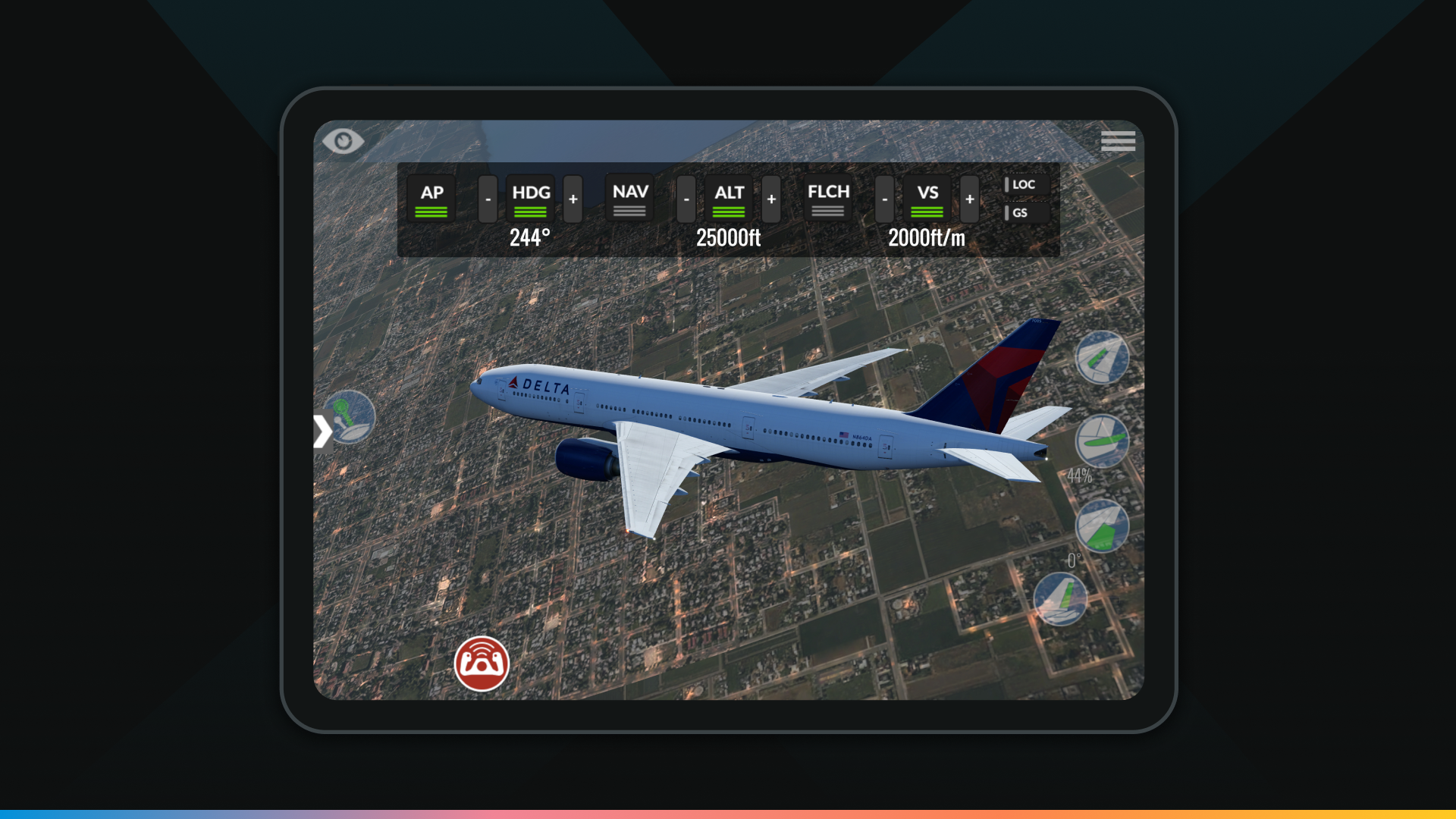
One thing we also recognised was users having difficulty controlling aircraft. For legacy planes, some controls were physically inaccessible. And for some of our modern aircraft, using cockpit manipulators was sometimes a fiddly endeavour. So we’ve implemented a basic autopilot UI that can represent the majority of AP functions.
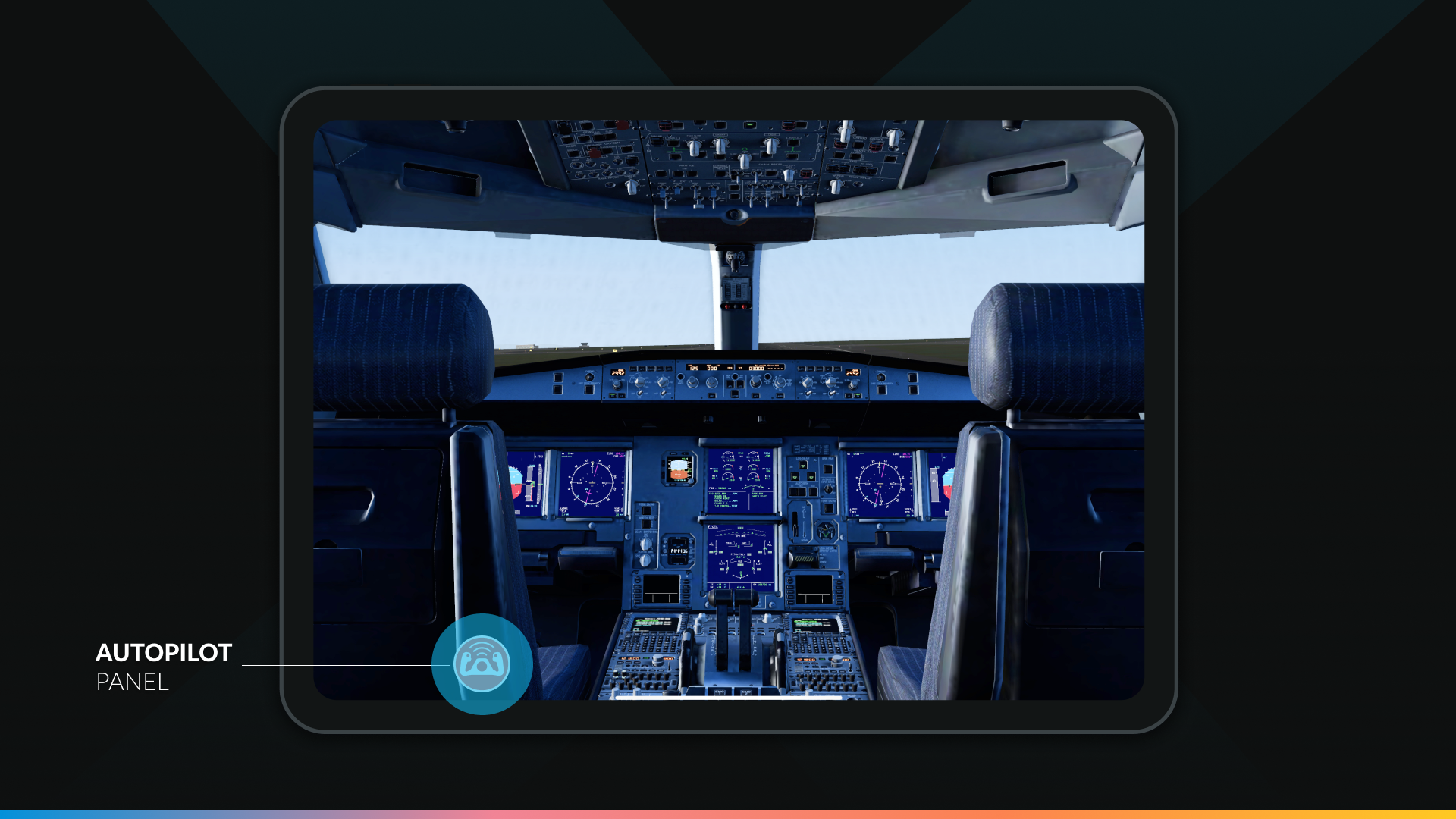
To access this, we’ve added a new icon at the bottom left of the user screen. From here a pop-out will show with different Autopilot functions (Which will change depending on the aircraft and what is equipped.)
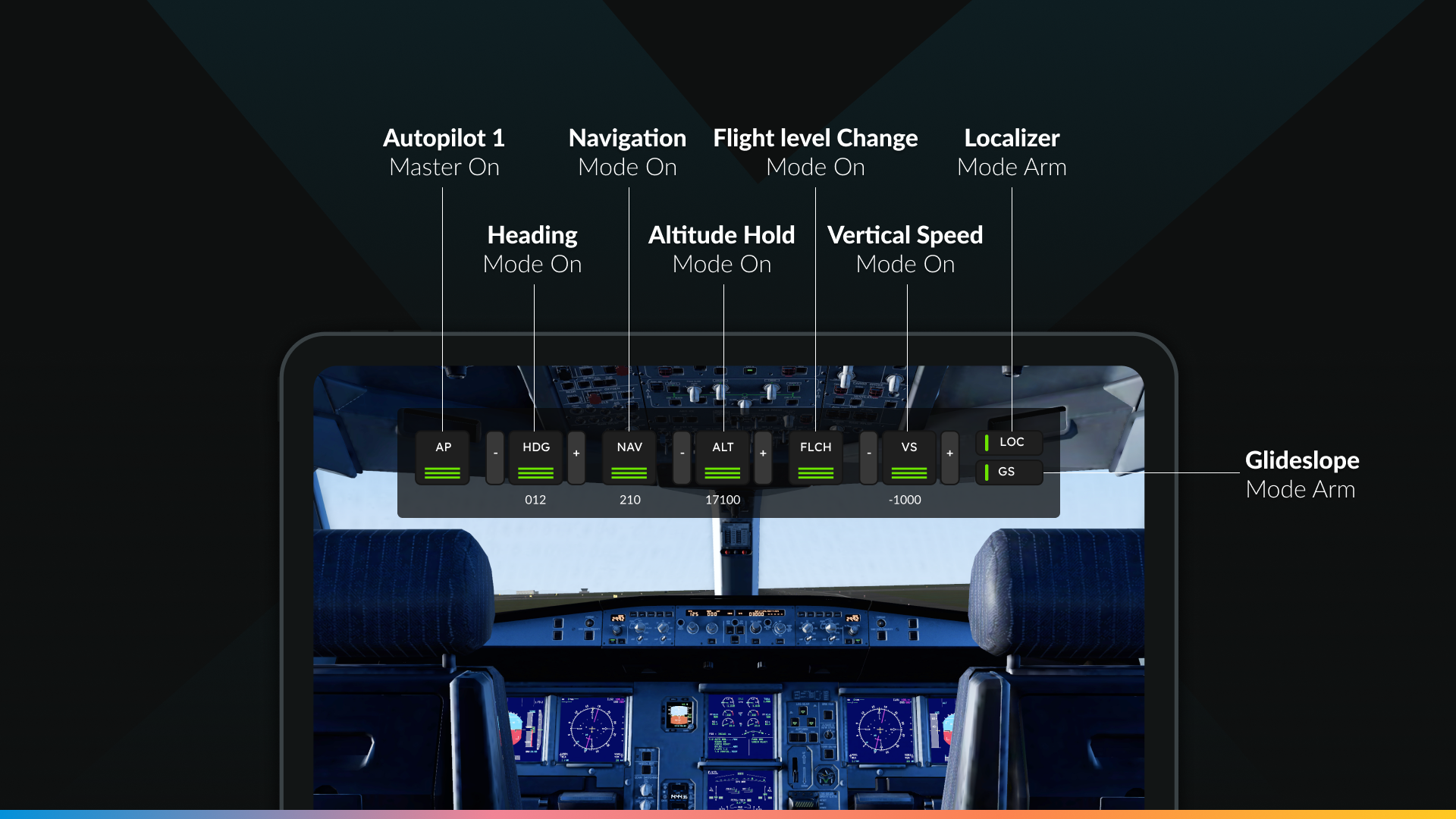
AP: Autopilot 1 Master On/Off
HDG: Heading Hold with incremental heading selectors on either side
NAV: Aircraft follows a course based on selected navigation data (typically GPS/LNAV)
ALT: Altitude hold with incremental altitude selectors on either side
FLCH: Flight change mode (maintain airspeed during climb or descent to a selected altitude)
VS: Vertical speed select (climb or descent) with incremental vertical speed selectors on either side
LOC: Localiser capture (Starts in armed mode until a localiser is captured/active)
GS: Glideslope capture (Starts in armed mode until a glideslope is captured/active)
In addition

With the latest update, we’ve synchronized X-Plane 12.1.0 and 12.1.2 from the desktop version into X-Plane Mobile, bringing all the newest systems, flight model improvements, and avionics updates to your mobile device. This means you can now enjoy the same advanced physics, aircraft refinements, and upgraded features on the go, ensuring a more realistic and seamless experience across platforms.
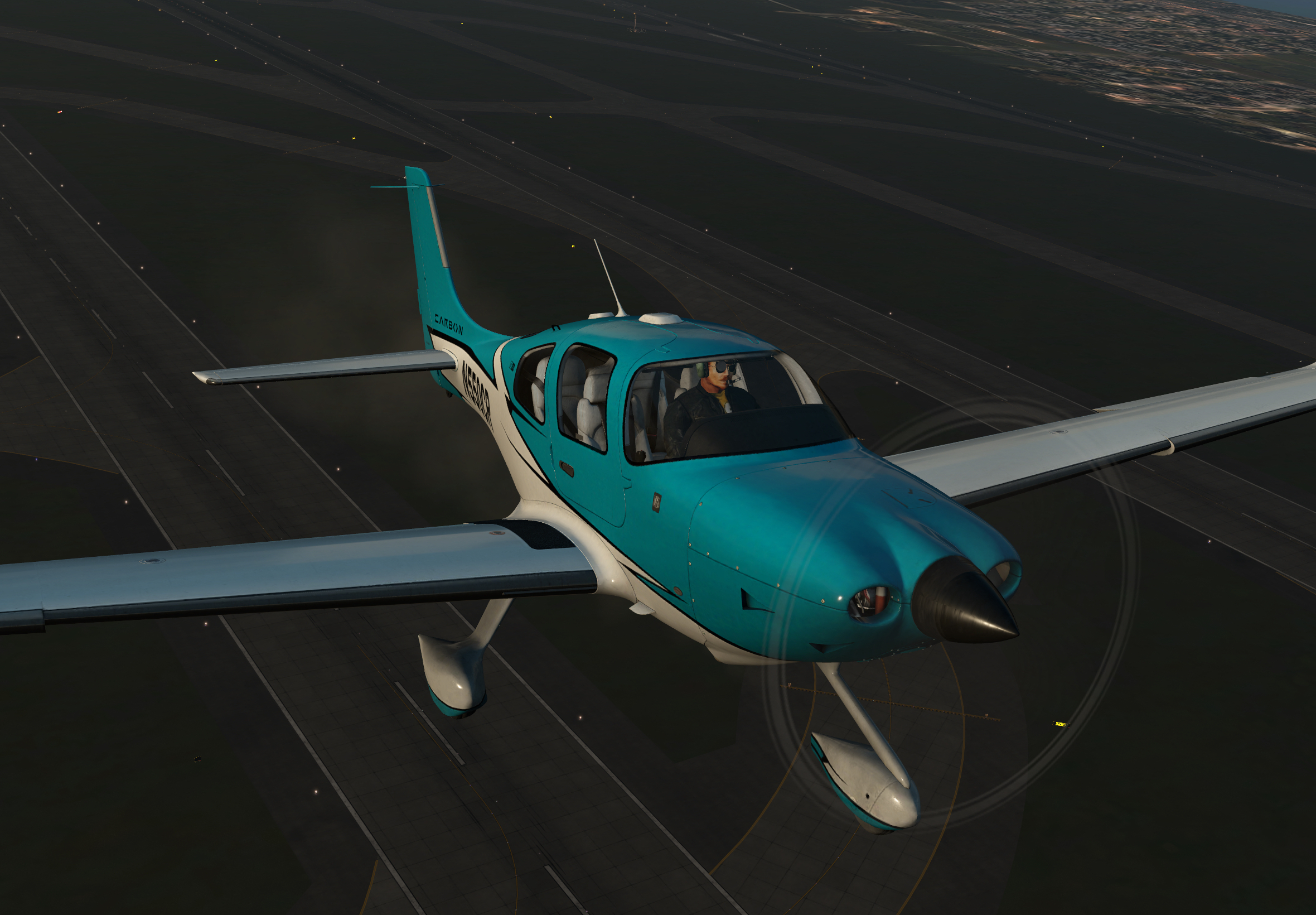
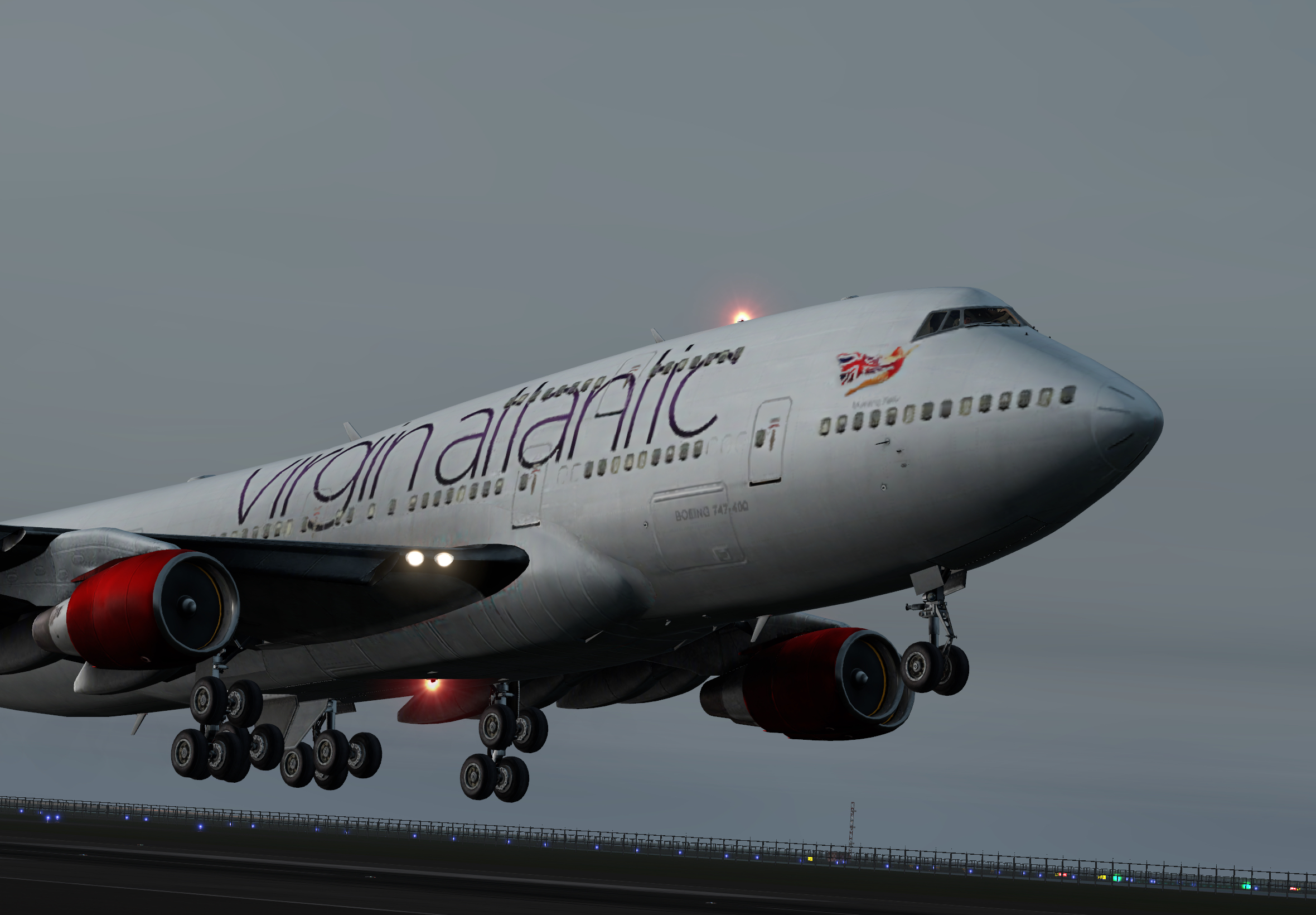
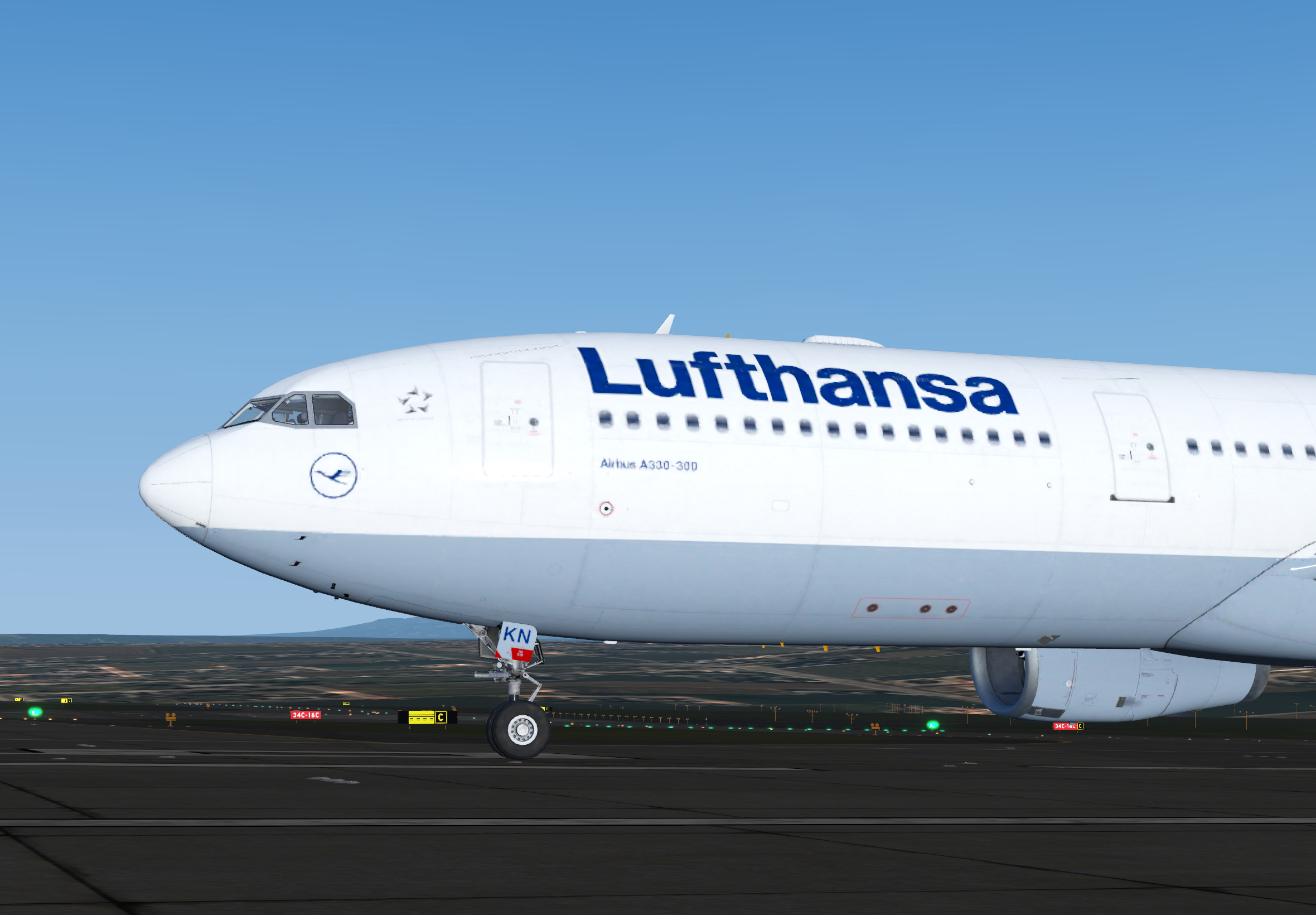
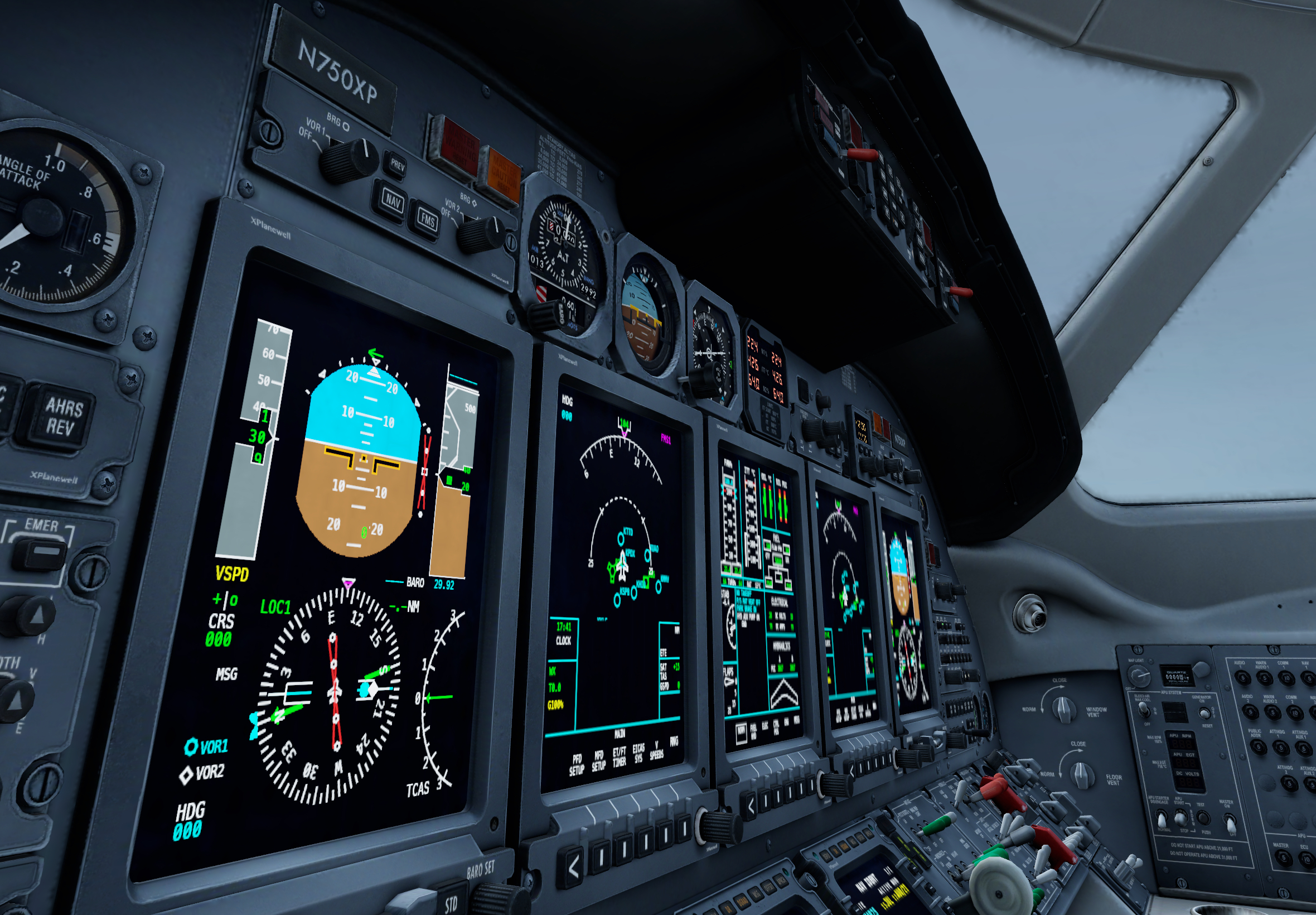
With both versions of X-Plane mobile now running on a modern graphics API, we can have a look at bringing more features and content to all versions of X-Plane. We hope you enjoy this update!


The post X-Plane Mobile Update appeared first on X-Plane.
]]>